





2-Years Data Export
Export up to two years of historical data as CSV files; no subscription fee required; easily track temperature changes over time

Anti-False Alarm
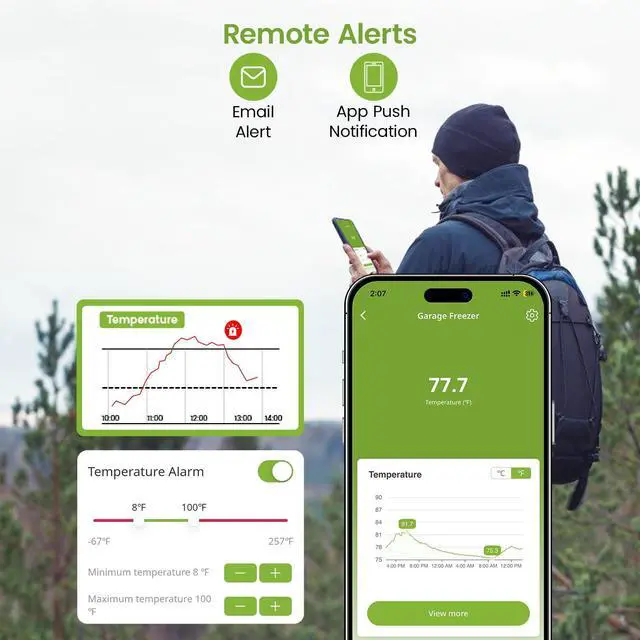
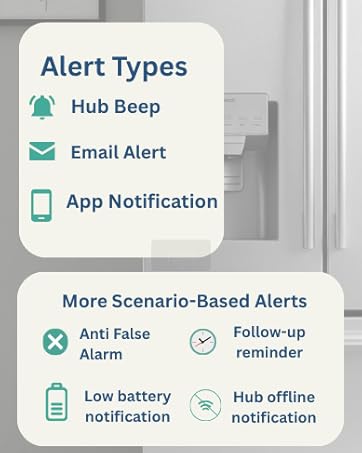
Prevents false alarms caused by brief refrigerator door openings; ensures accurate and reliable alerts

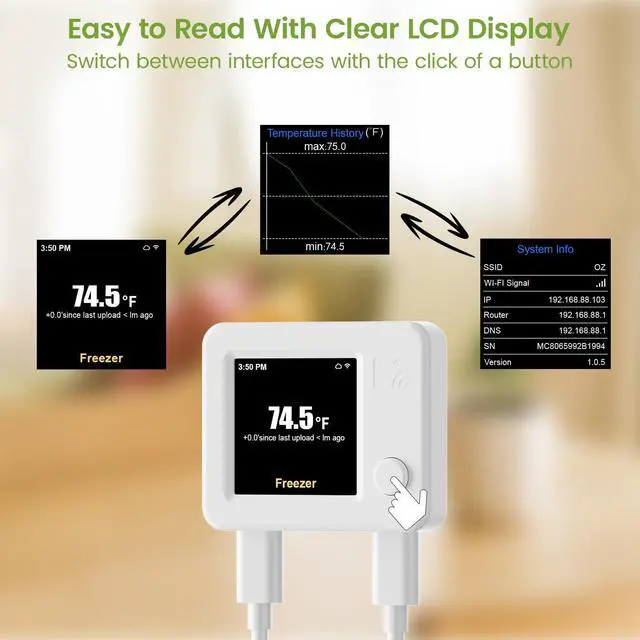
Easy Setup with One Button
Simple press-and-setup design; quickly configure the WiFi thermometer and switch device interface info

High Accuracy
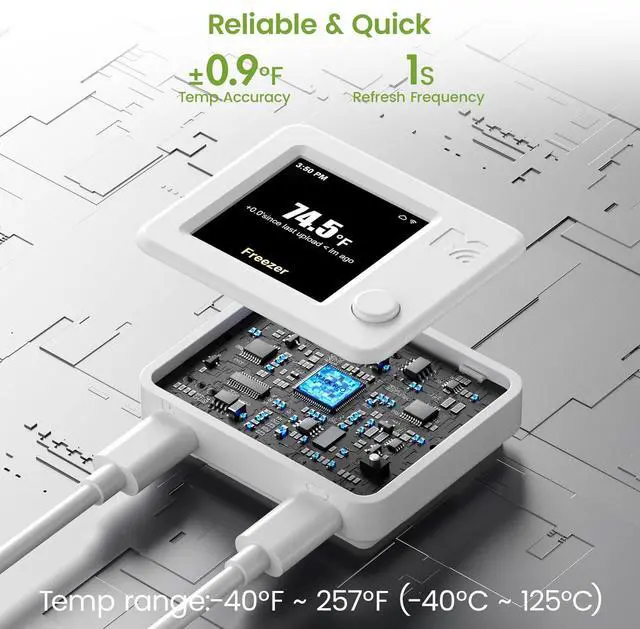
Wide temperature range from -40°F to 257°F;
High accuracy of ±0.9°F for reliable data

C/F Switch
Easily switch between Celsius and Fahrenheit in the MOCREO Smart App; view data in your preferred unit

Package Contents
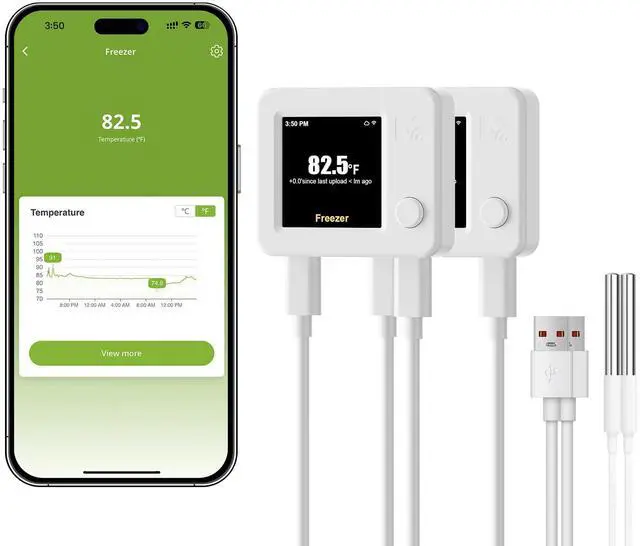
- WiFi Thermometer NS1 X2
- 4.9ft Probe Cable ×2
- USB Type A -Type C X2
Share Device with Family or Colleagues

Multi-Use Thermometer for Indoor Applications

Is it difficult to set up and pair the wifi thermometer?
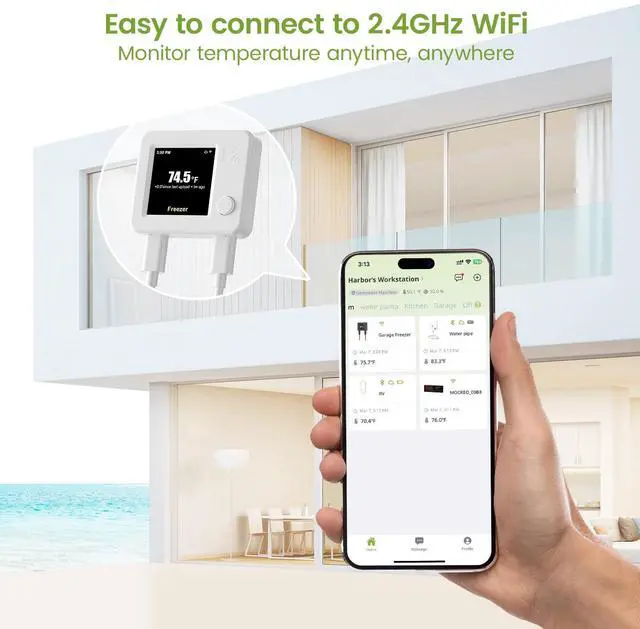
Not at all! Just plug it in, open the app, and follow the on-screen steps. Pairing usually takes less than 2 minutes. If pairing fails, check WiFi stability, keep wifi temperature sensor close to the router during setup, and try again.
Why do I sometimes see a sudden high temperature reading?
This can happen during your fridge/freezer’s auto-defrost cycle, which briefly raises the temperature. The spike is normal, short-lived, and does not mean your wifi freezer thermometeris failing.
Will these brief spikes trigger alerts?
Yes, but they are temporary. You can check the trend graph in the app to confirm whether the spike was due to auto-defrost or an actual temperature issue.
Does this WiFi refrigerator thermometer have a battery?
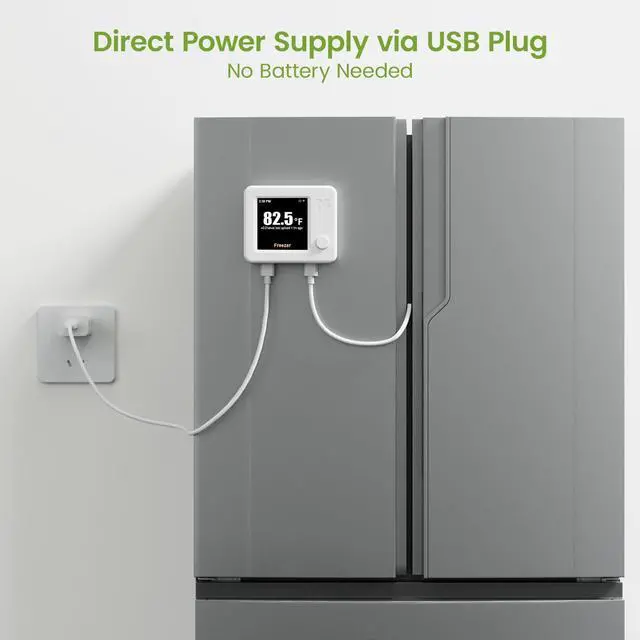
No, this WiFi temperature sensor requires continuous power via a plug-in connection and does not include a built-in battery


Peace of Mind, With MOCREO
With 15 years of experience, MOCREO uses IoT technology to give you real-time monitoring of your home or small business—temperature, humidity, water leaks, and more.
We understand your needs and listen to your feedback. We keep improving our products to make them reliable and easy to use.


Keep your refrigerator fresh!
MOCREO wifi freezer thermometer, specializing in remote monitoring and instant alerts!

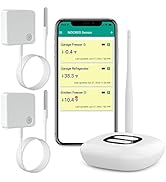
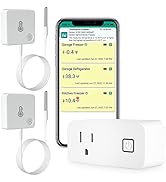
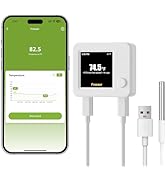
WiFi Thermometer System
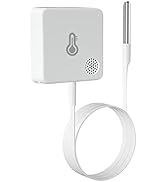

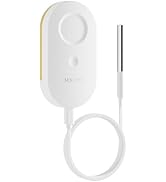

MOCREO Temperature Sensors

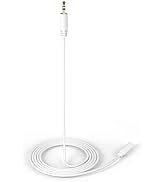
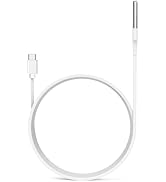
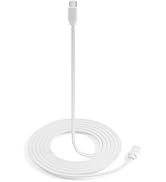
Accessories


2-Years Data Export
Export up to two years of historical data as CSV files; no subscription fee required; easily track temperature changes over time
Anti-False Alarm
Prevents false alarms caused by brief refrigerator door openings; ensures accurate and reliable alerts
Easy Setup with One Button
Simple press-and-setup design; quickly configure the WiFi thermometer and switch device interface info
High Accuracy
Wide temperature range from -40°F to 257°F;
High accuracy of ±0.9°F for reliable data
C/F Switch
Easily switch between Celsius and Fahrenheit in the MOCREO Smart App; view data in your preferred unit
Package Contents
- WiFi Thermometer NS1 X2
- 4.9ft Probe Cable ×2
- USB Type A -Type C X2
Share Device with Family or Colleagues

Multi-Use Thermometer for Indoor Applications

Is it difficult to set up and pair the wifi thermometer?
Not at all! Just plug it in, open the app, and follow the on-screen steps. Pairing usually takes less than 2 minutes. If pairing fails, check WiFi stability, keep wifi temperature sensor close to the router during setup, and try again.
Why do I sometimes see a sudden high temperature reading?
This can happen during your fridge/freezer’s auto-defrost cycle, which briefly raises the temperature. The spike is normal, short-lived, and does not mean your wifi freezer thermometeris failing.
Will these brief spikes trigger alerts?
Yes, but they are temporary. You can check the trend graph in the app to confirm whether the spike was due to auto-defrost or an actual temperature issue.
Does this WiFi refrigerator thermometer have a battery?
No, this WiFi temperature sensor requires continuous power via a plug-in connection and does not include a built-in battery
Peace of Mind, With MOCREO
With 15 years of experience, MOCREO uses IoT technology to give you real-time monitoring of your home or small business—temperature, humidity, water leaks, and more.
We understand your needs and listen to your feedback. We keep improving our products to make them reliable and easy to use.
Keep your refrigerator fresh!
MOCREO wifi freezer thermometer, specializing in remote monitoring and instant alerts!
WiFi Thermometer System
MOCREO Temperature Sensors
Accessories