






Smart Monitoring for Life
At GEEVON-LINK, we empower smarter living through precision and reliability. Dedicated to environmental monitoring, we provide accurate, connected devices that give you complete control and peace of mind.
Our mission is to create healthier, more comfortable living and working spaces with intelligent, user-friendly technology you can trust.marter, more comfortable living space.
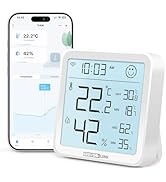
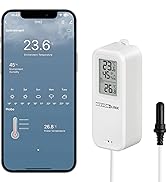
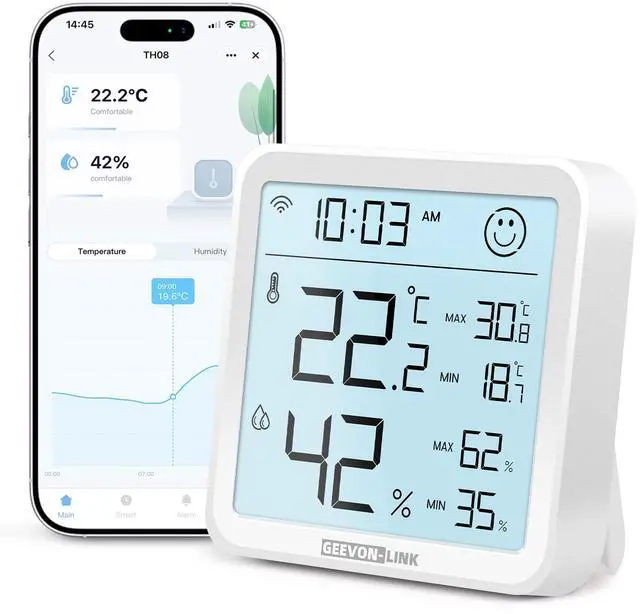
Smart Hygrometer Thermometer
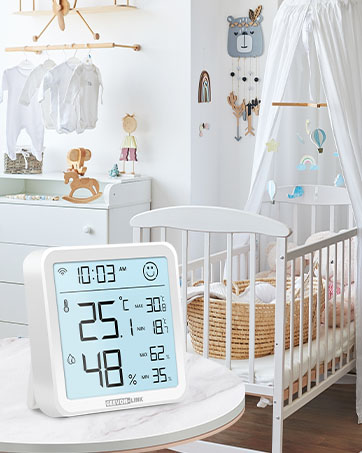
Children's Room
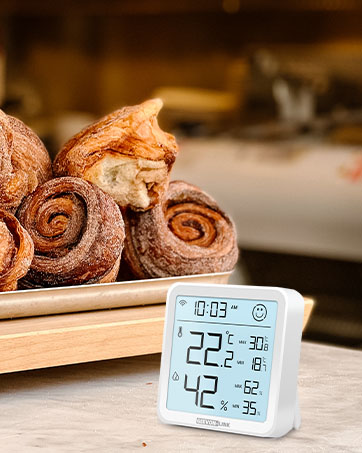
Bakery
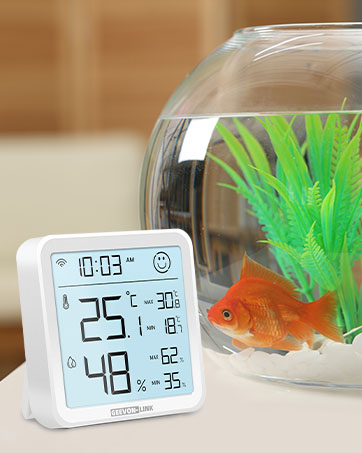
Fish Tank
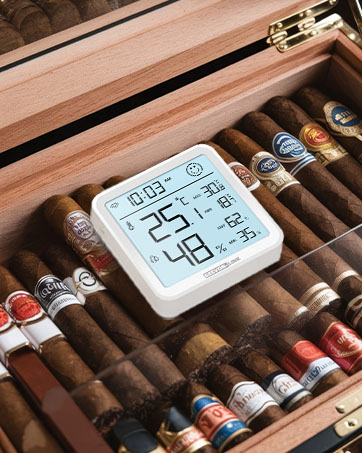
Cigar box
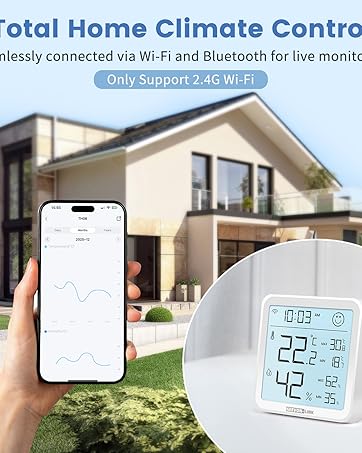
Home Control


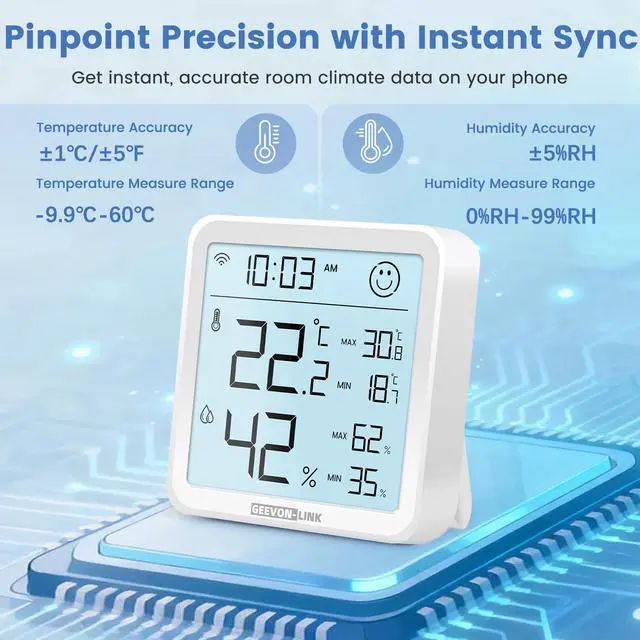
High Accuracy:
Provides accurate readings with temperature precision of ±1?/±1.8°F and humidity accuracy of ±5% RH for reliable environmental data.

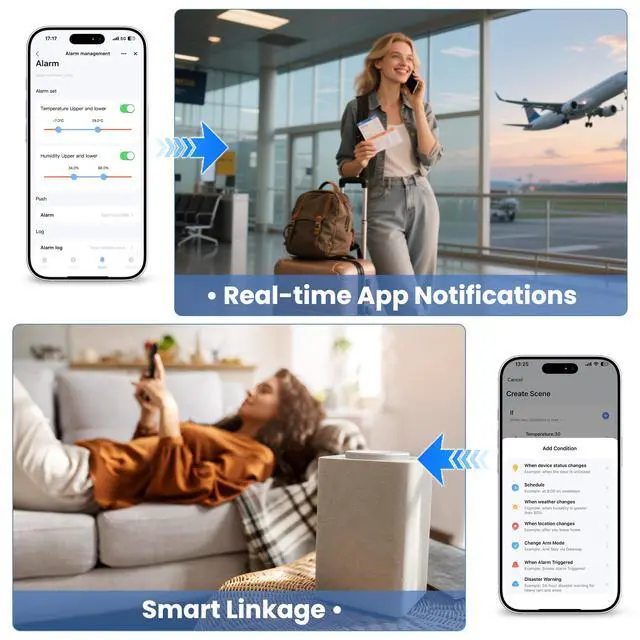
Free Data Export & Storage
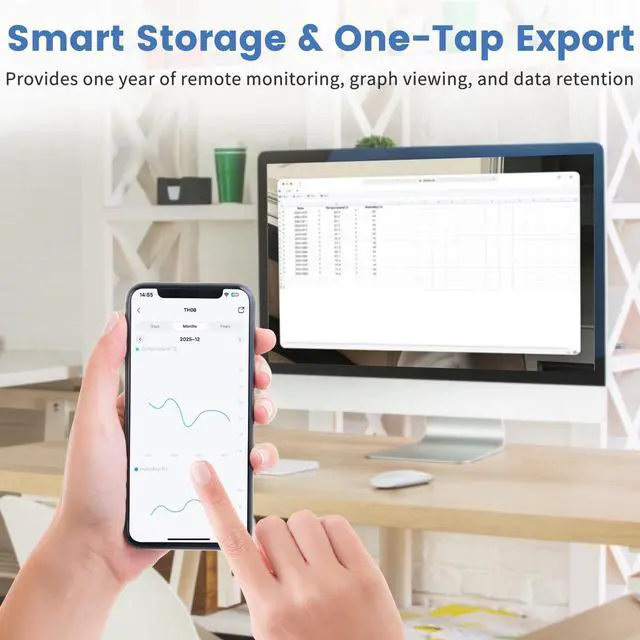
Store and export 1 year of temperature and humidity records. All historical data is easily accessible for review and download directly within the app.

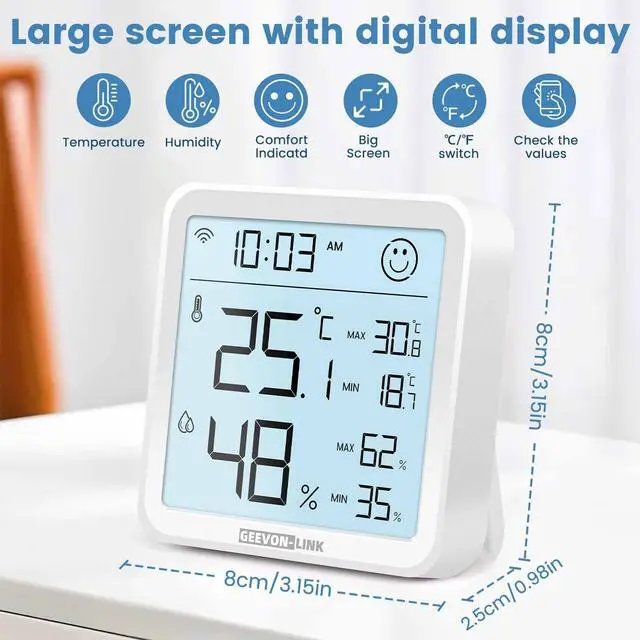
Backlit Supported
Press the top button to activate the backlight, which stays on for about 10 seconds, letting you read the screen clearly at night.

Adjustable Tilt Stand
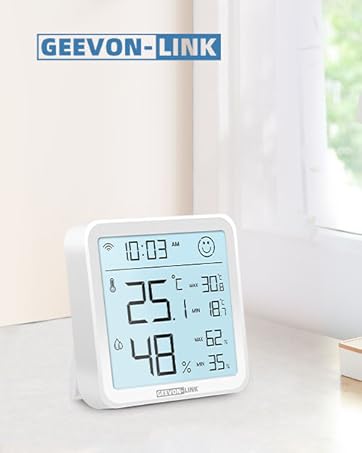
The built-in stand tilts up to 60 degrees and provides a stable base for secure placement on desks, shelves, and other flat surfaces.


GEEVON-LINK Smart Thermometer Hygrometer
 Portable Thermometer |  WIFI Portable Thermometer |  WIFI Freezer Thermometer |  Bluetooth Thermometer | |
|---|---|---|---|---|
Customer Reviews | — | — | — | — |
Price | — | — | — | — |
App Connection Way | WiFi/Bluetooth | WiFi/Bluetooth | WiFi/Bluetooth | Bluetooth |
Display/Screen | ? | ? | ? | ? |
Temperature Measure Range | -9.9?-60? | -20?-60? | -40?-120? | -9.9?-60? |
Humidity Measure Range | 0%RH-99%RH | 0%RH-99%RH | 0%RH-99%RH | 0%RH-99%RH |
Waterproof Rate | × | IP65 | × | × |
Temperature Accuracy | ±1?/±5? | ±1?/±5? | ±1?/±5? | ±1?/±5? |
Humidity Accuracy | ±5%RH | ±5%RH | ±5%RH | ±5%RH |
How does the comfort indicator work?
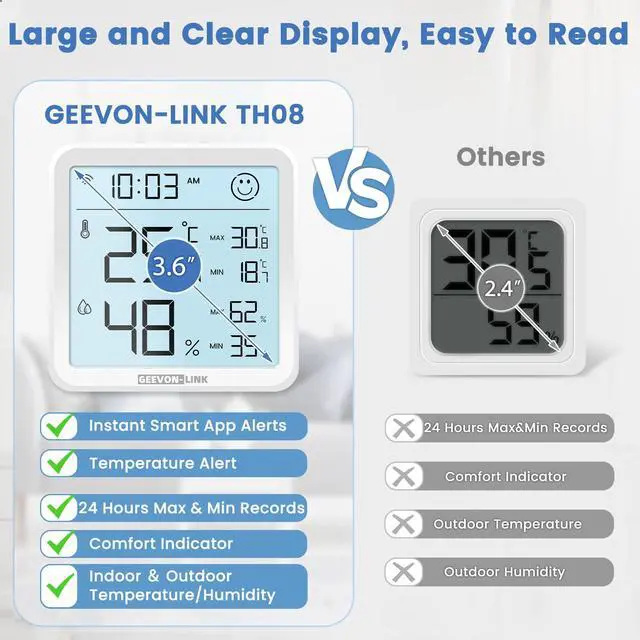
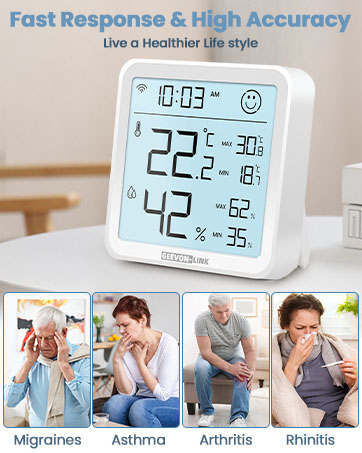
The screen displays a clear comfort icon when both temperature (18–28°C / 64.4–82.4°F) and humidity (40–65% RH) are within the ideal range. If either value goes beyond these limits, the icon changes to notify you that conditions may need adjustment.
What type of batteries should I use, and are there any usage tips?
Please use new alkaline batteries only. Do not mix old and new batteries. We recommend completing Wi-Fi/Bluetooth setup right after installing the batteries to avoid unnecessary power consumption.
How often does the device update its readings?
If temperature changes by =0.5°C or humidity by =5%, readings refresh every 2 minutes. Under stable conditions, updates occur every hour to conserve battery.
Why does the screen sometimes lock the readings after I press the backlight button?
To ensure readability, the values are locked for 2 minutes after the backlight is activated. If the button is pressed again within 2 minutes, the lock can extend up to 15 minutes maximum.
What do the Max/Min values on the screen represent?
The displayed Max/Min temperature and humidity are 24-hour averages. If the device is restarted, it will begin recalculating these values based on new data.


High Accuracy:
Provides accurate readings with temperature precision of ±1?/±1.8°F and humidity accuracy of ±5% RH for reliable environmental data.
Free Data Export & Storage
Store and export 1 year of temperature and humidity records. All historical data is easily accessible for review and download directly within the app.
Backlit Supported
Press the top button to activate the backlight, which stays on for about 10 seconds, letting you read the screen clearly at night.
Adjustable Tilt Stand
The built-in stand tilts up to 60 degrees and provides a stable base for secure placement on desks, shelves, and other flat surfaces.


GEEVON-LINK Smart Thermometer Hygrometer
Portable Thermometer | WIFI Portable Thermometer | WIFI Freezer Thermometer | Bluetooth Thermometer |
|---|---|---|---|
| Customer Reviews | |||
| — | — | — | — |
| Price | |||
| — | — | — | — |
| App Connection Way | |||
| WiFi/Bluetooth | WiFi/Bluetooth | WiFi/Bluetooth | Bluetooth |
| Display/Screen | |||
| ? | ? | ? | ? |
| Temperature Measure Range | |||
| -9.9?-60? | -20?-60? | -40?-120? | -9.9?-60? |
| Humidity Measure Range | |||
| 0%RH-99%RH | 0%RH-99%RH | 0%RH-99%RH | 0%RH-99%RH |
| Waterproof Rate | |||
| × | IP65 | × | × |
| Temperature Accuracy | |||
| ±1?/±5? | ±1?/±5? | ±1?/±5? | ±1?/±5? |
| Humidity Accuracy | |||
| ±5%RH | ±5%RH | ±5%RH | ±5%RH |
How does the comfort indicator work?
The screen displays a clear comfort icon when both temperature (18–28°C / 64.4–82.4°F) and humidity (40–65% RH) are within the ideal range. If either value goes beyond these limits, the icon changes to notify you that conditions may need adjustment.
What type of batteries should I use, and are there any usage tips?
Please use new alkaline batteries only. Do not mix old and new batteries. We recommend completing Wi-Fi/Bluetooth setup right after installing the batteries to avoid unnecessary power consumption.
How often does the device update its readings?
If temperature changes by =0.5°C or humidity by =5%, readings refresh every 2 minutes. Under stable conditions, updates occur every hour to conserve battery.
Why does the screen sometimes lock the readings after I press the backlight button?
To ensure readability, the values are locked for 2 minutes after the backlight is activated. If the button is pressed again within 2 minutes, the lock can extend up to 15 minutes maximum.
What do the Max/Min values on the screen represent?
The displayed Max/Min temperature and humidity are 24-hour averages. If the device is restarted, it will begin recalculating these values based on new data.
Smart Monitoring for Life
At GEEVON-LINK, we empower smarter living through precision and reliability. Dedicated to environmental monitoring, we provide accurate, connected devices that give you complete control and peace of mind.
Our mission is to create healthier, more comfortable living and working spaces with intelligent, user-friendly technology you can trust.marter, more comfortable living space.
Smart Hygrometer Thermometer
Children's Room
Bakery
Fish Tank
Cigar box
Home Control