
Your Browsing History







Any questions? Our AI beta will help you find out quickly.
How to Change to Farenheit?
1. Please transfer the to on the Smart Life App.
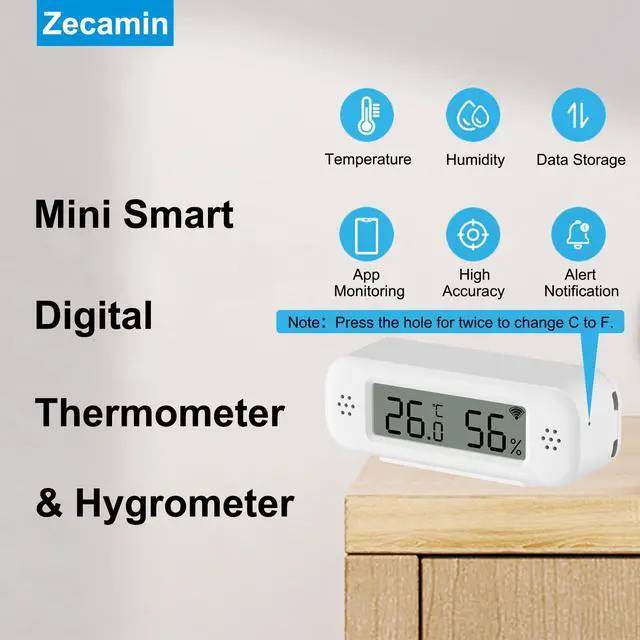
2. Please use the needle in the box to press the hole at the bottom of the temperature sensor for Twice. Then, it will display Farenheit.
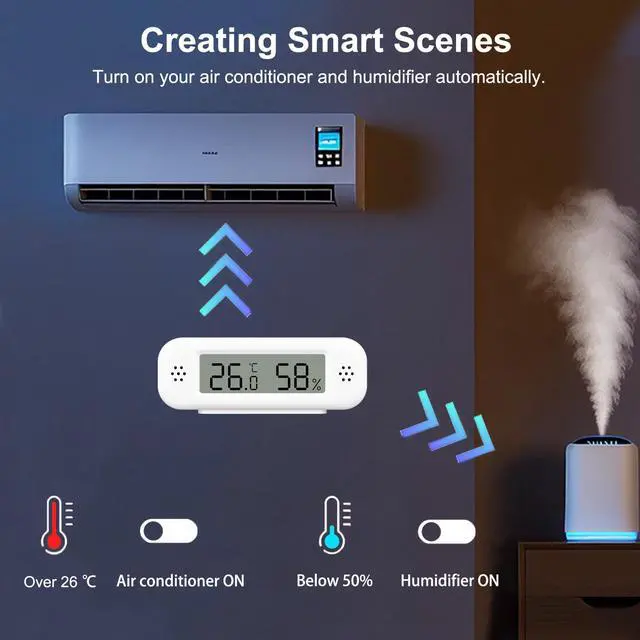
How to Create Routines?
Please create it through Smart Life App. It means it only support to connect with Tuya Smart devices. The routines can't be created through Alexa App.
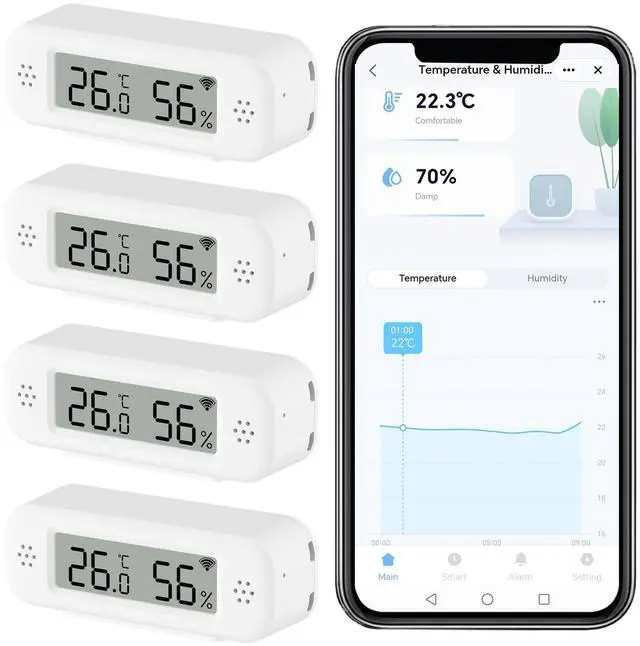
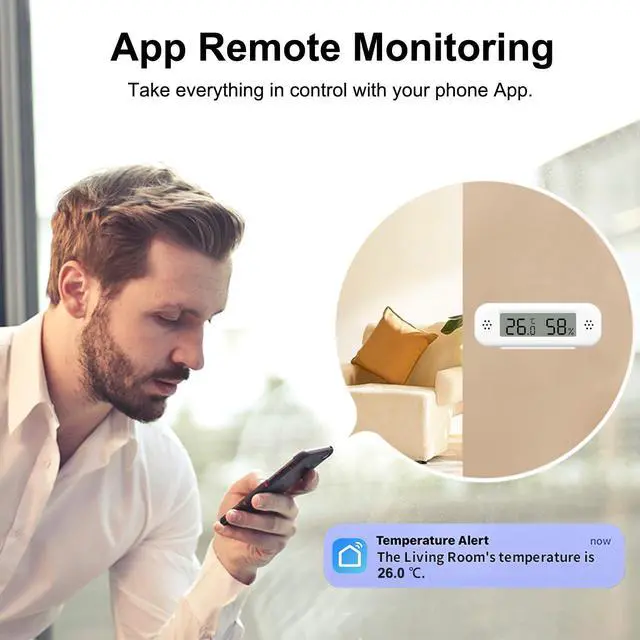
Smart Digital Thermometer Hygrometer, WiFi Indoor Temperature Humidity Sensor with App Alerts, Mini Room Temperature Meter with Data Storage and Export, Compatible with Alexa. 4PCS
| Brand | Zecamin |
| Special Feature | App Companion, Fast Refresh, High Accuracy, Programmable, Wi-Fi Support |
| Age Range (Description) | Adult |
| Included Components | Battery |
| Outer Material | Plastic |
| Display Type | LCD |
| Connectivity Technology | Wi Fi |
| Power Source | Battery Powered |
| Model Name | TH02 Pro |
| Number of Batteries | 2 AAA batteries required. (included) |
| Item Length | 3 Inches |
| Upper Temperature Rating | 50 Degrees Celsius |
| Reusability | Reusable |
| Style | 4PCS |
| Indoor/Outdoor Usage | Indoor |
| Smart Home Compatibility | Smart Home Compatible |
| Manufacturer | Zecamin |
| Item Weight | 8.4 ounces |
| Item model number | TH02 Pro |
| Batteries | 2 AAA batteries required. (included) |
| Date First Available | June 4, 2025 |