





110DB Loud Alarm
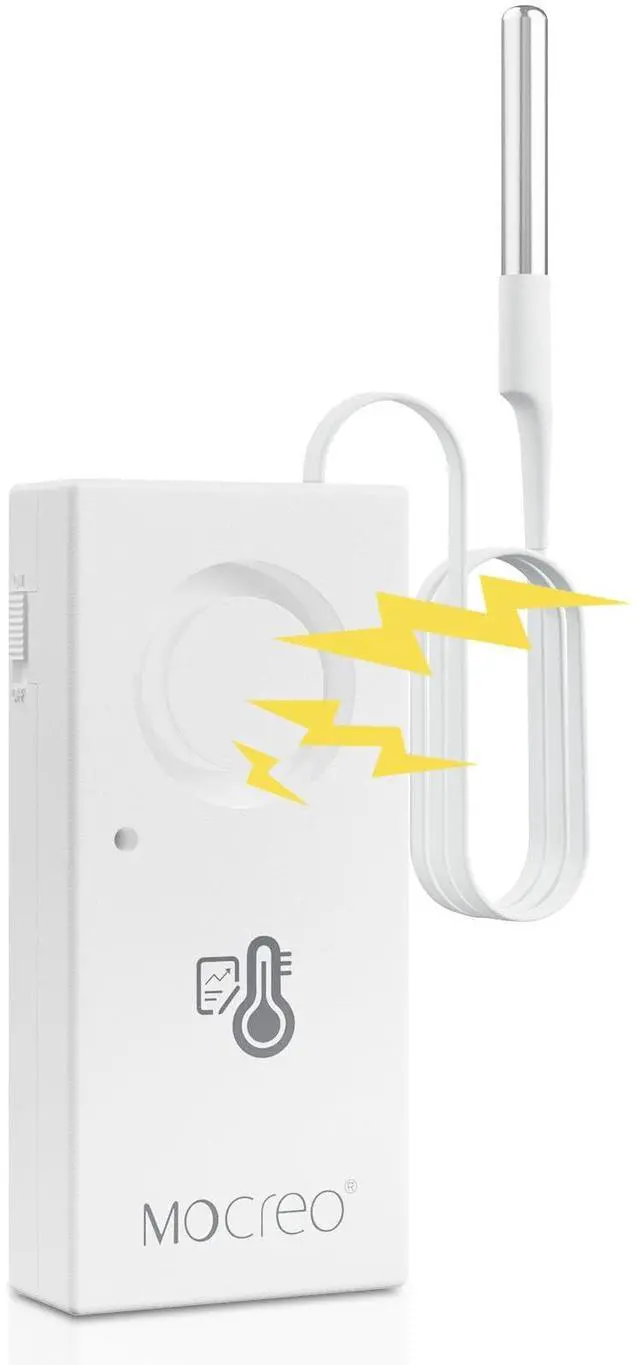
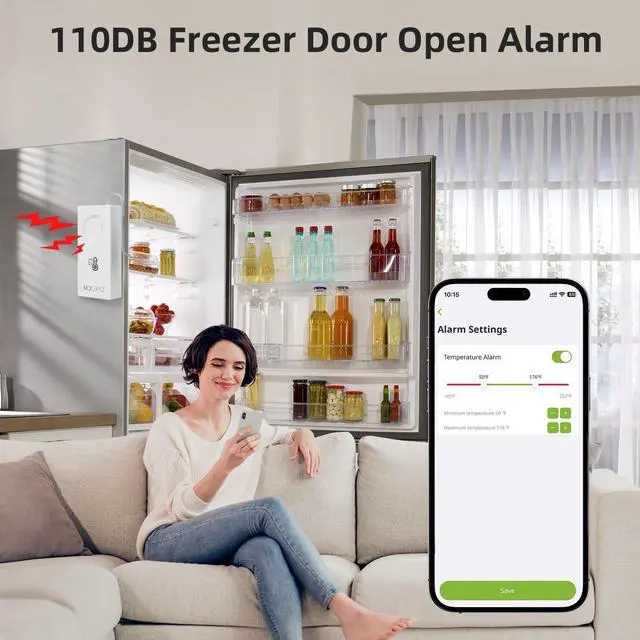
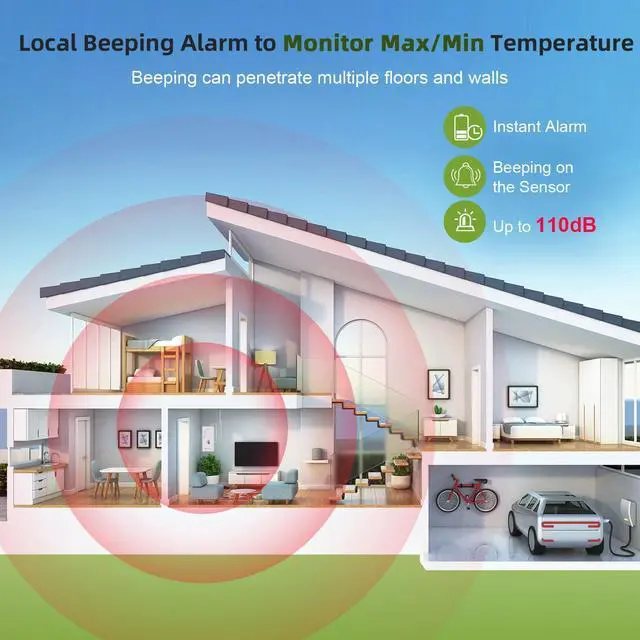
When the refrigerator/freezer door is opened and the temperature exceeds the monitoring range, the freezer alarm thermometer will promptly emit a loud 110dB alarm to alert you, protecting your food from spoilage.

Easy to Use
It only takes a few minutes to connect the Bluetooth freezer thermometer. The recommended distance for use between your phone and the refrigerator thermometer is within 65ft.

2-Year Battery Life
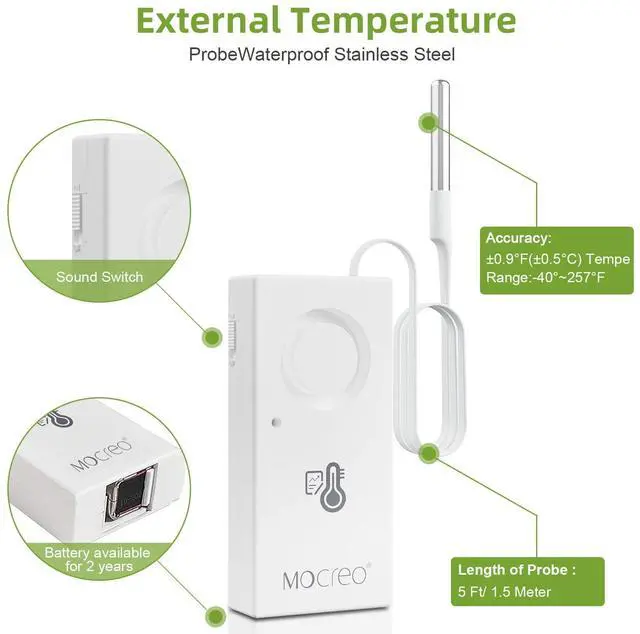
Equipped with a replaceable 9V 6LR61 battery (included), with a battery life of up to 2 years. The freezer thermometer will also sound an alarm to remind you when the battery level drops below 15%.

Thin & Long Waterproof Probe Cable
With a 1.3mm thin and 4.95ft(1.5m) long waterproof probe Cable, ideal for monitoring refrigerators, deep freezers, reptile, or fish tanks.


Device Sharing
The MOCREO Smart App supports adding sub-accounts to monitor and share device information with family or friends.


What is the Bluetooth scanning range of the refrigerator thermometer?
We typically recommend keeping the distance between your phone and the Sensor within 65 feet.
How long do the batteries last? Can they be replaced?
This freezer thermometer uses a replaceable 9V 6LR61 battery with a battery life of up to 2 years. If the battery runs out, the Sensor will beep promptly to remind you to replace it.
Can I monitor it remotely?
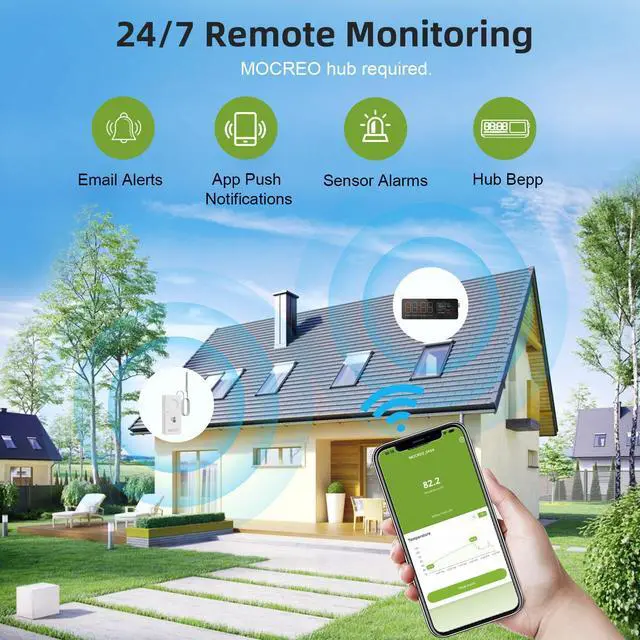
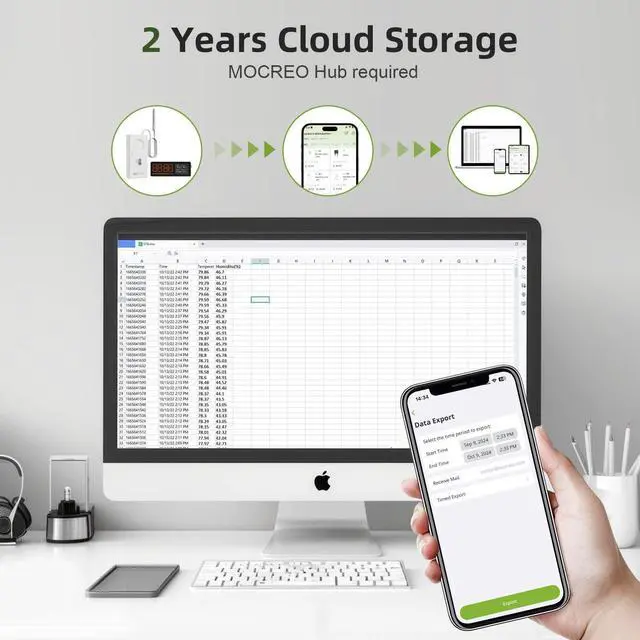
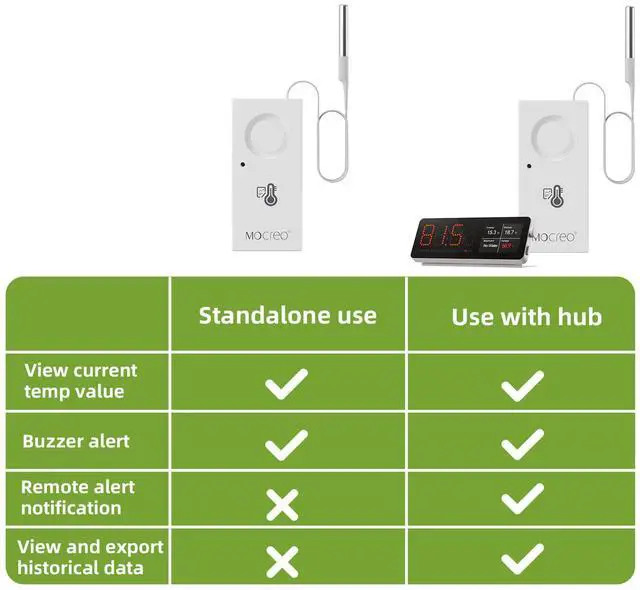
If you want to monitor it remotely, please add the MOCREO Hub.
Does it support App push notifications & Email alerts?
When the refrigerator thermometer is used alone, it only supports a 110dB Sensor Beep. If you want to receive remote App push notifications & Email alerts, please add the MOCREO Hub
What should I do if my thermometer is offline?
1. Check if the battery has power: Remove the battery and reinsert it. A beep indicates that the battery has power.
2. Bring the phone close to the thermometer, turn off Bluetooth, and then turn it back on to see if the sensor successfully connects.

110DB Loud Alarm
When the refrigerator/freezer door is opened and the temperature exceeds the monitoring range, the freezer alarm thermometer will promptly emit a loud 110dB alarm to alert you, protecting your food from spoilage.
Easy to Use
It only takes a few minutes to connect the Bluetooth freezer thermometer. The recommended distance for use between your phone and the refrigerator thermometer is within 65ft.
2-Year Battery Life
Equipped with a replaceable 9V 6LR61 battery (included), with a battery life of up to 2 years. The freezer thermometer will also sound an alarm to remind you when the battery level drops below 15%.
Thin & Long Waterproof Probe Cable
With a 1.3mm thin and 4.95ft(1.5m) long waterproof probe Cable, ideal for monitoring refrigerators, deep freezers, reptile, or fish tanks.
Work with MOCREO Hub
Remote Monitoring


Adding the MOCREO H5-lite Hub, you can monitor the freezer thermometer on the MOCREO Smart App anytime, anywhere. (Hub requires upgrade to v1.1.1)

Device Sharing
The MOCREO Smart App supports adding sub-accounts to monitor and share device information with family or friends.


What is the Bluetooth scanning range of the refrigerator thermometer?
We typically recommend keeping the distance between your phone and the Sensor within 65 feet.
How long do the batteries last? Can they be replaced?
This freezer thermometer uses a replaceable 9V 6LR61 battery with a battery life of up to 2 years. If the battery runs out, the Sensor will beep promptly to remind you to replace it.
Can I monitor it remotely?
If you want to monitor it remotely, please add the MOCREO Hub.
Does it support App push notifications & Email alerts?
When the refrigerator thermometer is used alone, it only supports a 110dB Sensor Beep. If you want to receive remote App push notifications & Email alerts, please add the MOCREO Hub
What should I do if my thermometer is offline?
1. Check if the battery has power: Remove the battery and reinsert it. A beep indicates that the battery has power.
2. Bring the phone close to the thermometer, turn off Bluetooth, and then turn it back on to see if the sensor successfully connects.