






Enjoy Your Smart Life

Gaoducash is a professional smart home brand. We have been deeply involved in this industry for many years, Committed to providing personalized and fun life experiences through continuous innovations.
With our smart sensors and the powerful and secure Tuya Smart App, Realize an efficient, comfortable, safe, convenient lifestyle.
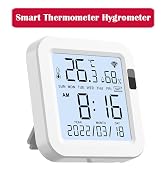
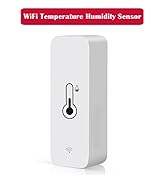
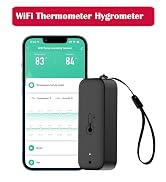
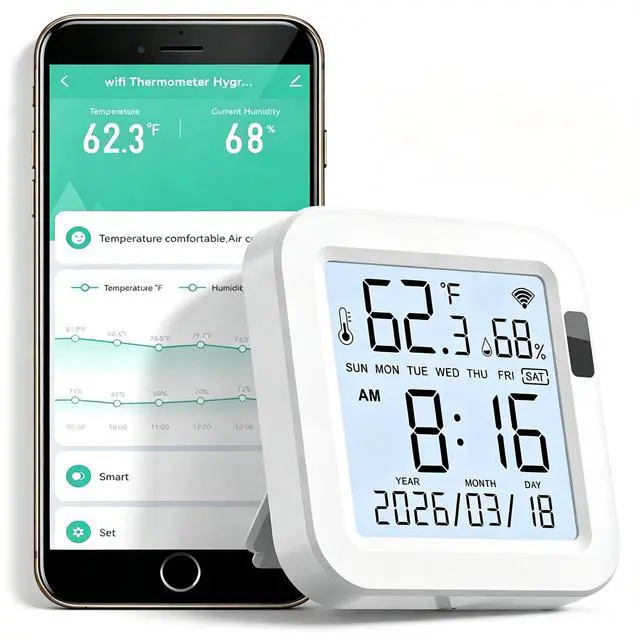
Wi-Fi Thermometer Hygrometer
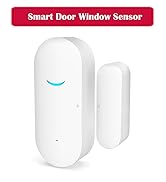
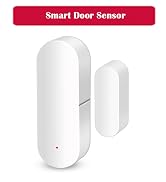
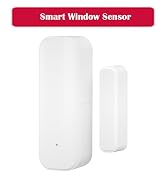
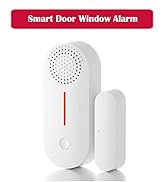
WiFi Door Sensor
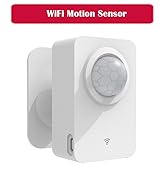
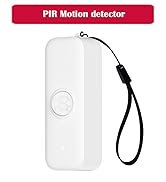
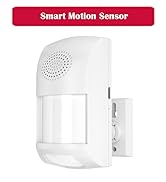
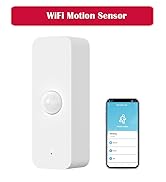
Wi-Fi PIR Motion Sensor
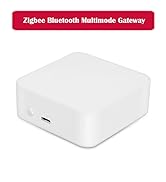
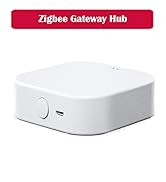
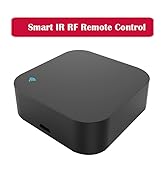
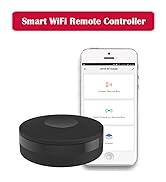
Smart Hub & IR RF Remote
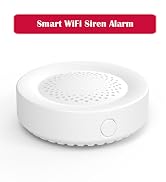
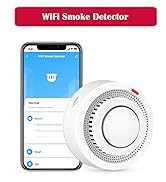
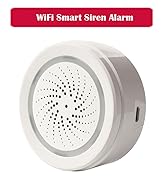
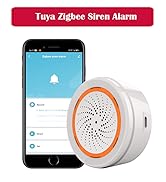
Smart Siren & Smoke Detectors
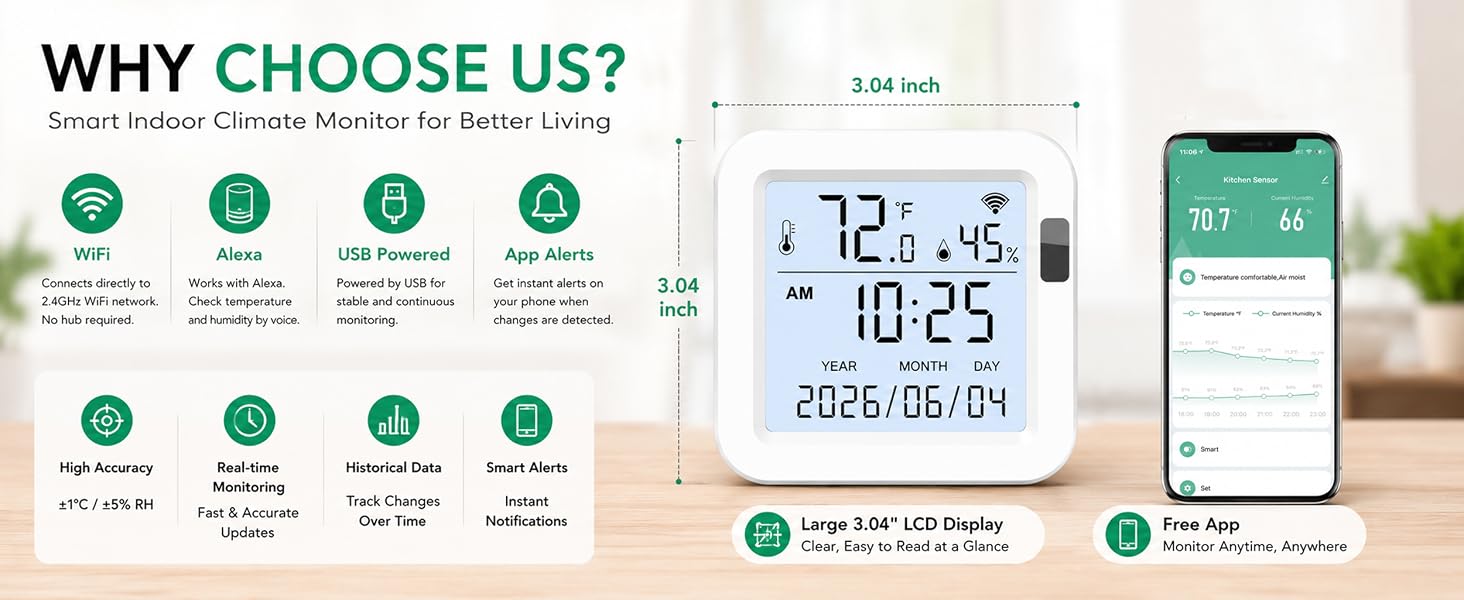
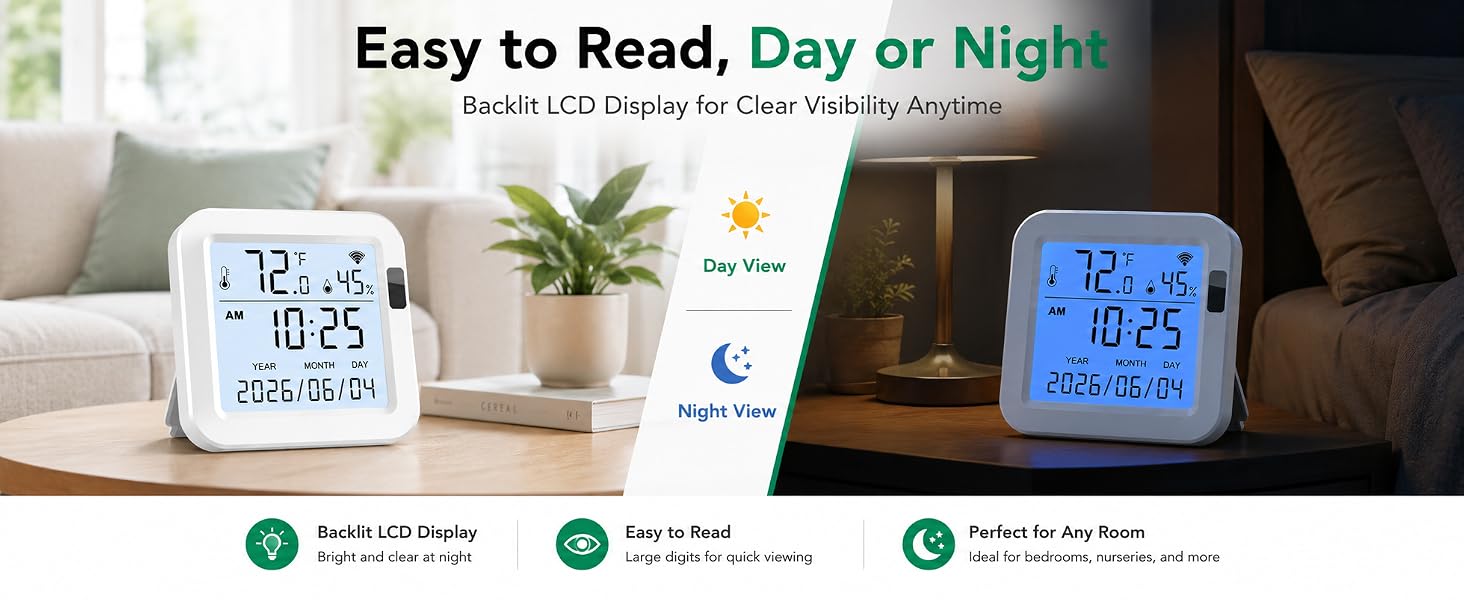
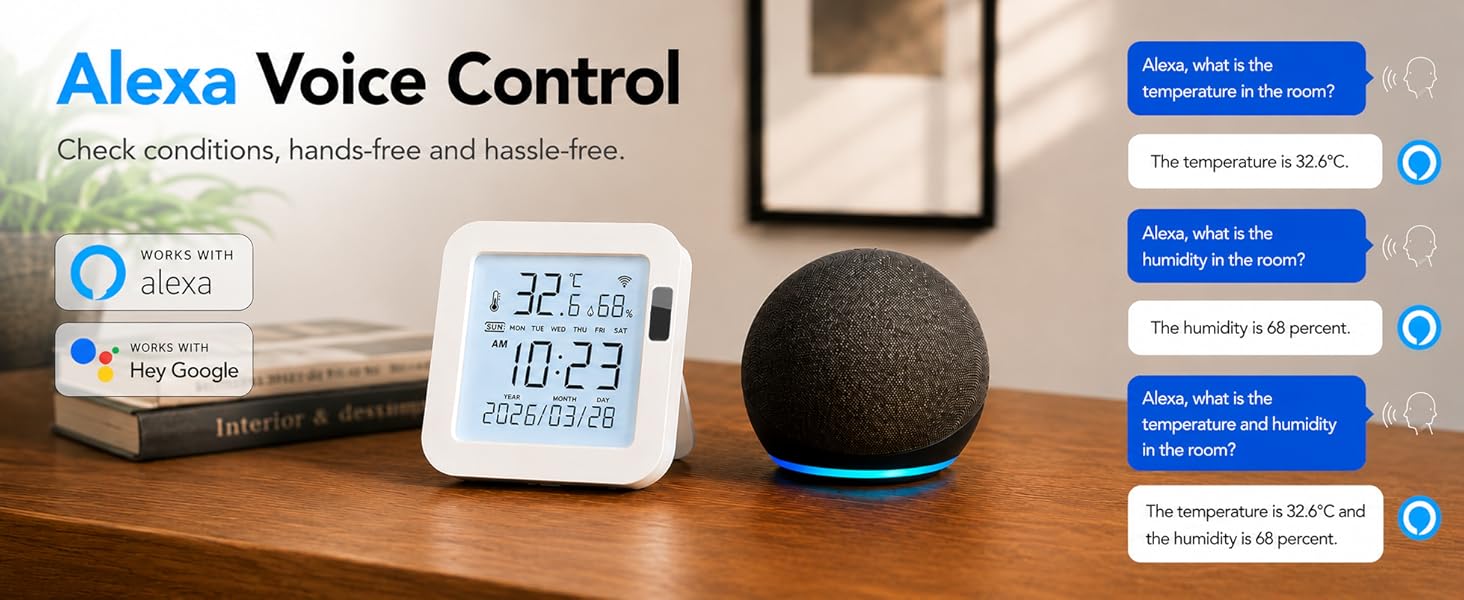
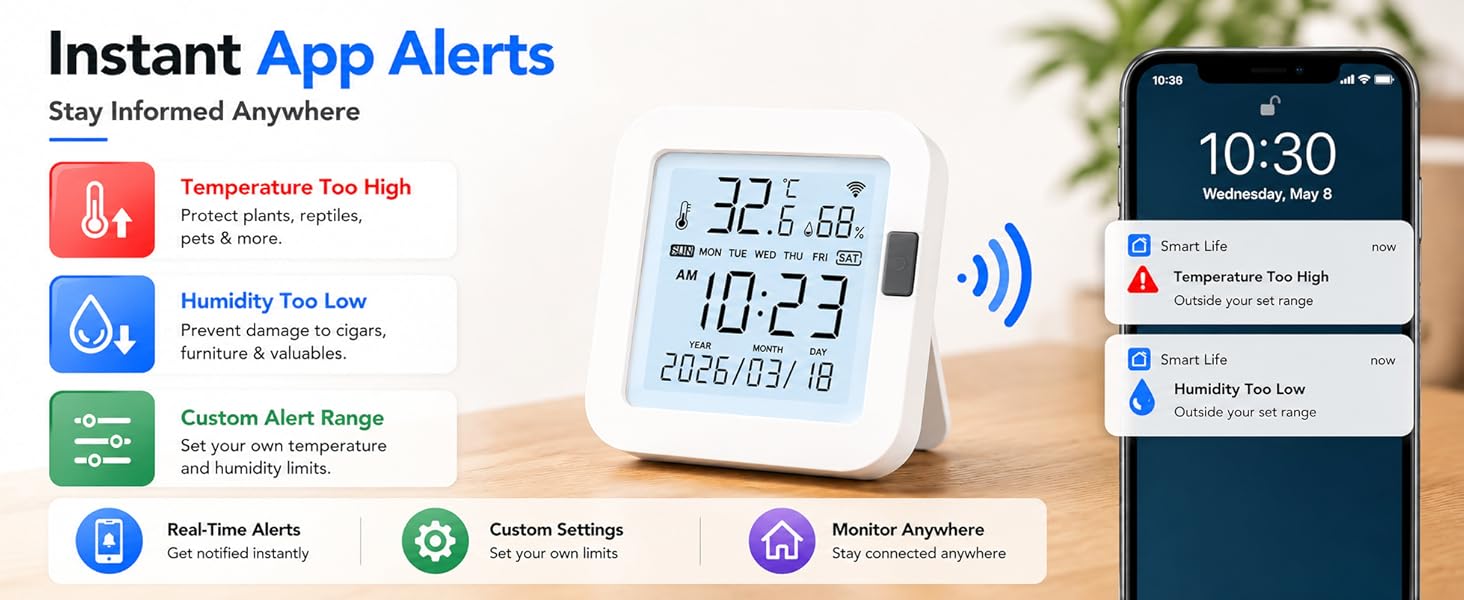
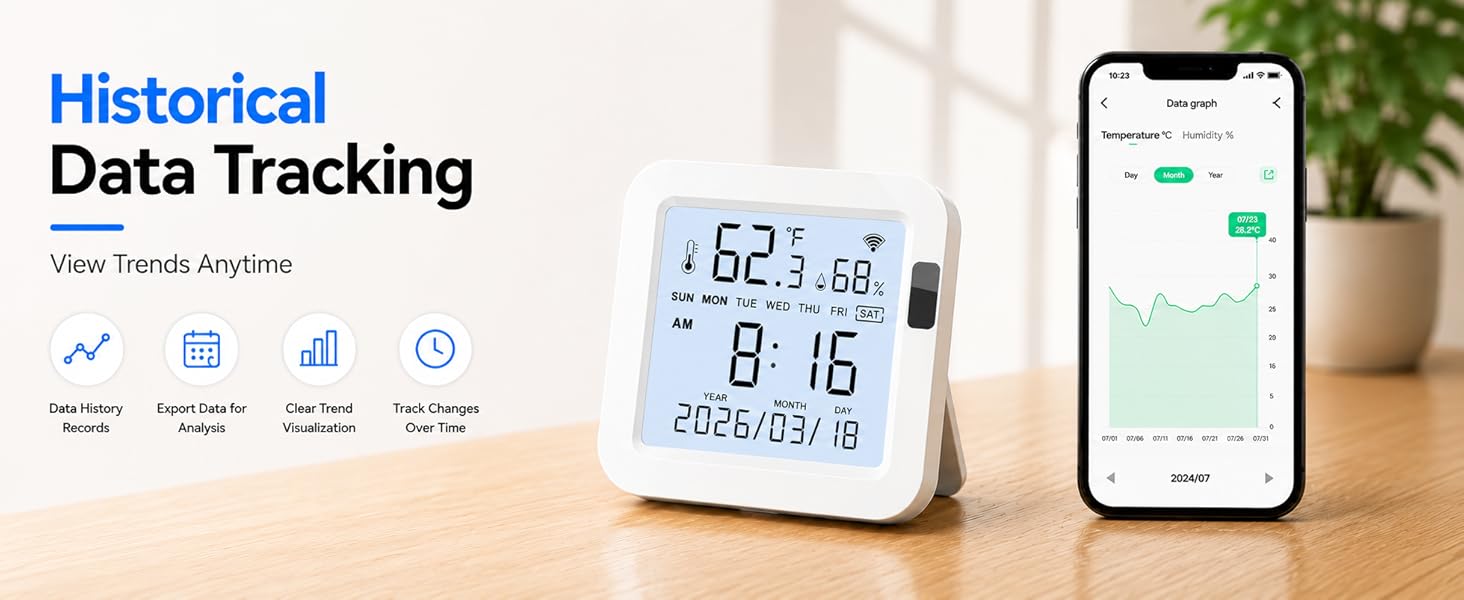

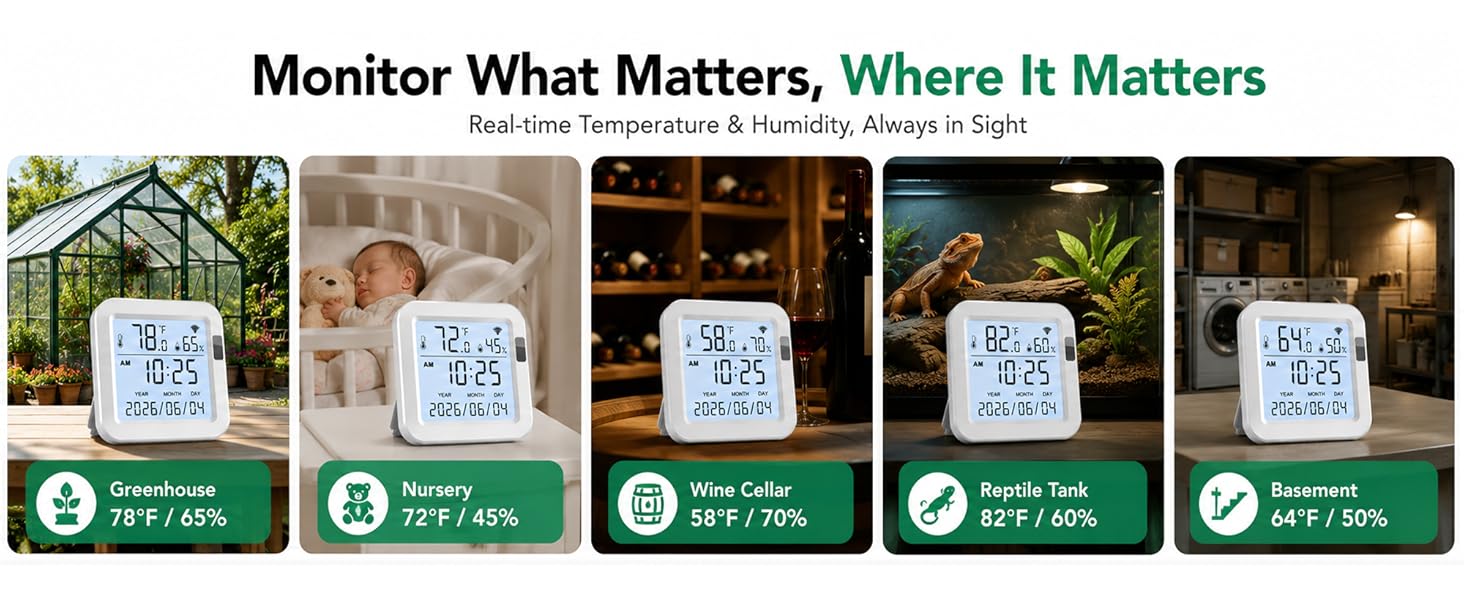
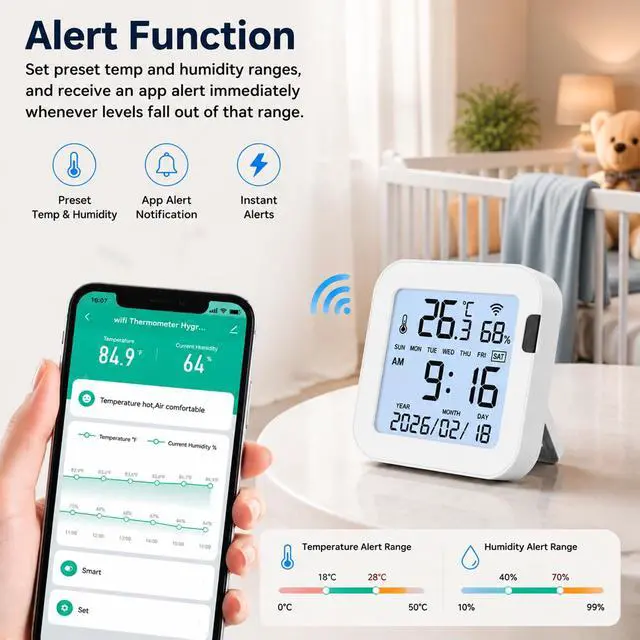
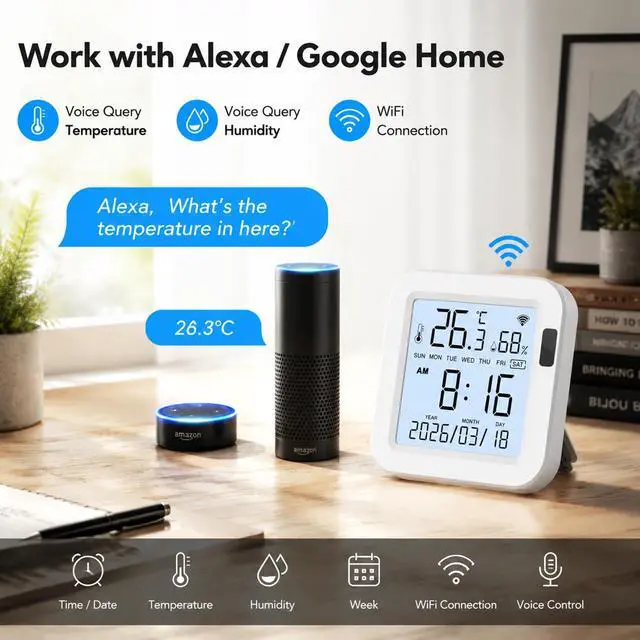
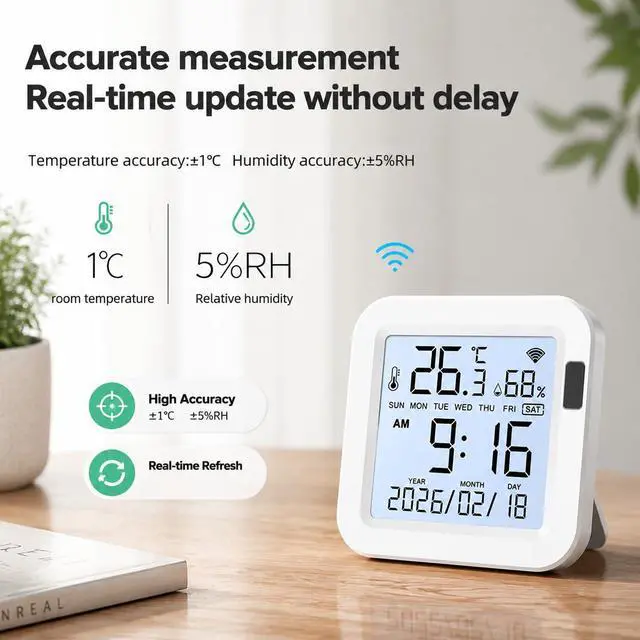
Smart WiFi Temperature & Humidity Monitor
 WiFi Temperature Monitor | 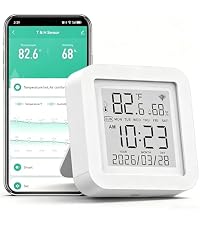 Smart Temperature Sensor | 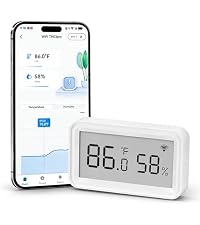 smart room thermometer |  digital hygrometer | 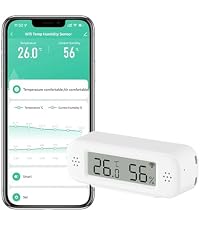 smart hygrometer |  WiFi Temperature Sensor | 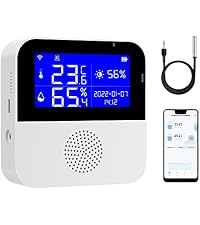 smart humidity monitor | |
|---|---|---|---|---|---|---|---|
Customer Reviews | — | — | — | — | — | — | — |
Price | — | — | — | — | — | — | — |
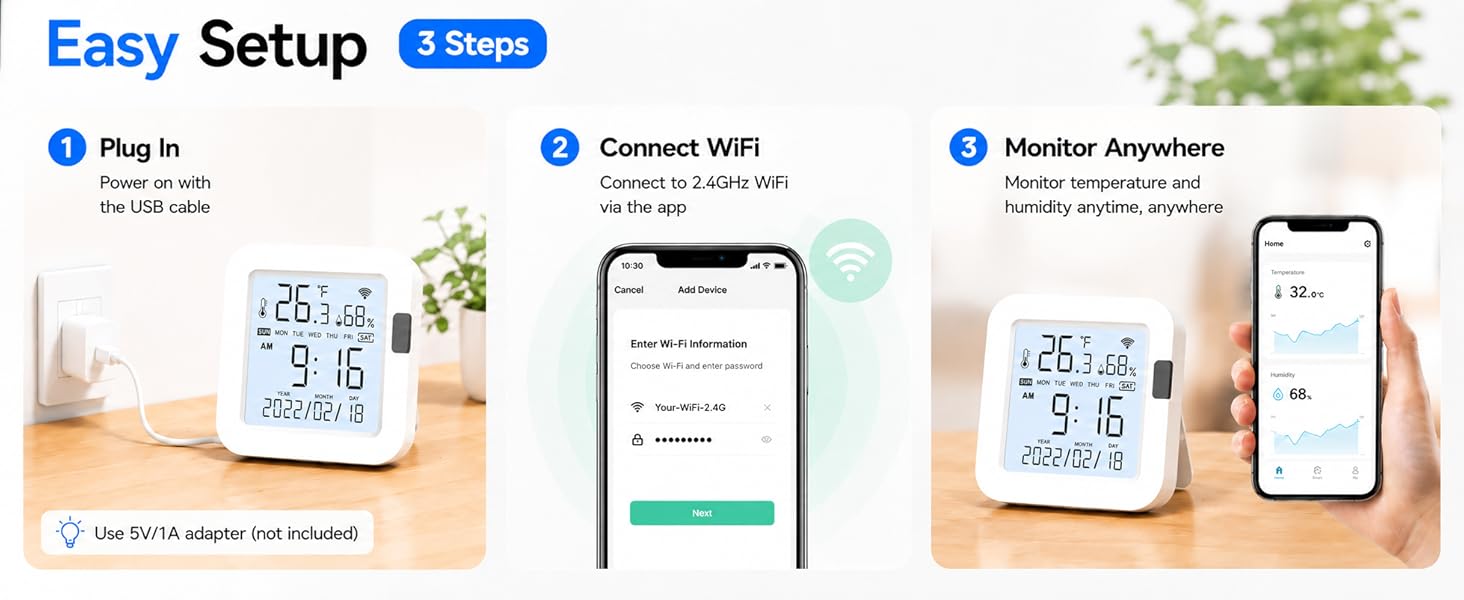
WIFI | 2.4GHz | 2.4GHz | 2.4GHz | 2.4GHz | 2.4GHz | 2.4GHz | 2.4GHz |
Control Method | App | App | App | App | App | App | App |
App | Tuya/Smart life | Tuya/Smart life | Tuya/Smart life | Tuya/Smart life | Tuya/Smart life | Tuya/Smart life | Tuya/Smart life |
Alarm Mode | App Alert | App Alert | App Alert | App Alert | App Alert | App Alert | Buzzer Alarm & App Alert |
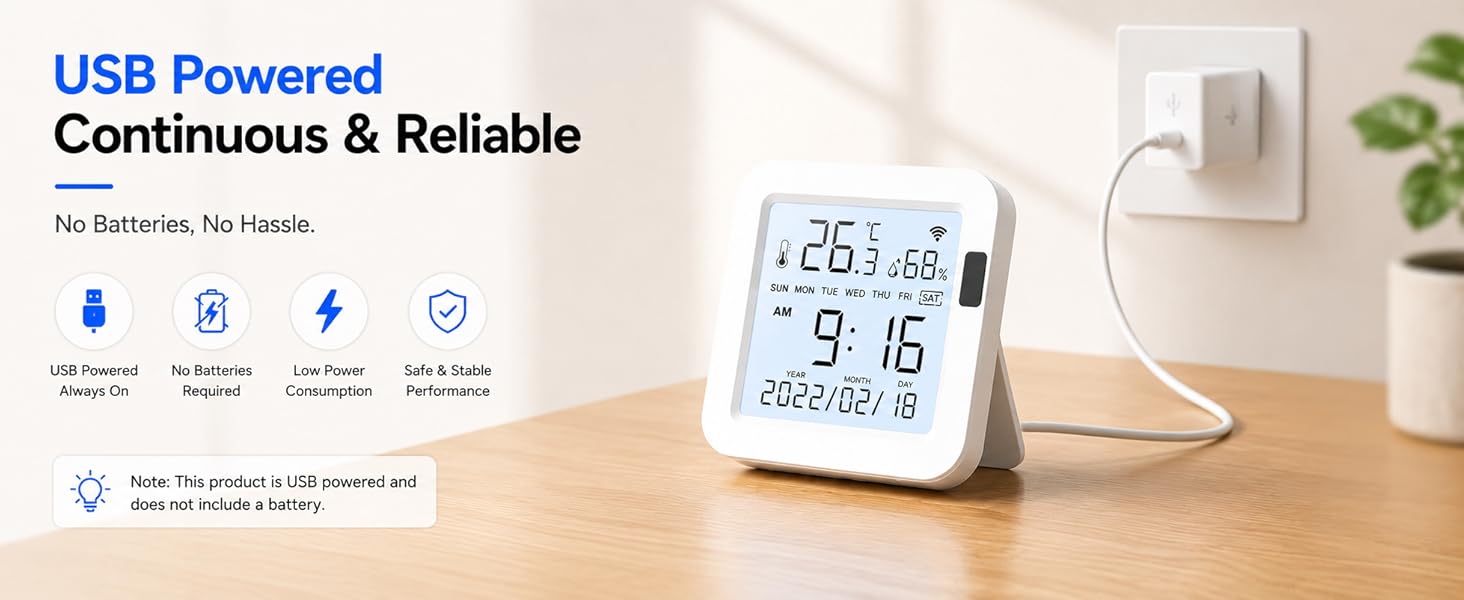
Power Source | USB | USB | 2*AAA Battery | USB+2*AAA Battery | 2*AAA Battery | 2*AAA Battery | USB |
Is the temperature monitor bound to a single phone/app? Or can it be shared with family?
lt can be shared with family. Please connect the smart temperature monitor to 1 Tuya/Smart life account, then share with multiple phones.
Can this digital hygrometer be used outdoors?
It requires a strong WiFi signal. Please don't use the wireless temperature sensor outdoors or in a freezer.
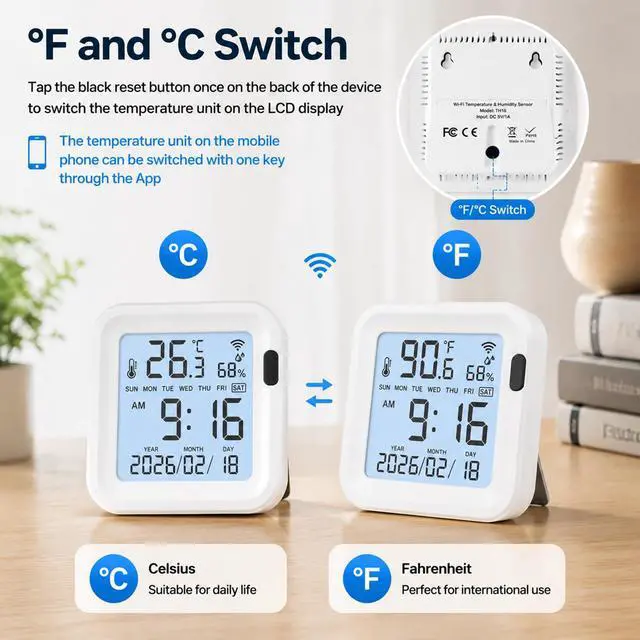
How to switch temperature units?
1.Go to Settings in the app and select your preferred temperature unit (°C/°F).
2. Click the reset button on the device once at the same time.
Does it work with 5GHz WiFi?
No, the temperature sensor only supports 2.4G networks. If you have a dual-band router, please disable 5G before adding the item.
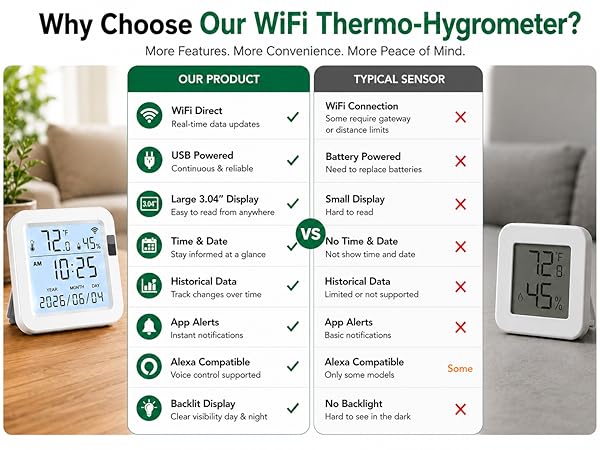
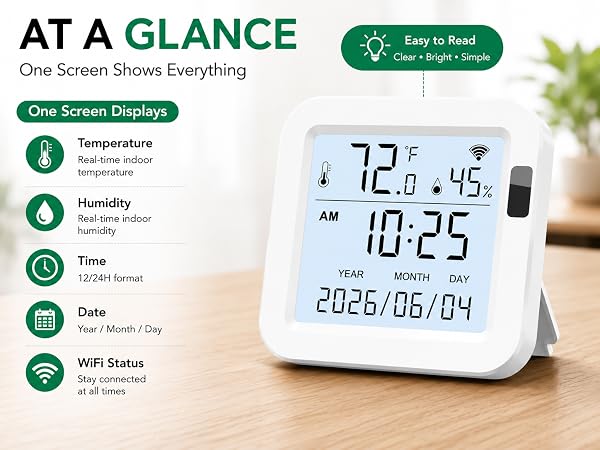
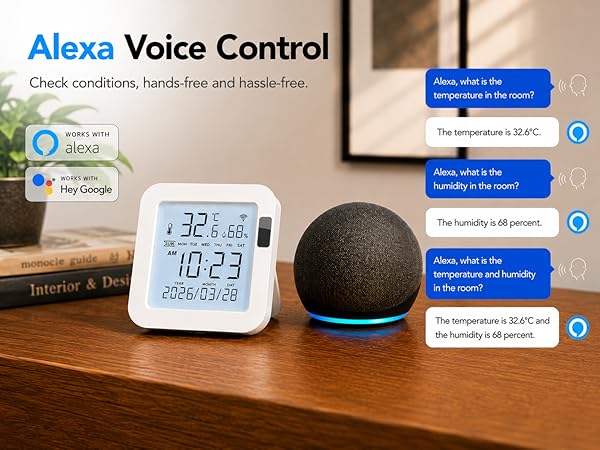
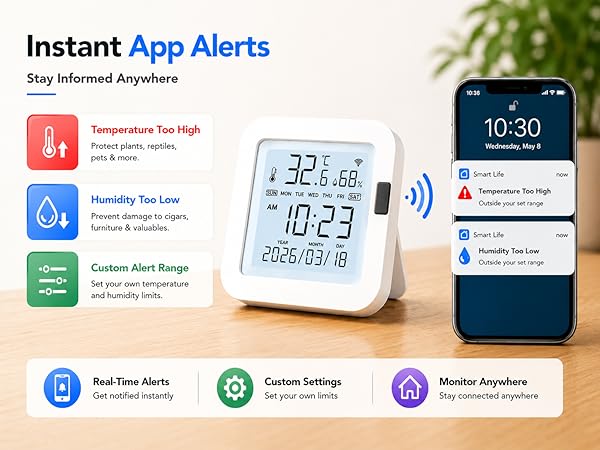
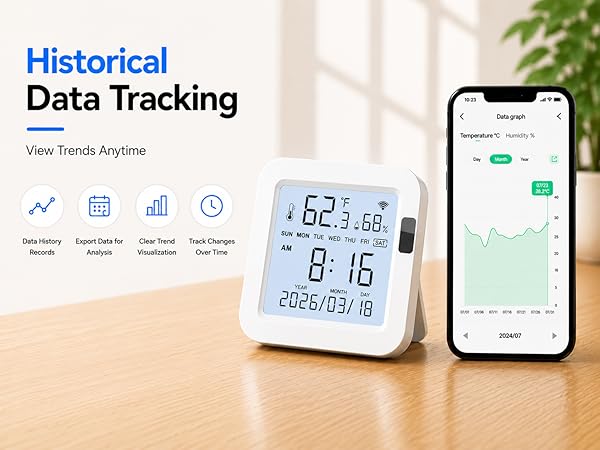

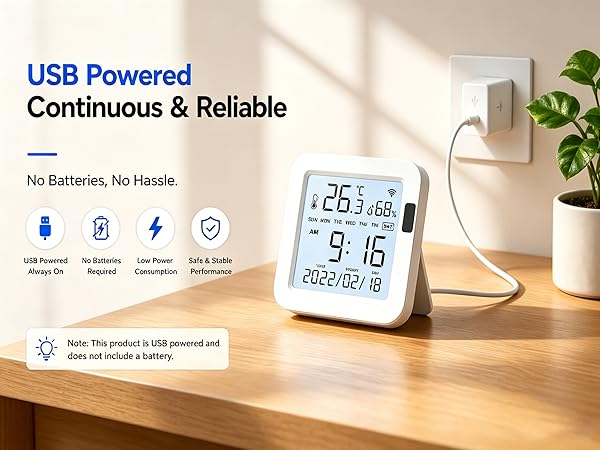
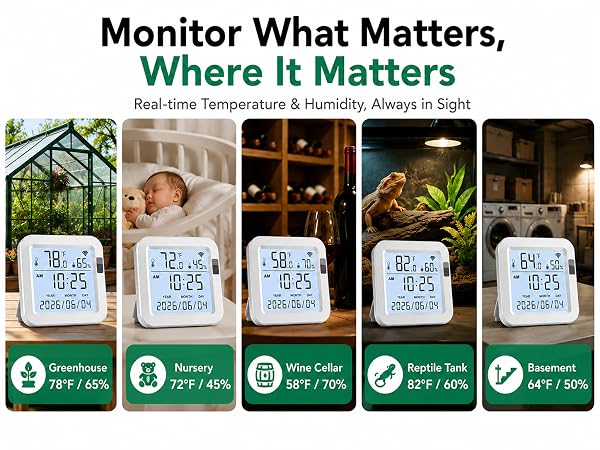
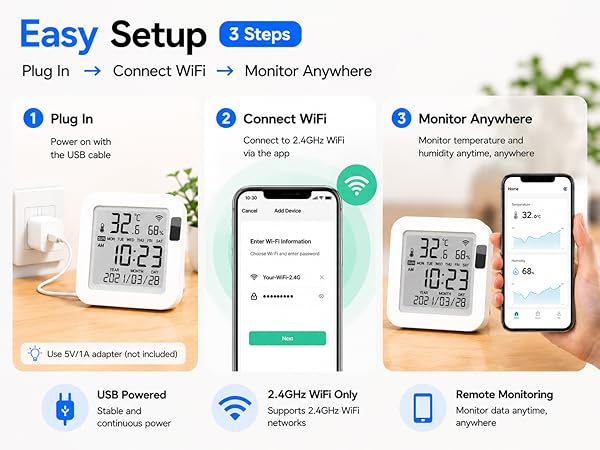
Smart WiFi Temperature & Humidity Monitor
 WiFi Temperature Monitor | Smart Temperature Sensor | smart room thermometer | digital hygrometer |  smart hygrometer | WiFi Temperature Sensor |  smart humidity monitor |
|---|---|---|---|---|---|---|
| Customer Reviews | ||||||
| — | — | — | — | — | — | — |
| Price | ||||||
| — | — | — | — | — | — | — |
| WIFI | ||||||
| 2.4GHz | 2.4GHz | 2.4GHz | 2.4GHz | 2.4GHz | 2.4GHz | 2.4GHz |
| Control Method | ||||||
| App | App | App | App | App | App | App |
| App | ||||||
| Tuya/Smart life | Tuya/Smart life | Tuya/Smart life | Tuya/Smart life | Tuya/Smart life | Tuya/Smart life | Tuya/Smart life |
| Alarm Mode | ||||||
| App Alert | App Alert | App Alert | App Alert | App Alert | App Alert | Buzzer Alarm & App Alert |
| Power Source | ||||||
| USB | USB | 2*AAA Battery | USB+2*AAA Battery | 2*AAA Battery | 2*AAA Battery | USB |
Is the temperature monitor bound to a single phone/app? Or can it be shared with family?
lt can be shared with family. Please connect the smart temperature monitor to 1 Tuya/Smart life account, then share with multiple phones.
Can this digital hygrometer be used outdoors?
It requires a strong WiFi signal. Please don't use the wireless temperature sensor outdoors or in a freezer.
How to switch temperature units?
1.Go to Settings in the app and select your preferred temperature unit (°C/°F).
2. Click the reset button on the device once at the same time.
Does it work with 5GHz WiFi?
No, the temperature sensor only supports 2.4G networks. If you have a dual-band router, please disable 5G before adding the item.
Enjoy Your Smart Life

Gaoducash is a professional smart home brand. We have been deeply involved in this industry for many years, Committed to providing personalized and fun life experiences through continuous innovations.
With our smart sensors and the powerful and secure Tuya Smart App, Realize an efficient, comfortable, safe, convenient lifestyle.
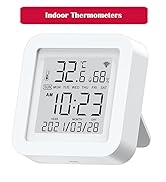
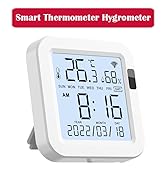
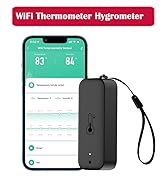
Wi-Fi Thermometer Hygrometer
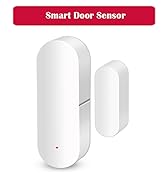
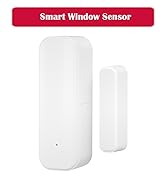
WiFi Door Sensor
Wi-Fi PIR Motion Sensor
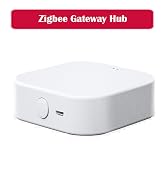
Smart Hub & IR RF Remote
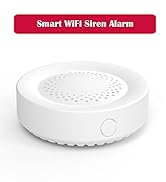
Smart Siren & Smoke Detectors
