



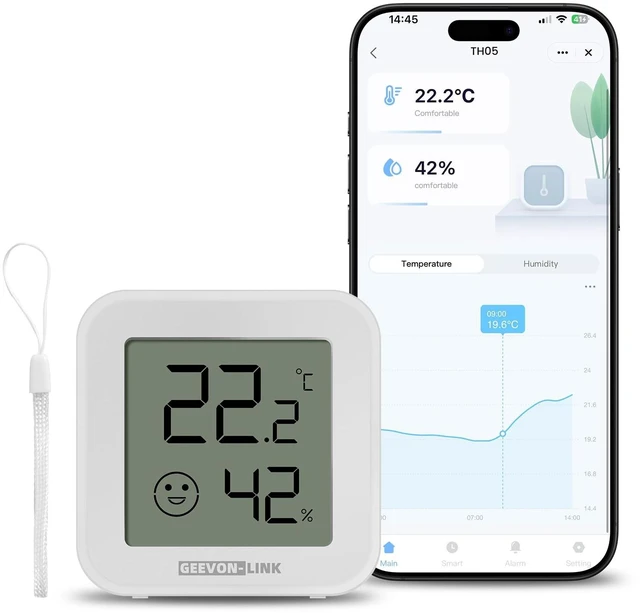
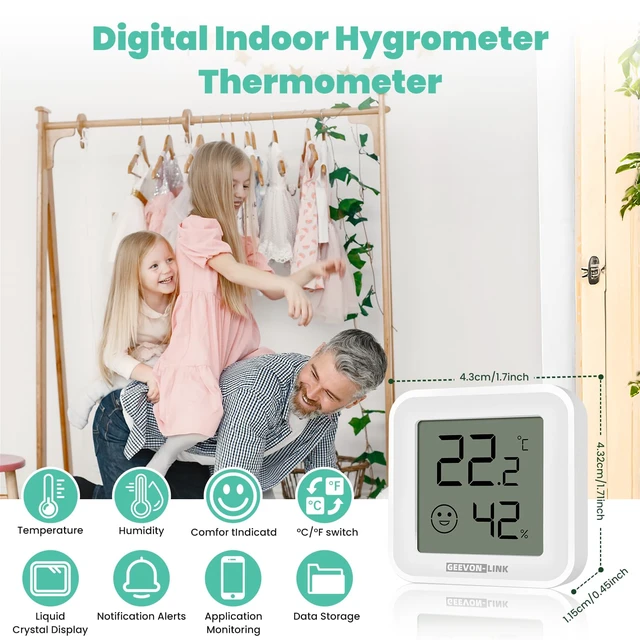
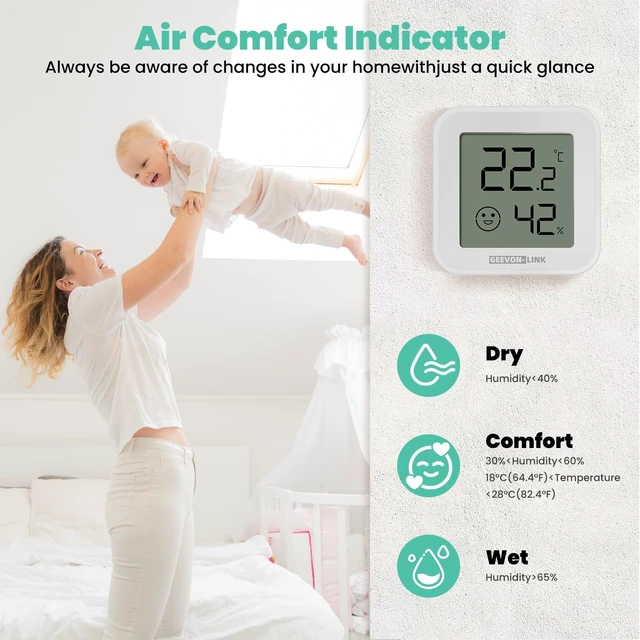



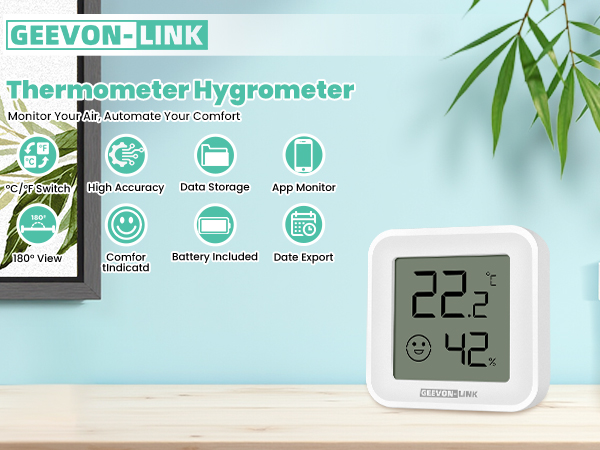
GEEVON-LINK Smart Thermometer Hygrometer
 Bluetooth Thermometer | 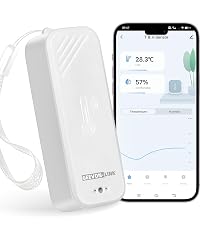 WIFI Portable Thermometer |  WIFI Freezer Thermometer | 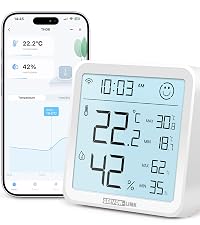 WIFI Digital Thermometer | |
|---|---|---|---|---|
Customer Reviews | — | — | — | — |
Price | — | — | — | — |
App Connection Way | Bluetooth | WiFi/Bluetooth | WiFi/Bluetooth | WiFi/Bluetooth |
Display/Screen | ? | ? | ? | ? |
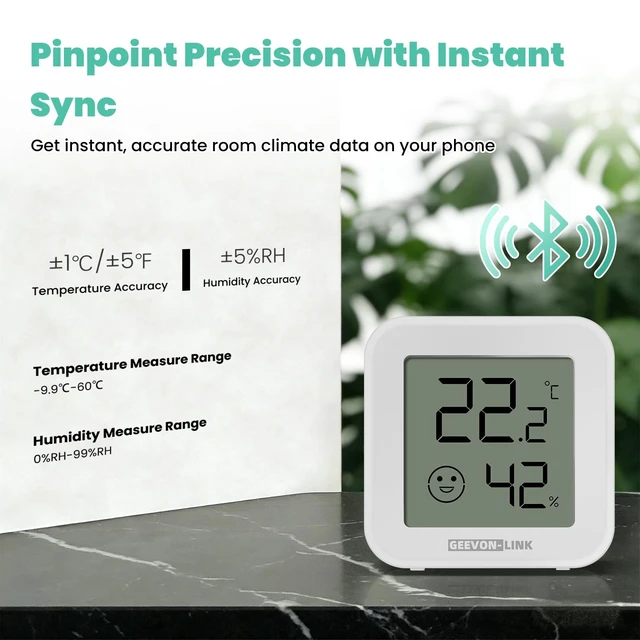
Temperature Measure Range | -9.9?-60? | -20?-60? | -40?-120? | -9.9?-60? |
Humidity Measure Range | 0%RH-99%RH | 0%RH-99%RH | 0%RH-99%RH | 0%RH-99%RH |
Waterproof Rate | × | IP65 | × | × |
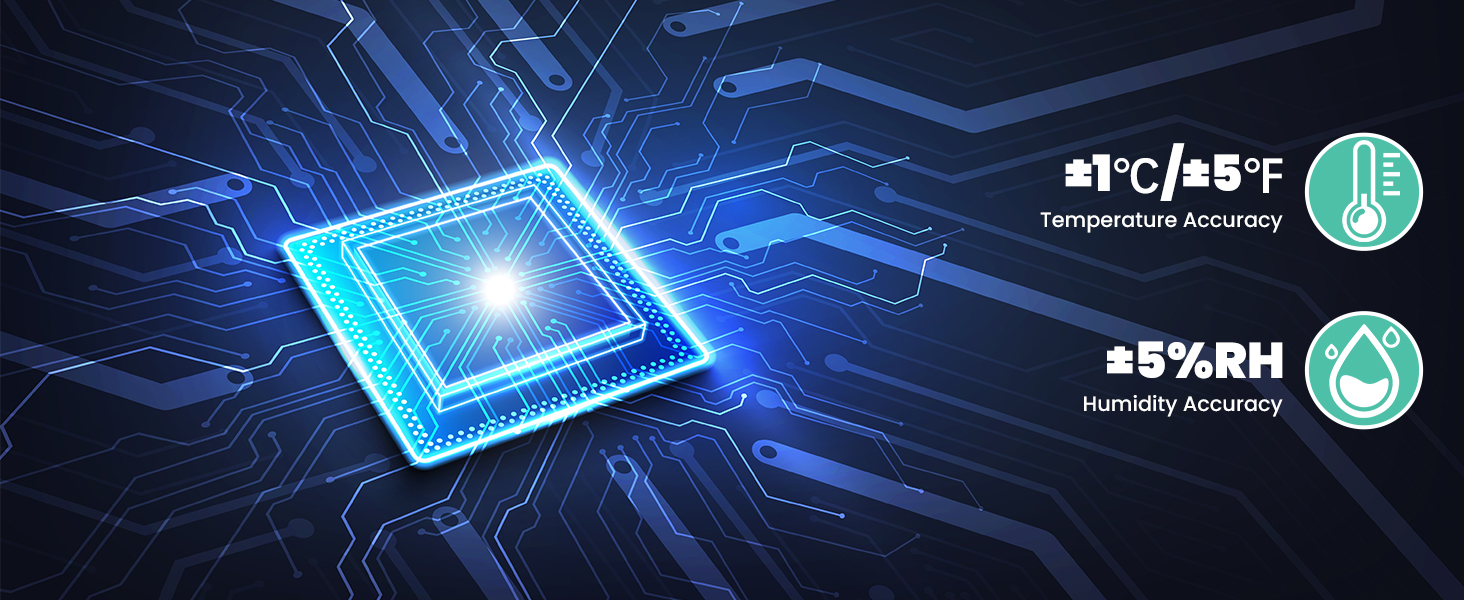
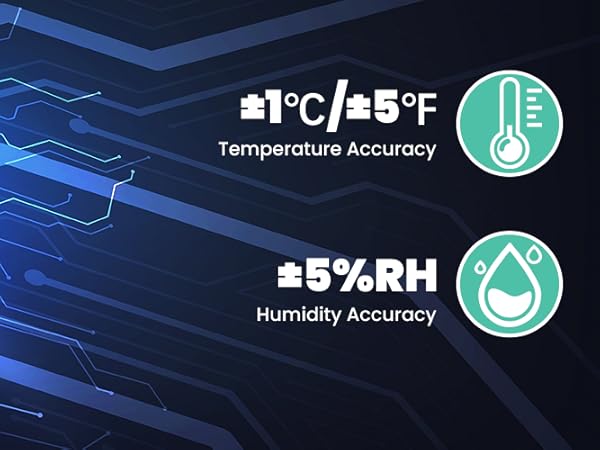
Temperature Accuracy | ±1?/±5? | ±1?/±5? | ±1?/±5? | ±1?/±5? |
Humidity Accuracy | ±5%RH | ±5%RH | ±5%RH | ±5%RH |
How long does it take for the sensor to provide accurate readings after setup?
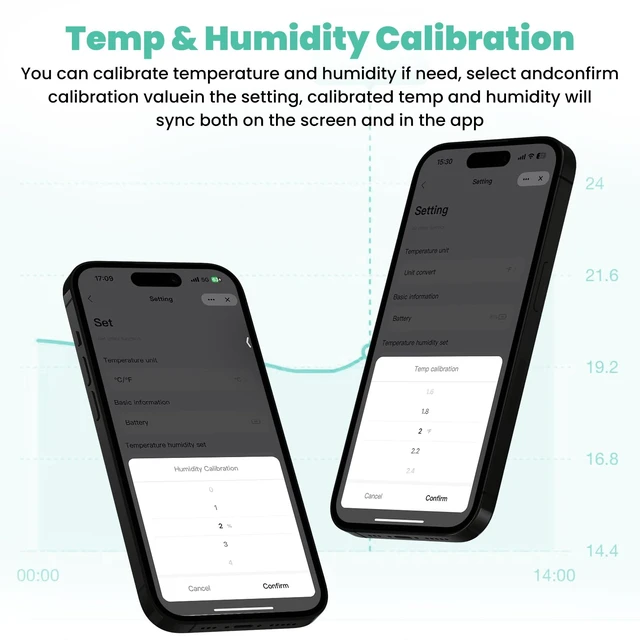
For optimal accuracy, please allow about 30 minutes after setup. The sensor will then adjust to match your environment’s temperature and humidity more closely.
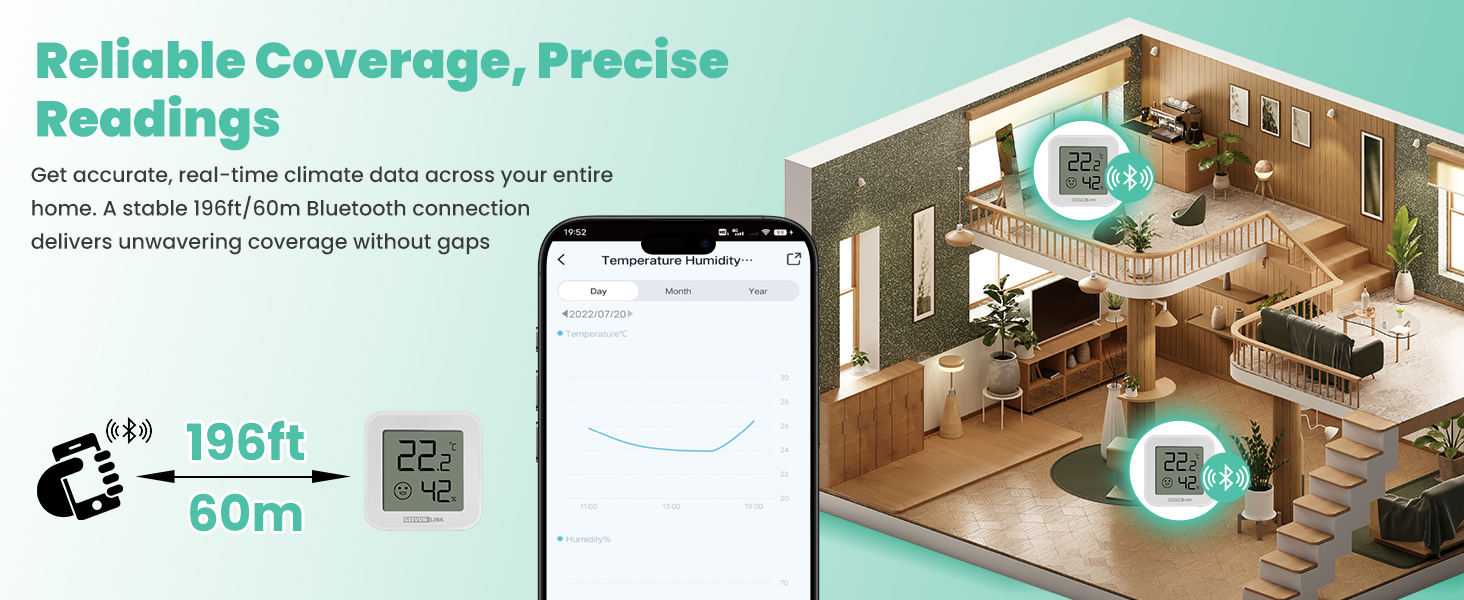
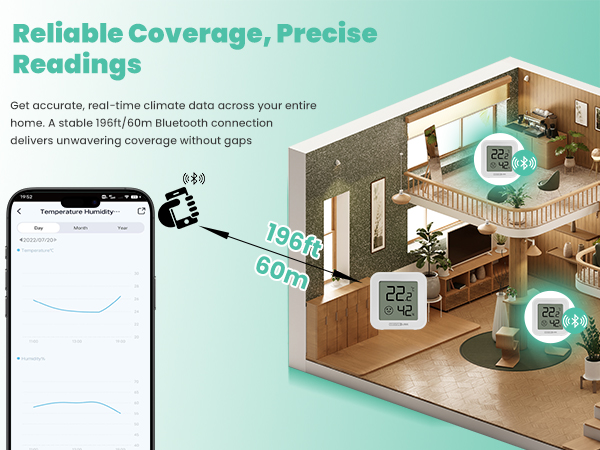
What is the Bluetooth connection range between the sensor and my phone?
When connected directly to the app via Bluetooth, please keep your phone within 5 meters of the sensor for stable real-time monitoring.
Can I monitor temperature and humidity when I’m away from home?
Yes—if the sensor is connected to a compatible Bluetooth gateway, you can check readings remotely via the app. The sensor should be within about 10 meters of the gateway for a reliable connection.
How often does the device update its readings?
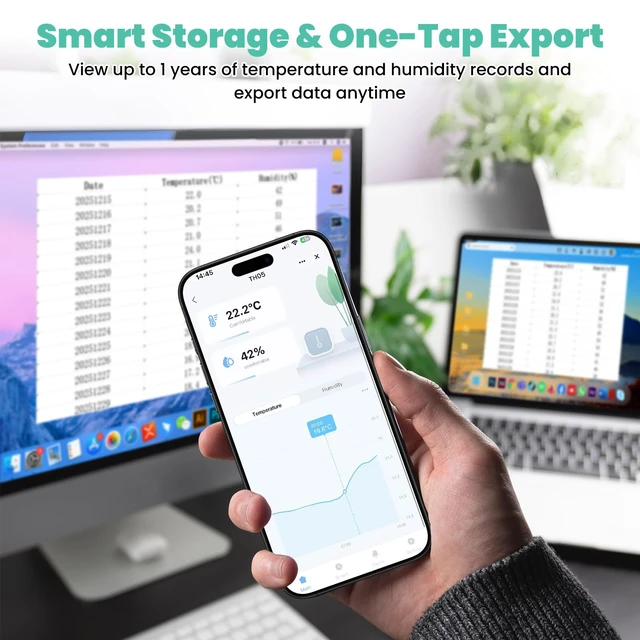
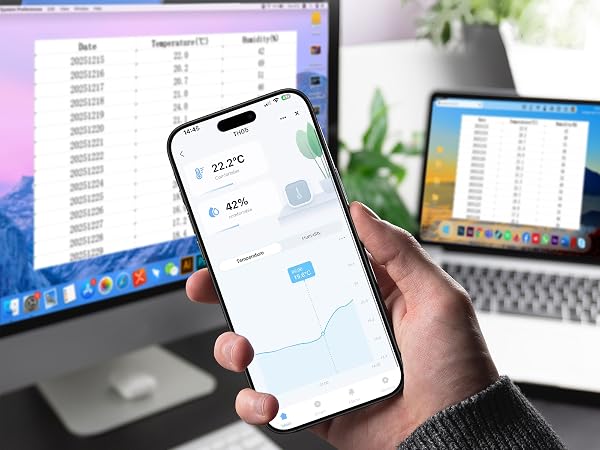
When connected to the app or a gateway, it updates immediately if temperature changes by ±0.5?? or humidity by ±5%. Otherwise, it updates every 10 minutes. If offline, it stores data locally and updates hourly under stable conditions.
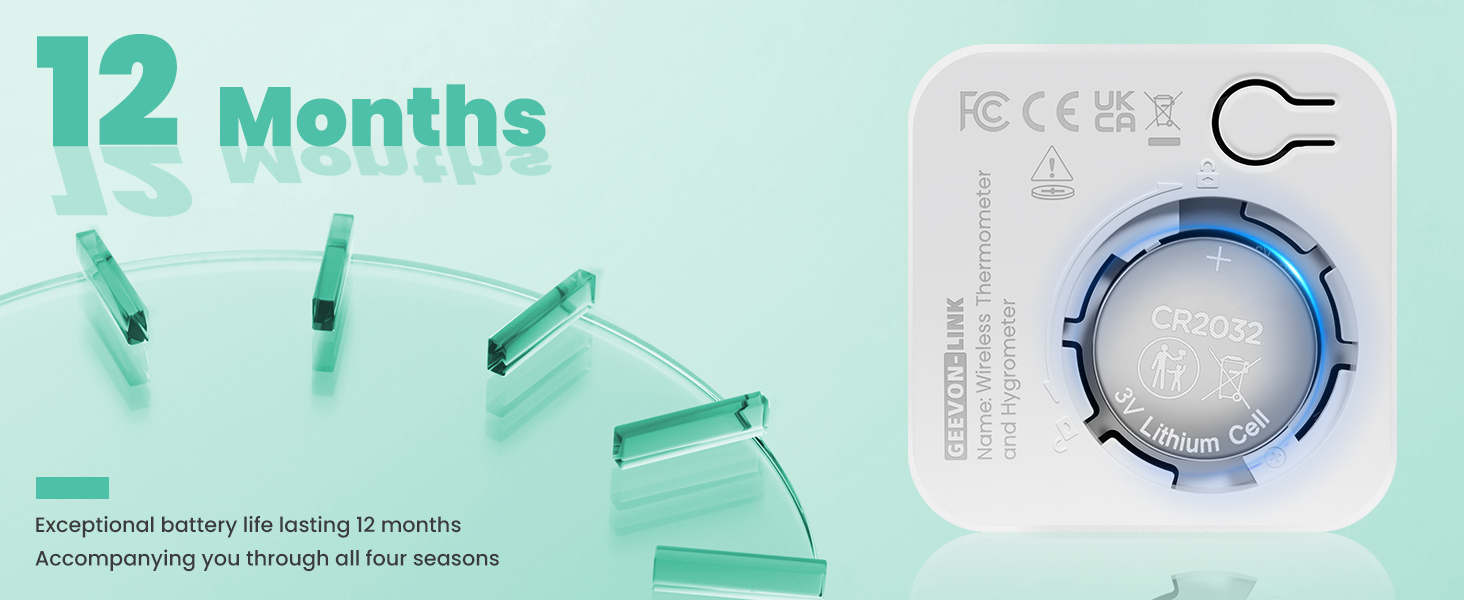
What is the battery life of the device, and how can I replace the battery?
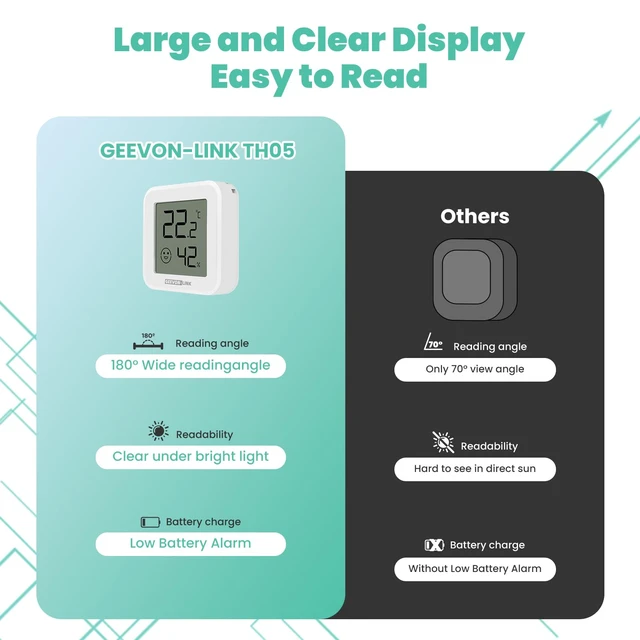
This monitor offers up to 12 months of battery life with the included button cell. You'll receive a low-battery notification in the app. To replace, open the back compartment and insert a new standard button cell battery.
Reliable Coverage
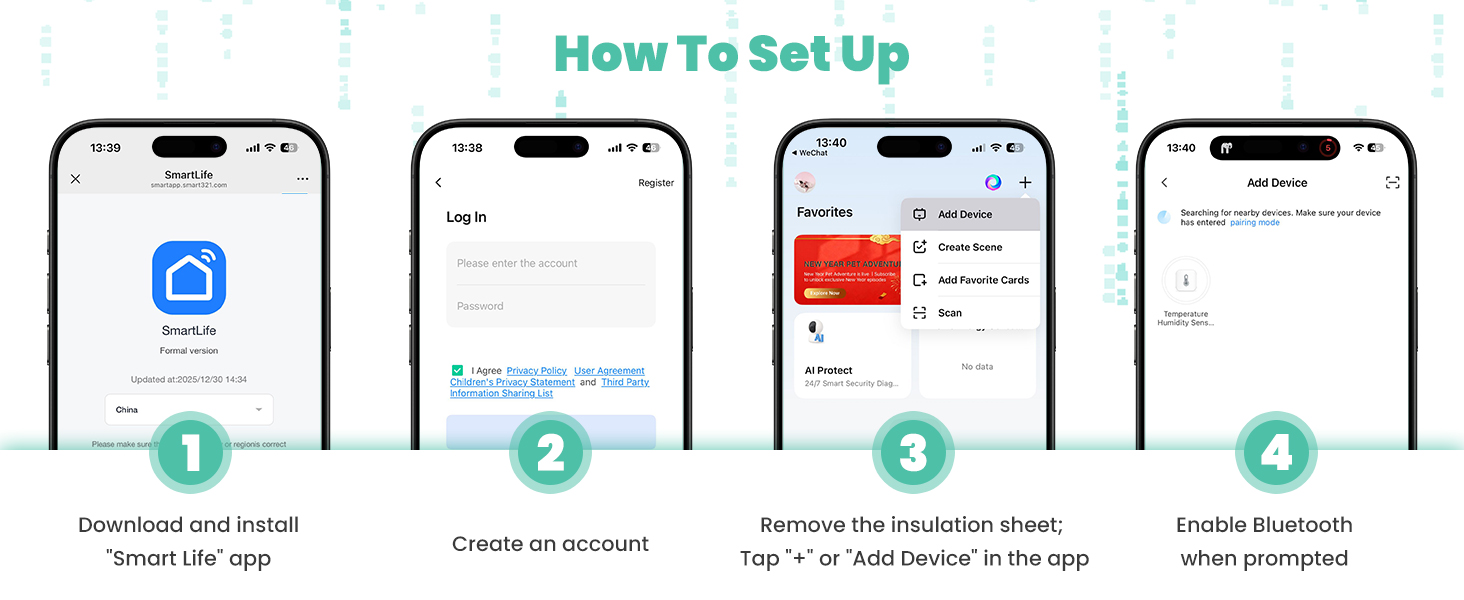
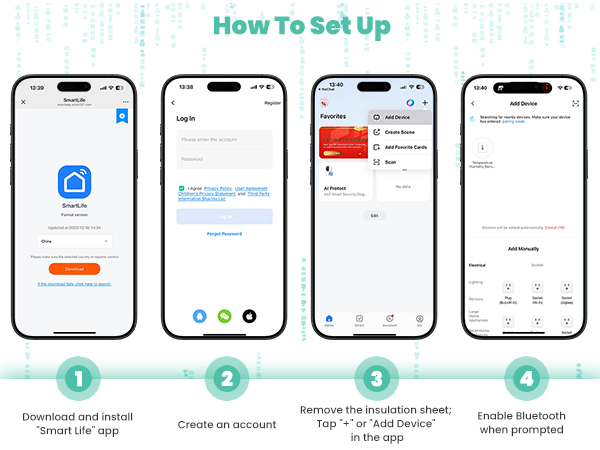
How To Set Up

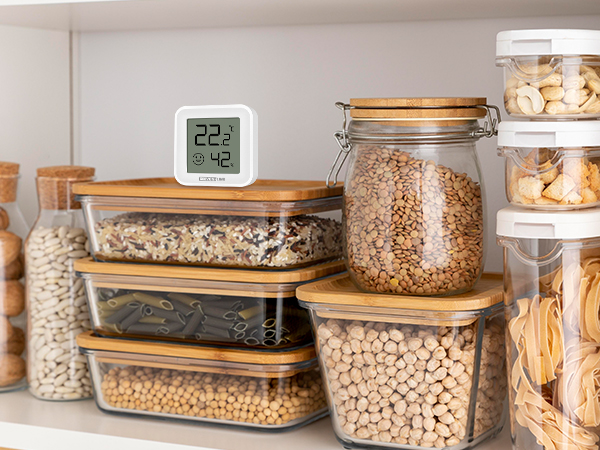
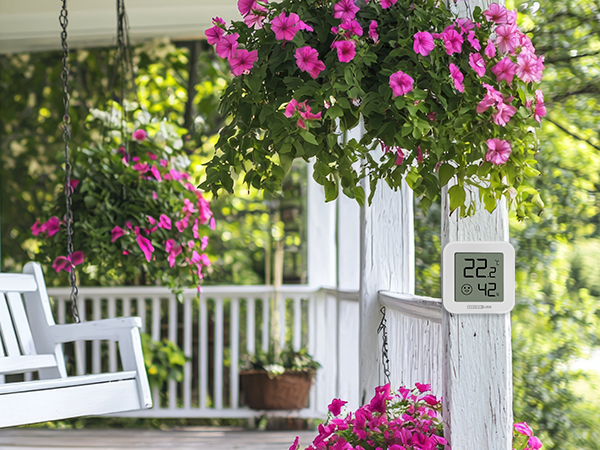


GEEVON-LINK Smart Thermometer Hygrometer
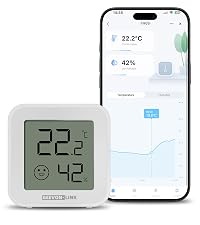 Bluetooth Thermometer | WIFI Portable Thermometer | WIFI Freezer Thermometer |  WIFI Digital Thermometer |
|---|---|---|---|
| Customer Reviews | |||
| — | — | — | — |
| Price | |||
| — | — | — | — |
| App Connection Way | |||
| Bluetooth | WiFi/Bluetooth | WiFi/Bluetooth | WiFi/Bluetooth |
| Display/Screen | |||
| ? | ? | ? | ? |
| Temperature Measure Range | |||
| -9.9?-60? | -20?-60? | -40?-120? | -9.9?-60? |
| Humidity Measure Range | |||
| 0%RH-99%RH | 0%RH-99%RH | 0%RH-99%RH | 0%RH-99%RH |
| Waterproof Rate | |||
| × | IP65 | × | × |
| Temperature Accuracy | |||
| ±1?/±5? | ±1?/±5? | ±1?/±5? | ±1?/±5? |
| Humidity Accuracy | |||
| ±5%RH | ±5%RH | ±5%RH | ±5%RH |
How long does it take for the sensor to provide accurate readings after setup?
For optimal accuracy, please allow about 30 minutes after setup. The sensor will then adjust to match your environment’s temperature and humidity more closely.
What is the Bluetooth connection range between the sensor and my phone?
When connected directly to the app via Bluetooth, please keep your phone within 5 meters of the sensor for stable real-time monitoring.
Can I monitor temperature and humidity when I’m away from home?
Yes—if the sensor is connected to a compatible Bluetooth gateway, you can check readings remotely via the app. The sensor should be within about 10 meters of the gateway for a reliable connection.
How often does the device update its readings?
When connected to the app or a gateway, it updates immediately if temperature changes by ±0.5?? or humidity by ±5%. Otherwise, it updates every 10 minutes. If offline, it stores data locally and updates hourly under stable conditions.
What is the battery life of the device, and how can I replace the battery?
This monitor offers up to 12 months of battery life with the included button cell. You'll receive a low-battery notification in the app. To replace, open the back compartment and insert a new standard button cell battery.