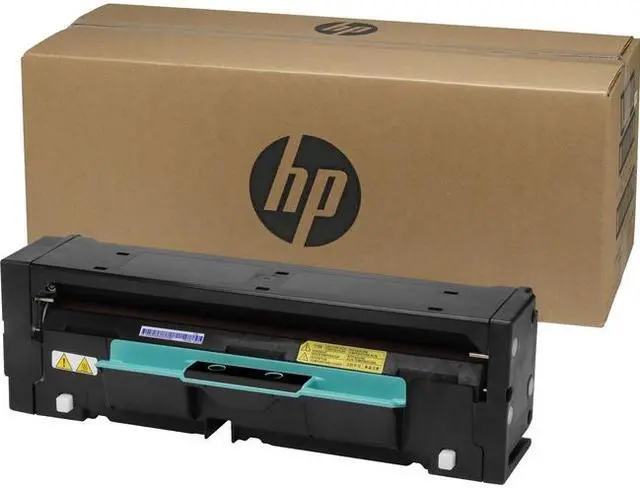
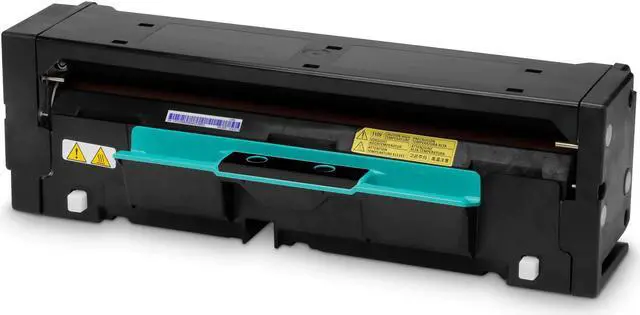
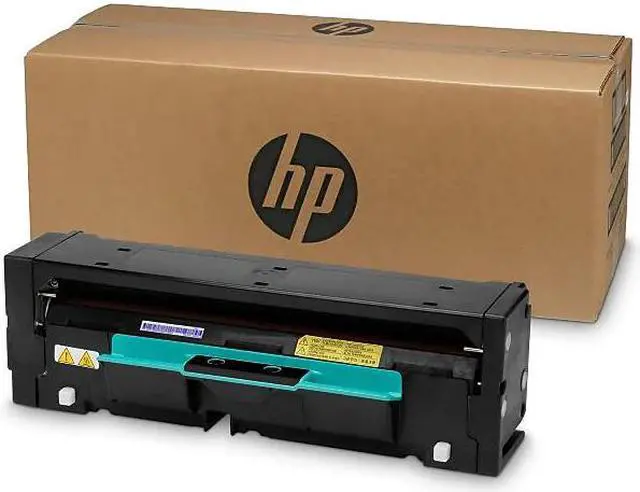
The HP 110V Heated Pressure Roller (part 3MM39A) is a printer and scanner supply for users maintaining HP equipment that specifies this part.
Recommended For
- Owners of an HP PageWide Color MFP 774dn or HP PageWide Enterprise Color Flow MFP 785z+ who need the listed 110V heated pressure roller as a replacement part.
- IT or facilities teams maintaining either of HP’s listed compatible PageWide printers and sourcing a replacement roller to keep that specific device in service.
- Technicians or printer operators handling a roller replacement on a compatible device; an HP customer review reports that the part was easy to change and the printer worked after replacement.
Real-World Use Scenarios
- When a compatible HP PageWide printer reports that its heated pressure roller is low or nearly empty, a print-room manager can keep a replacement on hand and replace the roller before the printer reaches a stop threshold.
- If an HP PageWide Enterprise printer’s HPR warning is accompanied by declining print quality or more frequent jams, replacing the roller is a maintenance step HP recommends for optimum printing performance.
- When paper jams at the heated pressure roller, an operator can follow HP’s jam-clearing steps to remove the roller, clear paper, and reinstall it; if the roller needs replacement, confirm the part and voltage match the printer.
- A technician servicing a compatible PageWide printer can use the included installation guide and HP’s replacement demonstration to plan an HPR change; the replacement process calls for handling the roller carefully because it can be hot.




 here!