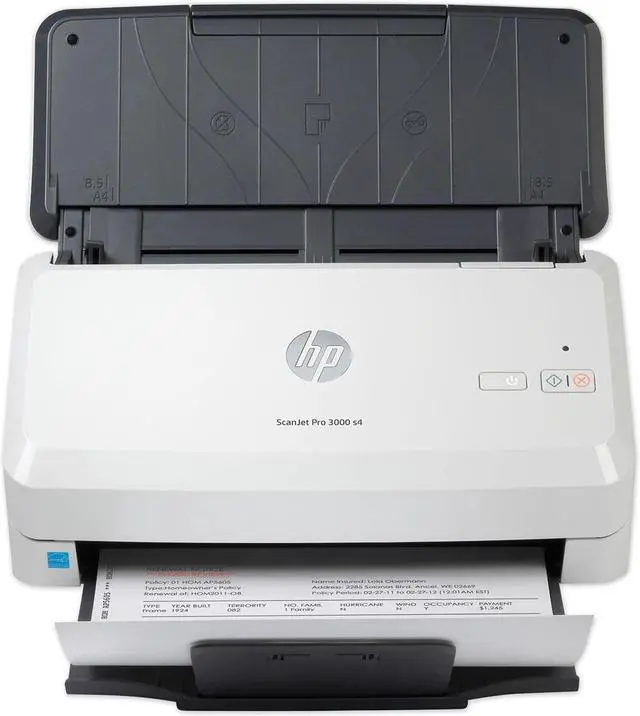
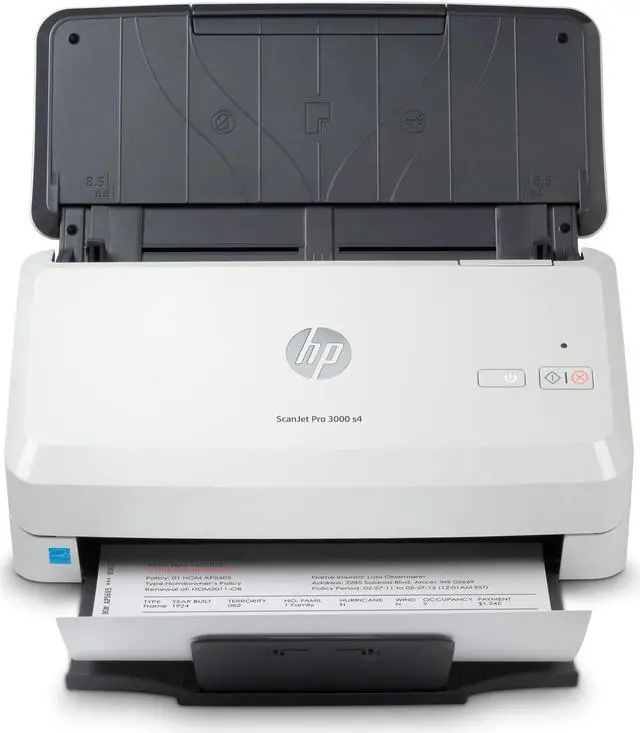
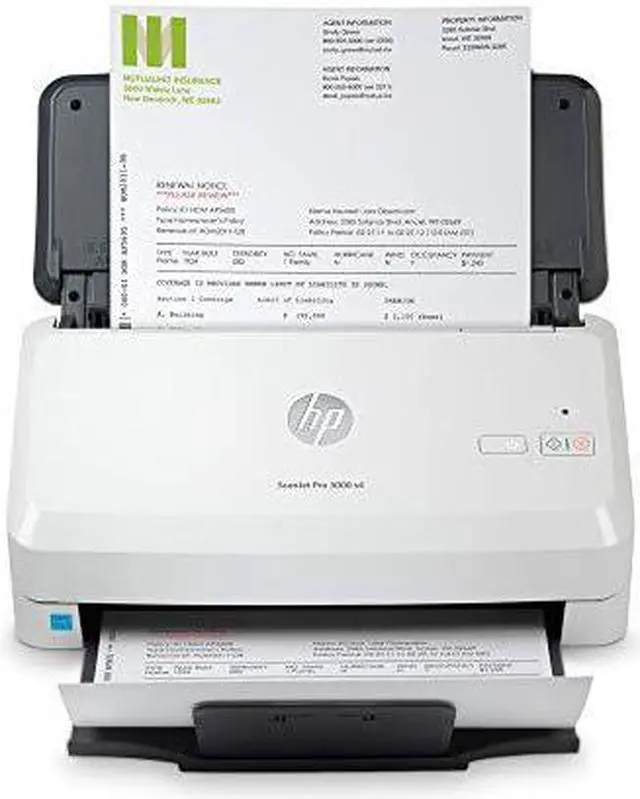
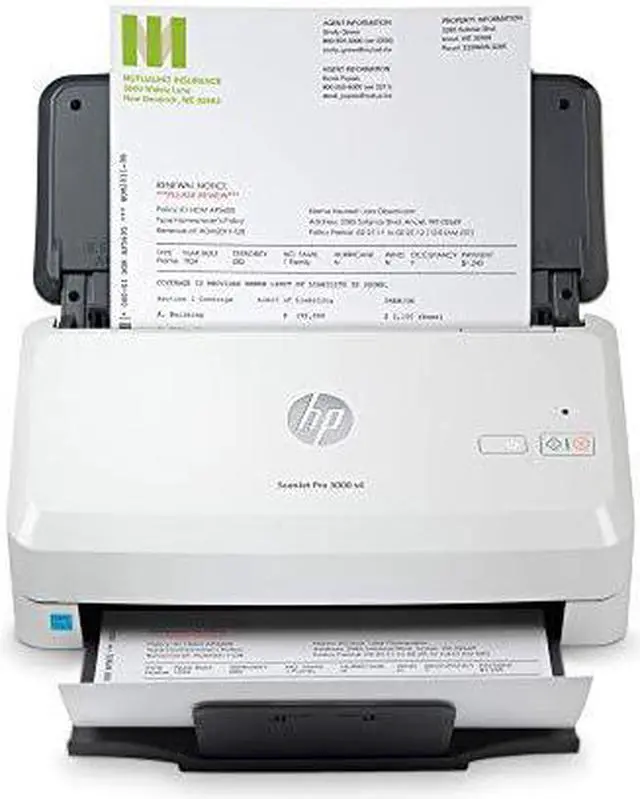
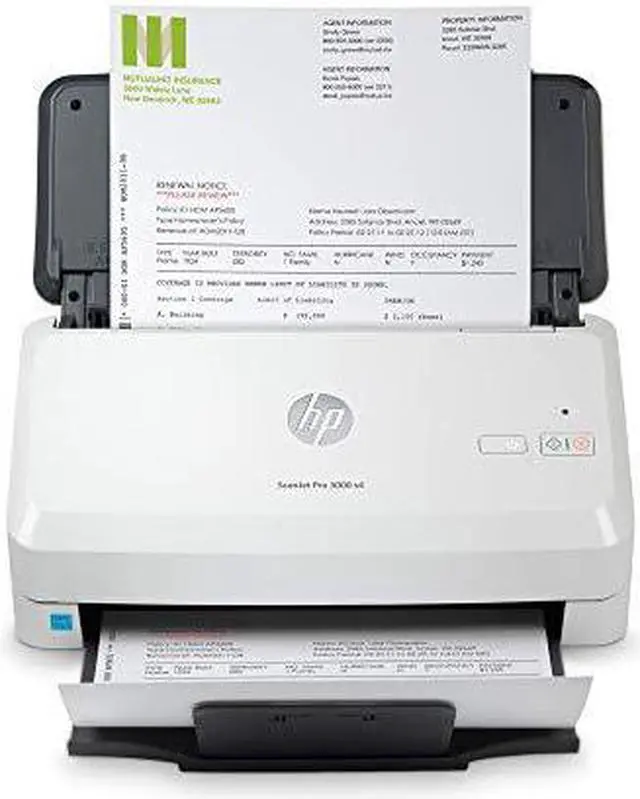
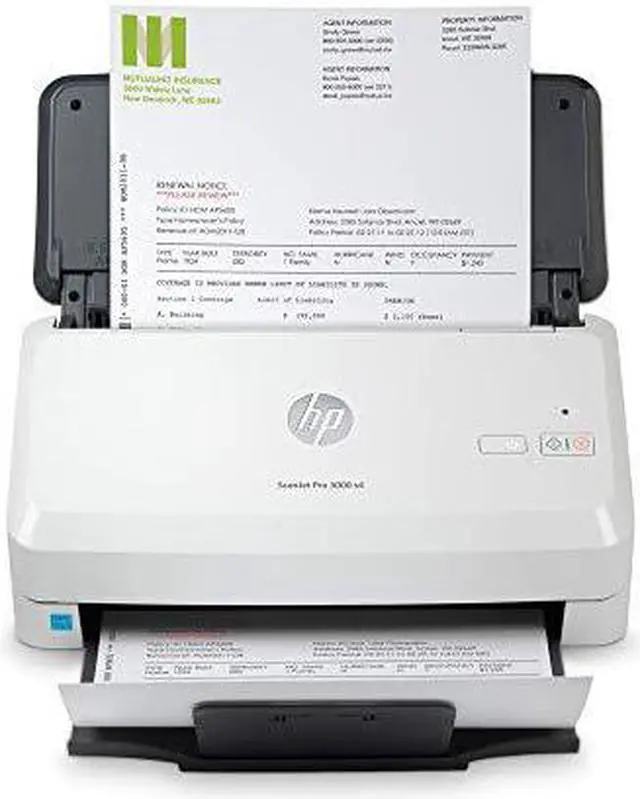
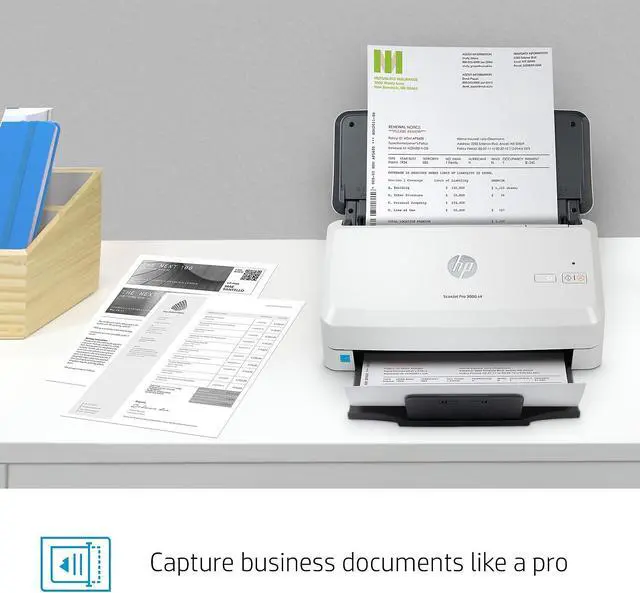
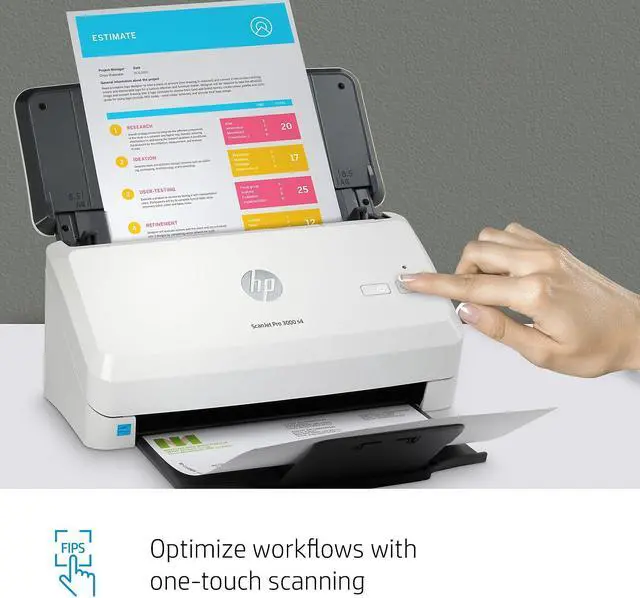
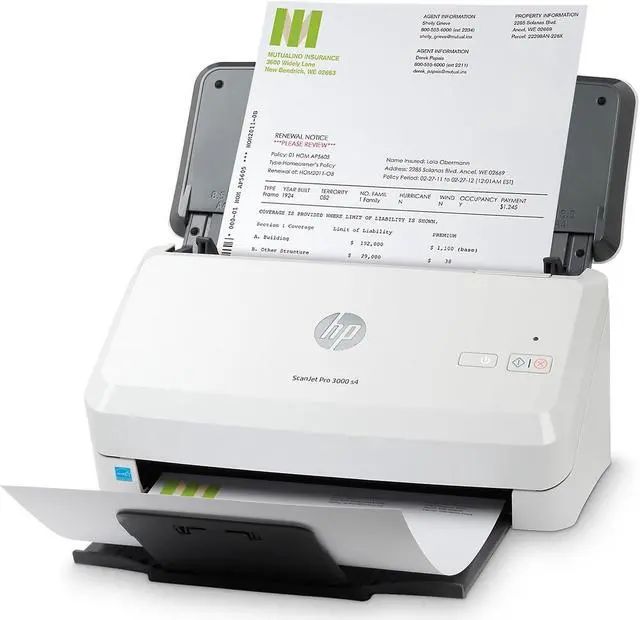
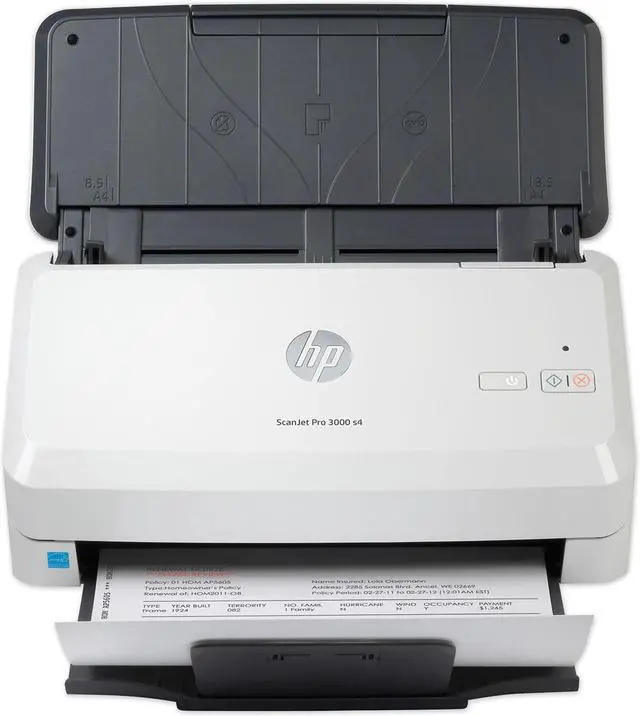
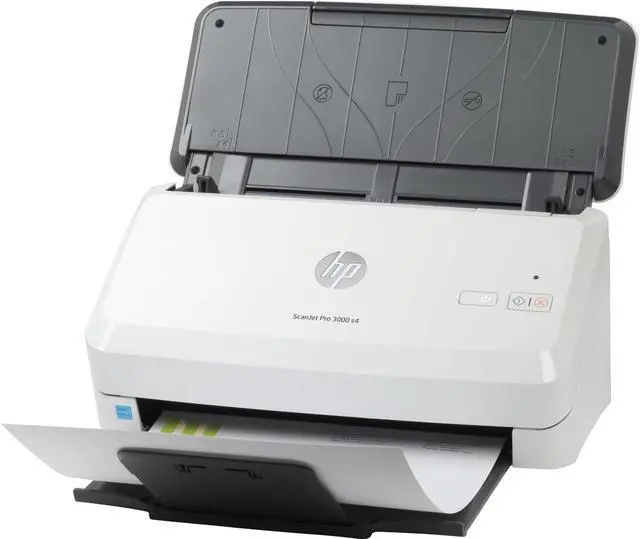
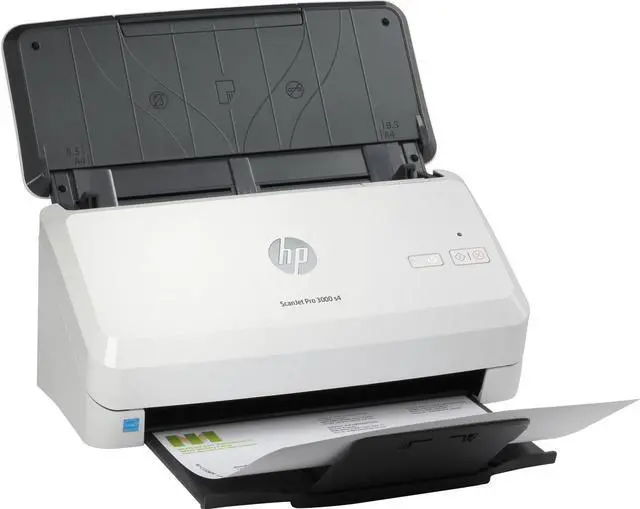
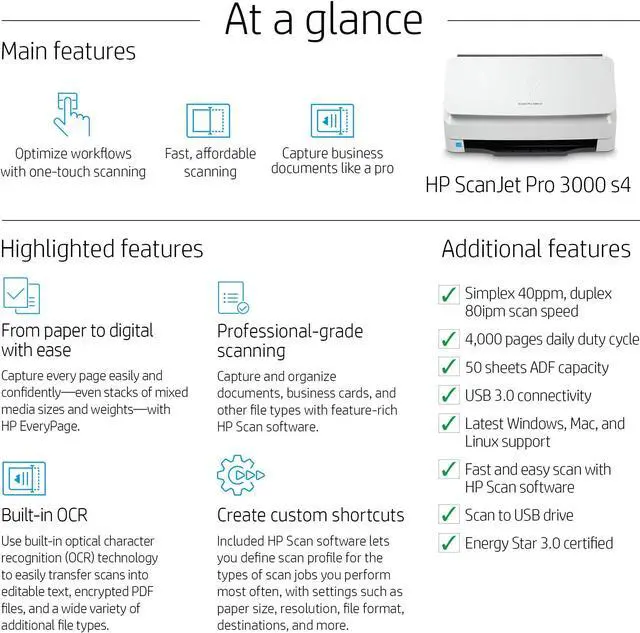
The HP ScanJet Pro 3000 s4 is a compact sheet-feed document scanner for small offices and workgroups that need to digitize multi-page paperwork, with a 50-sheet automatic document feeder and scanning speeds up to 40 pages per minute.
Recommended For
- Small-office and home-office staff who regularly digitize stacks of loose paperwork and want automatic two-sided scanning with searchable-file OCR.
- Administrative, accounting, or operations teams that process recurring batches of invoices, forms, checks, or business cards through a sheet feeder.
- People digitizing two-sided records who want both sides captured in one pass rather than manually flipping pages.
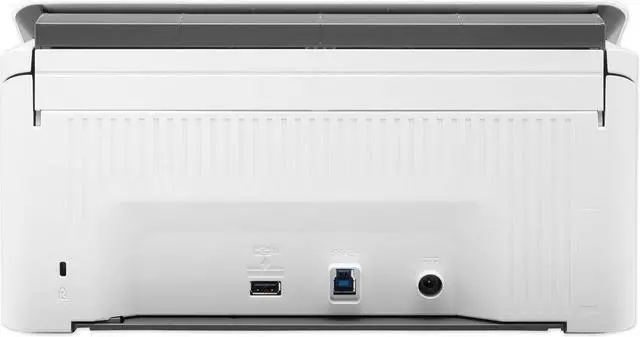
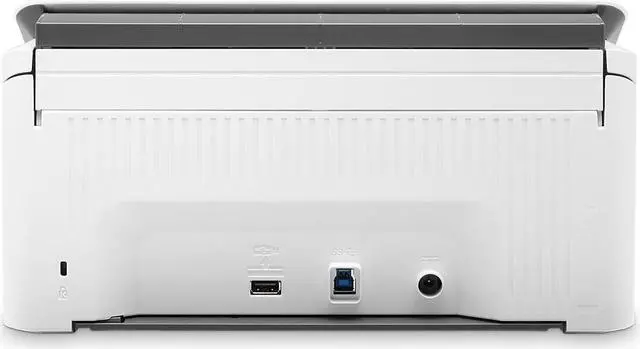
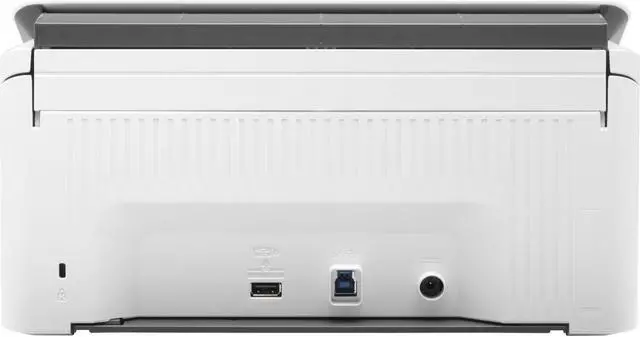
- Desktop users who need a compact, USB-connected document scanner for a regular office workflow, with features such as blank-page removal and document separation.
Real-World Use Scenarios
- When a small office needs to digitize a stack of invoices, forms, or other loose paperwork, staff can load a batch into the feeder and scan it to files instead of handling each page individually.
- For double-sided paperwork such as applications or statements, the scanner captures both sides in one pass, reducing the need to flip pages or scan the stack twice.
- When someone is organizing paper records for later retrieval, they can use OCR to create searchable files, making it easier to find text in scanned documents than in image-only scans.
- For routine document intake in a home office or small business, its desktop sheet-feed design provides a dedicated way to scan loose paper without occupying the space or workflow of a larger office copier.
- When digitizing a long document, users can feed compatible long sheets through the scanner rather than splitting the document into shorter sections, though it is designed for loose sheets rather than bound books.




 here!

 Top Rated