Your Browsing History
- Free 30-day Returns
$270.00
Meet Your Seller
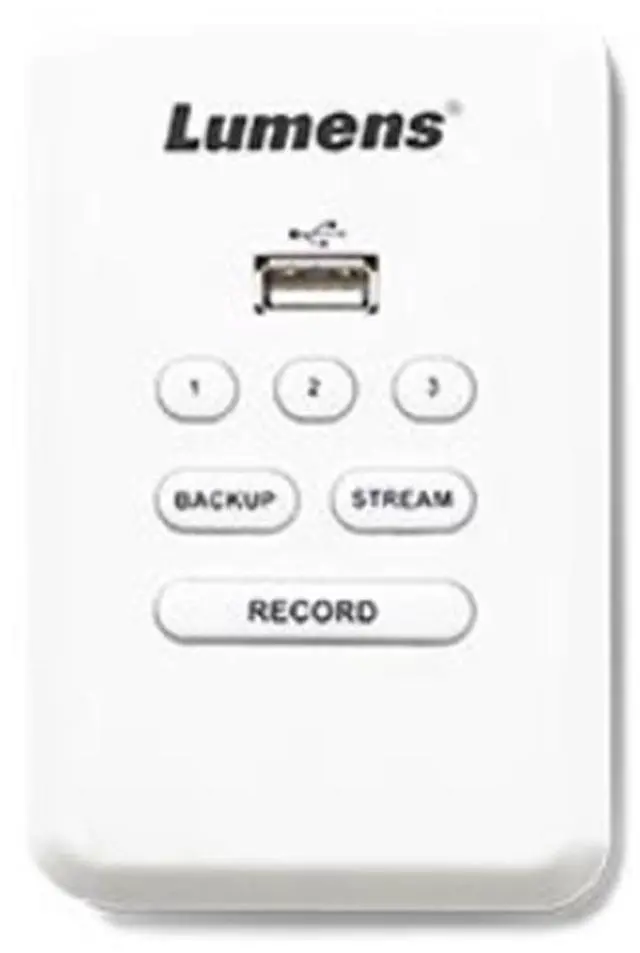
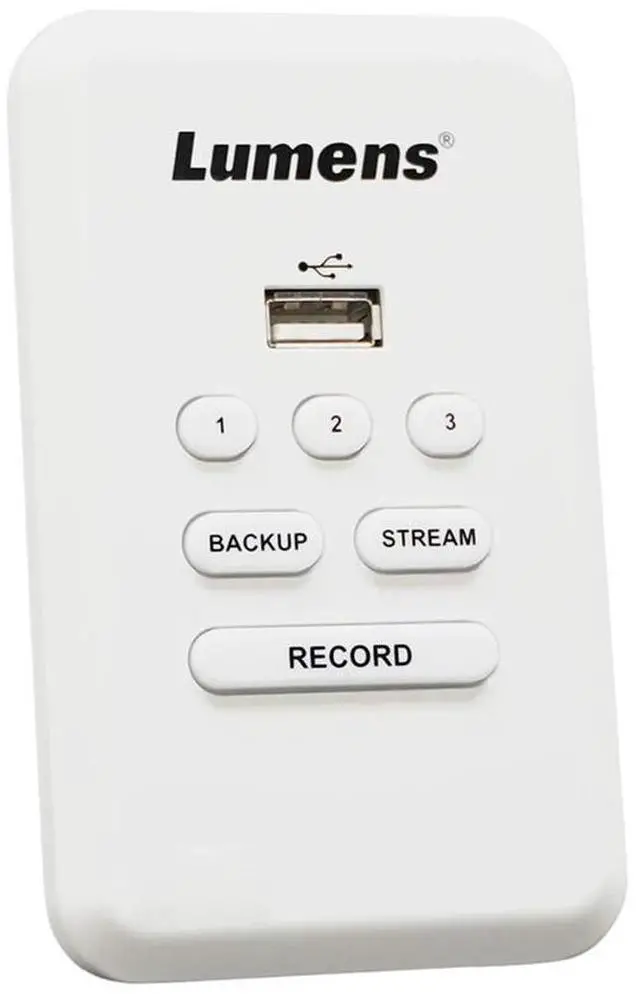
Lumens LC-RC01 Remote Control Panel for LC200 #LC-RC01U
- A wall plate for LC200 CaptureVision System
- Version options: US standards
+
+
Overview
Reviews
Any questions? Our AI beta will help you find out quickly.
Try me now
It is essential for any professional live production setup to have seamless control at your fingertips, and the Lumens LC-RC01 Remote Control Panel offers just that. Designed specifically for the LC200 CaptureVision System, this intuitive wall plate facilitates effortless management of live streaming, recording, and video file saving directly from its location.
The LC-RC01 is not just a remote control; it's a powerful extension of the LC200's capabilities. With three customizable macro functions, users can swiftly switch scenes and control camera presets, ensuring a dynamic and responsive live production experience. This feature is particularly useful for broadcasters, educators, and live event coordinators who require quick transitions between shots and settings.
Durability and convenience are at the forefront of the LC-RC01's design. It can be securely mounted on walls or integrated into furniture, fitting neatly into any standard one-gang US A/V frame enclosure. This versatility makes it an ideal choice for a variety of settings, from professional broadcast studios to educational institutions and corporate conference rooms.
Connectivity is also a key aspect of the LC-RC01, with the ability to extend its reach up to 30 meters using a Cat 5e cable. This extended range provides users with the flexibility to position the control panel in the most accessible and strategic location, regardless of the distance from the LC200 unit.
Additionally, the inclusion of a USB port on the LC-RC01 enhances its functionality by supporting USB flash drives for direct recording or backup of video files. This feature simplifies the process of managing content, allowing for immediate access and storage of media without the need for additional equipment.
Overall, the Lumens LC-RC01 Remote Control Panel is an indispensable tool for anyone looking to elevate their control over the LC200 CaptureVision System. Its combination of ease of use, extended connectivity, and versatile mounting options make it a top-tier choice for professionals seeking to optimize their live production workflow.

The LC-RC01 is not just a remote control; it's a powerful extension of the LC200's capabilities. With three customizable macro functions, users can swiftly switch scenes and control camera presets, ensuring a dynamic and responsive live production experience. This feature is particularly useful for broadcasters, educators, and live event coordinators who require quick transitions between shots and settings.
Durability and convenience are at the forefront of the LC-RC01's design. It can be securely mounted on walls or integrated into furniture, fitting neatly into any standard one-gang US A/V frame enclosure. This versatility makes it an ideal choice for a variety of settings, from professional broadcast studios to educational institutions and corporate conference rooms.
Connectivity is also a key aspect of the LC-RC01, with the ability to extend its reach up to 30 meters using a Cat 5e cable. This extended range provides users with the flexibility to position the control panel in the most accessible and strategic location, regardless of the distance from the LC200 unit.
Additionally, the inclusion of a USB port on the LC-RC01 enhances its functionality by supporting USB flash drives for direct recording or backup of video files. This feature simplifies the process of managing content, allowing for immediate access and storage of media without the need for additional equipment.
Overall, the Lumens LC-RC01 Remote Control Panel is an indispensable tool for anyone looking to elevate their control over the LC200 CaptureVision System. Its combination of ease of use, extended connectivity, and versatile mounting options make it a top-tier choice for professionals seeking to optimize their live production workflow.
Warranty & Returns
Warranty, Returns, And Additional Information
Warranty
- Please contact the Seller directly for warranty information. Warranty information may also be found on the Manufacturer's website.
- CONTACT
Return Policies
- Return for refund within: 30 days
- Return for replacement within: non-replaceable
- This item is covered by Adorama Return Policy
Manufacturer Contact Info
- For a directory of all our manufacturers, please click below.
- Manufacturers Directory
LOADING...