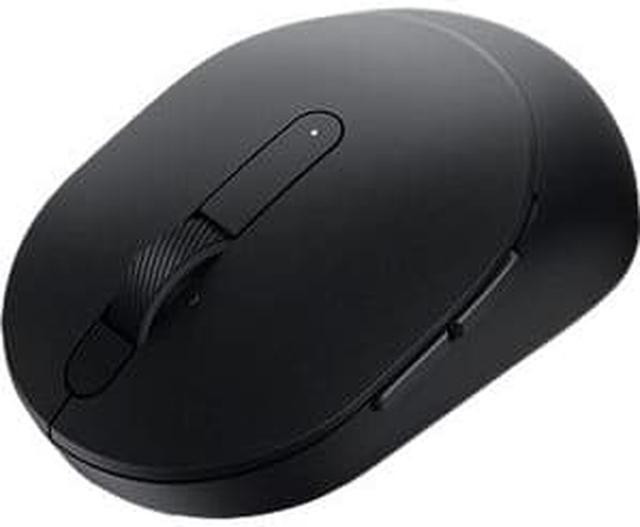
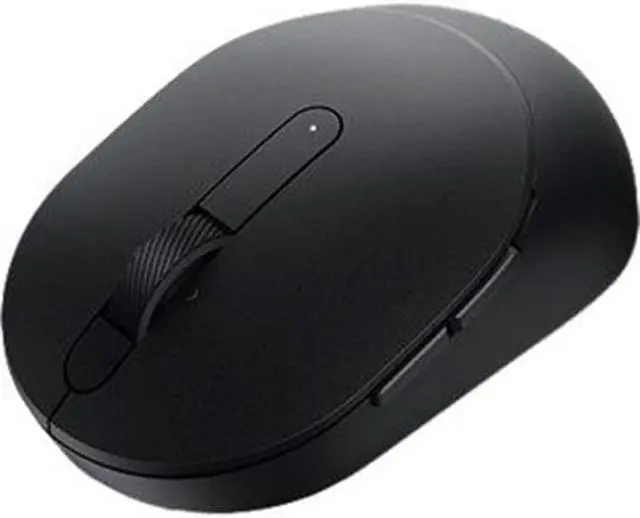
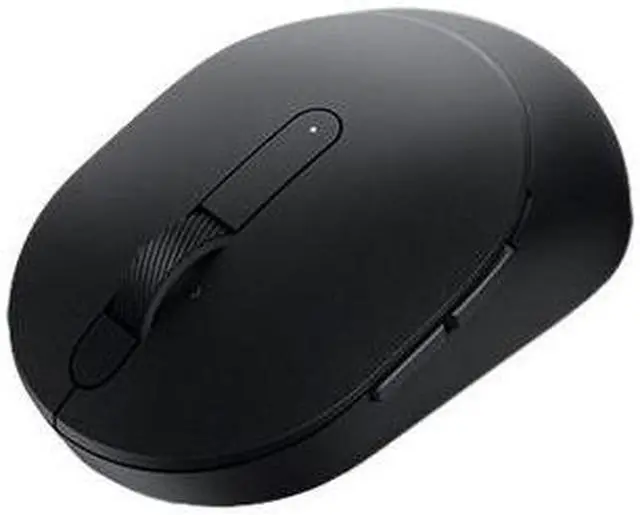
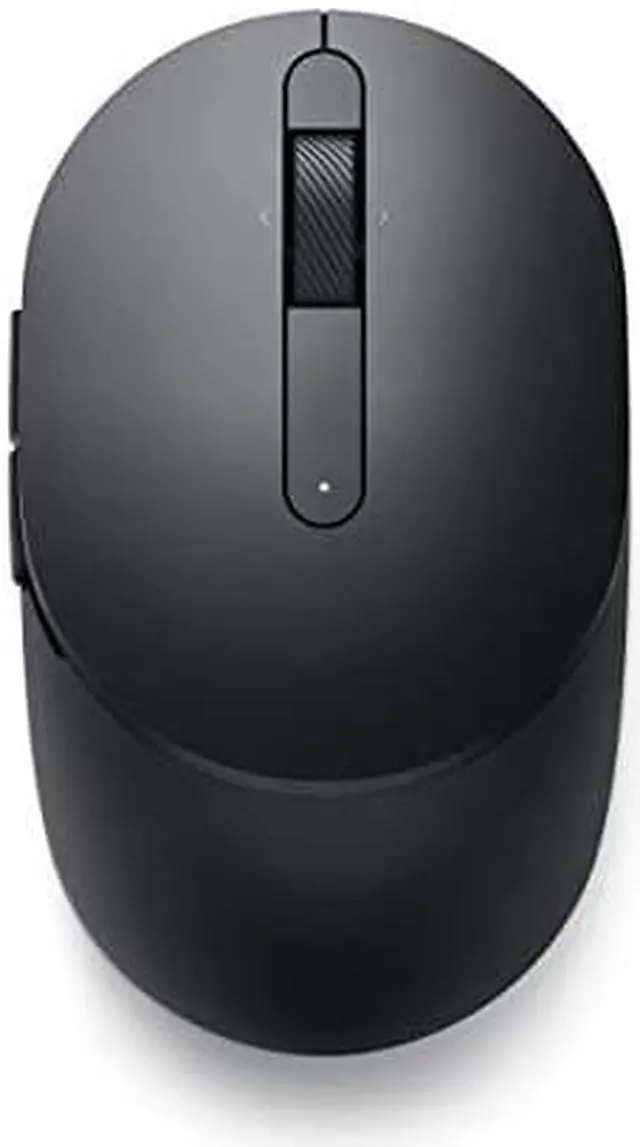
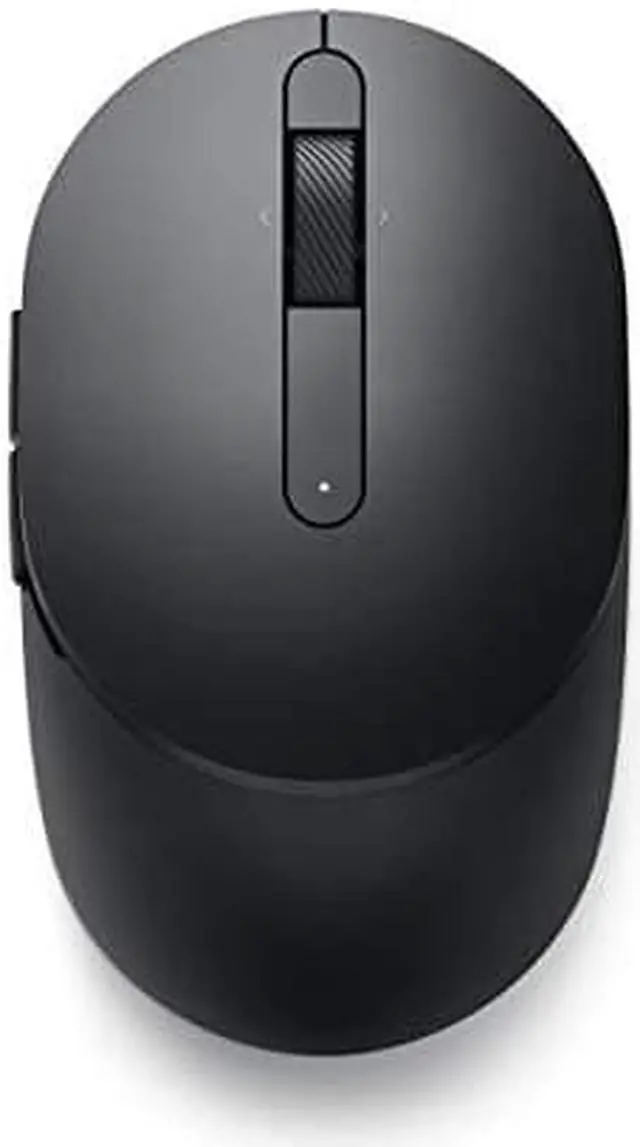
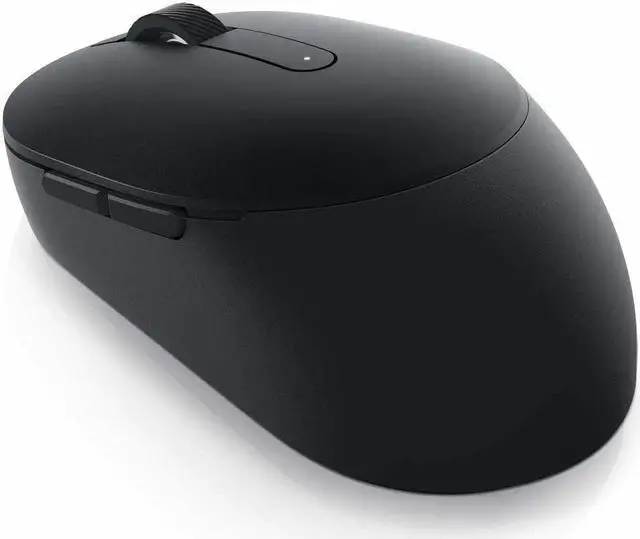
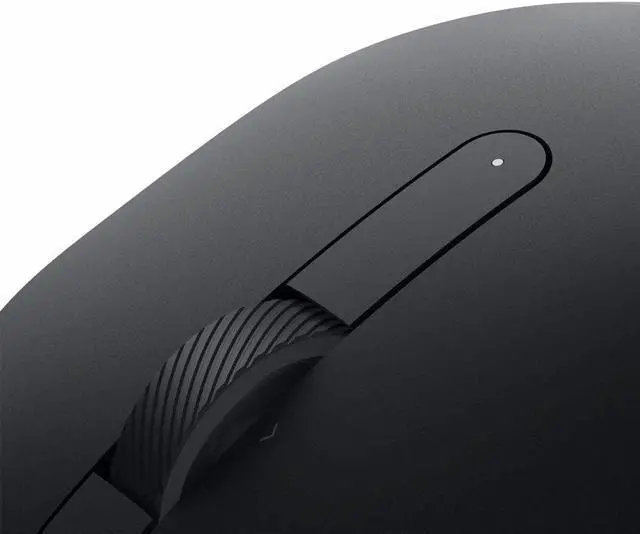
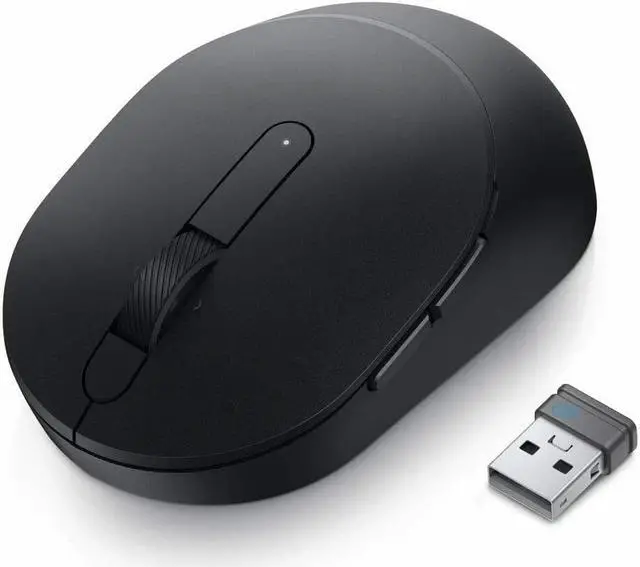
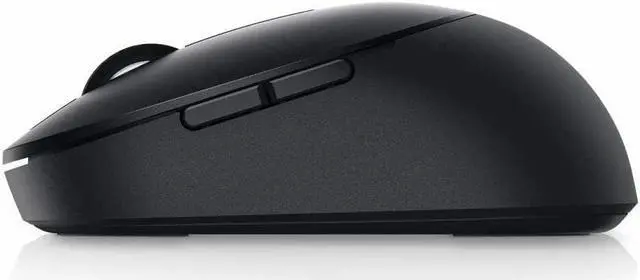
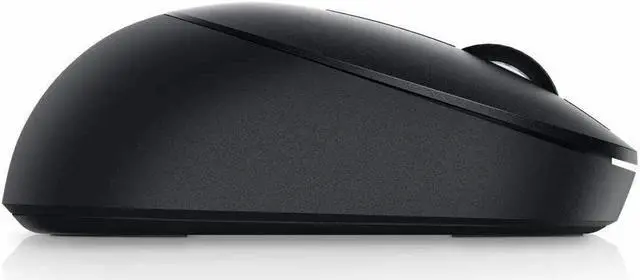
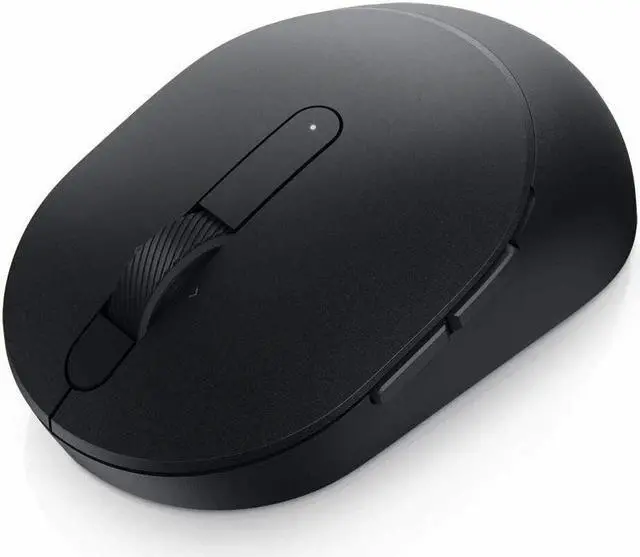
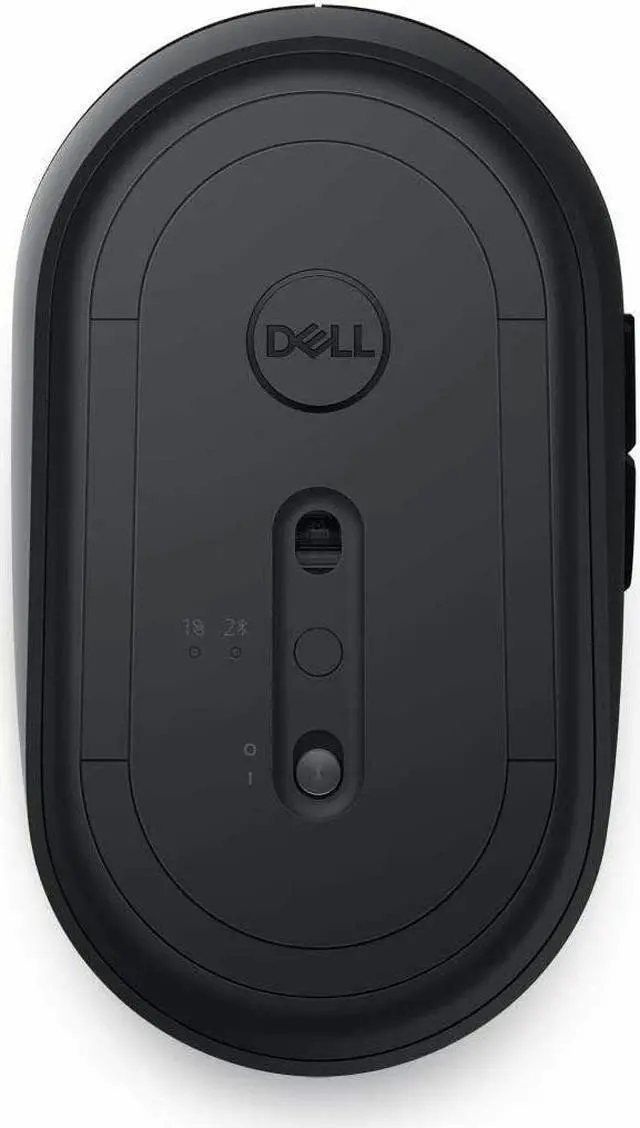
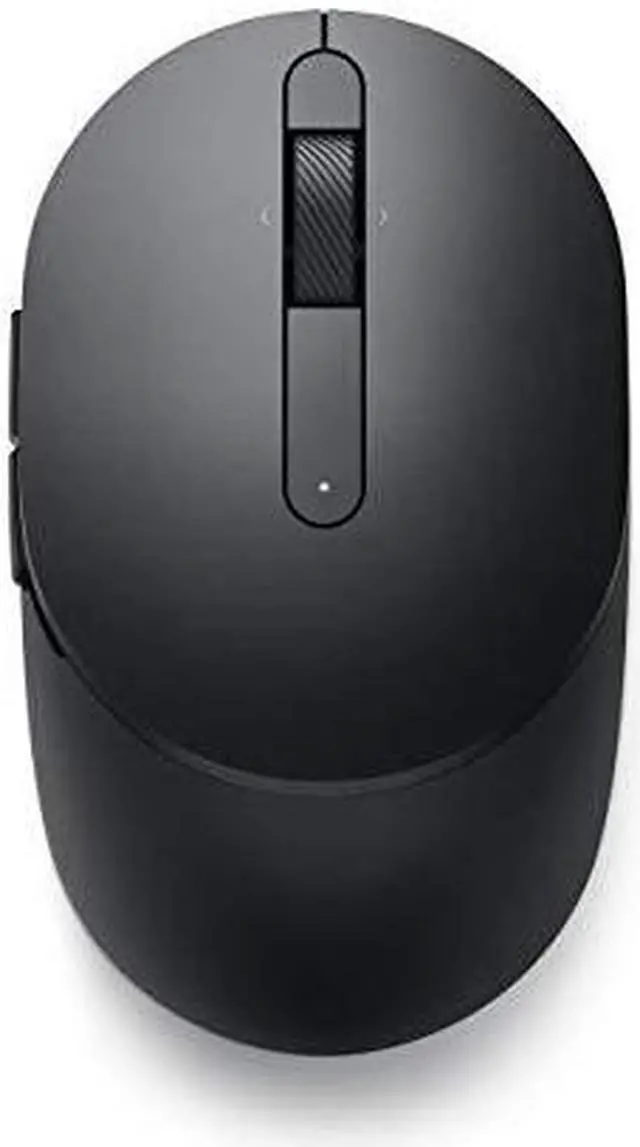
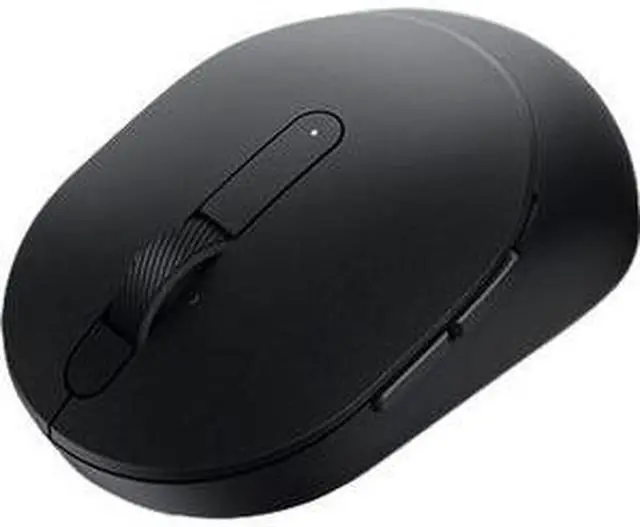
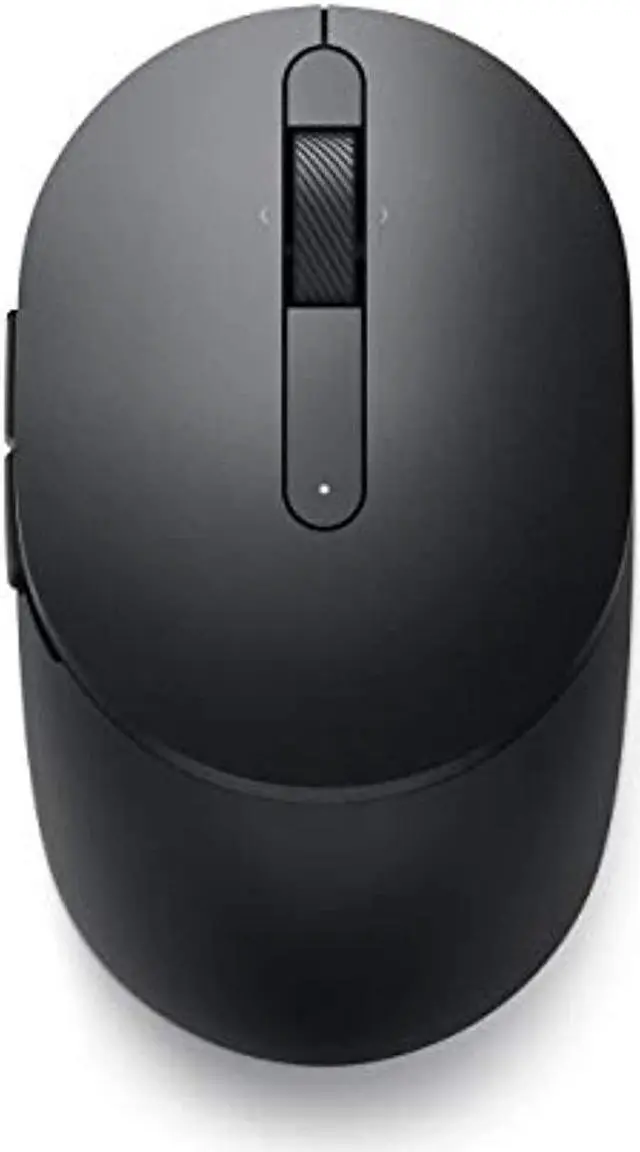
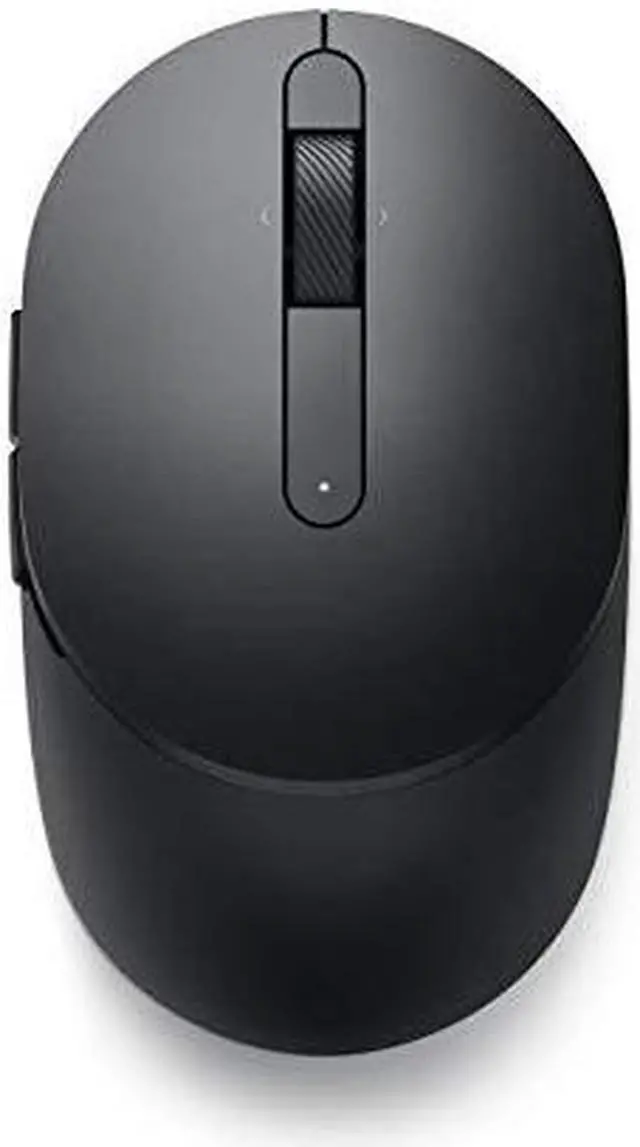
The Dell Pro Wireless Mouse MS5120W is a black dual-mode mouse with 2.4GHz wireless and Bluetooth 5.0, suited to people who want flexible wireless connectivity for everyday work across compatible devices.
Recommended For
- Office and browser-based workers who use back/forward shortcuts and want to customize mouse buttons for frequent navigation between webpages and applications.
- People who switch between a laptop and a second computer or compatible mobile device: the mouse supports a USB receiver and Bluetooth connections, with a button to switch modes.
- Laptop users who move between workspaces and want a compact mouse that can connect by Bluetooth or a USB receiver, without frequent battery changes under Dell’s stated usage estimate.
- People using a mix of Windows, macOS, ChromeOS, Linux, or Android devices who want one mouse with broad listed OS support; some button and DPI customization features require Dell software on Windows.
Real-World Use Scenarios
- For everyday office work—editing documents, browsing, and moving between applications—the MS5120W provides familiar mouse controls plus forward and back buttons that can speed up page and folder navigation.
- When using a work laptop and a desktop, a user can pair one through the USB receiver and a second through Bluetooth, then use the mouse’s connection-mode button to select the device they want to control.
- For a laptop with few available USB ports, Bluetooth pairing lets the user connect without occupying a port with the mouse’s receiver; the receiver remains an alternative for a compatible computer.
- When moving between home, office, or shared workspaces, the compact mobile design and wireless connection make it practical to bring along and use without a mouse cable across the desk.
- For long stretches of routine computer work, the AA-powered mouse is intended to reduce how often users need to stop and replace its battery, though actual battery life depends on use.




 here!

 Top Rated
 Hot Seller