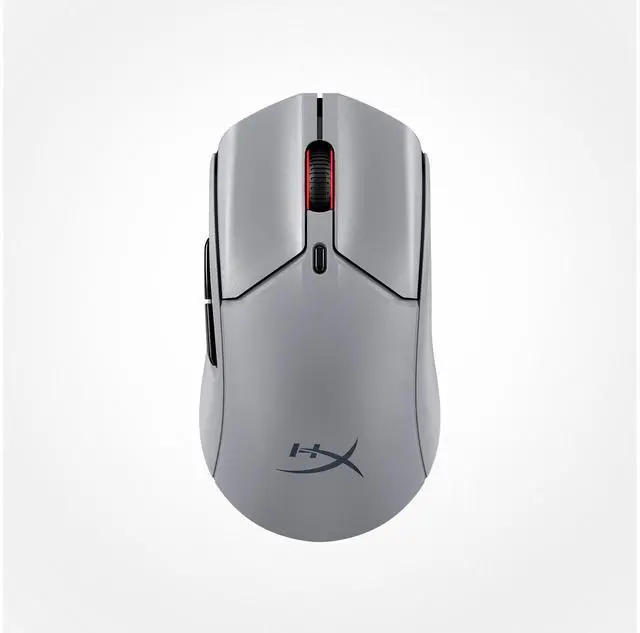
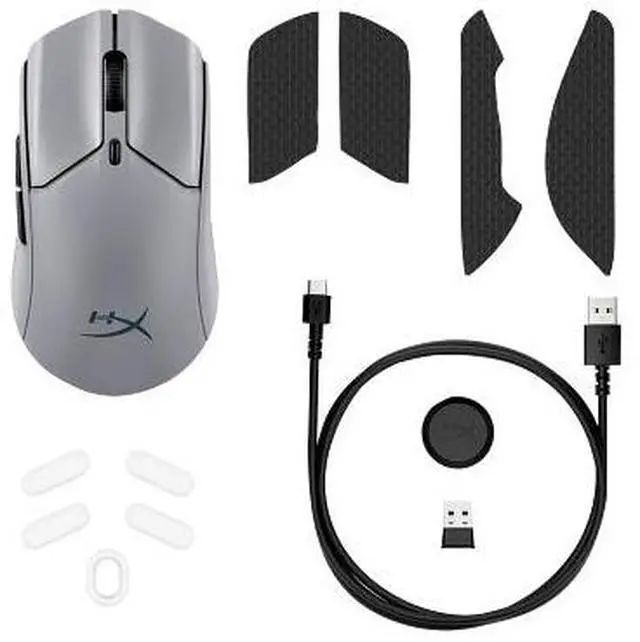
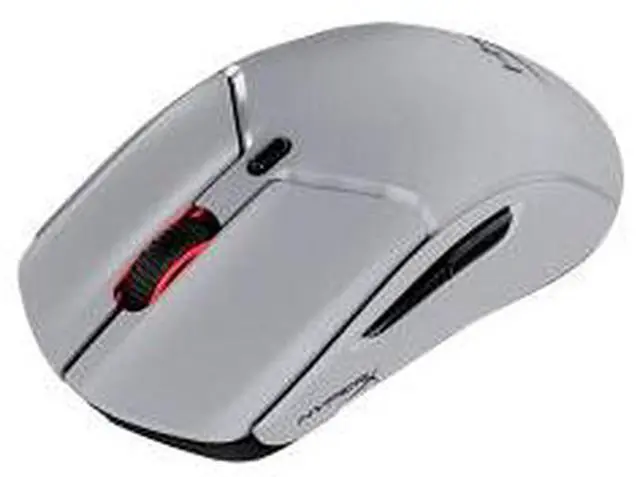
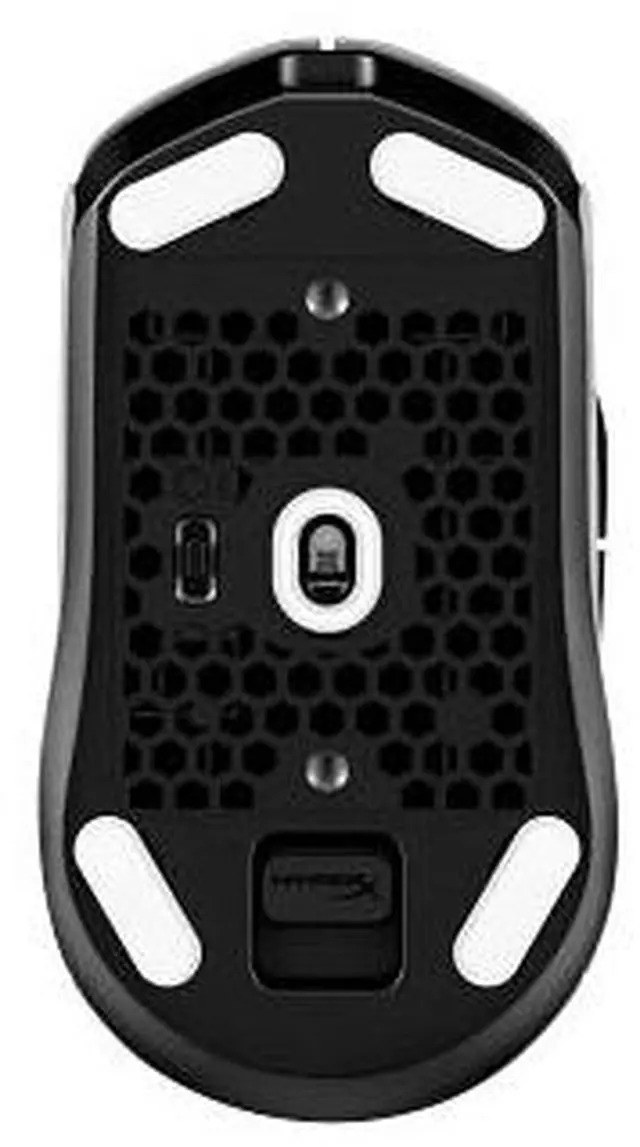
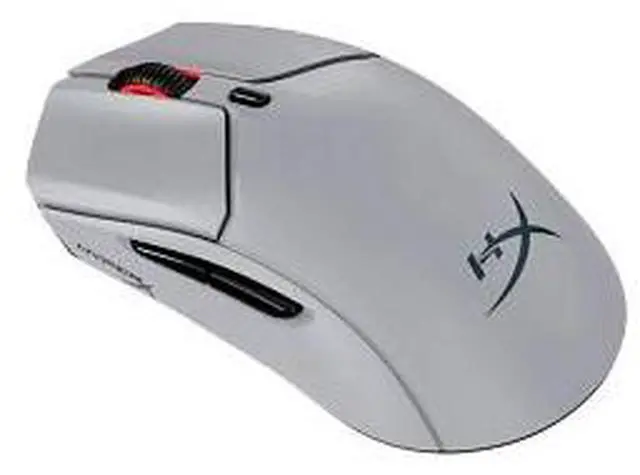
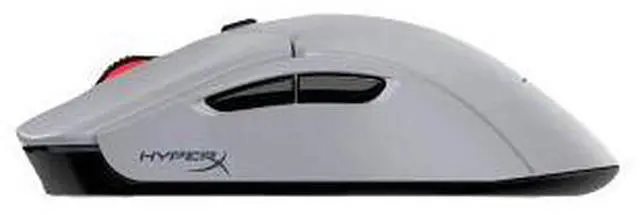
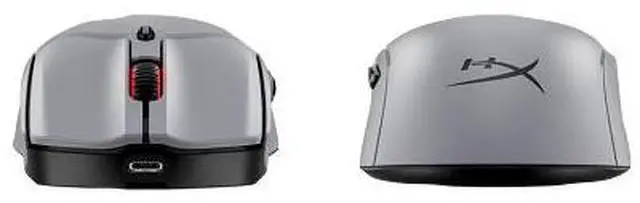
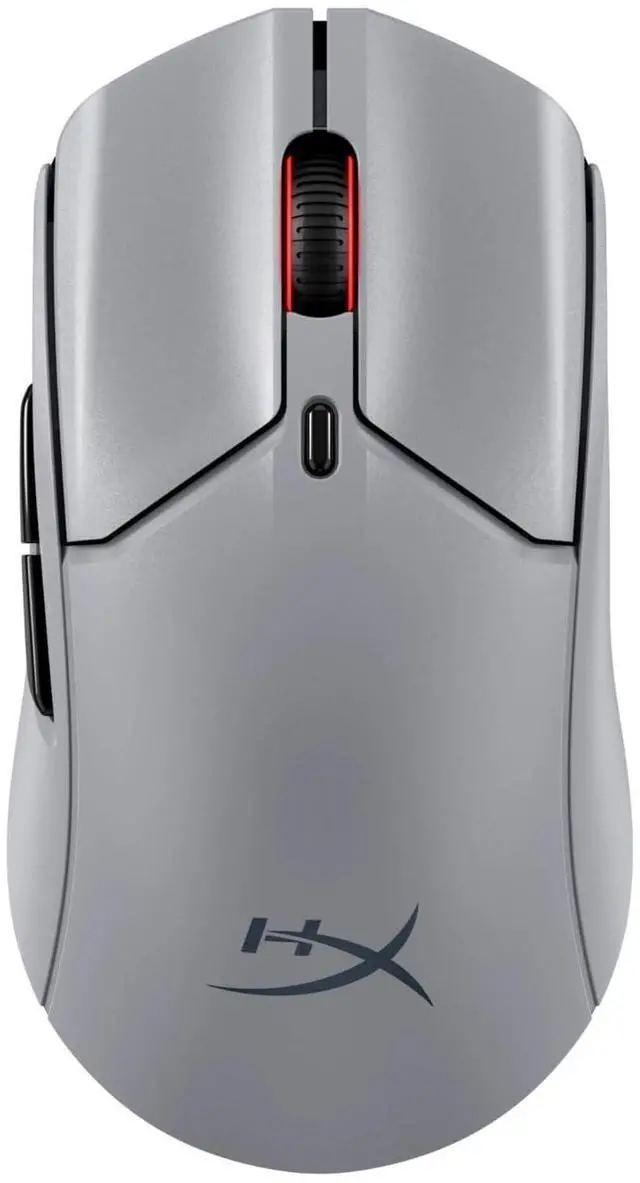
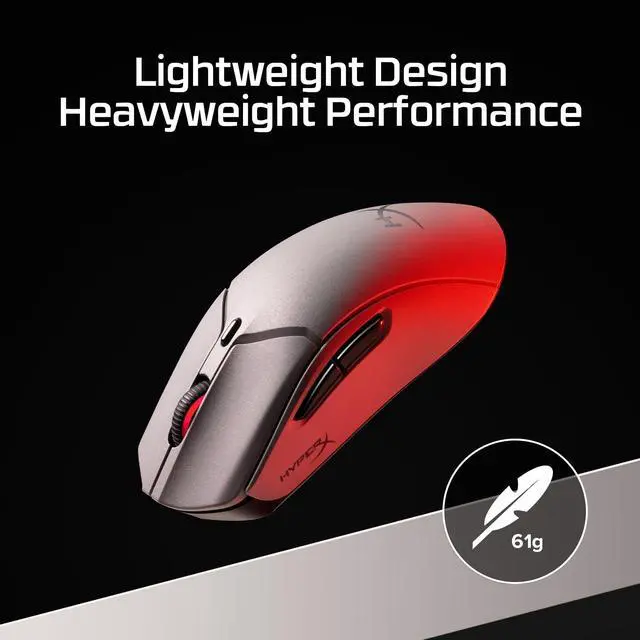
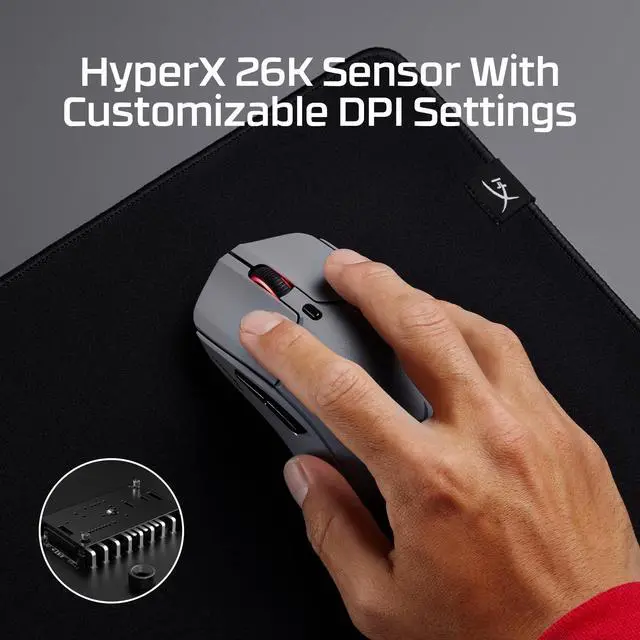
The HyperX Pulsefire Haste 2 Pro is a wireless gaming mouse for players who want a HyperX-branded mouse for gaming without a wired connection.
Recommended For
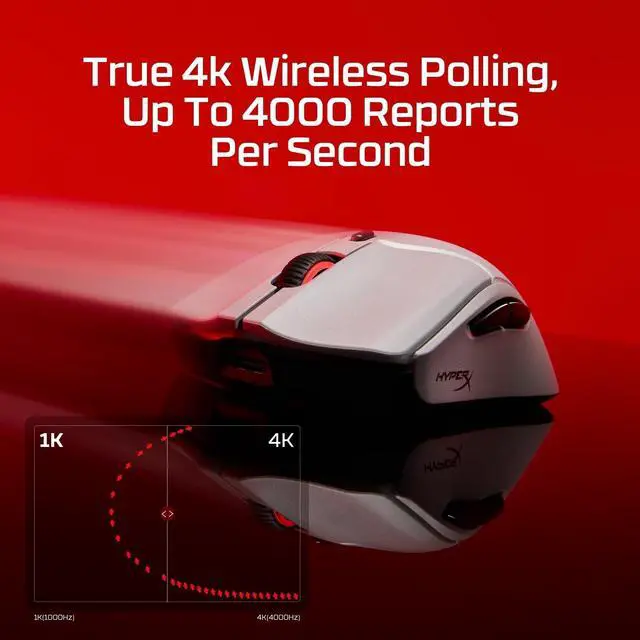
- Competitive FPS players who want a lightweight wireless mouse for quick, responsive aim and up to 4,000 Hz polling over 2.4 GHz.
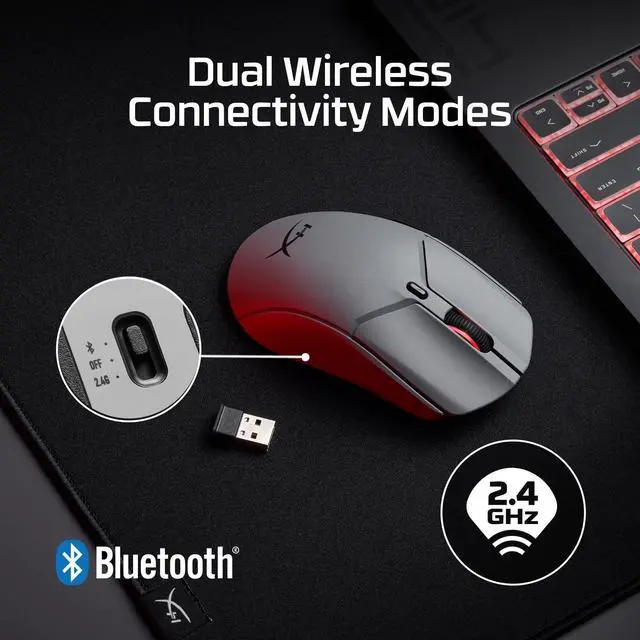
- PC gamers who switch between a gaming setup and a laptop or other device and want to move between 2.4 GHz wireless and Bluetooth.
- Players who prefer a light, symmetrical mouse shape and want to add grip tape to tailor how it feels in hand.
- Long-session gamers who are comfortable using 1,000 Hz polling and want fewer charging interruptions; HyperX rates battery life at up to 90 hours in that mode.
Real-World Use Scenarios
- In competitive PC shooters, use the 2.4 GHz connection for responsive tracking and quick clicks; reviewers describe the mouse as snappy, though the benefit of 4K polling is most relevant to highly competitive players.
- During long gaming sessions, its lightweight build can make repeated mouse movements feel less tiring, while the battery is rated for up to 90 hours at 1 kHz polling; actual runtime varies with settings and use.
- For a multi-device setup, switch between a gaming PC using the 2.4 GHz receiver and a compatible laptop over Bluetooth; a reviewer found switching between these modes straightforward.
- When playing on a PS5 or Xbox Series X|S, use it as a wireless gaming mouse with a compatible game and console setup; HyperX lists both console families as compatible.
- On an Instant Pair-enabled OMEN gaming laptop, connect without plugging in the mouse’s receiver; this is useful when keeping a laptop setup uncluttered, but the feature requires a compatible OMEN model.




 here!