






Considerate USB charging wire
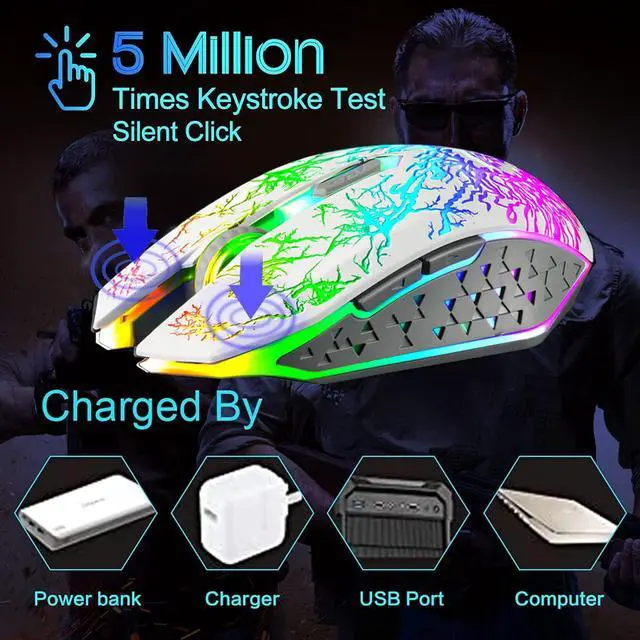
The included charging cable can charge the mouse anytime. Please align the charging plug with the port and plug it in while charging. Can be used while charging. The charging cable can be connected to a variety of power sources, such as power banks, laptops, etc.

Silent Click
The mouse's left and right buttons can reach the standard of silent click, so you don't have to worry about disturbing your family when you game or work.
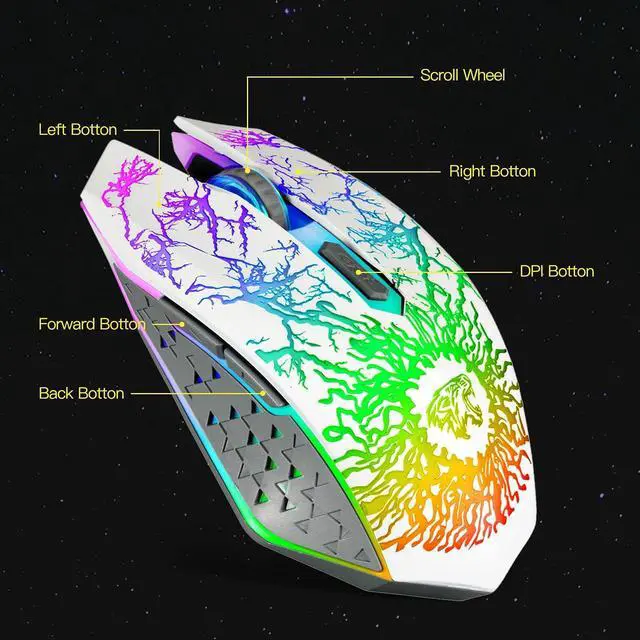
Please be noted that only the left and right clicks are silent. Other buttons are not silent.

DPI adjustable
800/1600/2400 three DPI choices can perfectly satisfy your needs, whether it is daily work or games, you can get greater control and precision.

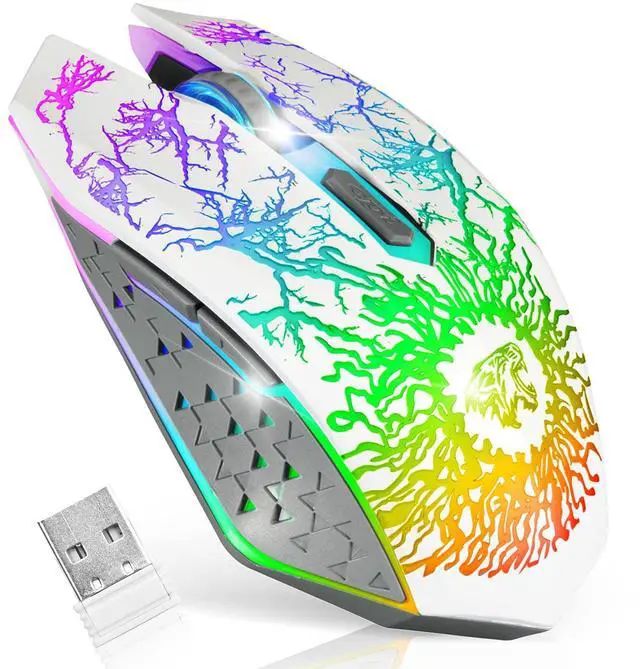
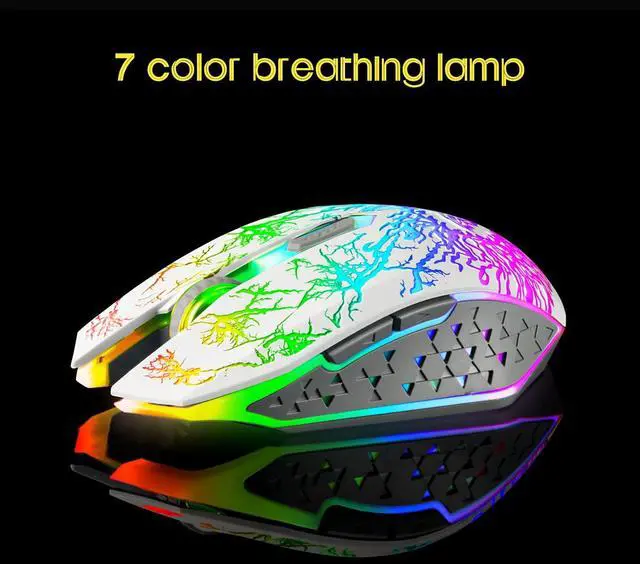
Special Breathing LED Lights
The lights are wonderful and not distracting. You can indulge in your game and work under the soft lights. There is an option to turn off light.( NOTE: The led light is not so bright in the bright environment)
Built-in Rechargeable Battery
The high-quality 400mAh rechargeable battery promises a longer battery life. And you can even use the mouse when it is recharging.
Navigating the Internet Easily
Two side buttons achieve the function of page forward and page backward.
The clickable scroll wheel can downward/upward the website page quickly.
Ease to Set Up
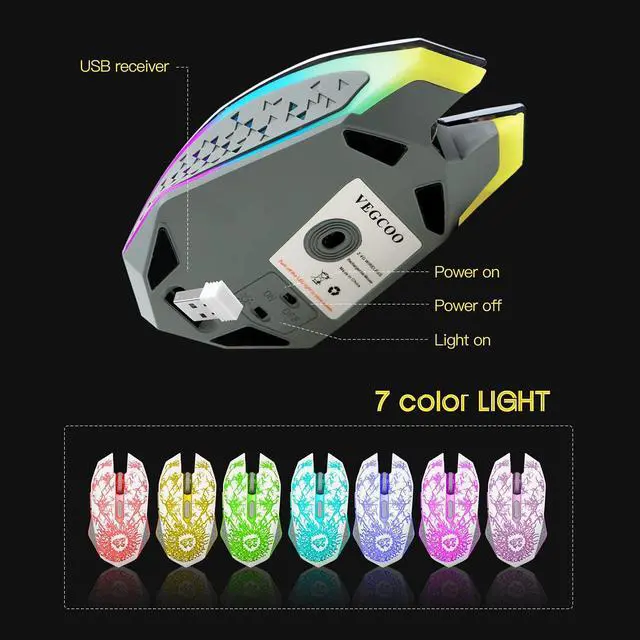
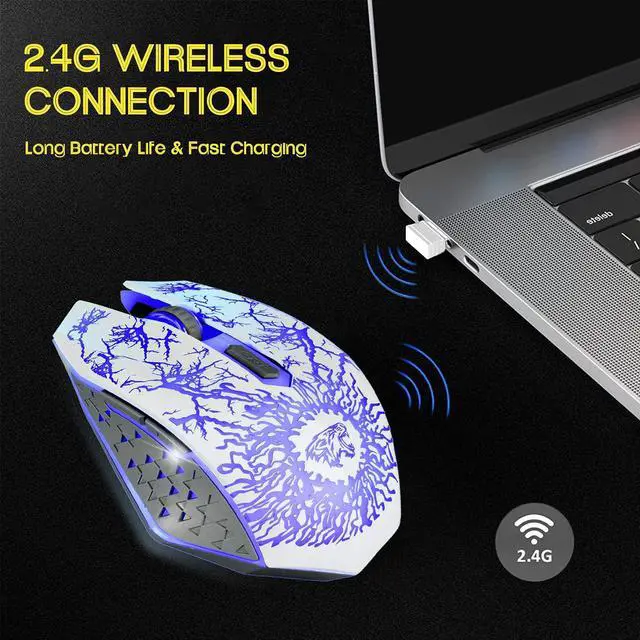
Plug in the USB receiver, switch it on and you are all set.

Tips to assist with mouse work:
1. The data cable can only be used for charging and cannot help the computer recognize the mouse. And the USB receiver can help the computer identify and connect to the mouse. So if you are using a mouse, you will need to plug the USB receiver into the USB port on your computer.
2. The USB receiver is located under the mouse, please pull the USB receiver out of the USB socket with your fingernail. If no USB receiver is available, please contact VEGCOO.
3. Please charge the mouse for about 2 hours before using it for the first time.
4. If you don't use it for more than 8 minutes, the mouse will go into sleep mode. You can click any button to wake them up.
5. If the mouse pointer moves slowly or stops moving, power will be cut.
6. The blue light next to the scroll wheel will turn on while charging and turn off when the mouse is fully charged.


VEGCOO - Mice of all styles, models and functions
Why choose us? We focus on listening to our consumers and improving our products in a timely manner, and our strong after-sales team service gives you more peace of mind. Come and visit the VEGCOO shop, there will be something for you here.
The Mouse Made for Gamers
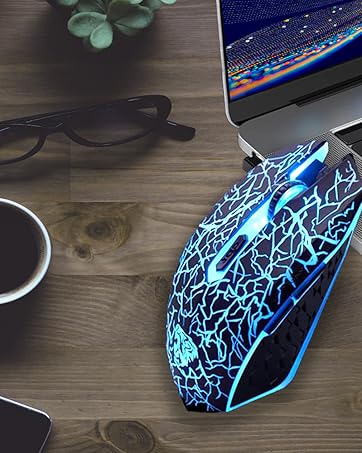
Ergonomically designed to maintain a high level of focus during long gaming sessions.
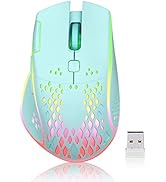
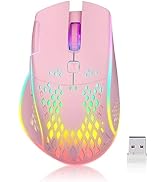
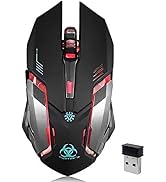
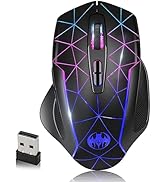
VEGCOO WIRELESS GAMING MOUSE
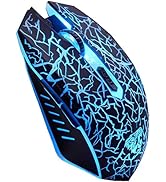
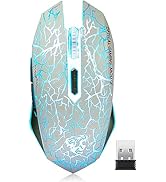
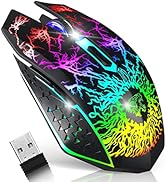
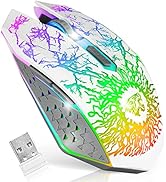
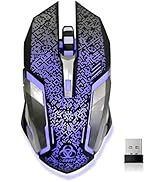
VEGCOO WIRELESS GAMING MOUSE
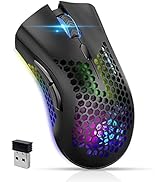
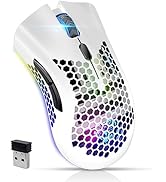
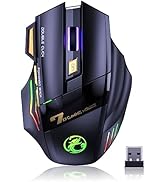
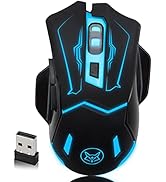
VEGCOO WIRELESS GAMING MOUSE
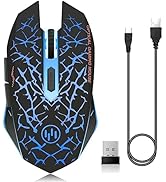
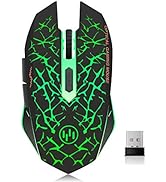
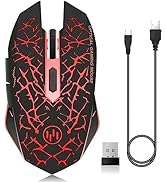
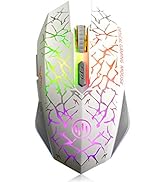
VEGCOO WIRELESS GAMING MOUSE
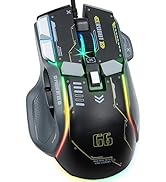
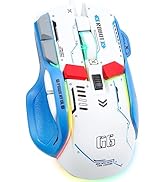
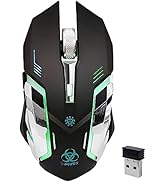
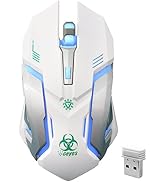
VEGCOO GAMING MOUSE
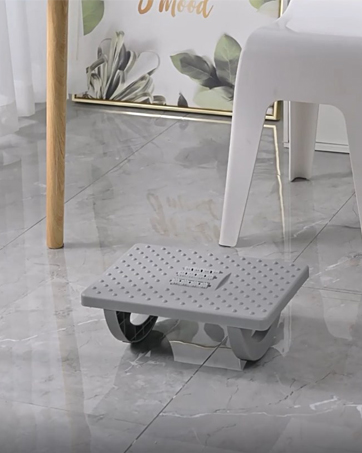
VEGCOO
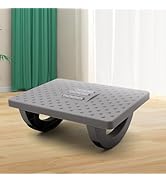
Foot Rest for Under Desk
VEGCOO
How did we get started?
VEGCOO started in 2016. Since our inception, we have focused on electronic products such as mouse keyboards and are committed to providing innovative products.
Are our items of the highest quality?
We have a full supply chain and undergo strict quality control from production to shipping. We are committed to providing you with quality merchandise and genuine service.
What makes our products unique?
VEGCOO insists on innovation and strives to find new and innovative products. With our passion and pursuit of innovation. It is our mission to make people's lives easy and fun!
Considerate USB charging wire
The included charging cable can charge the mouse anytime. Please align the charging plug with the port and plug it in while charging. Can be used while charging. The charging cable can be connected to a variety of power sources, such as power banks, laptops, etc.
Silent Click
The mouse's left and right buttons can reach the standard of silent click, so you don't have to worry about disturbing your family when you game or work.
Please be noted that only the left and right clicks are silent. Other buttons are not silent.
DPI adjustable
800/1600/2400 three DPI choices can perfectly satisfy your needs, whether it is daily work or games, you can get greater control and precision.
Special Breathing LED Lights
The lights are wonderful and not distracting. You can indulge in your game and work under the soft lights. There is an option to turn off light.( NOTE: The led light is not so bright in the bright environment)
Built-in Rechargeable Battery
The high-quality 400mAh rechargeable battery promises a longer battery life. And you can even use the mouse when it is recharging.
Navigating the Internet Easily
Two side buttons achieve the function of page forward and page backward.
The clickable scroll wheel can downward/upward the website page quickly.
Ease to Set Up
Plug in the USB receiver, switch it on and you are all set.
Tips to assist with mouse work:
1. The data cable can only be used for charging and cannot help the computer recognize the mouse. And the USB receiver can help the computer identify and connect to the mouse. So if you are using a mouse, you will need to plug the USB receiver into the USB port on your computer.
2. The USB receiver is located under the mouse, please pull the USB receiver out of the USB socket with your fingernail. If no USB receiver is available, please contact VEGCOO.
3. Please charge the mouse for about 2 hours before using it for the first time.
4. If you don't use it for more than 8 minutes, the mouse will go into sleep mode. You can click any button to wake them up.
5. If the mouse pointer moves slowly or stops moving, power will be cut.
6. The blue light next to the scroll wheel will turn on while charging and turn off when the mouse is fully charged.
VEGCOO - Mice of all styles, models and functions
Why choose us? We focus on listening to our consumers and improving our products in a timely manner, and our strong after-sales team service gives you more peace of mind. Come and visit the VEGCOO shop, there will be something for you here.
The Mouse Made for Gamers
Ergonomically designed to maintain a high level of focus during long gaming sessions.
VEGCOO WIRELESS GAMING MOUSE
VEGCOO WIRELESS GAMING MOUSE
VEGCOO WIRELESS GAMING MOUSE
VEGCOO WIRELESS GAMING MOUSE
VEGCOO GAMING MOUSE
VEGCOO
Foot Rest for Under Desk
VEGCOO
How did we get started?
VEGCOO started in 2016. Since our inception, we have focused on electronic products such as mouse keyboards and are committed to providing innovative products.
Are our items of the highest quality?
We have a full supply chain and undergo strict quality control from production to shipping. We are committed to providing you with quality merchandise and genuine service.
What makes our products unique?
VEGCOO insists on innovation and strives to find new and innovative products. With our passion and pursuit of innovation. It is our mission to make people's lives easy and fun!