






COMFORT MADE FOR YOU !
34% fewer muscle strains and more productive features at your fingertips.
How to wake up the mouse?
* The mouse will automatically enter sleep mode after 30 minutes of non-use in wireless connection mode.
* You can wake it up by clicking the mouse button. (rolling the trackball or moving the mouse will not wake up the mouse)
How to reprogram mouse buttons?
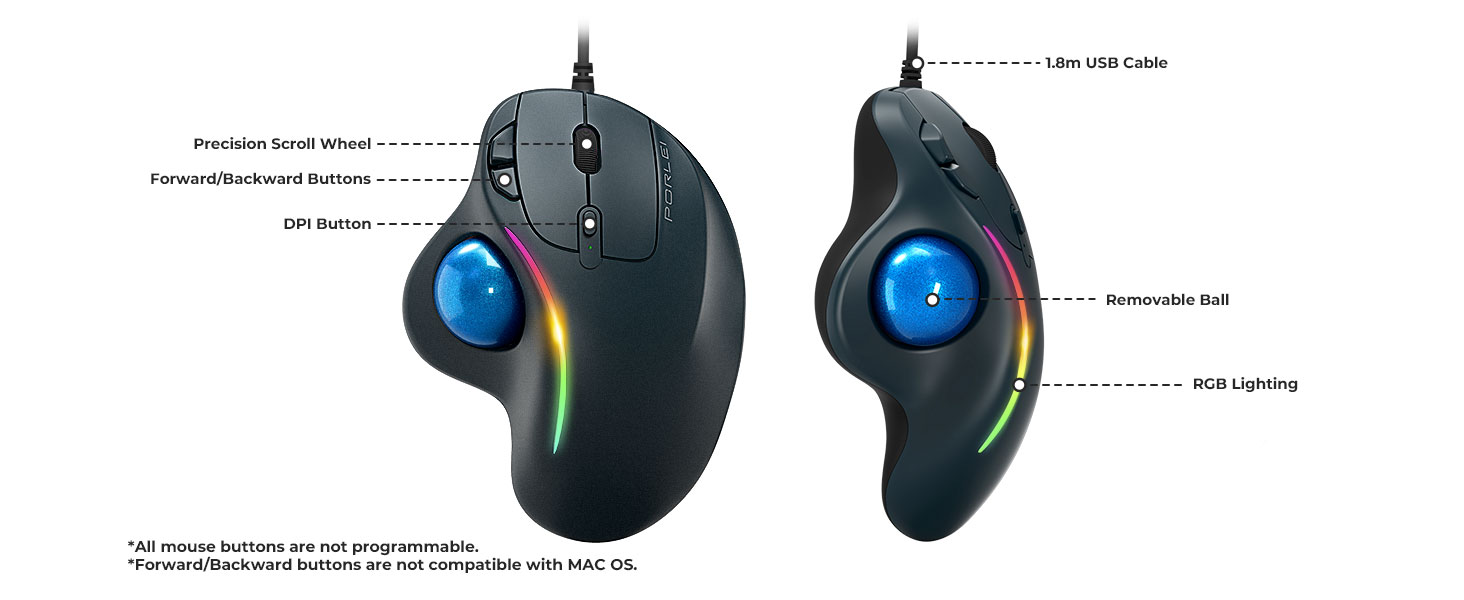
* All buttons are not programmable.
* Forward/Backward buttons are not compatible with MAC OS.
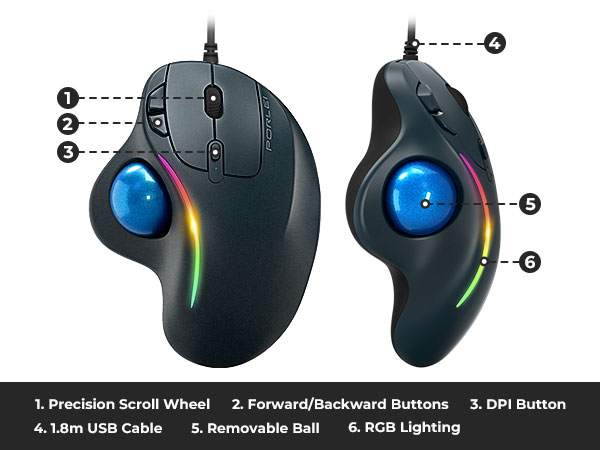
How to control mouse RGB lighting?
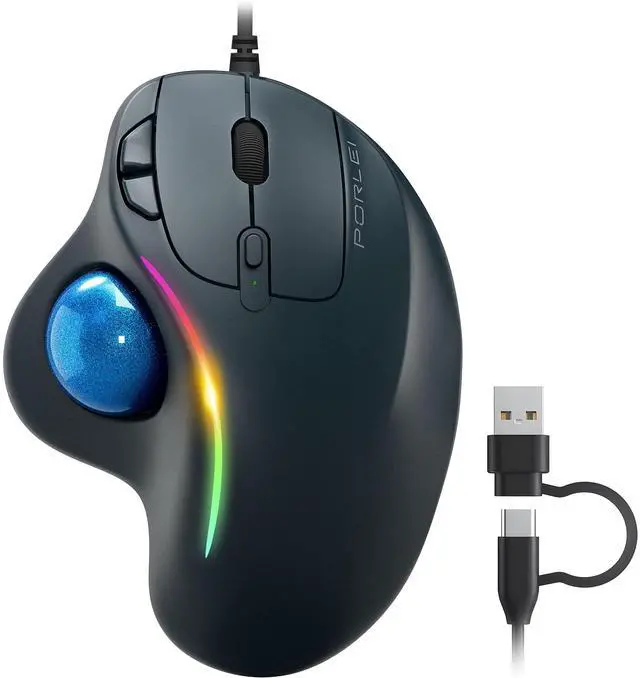
* Press the scroll wheel and right button at the same time for 3-5 seconds to turn off the mouse light.
* If you need to turn on the light again, just repeat the operation.
How do the buttons on this mouse work? Is there a learning curve?
Using your finger to control the cursor may feel different at first. Most people need a few days to get used to it, which is totally normal! Stick with it, and soon you’ll enjoy the comfort and precision it offers.
Will this mouse help with wrist pain?
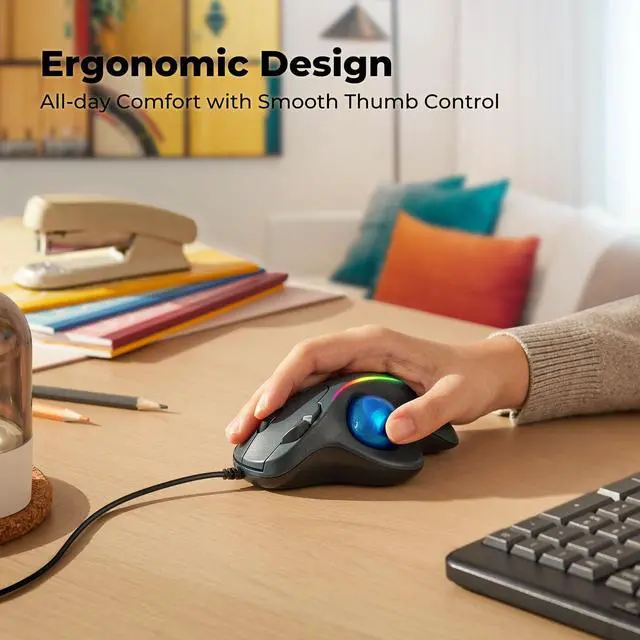
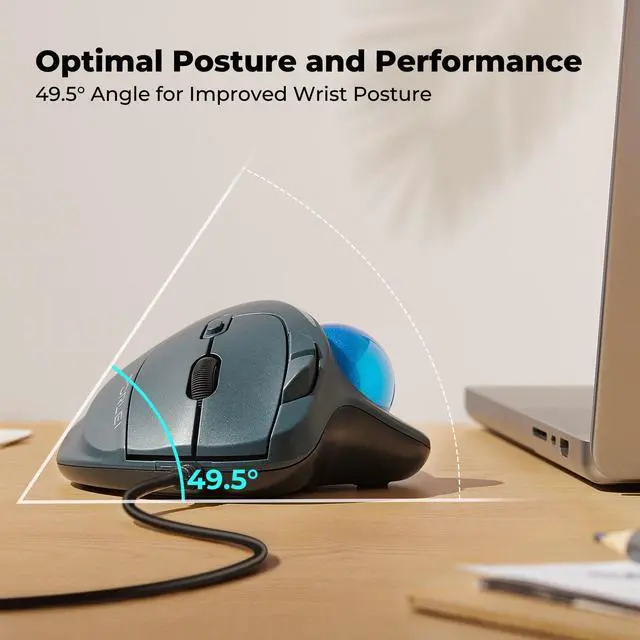
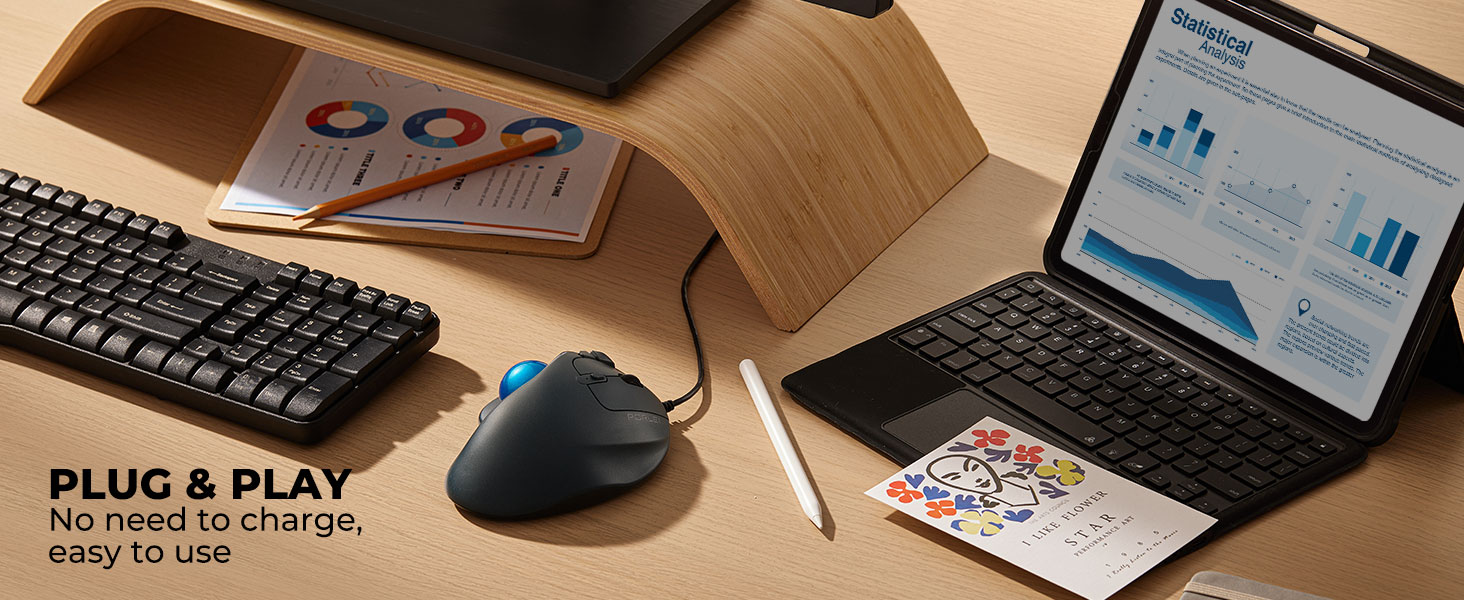
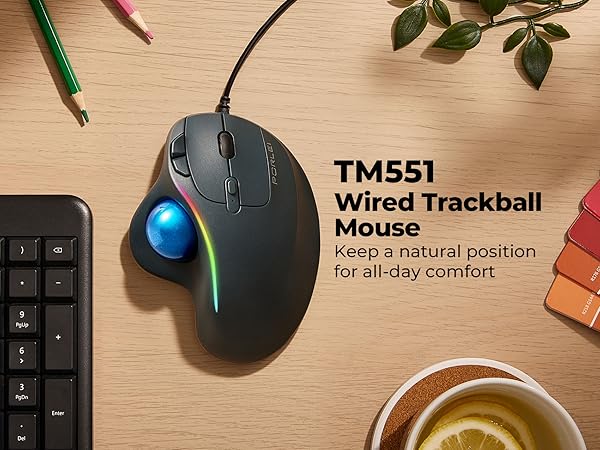
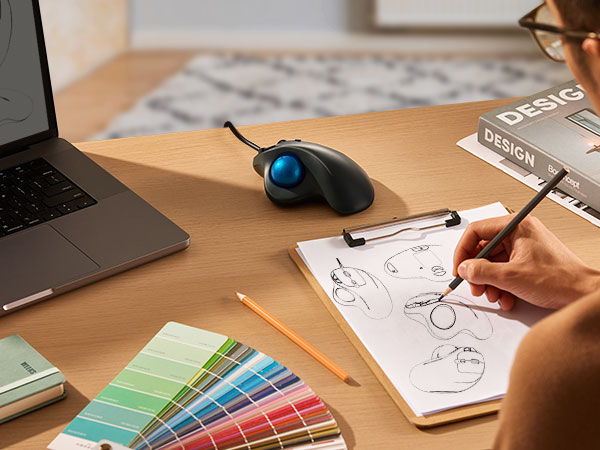
Yes, its ergonomic design and finger-operated trackball help reduce wrist and arm movement, minimizing strain during prolonged use—making it an excellent choice for office and creative professionals.
COMFORT MADE FOR YOU !
34% fewer muscle strains and more productive features at your fingertips.
How to wake up the mouse?
* The mouse will automatically enter sleep mode after 30 minutes of non-use in wireless connection mode.
* You can wake it up by clicking the mouse button. (rolling the trackball or moving the mouse will not wake up the mouse)
How to reprogram mouse buttons?
* All buttons are not programmable.
* Forward/Backward buttons are not compatible with MAC OS.
How to control mouse RGB lighting?
* Press the scroll wheel and right button at the same time for 3-5 seconds to turn off the mouse light.
* If you need to turn on the light again, just repeat the operation.
How do the buttons on this mouse work? Is there a learning curve?
Using your finger to control the cursor may feel different at first. Most people need a few days to get used to it, which is totally normal! Stick with it, and soon you’ll enjoy the comfort and precision it offers.
Will this mouse help with wrist pain?
Yes, its ergonomic design and finger-operated trackball help reduce wrist and arm movement, minimizing strain during prolonged use—making it an excellent choice for office and creative professionals.