

Your Browsing History

Meet Your Seller

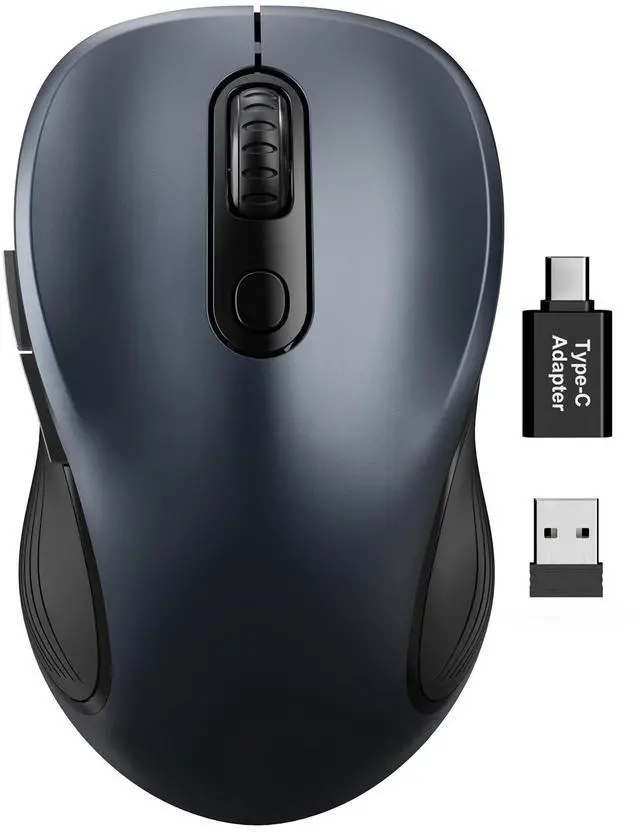


Wireless Mouse for Laptop, 2.4GHz Ergonomic Computer Mouse with Back & Forward Buttons, 3 Adjustable DPI Levels, 6 Buttons, Optical USB Cordless Mice for Windows PC, M01 (Space Gray)
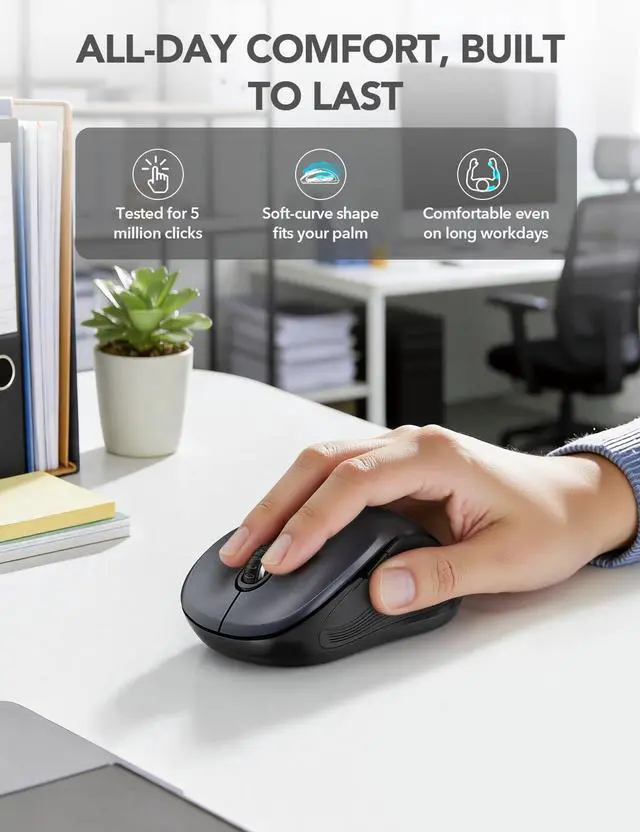
- ERGONOMIC COMFORT: Designed with a contoured shape that fits the natural curve of your hand for a comfortable grip during long work sessions. The skin-friendly finish feels smooth in hand and helps support all-day productivity at home, in the office, or on the go.
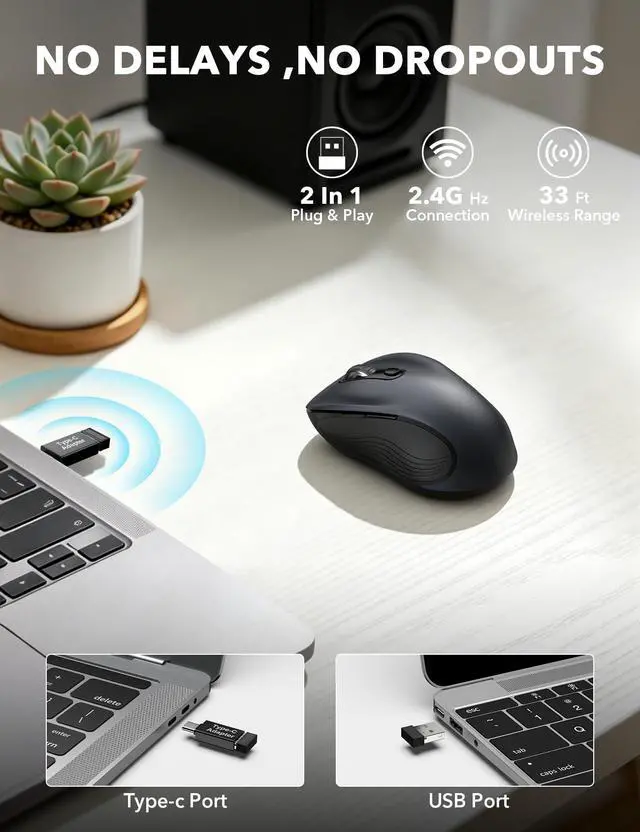
- WIDE COMPATIBILITY & EASY SETUP: Works with Windows, Mac, Linux, and Chrome OS. Includes both a standard USB receiver and a USB-C adapter for flexible use with MacBook, Chromebook, laptop, and PC. Just plug and playno drivers or complicated setup required.
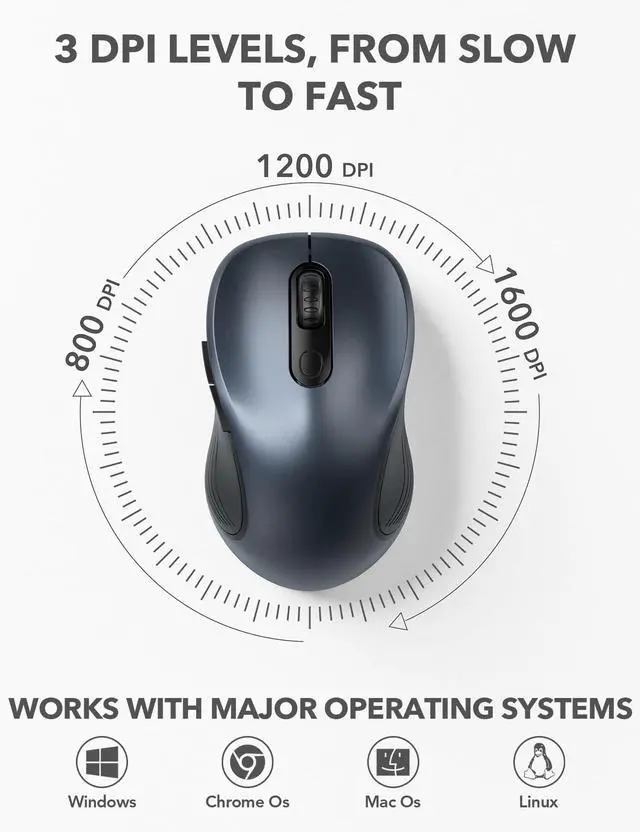
- 6 BUTTONS FOR FASTER WORKFLOW: Boost efficiency with 6 responsive buttons, including dedicated forward and back shortcuts for easier web browsing and daily tasks. 3 adjustable DPI levels (800/1200/1600) provide precise tracking and smooth control for work, study, and everyday use.
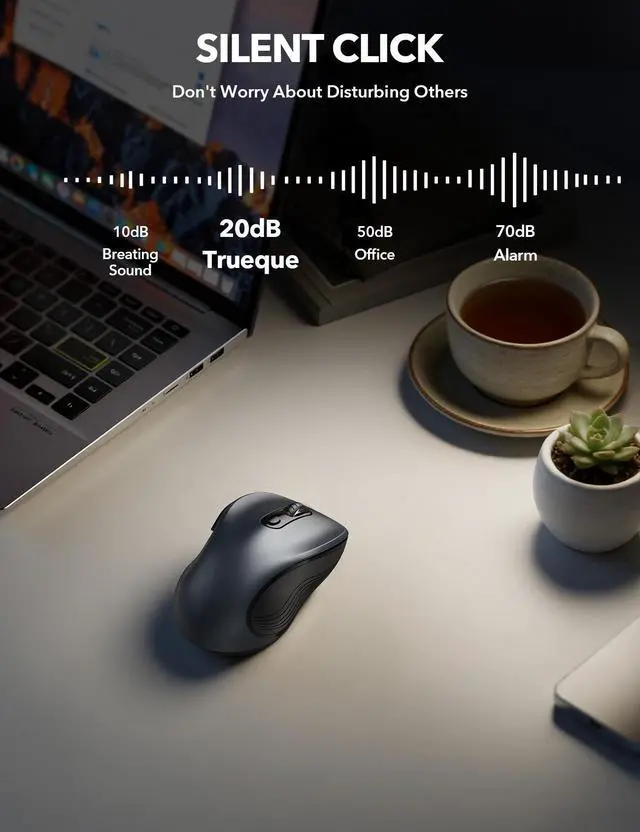
- QUIET CLICKS FOR FOCUSED USE: Built with silent click design to reduce noise and create a more distraction-free environment. Ideal for shared workspaces, libraries, meetings, or late-night use at home without disturbing people around you.
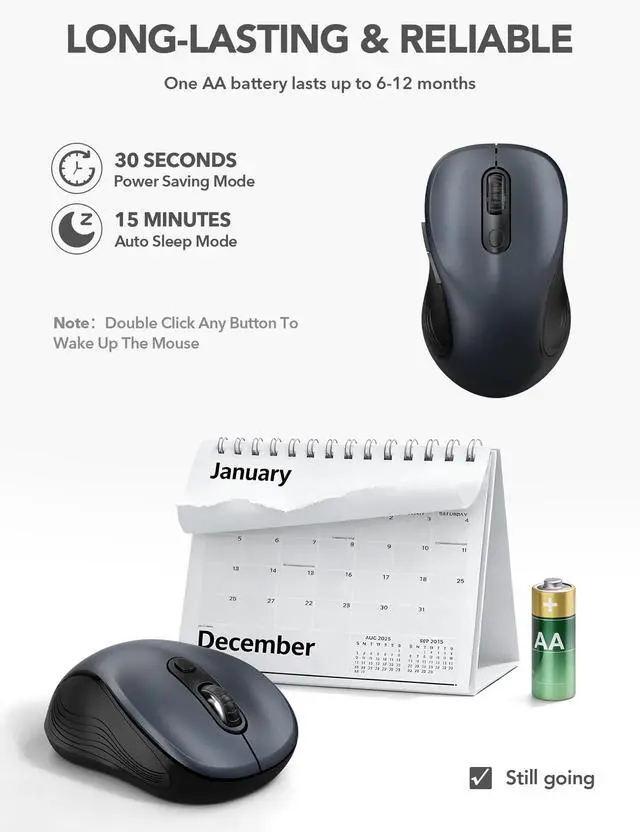
- TRAVEL-FRIENDLY & POWER SAVING: The mouse enters auto-sleep mode after 15 minutes of inactivity to help extend battery life. Powered by 1 AA battery (not included) for up to 12 months of use. The USB receiver stores neatly inside the mouse for easy carrying, and the included USB-C adapter is packed separately in the box. Includes a 24-month warranty for reliable long-term support.
+
+
Overview
Specs
Reviews

Any questions? Our AI beta will help you find out quickly.
Try me now
Why
In quiet work environments, traditional mouse clicks can be distracting. This compact wireless mouse is designed for daily laptop use where low noise, simple setup, and stable performance matter.
How
- Connects through a 2.4GHz USB receiver for plug-and-play use.
- Three DPI levels (800/1200/1600) allow you to adjust cursor speed for reading, browsing, and document work.
- Built-in power-saving behavior helps extend battery usage during daily routines.
Who
Suitable for: office workers, students, home users, shared or quiet workspaces, and travelers using laptops.
Not suitable for: users who require Bluetooth-only connection without a USB receiver, or advanced multi-button shortcut functions.
Use conditions
- Requires a USB port; for USB-C-only devices, use the included USB-C adapter with the receiver.
- Powered by 1 AA battery (battery not included).
- Designed for common desk surfaces such as wood, plastic, or fabric.
Trust & stability
The mouse operates with a stable 2.4GHz connection up to 33 ft and clearly defined sleep behavior to help users understand and manage idle periods during use.
Specifications
| Connection type | 2.4GHz wireless USB receiver |
| Wireless range | Up to 33 ft |
| DPI settings | 800 / 1200 / 1600 |
| Power source | 1 AA battery (not included) |
| Power saving | Power saving after 30 seconds idle; auto sleep after 15 minutes |
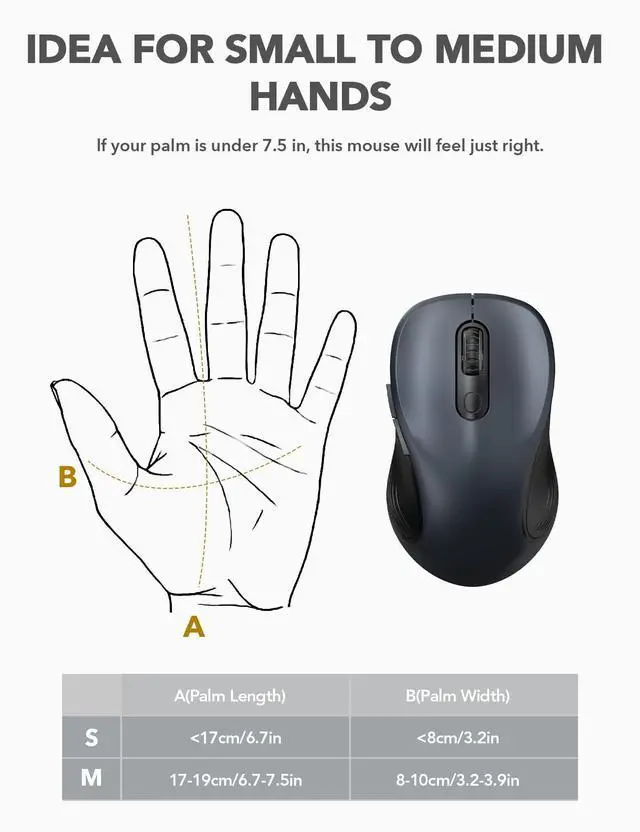
| Hand size | Small to medium hands |
| Compatibility | Windows, macOS, Chrome OS |
| Adapter | USB-A receiver with USB-C adapter included |
FAQ
Q1: The mouse does not respond after being idle. Is it defective?
A: No. The mouse enters power saving and sleep modes to reduce battery usage. Press any button to resume operation.
Q2: Is this mouse Bluetooth?
A: No. It uses a 2.4GHz USB receiver. For USB-C-only devices, use the included USB-C adapter.
Q3: What should I check if the cursor does not move?
A: Confirm the AA battery is installed correctly, then reconnect the USB receiver to another port if needed.
Warranty & Returns
Warranty, Returns, And Additional Information
Warranty
- Please contact the Seller directly for warranty information. Warranty information may also be found on the Manufacturer's website.
- CONTACT
Return Policies
- Return for refund within: 30 days
- Return for replacement within: 30 days
- This item is covered by Eirtinkylle Return Policy
Manufacturer Contact Info
- For a directory of all our manufacturers, please click below.
- Manufacturers Directory
LOADING...