





When I plug the USB in for this mouse, my keyboard stops working?
Switch USB ports: Use a rear USB port (preferably USB 2.0) directly connected to the motherboard. Avoid front ports or hubs.
Mouse cursor is jumpy/not smooth
Clean the mouse sensor .
Ensure the USB receiver is within 30cm (for wireless mice).
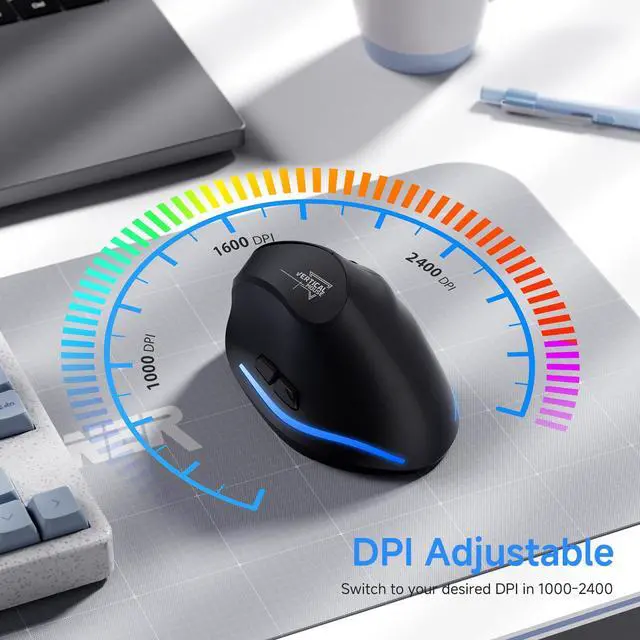
Lower the DPI
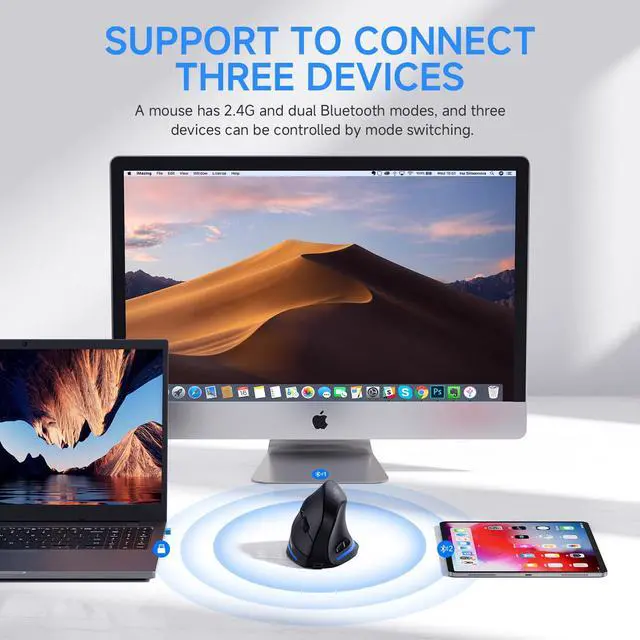
Bluetooth mouse disconnects when idle
Move and click the mouse to cancel the sleep mode (enter the sleep mode after 15 minutes of inactivity)
Re-pair the device:
Remove the mouse from Bluetooth settings ? Re-pair it.
Mouse not working?
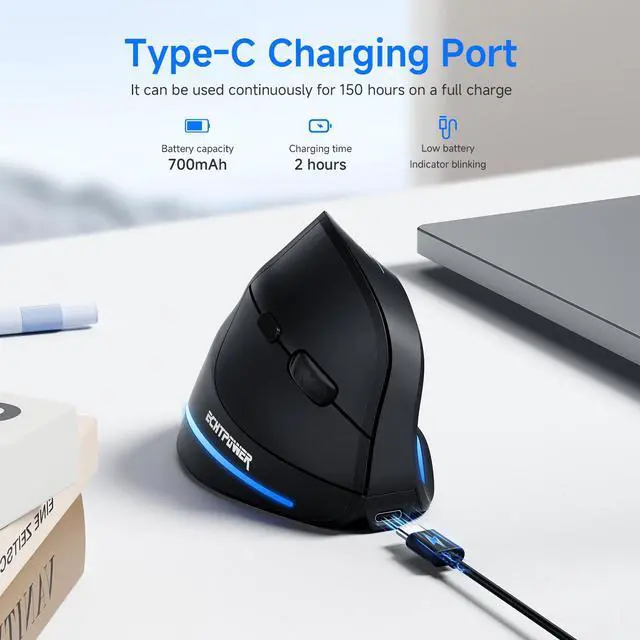
Try charging and pairing again. For specific operating instructions, please refer to the manual or contact after-sales


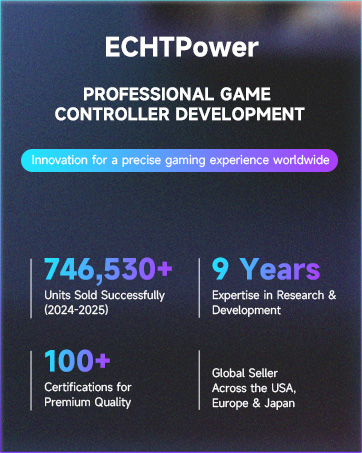
ECHTPower focuses on the research, design, and development of game controllers, charger stations, and other accessories, dedicated to providing players with quality game accessories.
ECHTPower's Mission Statement
- Quality products and Personalized service

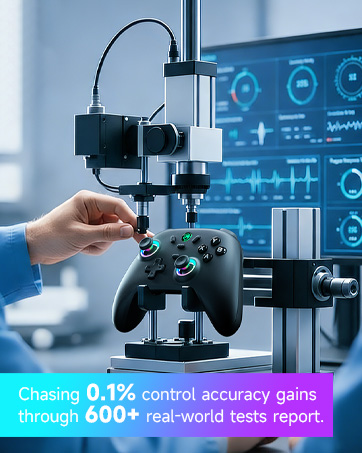
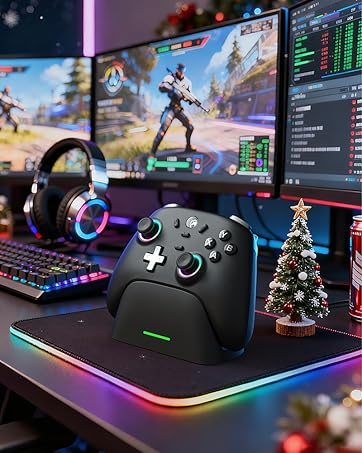
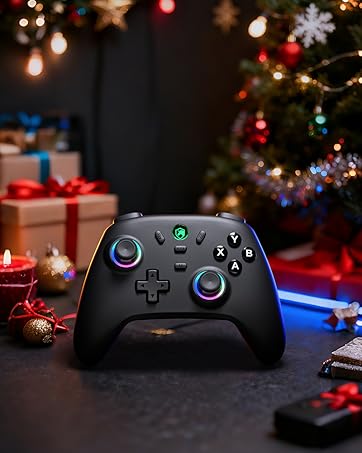
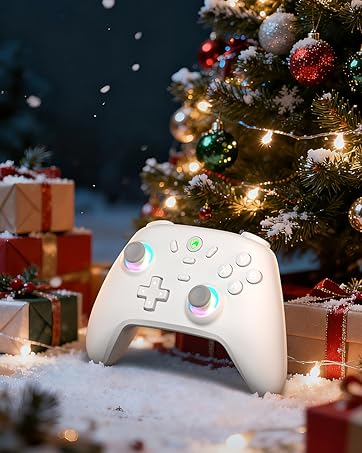
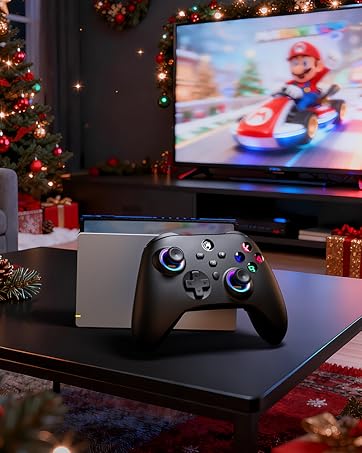
- Hall Effect Joystick
- 1000Hz Polling Rate
- Compate With PC, Switch, iOS, and Android
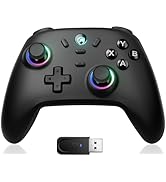
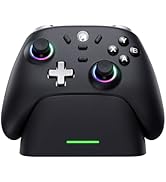
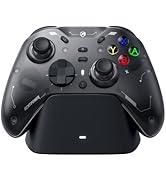
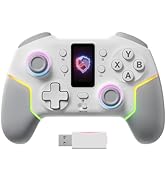
ECHTPower PC CONTROLLER
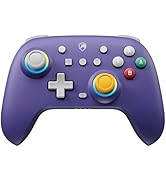
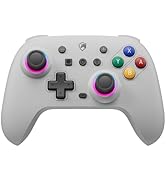
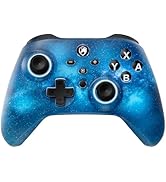
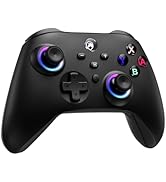
Wireless Controller for Switch
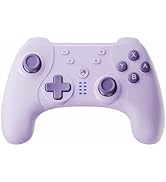
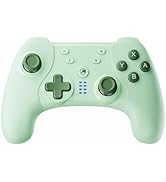
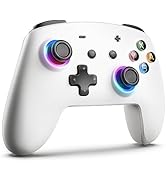
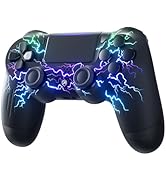
Wireless Controller
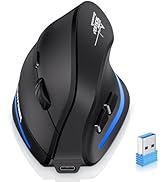
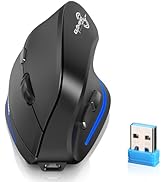
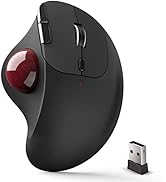
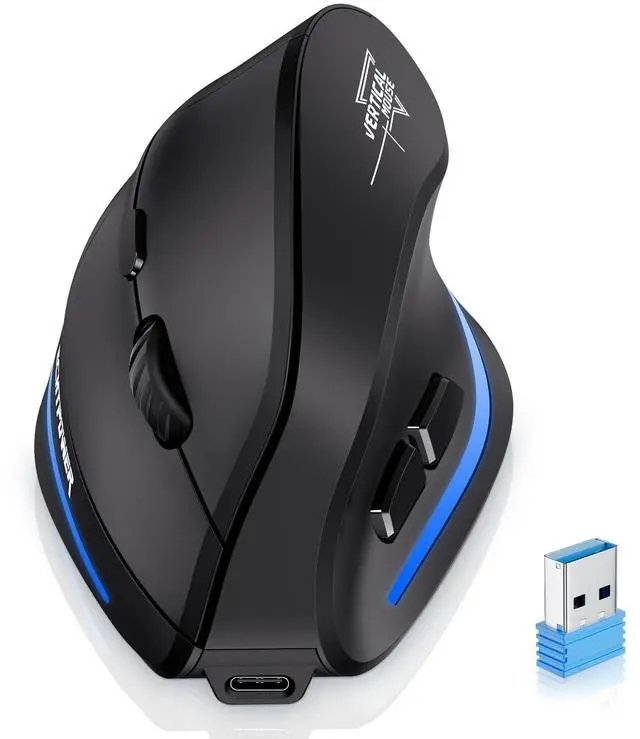
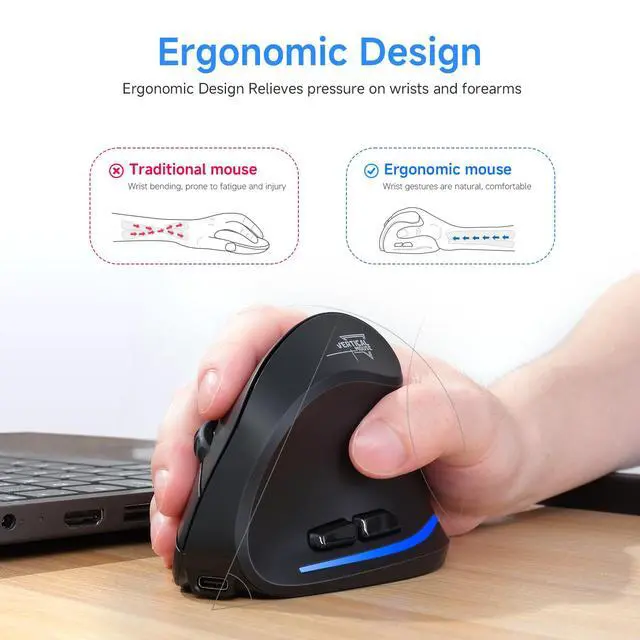
Ergonomic Mouse


When I plug the USB in for this mouse, my keyboard stops working?
Switch USB ports: Use a rear USB port (preferably USB 2.0) directly connected to the motherboard. Avoid front ports or hubs.
Mouse cursor is jumpy/not smooth
Clean the mouse sensor .
Ensure the USB receiver is within 30cm (for wireless mice).
Lower the DPI
Bluetooth mouse disconnects when idle
Move and click the mouse to cancel the sleep mode (enter the sleep mode after 15 minutes of inactivity)
Re-pair the device:
Remove the mouse from Bluetooth settings ? Re-pair it.
Mouse not working?
Try charging and pairing again. For specific operating instructions, please refer to the manual or contact after-sales
ECHTPower focuses on the research, design, and development of game controllers, charger stations, and other accessories, dedicated to providing players with quality game accessories.
ECHTPower's Mission Statement
- Quality products and Personalized service
- Hall Effect Joystick
- 1000Hz Polling Rate
- Compate With PC, Switch, iOS, and Android
ECHTPower PC CONTROLLER
Wireless Controller for Switch
Wireless Controller
Ergonomic Mouse