



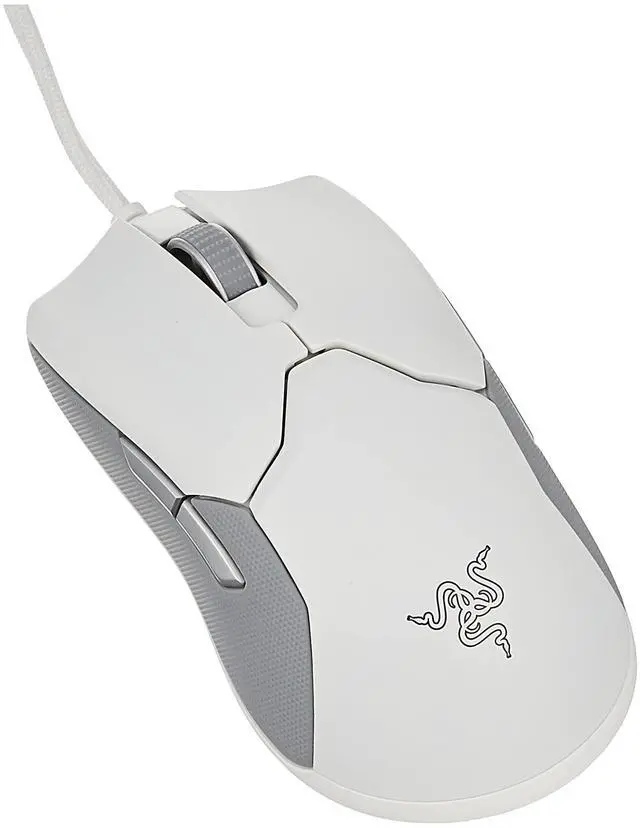
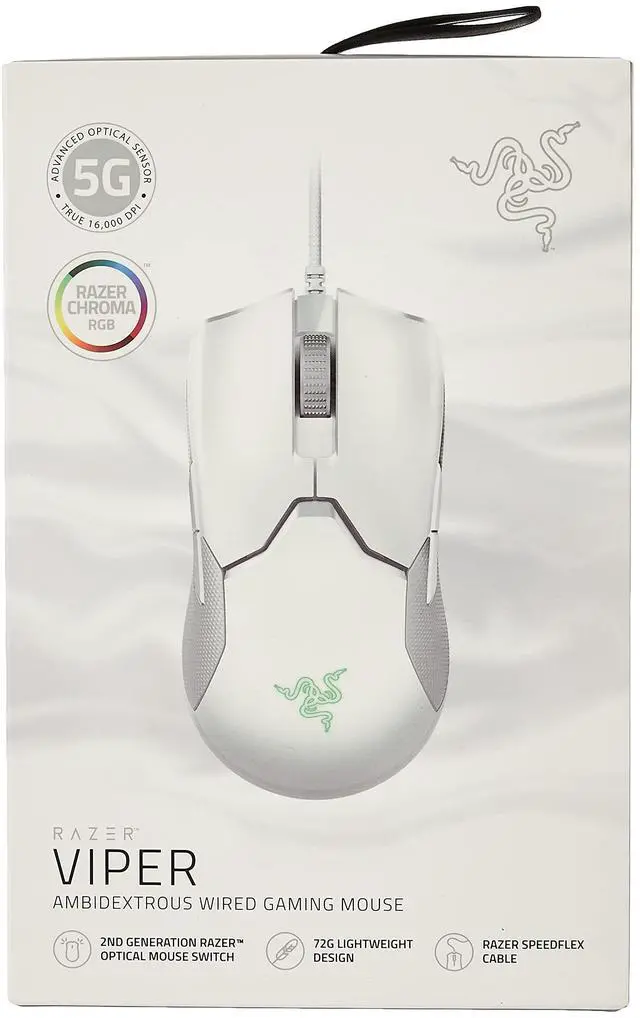







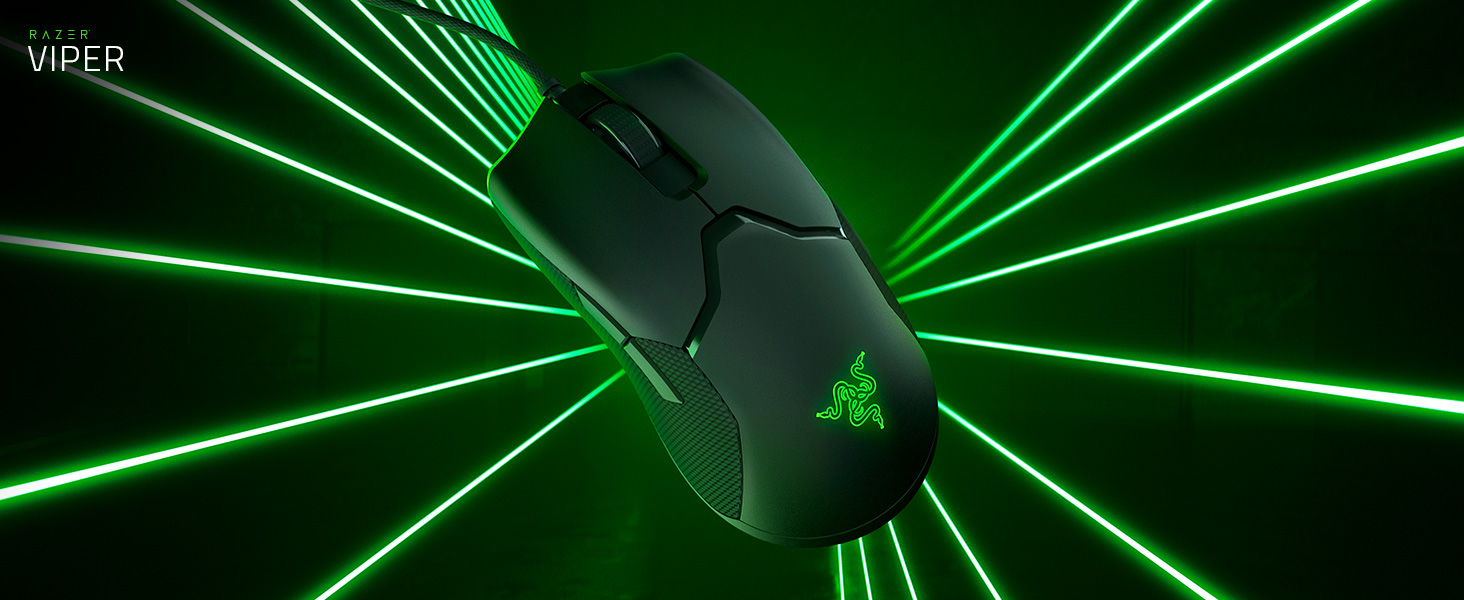
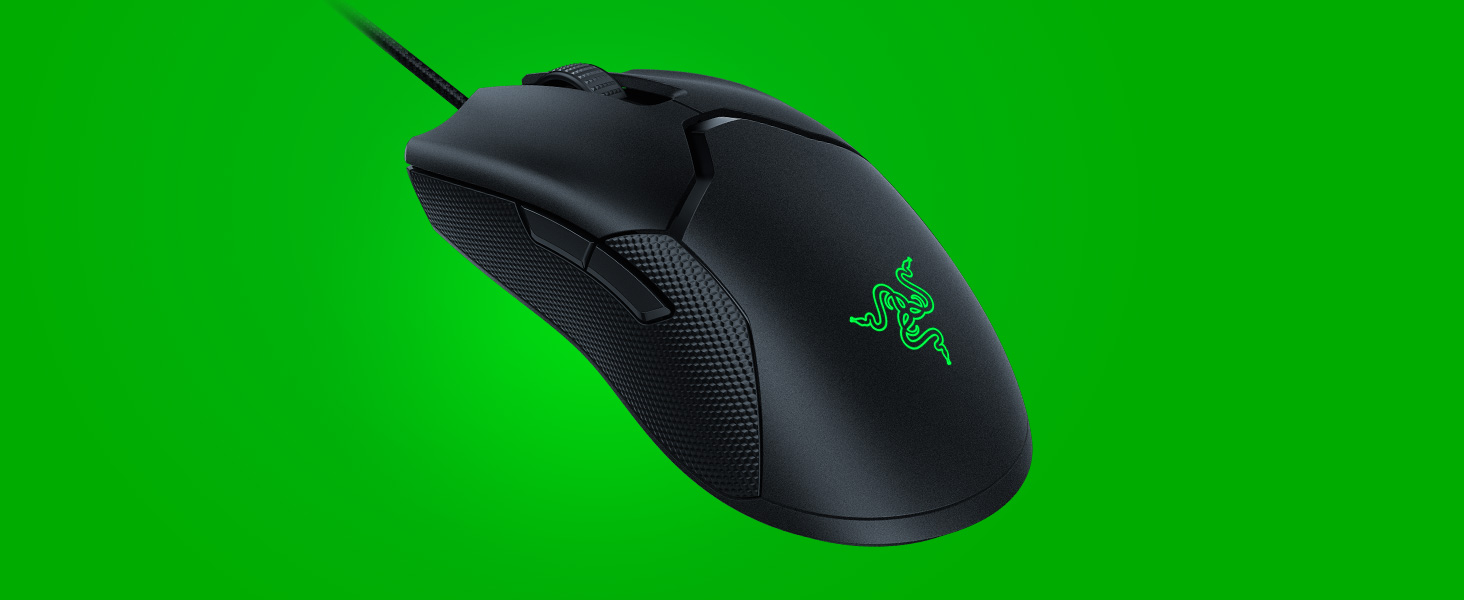
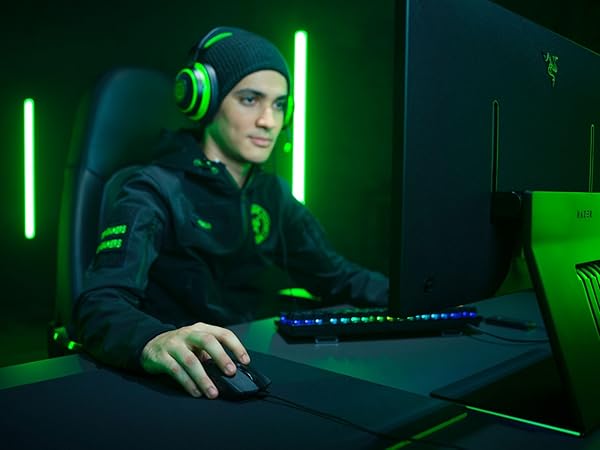
Absolute Control
Control the outcome of any battle with a gaming mouse that’s bred to tear up the pro scene
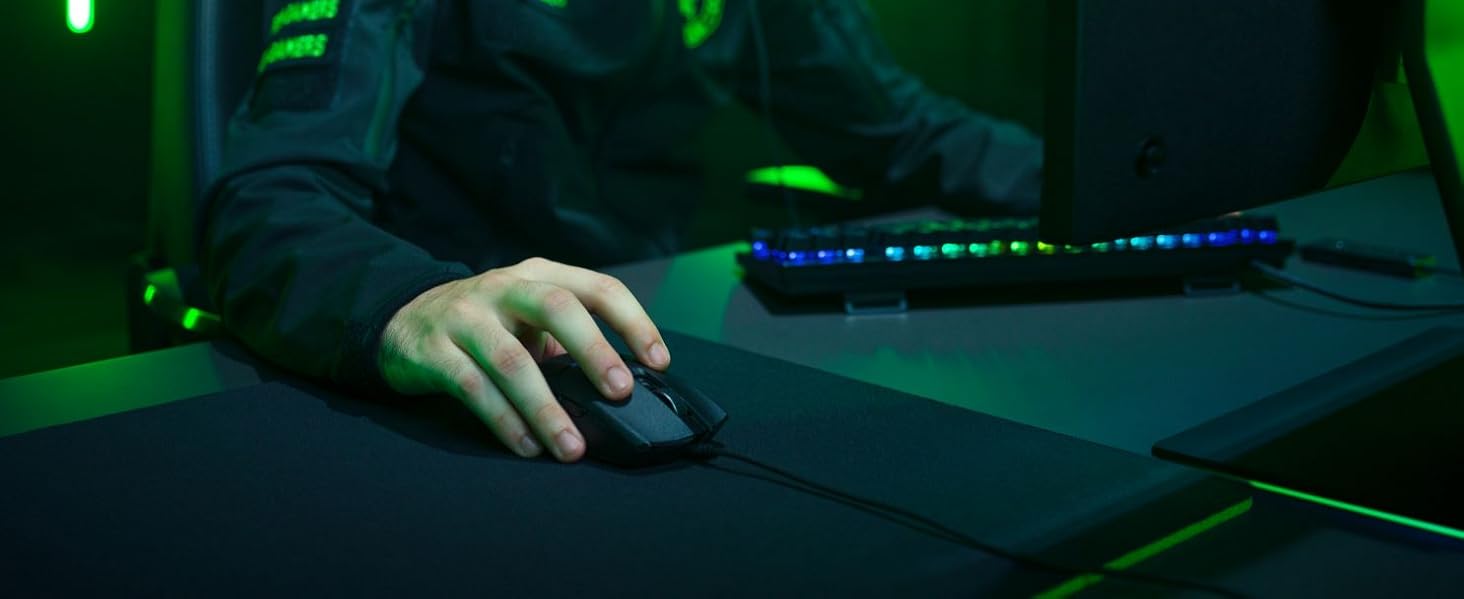
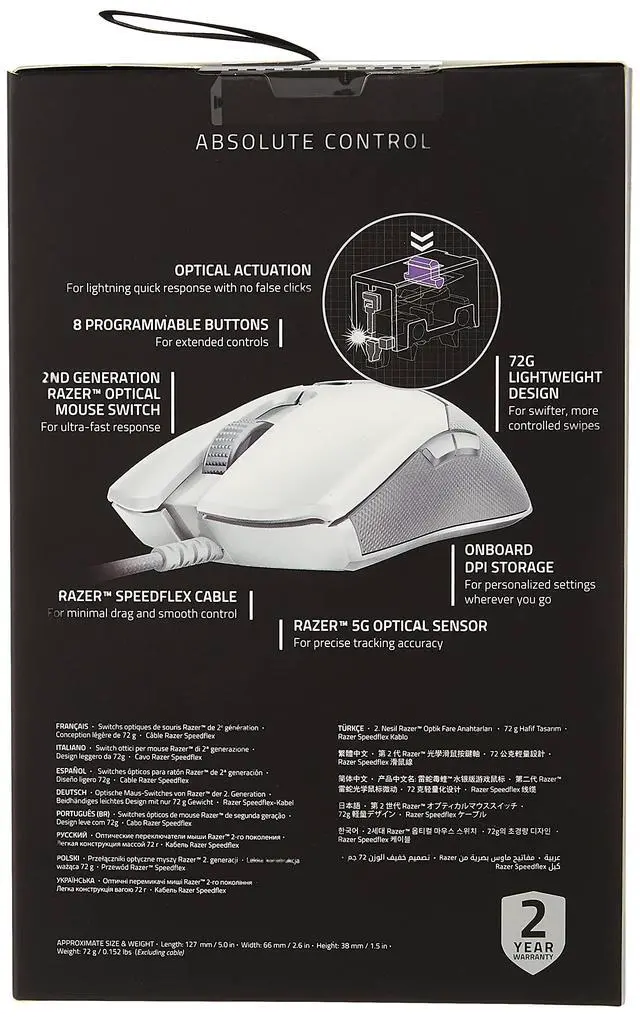
For Minimal Drag
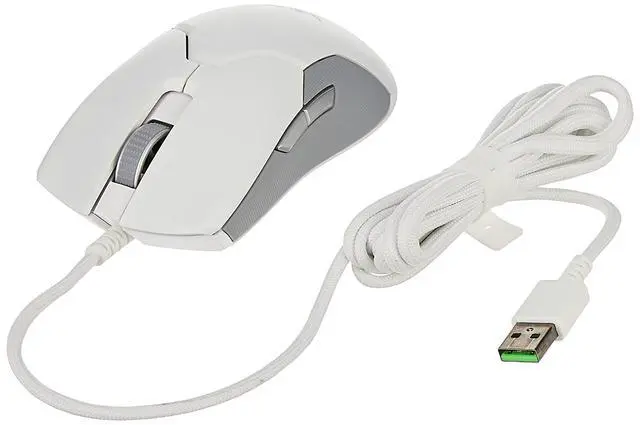
SpeedFlex Cable
Greater flexibility for unhindered swipes for smooth control
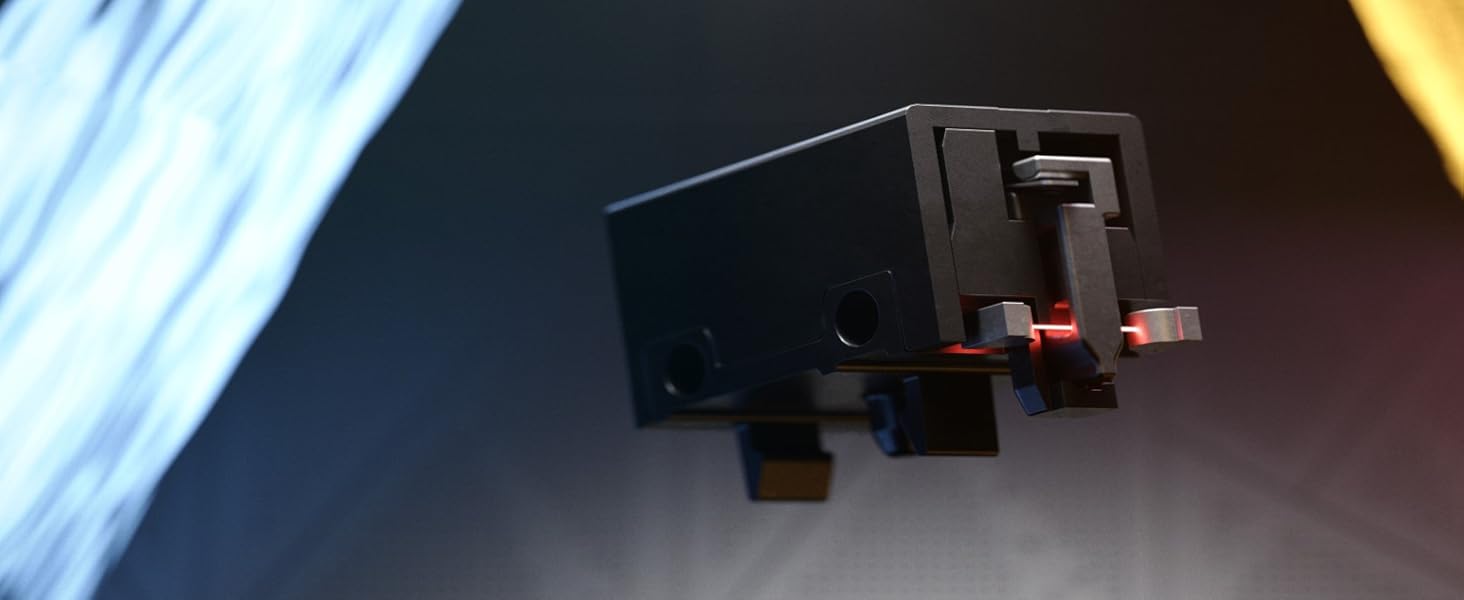
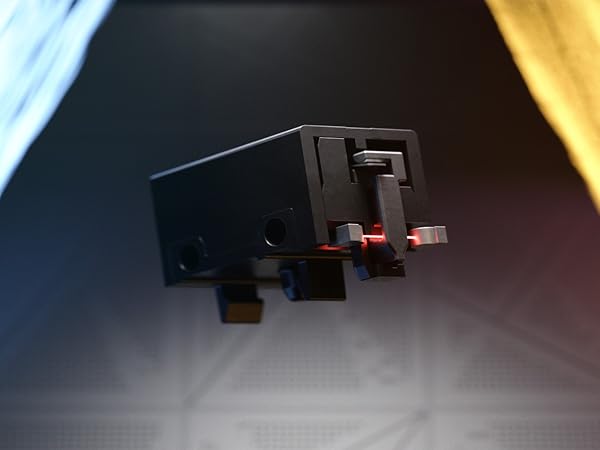
Faster Than Mechanical
Optical Mouse Switch
Actuation at the speed of light, rated for 70MM clicks, zero debounce delay, and longer lifespan
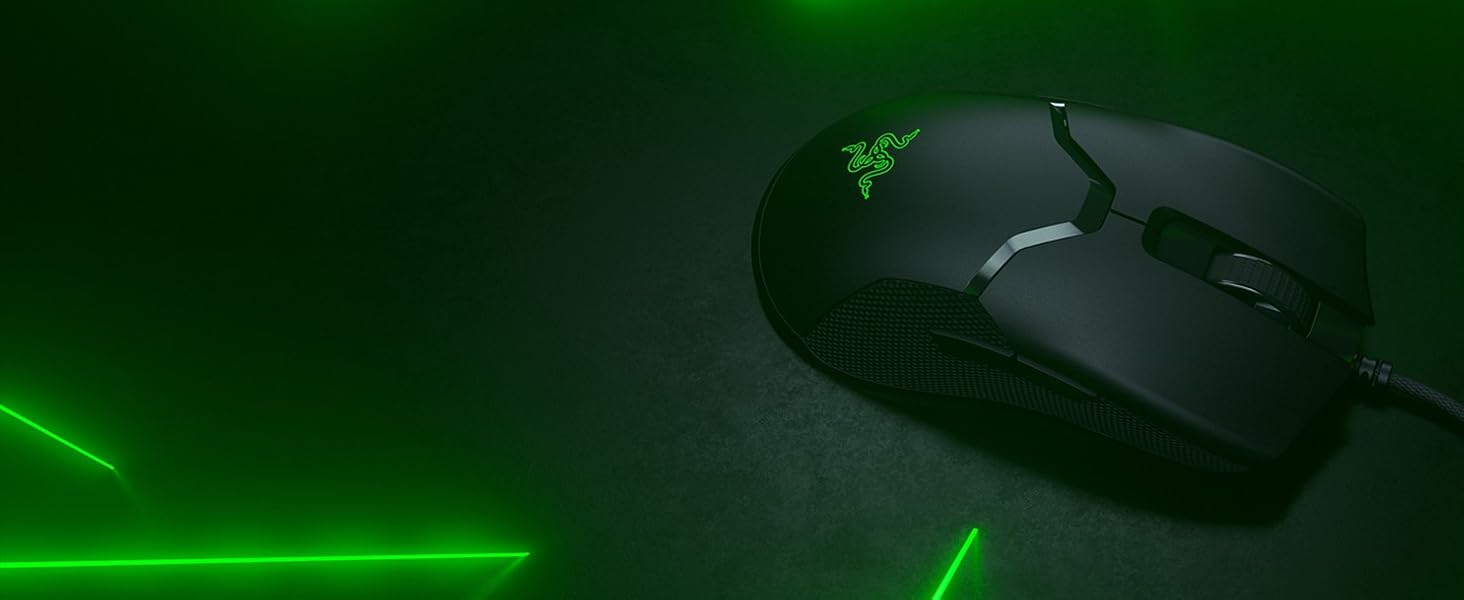
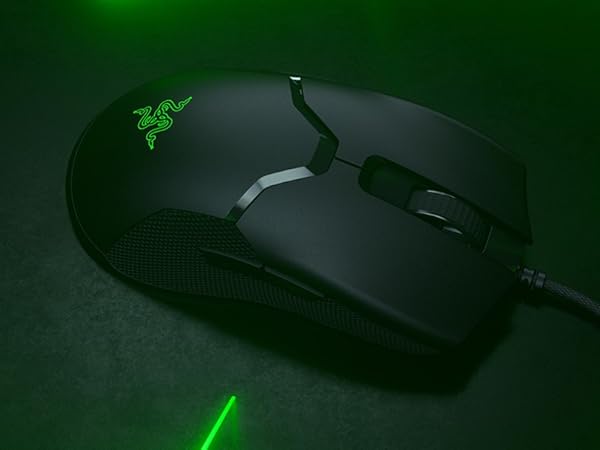
Uncompromised Strength
Ultra Lightweight Design
At 69g, the Viper more controlled swipes, augmenting your speed in heated battle
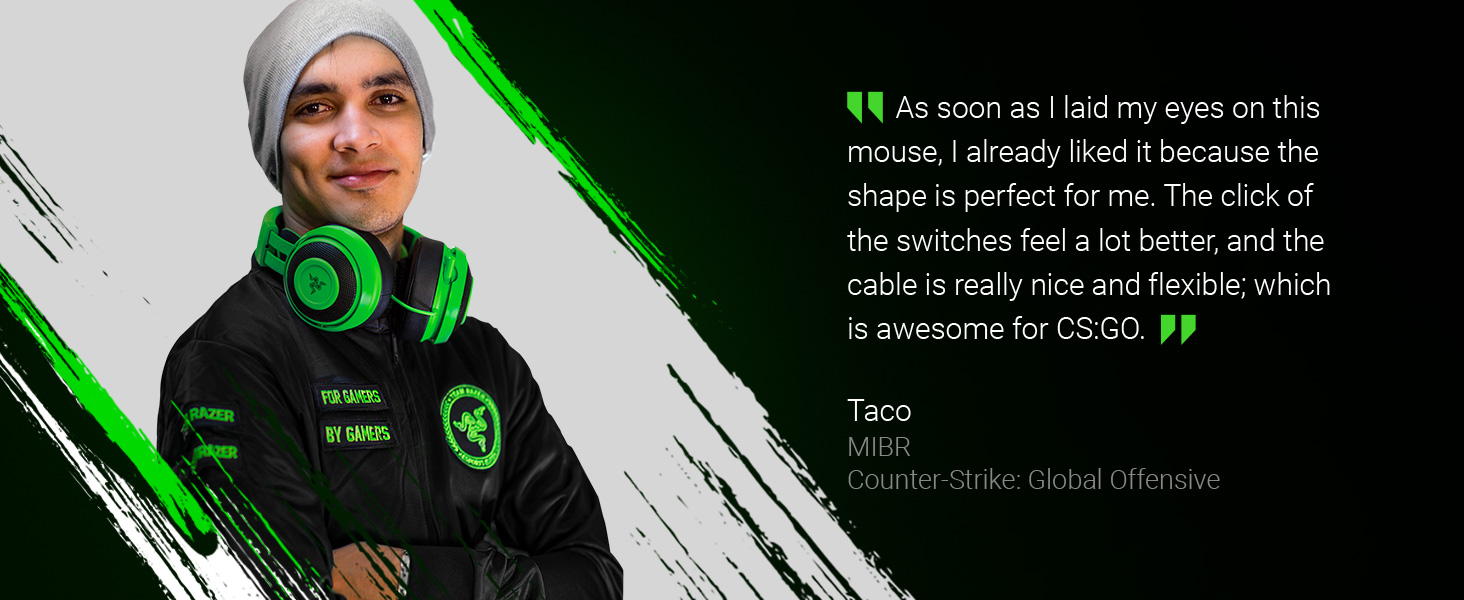
Gear Up
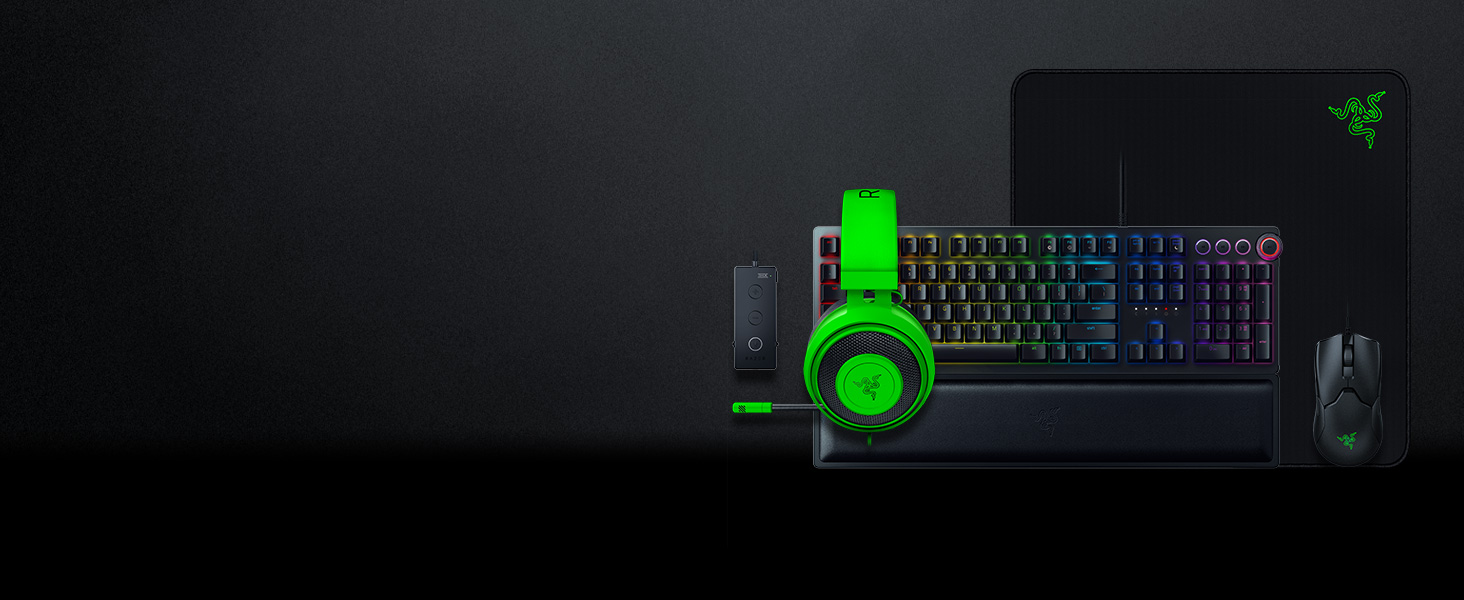
Complete your setup with the full lineup for the ultimate gaming experience from the #1 Best-Selling Gaming Peripherals Manufacturer in the US via NPD Group Inc, 2017-2021
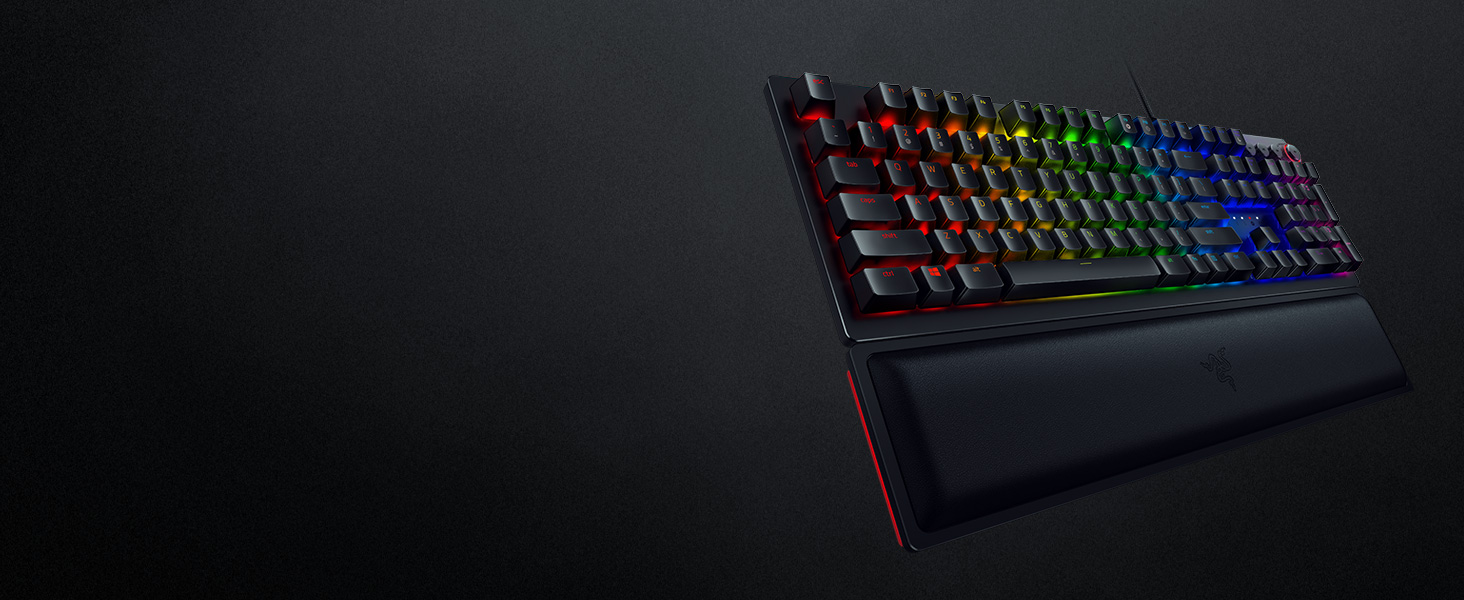
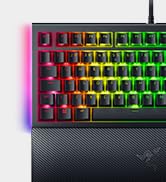
Razer Huntsman Elite Gaming Keyboard
Meet the Huntsman Elite: By redefining the boundaries of precision and speed, you are about to experience performance that can only be described as ahead of its time.
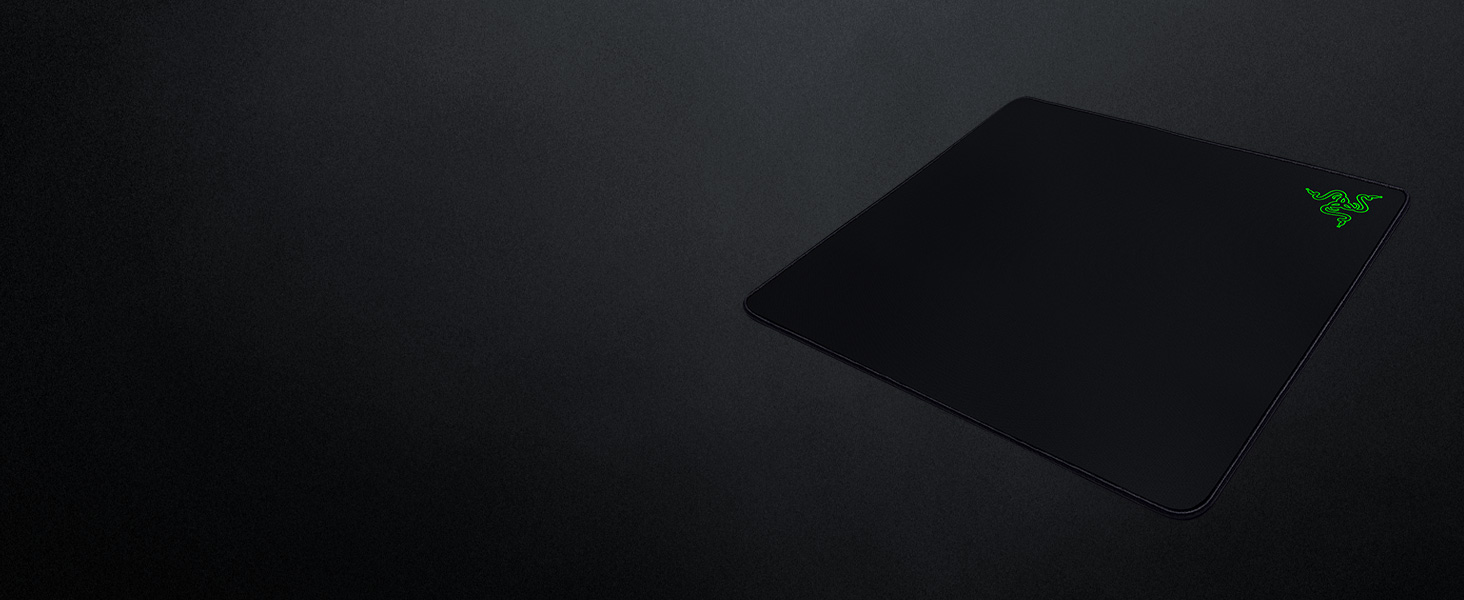
Razer Gigantus Mouse Pad
The Gigantus comes with an ultra large surface area, an optimized gaming surface, and enhanced thickness, so you can stay on the next level throughout any gaming marathon.
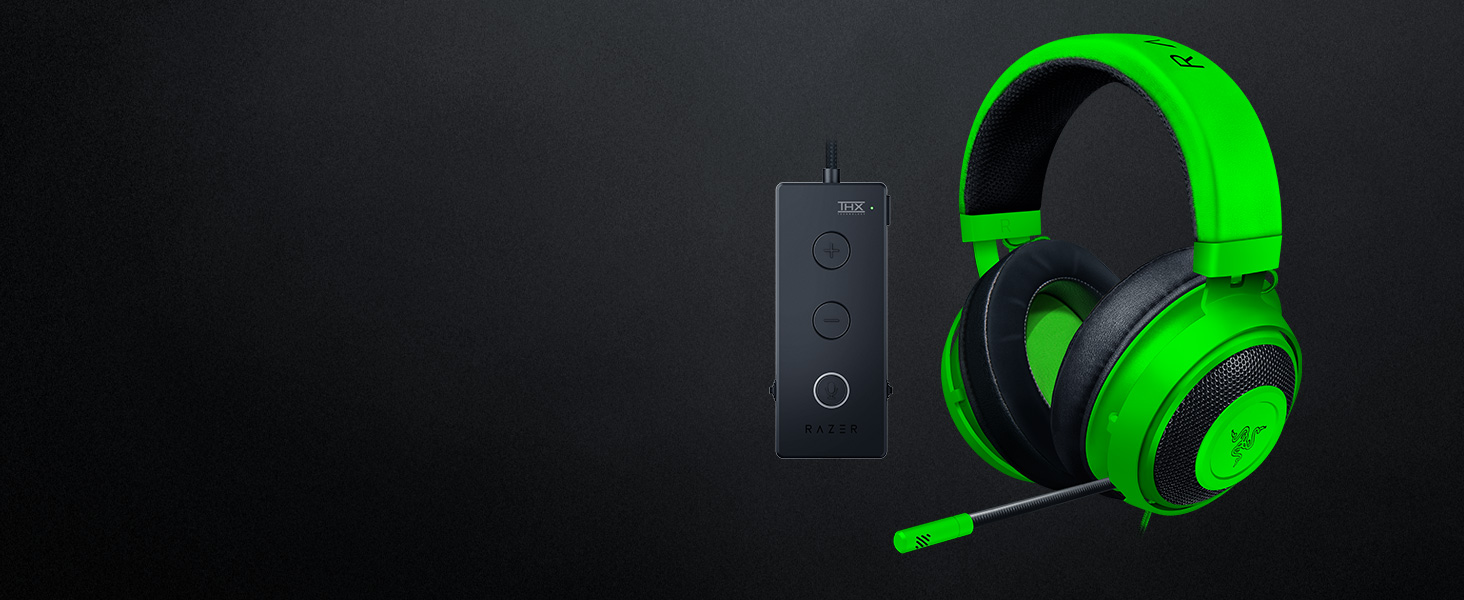
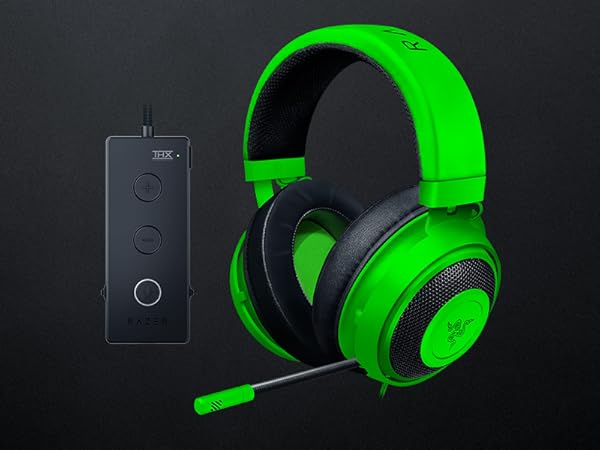
Razer Kraken Tournament Edition Headset
Featuring THX Spatial Audio for 360° positional sound, full audio controls, and game/chat balance to fully unleash your predatory instincts in games
Compare Razer Mice
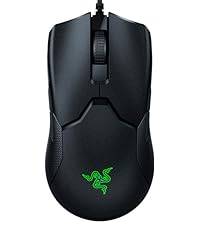 Viper | 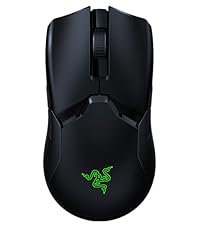 Viper Ultimate |  Viper Mini | 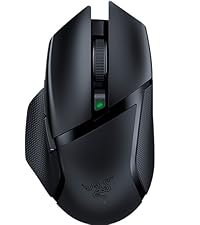 Basilisk X HyperSpeed | 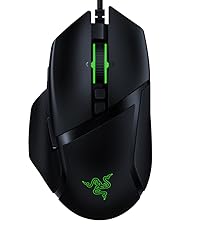 Basilisk V2 | 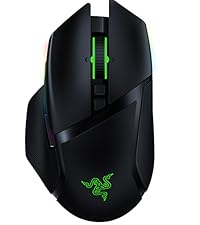 Basilisk Ultimate | 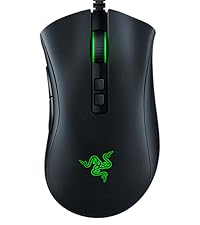 DeathAdder V2 | |
|---|---|---|---|---|---|---|---|
Customer Reviews | — | — | — | — | — | — | — |
Price | — | — | — | — | — | — | — |
Connection | Wired | Wireless | Wired | Wireless | Wired | Wireless | Wired |
Mouse Shape | Ambidextrous | Ambidextrous | Ambidextrous | Right-Handed | Right-Handed | Right-Handed | Right-Handed |
Programmable Buttons | 8 | 8 | 6 | 6 | 11 | 11 | 8 |
Sensor | 5G Optical Sensor | Focus+ 20k DPI Optical Sensor | 8500 DPI Optical Sensor | 5G Optical Sensor | Focus+ 20k DPI Optical Sensor | Focus+ 20k DPI Optical Sensor | Focus+ 20k DPI Optical Sensor |
Custom Lighting | ? | ? | ? | ? | ? | ? | ? |
Weight | 69 g | 74 g | 61 g | 106 g | 92 g | 107 g | 82 g |
What is the form factor of the Viper?
The Viper features an improved ambidextrous design.
Is the Viper supported by Razer Chroma?
Yes, the Viper is supported by Razer Chroma.
How do I change the settings of my Viper?
To change the settings of your Viper – including changing lighting, macros and other functions, please download and install Razer Synapse 3.
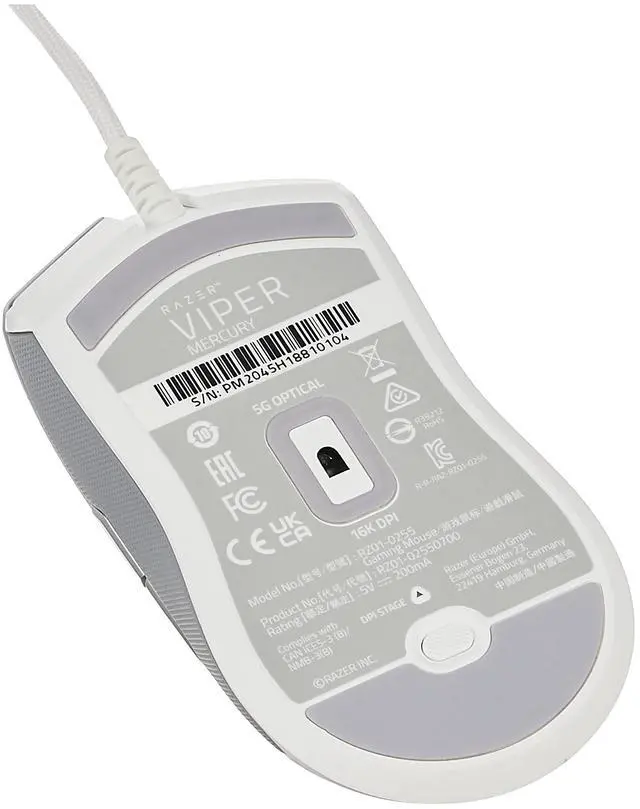
What is the button at the bottom of the Viper for?
The button acts as a DPI toggle button, allowing to switch across 5 different DPI stages on the fly. You can preset these settings via Razer Synapse 3.
Absolute Control
Control the outcome of any battle with a gaming mouse that’s bred to tear up the pro scene
For Minimal Drag
SpeedFlex Cable
Greater flexibility for unhindered swipes for smooth control
Faster Than Mechanical
Optical Mouse Switch
Actuation at the speed of light, rated for 70MM clicks, zero debounce delay, and longer lifespan
Uncompromised Strength
Ultra Lightweight Design
At 69g, the Viper more controlled swipes, augmenting your speed in heated battle
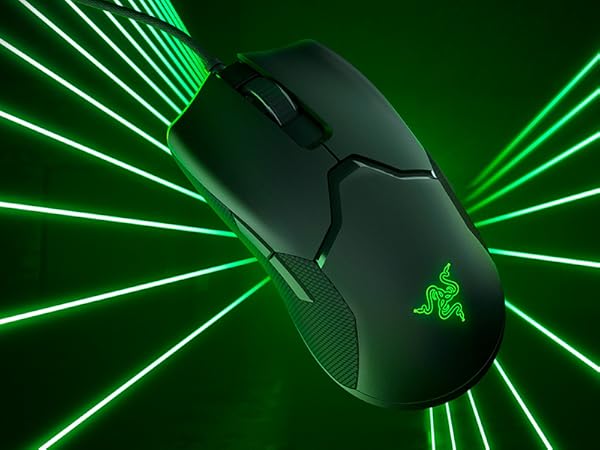
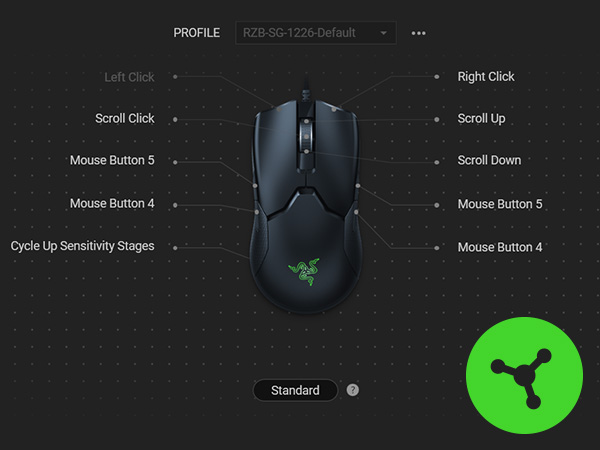
Dual-Sided Hyperesponse Buttons
2 side buttons on both sides allow for ambidextrous use
Gear Up
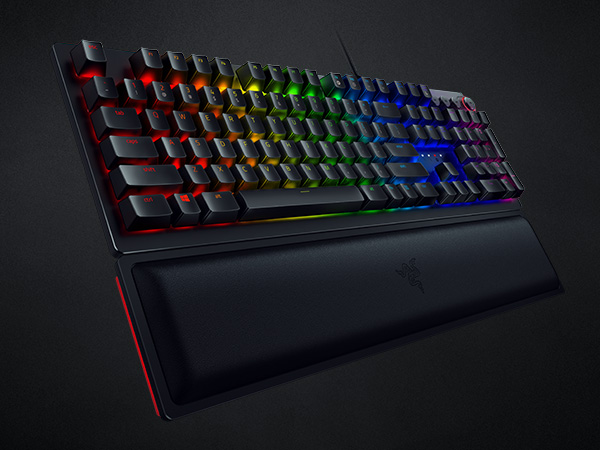
Razer Huntsman Elite Gaming Keyboard
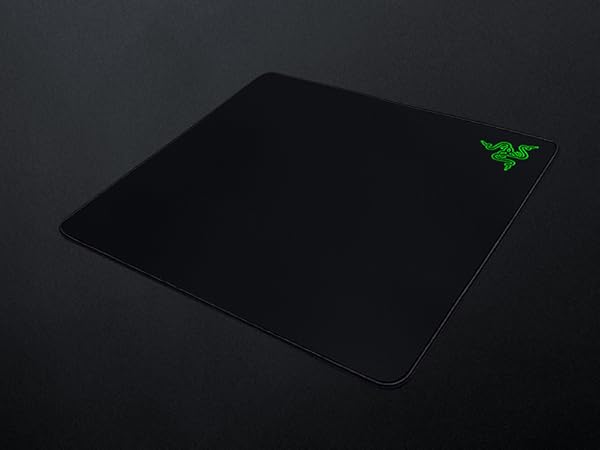
Razer Gigantus Mouse Pad
Razer Kraken Tournament Edition Headset
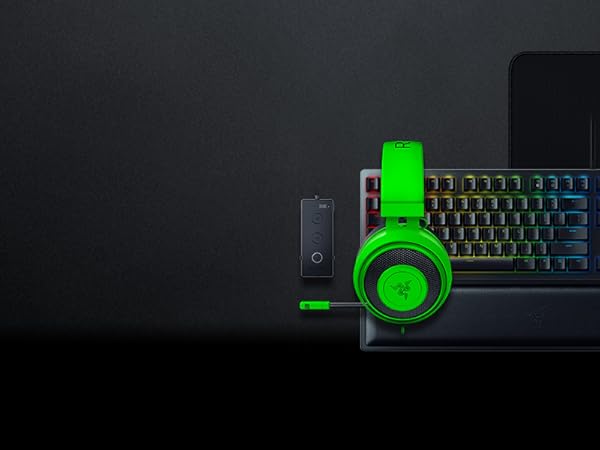
Complete your setup with the full lineup for the ultimate gaming experience from the #1 Best-Selling Gaming Peripherals Manufacturer in the US via NPD Group Inc, 2017-2021
Meet the Huntsman Elite: By redefining the boundaries of precision and speed, you are about to experience performance that can only be described as ahead of its time.
The Gigantus comes with an ultra large surface area, an optimized gaming surface, and enhanced thickness, so you can stay on the next level throughout any gaming marathon.
Featuring THX Spatial Audio for 360° positional sound, full audio controls, and game/chat balance to fully unleash your predatory instincts in games
Compare Razer Mice
Viper | Viper Ultimate | Viper Mini | Basilisk X HyperSpeed | Basilisk V2 | Basilisk Ultimate | DeathAdder V2 |
|---|---|---|---|---|---|---|
| Customer Reviews | ||||||
| — | — | — | — | — | — | — |
| Price | ||||||
| — | — | — | — | — | — | — |
| Connection | ||||||
| Wired | Wireless | Wired | Wireless | Wired | Wireless | Wired |
| Mouse Shape | ||||||
| Ambidextrous | Ambidextrous | Ambidextrous | Right-Handed | Right-Handed | Right-Handed | Right-Handed |
| Programmable Buttons | ||||||
| 8 | 8 | 6 | 6 | 11 | 11 | 8 |
| Sensor | ||||||
| 5G Optical Sensor | Focus+ 20k DPI Optical Sensor | 8500 DPI Optical Sensor | 5G Optical Sensor | Focus+ 20k DPI Optical Sensor | Focus+ 20k DPI Optical Sensor | Focus+ 20k DPI Optical Sensor |
| Custom Lighting | ||||||
| ? | ? | ? | ? | ? | ? | ? |
| Weight | ||||||
| 69 g | 74 g | 61 g | 106 g | 92 g | 107 g | 82 g |
What is the form factor of the Viper?
The Viper features an improved ambidextrous design.
Is the Viper supported by Razer Chroma?
Yes, the Viper is supported by Razer Chroma.
How do I change the settings of my Viper?
To change the settings of your Viper – including changing lighting, macros and other functions, please download and install Razer Synapse 3.
What is the button at the bottom of the Viper for?
The button acts as a DPI toggle button, allowing to switch across 5 different DPI stages on the fly. You can preset these settings via Razer Synapse 3.
The Razer Esports Line
Powered by Razer Chroma
Sustainability
