


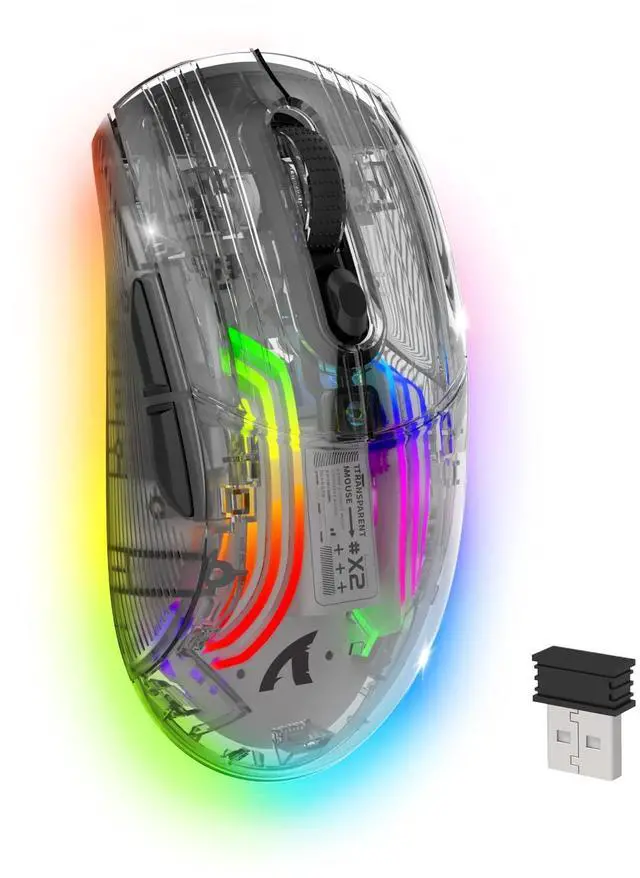


ATTACK SHARK X2 Tri-mode Gaming Mouse
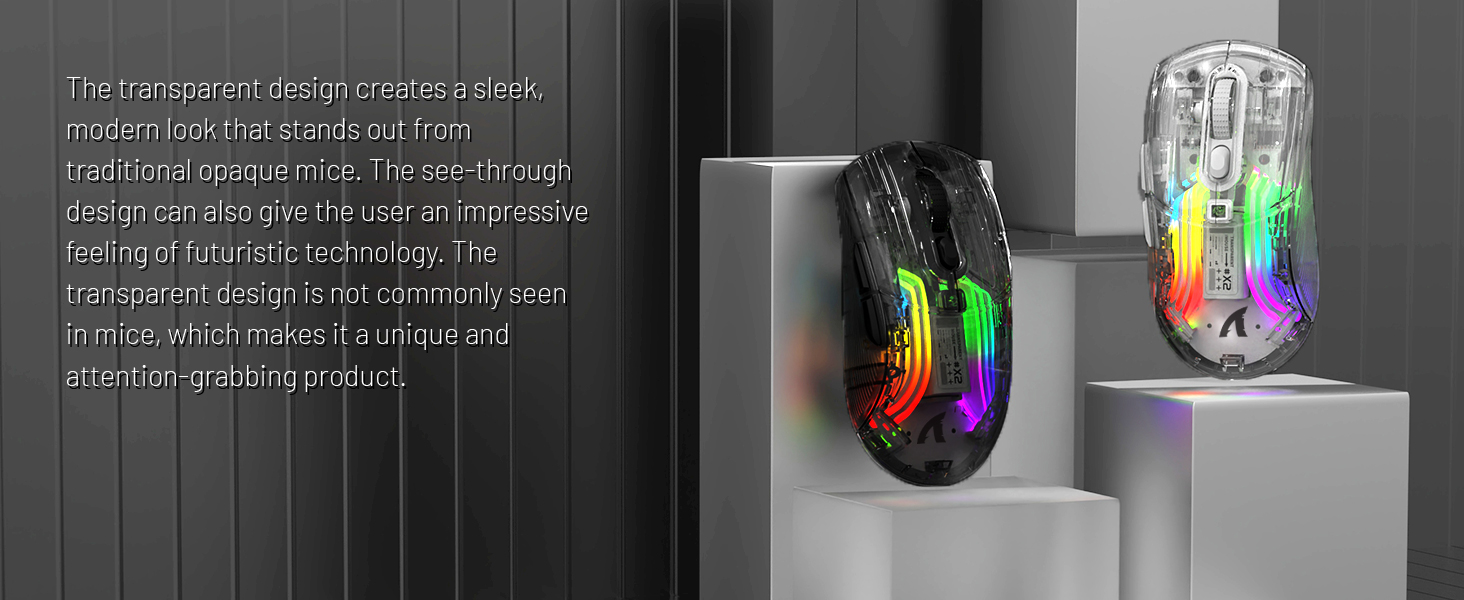
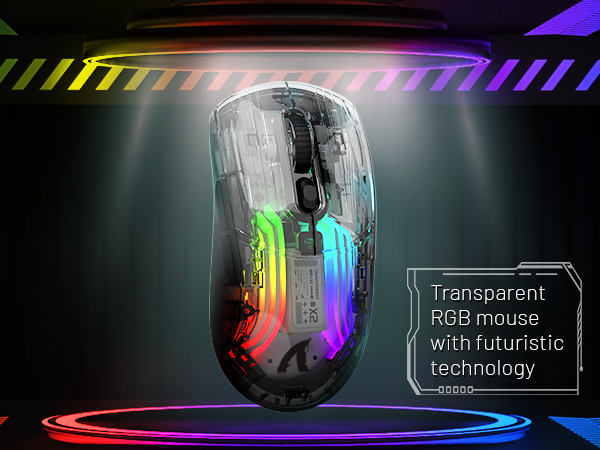
BLACK PC TRANSPARENT SHELL COMPUTER MOUSE
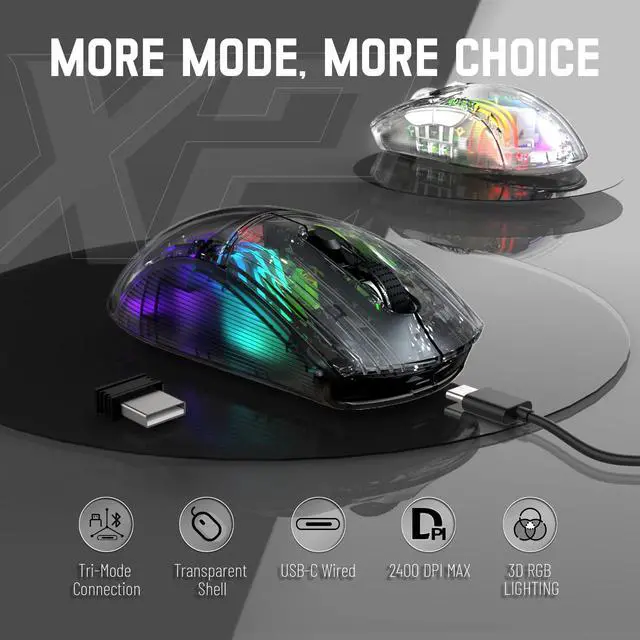
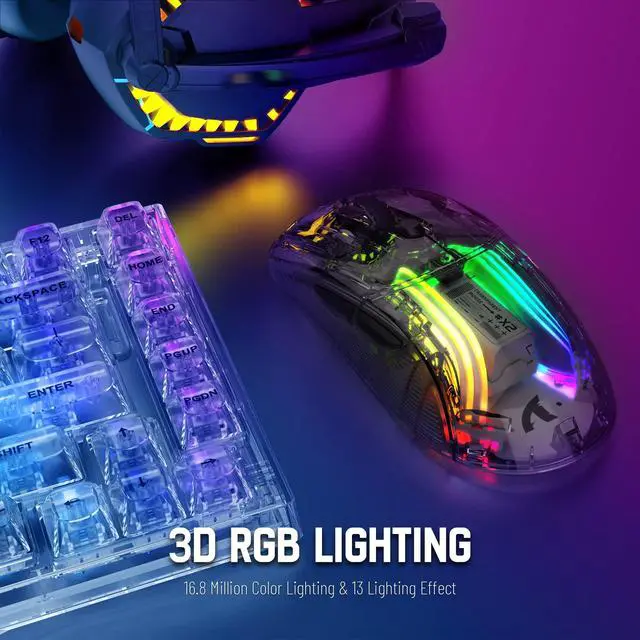
- Tri-mode BT5.0/2.4G/USB-C,3D RGB Lighting
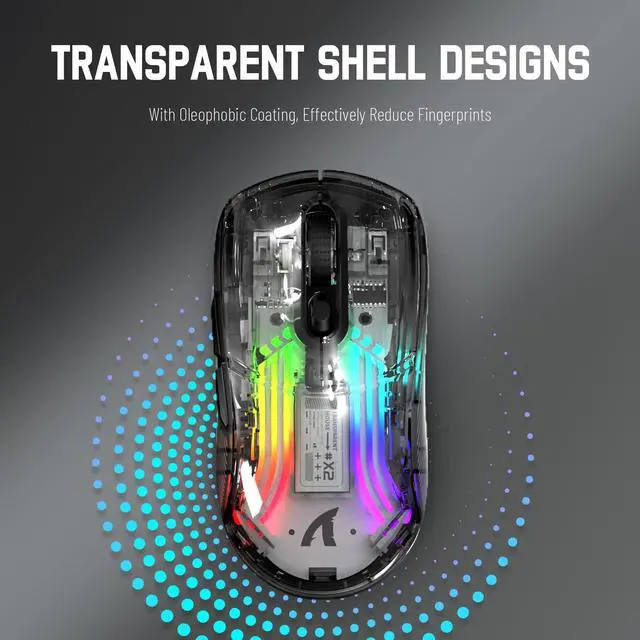
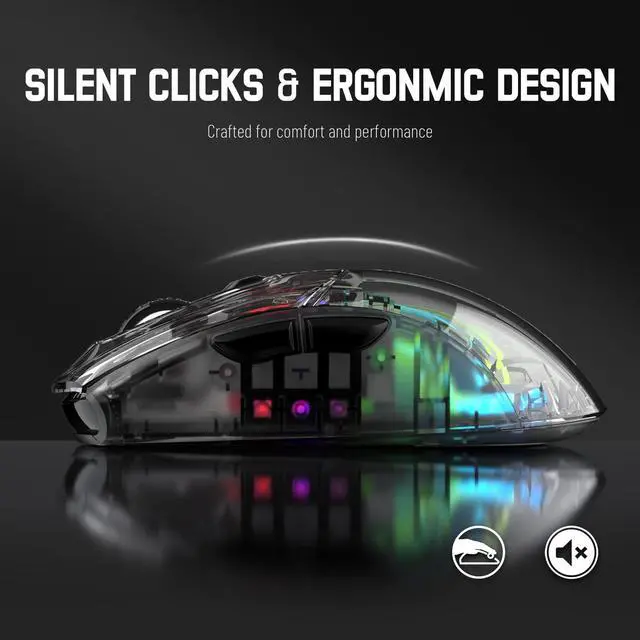
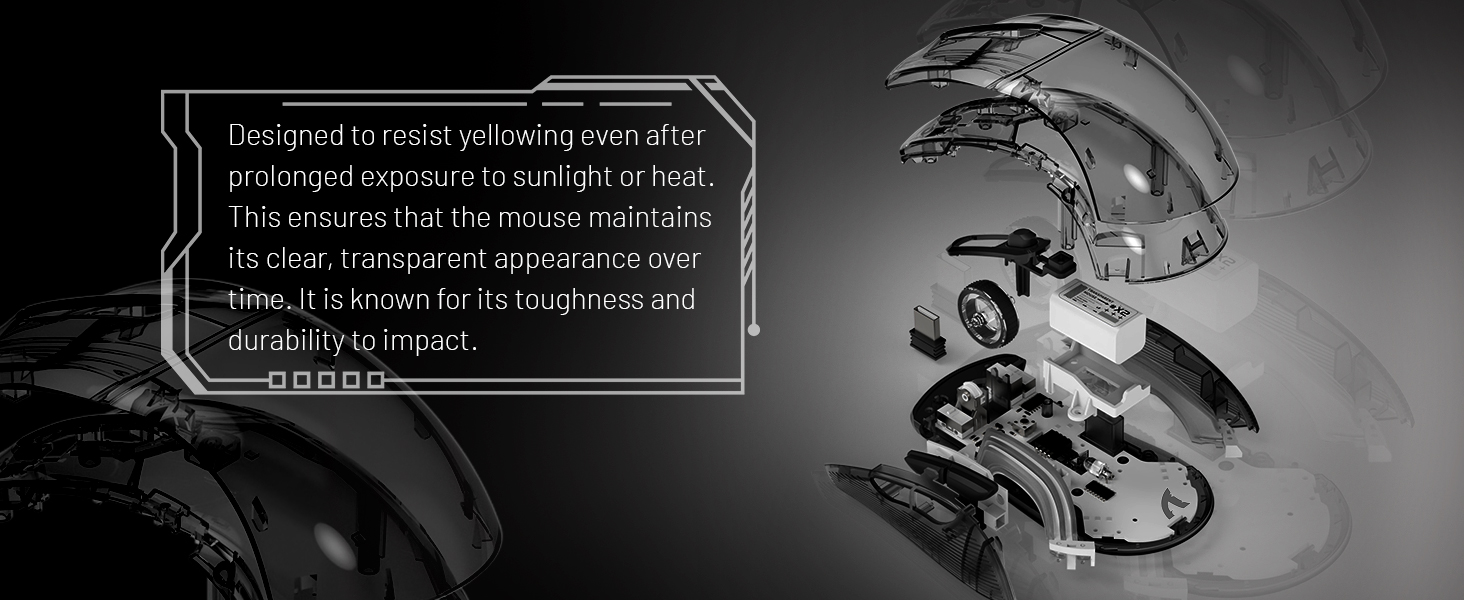
- PC Transparent Shell,Silent Button
Tri-mode function description
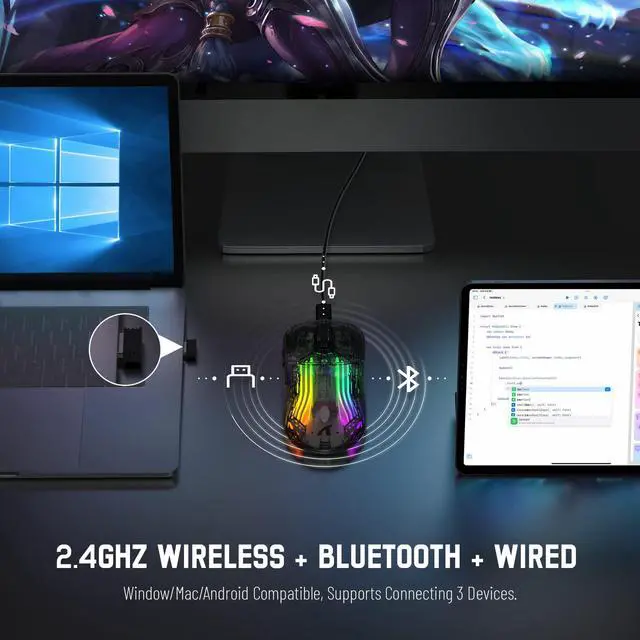
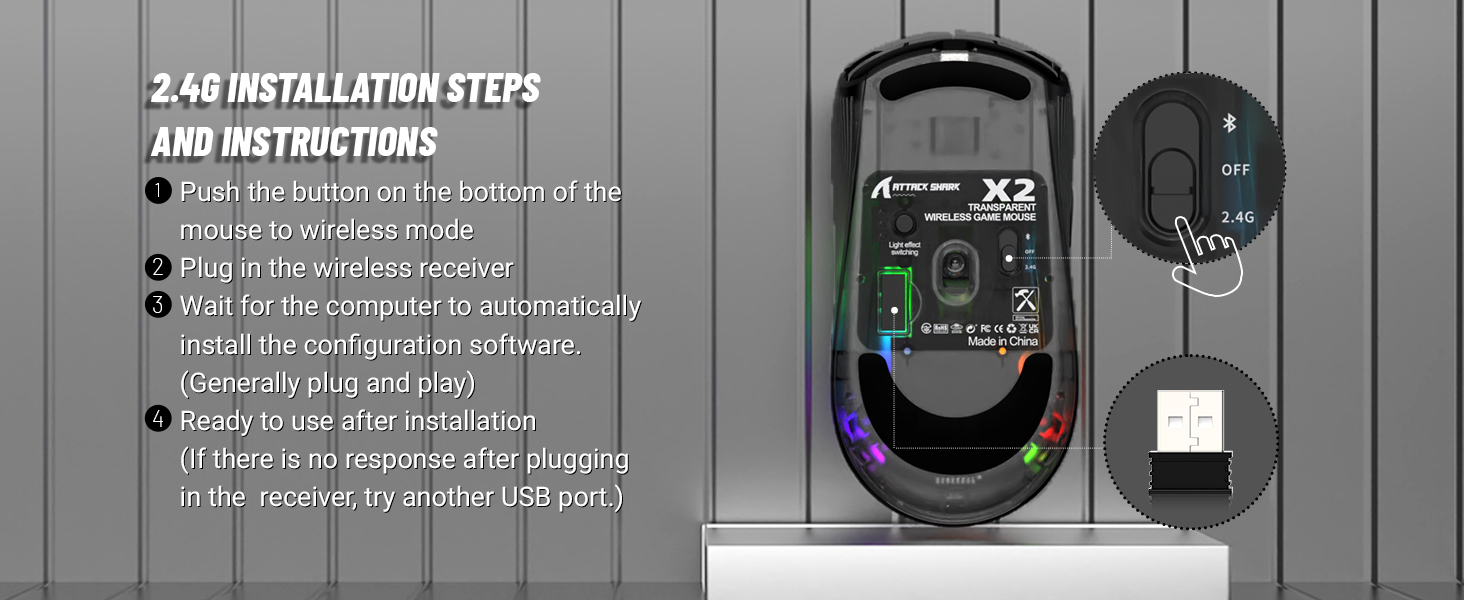
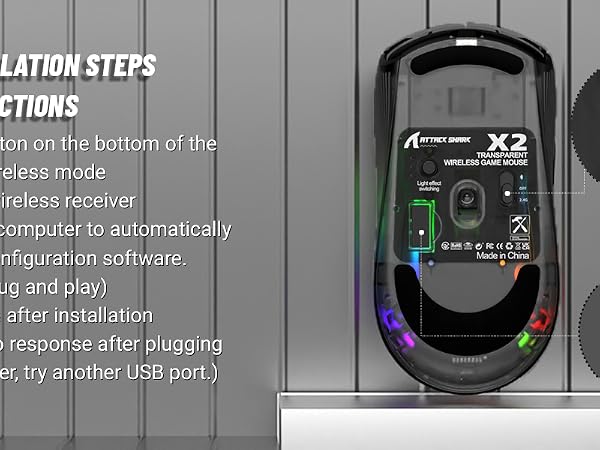
1. 2.4Ghz Wireless:
a) Adjust the switch on the back of the mouse to 2.4G.
b) Take out the receiver from the back of the mouse.
c) Plug the receiver into the device you want to use, such as PC/laptop.
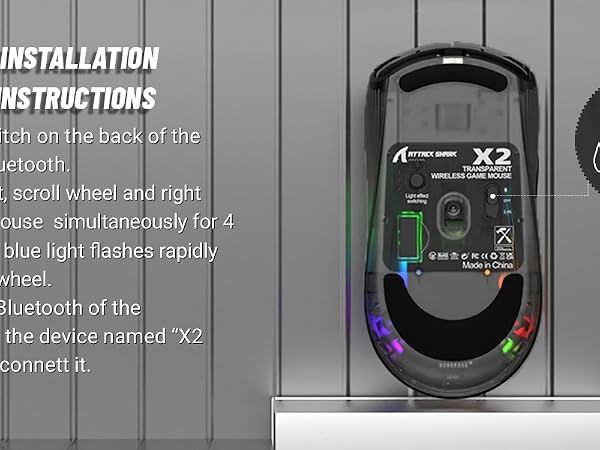
2. Bluetooth mode:
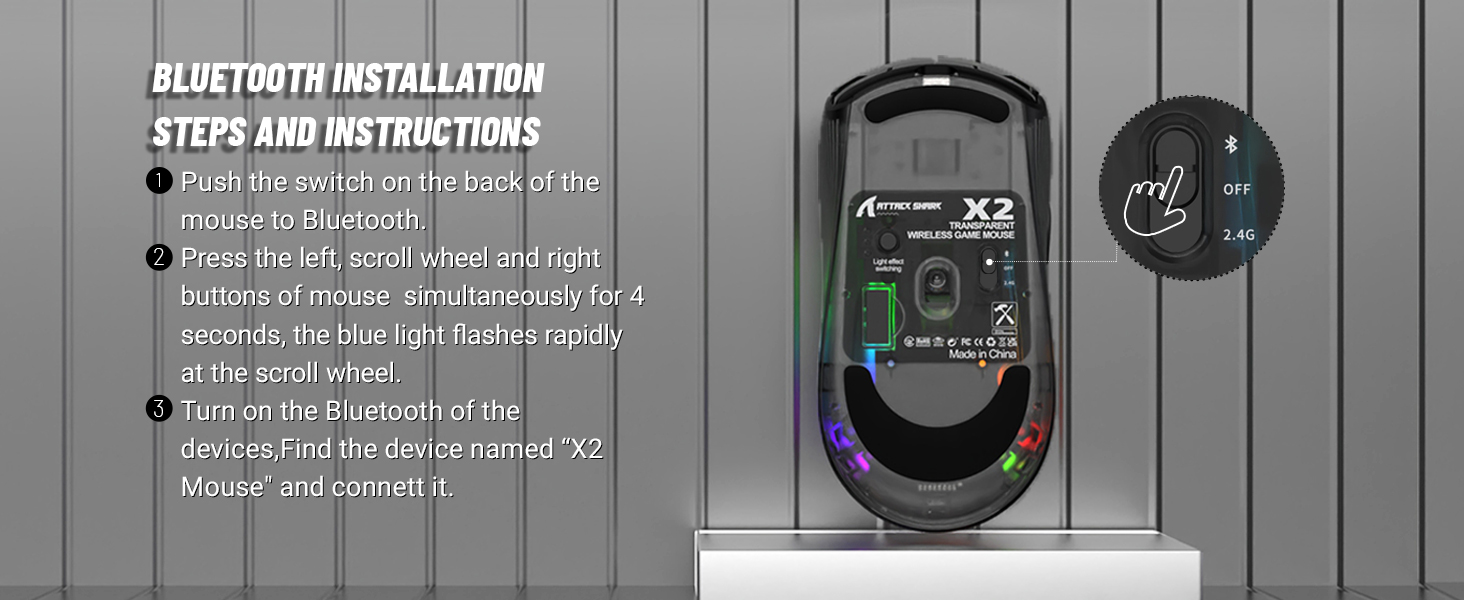
a) Adjust the switch on the back of the mouse to Bluetooth.
b) the mouse flashes blue light quickly, find the device named X2 Mouse and connect it.
c) if not, please press and hold the left button + wheel button + right button of the mouse 4 Seconds, the blue light flashes quickly, the mouse enters the pairing state, finds the device named X2 Mouse and connects it.
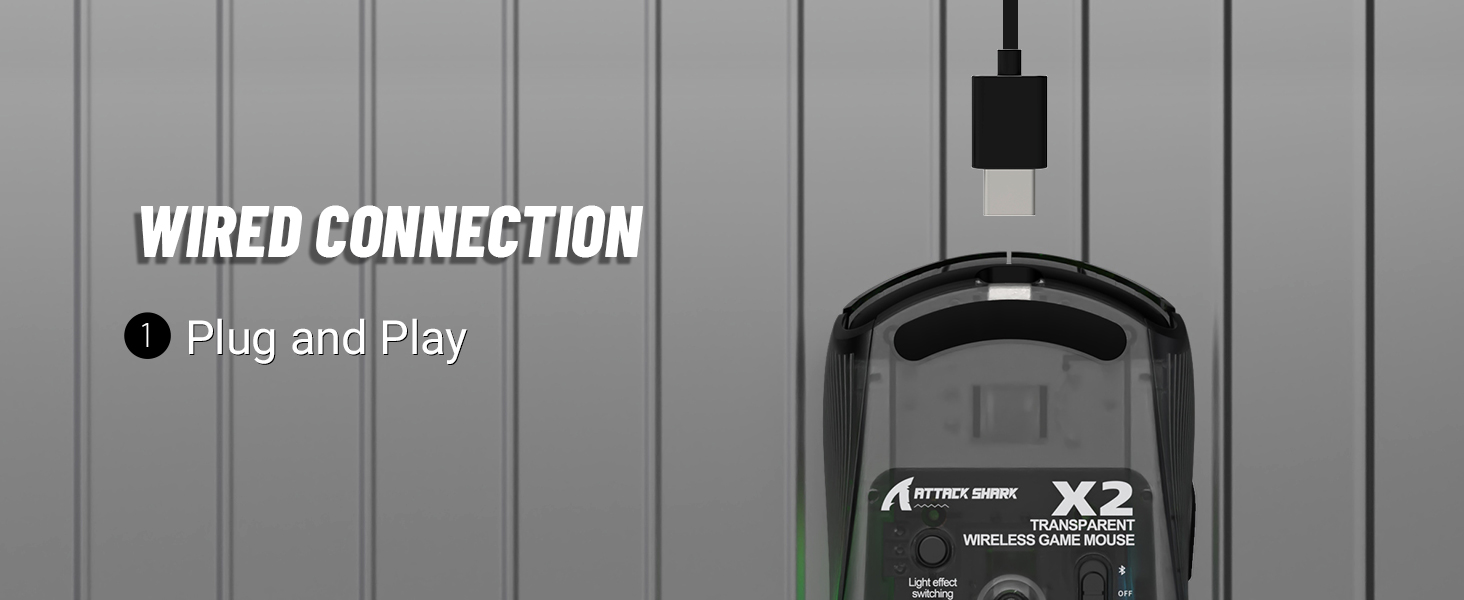
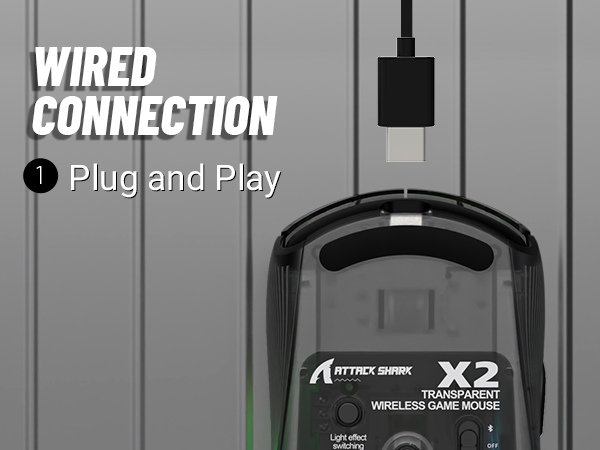
3. Wired mode:
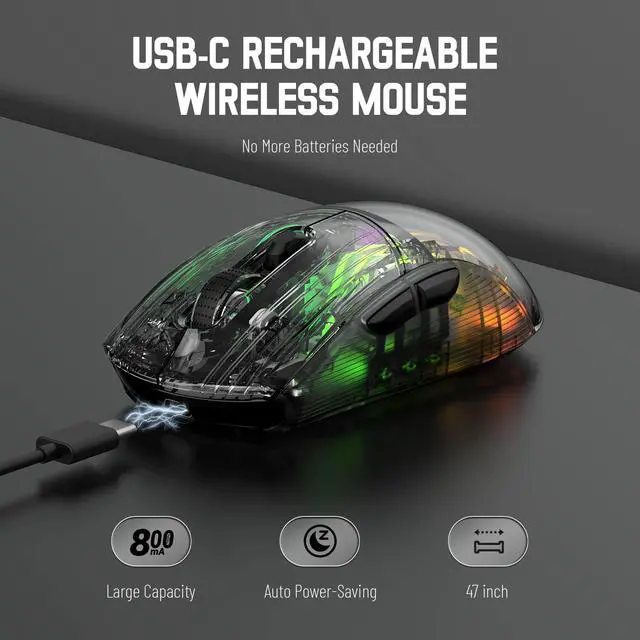
Adjust the switch on the back of the mouse to "OFF" - insert the USB cable to enter the wired mode, which can be used directly and charge the mouse at the same time.
How do I turn off the lighting effect on my mouse?
Long press the light effect switching button on the back of the mouse to turn off the lights, likewise, long press this button to turn on the light effect again.
Notes on using the mouse for the first time
1. The USB receiver is on the back of the mouse.
2. Please remove the clear protective film from the mouse feet before using the mouse to ensure a smooth usage experience.
ATTACK SHARK X2 Tri-mode Gaming Mouse
BLACK PC TRANSPARENT SHELL COMPUTER MOUSE
- Tri-mode BT5.0/2.4G/USB-C,3D RGB Lighting
- PC Transparent Shell,Silent Button
Tri-mode function description
1. 2.4Ghz Wireless:
a) Adjust the switch on the back of the mouse to 2.4G.
b) Take out the receiver from the back of the mouse.
c) Plug the receiver into the device you want to use, such as PC/laptop.
2. Bluetooth mode:
a) Adjust the switch on the back of the mouse to Bluetooth.
b) the mouse flashes blue light quickly, find the device named X2 Mouse and connect it.
c) if not, please press and hold the left button + wheel button + right button of the mouse 4 Seconds, the blue light flashes quickly, the mouse enters the pairing state, finds the device named X2 Mouse and connects it.
3. Wired mode:
Adjust the switch on the back of the mouse to "OFF" - insert the USB cable to enter the wired mode, which can be used directly and charge the mouse at the same time.
How do I turn off the lighting effect on my mouse?
Long press the light effect switching button on the back of the mouse to turn off the lights, likewise, long press this button to turn on the light effect again.
Notes on using the mouse for the first time
1. The USB receiver is on the back of the mouse.
2. Please remove the clear protective film from the mouse feet before using the mouse to ensure a smooth usage experience.