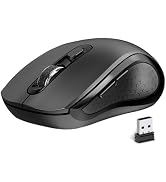
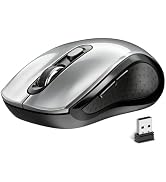
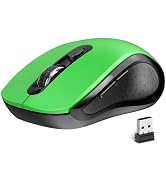
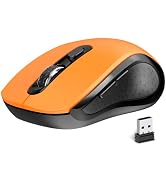
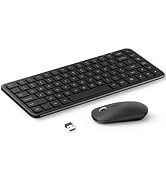
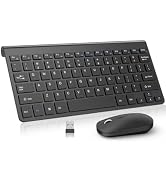
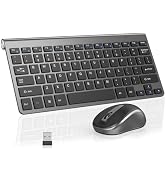
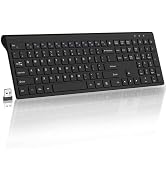
here!
here!
I’m your shopping assistant for PC builds, upgrades, and everything tech.
Got questions? Ask away!
Start a conversation
here!
I’m your shopping assistant for PC builds, upgrades, and everything tech.
Got questions? Ask away!
Start a conversation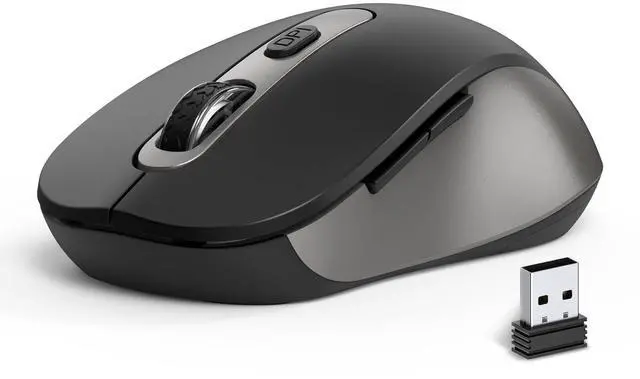





Any questions? Ask CelesteSM will help you find out quickly.

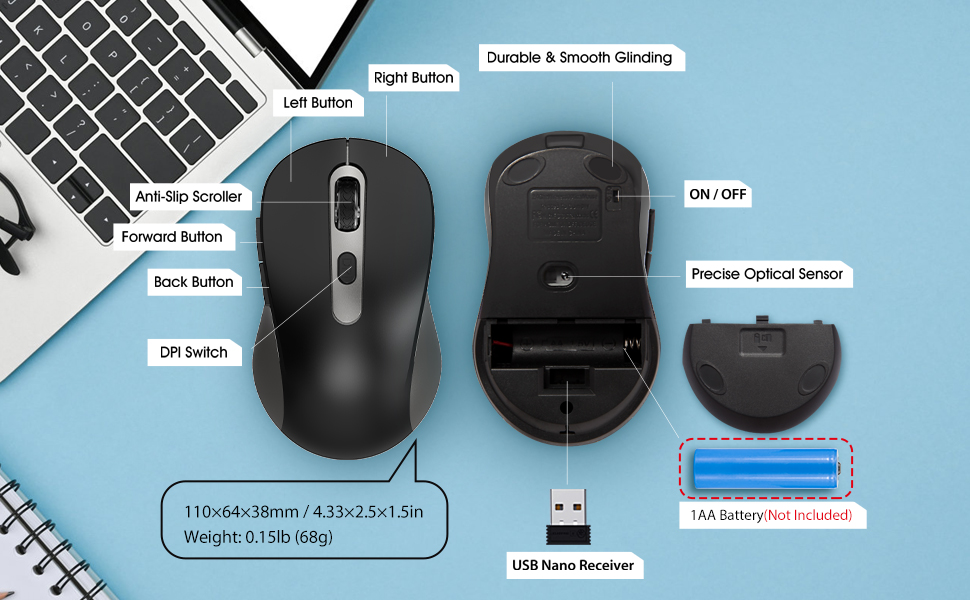
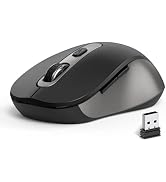
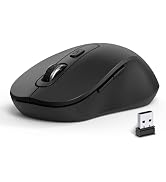
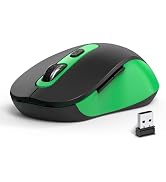
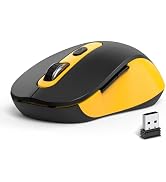
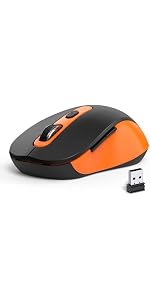
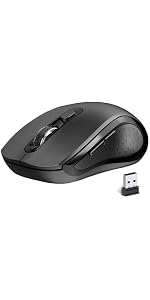
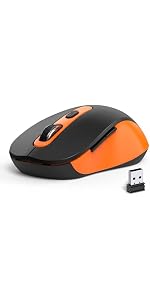
Package Include: 1 * Wireless Mouse ; 1 * USB Receiver ; 1 * User Manual
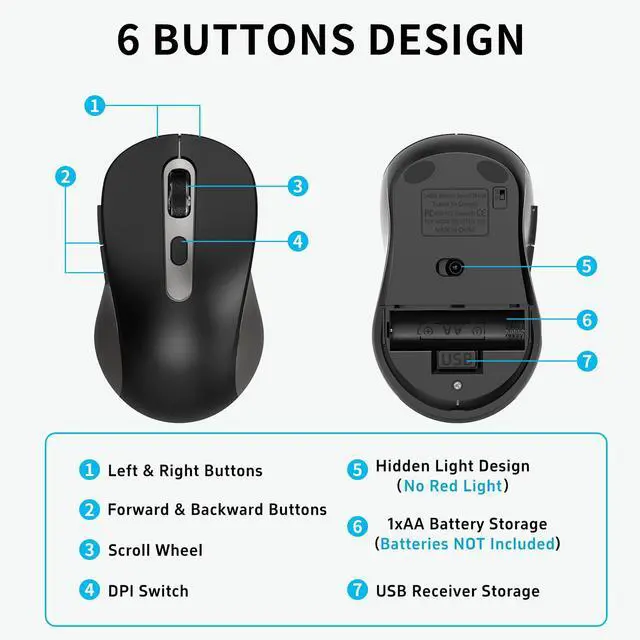
*Pls kindly note: No battery included in the package*
If wireless mouse not response, please try following tips:
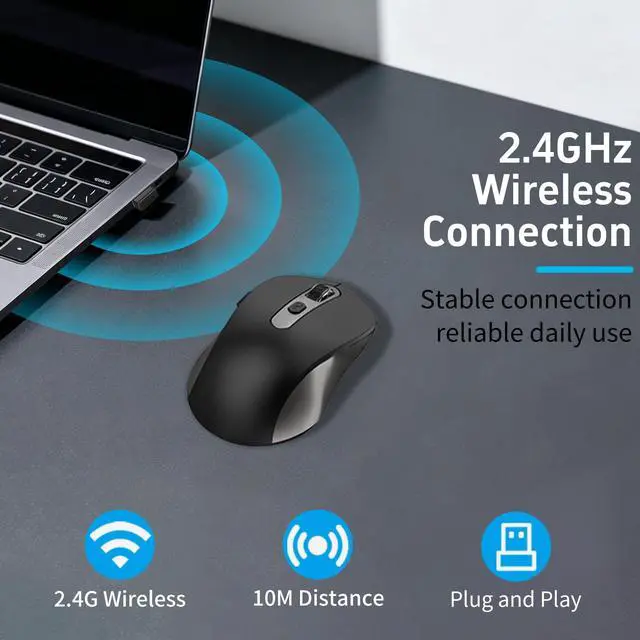
Turn off all 2.4G devices in your room and make sure the product is as close as possible to the Nano receiver.
Repair the cordless mouse:
Package Include: 1 * Wireless Mouse ; 1 * USB Receiver ; 1 * User Manual
*Pls kindly note: No battery included in the package*
If wireless mouse not response, please try following tips:
Turn off all 2.4G devices in your room and make sure the product is as close as possible to the Nano receiver.
Repair the cordless mouse: