





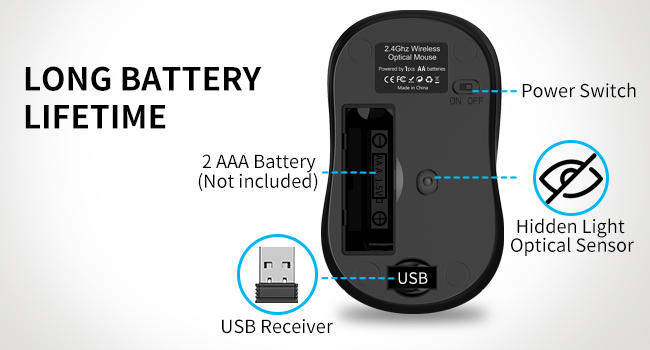
Long Battery Lifetime
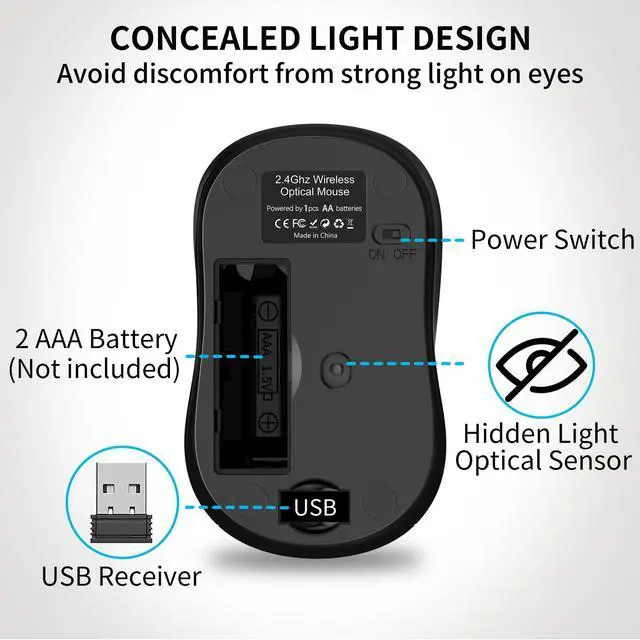
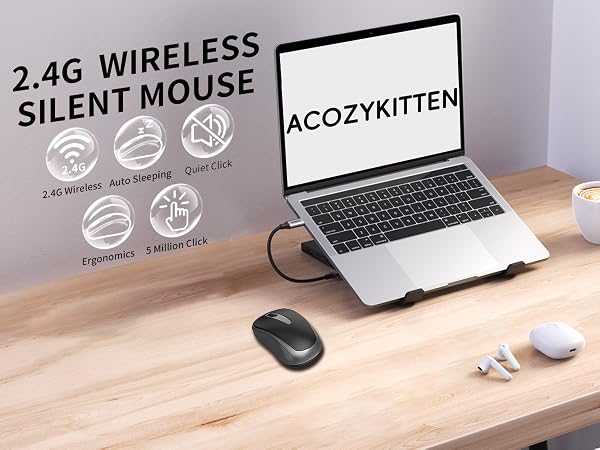
1 AA battery (NOT INCLUDED) is required for this mouse, it use the optical sensor hidden in the bottom light,reduce power consumption, will turn to sleep mode in 10mins of inactivity for energy saving, and can be easily activated by clicking any buttons.
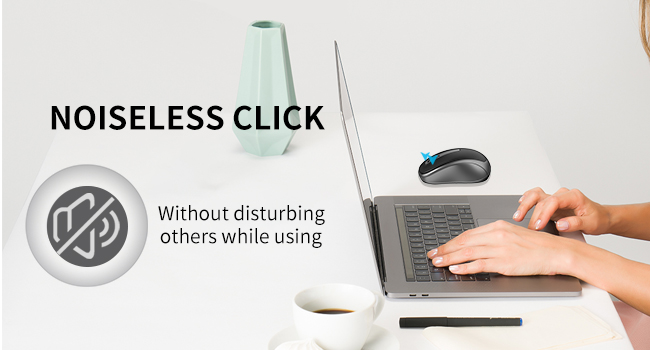
Quiet Wireless Mouse
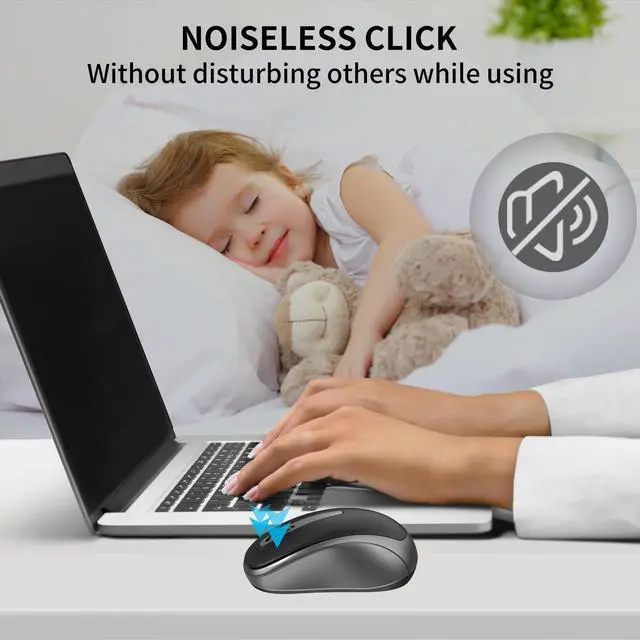
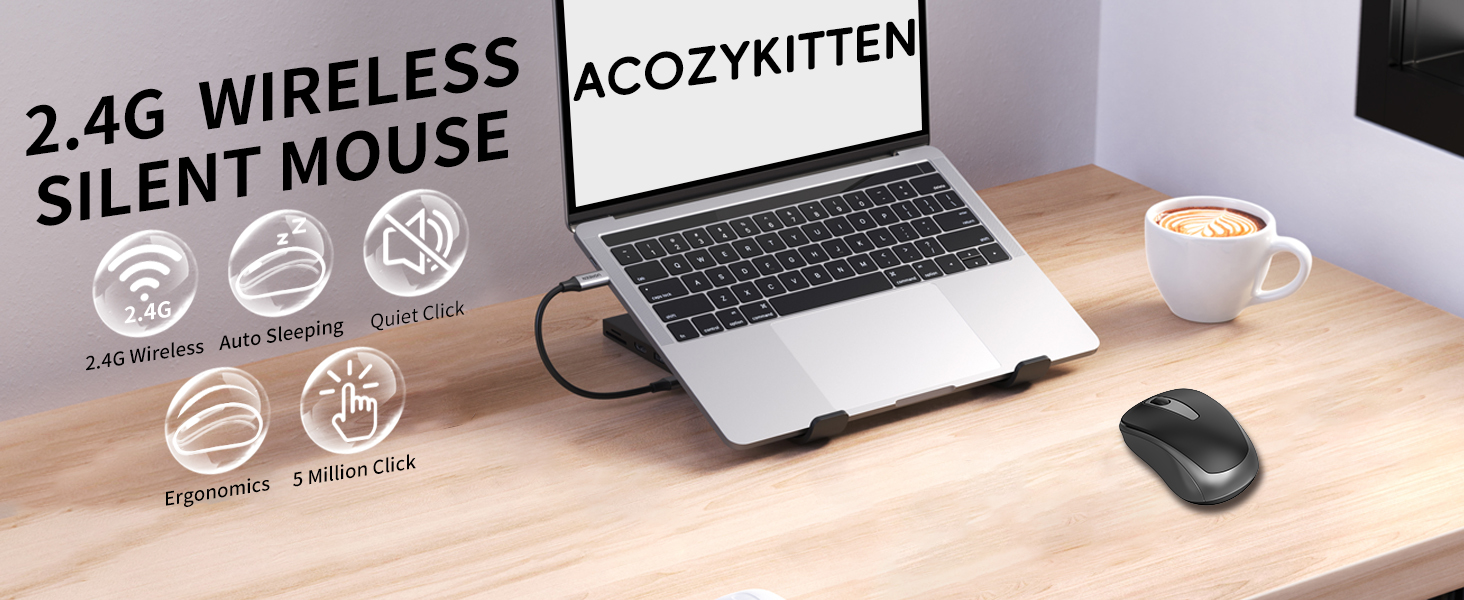
Noiseless click technology for wireless mouse,This allows you to work or use the mouse in any environment without disrupting others around you.

Ultra-Long Lasting Click
The click life of the left/right mouse button is 3 million times.
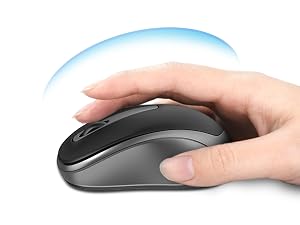
Ergonomic Design
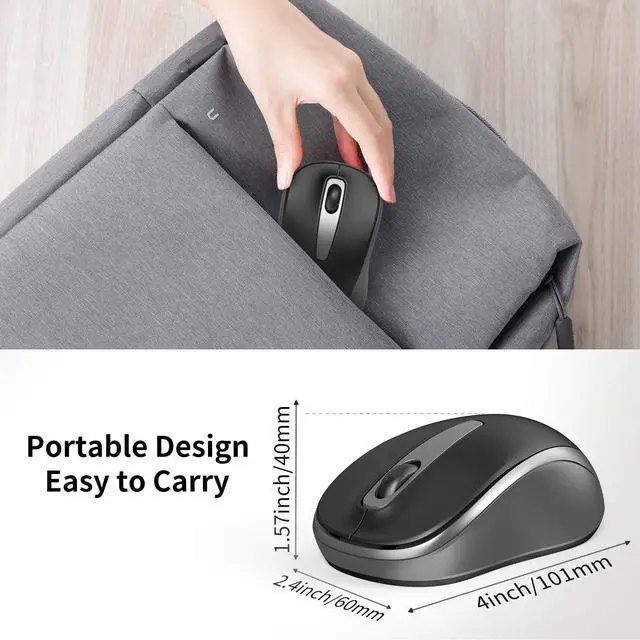
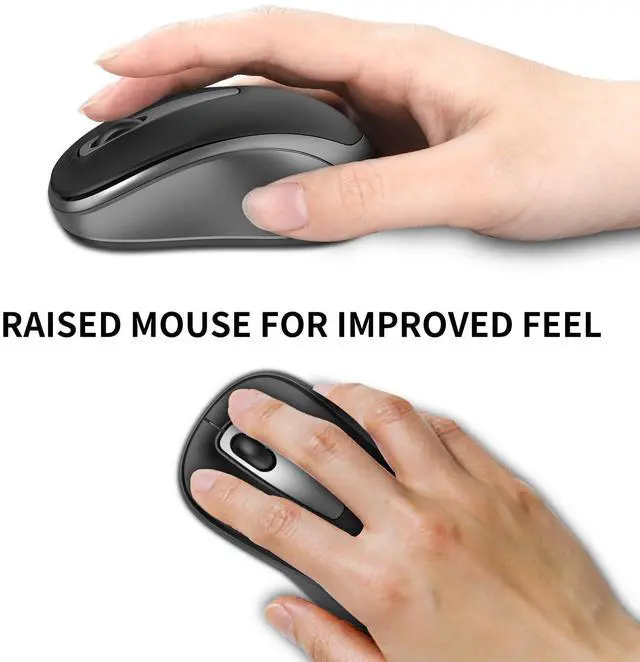
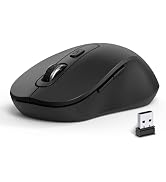
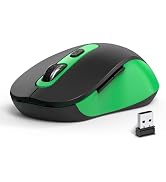
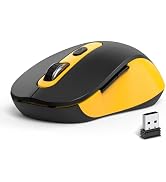
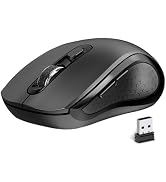
This wireless mouse fits snugly on the palm, providing a more comfortable grip,and the advanced sensor ensures silent clicks and nice responsive.
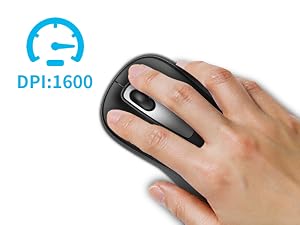
DPI:1600 Mouse
DPI of 1600. Easily meet your daily needs for browsing web pages, creating tables, and more.
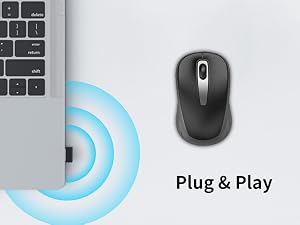
Plug & Play
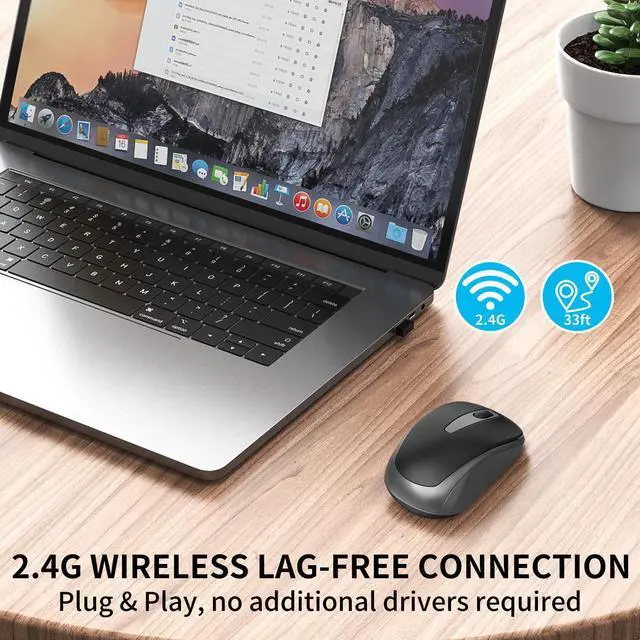
Plug and play, no need to install any drivers.
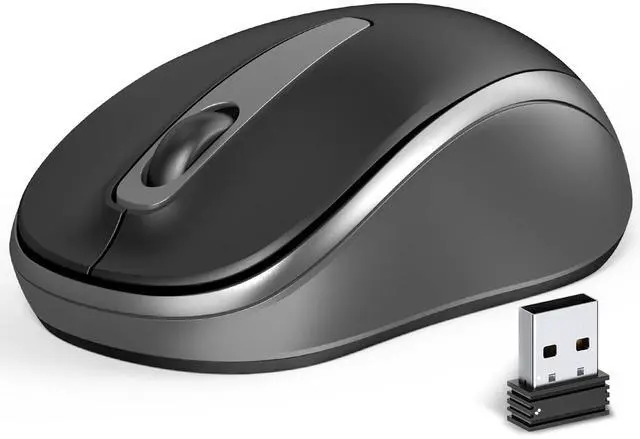
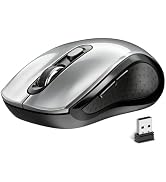
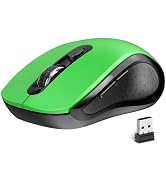
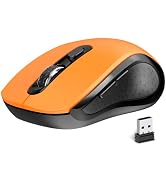
USB nano receiver can be found on the back of the Mouse.
If the mouse does not respond how can l re pair the mouse?
1.Unplug the receiver of computer.
2.Simultaneously press and hold the wheel button, the left button, and the right button for 5 seconds. (no lights will light up)
3.nsert the USB receiver into the computer within 15 seconds.
Is it compatible with Mac OS?
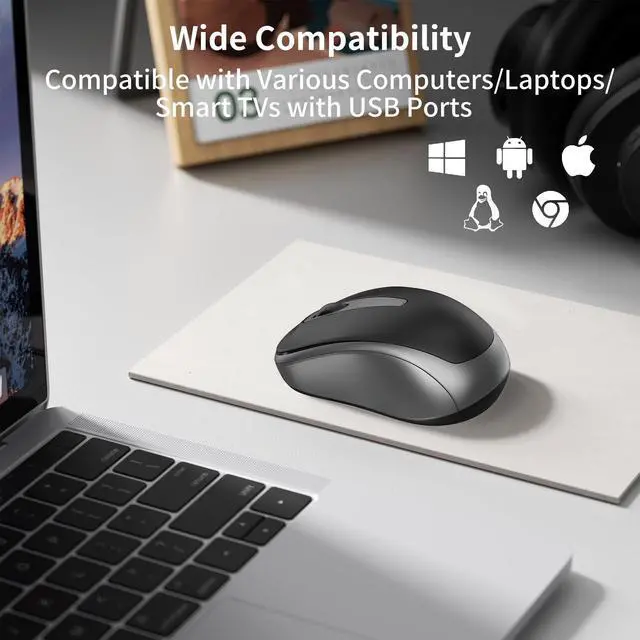
It is compatible with Mac OS and can be compatible with any USB-A port.
Long Battery Lifetime
1 AA battery (NOT INCLUDED) is required for this mouse, it use the optical sensor hidden in the bottom light,reduce power consumption, will turn to sleep mode in 10mins of inactivity for energy saving, and can be easily activated by clicking any buttons.
Quiet Wireless Mouse
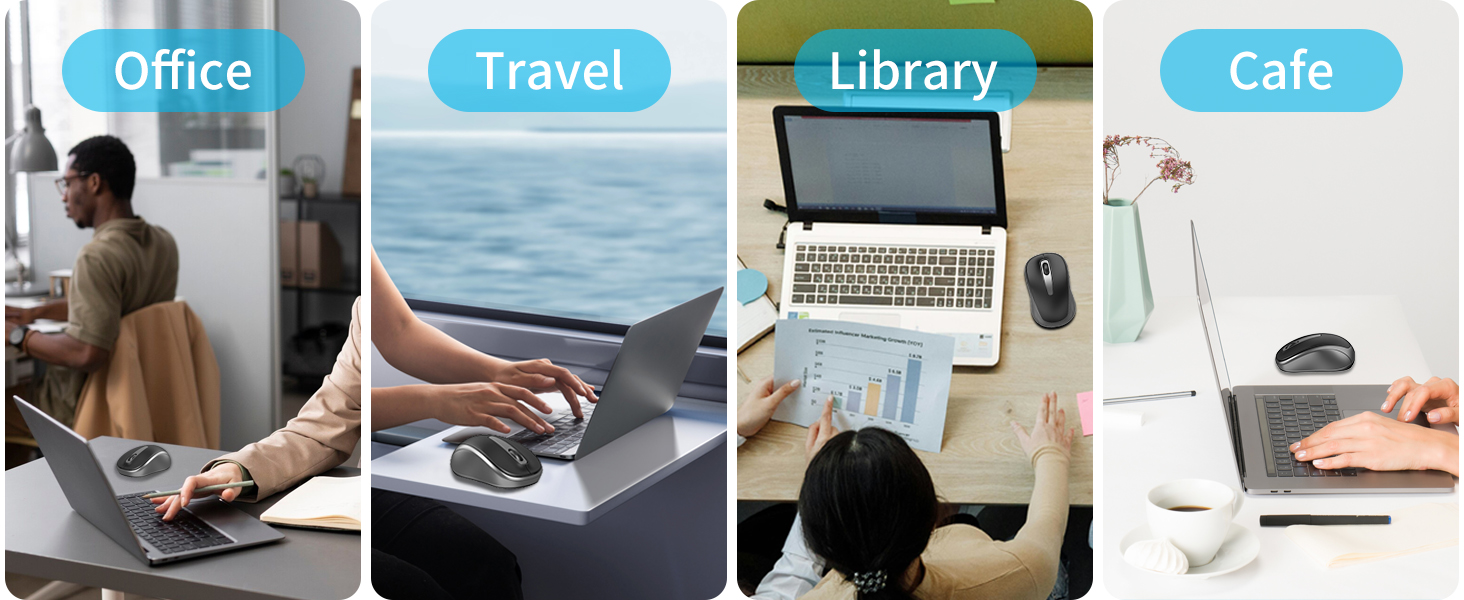
Noiseless click technology for wireless mouse,This allows you to work or use the mouse in any environment without disrupting others around you.
Ultra-Long Lasting Click
The click life of the left/right mouse button is 3 million times.
Ergonomic Design
This wireless mouse fits snugly on the palm, providing a more comfortable grip,and the advanced sensor ensures silent clicks and nice responsive.
DPI:1600 Mouse
DPI of 1600. Easily meet your daily needs for browsing web pages, creating tables, and more.
Plug & Play
Plug and play, no need to install any drivers.
USB nano receiver can be found on the back of the Mouse.

If the mouse does not respond how can l re pair the mouse?
1.Unplug the receiver of computer.
2.Simultaneously press and hold the wheel button, the left button, and the right button for 5 seconds. (no lights will light up)
3.nsert the USB receiver into the computer within 15 seconds.
Is it compatible with Mac OS?
It is compatible with Mac OS and can be compatible with any USB-A port.
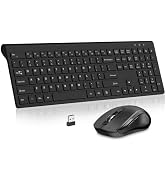
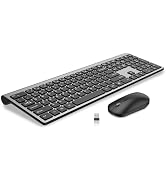
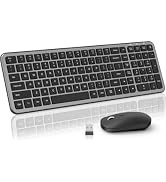
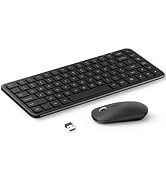
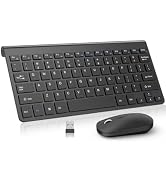
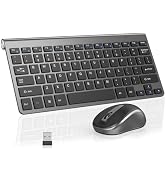
Wireless Keyboard and Mouse
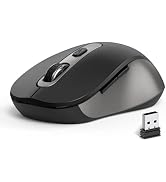
2.4G Wireless Mouse
USB Wireless Mouse
Slim Keyboard