here!
here!
I’m your shopping assistant for PC builds, upgrades, and everything tech.
Got questions? Ask away!
Start a conversation
here!
I’m your shopping assistant for PC builds, upgrades, and everything tech.
Got questions? Ask away!
Start a conversation







Any questions? Ask CelesteSM will help you find out quickly.
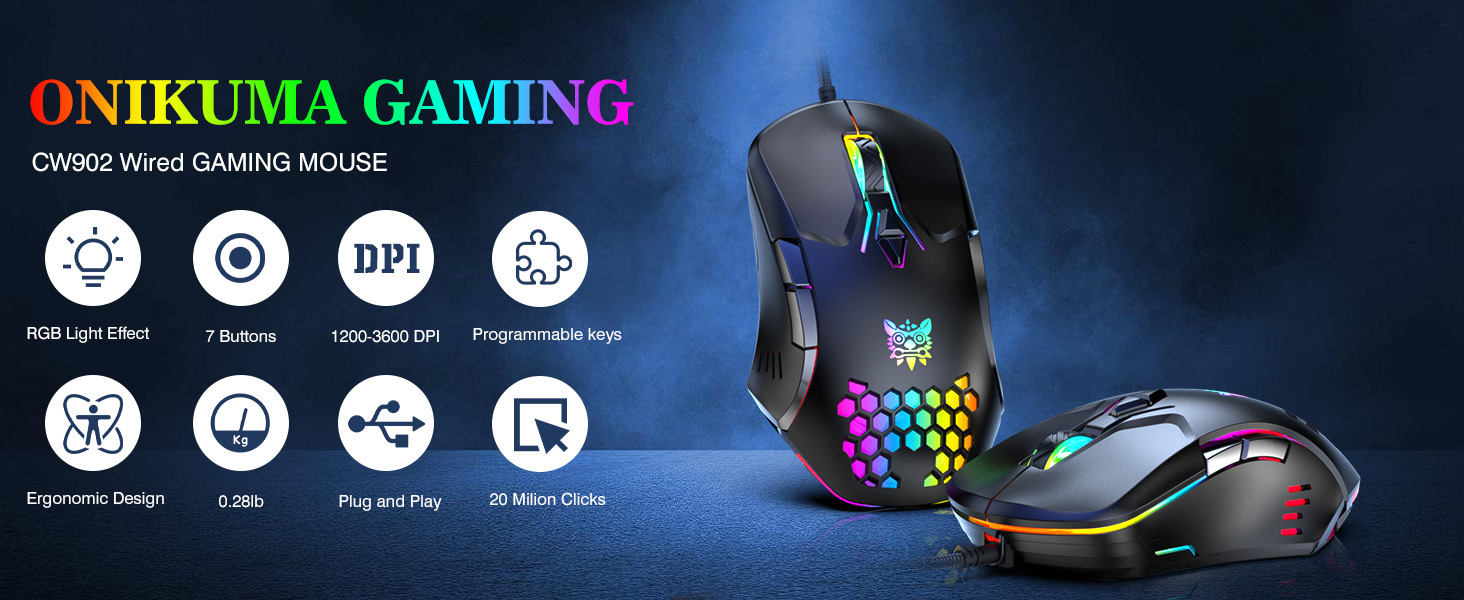
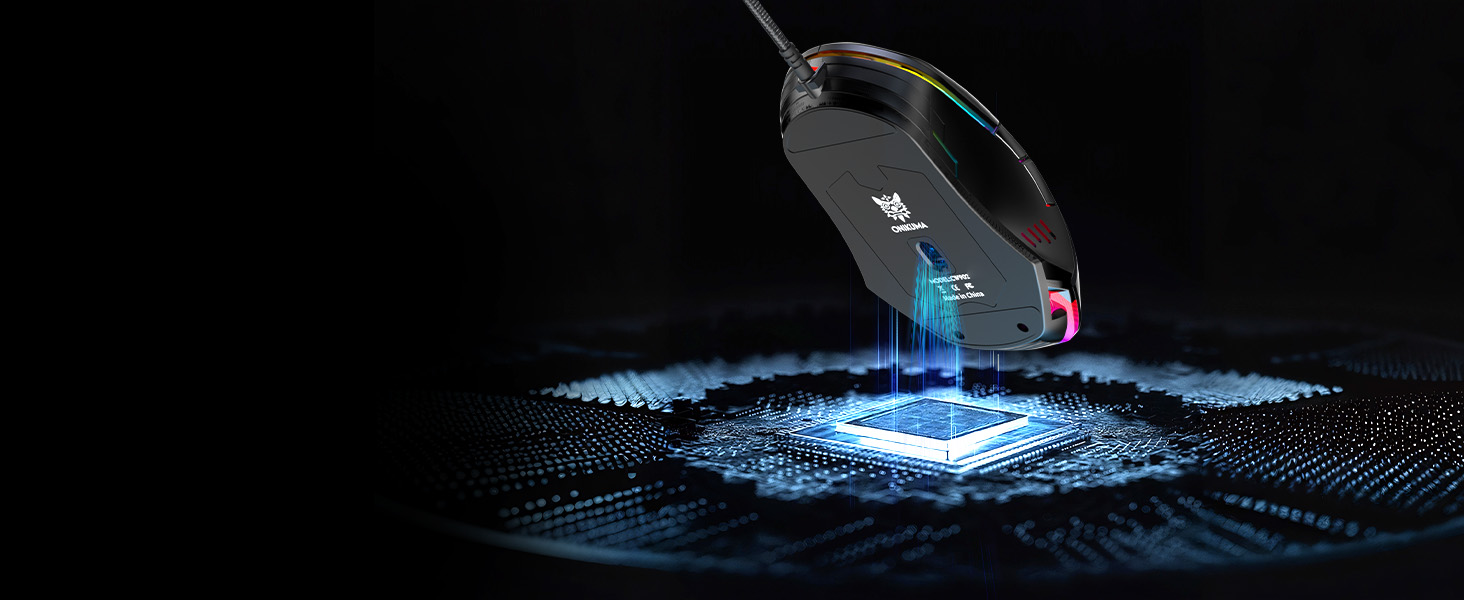
Sensing speed with almost 0 delay
 G80 Wireless Keyboards | 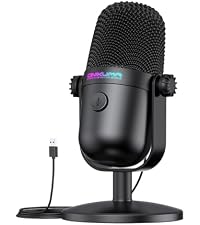 Gaming Microphone | 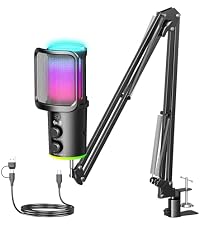 M530 USB Microphone | 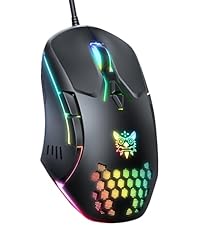 Gaming Mouse with RGB | 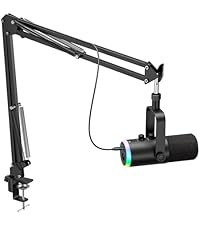 Dynamic Gaming Microphone | 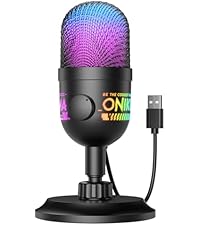 M930 Gaming Mic | 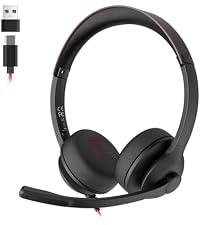 USB Headset | |
|---|---|---|---|---|---|---|---|
Customer Reviews | — | — | — | — | — | — | — |
Price | — | — | — | — | — | — | — |
Feature 1 | BT/2.4G/USB-C | Mute Button | Noise Cancellation | Dynamic Colorful RGB Lights | USB-C/XLR | Plug & Play | USB C & USB A |
Feature 2 | 94 Keys | Noise Cancellation | Mute Button | 1200 to 3600 DPI | Dynamic | Cardioid Pickup | Noise Cancelling Mic |
Feature 3 | Customized RGB Lights | Ultra-Compact Design | Monitoring | Wired | RGB Light | 3.5mm Monitoring | All-day Comfort |
Feature 4 | LCD Screen | Universal Compatibility | RGB Lighting | PC/Mac others | Mute Button | RGB Light | Lightweight |
Feature 5 | Multifunction Knob | Easy Installation | Plug & Play | 7 Buttons | Noise Reduction | Noise Reduction | Universal Compatibility |
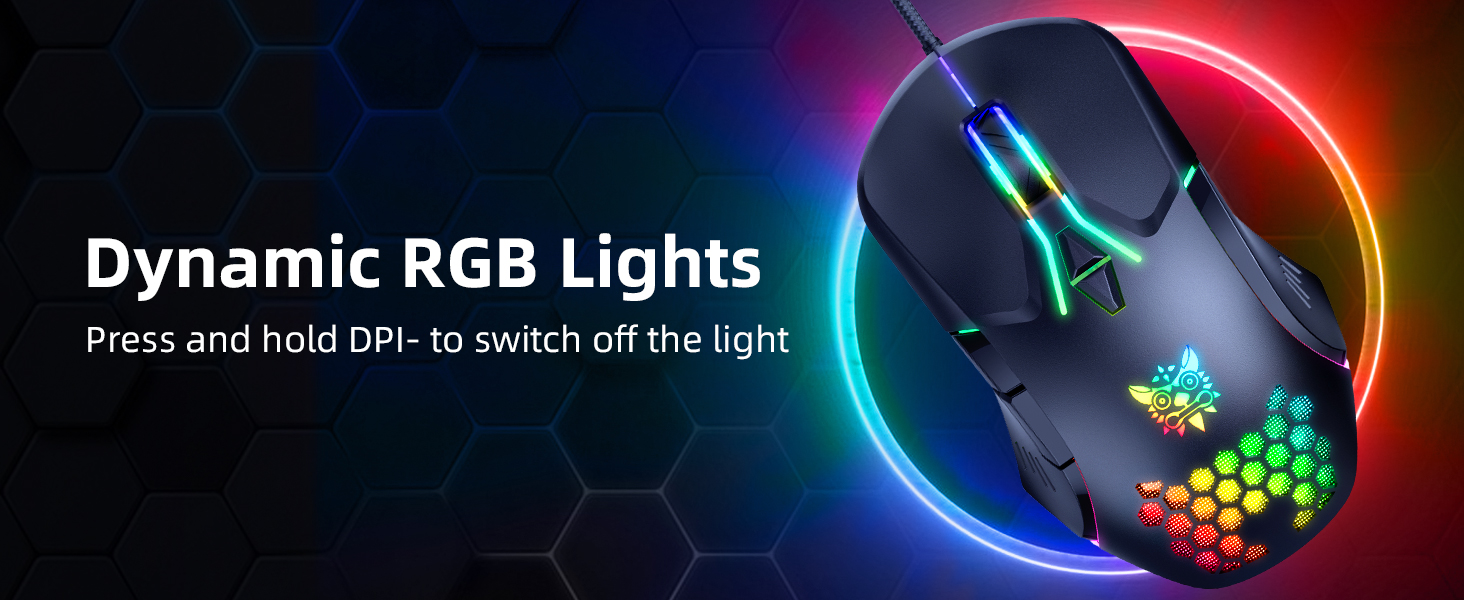
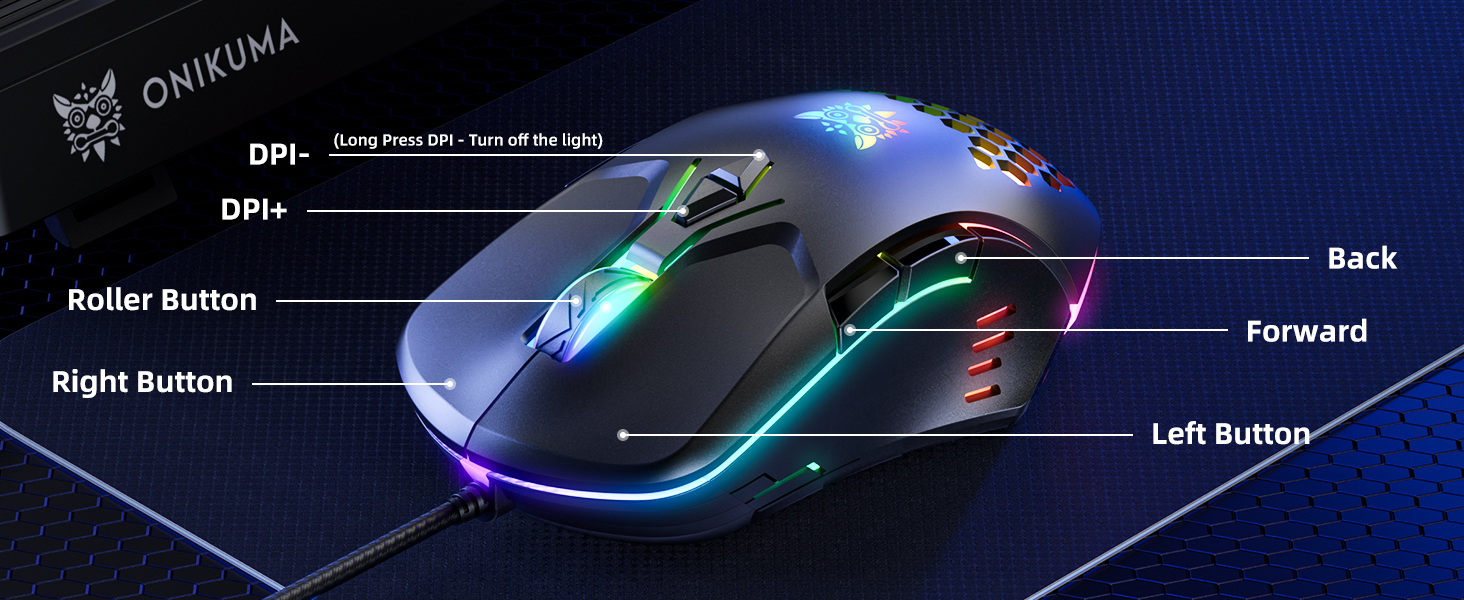
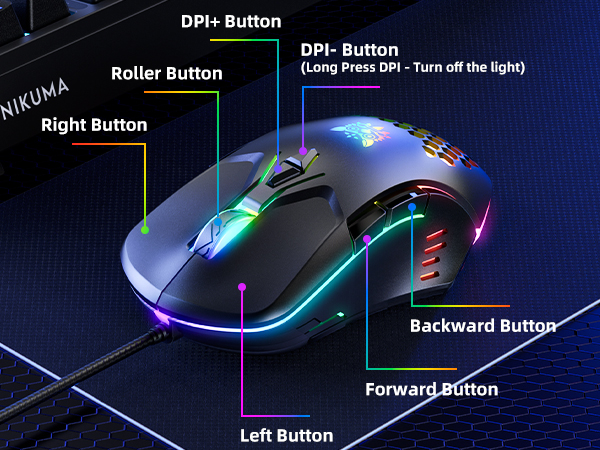
How to turn off the RGB lights on the mouse?
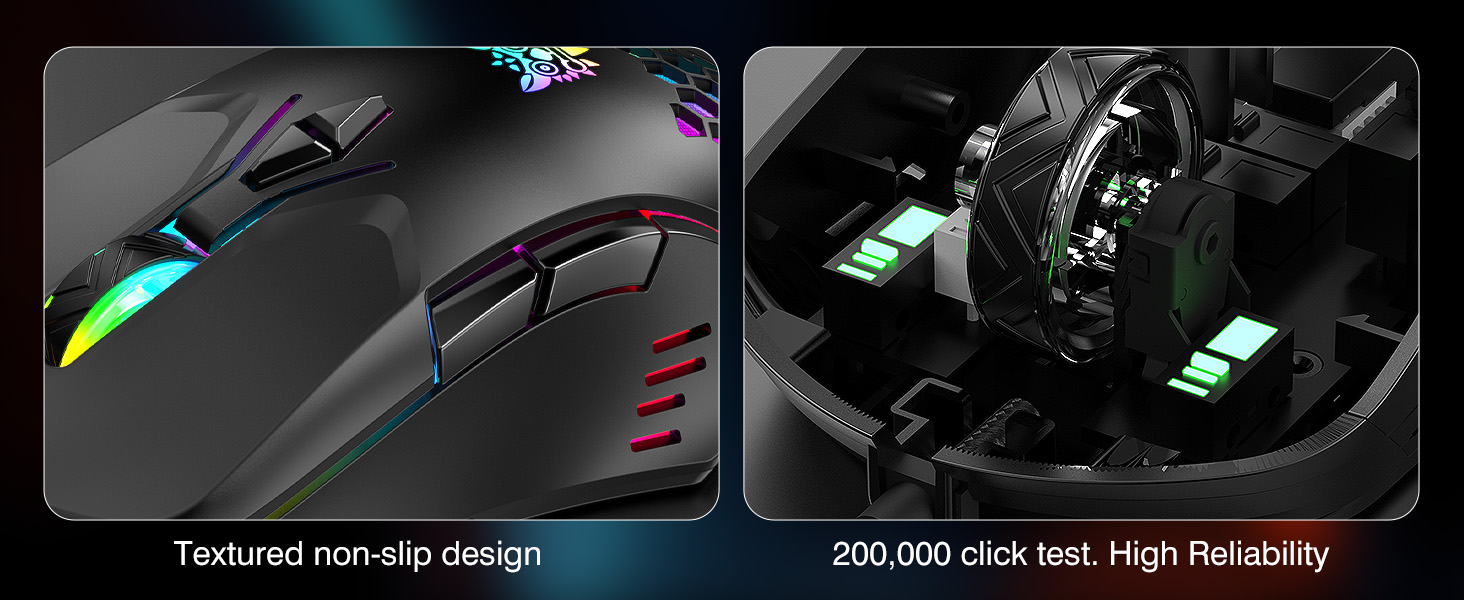
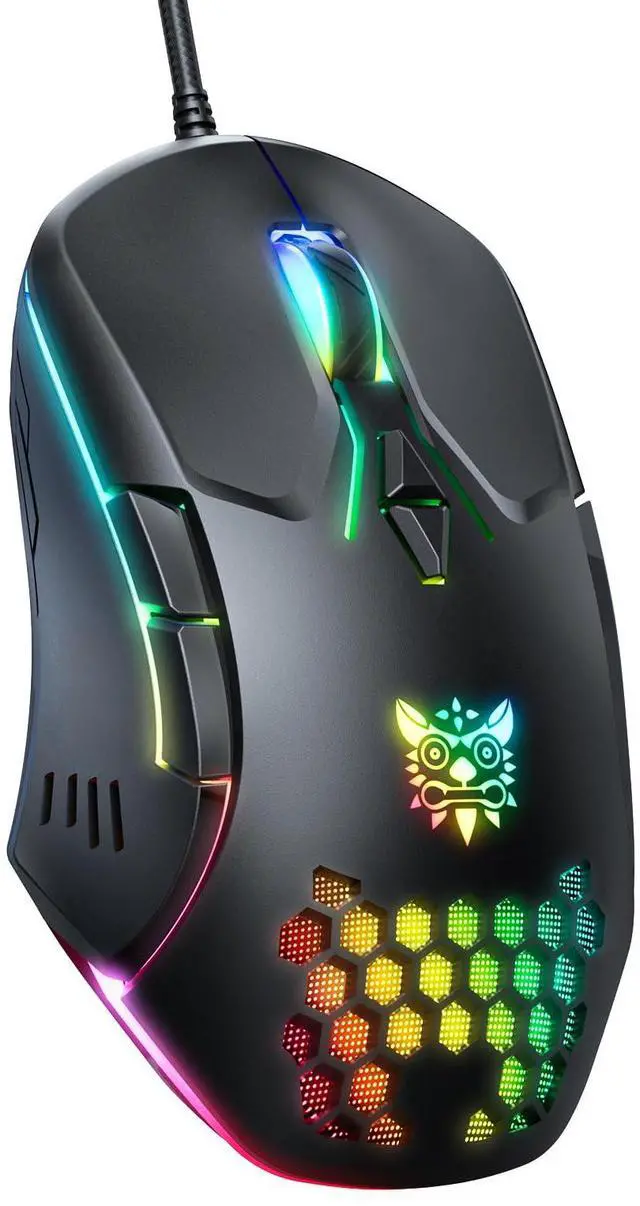
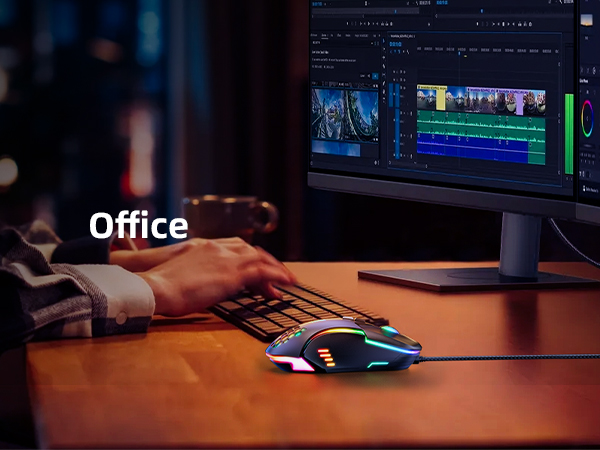
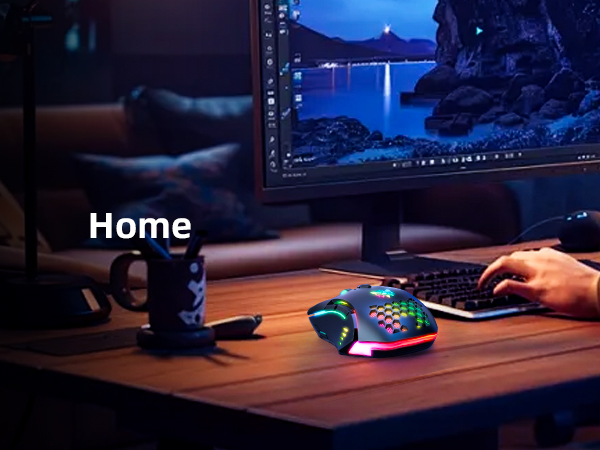
Long press for 3s to turn off fading RGB lighting mode. The red RGB light will flash occasionally. When you put your hand on the mouse, the honeycomb light assembly senses the pressure and flashes a red RGB light.
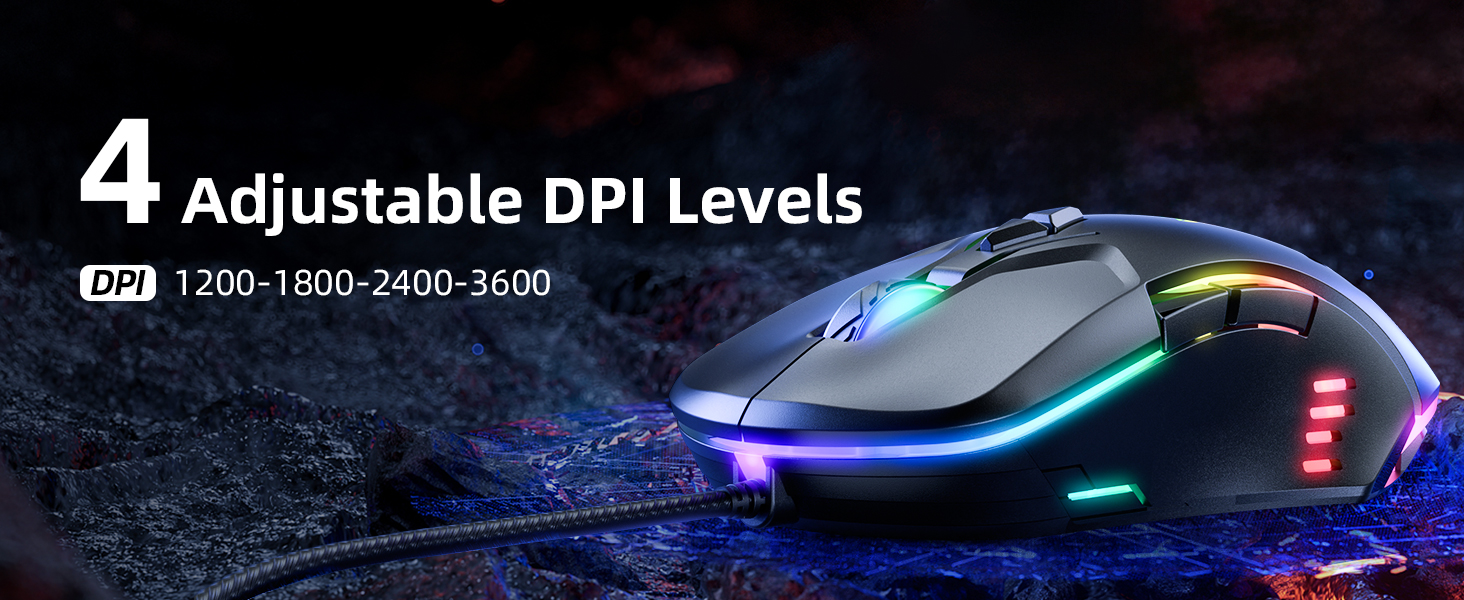
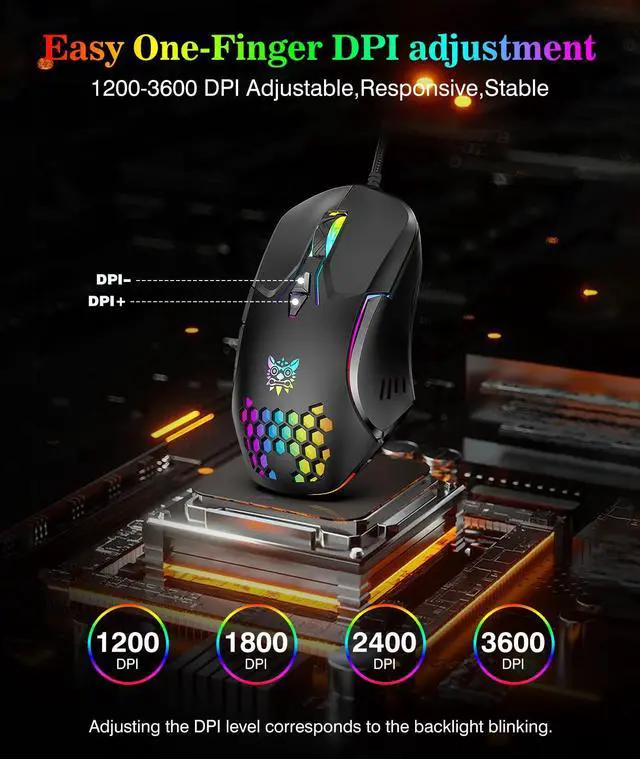
How to adjust DPI?
Press the triangular DPI +- button to adjust the DPI value. When you adjust the DPI value, the red light will light up to remind you.
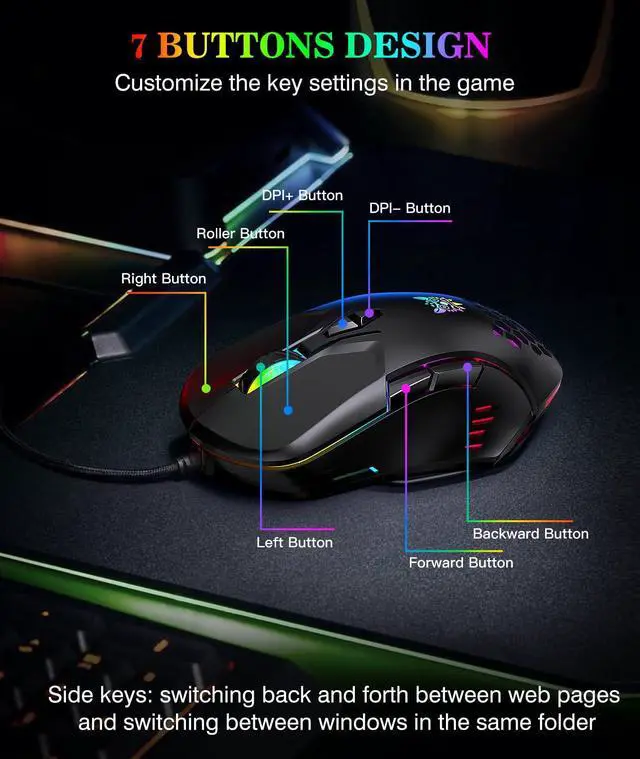
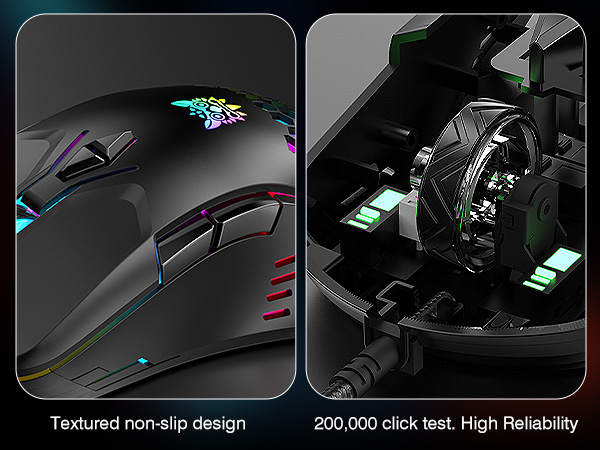
Why are the side buttons in a strange position?
To prevent incorrect operation due to mis-touching, we have adjusted the position of the side buttons upwards.

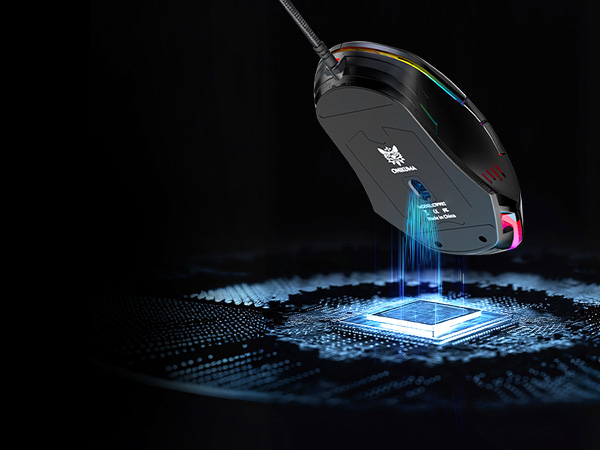
Sensing speed with almost 0 delay





 G80 Wireless Keyboards | Gaming Microphone | M530 USB Microphone | Gaming Mouse with RGB | Dynamic Gaming Microphone |  M930 Gaming Mic | USB Headset |
|---|---|---|---|---|---|---|
| Customer Reviews | ||||||
| — | — | — | — | — | — | — |
| Price | ||||||
| — | — | — | — | — | — | — |
| Feature 1 | ||||||
| BT/2.4G/USB-C | Mute Button | Noise Cancellation | Dynamic Colorful RGB Lights | USB-C/XLR | Plug & Play | USB C & USB A |
| Feature 2 | ||||||
| 94 Keys | Noise Cancellation | Mute Button | 1200 to 3600 DPI | Dynamic | Cardioid Pickup | Noise Cancelling Mic |
| Feature 3 | ||||||
| Customized RGB Lights | Ultra-Compact Design | Monitoring | Wired | RGB Light | 3.5mm Monitoring | All-day Comfort |
| Feature 4 | ||||||
| LCD Screen | Universal Compatibility | RGB Lighting | PC/Mac others | Mute Button | RGB Light | Lightweight |
| Feature 5 | ||||||
| Multifunction Knob | Easy Installation | Plug & Play | 7 Buttons | Noise Reduction | Noise Reduction | Universal Compatibility |
How to turn off the RGB lights on the mouse?
Long press for 3s to turn off fading RGB lighting mode. The red RGB light will flash occasionally. When you put your hand on the mouse, the honeycomb light assembly senses the pressure and flashes a red RGB light.
How to adjust DPI?
Press the triangular DPI +- button to adjust the DPI value. When you adjust the DPI value, the red light will light up to remind you.
Why are the side buttons in a strange position?
To prevent incorrect operation due to mis-touching, we have adjusted the position of the side buttons upwards.

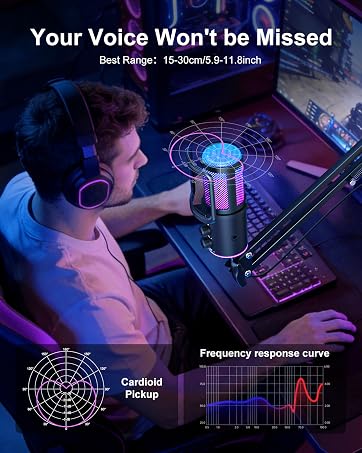
Gaming Mic

Tri-Mode Wireless Keyboard