

Your Browsing History

Meet Your Seller

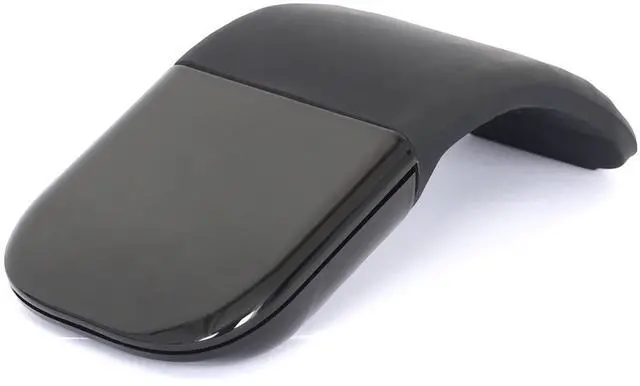


Bluetooth Arc Touch Mouse, Ultra-Thin Portable Folding Travel Mouse whitout USB Dongle, Quiet Click, Powered by AAA Batteries, Foldable Wireless Mice for Laptop PC Chromebook Tablet Mac iPad - Black
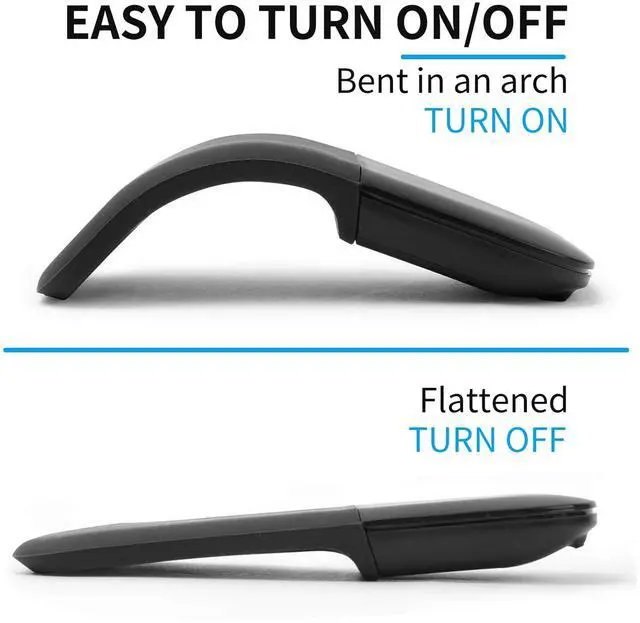
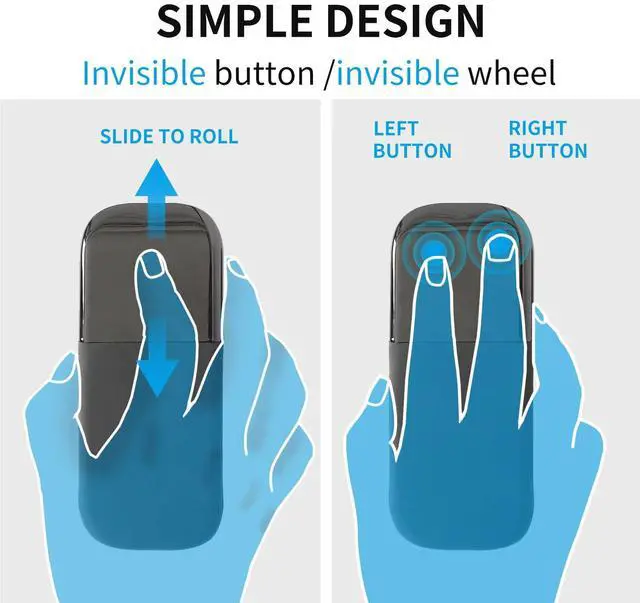
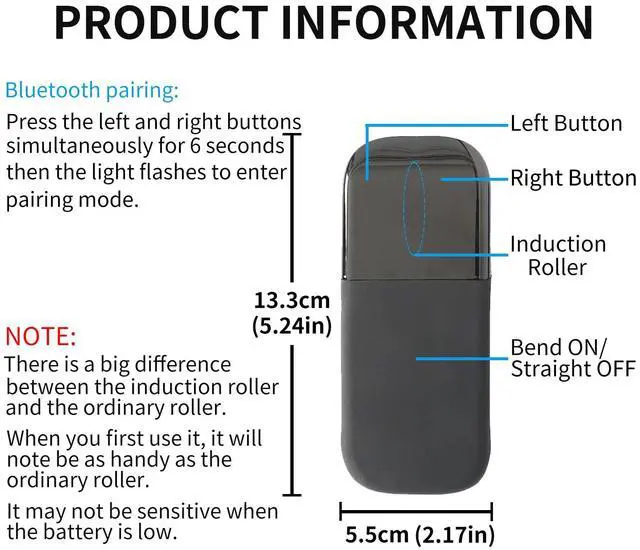
- Cool Power Switch and Touch Scroll -- Foldable design, turns on when bent and turns off when straight. Touch bar replaces traditional scroll wheel. Note: This is not a Microsoft Surface Arc Mouse
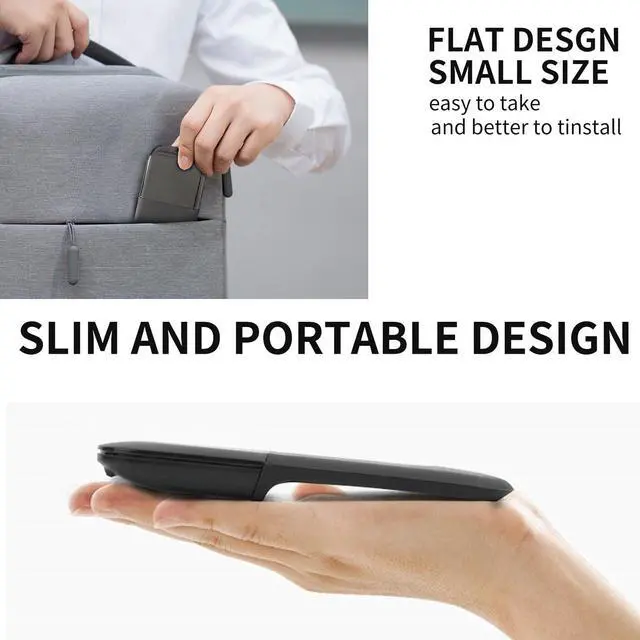
- Ultra-Slim and Portable -- Ultra thin size, easy to carry, very suitable for travel
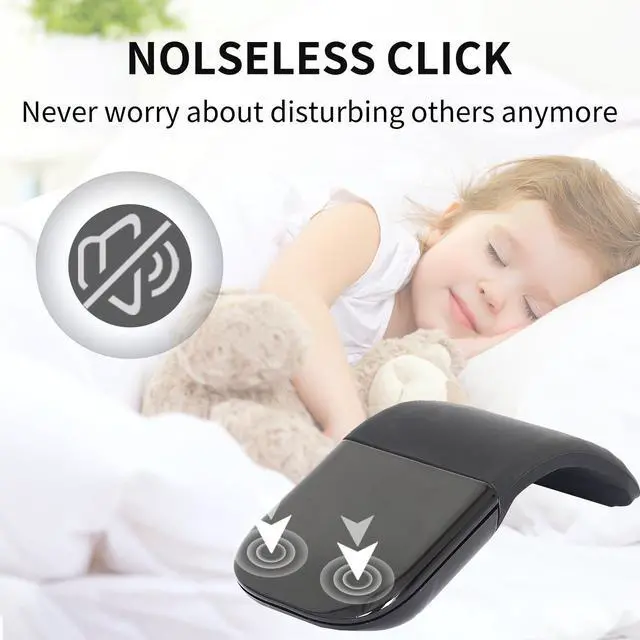
- Silent Mouse without USB Receiver -- This Bluetooth Curved Mouse is designed with silent and soft click. No USB dongle, saving USB ports for laptops
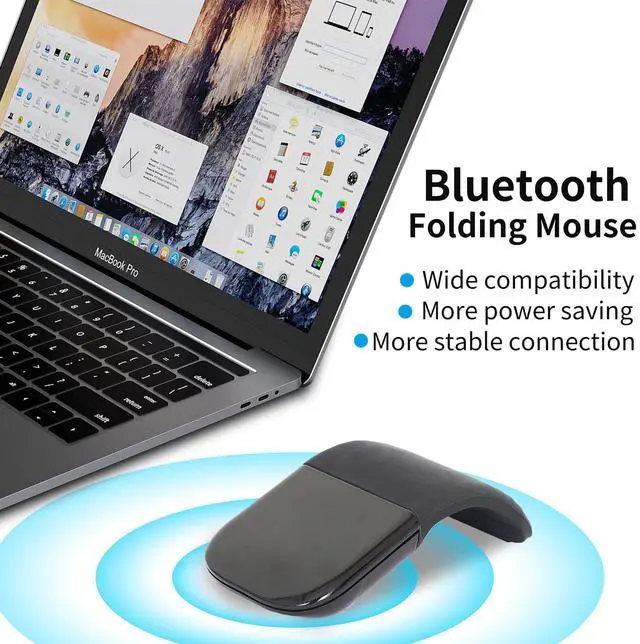
- Widely Compatible Bluetooth 4.0 Connection -- Suitable for devices with Bluetooth function such as laptops, tablets, smart phones, etc.
- The mouse is powered by 2 AAA batteries (not included)
+
+
Overview
Specs
Reviews

Any questions? Our AI mode will help you find out quickly.
Try me now
Note:
1.This is a bluetooth mouse without USB Dongle Receiver.
2.The mouse must be bent to the right position, otherwise it can not turn on .
3. If you are prompted to enter a pin code when you turn on the Arc Bluetooth mouse, it may be because of a conflict between two similar Bluetooth mice. At this time, you only need to re-pair the Bluetooth mouse (press and hold the left and right buttons of the mouse for 6 seconds to enter the pairing mode).
4. It is recommended to use a new battery for power supply, if the voltage is too low, the touch bar scrolls abnormally or does not work. *A mouse with a touch bar consumes more power than a normal mouse.*
How to use it?
1. Insert the battery into the mouse.
2. Bent the mouse, when you hear a sound,it means the mouse is bent into correct position.
3. Press the left and right buttons simultaneously for 6 seconds, blue light flickering from the gap of the right button.
4. Open your computer Setting-Device- add bluetooth mouse
5. The computer will search our mouse . After it find out our mouse,click to connection ,then the mouse can work.
Product parameters:
-Connection Type: Bluetooth 4.0
-Wireless distance: 10-15m
-Product Size:133*55*12mm
-Weight: 75±5g
-Resolution: 1200dpi
-Operating cycles: 1,000,000 cycles
-Battery:2*AAA dry battery(Not included)
-Material: ABS Plastic and silicon
-System requirement: Windows 7/8/10/XP/Vista, iOS, MAC OS, Android
Warranty & Returns
Warranty, Returns, And Additional Information
Warranty
- Please contact the Seller directly for warranty information. Warranty information may also be found on the Manufacturer's website.
- CONTACT
Return Policies
- Return for refund within: 30 days
- Return for replacement within: 30 days
- This item is covered by BrightMart Shop Return Policy
Manufacturer Contact Info
- For a directory of all our manufacturers, please click below.
- Manufacturers Directory
LOADING...