

Your Browsing History


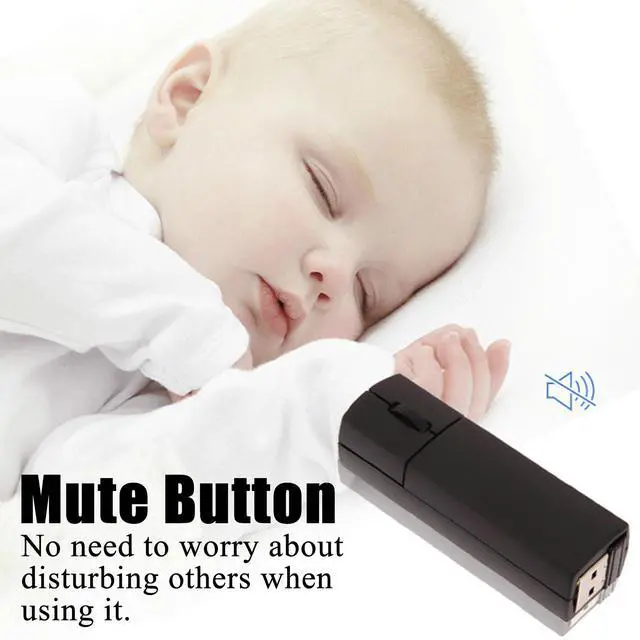


Wireless Bluetooth Mouse, Mini 3-Mode (BT4.0/5.0+2.4G) Noiseless Rechargeable Travel Mice with Mouse Case, 3 Buttons 1200 DPI Ultra Lightweight Portable Wireless Mice for Desktop Laptops PCBlack
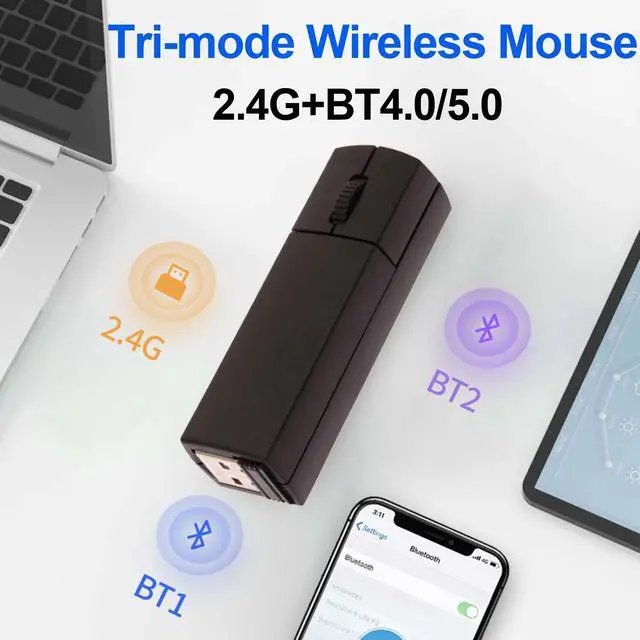
- 3 modes of connectionThe wireless Bluetooth mouse has three connection modes: 2.4G and Bluetooth 4.0/5.0. 2.4G wireless mode: plug and play. Bluetooth 4.0 mode: long press the middle button of the mouse for 5 seconds, the blue light flashes slowly, then search for Bluetooth devices on the device and connect BT Mouse181. Bluetooth 5.0 mode: long press the middle button of the mouse for 5 seconds again, the purple light flashes slowly, then search for Bluetooth devices on the device and connect BT Mouse183. (Note: Not all computers support 3 modes, for example, desktop computers or WIN 7 systems do not support Bluetooth, and computers without USB ports do not support 2.4G connection)
- Comfortable Grip The smart bluetooth dual mode wireless mouse has a round and comfortable shell that fully fits the curve of the hand whether used with the left or right hand. The ABS material of the buttons increases friction while making the touch more comfortable.
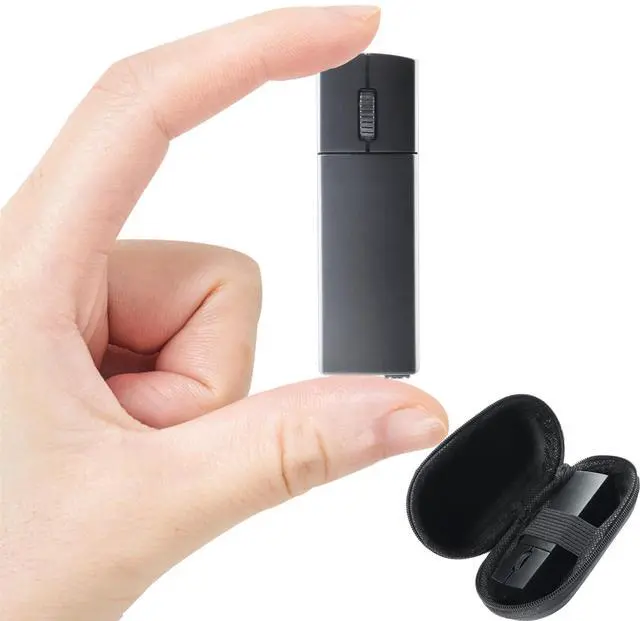
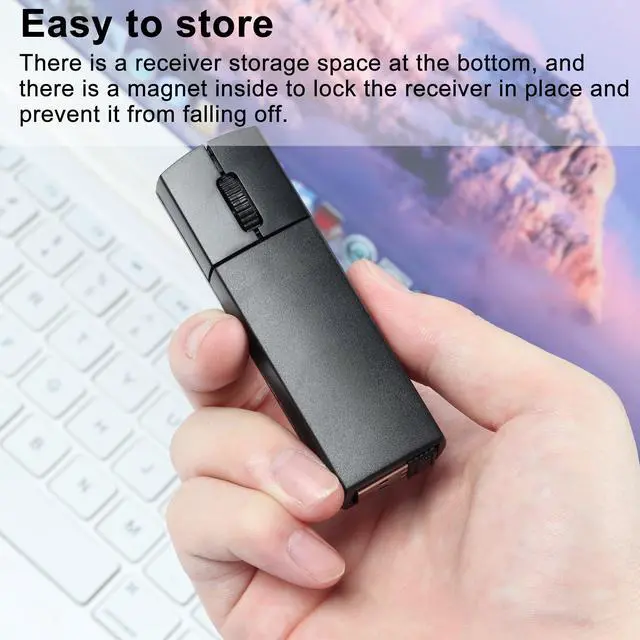
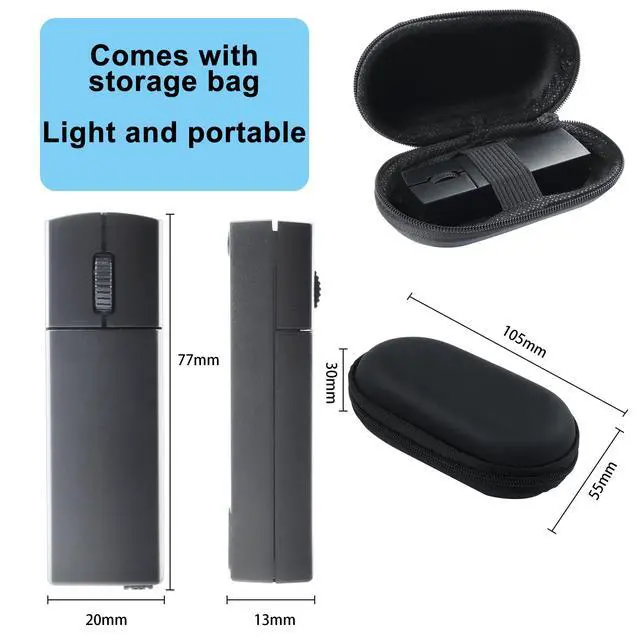
- Compact and Portable The bluetooth mouse for laptop is compact and about the size of a lighter, suitable for small and medium-sized hands. The mouse is very suitable for daily office use or business trips. You can easily put the mouse into a school bag or even a pocket.
+
+
Overview
Specs
Reviews

Any questions? Our AI mode will help you find out quickly.
Try me now
Mini Portable Wireless Mouse
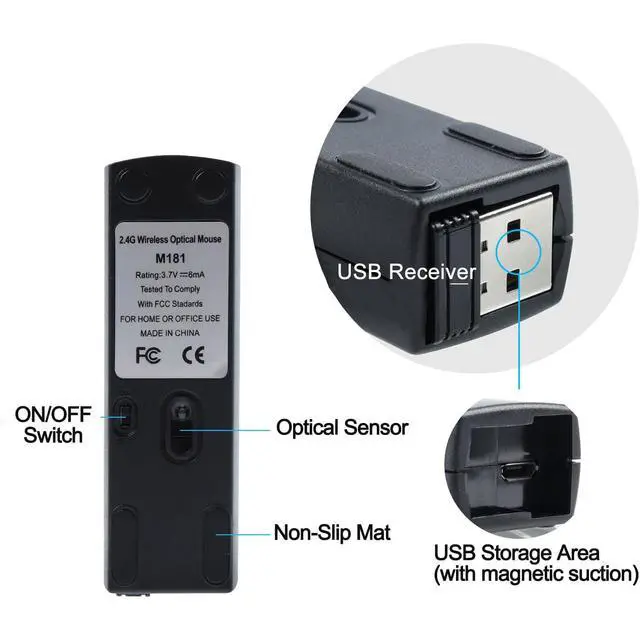
Wireless dual-mode connection, Bluetooth connection is available. There is a USB receiver on the bottom of the smart bluetooth dual mode wireless mouse, please take it out and plug in the USB device. Plug and play, no drivers required.
Wide Compatibility
Windows 10, 8, 7, Windows 2000, Windows XP, Android Linux, Windows Vista.
USB charging port
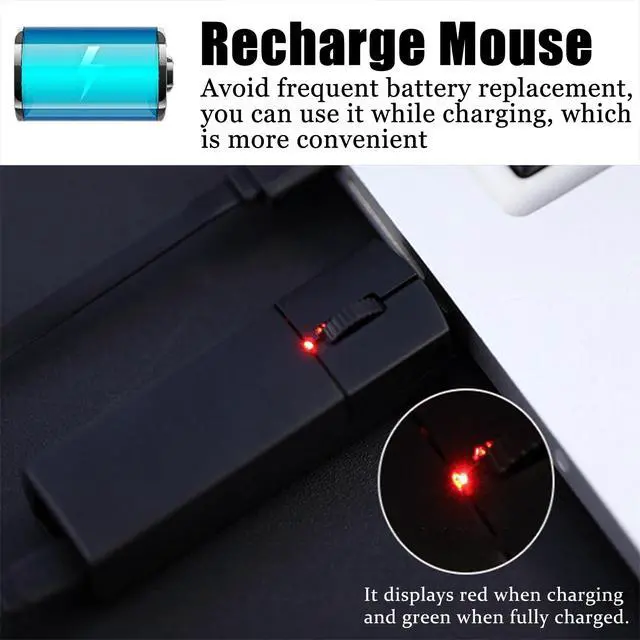
You can plug the USB cable into the bluetooth mouse for laptop mouse charging port for charging. Charging time is about 2 hours.
How to switch between dual modes?
It is recommended to charge the mouse for 1-2 hours before using it for the first time.
Bluetooth Mode:
Step 01: Power on the Bluetooth mode, and the blue light is flashing
Step 02: In Bluetooth mode, press the middle and right button for 1.5s to enter the pairing state, and the blue light will flash (fast)
2.4G USB Mode:
Step 01: Turn on the mouse switch
Step 02: Press and hold the left and right keys for 4 seconds to switch to 2.4G mode (the blue light is always on)
Step 03: Remove the USB receiver on the bottom of the mouse
Step 04: Plug the USB receiver into the USB A port of your computer and wait a few seconds for it to be automatically recognized.
Specifications:
Item: Mini Portable Wireless Mouse
Number of buttons: 3 buttons
Tracking system: optical
Resolution: 1200 DPI
Effective distance: 10m
Product size: 7.7 x 2 x 1.3cm / 3.03" x 0.79" x 0.51"
Product weight: 40g / 1.41oz
Connection Method: Bluetooth and 2.4G USB
Charging Port: Micro USB
Packing List:
1 x Bluetooth Wireless Mouse
1 x USB Charging Cable
1 x Instruction Manual
1 x USB Receiver
Warranty & Returns
Warranty, Returns, And Additional Information
Warranty
- Please contact the Seller directly for warranty information. Warranty information may also be found on the Manufacturer's website.
- CONTACT
Return Policies
- Return for refund within: 30 days
- Return for replacement within: 30 days
- This item is covered by BrightMart Shop Return Policy
Manufacturer Contact Info
- For a directory of all our manufacturers, please click below.
- Manufacturers Directory
LOADING...