• $29.99
  • Free 30-day Returns
  • Price alert
    Shop it at NeweggBusiness.

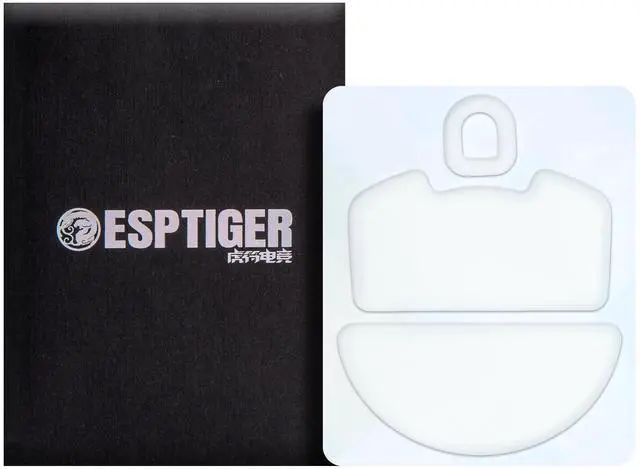
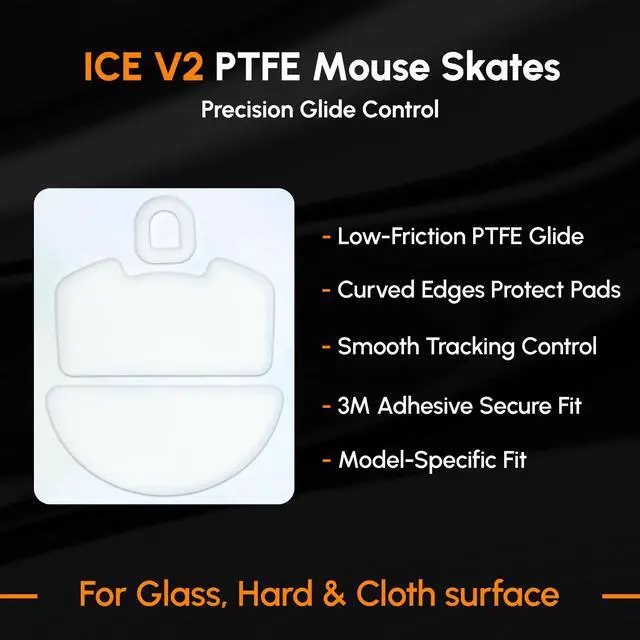
    Gaming Mouse Skates White for Razer Viper V3 Pro

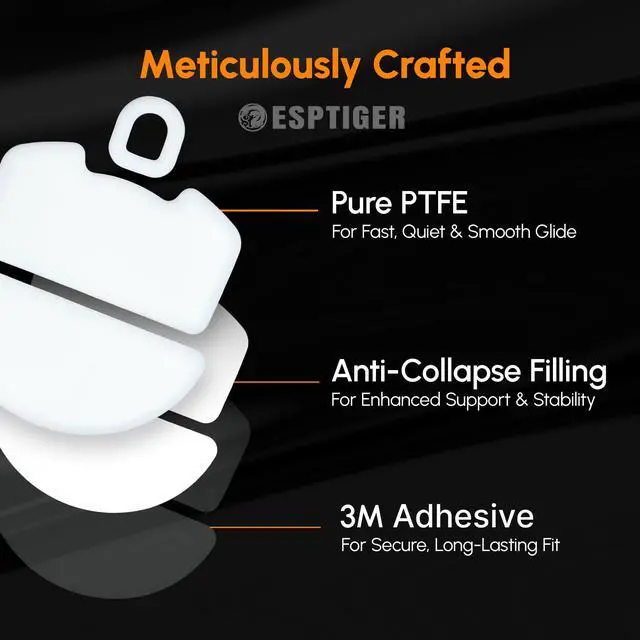
    • Silky Glide with Premium PTFE: Made from top-grade PTFE, these skates cut friction and edge drag, offering a seamless glide for peak mouse performance in gaming or work.
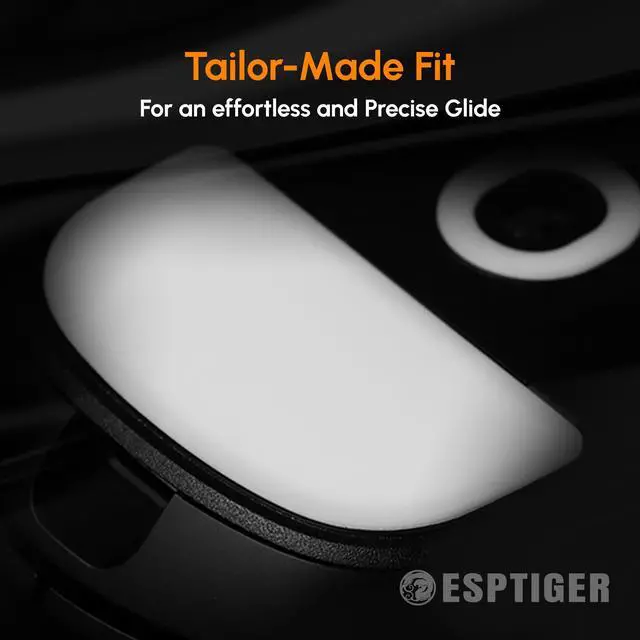
    • Precision Skate Design: Skate-like feet boost shot accuracy and ease critical flicks, giving you effortless control to dominate opponents or tasks.
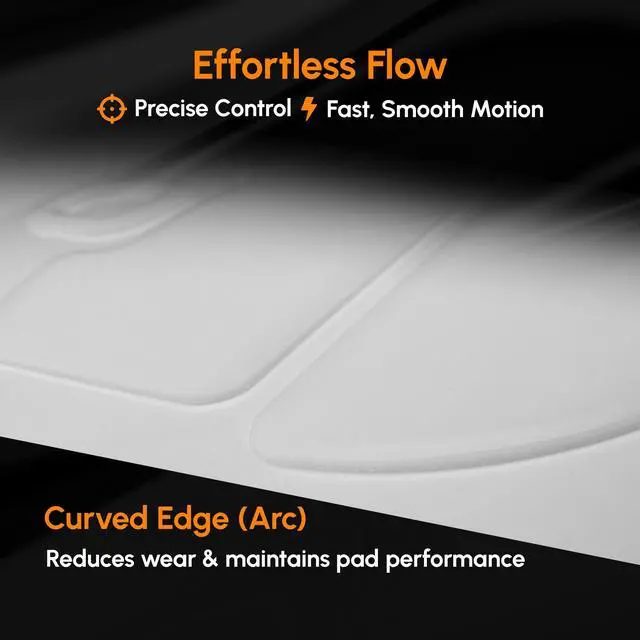
    • 2.5D Edge Protection: Advanced 2.5D edges prevent mousepad fraying, ensuring a smooth glide and extended pad life for consistent results.
    • Anti-Collapse Durability: With 0.70.8mm thickness and anti-collapse filling, these skates deliver sturdy, lasting support during intense use.
    • Reliable 3M Adhesive: Premium 3M adhesive keeps skates secure without shiftingavoid repeated sticking/peeling to preserve performance.
    +
    +
    Overview
    Specs
    Reviews
    avatar

    Any questions? Our AI mode will help you find out quickly.

    Moujse skates ESPTIGER ICE V2

    Esptiger Ice v2 Dots

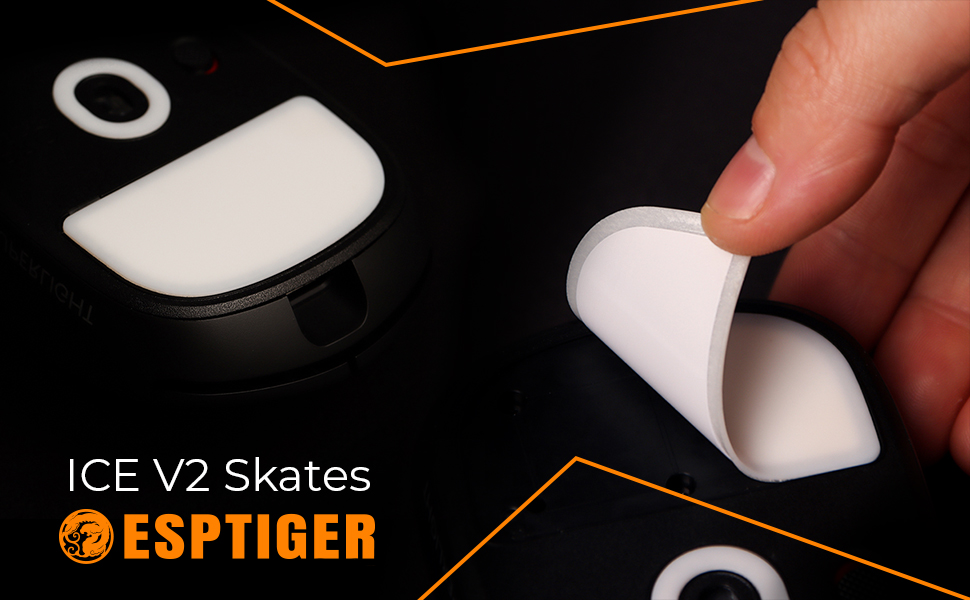
    ICE V2 Skates

    Made of high-purity PTFE to provide smooth surface.
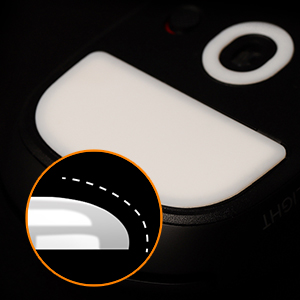
    Ice v2 Dots Arc 2.5D Feature

    2.5D EDGE ARC

    2.5D edge arc treatment protects the surface fluff and texture of the mouse pad, enhancing the smoothness while reducing the wear on the mouse pad.
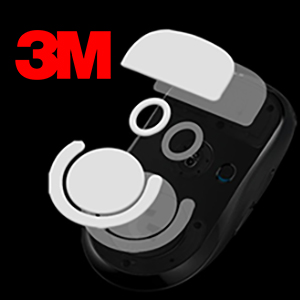
    Ice v2 Dots 3m

    3M Adesive

    3M Adhesive provides a reliable bond that keeps your product securely in place, preventing any slipping or detachment.
    How to Replace your Skates Banner

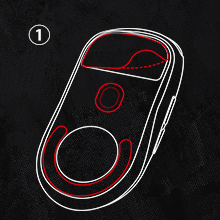
    Step 1 of replacing your mouse SKates

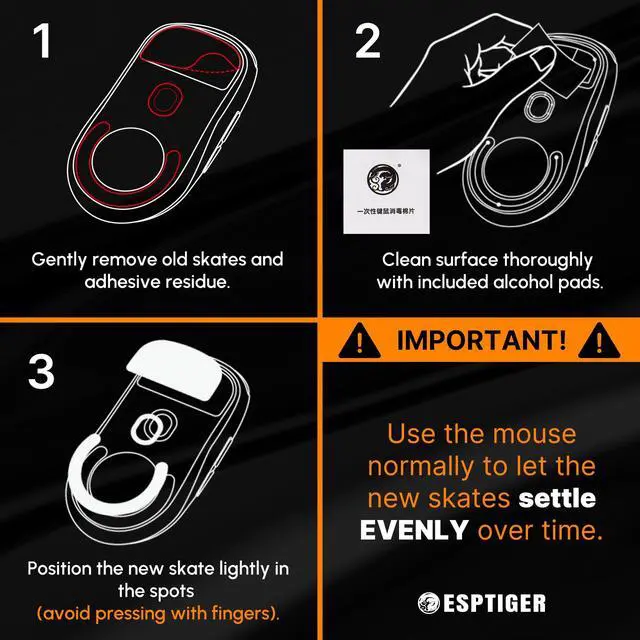
    1 | Remove Old Skates

    Use a flat tool (like a spudger or thin blade) to carefully peel off the old mouse skates.
    Step 2 of replacing your mouse SKates

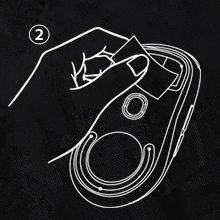
    2 | Clean With the Alcohol wipes

    Clean off any adhesive residue with rubbing alcohol.
    Step 3 of replacing your mouse SKates

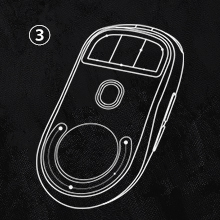
    3 | Let it Dry

    Ensure no dirt or dust is left behind for a smooth application. (Repeat 2nd step if needed)
    Step 4 of replacing your mouse SKates

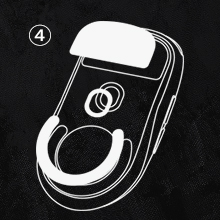
    4 | Installing New Skates

    Peel off the backing film of the new skates. Carefully align them with the original positions on the mouse. (DIY version, you can place anywhere you desire)

    Moujse skates ESPTIGER ICE V2

    Esptiger Ice v2 Dots

    ICE V2 Skates

    Made of high-purity PTFE to provide smooth surface.

    Ice v2 Dots Arc 2.5D Feature

    2.5D EDGE ARC

    2.5D edge arc treatment protects the surface fluff and texture of the mouse pad, enhancing the smoothness while reducing the wear on the mouse pad.

    Ice v2 Dots 3m

    3M Adesive

    3M Adhesive provides a reliable bond that keeps your product securely in place, preventing any slipping or detachment.

    How to Replace your Skates Banner
    Step 1 of replacing your mouse SKates

    1 | Remove Old Skates

    Use a flat tool (like a spudger or thin blade) to carefully peel off the old mouse skates.

    Step 2 of replacing your mouse SKates

    2 | Clean With the Alcohol wipes

    Clean off any adhesive residue with rubbing alcohol.

    Step 3 of replacing your mouse SKates

    3 | Let it Dry

    Ensure no dirt or dust is left behind for a smooth application. (Repeat 2nd step if needed)

    Step 4 of replacing your mouse SKates

    4 | Installing New Skates

    Peel off the backing film of the new skates. Carefully align them with the original positions on the mouse. (DIY version, you can place anywhere you desire)

    Gaming Mouse Skates White for Razer Viper V3 Pro

    Warranty & Returns

    Warranty, Returns, And Additional Information

    Warranty

    • Please contact the Seller directly for warranty information. Warranty information may also be found on the Manufacturer's website.
    • CONTACT

    Return Policies

    Manufacturer Contact Info

    LOADING...