here!
here!
I’m your shopping assistant for PC builds, upgrades, and everything tech.
Got questions? Ask away!
Start a conversation
here!
I’m your shopping assistant for PC builds, upgrades, and everything tech.
Got questions? Ask away!
Start a conversation
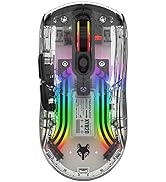
![Main image of Gaming Mouse with 5 D Rocker, Wireless Vertical Mouse with [24000 DPI] [12 Programmable Buttons], Computer Mouse for Gamer/PC/E-Sports/Laptop (Black)](https://c1.neweggimages.com/productimage/nb640/C85SD2608020LKKA52A.jpg)
![Alt view image 2 of 14 - Gaming Mouse with 5 D Rocker, Wireless Vertical Mouse with [24000 DPI] [12 Programmable Buttons], Computer Mouse for Gamer/PC/E-Sports/Laptop (Black)](https://c1.neweggimages.com/productimage/nb640/C85SD2608020LKNVY66.jpg)
![Alt view image 3 of 14 - Gaming Mouse with 5 D Rocker, Wireless Vertical Mouse with [24000 DPI] [12 Programmable Buttons], Computer Mouse for Gamer/PC/E-Sports/Laptop (Black)](https://c1.neweggimages.com/productimage/nb640/C85SD2608020LKNXED5.jpg)
![Alt view image 4 of 14 - Gaming Mouse with 5 D Rocker, Wireless Vertical Mouse with [24000 DPI] [12 Programmable Buttons], Computer Mouse for Gamer/PC/E-Sports/Laptop (Black)](https://c1.neweggimages.com/productimage/nb640/C85SD2608020LKO0U0B.jpg)
![Alt view image 5 of 14 - Gaming Mouse with 5 D Rocker, Wireless Vertical Mouse with [24000 DPI] [12 Programmable Buttons], Computer Mouse for Gamer/PC/E-Sports/Laptop (Black)](https://c1.neweggimages.com/productimage/nb640/C85SD2608020LKO4FEC.jpg)
![Alt view image 6 of 14 - Gaming Mouse with 5 D Rocker, Wireless Vertical Mouse with [24000 DPI] [12 Programmable Buttons], Computer Mouse for Gamer/PC/E-Sports/Laptop (Black)](https://c1.neweggimages.com/productimage/nb640/C85SD2608020LKO6838.jpg)
![Alt view image 7 of 14 - Gaming Mouse with 5 D Rocker, Wireless Vertical Mouse with [24000 DPI] [12 Programmable Buttons], Computer Mouse for Gamer/PC/E-Sports/Laptop (Black)](https://c1.neweggimages.com/productimage/nb640/C85SD2608020LKO7O1D.jpg)
![Alt view image 8 of 14 - Gaming Mouse with 5 D Rocker, Wireless Vertical Mouse with [24000 DPI] [12 Programmable Buttons], Computer Mouse for Gamer/PC/E-Sports/Laptop (Black)](https://c1.neweggimages.com/productimage/nb640/C99HD2610210Q5LL346.jpg)
![Alt view image 9 of 14 - Gaming Mouse with 5 D Rocker, Wireless Vertical Mouse with [24000 DPI] [12 Programmable Buttons], Computer Mouse for Gamer/PC/E-Sports/Laptop (Black)](https://c1.neweggimages.com/productimage/nb640/C99HD2610210Q5LMD57.jpg)
![Alt view image 10 of 14 - Gaming Mouse with 5 D Rocker, Wireless Vertical Mouse with [24000 DPI] [12 Programmable Buttons], Computer Mouse for Gamer/PC/E-Sports/Laptop (Black)](https://c1.neweggimages.com/productimage/nb640/C99HD2610210Q5M1V5E.jpg)
![Alt view image 11 of 14 - Gaming Mouse with 5 D Rocker, Wireless Vertical Mouse with [24000 DPI] [12 Programmable Buttons], Computer Mouse for Gamer/PC/E-Sports/Laptop (Black)](https://c1.neweggimages.com/productimage/nb640/C99HD2610210Q5LWGDA.jpg)
![Alt view image 12 of 14 - Gaming Mouse with 5 D Rocker, Wireless Vertical Mouse with [24000 DPI] [12 Programmable Buttons], Computer Mouse for Gamer/PC/E-Sports/Laptop (Black)](https://c1.neweggimages.com/productimage/nb640/C99HD2610210Q5LTSC7.jpg)
![Alt view image 13 of 14 - Gaming Mouse with 5 D Rocker, Wireless Vertical Mouse with [24000 DPI] [12 Programmable Buttons], Computer Mouse for Gamer/PC/E-Sports/Laptop (Black)](https://c1.neweggimages.com/productimage/nb640/C99HD2610210Q5LYX6A.jpg)
![Alt view image 14 of 14 - Gaming Mouse with 5 D Rocker, Wireless Vertical Mouse with [24000 DPI] [12 Programmable Buttons], Computer Mouse for Gamer/PC/E-Sports/Laptop (Black)](https://c1.neweggimages.com/productimage/nb640/C99HD2610210Q5M2FEF.jpg)



Any questions? Ask CelesteSM will help you find out quickly.


ATTOE's story began in 2012 with the mission of making high quality high-end keyboards and mice for the electronics industry. For a long time, all of our products are made by taking into account every detail of the consumer's usage habits, only to create high-quality products at an affordable price to help them achieve peak performance at an affordable price.
![Vertical Mouse, Ergonomic USB Wired Vertical Mouse with [5 D Rocker] [10000 DPI] [11 Programmable...](http://c1.neweggimages.com/sellingpilot/modules/product/a-plus/73e82ae1932576c9d909169a83d2c680b73da193bfb042094a4128b928d676bb.jpg)
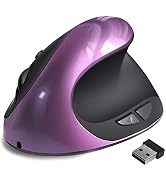


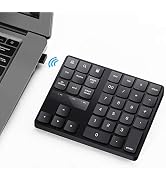
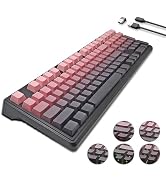


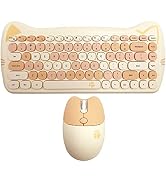

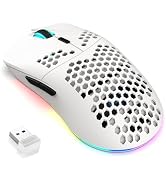
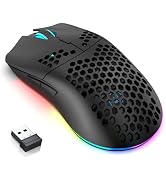
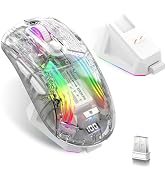
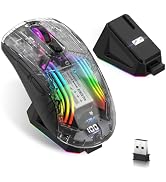
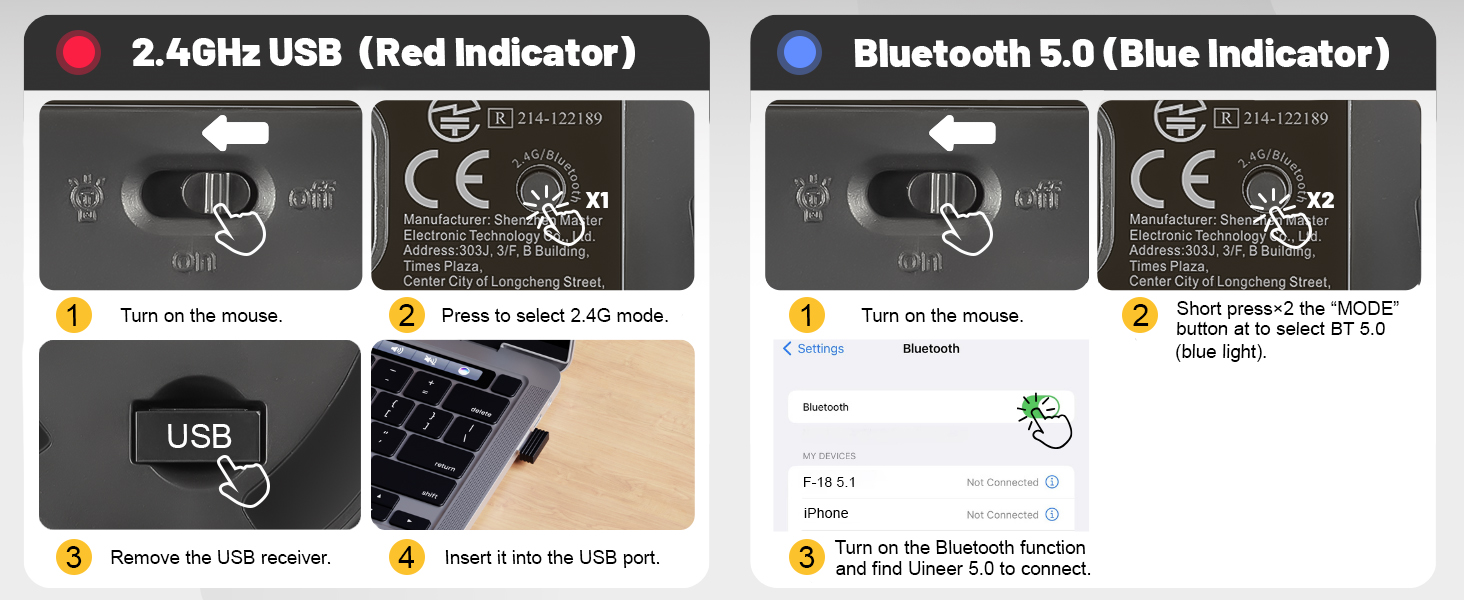
What should I do if the mouse is not responding?
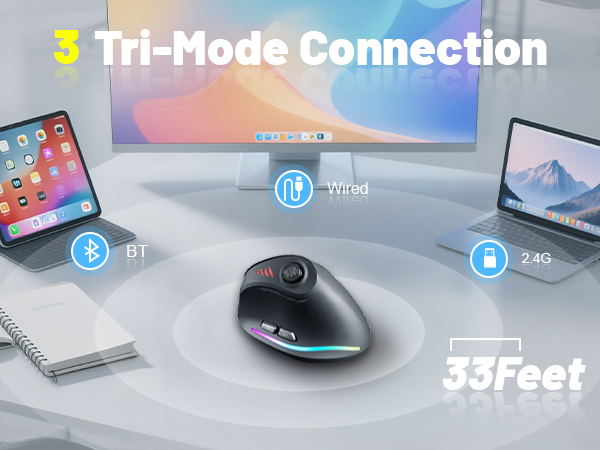
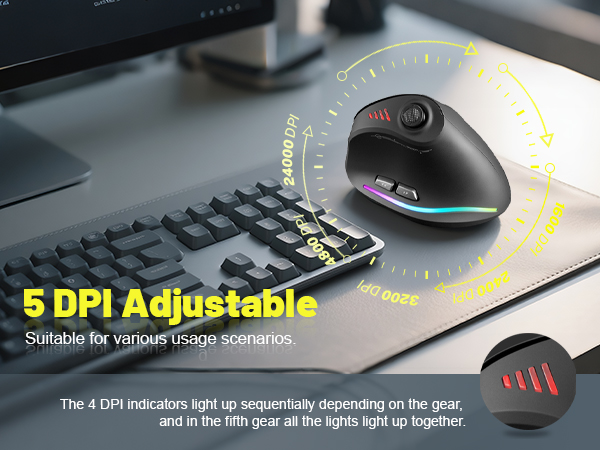
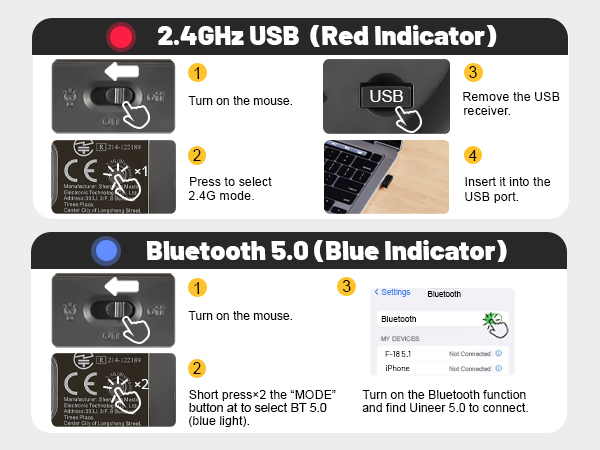
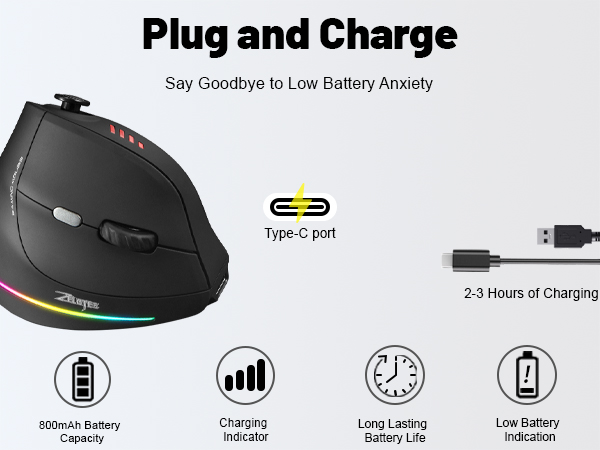
1. Charge the mouse using the data cable.
2. Try connecting the receiver to a different USB port.
3. Ensure that the power switch on the bottom of the mouse is set to “on” or the light is on.
What should I do if the mouse is not responding?
4. In 2.4G mode, hold down the Bluetooth button on the bottom for more than 3 seconds, then plug the receiver into the computer's USB port and wait for the connection to complete (keep the mouse and receiver within 30 cm of each other during pairing)
How do I download the driver for the F-18 mouse?
Find the website on the packaging. Go to the site, click "DOWNLOAD", then "Software driver download". Find and select the F-18 model to download. (For Windows only; Mac OS lacks programming features).

What should I do if the mouse is not responding?
1. Charge the mouse using the data cable.
2. Try connecting the receiver to a different USB port.
3. Ensure that the power switch on the bottom of the mouse is set to “on” or the light is on.
What should I do if the mouse is not responding?
4. In 2.4G mode, hold down the Bluetooth button on the bottom for more than 3 seconds, then plug the receiver into the computer's USB port and wait for the connection to complete (keep the mouse and receiver within 30 cm of each other during pairing)
How do I download the driver for the F-18 mouse?
Find the website on the packaging. Go to the site, click "DOWNLOAD", then "Software driver download". Find and select the F-18 model to download. (For Windows only; Mac OS lacks programming features).
ATTOE's story began in 2012 with the mission of making high quality high-end keyboards and mice for the electronics industry. For a long time, all of our products are made by taking into account every detail of the consumer's usage habits, only to create high-quality products at an affordable price to help them achieve peak performance at an affordable price.