



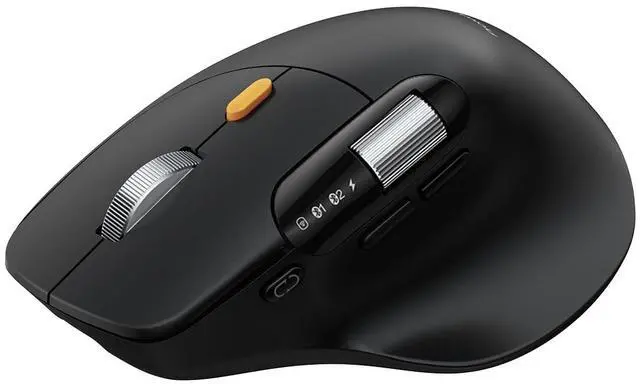
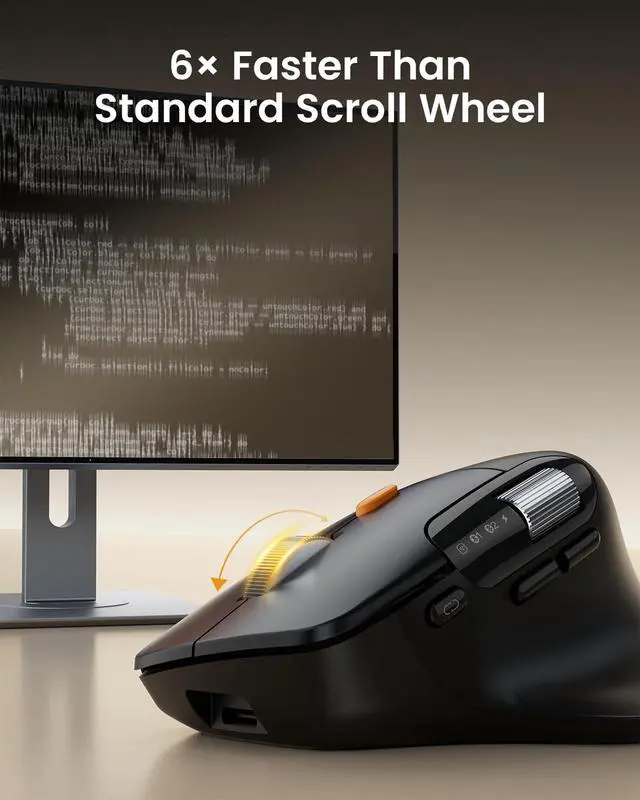
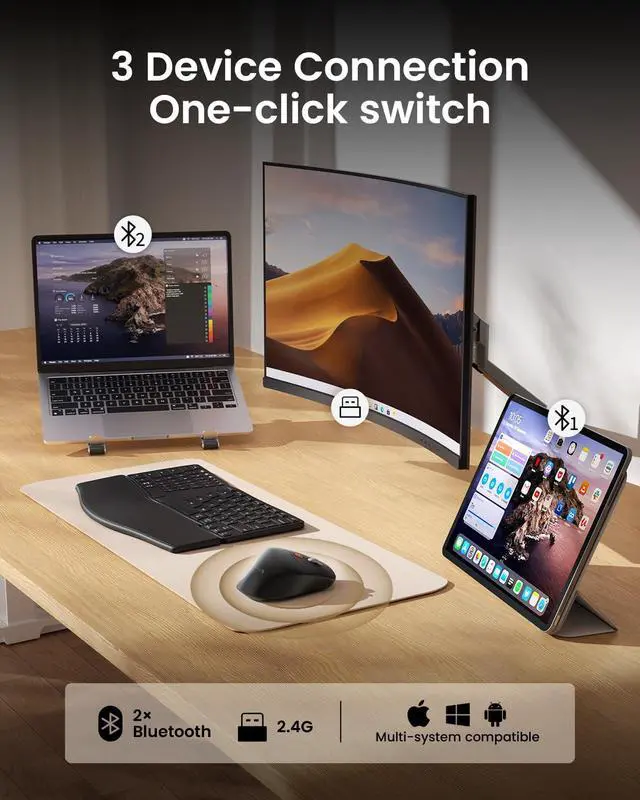


EM25 Ergonomic Wireless Mouse Fast Scrolling with Dual Bluetooth and USB
EM25 Ergonomic Wireless Mouse With Fast Scrolling
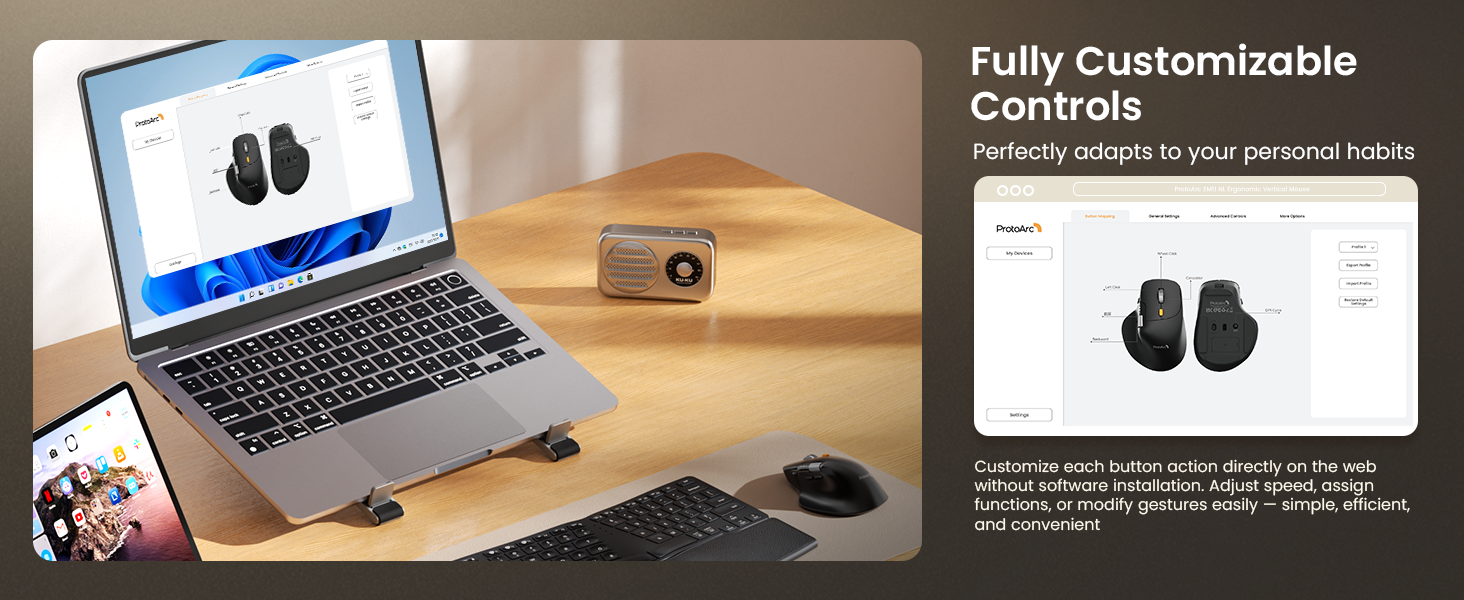
HUB Quick Start Guide
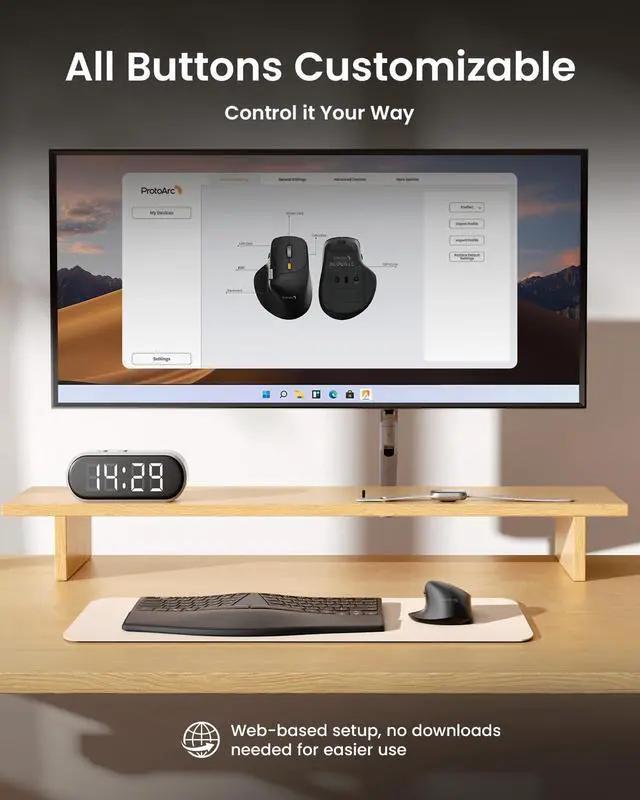
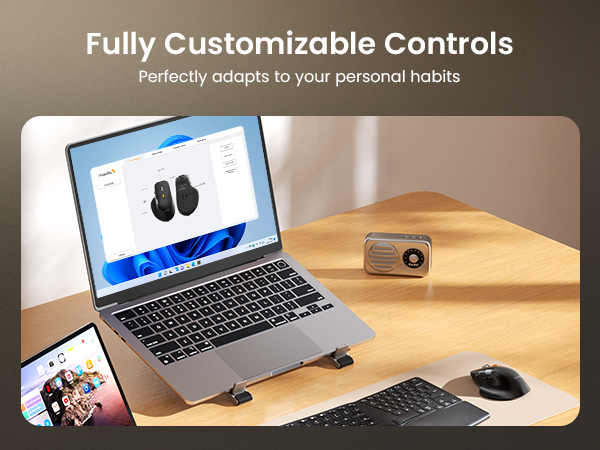
1.Visit our website.
2.Select your device model: ProtoArc EM25.
3.Choose a button on the interactive interface.
4.Assign a function, such as Copy, Paste, Undo, or App Switching.
5.Save the profile — it will automatically sync to your mouse’s onboard memory.
HUB Quick Start Guide
Can I customize the side scroll wheel buttons?
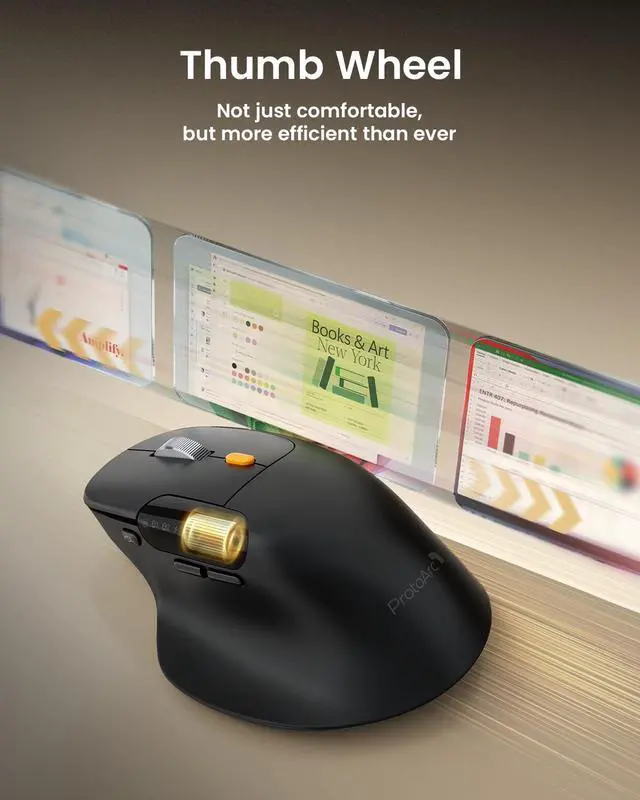
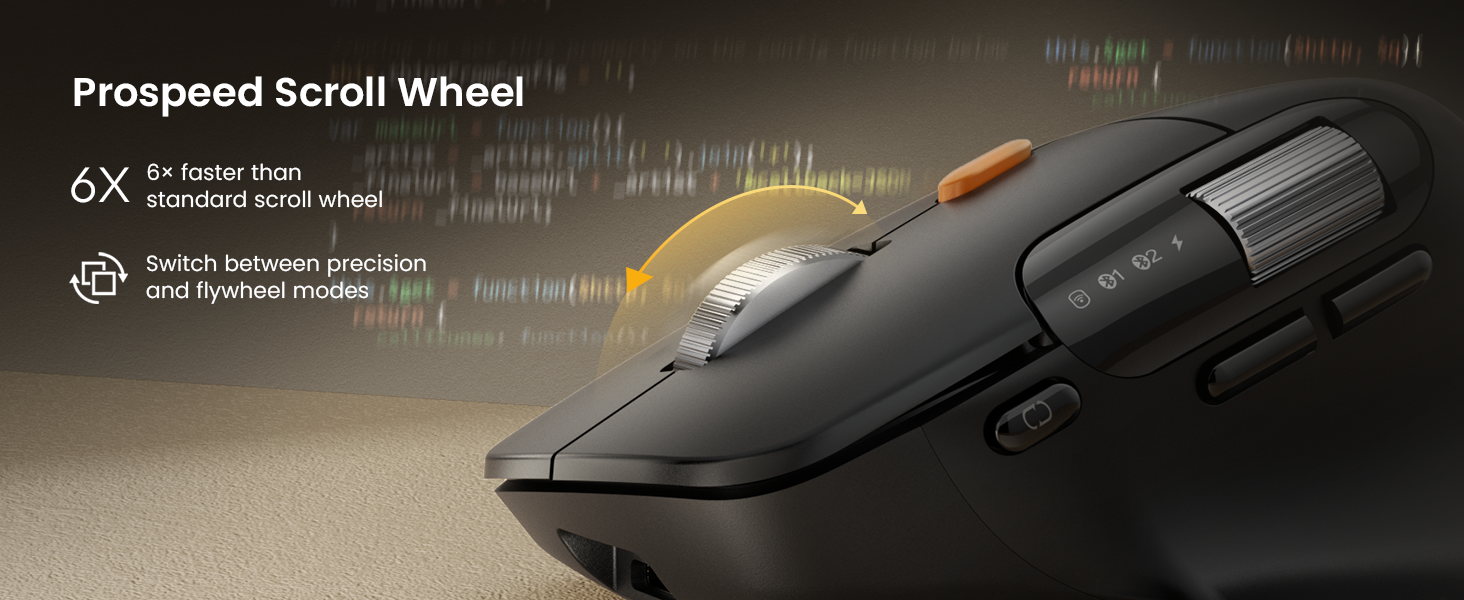
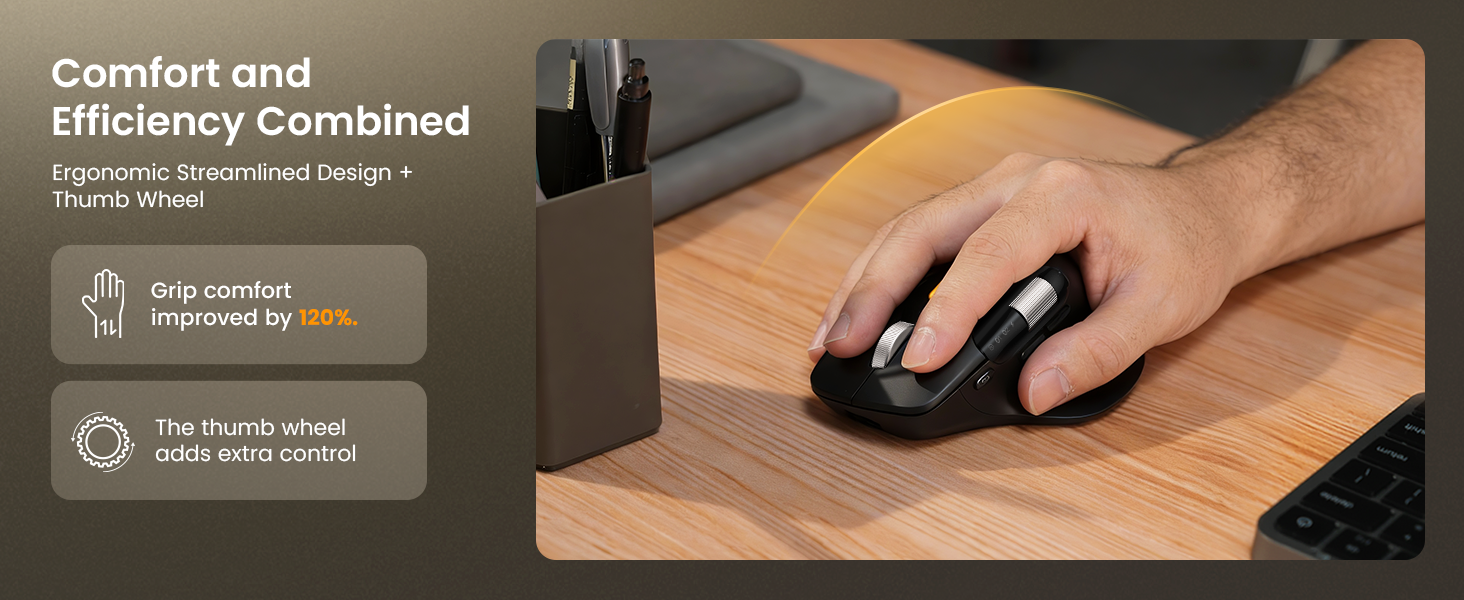
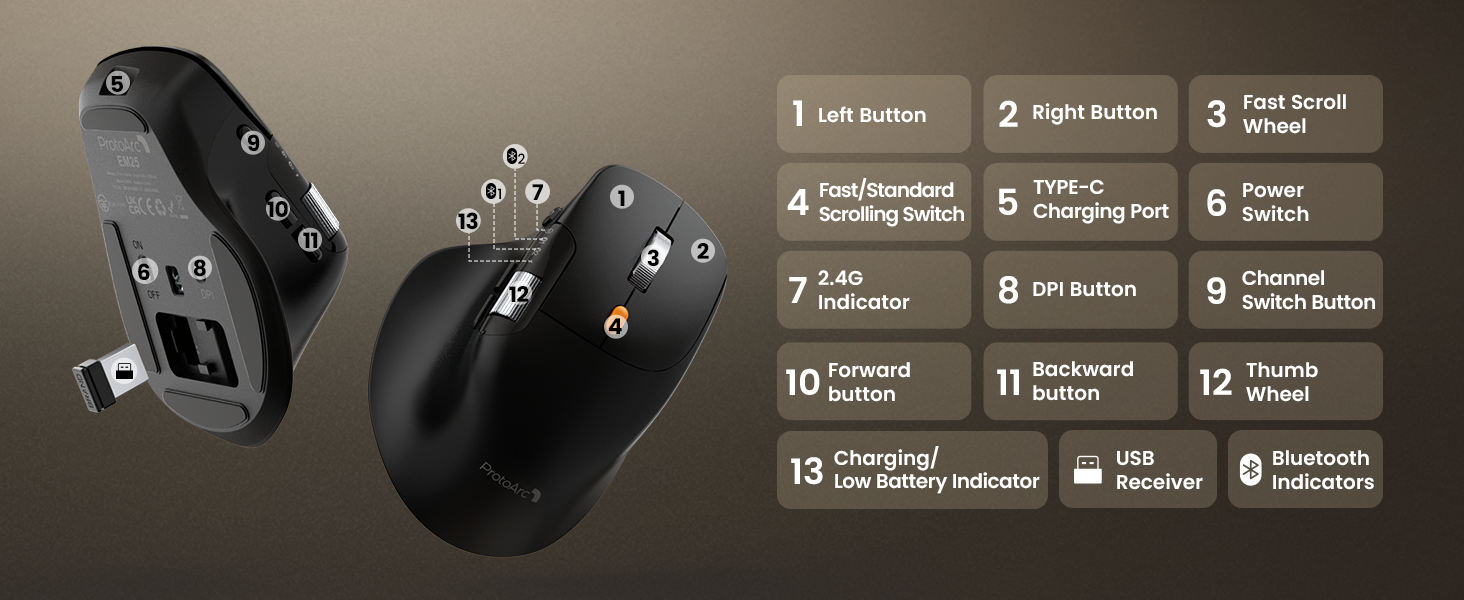
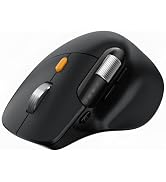
The side scroll wheel itself is dedicated to horizontal navigation and cannot be remapped. However, the two buttons adjacent to it are fully customizable via our web-based tool for shortcuts like Copy/Paste or Undo
Does this mouse require any software installation for Mac?
No software installation is needed for basic plug-and-play use. For button customization, you simply visit our website in Chrome/Edge. Note: You must grant "Input Monitoring" permission in Mac System Settings for the web configurator
Is this mouse suitable for small hands?
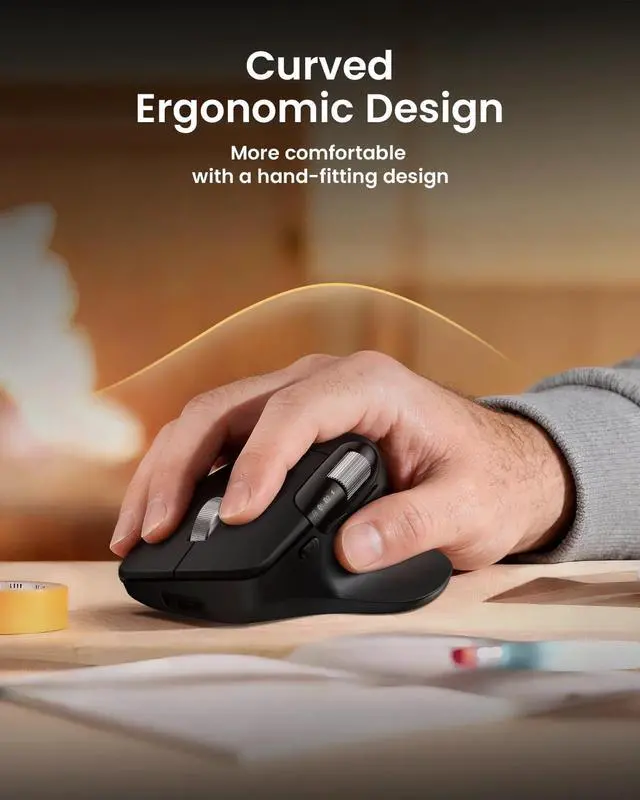
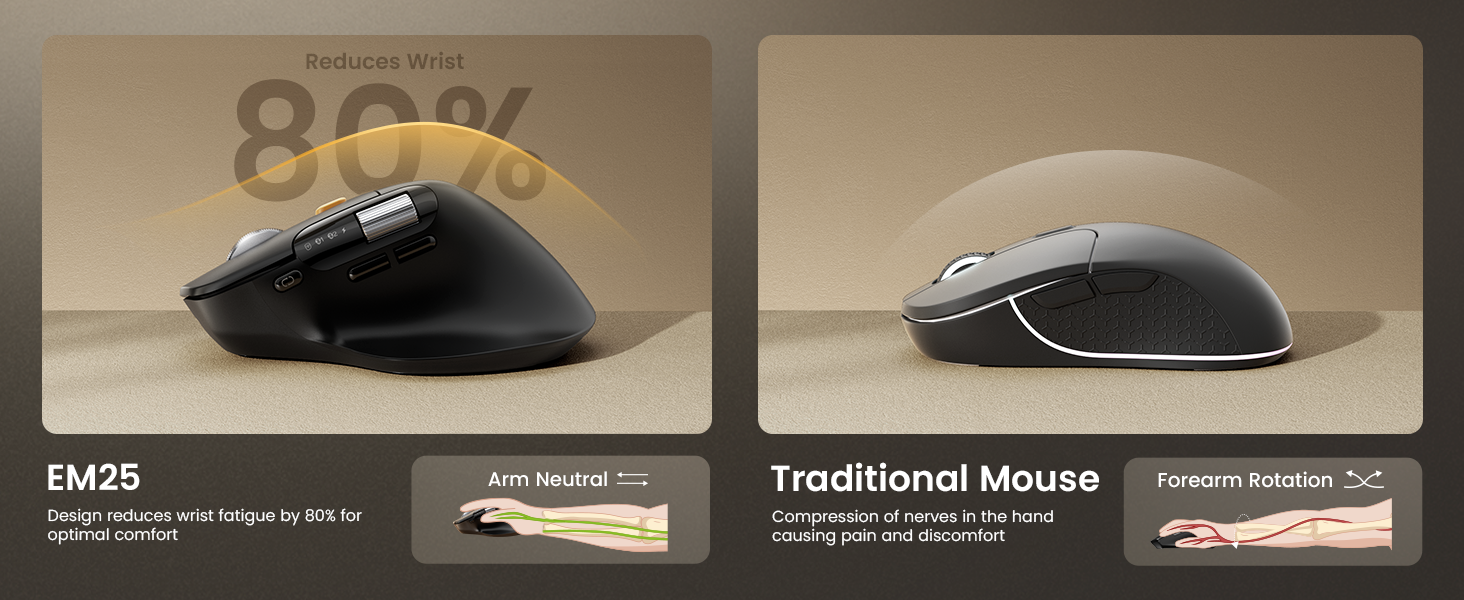
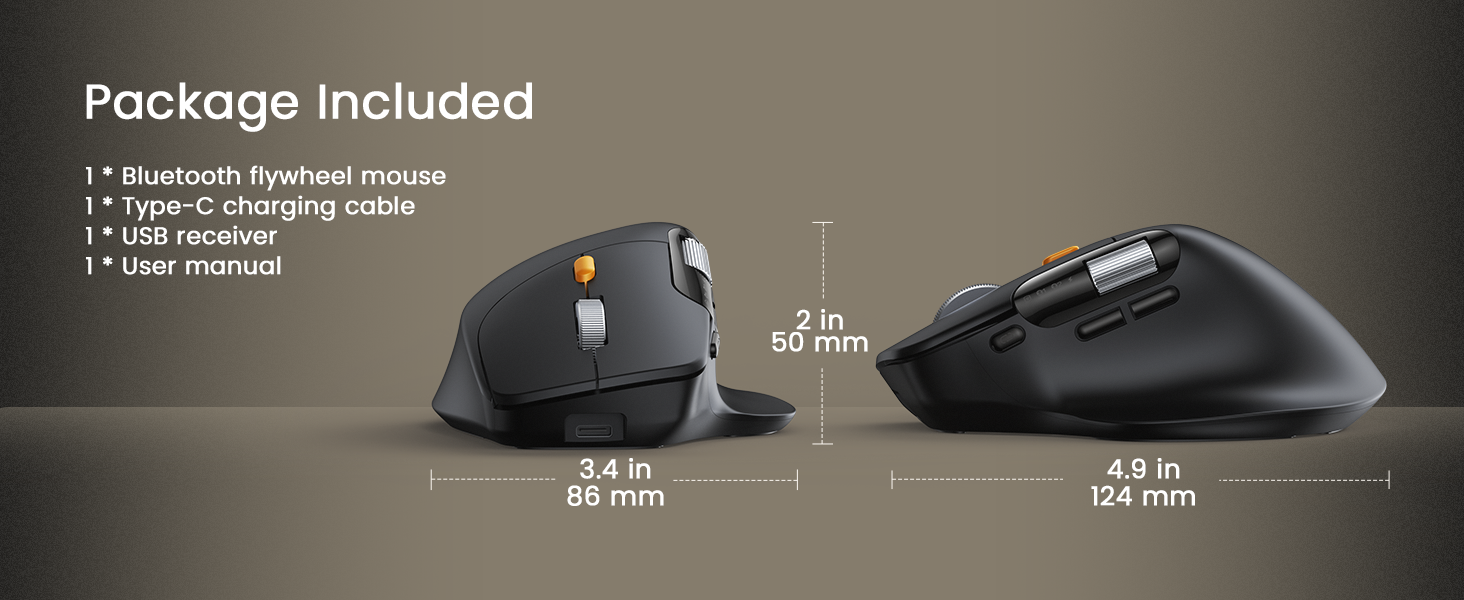
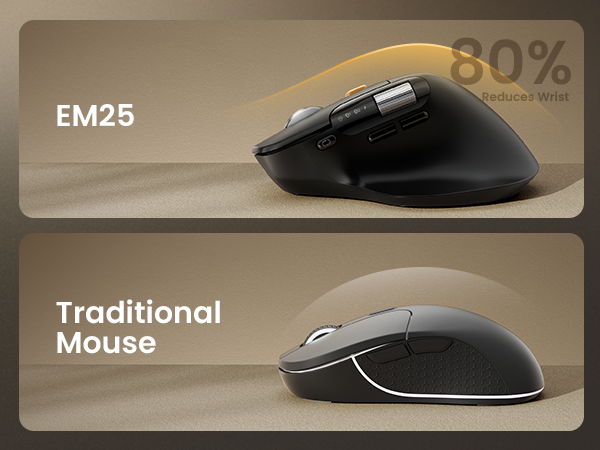
The EM25 is ergonomically designed specifically for medium to large hands. If you have small hands, you might find it slightly bulky. We recommend checking the dimensions in the product images to ensure a comfortable fit
How does the side scroll wheel help with Excel?
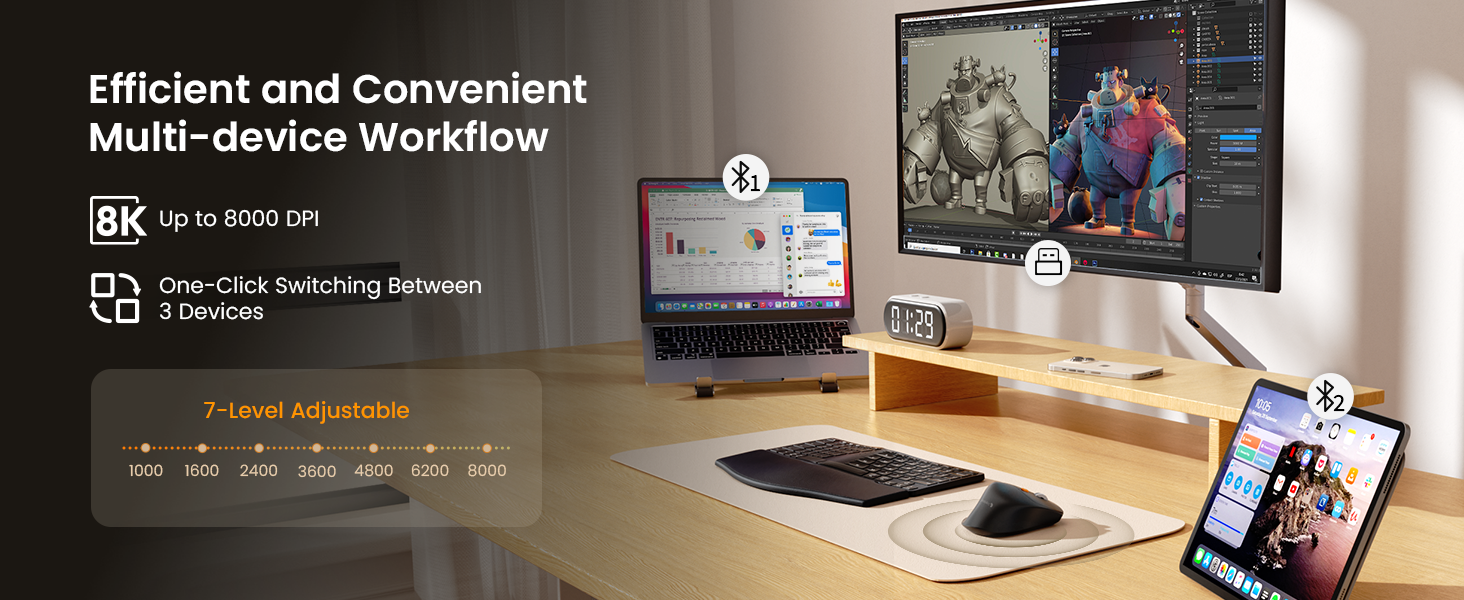
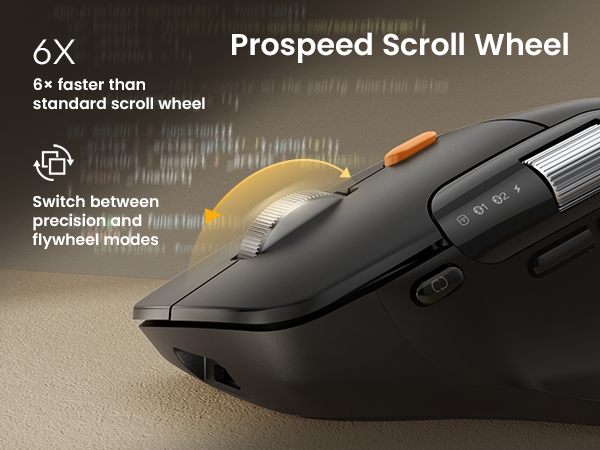
The side scroll wheel allows you to scroll horizontally across columns instantly without using the bottom scroll bar or trackpad. This is a game-changer for accountants and data analysts working with wide spreadsheets, speeding up workflow


Mission
At ProtoArc, our mission is to deliver innovative workspace solutions that enhance comfort, boost productivity, and foster overall wellness.
Vision
We believe that everyone deserves a workspace that not only meets their functional needs but also empowers them to thrive. Our vision is a world where work environments promote health, happiness, and high performance.
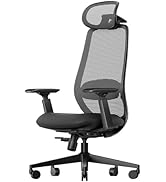
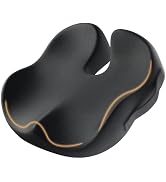
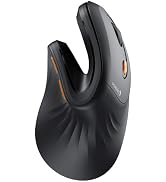
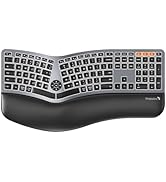
Ergonomic WorkSpace
Bluetooth Mouse
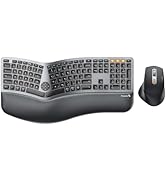
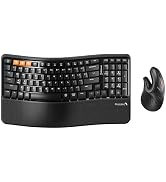
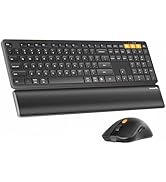
Ergonomic Keyboard & Mouse
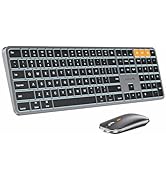
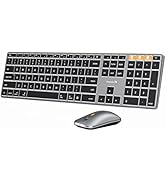
Mac Keyboard and Mouse


EM25 Ergonomic Wireless Mouse Fast Scrolling with Dual Bluetooth and USB
EM25 Ergonomic Wireless Mouse With Fast Scrolling
HUB Quick Start Guide
HUB Quick Start Guide
1.Visit our website.
2.Select your device model: ProtoArc EM25.
3.Choose a button on the interactive interface.
4.Assign a function, such as Copy, Paste, Undo, or App Switching.
5.Save the profile — it will automatically sync to your mouse’s onboard memory.
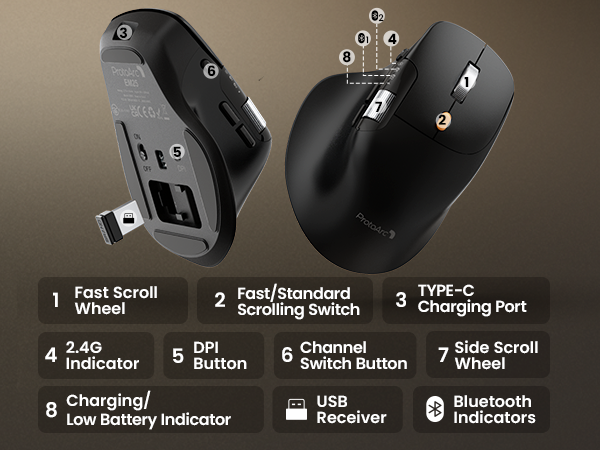
Can I customize the side scroll wheel buttons?
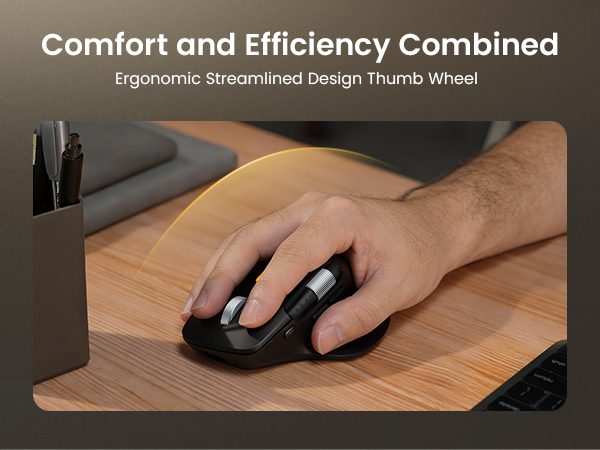
The side scroll wheel itself is dedicated to horizontal navigation and cannot be remapped. However, the two buttons adjacent to it are fully customizable via our web-based tool for shortcuts like Copy/Paste or Undo
Does this mouse require any software installation for Mac?
No software installation is needed for basic plug-and-play use. For button customization, you simply visit our website in Chrome/Edge. Note: You must grant "Input Monitoring" permission in Mac System Settings for the web configurator
Is this mouse suitable for small hands?
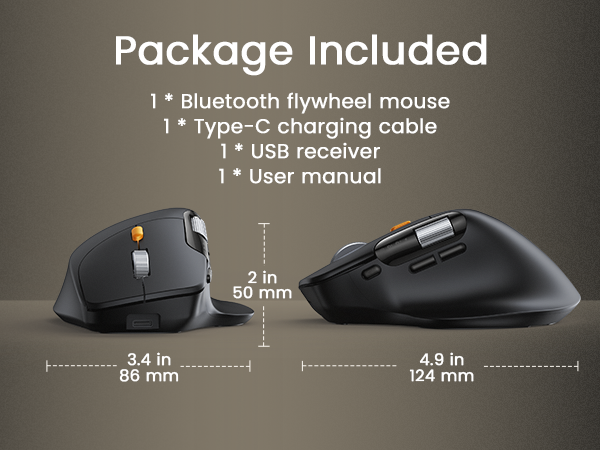
The EM25 is ergonomically designed specifically for medium to large hands. If you have small hands, you might find it slightly bulky. We recommend checking the dimensions in the product images to ensure a comfortable fit
How does the side scroll wheel help with Excel?
The side scroll wheel allows you to scroll horizontally across columns instantly without using the bottom scroll bar or trackpad. This is a game-changer for accountants and data analysts working with wide spreadsheets, speeding up workflow
Mission
At ProtoArc, our mission is to deliver innovative workspace solutions that enhance comfort, boost productivity, and foster overall wellness.
Vision
We believe that everyone deserves a workspace that not only meets their functional needs but also empowers them to thrive. Our vision is a world where work environments promote health, happiness, and high performance.
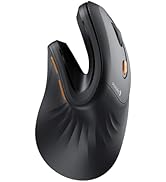
Ergonomic WorkSpace
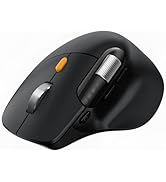
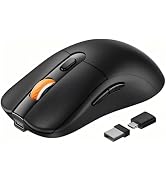
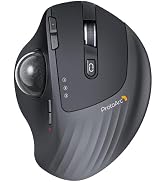
Bluetooth Mouse
Ergonomic Keyboard & Mouse
Mac Keyboard and Mouse
