









starry sky mouse

Why is the lighting on my mouse not very bright, especially at the tip?
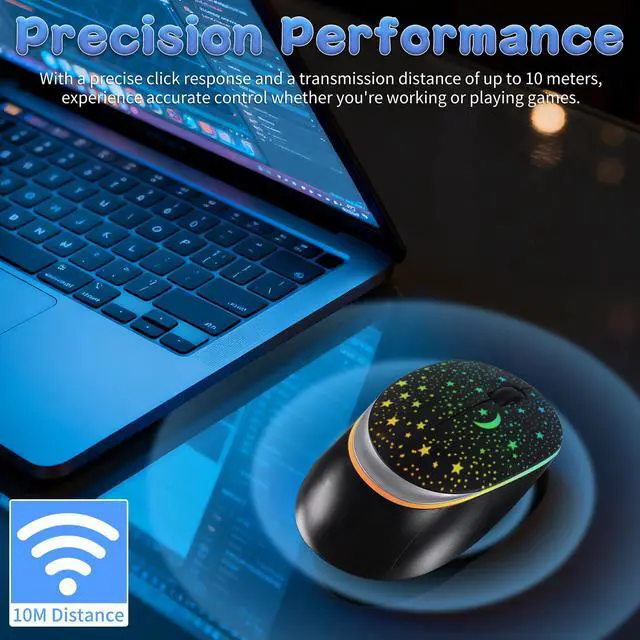
All our mice are designed this way. The lighting is concentrated in the middle and towards the back. The front tip has dim lighting to prevent it from being overly bright and distracting.
Is this lighting issue common for all mice of this model?
Yes, it's a standard design feature across all units. The light gradually increases in brightness from the front to the back of the mouse.
How do I switch between 2.4G and Bluetooth modes on the mouse?
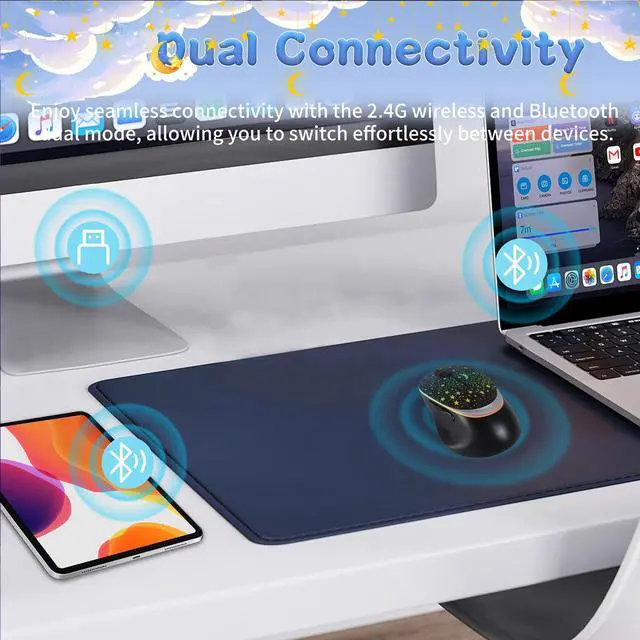
To use 2.4G mode, push the switch on the bottom to the left and insert the receiver into your device. For Bluetooth mode, push the switch to the right, enable Bluetooth on your device, and search for the "BT5.1 Mouse" to connect.
starry sky mouse

Why is the lighting on my mouse not very bright, especially at the tip?
All our mice are designed this way. The lighting is concentrated in the middle and towards the back. The front tip has dim lighting to prevent it from being overly bright and distracting.
Is this lighting issue common for all mice of this model?
Yes, it's a standard design feature across all units. The light gradually increases in brightness from the front to the back of the mouse.
How do I switch between 2.4G and Bluetooth modes on the mouse?
To use 2.4G mode, push the switch on the bottom to the left and insert the receiver into your device. For Bluetooth mode, push the switch to the right, enable Bluetooth on your device, and search for the "BT5.1 Mouse" to connect.