here!
here!
I’m your shopping assistant for PC builds, upgrades, and everything tech.
Got questions? Ask away!
Start a conversation
here!
I’m your shopping assistant for PC builds, upgrades, and everything tech.
Got questions? Ask away!
Start a conversation
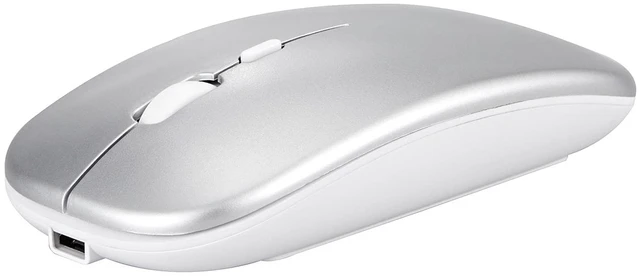
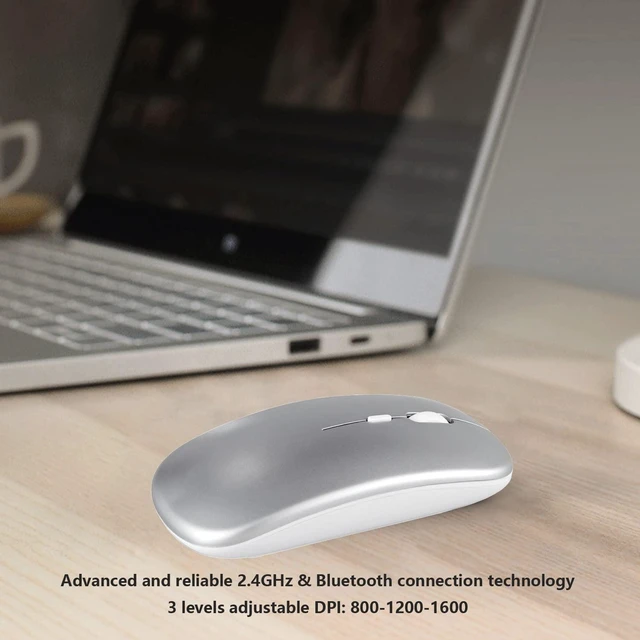
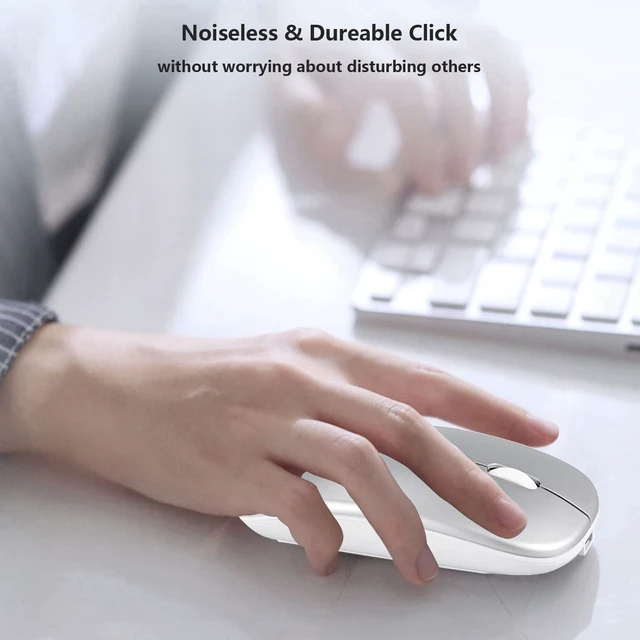
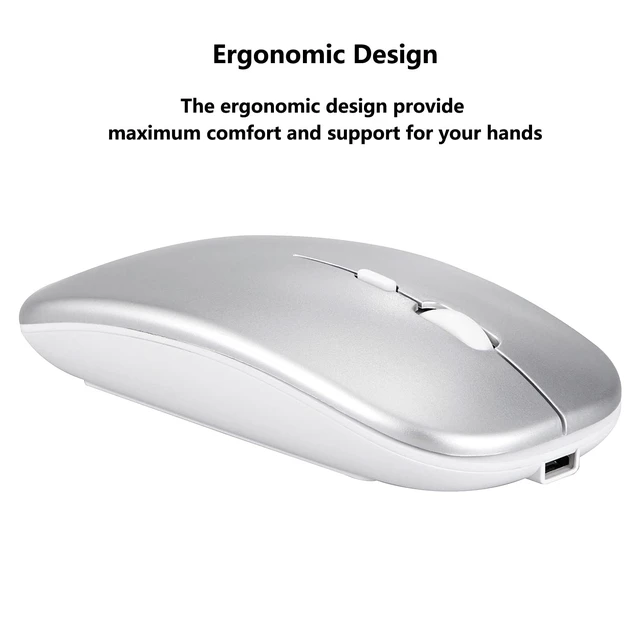
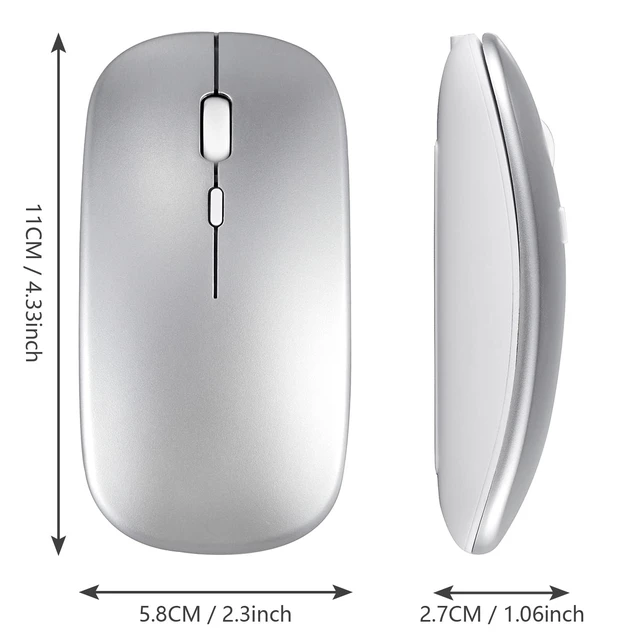



Any questions? Ask CelesteSM will help you find out quickly.
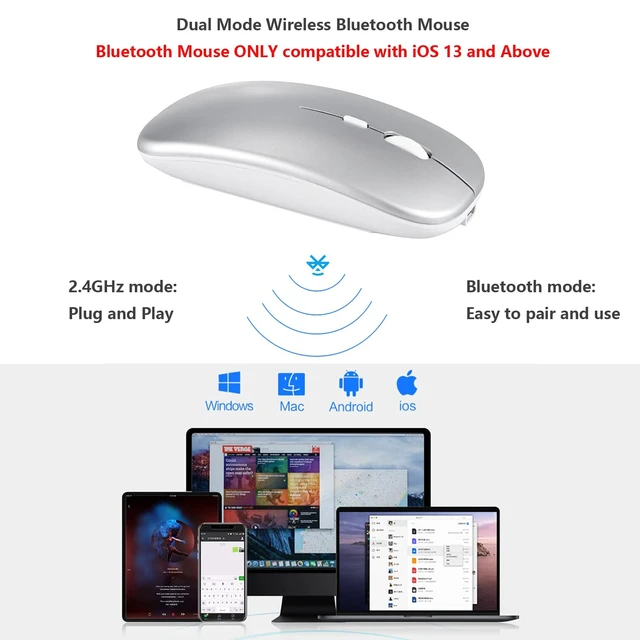
Dual-Mode mouse: Bluetooth + 2.4GHz connection
Note: You need to update the system of your iPad and iPhone to iOS 13, iPad OS 13 and above. And then turn on Assistive Touch : Open Setting> Accessibility> Touch> Assistive Touch.
1. Bluetooth mouse connection method:
1: Turn on the ON/OFF switch to switch to Bluetooth.
2: Turn on the Bluetooth switch of the tablet/smartphone, and search for the Bluetooth mouse.
3: Click the BT5.2 Mouse on the tablet/smartphone to connect.
Note: The mouse can't be connected to two Bluetooth devices at the same time. Therefore, if you want to replace another device, you must first disconnect the pairing connection of the original device.
2. 2.4G mouse connection method:
1: Turn on the ON/OFF switch to switch to 2.4G.
2: Just plug the USB receiver into the USB port of the computer and you can start using it.
Compatible with iPad iPhone such as iPad 11th (A16) 10th 9th 8th 7th Generation, iPad Pro 13in M4, iPad Pro 12.9 inch 6th 5th 4th 3rd gen, iPad Pro 11 inch M4 4th 3rd 2nd 1st gen, iPad Air M3 M2 5th 4th gen, iPad mini A17 Pro 7/6/5, iPhone 16 15 14 13 Pro Max Plus, etc.
Compatible with Android tablet smartphone such as Samsung Galaxy Tab A S lite tablet cell phone etc.
Product Specifications:
Bluetooth Version: Bluetooth 5.2
DPI: 800-1200-1600
Buttons: 4 keys
Working distance: Up to 10 meters
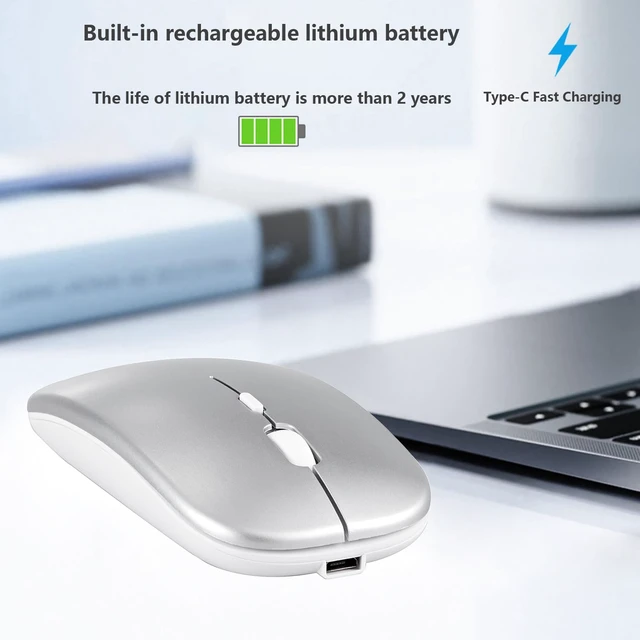
Charging Interface: USB-C
Package including:
1 * Mouse
1 * USB Receiver
1 * Type-C Charging Cable
If you have any questions, please contact us. We provide one year warranty service, so you do not have any risk. If you are not satisfied with our products, we can replace you with a brand new product or a full refund to you.