




 here!
here!
I’m your shopping assistant for PC builds, upgrades, and everything tech.
Got questions? Ask away!
Start a conversation
here!
I’m your shopping assistant for PC builds, upgrades, and everything tech.
Got questions? Ask away!
Start a conversation
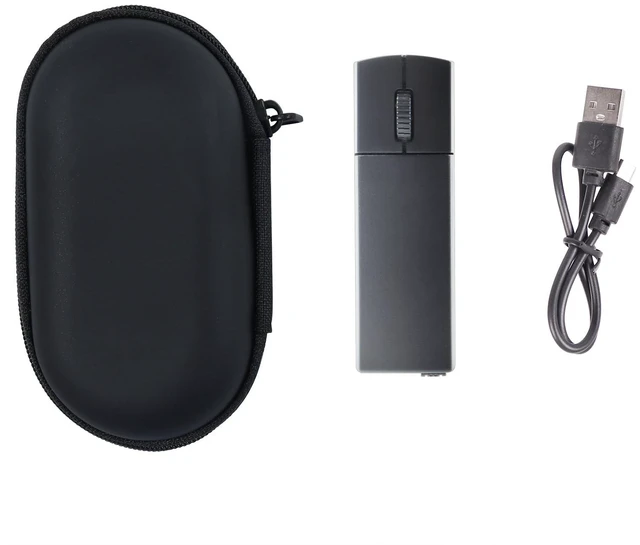
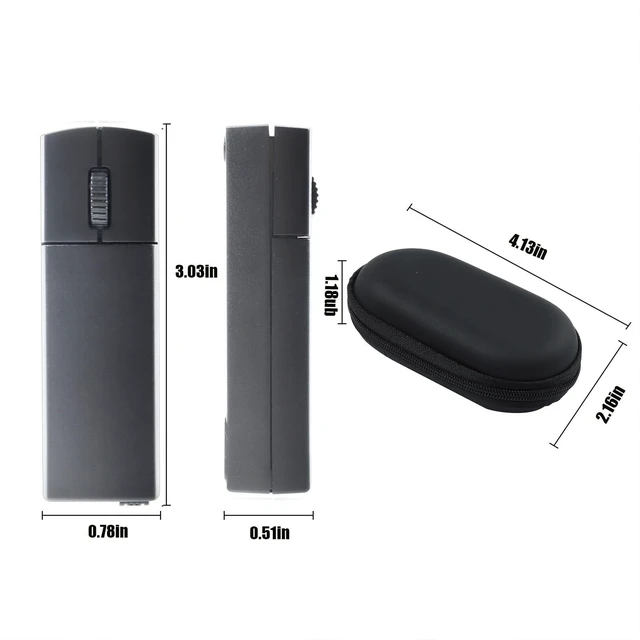



Any questions? Ask CelesteSM will help you find out quickly.
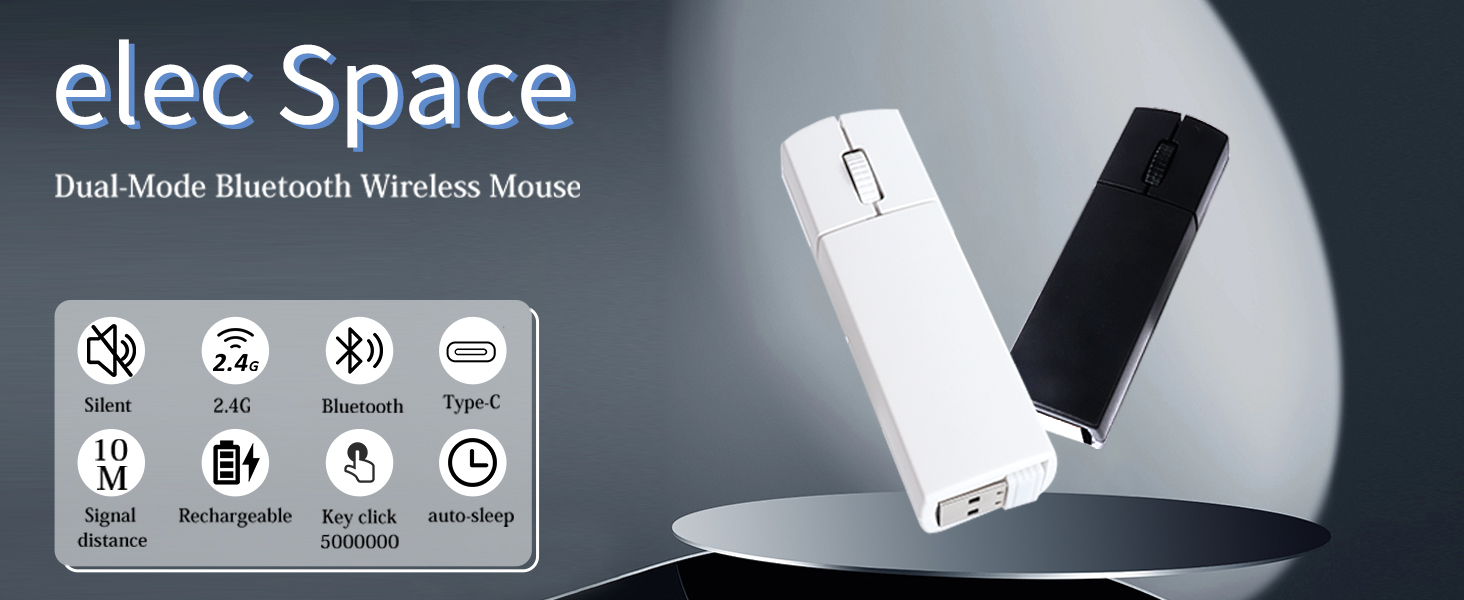
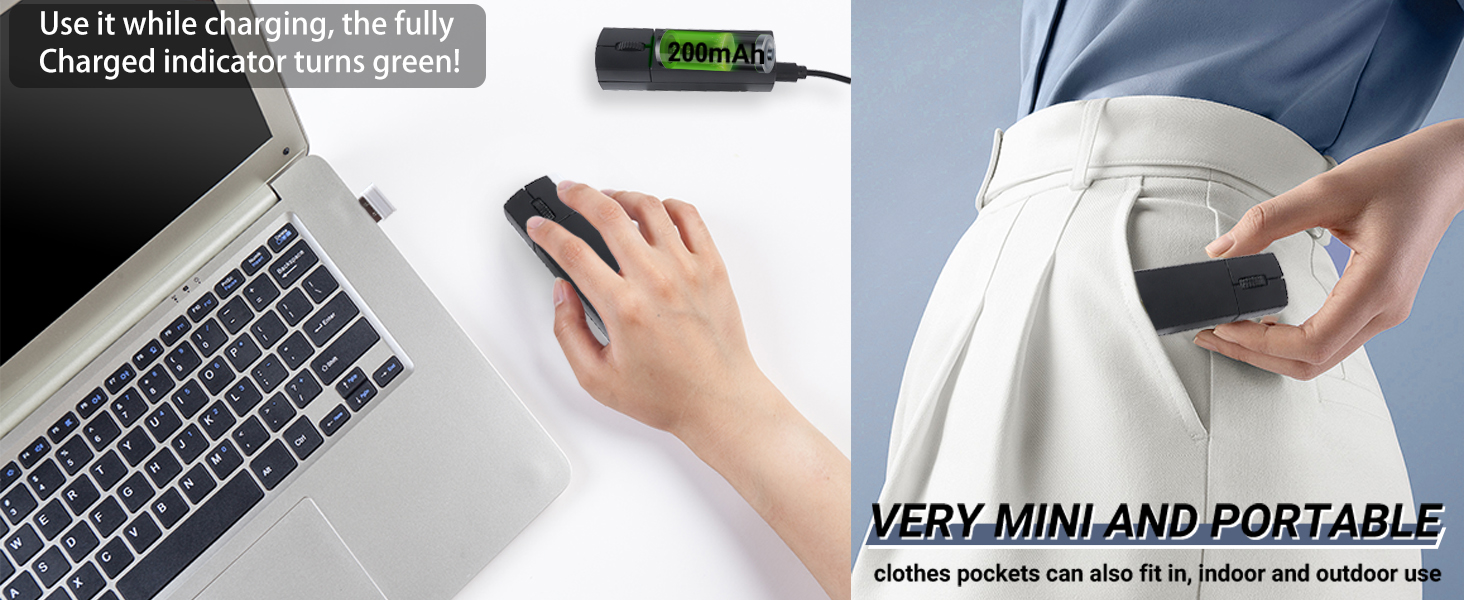
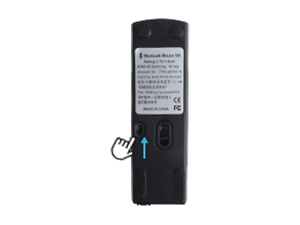
Turn on the switch at the bottom of the mouse.
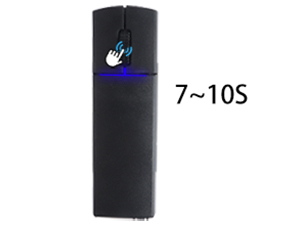
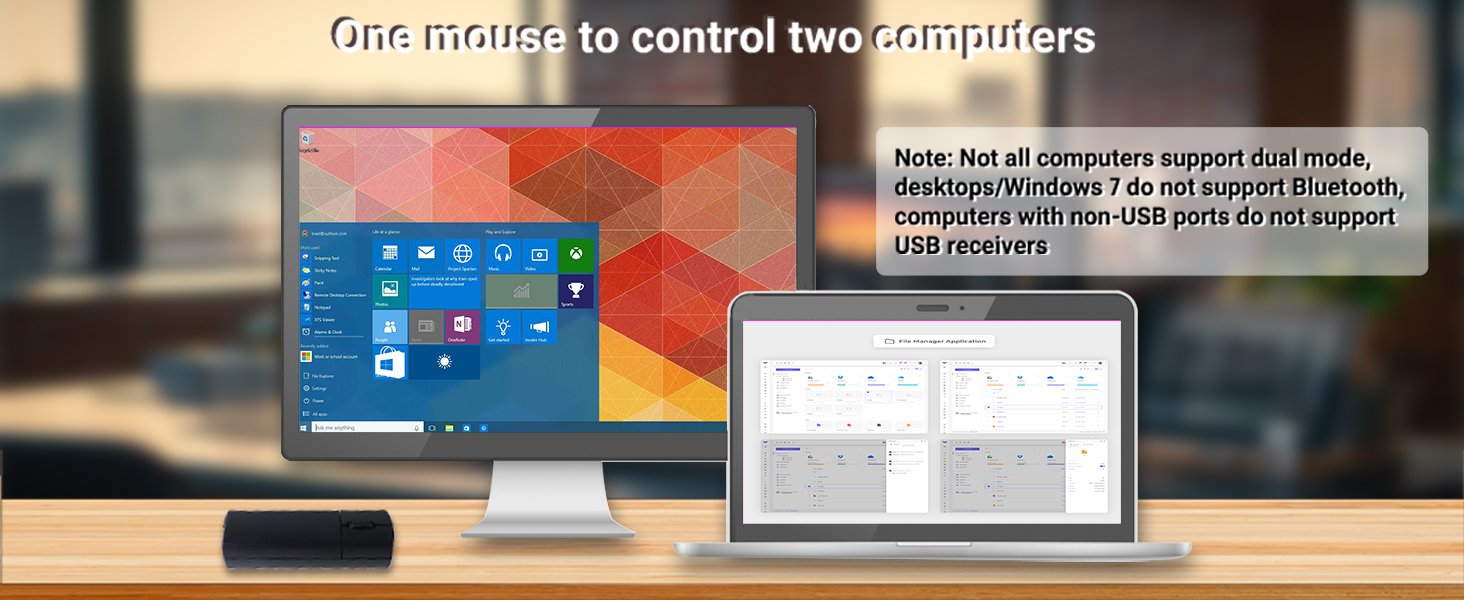
The blue light flashes, indicating Bluetooth 4.0 mode.
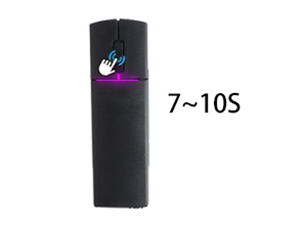
Press and hold the scroll wheel for 7 ~10 seconds + to switch modes. The pink-purple light flashes, indicating Bluetooth 5.0 mode.
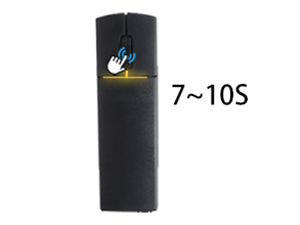
Press and hold the scroll wheel for 7 ~10 seconds+ to switch modes. The yellow-green light flashes, indicating 2.4G mode.

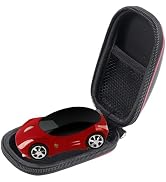
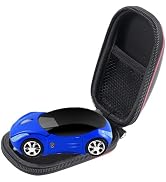
Unique Creative Electronics, Create Your Own Electronics Space

Shop with confidence—quality guaranteed, and I’m here to support you with any questions or concerns!




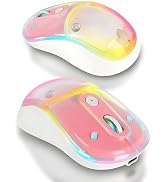
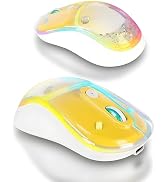
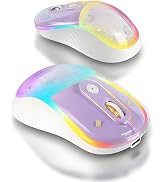
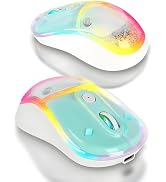
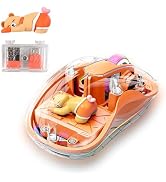

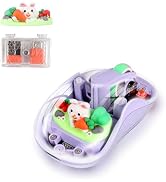
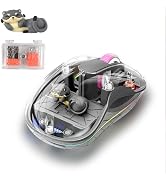
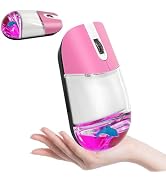

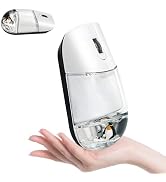



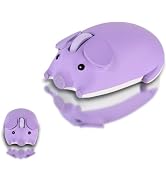


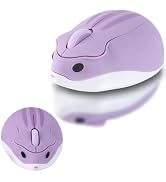
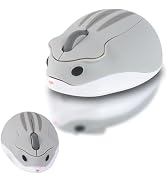
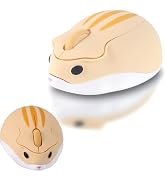
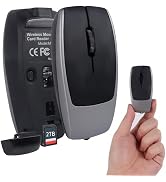
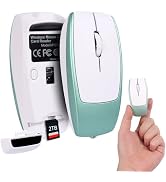

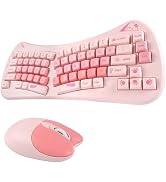


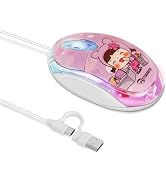
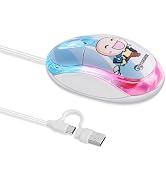



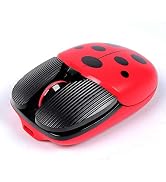














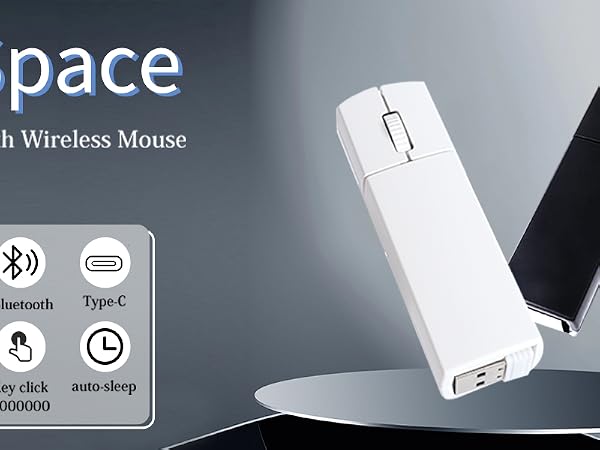

Turn on the switch at the bottom of the mouse.
The blue light flashes, indicating Bluetooth 4.0 mode.
Press and hold the scroll wheel for 7 ~10 seconds + to switch modes. The pink-purple light flashes, indicating Bluetooth 5.0 mode.
Press and hold the scroll wheel for 7 ~10 seconds+ to switch modes. The yellow-green light flashes, indicating 2.4G mode.
Unique Creative Electronics, Create Your Own Electronics Space
Shop with confidence—quality guaranteed, and I’m here to support you with any questions or concerns!


