




 here!
here!
I’m your shopping assistant for PC builds, upgrades, and everything tech.
Got questions? Ask away!
Start a conversation
here!
I’m your shopping assistant for PC builds, upgrades, and everything tech.
Got questions? Ask away!
Start a conversation



Any questions? Ask CelesteSM will help you find out quickly.

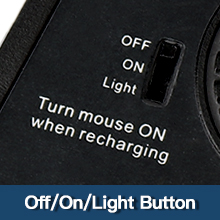
ON/OFF Switch
There is an ON/OFF switch.You can freely choose to use the mouse with lights on or not. The mouse goes into sleep mode after a period of inactivity and you can press any button to reactivate it.
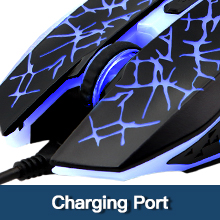
Charging Port
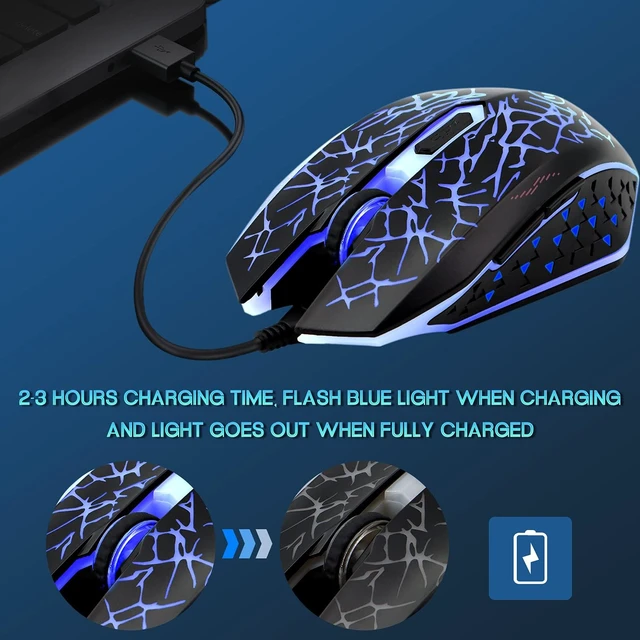
Please align the charging plug with the port, then insert it when charging.Can be used while charging.The charging line can be accessible to multiple power sources, like power bank, lap top and more.
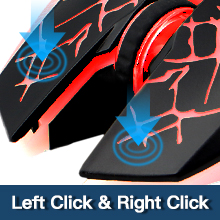
Silent Click
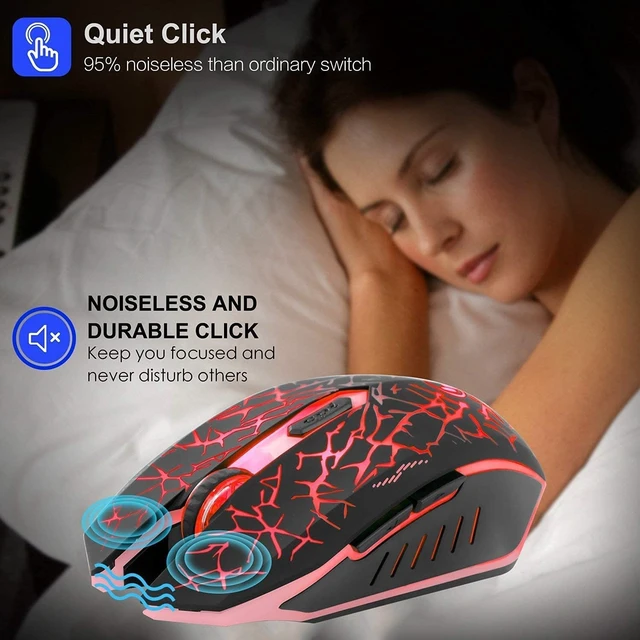
The mouse's left and right buttons can reach the standard of silent click, so you don't have to worry about disturbing your family when you game or work at night.
Please be noted that only the left and right clicks are silent. Other buttons are not silent.

Rubber scroll
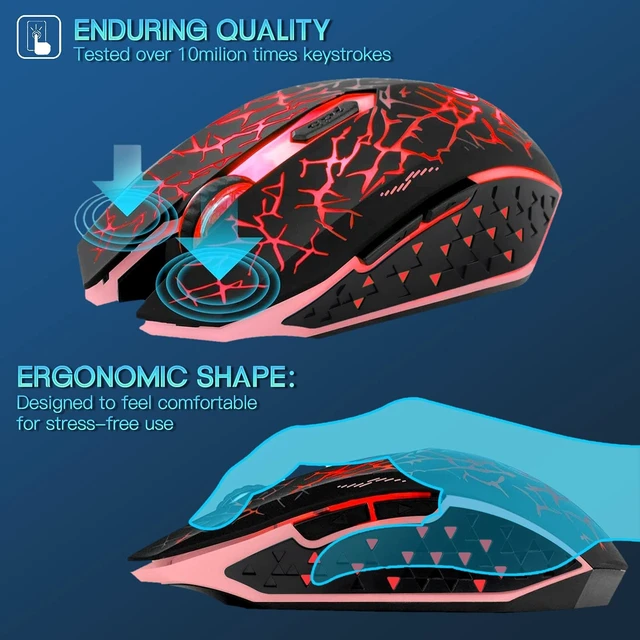
Snugly texture and ergonomic design.The mouse comes with a rubberized texture,feels very nice in hand.
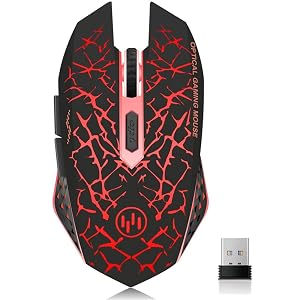
Special Breathing LED Lights
The lights are wonderful and not distracting. You can indulge in your game and work under the soft lights. There is an option to turn off light.( NOTE: The led light is not so bright in the bright environment)
Built-in Rechargeable Battery
The high-quality 400mAh rechargeable battery promises a longer battery life. And you can even use the mouse when it is recharging.
Navigating the Internet Easily
Two side buttons achieve the function of page forward and page backward.
The clickable scroll wheel can downward/upward the website page quickly.
Ease to Set Up
Plug in the USB receiver, switch it on and you are all set.
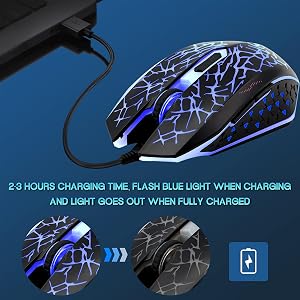
Tips for helping mouse work
1. The data cable can only be used for charging and cannot help the computer recognize the mouse. And the USB receiver can help the computer identify and connect the mouse. So when using the mouse, you need to plug the USB receiver into the USB port of the computer.
2. The USB receiver is under the mouse, please remove the USB receiver from USB slot with your fingernails. If there is no USB receiver, please feel free to contact VEGCOO.
3. Please charge the mouse for about 2 hours before first time use it.
4. When you do not use it over 8 minutes, the mouse will enter into sleeping mode, you can click any button to wake it up.
5. It's out of power if the mouse cursor moves slowly or stop moving.
6. The blue light beside the scroll wheel will be on while charging, and then goes off when the mouse is fully charged.
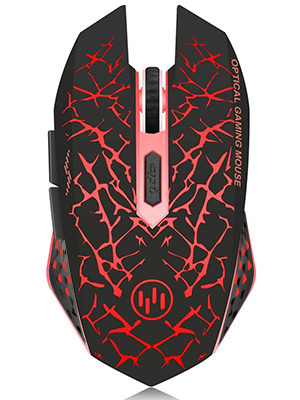

Package Includes
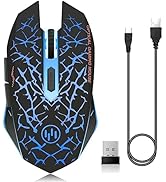
1×Mouse
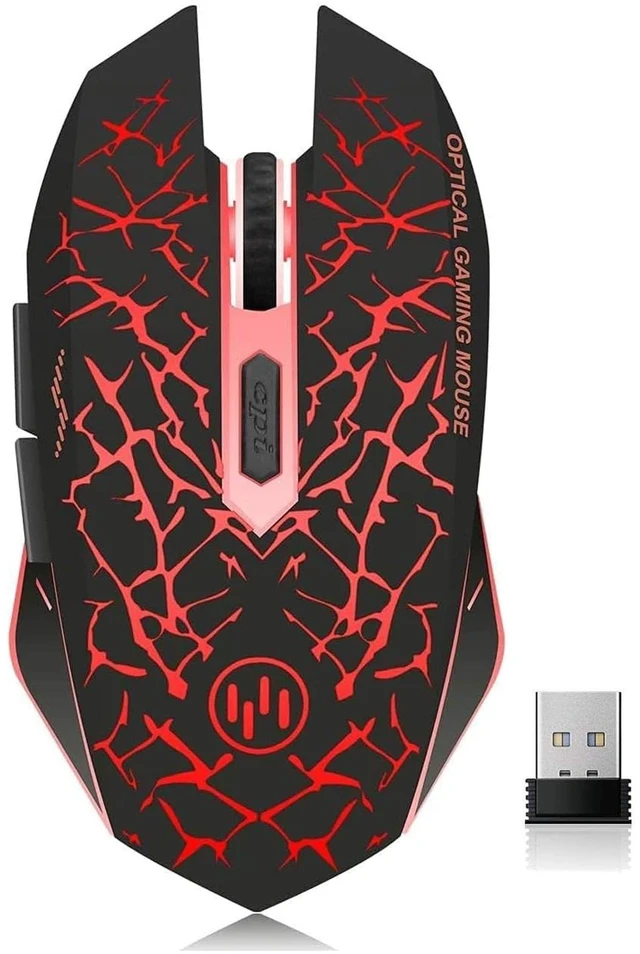
1×USB Receiver
1×English User Manual
1×Charging Cable
Specification
Type: Silent Wireless Mouse
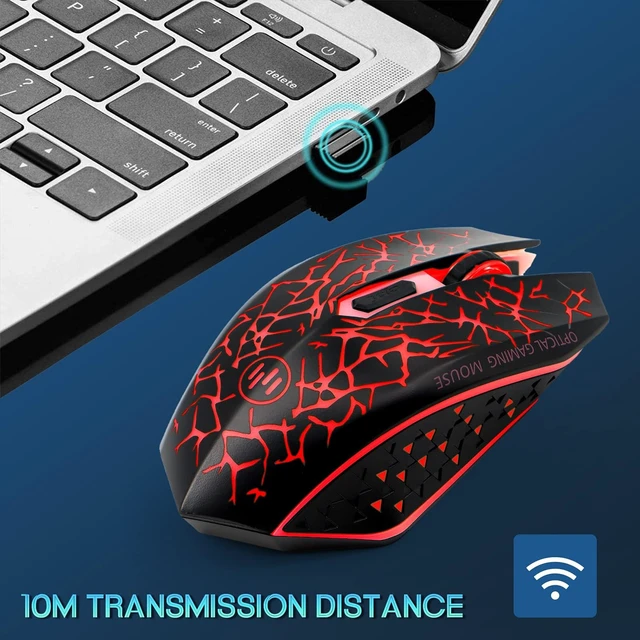
Wireless Distance: 10m
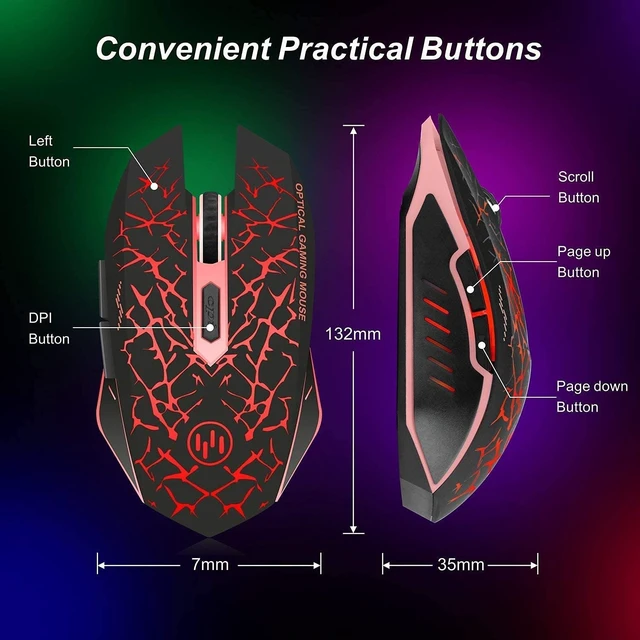
Product Size: 13*7*3.5cm/5.12*2.76*1.38in
product weight: 0.149kg/5.25oz
Receiver: Nano receiver
Colors: Red
Buttons: 6
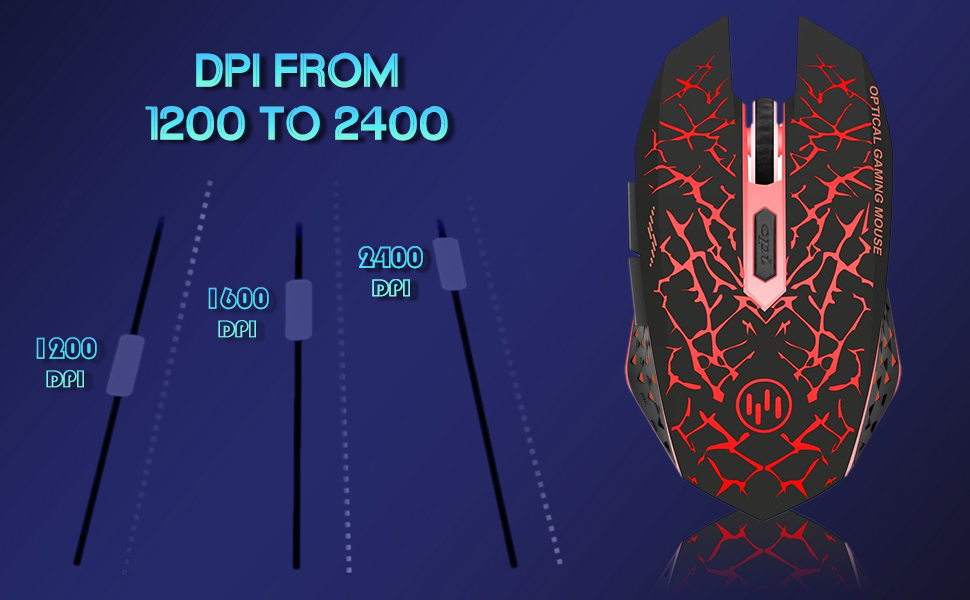
DPI:1200-1600-2400
Battery: 400mAh Lithium battery


VEGCOO - Mice of all styles, models and functions
Why choose us? We focus on listening to our consumers and improving our products in a timely manner, and our strong after-sales team service gives you more peace of mind. Come and visit the VEGCOO shop, there will be something for you here.

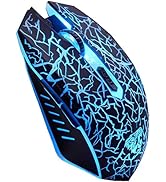
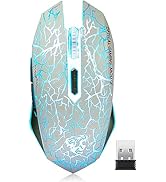
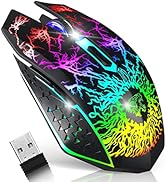
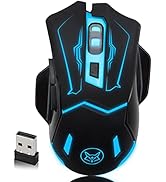
Ergonomically designed to maintain a high level of focus during long gaming sessions.









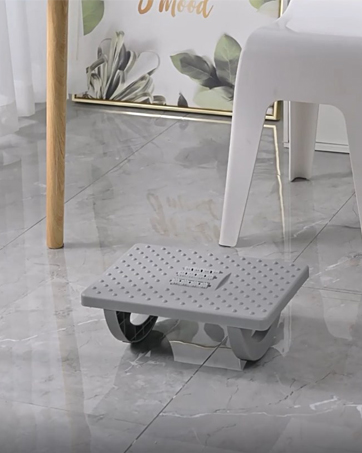
Foot Rest for Under Desk


VEGCOO started in 2016. Since our inception, we have focused on electronic products such as mouse keyboards and are committed to providing innovative products.
We have a full supply chain and undergo strict quality control from production to shipping. We are committed to providing you with quality merchandise and genuine service.
VEGCOO insists on innovation and strives to find new and innovative products. With our passion and pursuit of innovation. It is our mission to make people's lives easy and fun!
ON/OFF Switch
There is an ON/OFF switch.You can freely choose to use the mouse with lights on or not. The mouse goes into sleep mode after a period of inactivity and you can press any button to reactivate it.
Charging Port
Please align the charging plug with the port, then insert it when charging.Can be used while charging.The charging line can be accessible to multiple power sources, like power bank, lap top and more.
Silent Click
The mouse's left and right buttons can reach the standard of silent click, so you don't have to worry about disturbing your family when you game or work at night.
Please be noted that only the left and right clicks are silent. Other buttons are not silent.
Rubber scroll
Snugly texture and ergonomic design.The mouse comes with a rubberized texture,feels very nice in hand.
Special Breathing LED Lights
The lights are wonderful and not distracting. You can indulge in your game and work under the soft lights. There is an option to turn off light.( NOTE: The led light is not so bright in the bright environment)
Built-in Rechargeable Battery
The high-quality 400mAh rechargeable battery promises a longer battery life. And you can even use the mouse when it is recharging.
Navigating the Internet Easily
Two side buttons achieve the function of page forward and page backward.
The clickable scroll wheel can downward/upward the website page quickly.
Ease to Set Up
Plug in the USB receiver, switch it on and you are all set.
Tips for helping mouse work
1. The data cable can only be used for charging and cannot help the computer recognize the mouse. And the USB receiver can help the computer identify and connect the mouse. So when using the mouse, you need to plug the USB receiver into the USB port of the computer.
2. The USB receiver is under the mouse, please remove the USB receiver from USB slot with your fingernails. If there is no USB receiver, please feel free to contact VEGCOO.
3. Please charge the mouse for about 2 hours before first time use it.
4. When you do not use it over 8 minutes, the mouse will enter into sleeping mode, you can click any button to wake it up.
5. It's out of power if the mouse cursor moves slowly or stop moving.
6. The blue light beside the scroll wheel will be on while charging, and then goes off when the mouse is fully charged.
Package Includes
1×Mouse
1×USB Receiver
1×English User Manual
1×Charging Cable
Specification
Type: Silent Wireless Mouse
Wireless Distance: 10m
Product Size: 13*7*3.5cm/5.12*2.76*1.38in
product weight: 0.149kg/5.25oz
Receiver: Nano receiver
Colors: Red
Buttons: 6
DPI:1200-1600-2400
Battery: 400mAh Lithium battery
VEGCOO - Mice of all styles, models and functions
Why choose us? We focus on listening to our consumers and improving our products in a timely manner, and our strong after-sales team service gives you more peace of mind. Come and visit the VEGCOO shop, there will be something for you here.
Ergonomically designed to maintain a high level of focus during long gaming sessions.
Foot Rest for Under Desk
VEGCOO started in 2016. Since our inception, we have focused on electronic products such as mouse keyboards and are committed to providing innovative products.
We have a full supply chain and undergo strict quality control from production to shipping. We are committed to providing you with quality merchandise and genuine service.
VEGCOO insists on innovation and strives to find new and innovative products. With our passion and pursuit of innovation. It is our mission to make people's lives easy and fun!


