here!
here!
I’m your shopping assistant for PC builds, upgrades, and everything tech.
Got questions? Ask away!
Start a conversation
here!
I’m your shopping assistant for PC builds, upgrades, and everything tech.
Got questions? Ask away!
Start a conversation



Any questions? Ask CelesteSM will help you find out quickly.
Product Description:
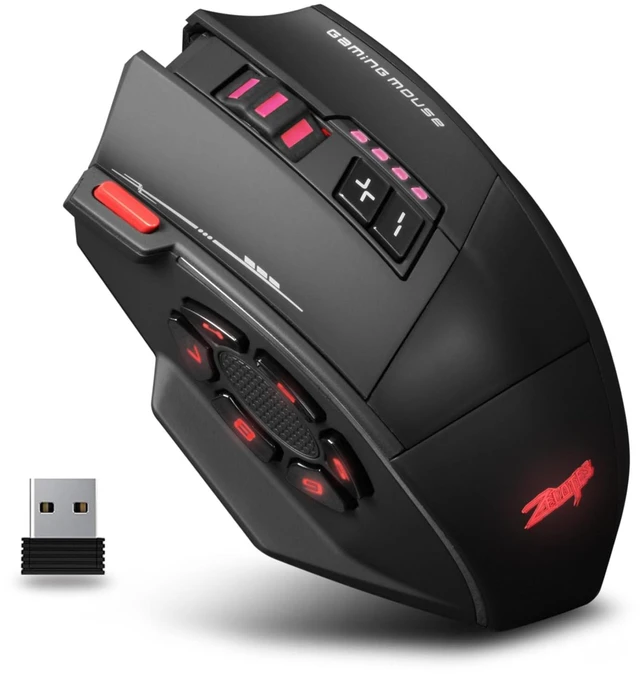
Professional-grade gaming mouse designed for esports enthusiasts,
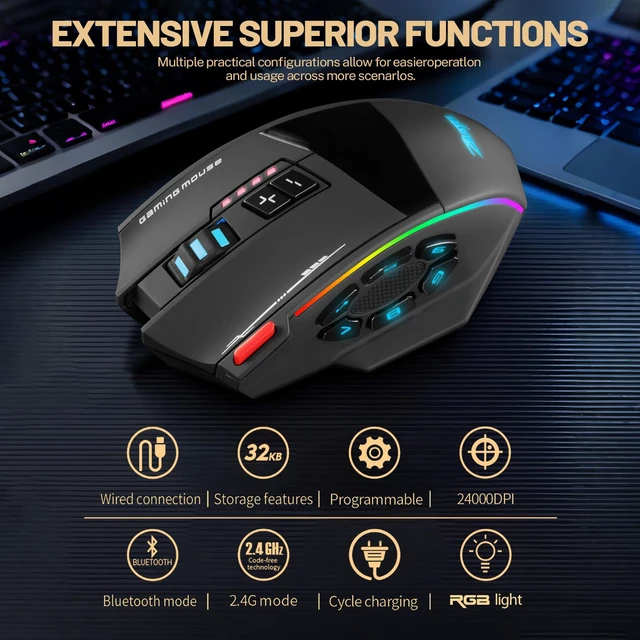
Featuring PMW3311 optical sensor and customizable RGB lighting.
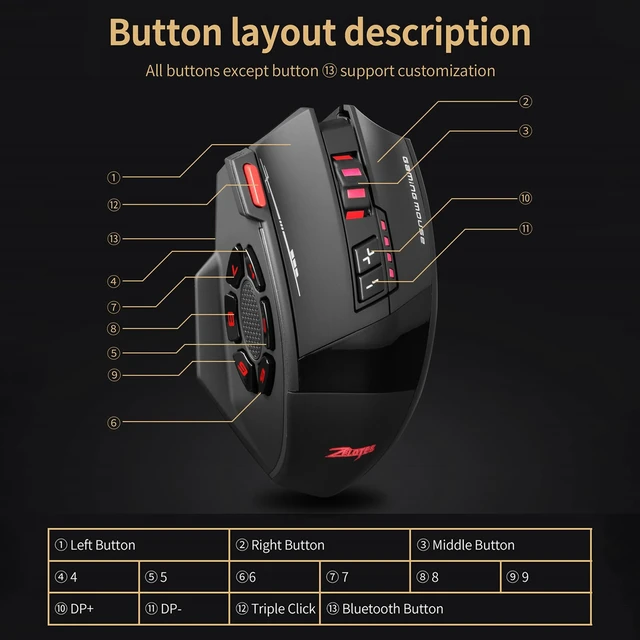
With 13 programmable buttons, and 5 DPI presets up to 24000,
this mouse gaming inspired design delivers tournament-level precision.
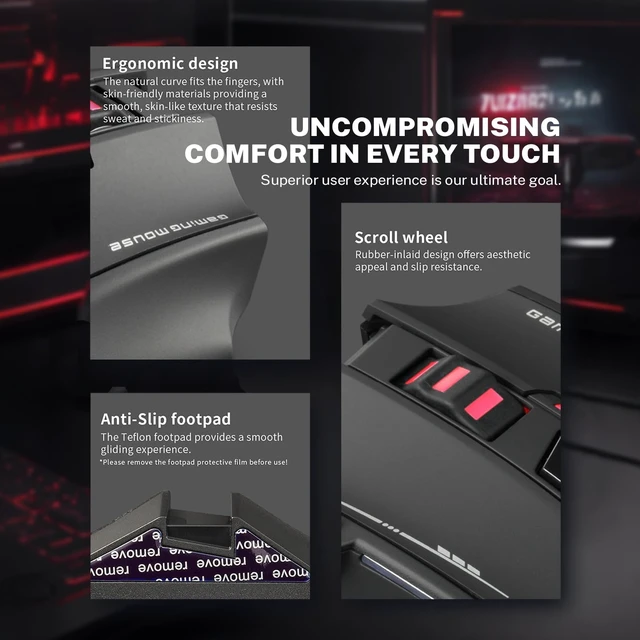
The ergonomic shape with dedicated finger placements ensures comfort during marathon gaming sessions.
What should I do if my mouse is not responding?
1. Please use the data cable to charge the mouse.
2. Please replace the receiver with a USB port to try.
3. Make sure the power switch at the bottom of the mouse has been played to the on or position.
4. Reboot your computer.
5. 2.4G state, long press the bottom of the bluetooth button for more than 3 seconds,
insert the receiver into the USB port of the computer, wait for the connection to be completed
(please keep the distance between the mouse and the receiver within 30CM when pairing code).
Bluetooth and 2.4G Tips.
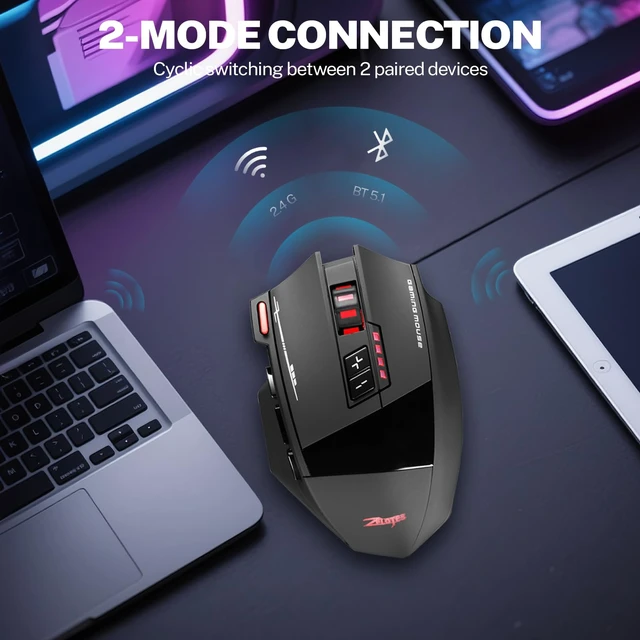
Short press the Bluetooth button at the bottom of the mouse,
you can recognize the current use status by the light,
red light represents 2.4G mode, blue light represents Bluetooth mode.
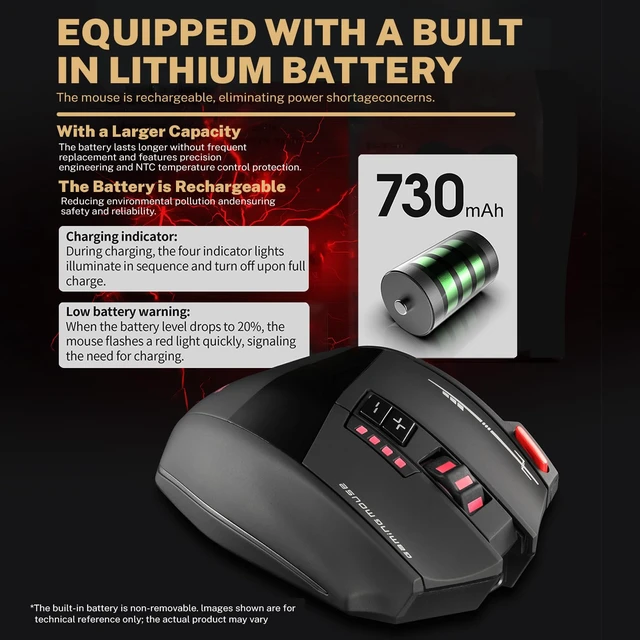
Charging & Low Voltage Tips:
When the power 20%, the mouse will fast flash red light, at this time you need to charge the mouse,
charging 4 grid indicator light cycle in turn, fully charged off.
DPI tips:
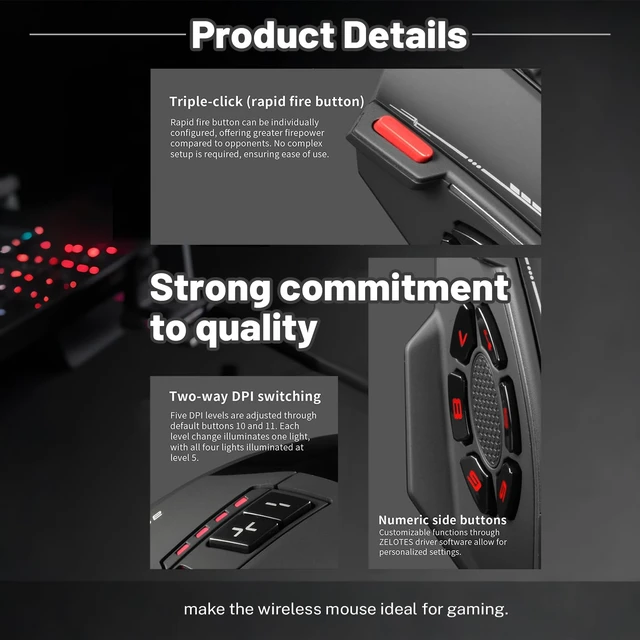
A total of 5 DPI, through the default 10th and 11th button to adjust,
every change 1 gear light 1 light, the 5th gear 4 lights all light.
Product Parameters:
Number of keys: 13 keys
Tracking System: Optical
Frequency: 2402.85MHz-2480.85MHz
Effective distance: 10m
Operating voltage/current: 3.7V15mA
Key life: 20 million times
Roller life: 1.2 million revolutions
DPI: 1600-2400-3200-4800-24000 DPI
2.4GHz Return Rate: 125Hz-4000Hz
Bluetooth Return Rate: 133Hz
Product Specification:
Product Size: 122*76*40 mm /4.8*2.9*1.57inch
Product weight: 110±5g / 0.25 lb
Product Color: Black
Package Included:
1*wireless mouse
1*USB receiver
1*Charging cable
1*Instruction manual