

Your Browsing History
- Free 30-day Returns
$40.99
Ships from China.

Meet Your Seller

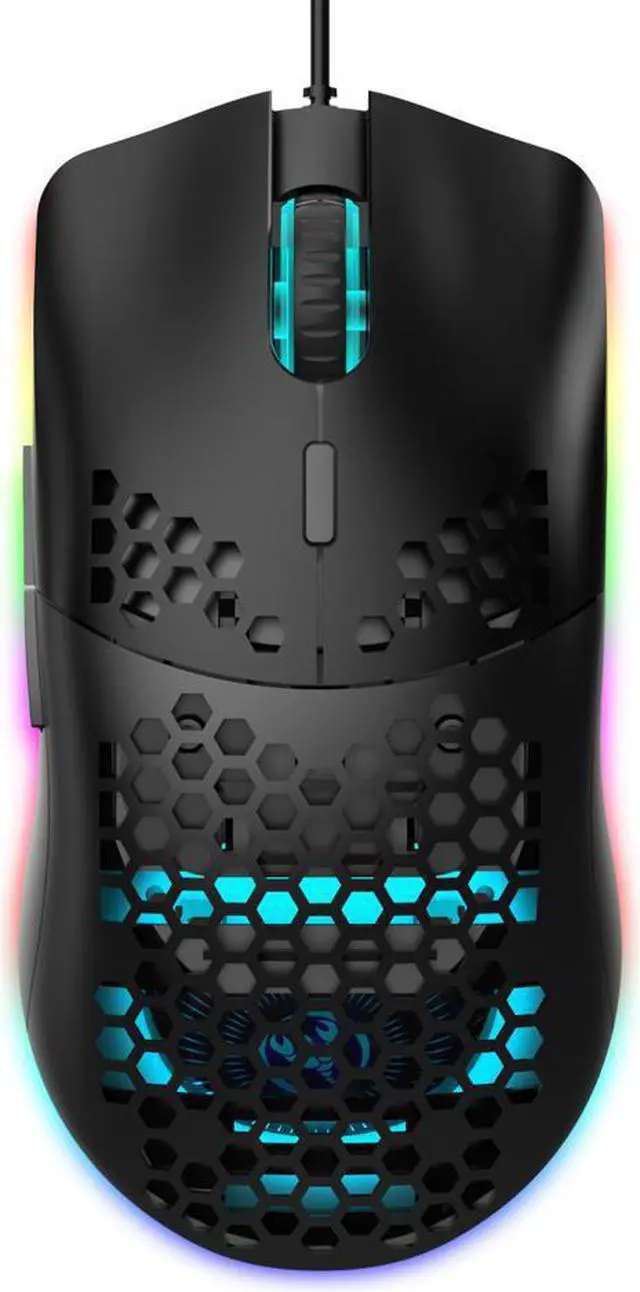
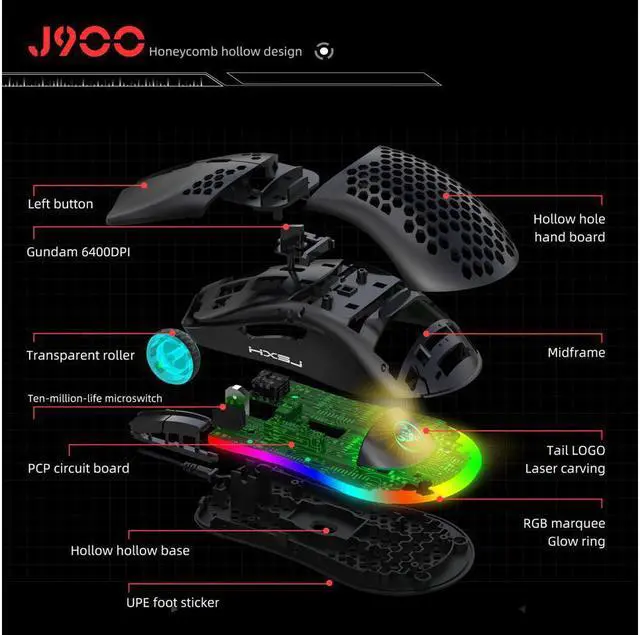
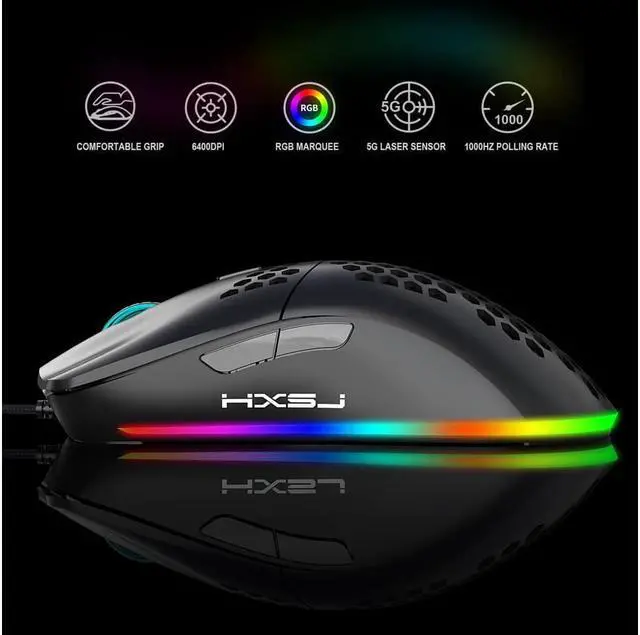
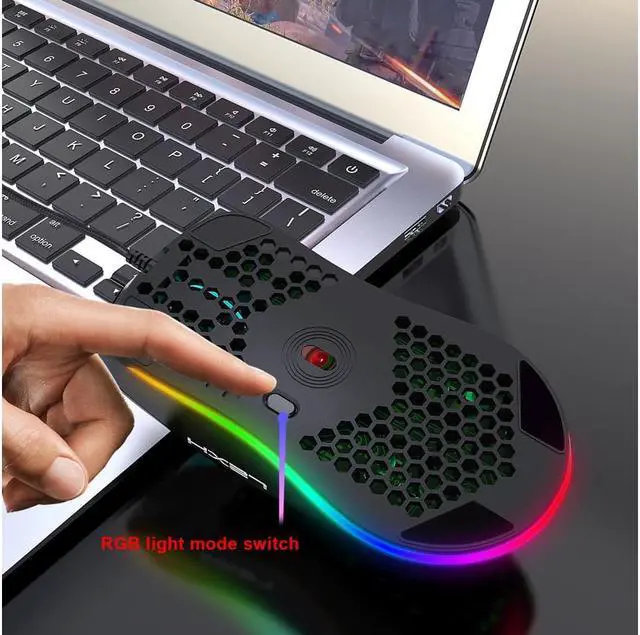
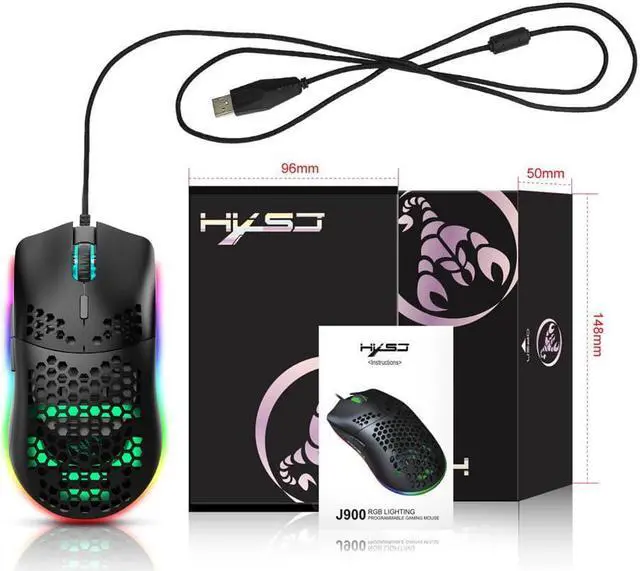


TROPRO Programmable RGB Gaming Mouse, 6 DPI (1000/1600/2400/3200/4800/6400) 96g Ultra Lightweight Honeycomb Optical LED Wired Mouse with Programmable 6 Keys RGB Marquee Effect Light
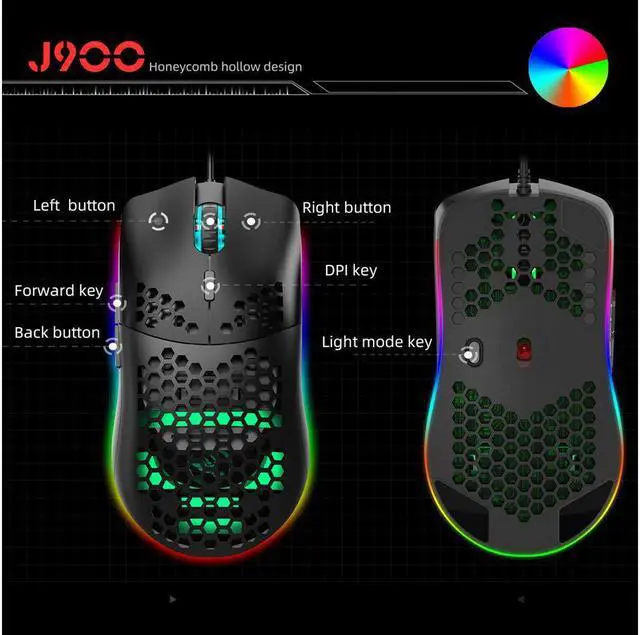
- PROGRAMMABLE 6 KEYS - With programmable design, you can custom mouse value according to you daily or gaming demand. It is available six-stage acceleration and deceleration, DPI speed corresponding to the color of the light, switch by DPl pointer precision, scroll wheel speed etc.
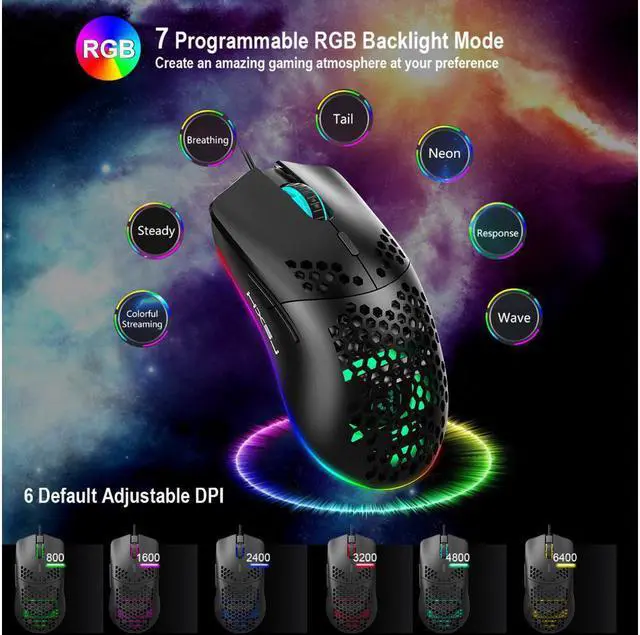
- 6400 DPI GAMING MOUSE- 6 Adjustable DPI levels (1000 / 1600 / 2400 / 3200 / 4800 / 6400) meet your multiple needs for your daily work or gaming to match gameplay demands, more accurate than ordinary USB mouse.
- 7 PROGRAMMABLE RGB BACKLIGHT MODE - 7 RGB colors backlight mode create an amazing gaming atmosphere at your preference: WAVE / BERATHING / RESPONSE / NEON / TAIL / STEADY / COLORFUL STREAMING / OFF. Easily adjust different lighting modes or switch off the light by DPI-/+ button, achieve the best fit mode for yourself.
- Driver: https://drive.google.com/file/d/1PYR7WgUaWbGpF387mnZrEsST1ezkuXsS/view?usp=sharing
+
+
Overview
Specs
Reviews

Any questions? Our AI mode will help you find out quickly.
Try me now
HOW TO CUSTOM MOUSE: * 1. Download the macro programming software through this website: Just copy the content in the frame and paste it on your website bar to transfer to the website (drive. google. com/file/d/1Rg4hotD2fYvhYjc_wYciSvdpomG3MUeC/view? usp=sharing) * 2. When the mouse is successfully connected and used normally, Open the J300 macro programming software directly to use the macro programming function. * 3. When settings is done, click “Application”, and click “Save the Configuration”. You should boot the driver again when next use so that all the self-defined functions can be used.
Warranty & Returns
Warranty, Returns, And Additional Information
Warranty
- Please contact the Seller directly for warranty information. Warranty information may also be found on the Manufacturer's website.
- CONTACT
Return Policies
- Return for refund within: 30 days
- Return for replacement within: 30 days
- This item is covered by LUOYIMAN Return Policy
Manufacturer Contact Info
- For a directory of all our manufacturers, please click below.
- Manufacturers Directory
LOADING...