




 here!
here!
I’m your shopping assistant for PC builds, upgrades, and everything tech.
Got questions? Ask away!
Start a conversation
here!
I’m your shopping assistant for PC builds, upgrades, and everything tech.
Got questions? Ask away!
Start a conversation
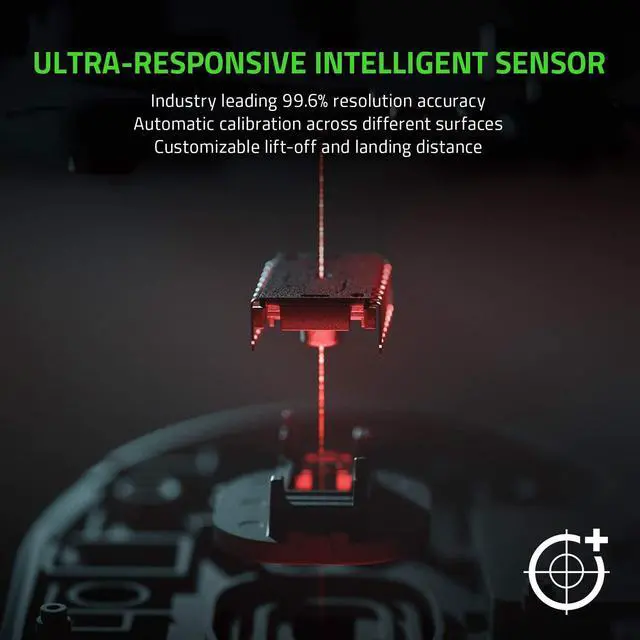
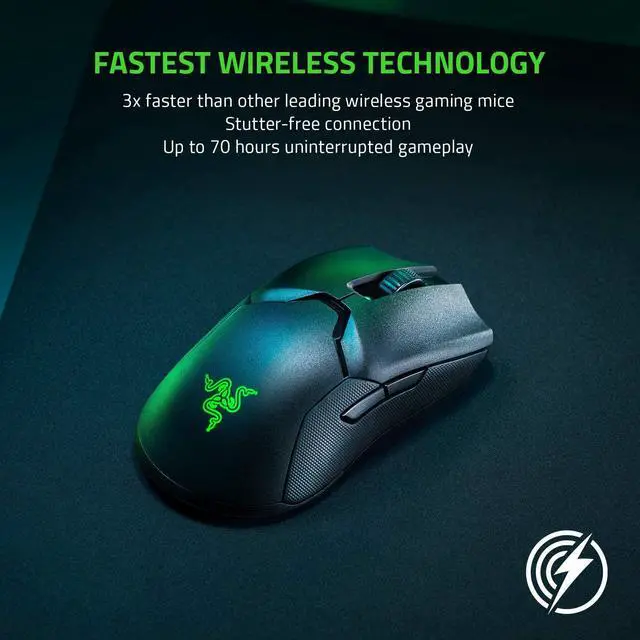




Any questions? Ask CelesteSM will help you find out quickly.
Note: Not Brand New!
Features:
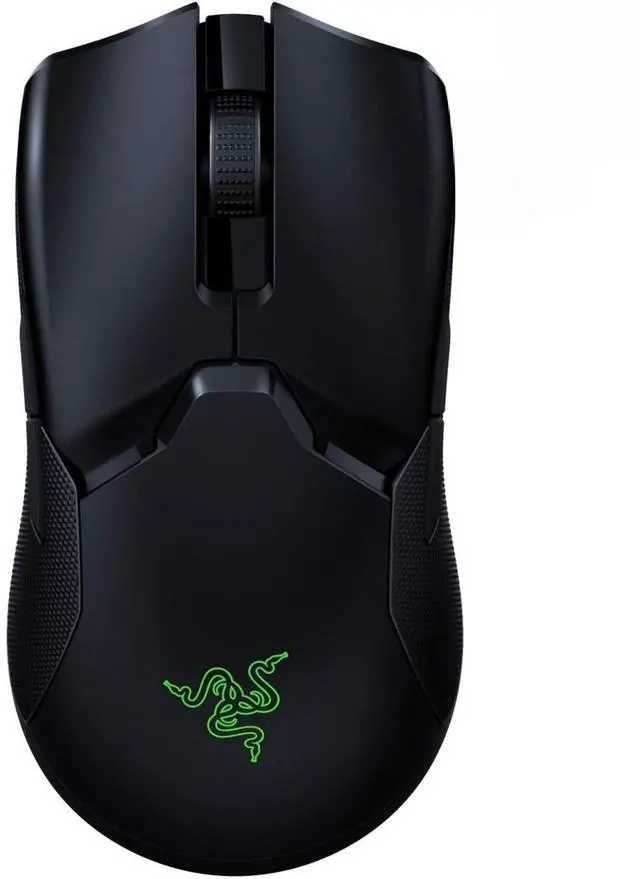
- The lightest, fastest zero-compromise wireless mouse designed for esports.
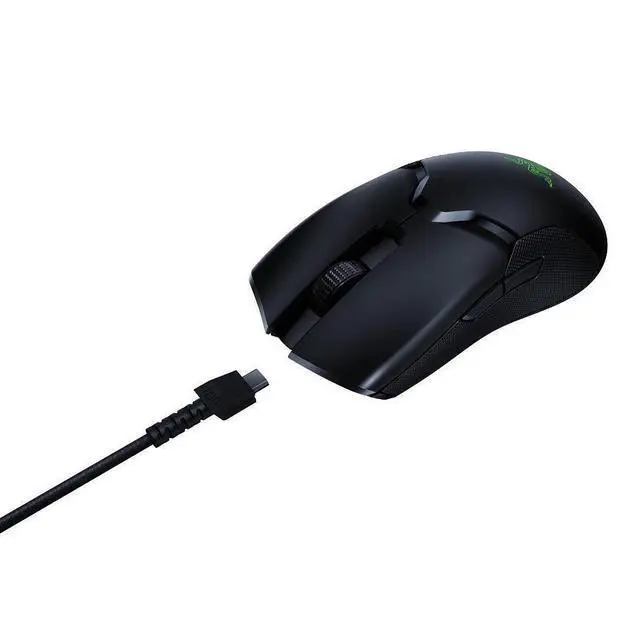
- Low-latency wireless delivers high speed transmission to register swipes and clicks instantaneously.
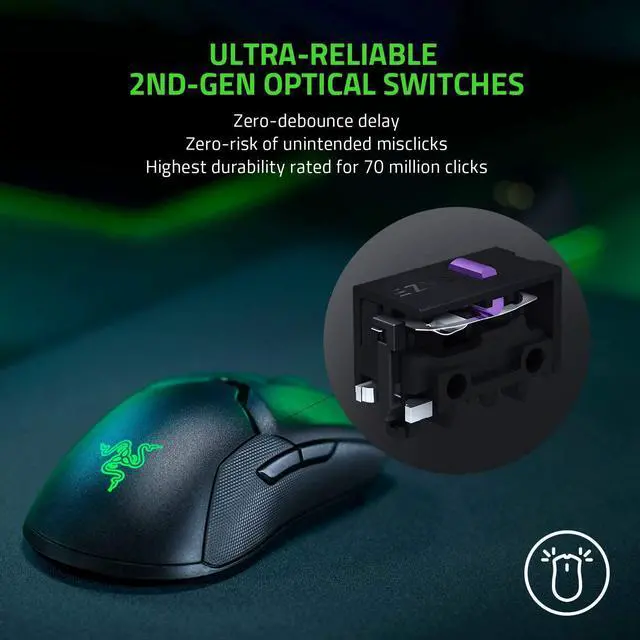
- Actuation at the speed of light, rated for 70M clicks.
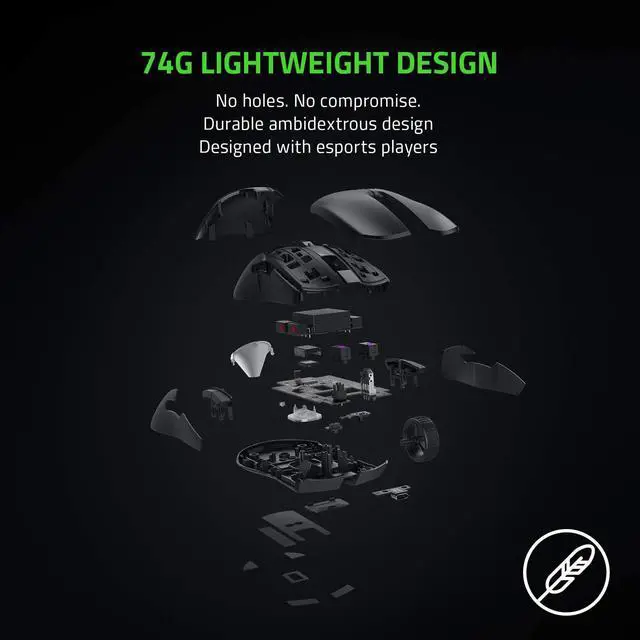
- At 74g, allows swifter, more controlled swipes, augmenting the speed of your reaction in battle.
- Complete your setup with the full lineup for the ultimate gaming experience. - Chroma lighting with true 16.8 million customizable color options.
- Textured side grip provides extra stability during intense gaming.
Q: Does this include a charging dock?
A: No, it does not include the charging dock.
Q: Where can I find the USB Wireless dongle for the Viper Ultimate?
A: The USB wireless dongle is stored in a compartment on the underside of the mouse itself. Simply remove the cover to store or remove your USB dongle.
Q: How do I change the settings of the Viper Ultimate?
A: In order to change the settings of your Viper Ultimate including lighting, macros and other functions, youll have to download and install Synapse 3.
Q: How do I swap between DPI sensitivities of the Viper Ultimate?
A: You can change your DPI with a press of the DPI cycle button at the bottom of the mouse. The factory DPI settings are set at 400, 800 (default), 1600, 2400 & 3200, or you can fine-tune your own sensitivity setting using Synapse 3.


