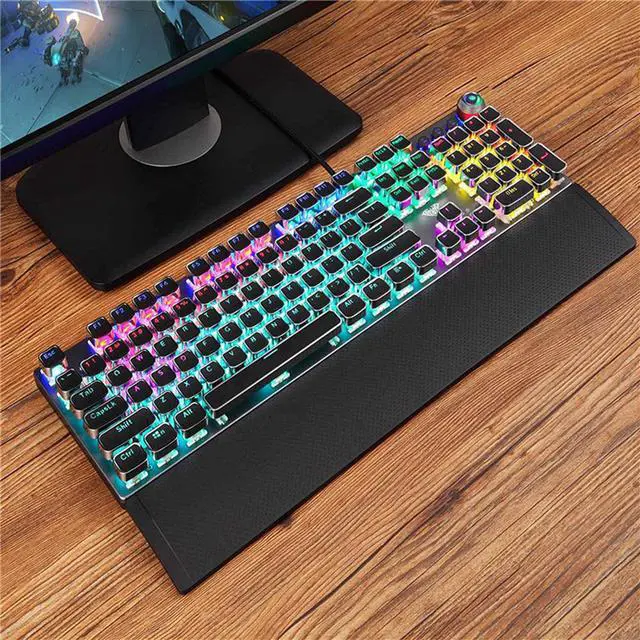
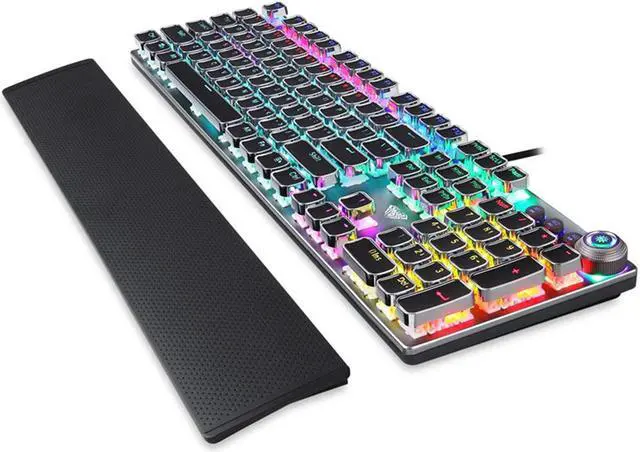
Description:
- Transmission method: Wired USB
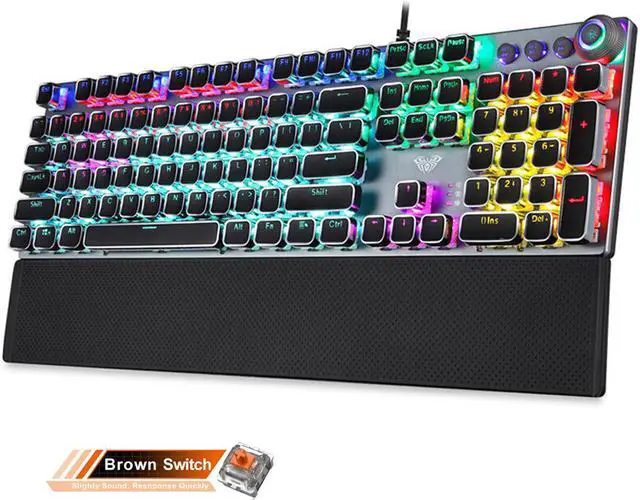
- Number of keys: 108
- 22 mixed backlight colors
- Key stroke: 4.0mm
- Button strength: 60+10g
- Key life: about 50 million times
- Rated voltage/current: DC 5V/250mA
- Product size: 435(L)x123(W)x38.5(H)+0.5mm
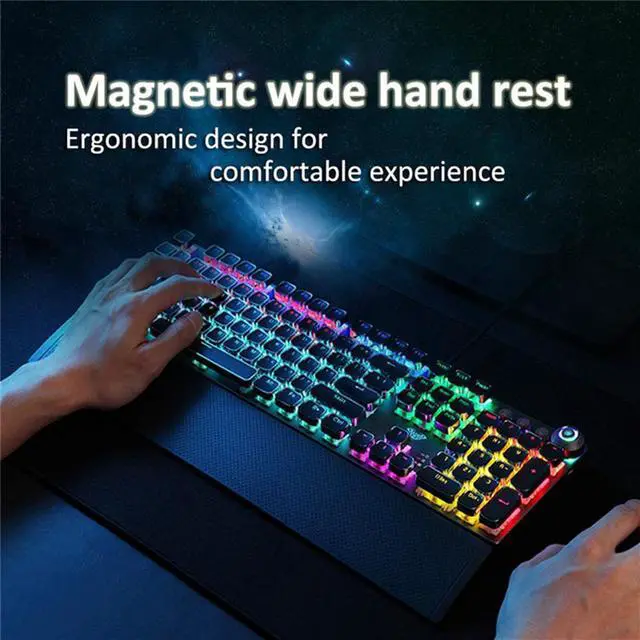
- Hand rest size: 435(L)x68(W)x 14.5(H)+0.5mm
- System requirements: Vista/Windows 7, 8, 10/Mac
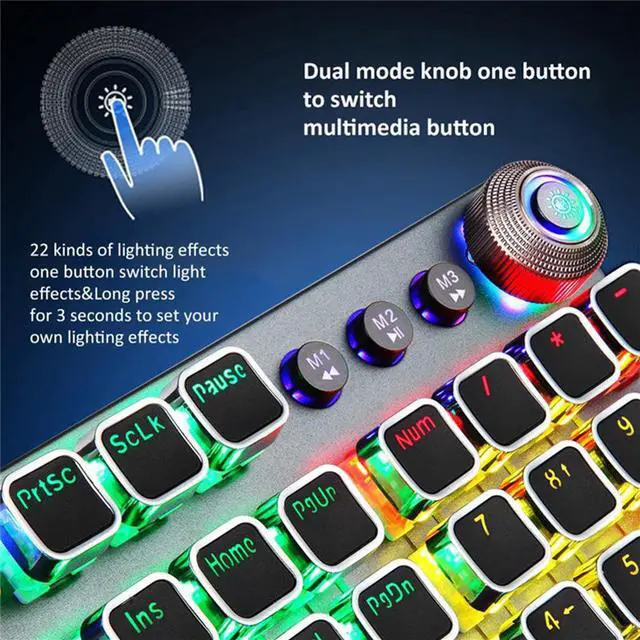
Dual Mode:
1.Knob dual mode design default lighting mode like "light effect mode "and "multimedia mode"
2.Operation mode:long press for 3 seconds to switch the multimedia mode ,the knob light is off; the light effect mode, the knob light ison
Multimedia mode(press):
1. Control the Volume
By rotating the knob, you can adjust the volume of your headset or speaker, or press the button to make them mute
2.Rotate The Knob Up to Decrease the Volume /Rotate the Knob Down to increase the Volume
3.M1 for Last Song,M2 Play/Pause,M3 Next Song
Light effect mode(spin):
1. Switch The Lighting Effect
Click the button to switch the light effect mode and store up to 19 lighting effects.
2. Adjust The Brightness
By rotating the knob, you can adjust the brightness of the backlit or tum the lights off
3. Custom Your Lighting Effect
Press M1 (or M2/ M3) firstly, then press and hold the M1 (or M2/ M3) button until the knob indicator flashes and the lights of the keys are off, you can custom your lighting effect by pressing the keys that you want, then press the M1 (or M2/ M3) to confirm
FN Key Purpose:
FN+F1 (My Computer)
FN+F2 (Search)
FN+F3 (Calculator)
FN+F4 (CD player)
FN+F5 (previous song)
FN+F6 (Next song)
FN+F7 (play/pause)
FN+F8 (stop)
FN+F9 (mute)
FN+F10 (volume reduction)
FN+F11 (volume up)
FN+F12 (lock/unlock the full keyboard)
FN+?(speed plus)
FN+?(speed reduction)
Package:
1* Wired mechanical keyboard
1* Hand rest
1* User manual
Q&A
Q:How many lights
A:22 backlight effects
Q:What is multi-function alloy knob?
A:This is a multimedia control button used to mute/mode switch. you can use it to switch between 22 lighting effects
Q:What is the use of the hand rest?
A:Removable magnetic hand rest,Magnetic adsorption non-slip hand rest
Q:When will it be shipped and how long will I receive it?
A:We will send it out for you within 1-3 days. Different countries have different shipping times, generally within 20-50 days.





 here!
here!