Your Browsing History
- Free 30-day Returns
$158.99
Ships from China.
Meet Your Seller
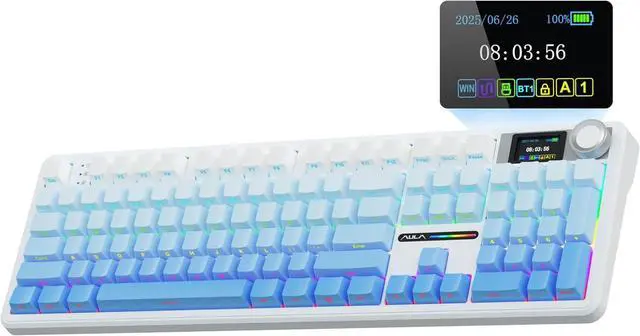
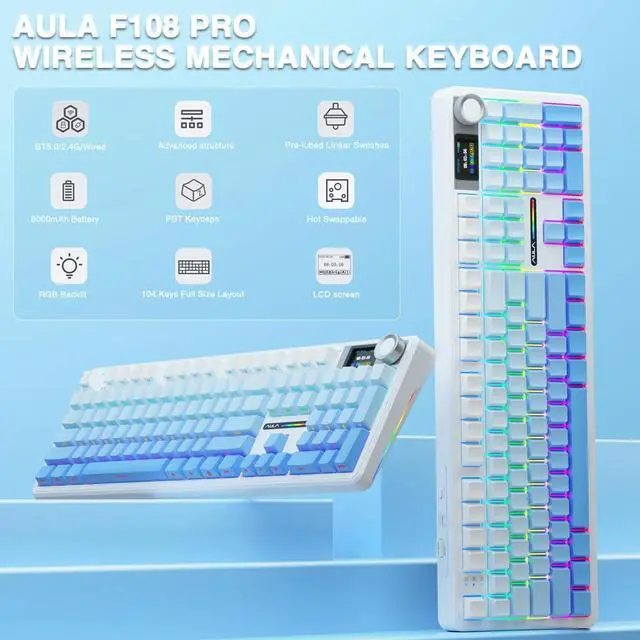
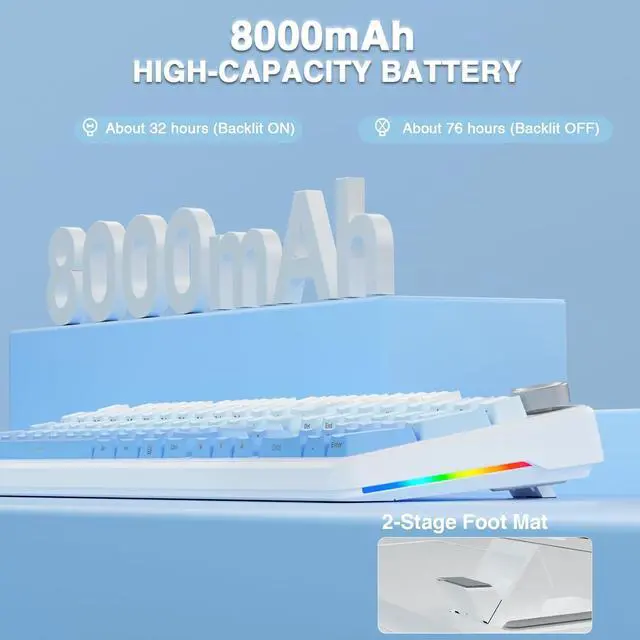
AULA F108 PRO - Wireless Mechanical Keyboard with Screen&Knob,Hot Swappable Gaming Keyboard with 8000mAh Battery,Pre-lubed Switches,RGB Backlit,PBT Keycaps Creamy Sounding Computer Keyboards,104 Keys
Limited time offer, ends 07/13 By VoltSync
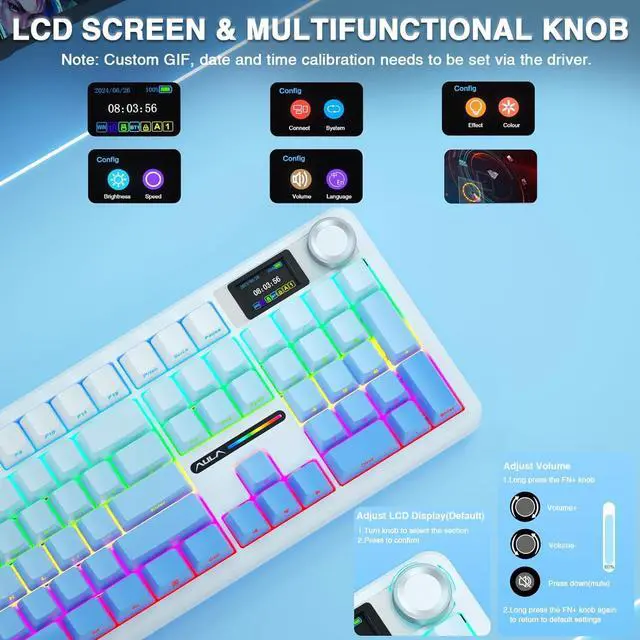
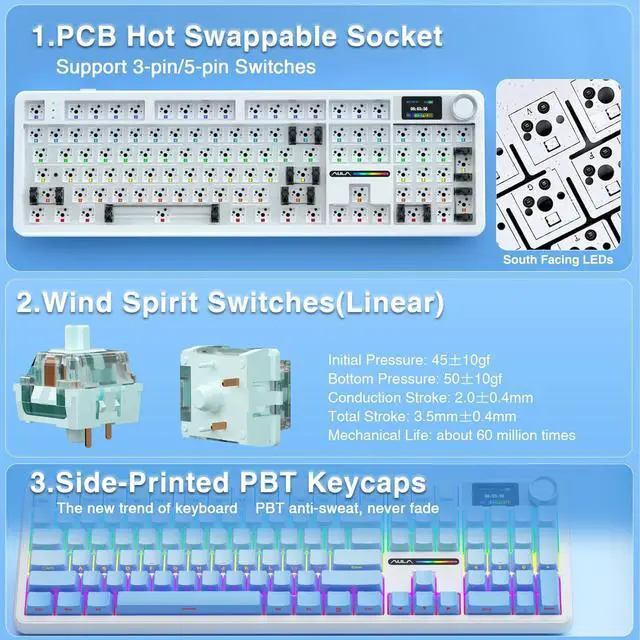
- Smart Display Screen & Multi-function Knob: AULA F108 Pro wireless mechanical keyboard has built-in intelligent TFT color display screen, which can be used as an interactive interface for real-time updating and customization. The high-definition display and multi-function knobs are designed to make it easy to switch and update custom Gif images, volume, date and time, battery status, backlight and connection modes for greater ease of use(Note: You need to download the software under windows system and keep in wired mode to set the screen image/GIF, calibrate the date and time. The screen has a transparent protective film that can be torn off for use)
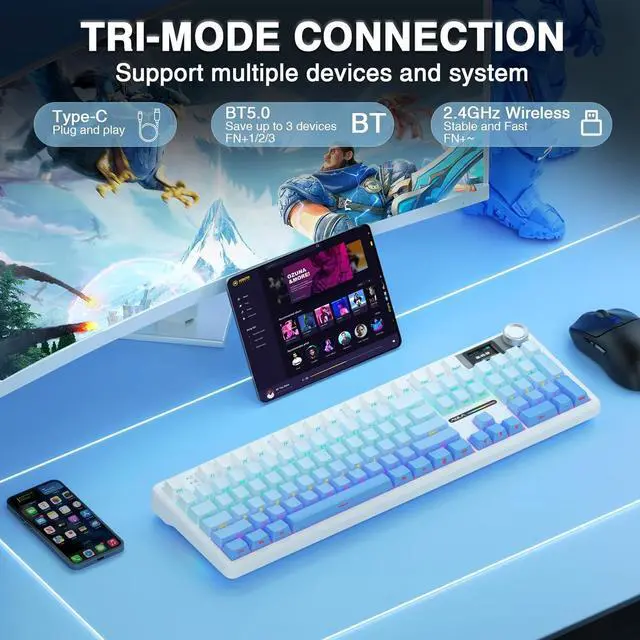
- Tri-mode Connection Mechanical Keyboard: The AULA F108 Pro gaming keyboard supports BT5.0, 2.4GHz wireless and USB-C wired connectivity which can save up to five devices. The BT5.0 mode allows for quick switching between pc,mac,laptop and tablets while the 2.4GHz wireless and USB-C wired mode with a polling rate of 1000Hz ensures hig
+
+
Overview
Specs
Reviews
Any questions? Our AI beta will help you find out quickly.
Try me now
1RGB Backlight2Screen & Knob3Custom Driver How to calibrate the date/time and custom GIF images on the screen? 1.Download and install the F108pro driver in wired mode with windows system.
2.Find the "TFT screen" and click to "Time Syns" button.
3.Upload an image or gif
Note: The LCD screen has a transparent protective film that can be peeled off before use.
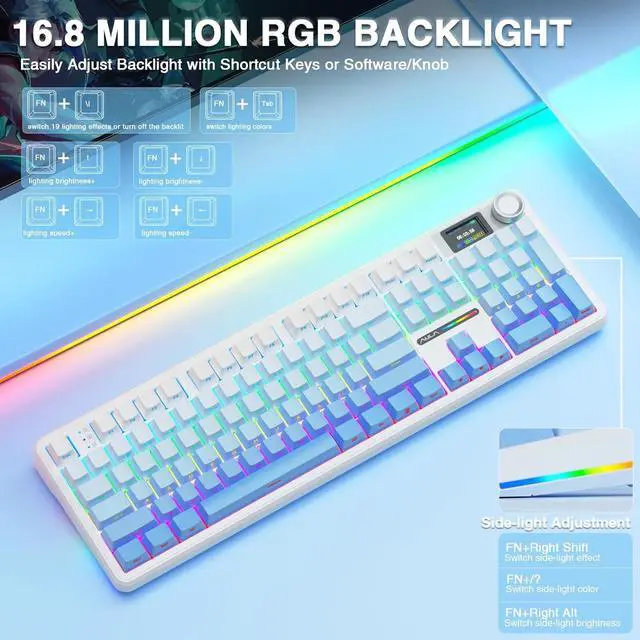
AULA F108 Pro backlight/side light shortcut key? Backlight Adjustment
FN+\|=switch 19 lighting effectsFN+Tab=switch lighting colorsFN+/=lighting brightness+/-FN+/=lighting speed+/-
Side Light Adjustment:
FN+Right Shift=Switch effectFN+/?=Switch colorFN+Right Alt=Switch brightness
How to quickly solve keyboard unresponsive or other unknown issues Reset the keyboard by holding down FN+ESC for a few seconds until the keyboard light flashes
How to view the instruction manual? And receiving incorrect product colors Scan the QR on the card inside the packaging to view the instruction manual
The keyboard packaging is uniformly gray yellow, please refer to the actual color inside the packaging for accuracy
How to download the software? Is it compatible with Mac? How to calibrate the date/time and custom GIF images on the screen? AULA F108 Pro backlight/side light shortcut key? How to quickly solve keyboard unresponsive or other unknown issues How to view the instruction manual? And receiving incorrect product colors

2.Find the "TFT screen" and click to "Time Syns" button.
3.Upload an image or gif
Note: The LCD screen has a transparent protective film that can be peeled off before use.
AULA F108 Pro backlight/side light shortcut key? Backlight Adjustment
FN+\|=switch 19 lighting effectsFN+Tab=switch lighting colorsFN+/=lighting brightness+/-FN+/=lighting speed+/-
Side Light Adjustment:
FN+Right Shift=Switch effectFN+/?=Switch colorFN+Right Alt=Switch brightness
How to quickly solve keyboard unresponsive or other unknown issues Reset the keyboard by holding down FN+ESC for a few seconds until the keyboard light flashes
How to view the instruction manual? And receiving incorrect product colors Scan the QR on the card inside the packaging to view the instruction manual
The keyboard packaging is uniformly gray yellow, please refer to the actual color inside the packaging for accuracy
How to download the software? Is it compatible with Mac? How to calibrate the date/time and custom GIF images on the screen? AULA F108 Pro backlight/side light shortcut key? How to quickly solve keyboard unresponsive or other unknown issues How to view the instruction manual? And receiving incorrect product colors
Warranty & Returns
Warranty, Returns, And Additional Information
Warranty
- Please contact the Seller directly for warranty information. Warranty information may also be found on the Manufacturer's website.
- Read full details
- CONTACT
Return Policies
- Return for refund within: 30 days
- Return for replacement within: 30 days
- This item is covered by VoltSync Return Policy
Manufacturer Contact Info
- For a directory of all our manufacturers, please click below.
- Manufacturers Directory
LOADING...
LOADING...