




 here!
here!
I’m your shopping assistant for PC builds, upgrades, and everything tech.
Got questions? Ask away!
Start a conversation
here!
I’m your shopping assistant for PC builds, upgrades, and everything tech.
Got questions? Ask away!
Start a conversation

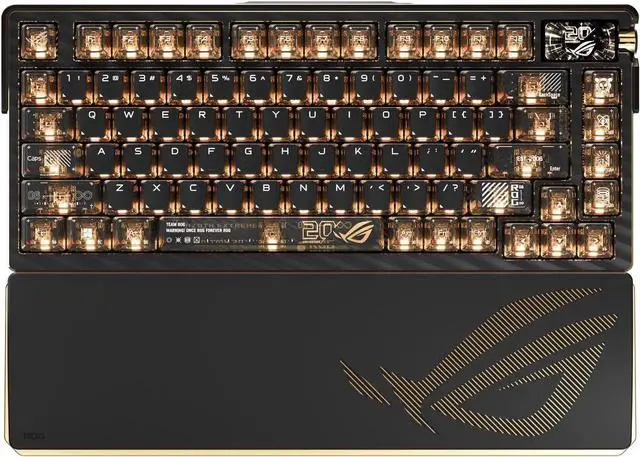
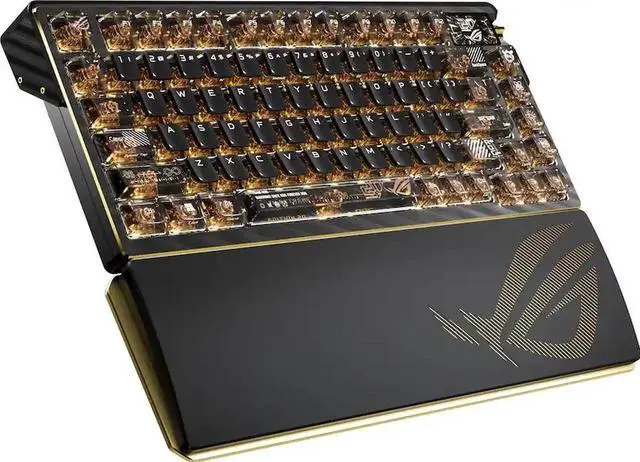
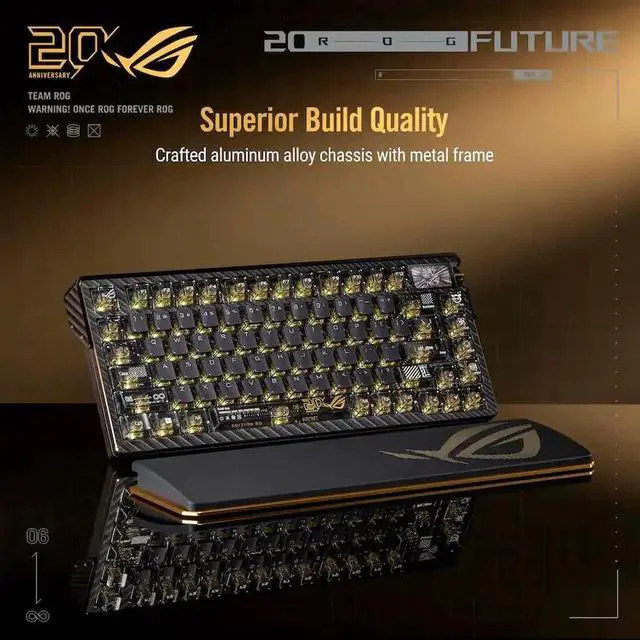
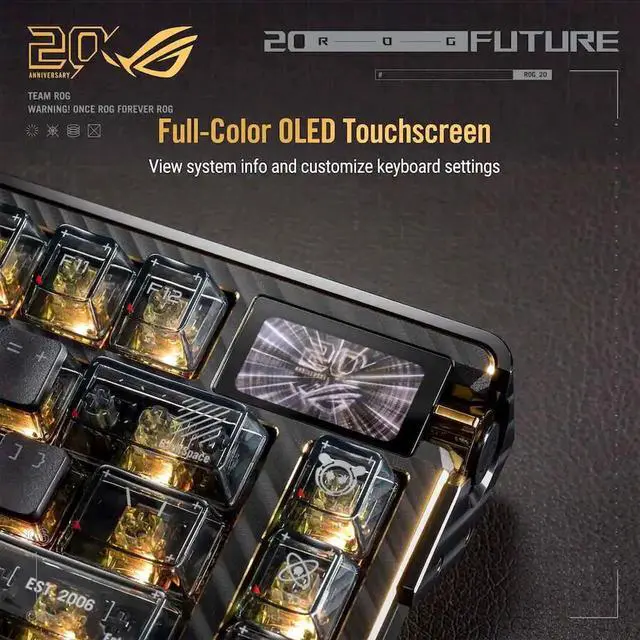



Any questions? Ask CelesteSM will help you find out quickly.
| Brand | ASUS |
|---|---|
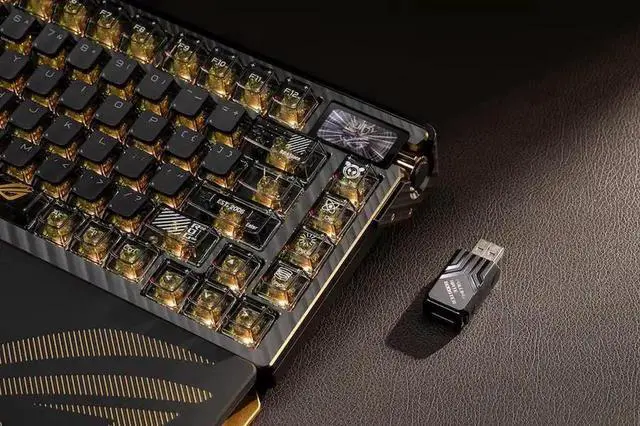
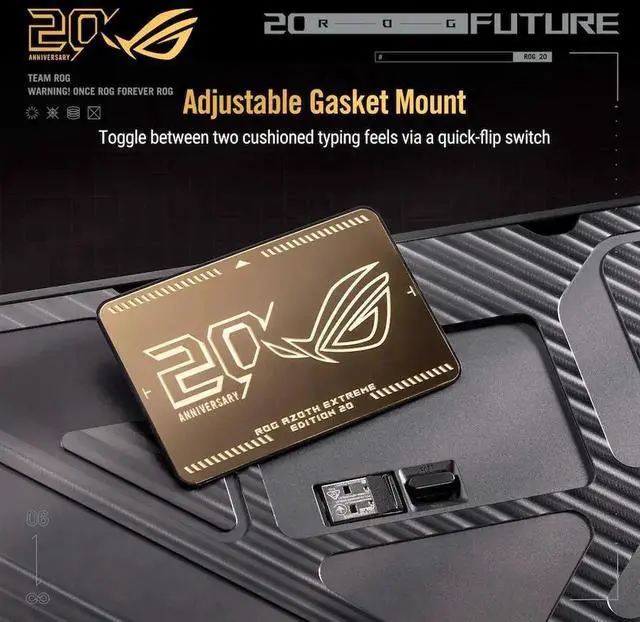
| Series | ROG 20th Edition Azoth Extreme |
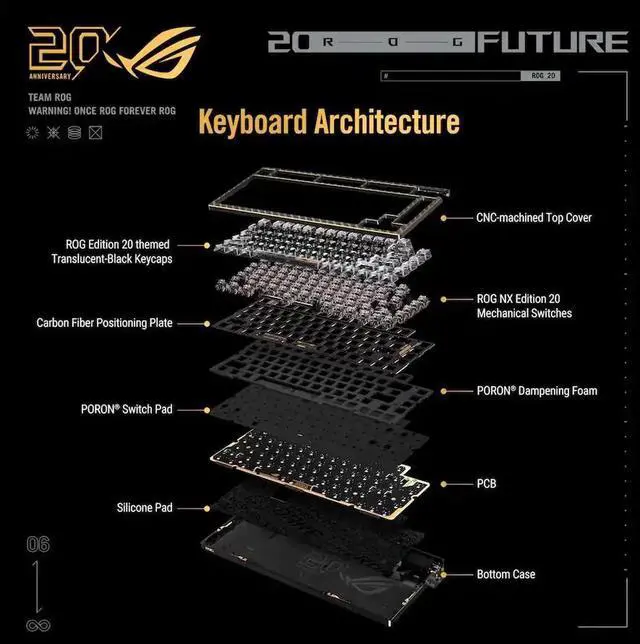
| Material | Top case: Aluminum Alloy Bottom case: Aluminum Alloy Wrist rest: Aluminum + Silicone |
|---|---|
| Keyboard Interface | USB / 2.4GHz / Bluetooth |
| Design Style | Gaming |
| Layout | 75% (81/82 key) |
| Palm Rest | Yes |
| Function Keys | Basic Hot Keys Profile Switch: - Fn + 1 / 2 / 3 / 4 / 5 / 6: Profile 1 - 6 (6 is the Default Profile) BT Pairing - FN + 7 for 3 seconds BT host switch - FN + 8 / 9 / 0 Stealth Key - FN + F12 Windows Lock/Unlock - FN + Windows Key Clear Customized Settings From Onboard Memory - Hold Fn + ESC Monitor Light - FN+[FN+ ] Lighting Hot Keys Lighting Effects Switch within a Profile: - Fn + Right or Fn + Left Lighting brightness level switch within a profile: - Fn + Up or Fn + Down Hot Keys for Special Functions On-the-Fly Macro Recording: - Step 1 : Fn + Left-ALT to Start Recording - Step 2 : Enter the keys to be recorded as a macro - Step 3 : Fn + Left-ALT to End Recording - Step 4 : Assign Macro Key (Whole keys except for Fn / Num Lock / Caps Lock / Scroll Lock / Windows / Left-Alt can be assigned a macro) Mac/PC mode - Fn + Tab Speed Tap - Fn + Caps Media Keys Multi-function control knob Function switch side button Touch Controlled by swiping left/right/up/down |
| Anti-Ghosting | N-Key Rollover |
| Mechanical Keyboard | Yes |
| Key Switch | ROG NX Storm |
| Keyboard Color | Black |
| Backlit | Per-Key RGB LEDs |
| Dimensions | Keyboard - 330 x 140 x 39mm Wirst rest - 330 x 97 x 22 mm |
| Mouse Included | No |
|---|
| Operating System Supported | WIN11 / WIN10 / macOS |
|---|
| First Listed on Newegg | August 20, 2026 |
|---|


