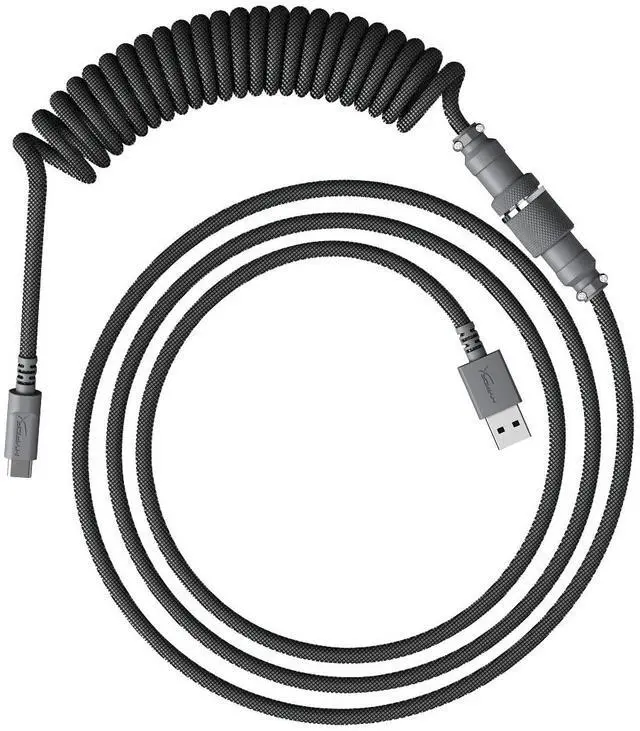
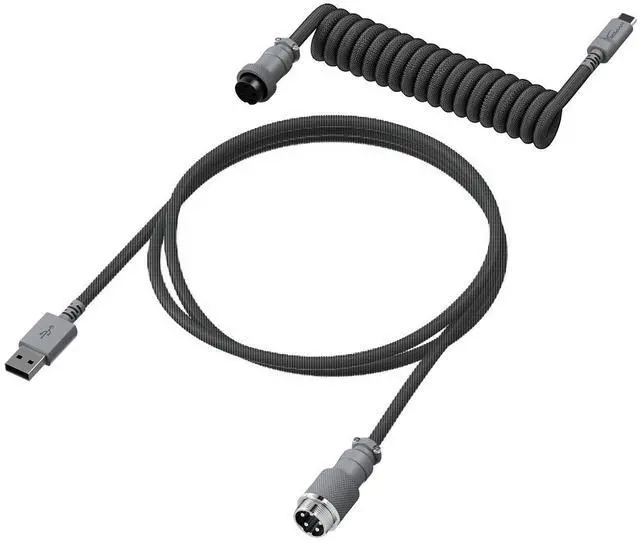
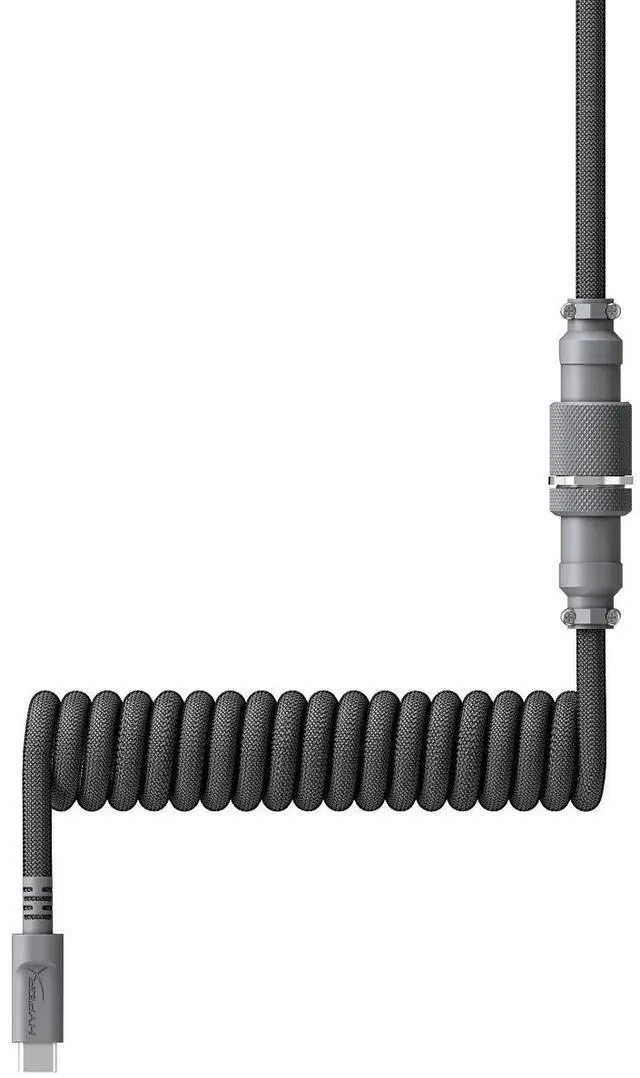
The HyperX USB-C Coiled Cable in gray (part 6J678AA) is a keyboard cable for users who want a coiled design and a gray accent in their setup.
Recommended For
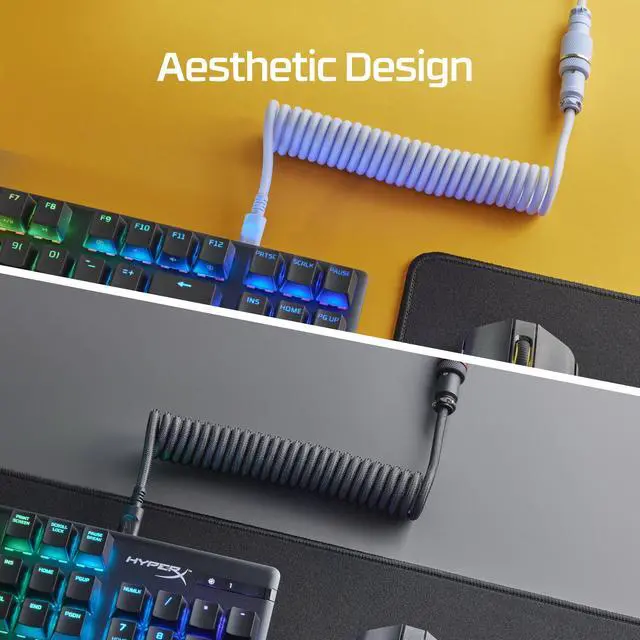
- Desk-based keyboard users who want less loose cable on the desktop: HyperX positions the coil as a way to reduce cable clutter without manually tying or routing excess cable.
- Owners of removable-USB-C HyperX keyboards who want a replacement or alternate-looking cable; HyperX says it fits all of its removable USB-C keyboards, including recessed ports.
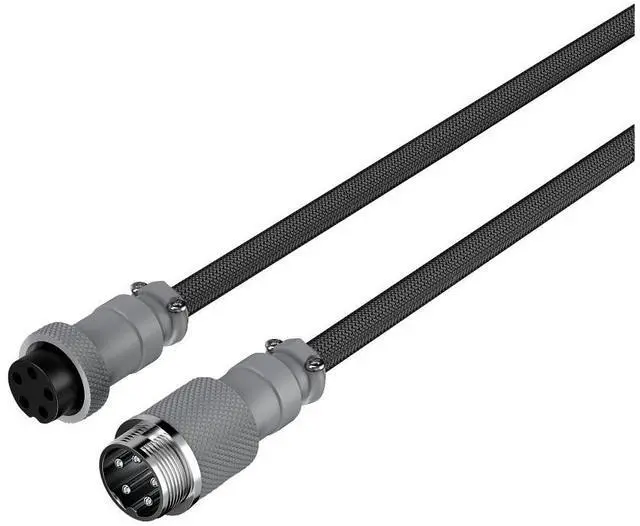
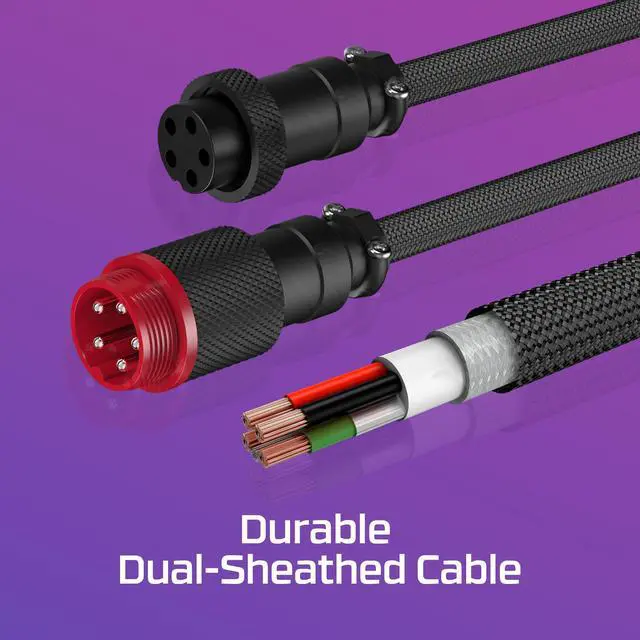
- Users with a USB-C keyboard and a USB-A computer port who want a coiled desktop cable; this cable connects USB-C to USB-A and has a detachable 5-pin aviator connector.
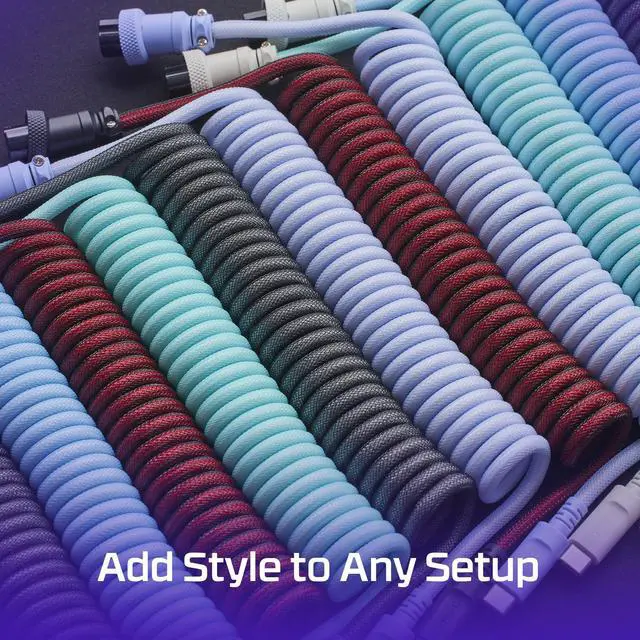
- Keyboard setup builders who value a coordinated cable color and woven finish as part of their desk’s appearance, rather than treating the cable as a purely hidden accessory.
Real-World Use Scenarios
- When setting up a gaming or work desk, use the coiled cable to keep the keyboard connection looking more contained and reduce loose cable clutter around the desk.
- When a removable USB-C HyperX keyboard needs a replacement or alternate cable, this cable provides a USB-C keyboard connection to a USB-A host; check the keyboard’s connector fit before buying.
- When matching a gray-themed keyboard setup, choose the gray cable to coordinate with the desk’s other accessories while keeping the keyboard wired.
- When moving a compatible keyboard or clearing the desk, disconnect at the cable’s quick-detach aviator connector rather than unplugging the cable from the computer each time.
- For everyday wired typing or gaming on a compatible keyboard, use the cable for its standard data-and-power connection; it is an accessory cable, not a wireless or performance upgrade.




 here!