






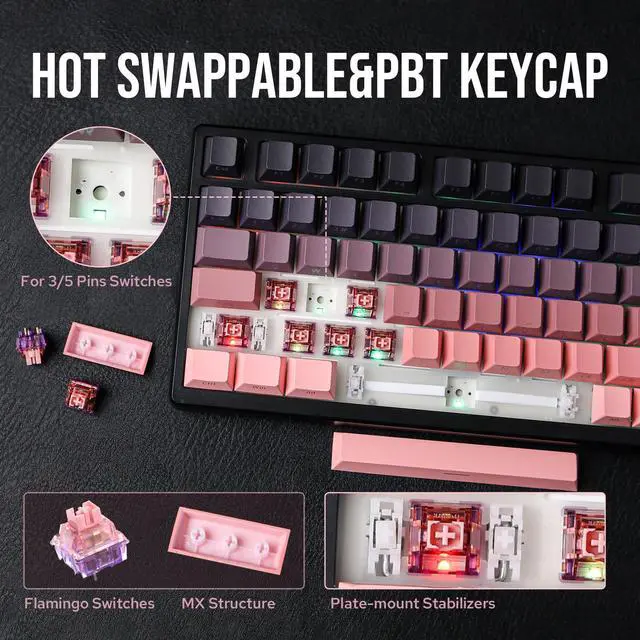
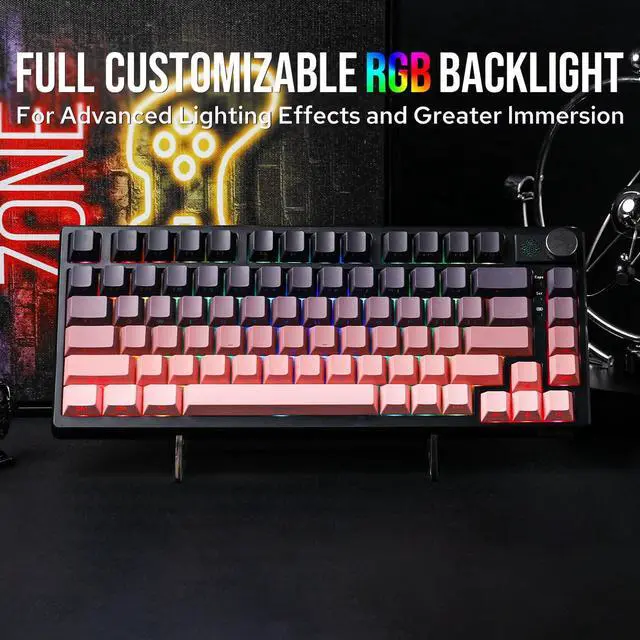
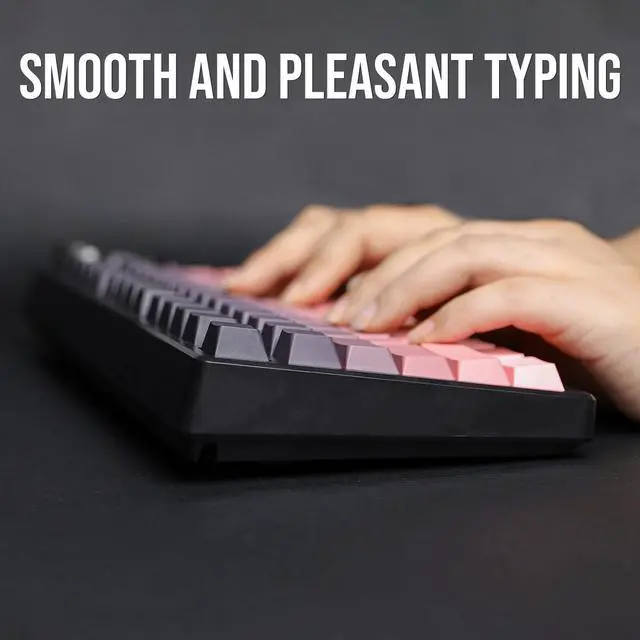


EPOMAKER HE75 Tri-Mode Mechanical Gaming Keyboard in Gasket-Mount


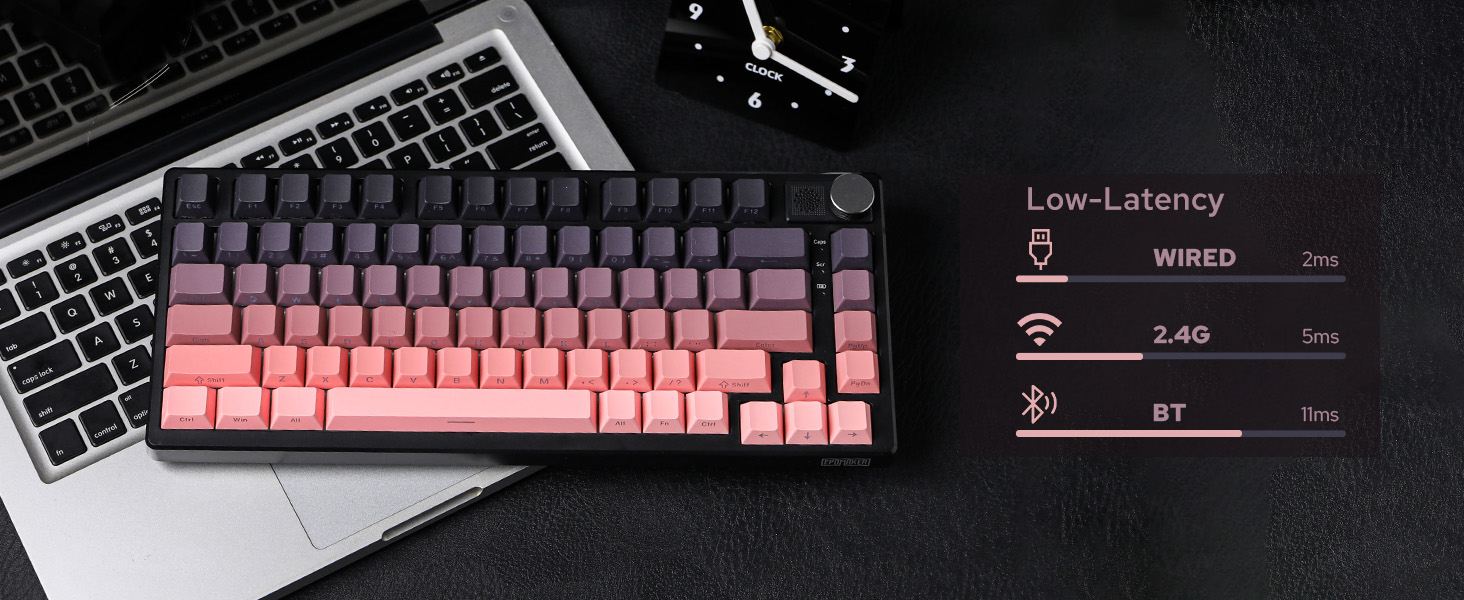
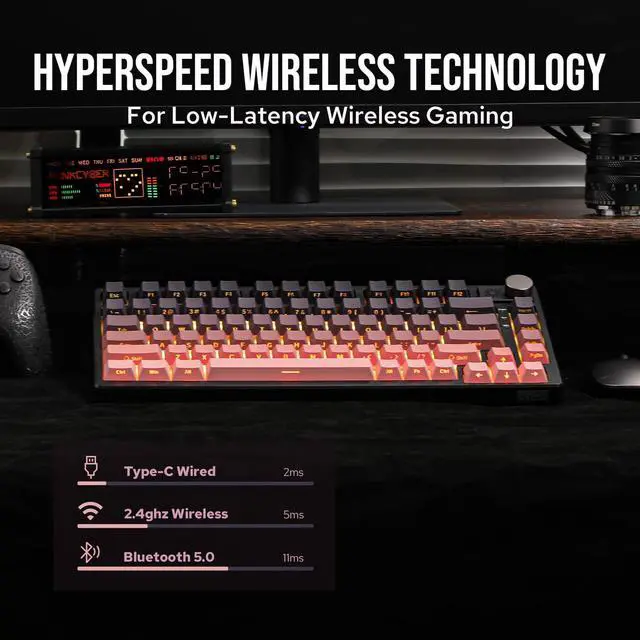
5ms-2.4G, 11ms-Bluetooth
2ms Latency in USB Mode
Reliable and stable data input with a detachable USB cable.
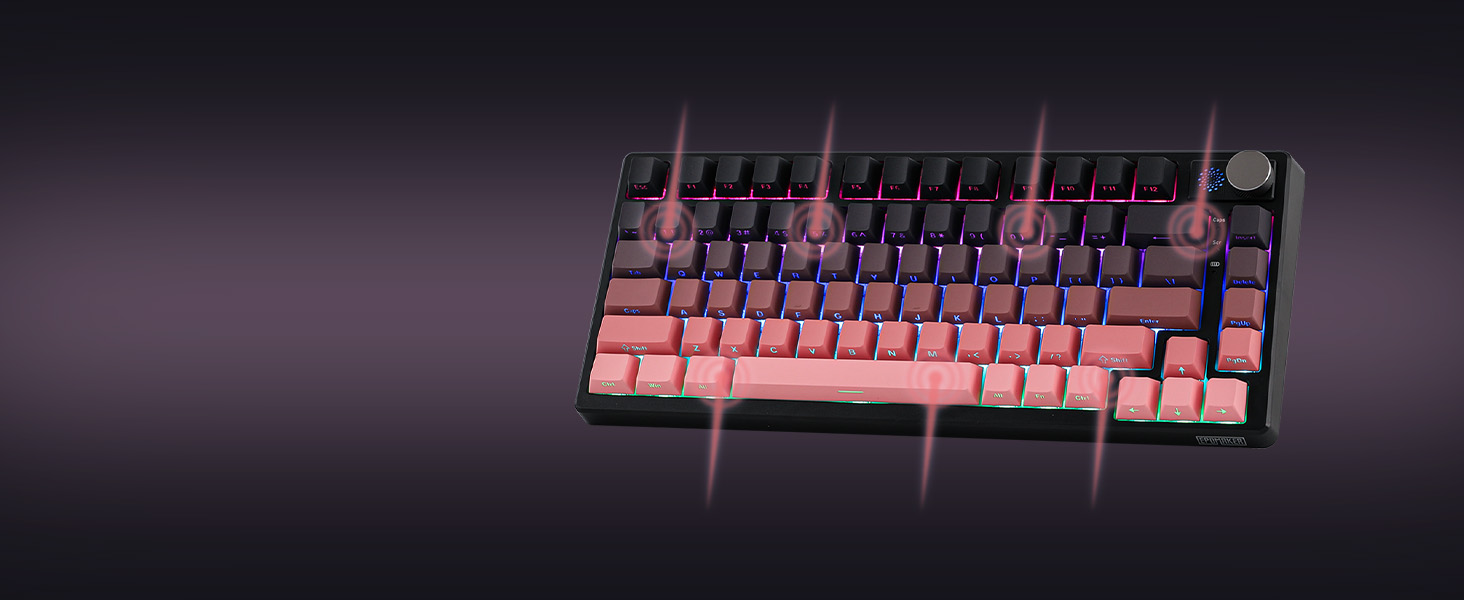
N-key rollover
Accuracy & Speed
Input multiple keys at once without mistype, typo or double chattering.
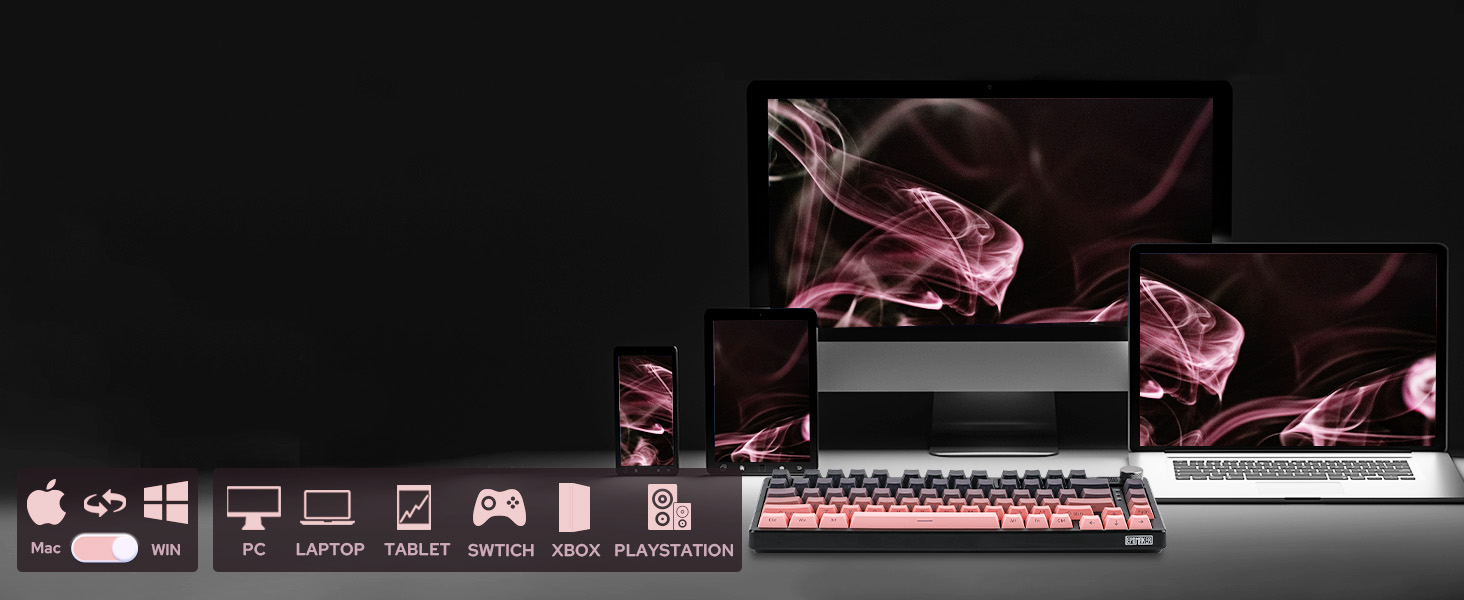
PC/Switch/xBox/PS4/5
Mac/WIN/Android
Versatile compatibility with mainstream computers, tablets, phones and gaming controllers.
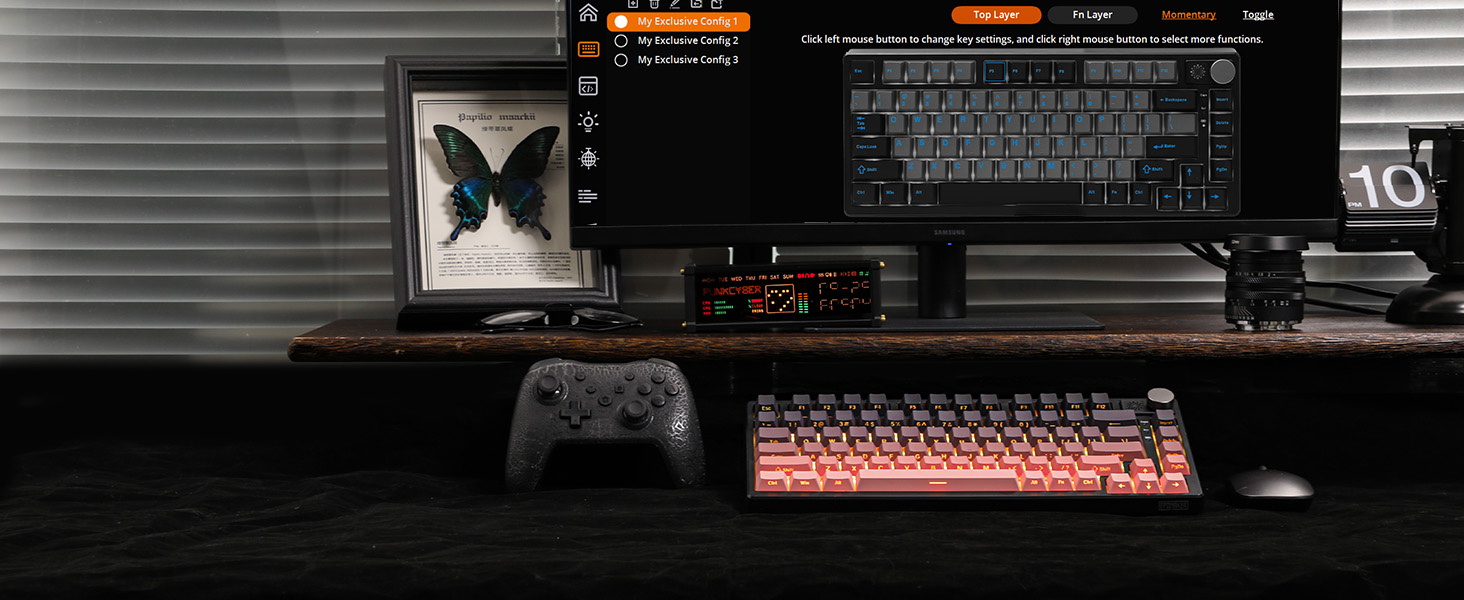
Configure & Customization
Powerful Software for Configure
Full key personalizable on function, Macro, Backlight, Sensitivity, and Sleep. (WIN Software Only)
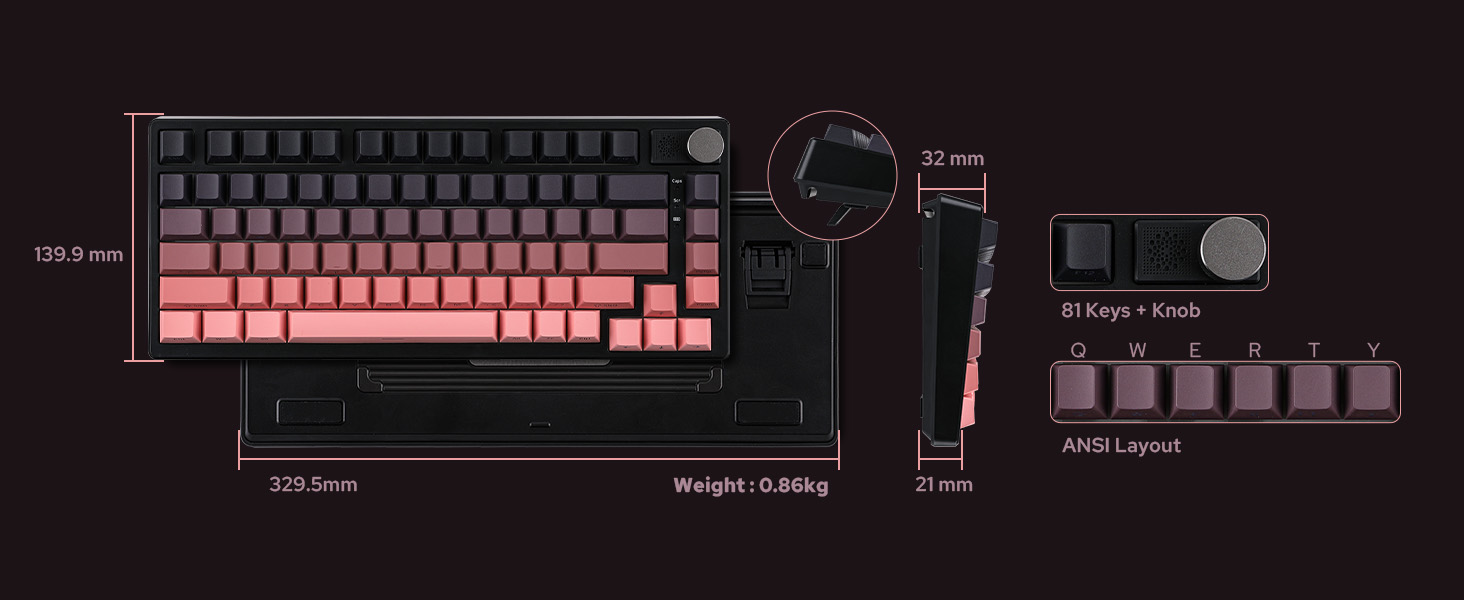
QWERTY US ANSI Layout
Compact Size, Maximized Function
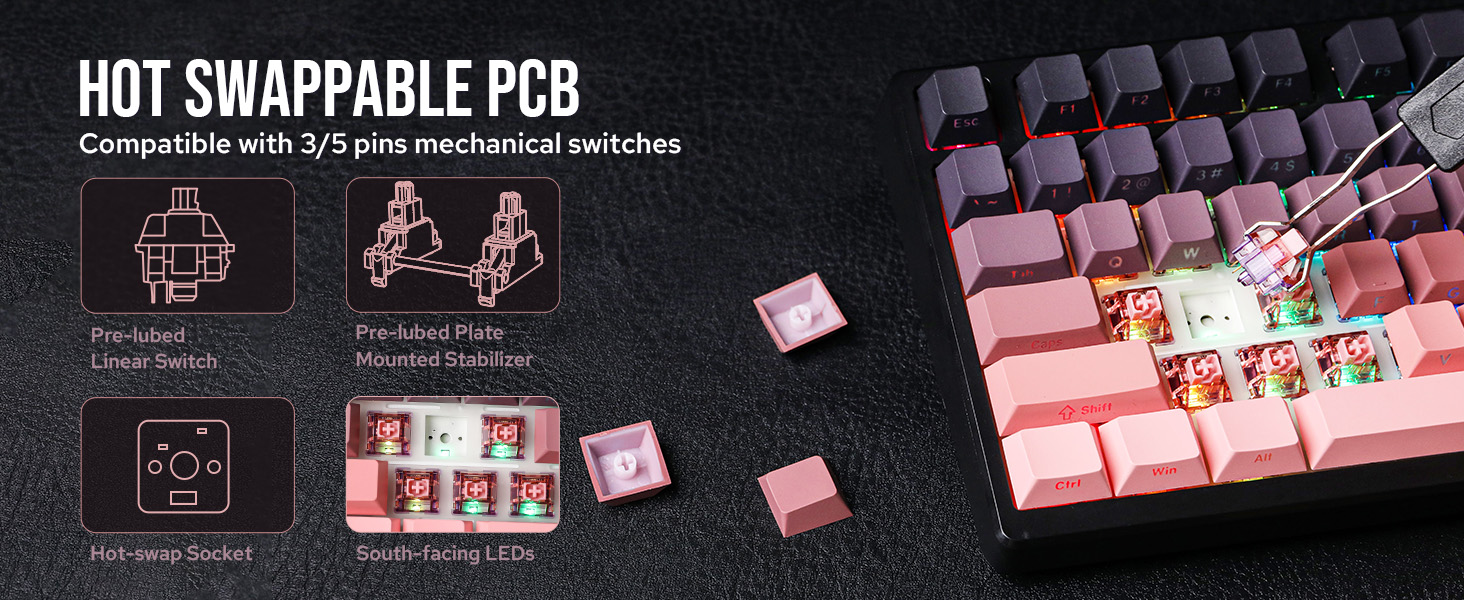
81 Fully programmable and hot-swappable keys and 1 configurable knob in US Layout.
with Flexible PC Place
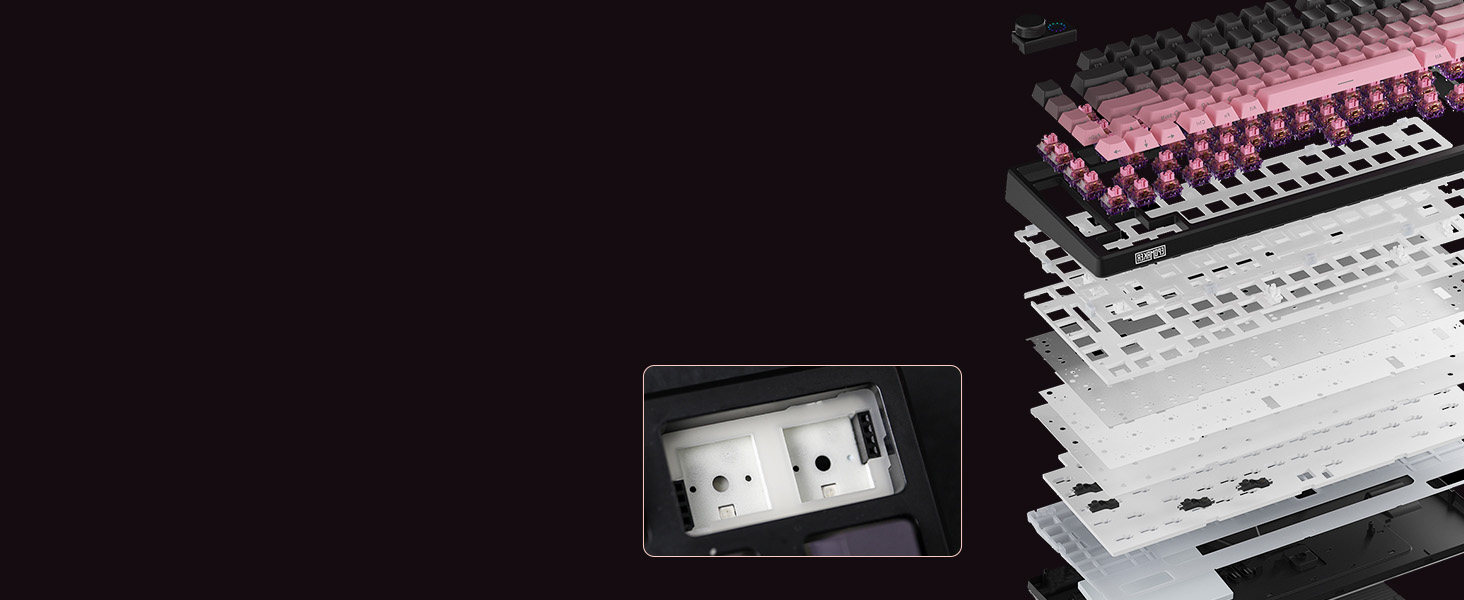
Gasket-Mount with Sound Dampening
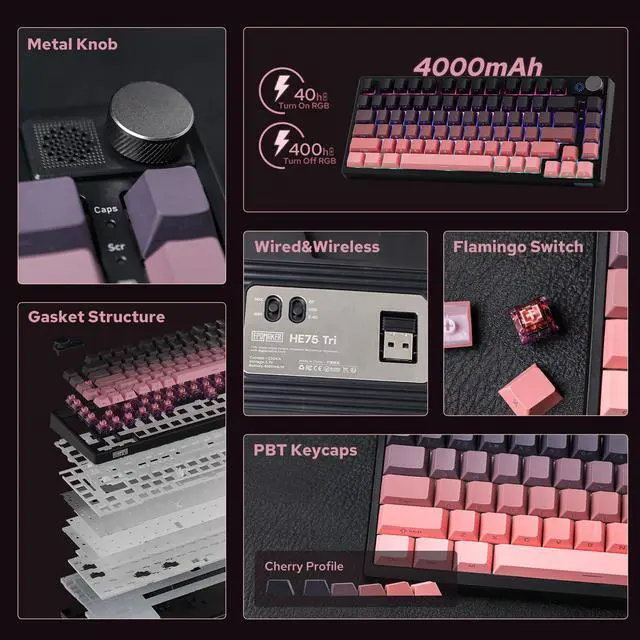
Full of silicone pad, IXPE pad, and 2 layers of Poron, for typing comfort and outstanding sound.
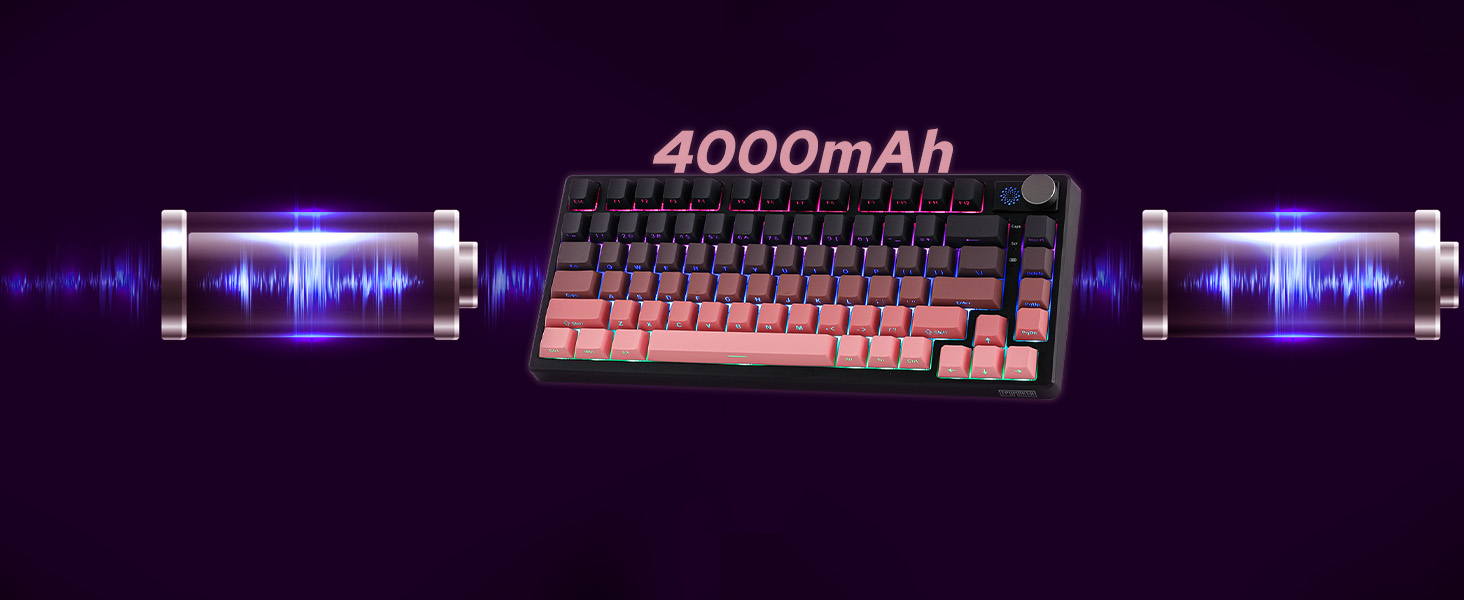
Rechargeable Battery
The HE75 Mechanical Keyboard lasts 400 hours with RGB off and 25 hours with RGB on
Premium Details: Design, RGB, Connectivity, Battery Check, Software, Package
Adjustable 2-stage Kick-Stand
75% Form Factor with Knob
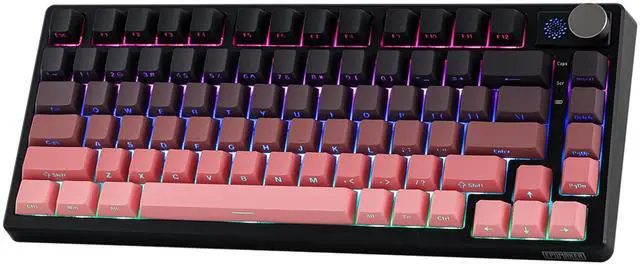
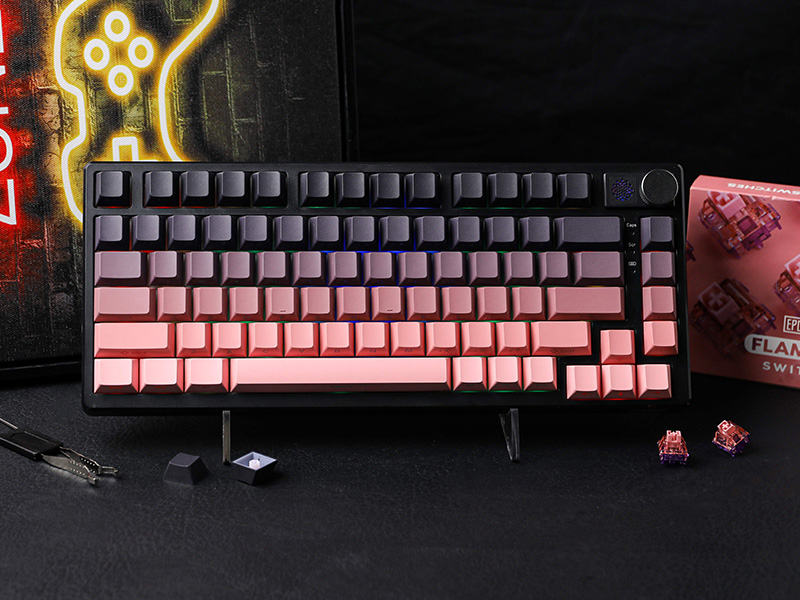
Packed in a 75% ANSI US layout with 81 keys and a configurable knob, the compact EPOMAKER HE75 mechanical keyboard gives more space for mouse movement, while granting easy access to function and arrow keys. With 83 durable keycaps made of oil-resistant PBT plastic, the keyboard houses a 4000mah rechargeable battery that promises 400 hours of endurance with Backlight turned off, made for dedicated typists and gamers.
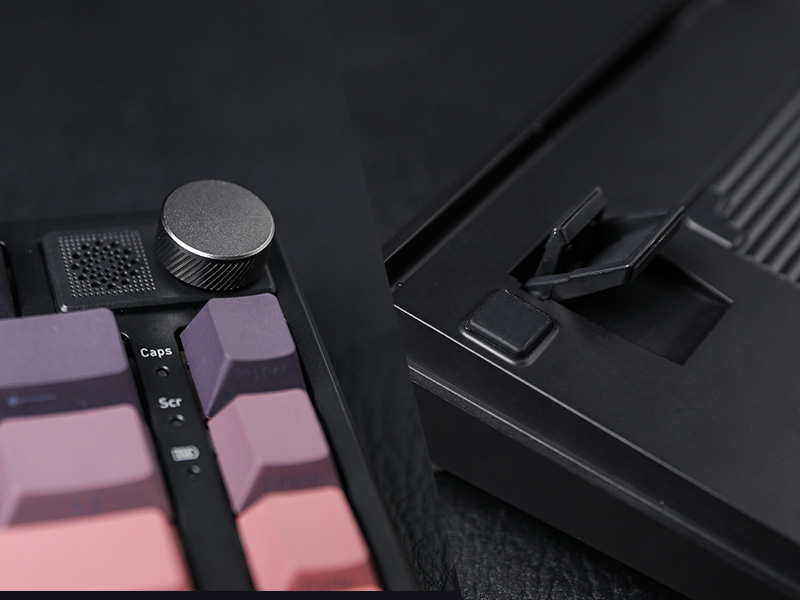
South-Facing Per-Key LEDs
Backlight in 16.8M Colors & Dynamic RGB
Change the light as the mood calls for or as the mission requires between dozens of pre-set dynamic effects, breathing light, and still color patterns. Personalize brightness, speed, saturation, and color via shortcut or software, or design your unique pattern in the EPOMAKER software.
- FN+INS: Turn On/Off Light; FN+Backspace: Change Light Effect
- FN+DEL: Color; FN+????: Brightness/Speed
Tri-Modes Convenience
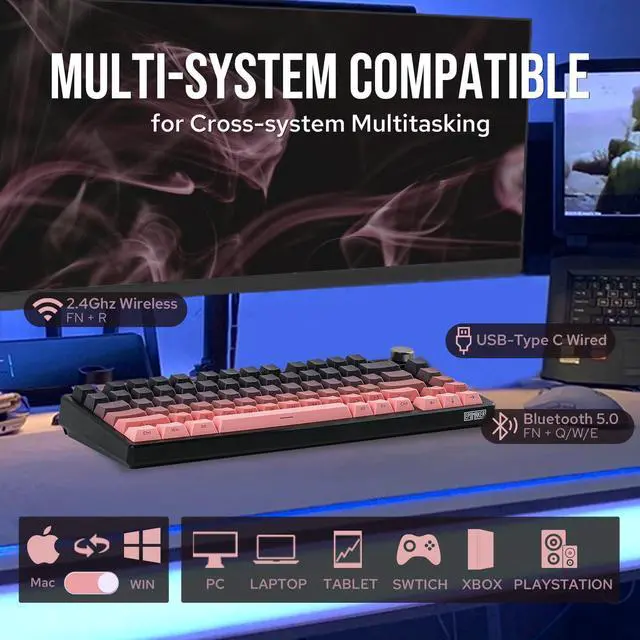
Bluetooth/2.4Ghz/USB-C
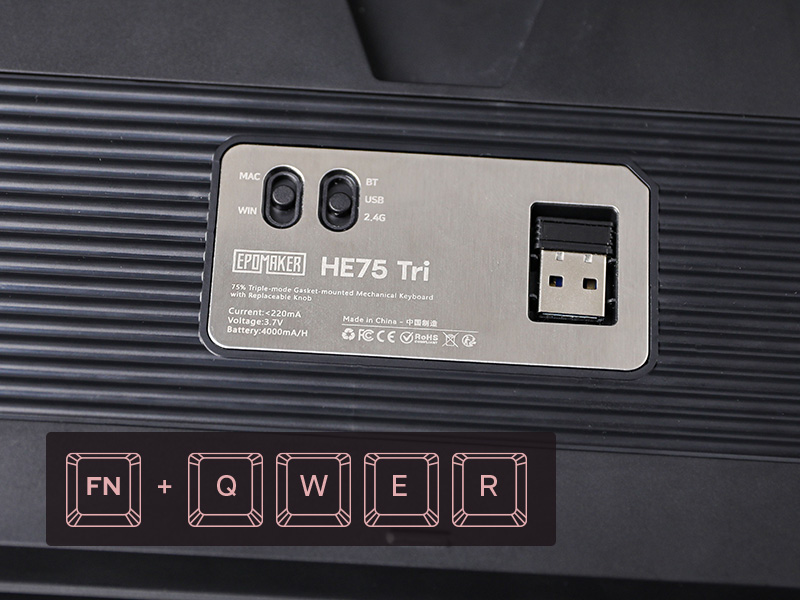
The advanced chip bestow HE75 Tri Mechanical keyboard the ultra-low latency of 2ms in cable mode, while the versatile Bluetooth mode is built for cross-system flow between WIN, macOS, and Android.
- 1st time pairing: 1). Switch to BT or 2.4G. 2). Pressing FN+Q/W/E/R until the blink under Q/W/E/R quickens from slow to rapid. 3).Connect via Bluetooth or Plug Dongle to Computer.
- Paired Devices: 1).Switch to BT or 2.4G. 2).Tap on FN+Q/W/E/R once. 3).When Q/W/E/R blink slowly, connect on PC.
FN+ENTER (2.4G/BT)
Battery Check
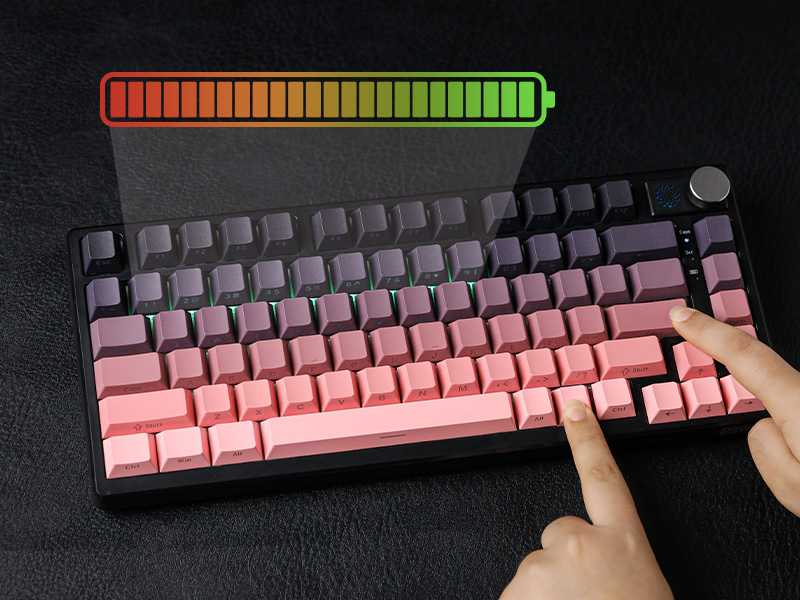
The EPOMAKER HE75 Mechanical Keyboard comes with a rechargeable 4000mah battery that last 25 hours with RGB on and 400 hours with RGB off. To check battery level, hold FN+ENTER when the keyboard is connected wirelessly, as the number row lights up from 1 to 0.
- The bottom indicator light besides DEL key shows charging status: Red Flash=Low Battery; Red=Charging; Green=Fully Charged.
- Tips: Please charge keyboard with the original cable or cable below 1A. Charge via computer and not wall charger.
Key Mapping/Macro/Light Adjustment
HE75 Tri Software (WIN only)
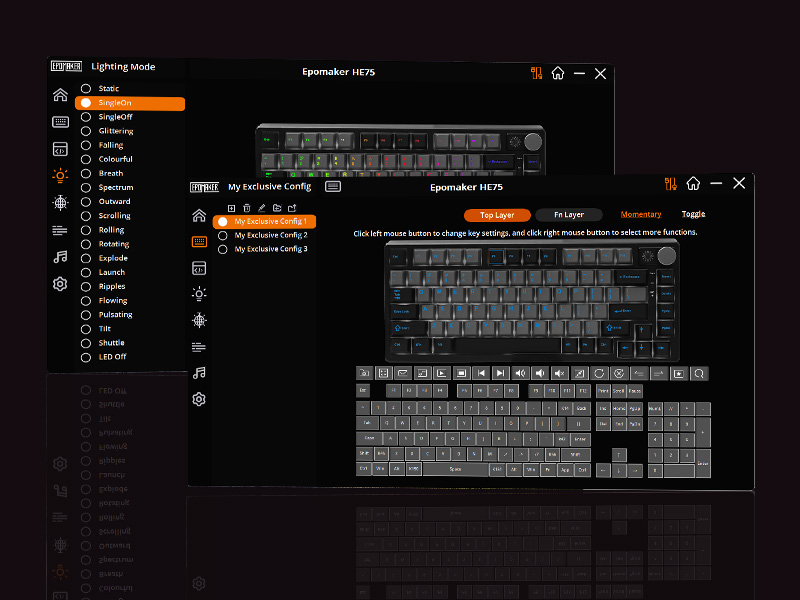
Full key programmable and hot-swappable for ultimate customization. Change the keyboard's mapping and layout and transform the EPOMAKER HE75 Tri Mechanical keyboard into your best helper in gaming and life. For work efficiency and accessibility, personalize the keyboard to suit your workflow by setting special shortcuts and recording macros. The HE75 Tri software also support configuring RGB light, adjust keyboard sensitivity and more useful setting for you to explore.
Multilingual Manual included in the package
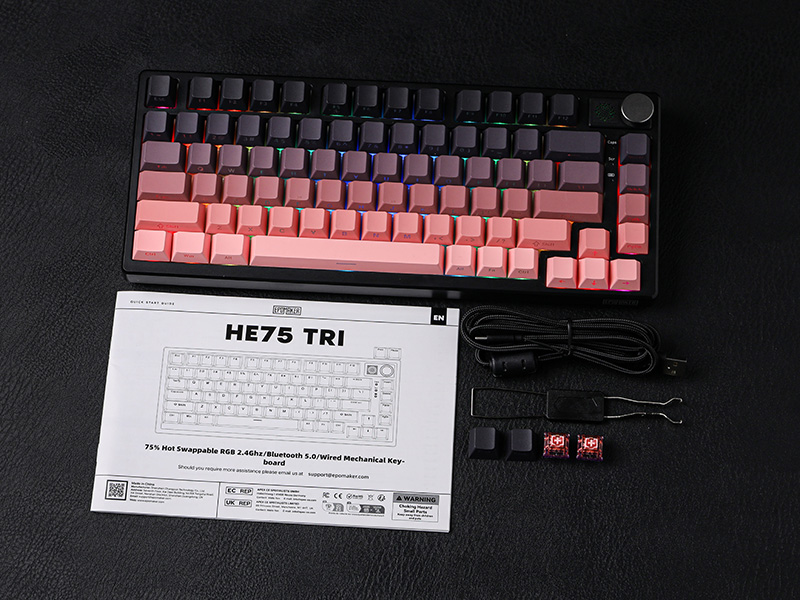
What's in the Package
- HE75 Tri Mechanical Keyboard
- Detachable USB-A to USB-C cable
- Keycap & Switch Puller
- Extra Keycap and Switches
What is the differences between HE75 Magnetic Version and HE75 Mechanical Version?
HE75 Mag has hall effect switch with adjustable accutation travel/distance, and ultra fast 1ms latency. The HE75 Tri has hot-swappable mechancial switches and lasts 400 hours with RGB off when fully charged.
Is the HE75 Mechanical Keyboard programmable/configurable? Which software is the right one?
HE75 Mag version uses EPOMAKER Software (MAC/WIN), but HE75 Tri Mechanical keyboard has its special software for programming called "HE75 Tri Driver".
Is the knob on HE75 Tri Mechanical Keyboard interchangeable like HE75 Mag?
While the knob on HE75 Mag is swappable, the knob on HE75 Tri only support such function parcially. We do not recommand swapping knobs on HE75 Tri Mechanical Keyboard.
Are both version of HE75 Keyboard Gasket-Mount? What is the differences between them in filling/cushioning materials?
HE75 Magnetic version uses steel plate and 2 layers of cushioning to balance the soft type feel of magnetic switch. HE75 Tri Mechanical has 5-layers of soft materials, flex-cut PC plate and PET pad for stable and flexible typing feel.
75% Layout Gaming/Office Keyboard from EPOMAKER
 HE75 Tri (Mechanical) |  HE75 Mag(Magnetic) |  TH85 (Mechanical) |  Aula F75 (Mechanical) |  P75 (Mechanical) |  Galaxy70 (Mechanical) |  GK75 Lite (Optical) | |
|---|---|---|---|---|---|---|---|
Customer Reviews | — | — | — | — | — | — | — |
Price | — | — | — | — | — | — | — |
Material & Color | Plastic; Black | Plastic; Black | Plastic; Black/White/Blue | Plastic; Blue/Black/Green | Aluminum; Silver/Black/White | Aluminum; White/Black/Blue | Plastic; Blue |
Switch Types | Linear | Linear (Magnetic) | Linear | Linear | Linear, Tactile | Linear | Linear, Tactile |
75% Layout | QWERTY US | QWERTY US | QWERTY US | QWERTY US | QWERTY US | QWERTY US | QWERTY US |
Keys+Knob | 81+1 | 81+1 (& 2 extra key) | 84 | 80+1 | 81+1 | 82+1 | 80+1 |
PBT Keycap | Cherry Profile | Cherry Profile | Cherry Profile | Cherry Profile | Cherry Profile | Cherry/MDA Profile | GK5 Profile |
Connectivity | Bluetooth/2.4G/USB-C | Bluetooth/2.4G/USB-C | Bluetooth/2.4G/USB-C | Bluetooth/2.4G/USB-C | Bluetooth/2.4G/USB-C | Bluetooth/2.4G/USB-C | USB-C |
Battery | 4000mAh | 4000mAh | 4000mAh | 4000mAh | 4000mAh | 4000mAh | X |
Hot-Swappable | 3/5-pin Mechanical Switch | Magnetic Switch (South-Facing) | 3/5-pin Mechanical Switch | 3/5-pin Mechanical Switch | 3/5-pin Mechanical Switch | 3/5-pin Mechanical Switch | Optical Switch |
Backlight | Per-Key RGB, Shine-Through | Per-Key RGB | Per-Key RGB | Per-Key RGB | Per-Key RGB | Per-Key RGB | Per-Key Blue |
OS System | Win/Mac/Android/iOS | Win/Mac/Android/iOS | Win/Mac/Android/iOS | Win/Mac/Android/iOS | Win/Mac/Android/iOS | Win/Mac/Android/iOS | Win/Mac/Android |
Software | HE75 Tri Software | EPOMAKER Software | QMK/VIA (WIN/Mac/Linux) | F75 Driver (WIN) | P75 Software (webpage version) | Epomaker Galaxy70 Driver (WIN) | GK6X Plus Driver (WIN/Mac) |
Special Feature | Letters Shine-Through Backlit | 1ms Latency in Wireless | QMK/VIA. RGB Frame & LOGO | Last 40+ hours with RGB | Webpage Software | 1.8kg Solid Aluminum | 1ms Latency, Mac ModifierPrint |
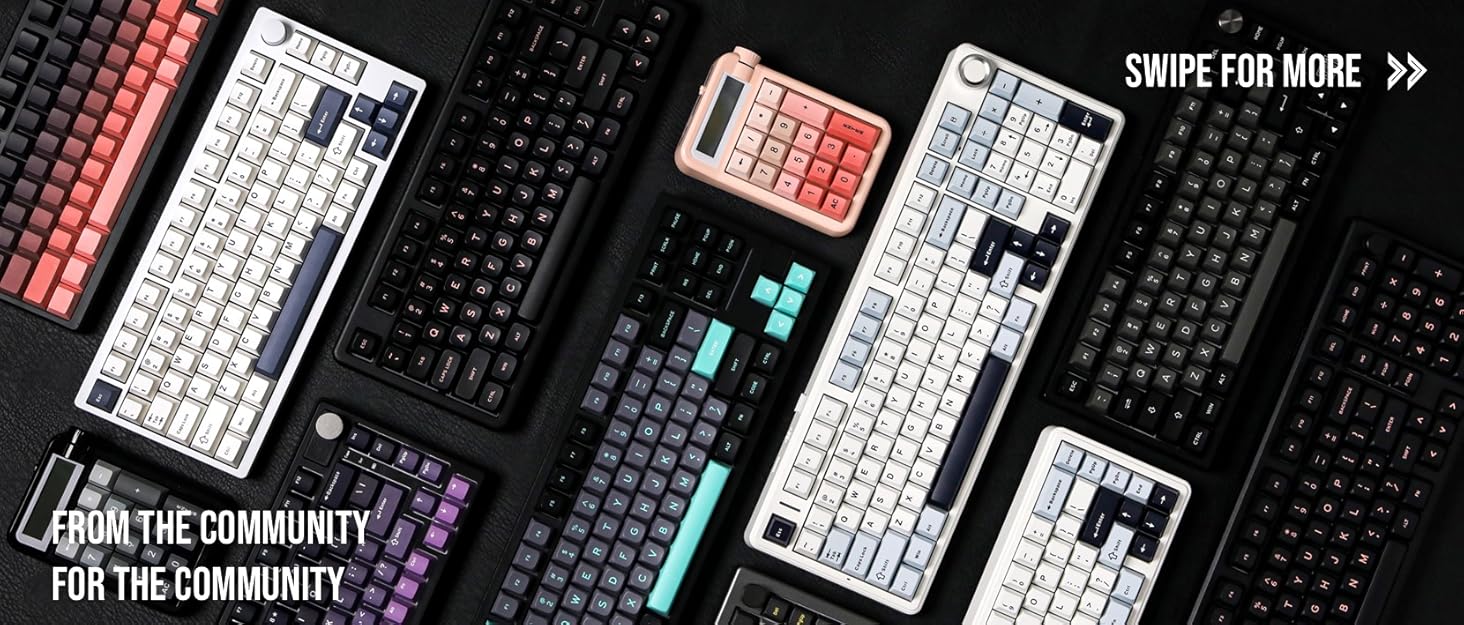

Composed of a team of young gamers, software engineers, and product designers who love tech gadgets, we set out to develop the best products that encapsulate personality, functionality, and affordability. Unsatisfied with the keyboards currently out there, we have created our ultimate sturdiness, wireless, and fully-customizable mechanical keyboard. Our promise is to deliver a keyboard that meets all of your workflow needs.

EPOMAKER New Release for 2025
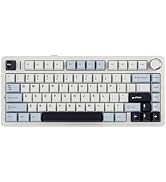
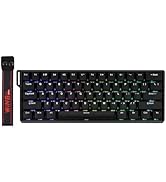
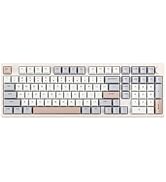
EPOMAKER Gaming Keyboard
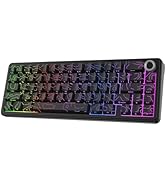
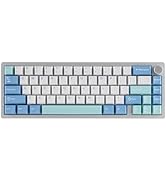
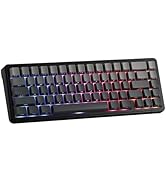
65% Layout Gaming Keyboard
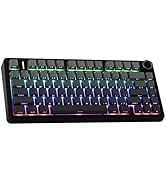
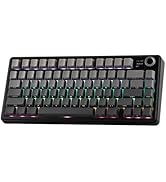
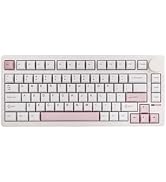
75% Layout Gaming Keyboard
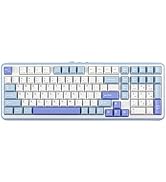
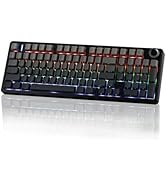
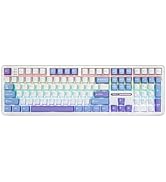
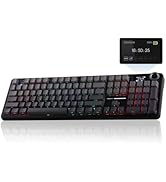
1800 Layout Gaming Keyboard
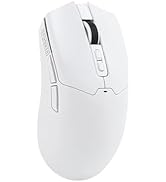
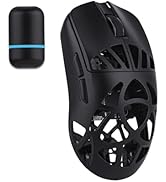
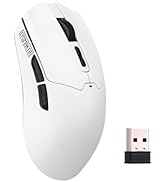
PC Gaming Mice
Numpad
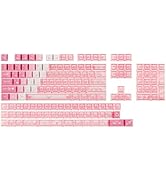
Premium PBT Keycap Set
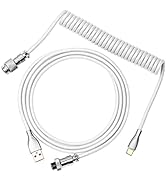
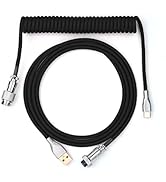
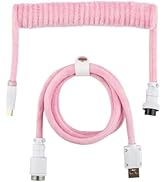
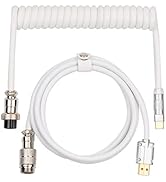
Keyboard Cable
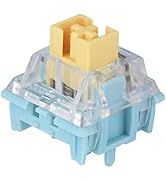
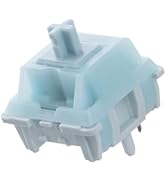
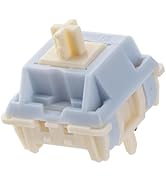
Keyboard Switches
EPOMAKER HE75 Tri-Mode Mechanical Gaming Keyboard in Gasket-Mount

South-Facing
Per-Key LEDs
Looks brighter from the typists' angle, the excellent companion with side-print keycaps.
White WIN = Locked
3 Indicator Lights + Indicator Keys
Intuitive indicator light at an easy glance (top to bottom: CapsLock, Scroll Lock and Charging).


5ms-2.4G, 11ms-Bluetooth
2ms Latency in USB Mode
Reliable and stable data input with a detachable USB cable.
N-key rollover
Accuracy & Speed
Input multiple keys at once without mistype, typo or double chattering.
PC/Switch/xBox/PS4/5
Mac/WIN/Android
Versatile compatibility with mainstream computers, tablets, phones and gaming controllers.
Configure & Customization
Powerful Software for Configure
Full key personalizable on function, Macro, Backlight, Sensitivity, and Sleep. (WIN Software Only)


QWERTY US ANSI Layout
Compact Size, Maximized Function
81 Fully programmable and hot-swappable keys and 1 configurable knob in US Layout.
with Flexible PC Place
Gasket-Mount with Sound Dampening
Full of silicone pad, IXPE pad, and 2 layers of Poron, for typing comfort and outstanding sound.
Rechargeable Battery
The HE75 Mechanical Keyboard lasts 400 hours with RGB off and 25 hours with RGB on


Premium Details: Design, RGB, Connectivity, Battery Check, Software, Package


Adjustable 2-stage Kick-Stand
75% Form Factor with Knob
Packed in a 75% ANSI US layout with 81 keys and a configurable knob, the compact EPOMAKER HE75 mechanical keyboard gives more space for mouse movement, while granting easy access to function and arrow keys. With 83 durable keycaps made of oil-resistant PBT plastic, the keyboard houses a 4000mah rechargeable battery that promises 400 hours of endurance with Backlight turned off, made for dedicated typists and gamers.
South-Facing Per-Key LEDs
Backlight in 16.8M Colors & Dynamic RGB
Change the light as the mood calls for or as the mission requires between dozens of pre-set dynamic effects, breathing light, and still color patterns. Personalize brightness, speed, saturation, and color via shortcut or software, or design your unique pattern in the EPOMAKER software.
- FN+INS: Turn On/Off Light; FN+Backspace: Change Light Effect
- FN+DEL: Color; FN+????: Brightness/Speed
Tri-Modes Convenience
Bluetooth/2.4Ghz/USB-C
The advanced chip bestow HE75 Tri Mechanical keyboard the ultra-low latency of 2ms in cable mode, while the versatile Bluetooth mode is built for cross-system flow between WIN, macOS, and Android.
- 1st time pairing: 1). Switch to BT or 2.4G. 2). Pressing FN+Q/W/E/R until the blink under Q/W/E/R quickens from slow to rapid. 3).Connect via Bluetooth or Plug Dongle to Computer.
- Paired Devices: 1).Switch to BT or 2.4G. 2).Tap on FN+Q/W/E/R once. 3).When Q/W/E/R blink slowly, connect on PC.
FN+ENTER (2.4G/BT)
Battery Check
The EPOMAKER HE75 Mechanical Keyboard comes with a rechargeable 4000mah battery that last 25 hours with RGB on and 400 hours with RGB off. To check battery level, hold FN+ENTER when the keyboard is connected wirelessly, as the number row lights up from 1 to 0.
- The bottom indicator light besides DEL key shows charging status: Red Flash=Low Battery; Red=Charging; Green=Fully Charged.
- Tips: Please charge keyboard with the original cable or cable below 1A. Charge via computer and not wall charger.
Key Mapping/Macro/Light Adjustment
HE75 Tri Software (WIN only)
Full key programmable and hot-swappable for ultimate customization. Change the keyboard's mapping and layout and transform the EPOMAKER HE75 Tri Mechanical keyboard into your best helper in gaming and life. For work efficiency and accessibility, personalize the keyboard to suit your workflow by setting special shortcuts and recording macros. The HE75 Tri software also support configuring RGB light, adjust keyboard sensitivity and more useful setting for you to explore.
Multilingual Manual included in the package
What's in the Package
- HE75 Tri Mechanical Keyboard
- Detachable USB-A to USB-C cable
- Keycap & Switch Puller
- Extra Keycap and Switches
What is the differences between HE75 Magnetic Version and HE75 Mechanical Version?
HE75 Mag has hall effect switch with adjustable accutation travel/distance, and ultra fast 1ms latency. The HE75 Tri has hot-swappable mechancial switches and lasts 400 hours with RGB off when fully charged.
Is the HE75 Mechanical Keyboard programmable/configurable? Which software is the right one?
HE75 Mag version uses EPOMAKER Software (MAC/WIN), but HE75 Tri Mechanical keyboard has its special software for programming called "HE75 Tri Driver".
Is the knob on HE75 Tri Mechanical Keyboard interchangeable like HE75 Mag?
While the knob on HE75 Mag is swappable, the knob on HE75 Tri only support such function parcially. We do not recommand swapping knobs on HE75 Tri Mechanical Keyboard.
Are both version of HE75 Keyboard Gasket-Mount? What is the differences between them in filling/cushioning materials?
HE75 Magnetic version uses steel plate and 2 layers of cushioning to balance the soft type feel of magnetic switch. HE75 Tri Mechanical has 5-layers of soft materials, flex-cut PC plate and PET pad for stable and flexible typing feel.
75% Layout Gaming/Office Keyboard from EPOMAKER
HE75 Tri (Mechanical) | HE75 Mag(Magnetic) | TH85 (Mechanical) | Aula F75 (Mechanical) | P75 (Mechanical) | Galaxy70 (Mechanical) | GK75 Lite (Optical) |
|---|---|---|---|---|---|---|
| Customer Reviews | ||||||
| — | — | — | — | — | — | — |
| Price | ||||||
| — | — | — | — | — | — | — |
| Material & Color | ||||||
| Plastic; Black | Plastic; Black | Plastic; Black/White/Blue | Plastic; Blue/Black/Green | Aluminum; Silver/Black/White | Aluminum; White/Black/Blue | Plastic; Blue |
| Switch Types | ||||||
| Linear | Linear (Magnetic) | Linear | Linear | Linear, Tactile | Linear | Linear, Tactile |
| 75% Layout | ||||||
| QWERTY US | QWERTY US | QWERTY US | QWERTY US | QWERTY US | QWERTY US | QWERTY US |
| Keys+Knob | ||||||
| 81+1 | 81+1 (& 2 extra key) | 84 | 80+1 | 81+1 | 82+1 | 80+1 |
| PBT Keycap | ||||||
| Cherry Profile | Cherry Profile | Cherry Profile | Cherry Profile | Cherry Profile | Cherry/MDA Profile | GK5 Profile |
| Connectivity | ||||||
| Bluetooth/2.4G/USB-C | Bluetooth/2.4G/USB-C | Bluetooth/2.4G/USB-C | Bluetooth/2.4G/USB-C | Bluetooth/2.4G/USB-C | Bluetooth/2.4G/USB-C | USB-C |
| Battery | ||||||
| 4000mAh | 4000mAh | 4000mAh | 4000mAh | 4000mAh | 4000mAh | X |
| Hot-Swappable | ||||||
| 3/5-pin Mechanical Switch | Magnetic Switch (South-Facing) | 3/5-pin Mechanical Switch | 3/5-pin Mechanical Switch | 3/5-pin Mechanical Switch | 3/5-pin Mechanical Switch | Optical Switch |
| Backlight | ||||||
| Per-Key RGB, Shine-Through | Per-Key RGB | Per-Key RGB | Per-Key RGB | Per-Key RGB | Per-Key RGB | Per-Key Blue |
| OS System | ||||||
| Win/Mac/Android/iOS | Win/Mac/Android/iOS | Win/Mac/Android/iOS | Win/Mac/Android/iOS | Win/Mac/Android/iOS | Win/Mac/Android/iOS | Win/Mac/Android |
| Software | ||||||
| HE75 Tri Software | EPOMAKER Software | QMK/VIA (WIN/Mac/Linux) | F75 Driver (WIN) | P75 Software (webpage version) | Epomaker Galaxy70 Driver (WIN) | GK6X Plus Driver (WIN/Mac) |
| Special Feature | ||||||
| Letters Shine-Through Backlit | 1ms Latency in Wireless | QMK/VIA. RGB Frame & LOGO | Last 40+ hours with RGB | Webpage Software | 1.8kg Solid Aluminum | 1ms Latency, Mac ModifierPrint |

Composed of a team of young gamers, software engineers, and product designers who love tech gadgets, we set out to develop the best products that encapsulate personality, functionality, and affordability. Unsatisfied with the keyboards currently out there, we have created our ultimate sturdiness, wireless, and fully-customizable mechanical keyboard. Our promise is to deliver a keyboard that meets all of your workflow needs.
EPOMAKER New Release for 2025
EPOMAKER Gaming Keyboard
65% Layout Gaming Keyboard
75% Layout Gaming Keyboard
1800 Layout Gaming Keyboard
PC Gaming Mice
Numpad
Premium PBT Keycap Set
Keyboard Cable
Keyboard Switches
