






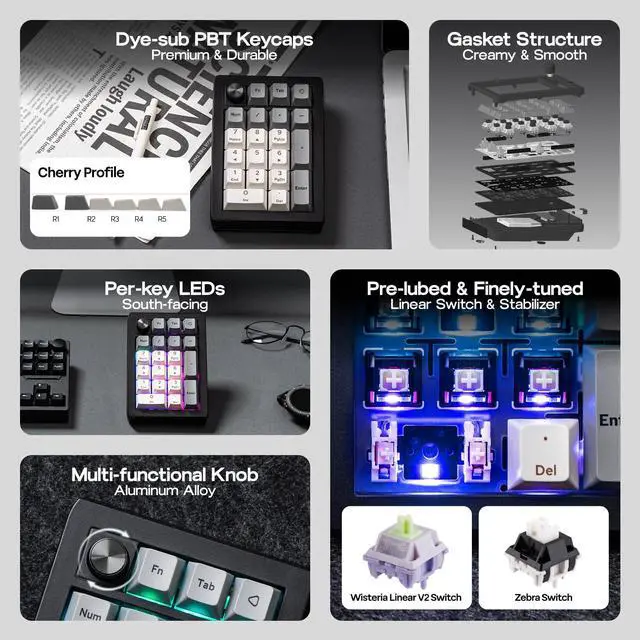




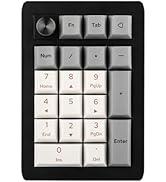
EPOMAKER EK21 Wireless Hot-Swap VIA Number Pad with Aluminum Alloy Knob

EK21 QMK VIDEO
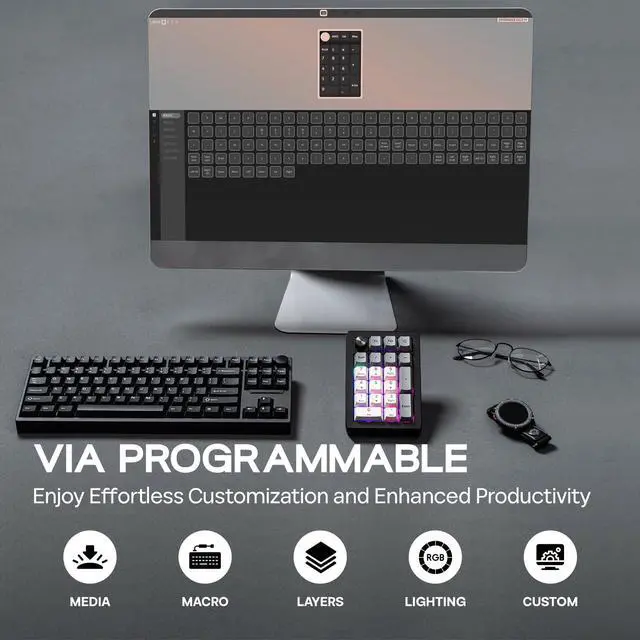
VIA Programmable
How to Use VIA
1. Get JSON from EPOMAKER official website (search for EK21 JSON).
2. Plug EK21 VIA to your computer and connect in wired mode.
3. Visit usevia.app and Enable "Show Design Page" in "Setting" page.
4. Load the downloaded JSON with "Load Draft Definition" in "Design" page, then start programming in "Configure" page.
- EK21 JSON: Remap Layout, Record Macros, Set up RGB and more on


-
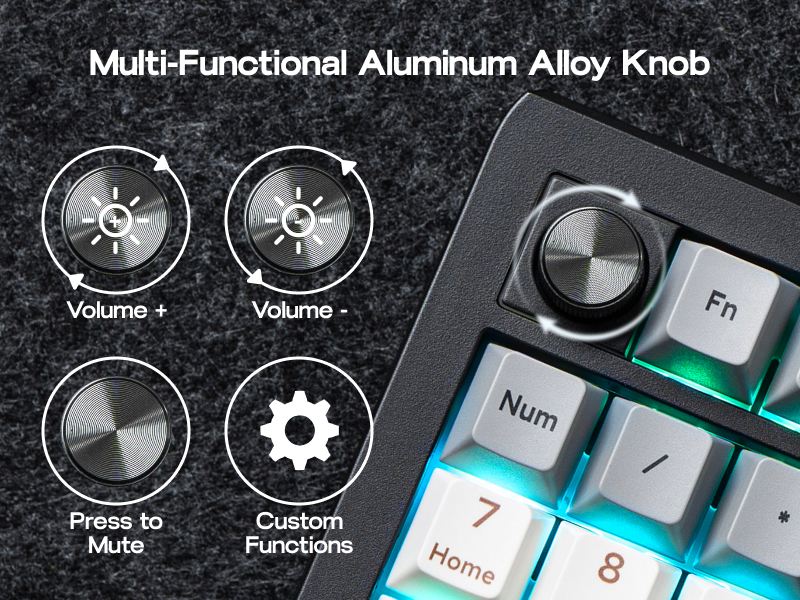
Multi-Functional Knob
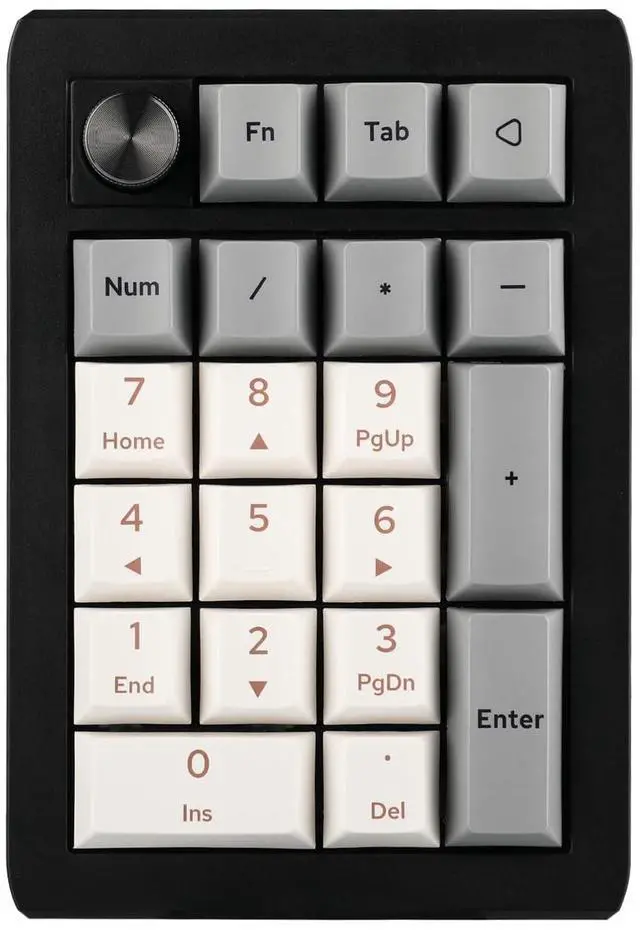
Enjoy effortless volume control and personalized functionality with the EK21's elegant aluminum alloy knob. Customize its actions via VIA software to match your workflow. Crafted for quality, the knob provides smooth, precise adjustments and adds a sophisticated touch to your numpad, elevating your overall experience.
-
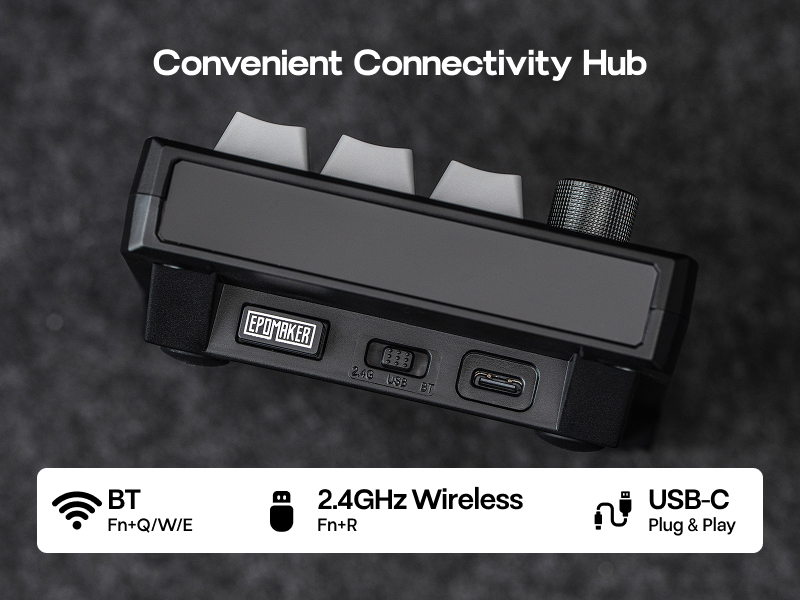
Convenient Triple Connectivity
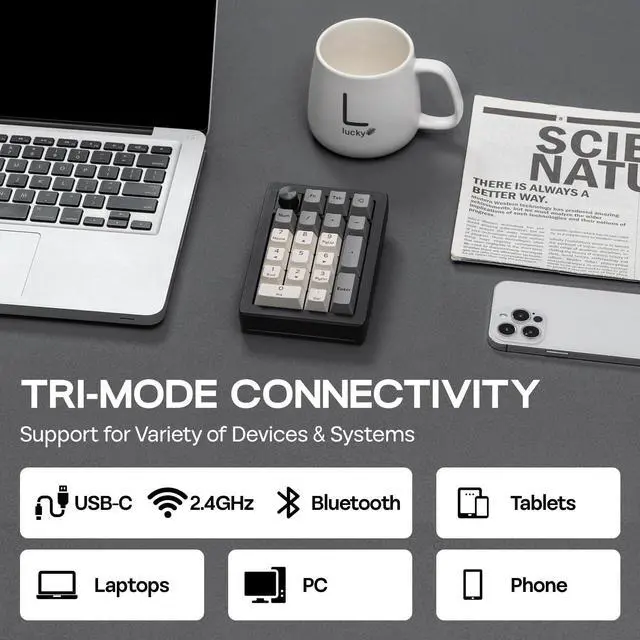
Experience ultimate flexibility with the EK21's triple connectivity (wired, BT, 2.4GHz wireless). Select your preferred mode to optimize your setup and maximize productivity.
-
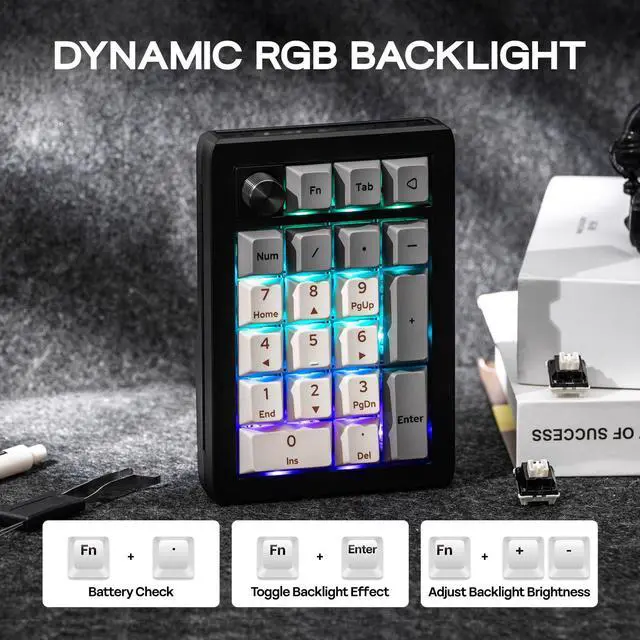
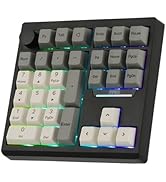
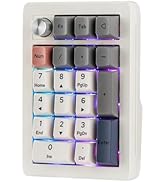
16.8 Million RGB Backlight
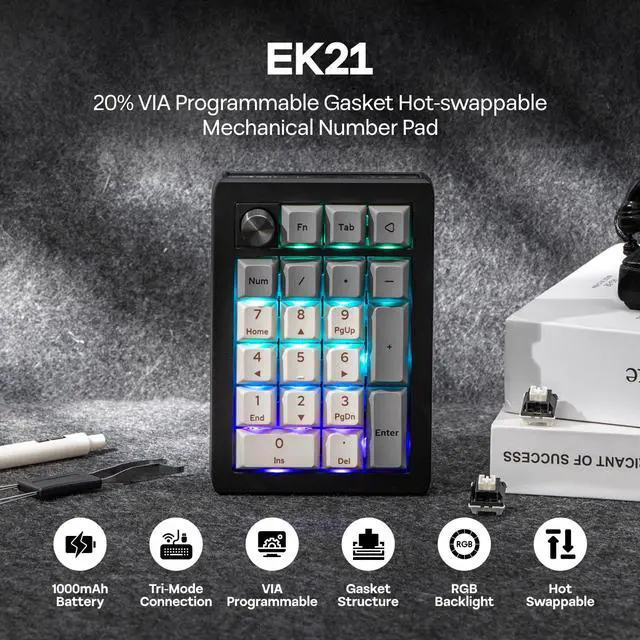
The EK21's RGB backlight offers 16.8 million colors to create a visual feast uniquely yours. The backlight effect can be adjusted with the shortcut keys "FN+Enter" and the VIA software. Match your lighting to your style and scene with pinpoint accuracy, making desktop interactions more engaging.
- Battery Check: FN+. (Only in wireless mode)
- Turn off/on RGB backlight: FN+Back
- Switch lighting effects: FN+Enter

-
What's in the package?
- 1* EK21 20% Number Pad
- 1* 2-in-1 Keycap-and-Switch Puller & 1* Extra “Back” Keycap
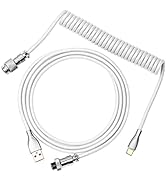
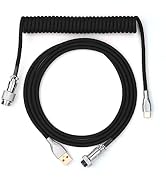
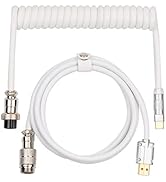
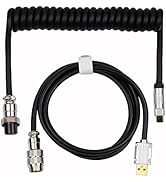
- 1* 1.8m Detachable USB A-to-C Braided Cable & 1* 2.4Ghz Wireless Dongle (Stored in the keyboard)
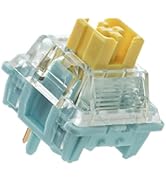
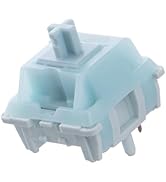
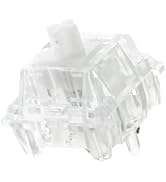
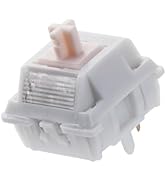
- 1* Multilingual Manual & 3* Extra Switches








EPOMAKER EK21 Wireless Hot-Swap VIA Number Pad with Aluminum Alloy Knob

EK21 QMK VIDEO
VIA Programmable
How to Use VIA
1. Get JSON from EPOMAKER official website (search for EK21 JSON).
2. Plug EK21 VIA to your computer and connect in wired mode.
3. Visit usevia.app and Enable "Show Design Page" in "Setting" page.
4. Load the downloaded JSON with "Load Draft Definition" in "Design" page, then start programming in "Configure" page.
- EK21 JSON: Remap Layout, Record Macros, Set up RGB and more on


Multi-Functional Knob
Enjoy effortless volume control and personalized functionality with the EK21's elegant aluminum alloy knob. Customize its actions via VIA software to match your workflow. Crafted for quality, the knob provides smooth, precise adjustments and adds a sophisticated touch to your numpad, elevating your overall experience.
Convenient Triple Connectivity
Experience ultimate flexibility with the EK21's triple connectivity (wired, BT, 2.4GHz wireless). Select your preferred mode to optimize your setup and maximize productivity.
16.8 Million RGB Backlight
The EK21's RGB backlight offers 16.8 million colors to create a visual feast uniquely yours. The backlight effect can be adjusted with the shortcut keys "FN+Enter" and the VIA software. Match your lighting to your style and scene with pinpoint accuracy, making desktop interactions more engaging.
- Battery Check: FN+. (Only in wireless mode)
- Turn off/on RGB backlight: FN+Back
- Switch lighting effects: FN+Enter
What's in the package?
- 1* EK21 20% Number Pad
- 1* 2-in-1 Keycap-and-Switch Puller & 1* Extra “Back” Keycap
- 1* 1.8m Detachable USB A-to-C Braided Cable & 1* 2.4Ghz Wireless Dongle (Stored in the keyboard)
- 1* Multilingual Manual & 3* Extra Switches
-
-
-
-
-
-
-
-
-
EPOMAKER New Release -2026
-
EPOMAKER New Accessories -2026
-
Mechanical Keyboard
-
Magnetic Keyboard
-
Ergonomic Keyboard
-
PC Gaming Mice
-
Numpad
-
Premium Keycaps Set
-
Keyboard Cable
-
Keyboard Switches
-
Keyboard Wrist Rest
Technical Specifications.
|
Brand |
EPOMAKER |
|---|---|
|
Model |
EK21 VIA Numpad |
|
Layout |
20% |
|
Number of Keys |
20 Keys and 1 Knob |
|
Battery |
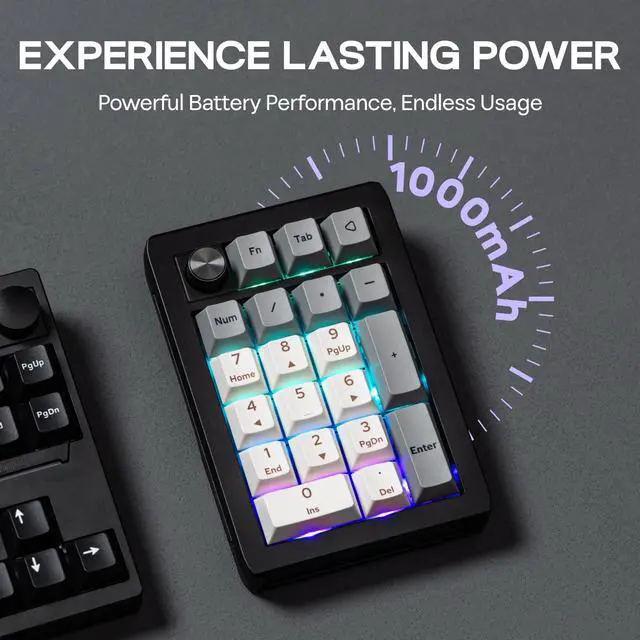
1000mAh |
|
Connectivity |
2.4Ghz Wireless/Bluetooth/USB Wired |
|
Case Material |
ABS Plastic |
|
Plate Material |
PC |
|
Flex-Cut |
Yes, both PCB and Plate are flex-cut for extra flexibility |
|
Stabilizers |
Plate-Mounted Stabilizers, Pre-lubed and Finely-tuned Stabilizer |
|
Mounting Structure |
Gasket-Mount |
|
Sound Dampening |
3 Layers of Foam: bottom and sandwich Poron foam; IXPE switch pad Keycaps Profile: Cherry Profile |
|
Keycaps Material |
PBT Keycaps |
|
Keycaps Manufacturing Technique |
Dye-sub Technique |
|
Switch |
Lubed Mechanical Switches, 5-pin Linear |
|
Hot swappable |
Yes, EK21 is hot-swappable and compatible with 3/5-pin mechanical switches |
|
RGB |
Yes, EK21 has dynamic RGB backlight |
|
Polling Rate |
1000hz in Wired and 2.4Ghz mode, and 125hz in Bluetooth mode |
|
Anti-Ghosting |
Yes, EK21 supports NKRO so you can input multiple keys at once. It is anti-ghosting for gaming accuracy and speed. |
|
Compatibility |
Mac/WIN/Android |
|
Keyboard Dimensions |
93*138*29mm |
|
Weight |
0.2kg |