






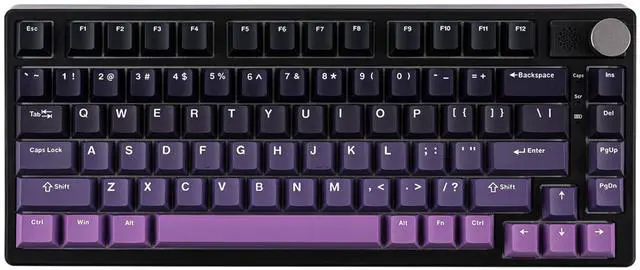
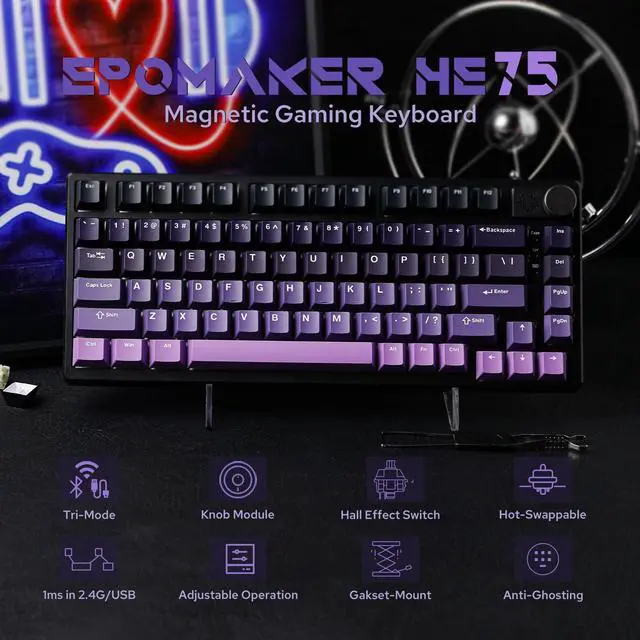


EPOMAKER HE75 Magnetic Gaming Keyboard with Wireless 1ms Latency
hero-video
Merchant VideoWhy do keys trigger randomly?
Due to the special triggering principle of the magnetic keyboard, the bumpy movement during shipment may affect the triggering accuracy of the keyboard. Calibrating all the keys via the "EPOMAKER" driver can solve this problem.
How to calibrate keys?
Please refer to the video on the page: ??????????://??????.????????????.??????/????????/??????????/???????????????????????????????????????????????????????????????????????_=????_??????_??????????
Powerful Magnetic Keyboard with Unparalleled Precision and Control

Snap Key
No more stop moving in the heat of battle. With Snap Key, only the latter key is prioritized and triggered when two opposing directions are pressed.

Magnetic Hall Effect
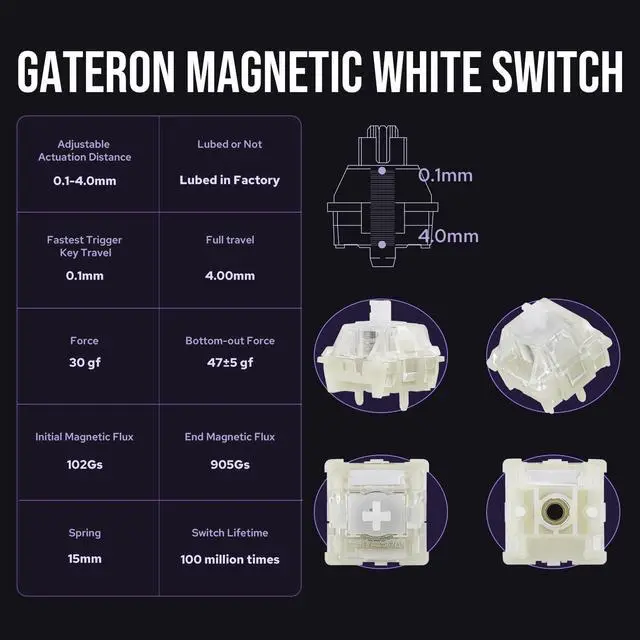
Eliminating physical contact within the switch, boosting keyboard speed to the impressive 1ms in cable and 2.4Ghz mode.

Toggle Key (TGL)
Set "hold" or "double-click" as the trigger for continuous input and "tap" as termination. Release your finger for operation elsewhere.

Dynamic Keystroke & MT
Maximize the keyboard's potential by setting 2-4 functions on 1 key in 1 layout. 4 distances as 4 functions with DKS or hold/tap as 2 with MT.
Ultra Fast Gaming Keyboard
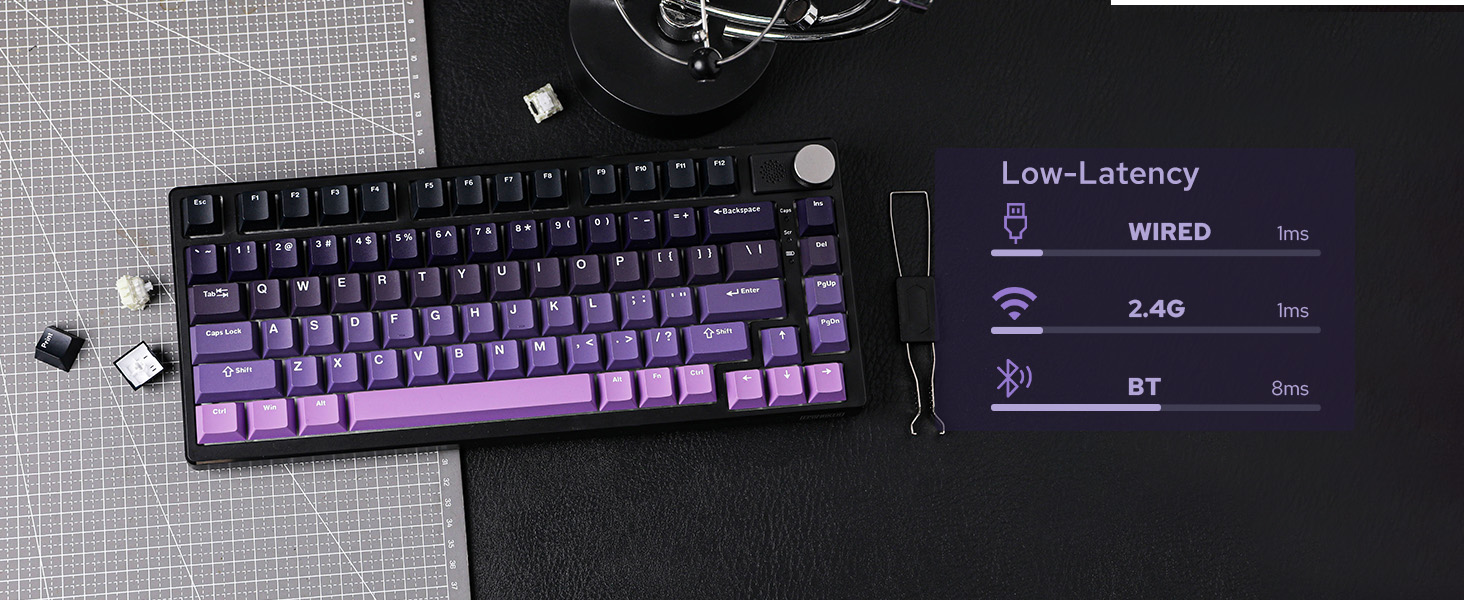
Impressive 1ms latency in Cable and 2.4Ghz Mode with 1000hz polling rate. (8ms under Bluetooth)

N-key rollover
Accuracy & Speed
Input multiple keys at once without mistype, typo or double chattering.
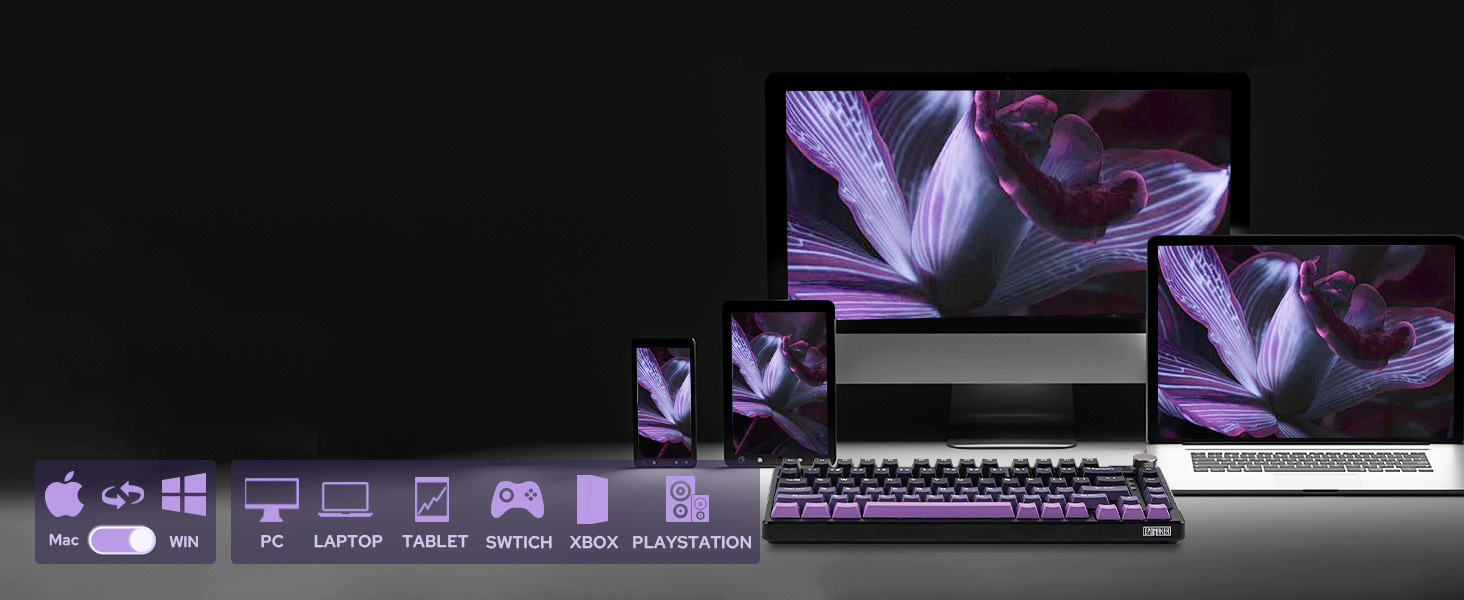
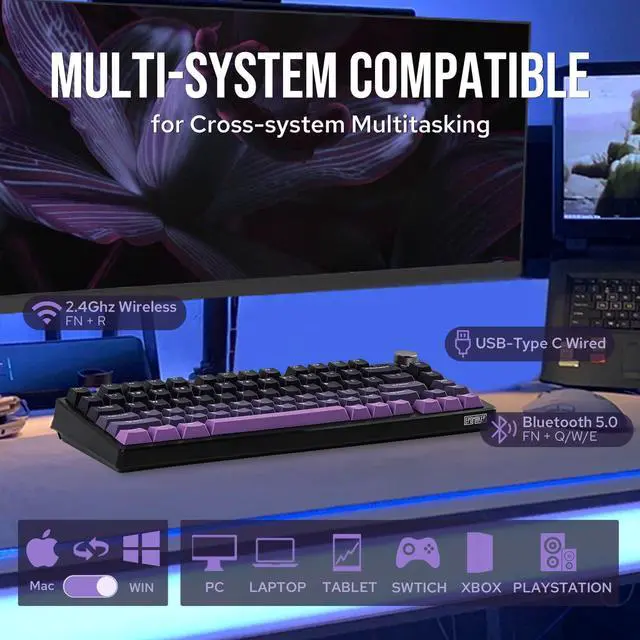
PC/Switch/xBox/PS4/5
Mac/WIN/Android
Versatile compatibility with mainstream computers, tablets, phones and gaming controllers.
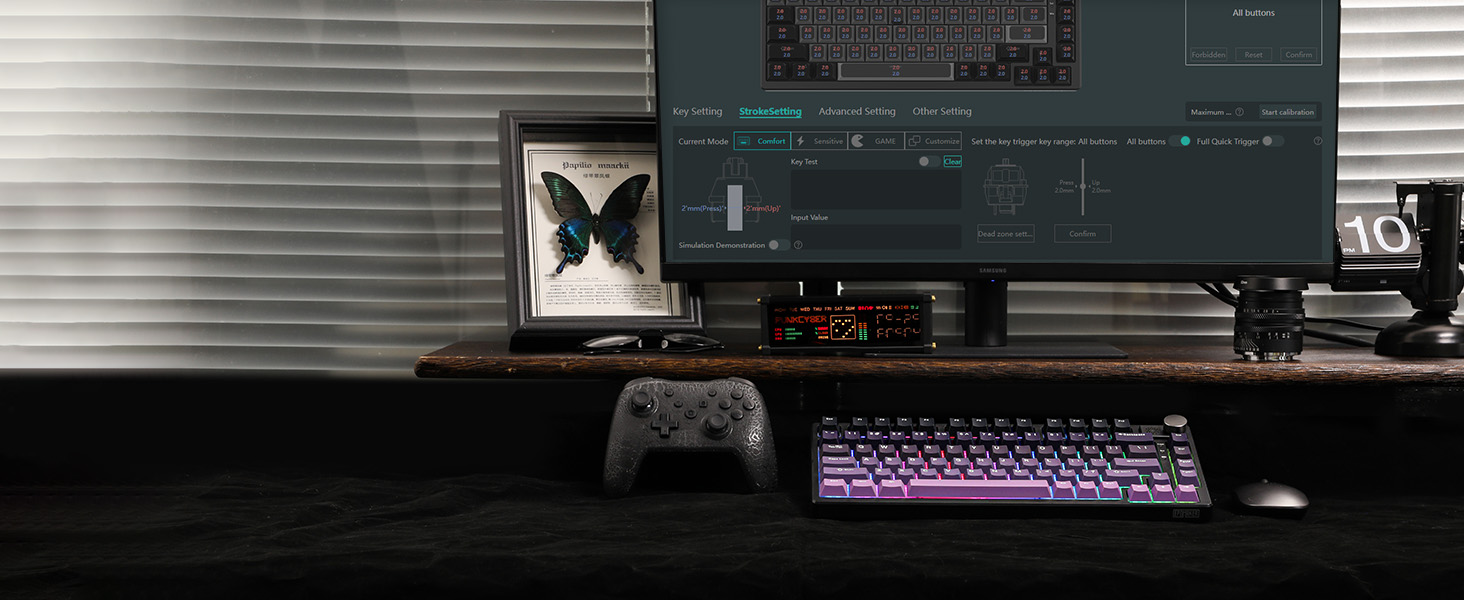
Configure & Customization
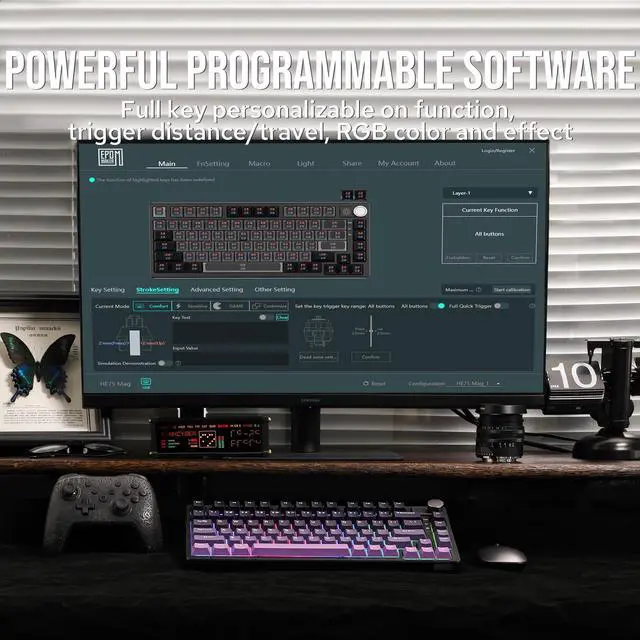
Powerful Software for Configure
Full key personalizable on function, trigger distance/travel, RGB color and effect.
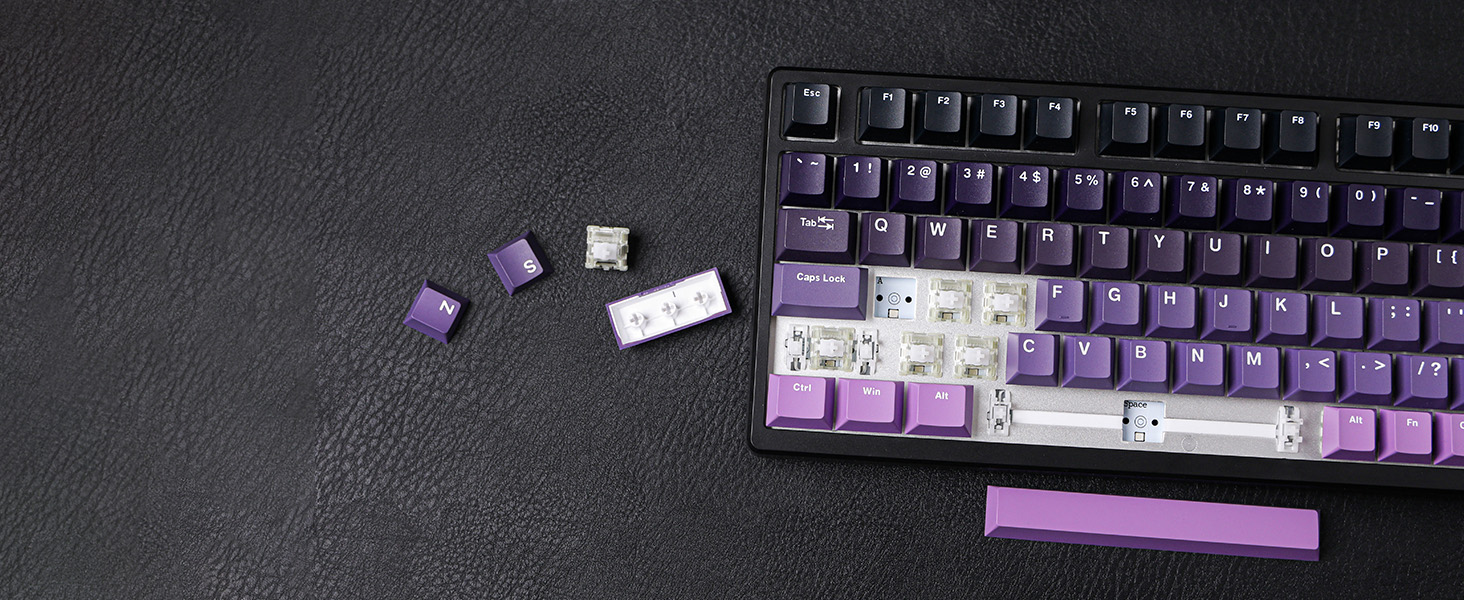
Finly Lubed & Tuned
Plate-Mounted Stabilizer
Typing is stable and smooth without rattle, shake, or hollow noise.

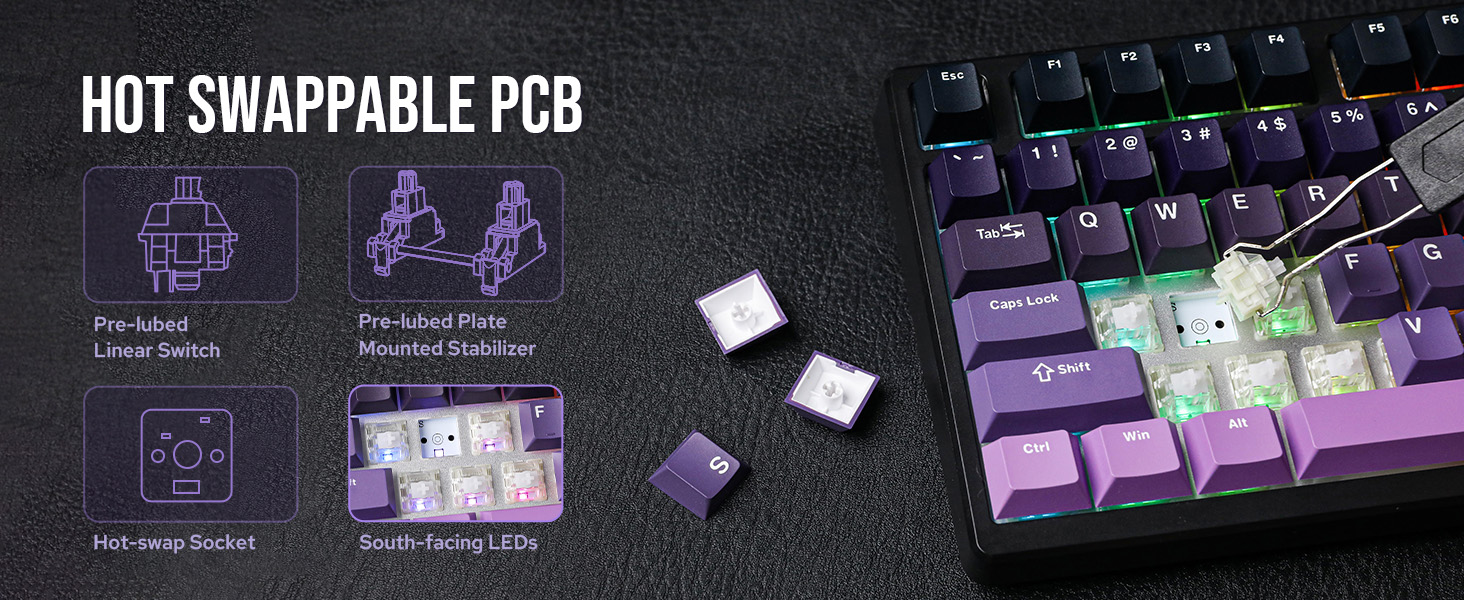
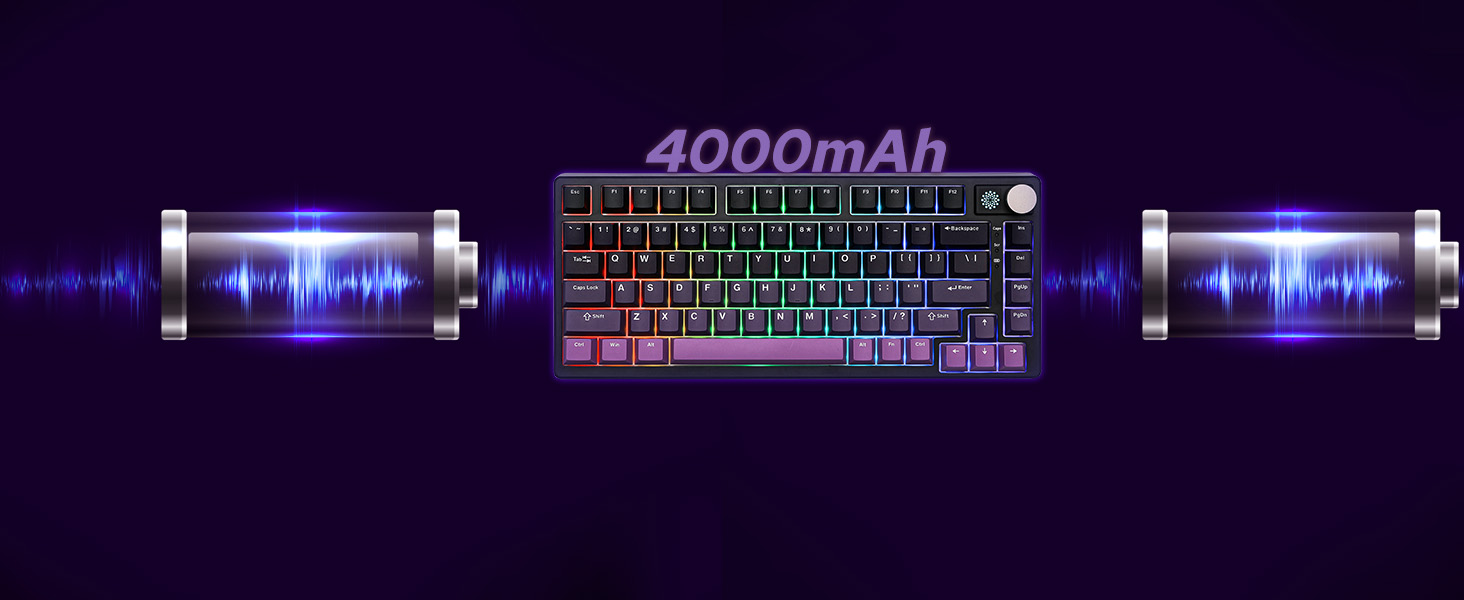
Rechargeable Battery
120 hours with RGB off, 18 hours with RGB at the brightest.
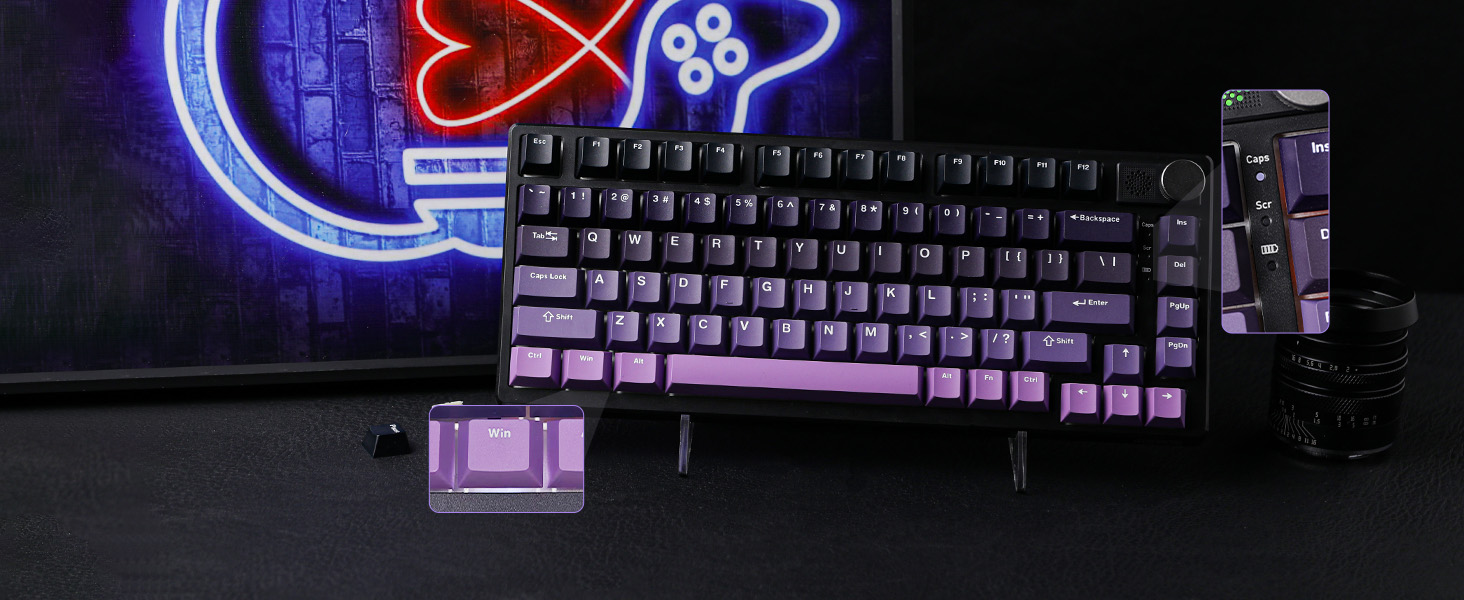
White WIN = Locked
3 Indicator Lights + Indicator Keys
Intuitive indicator light at an easy glance (top to bottom: CapsLock, Scroll Lock and Charging).
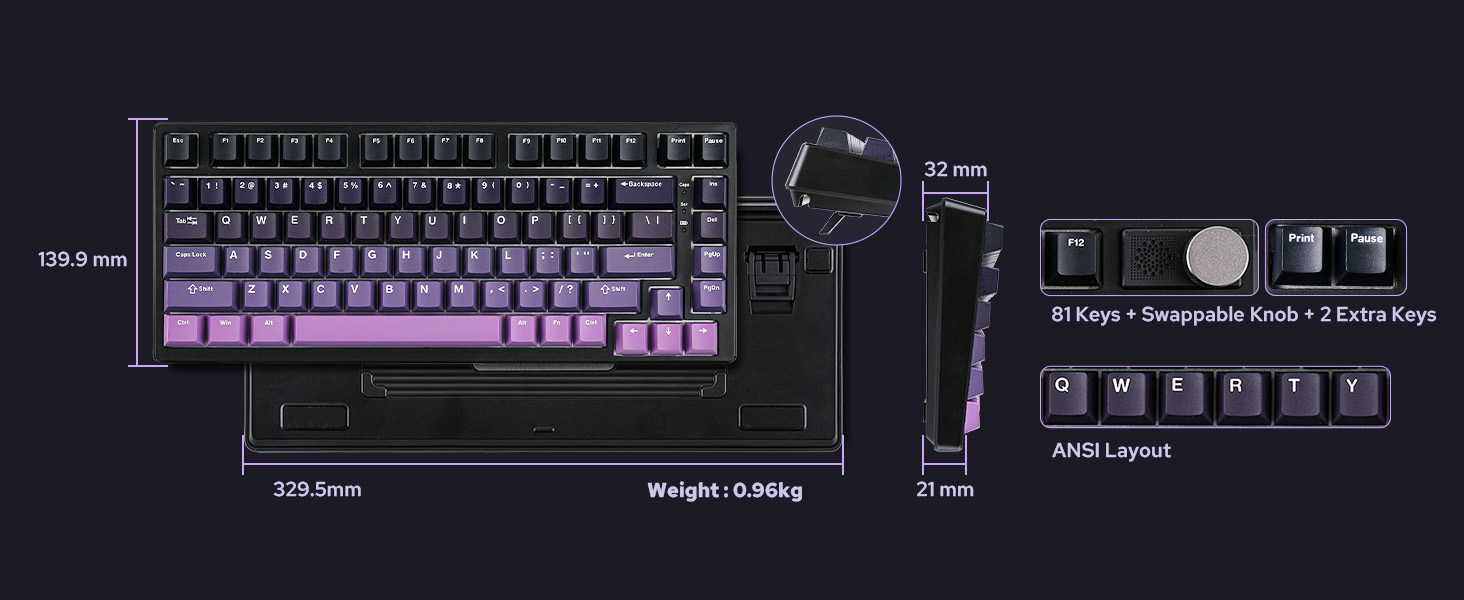
QWERTY US ANSI Layout
Compact Size, Maximized Function
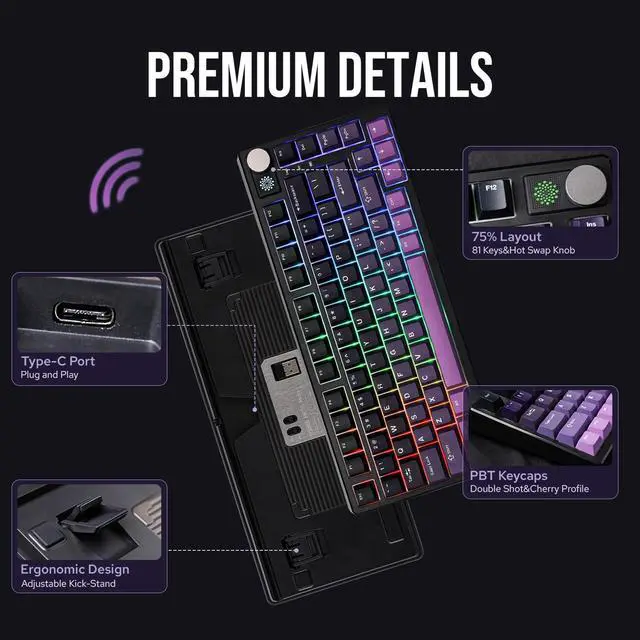
81 Fully programmable and swappable keys, and 1 configurable knob that's swappable as two keys.
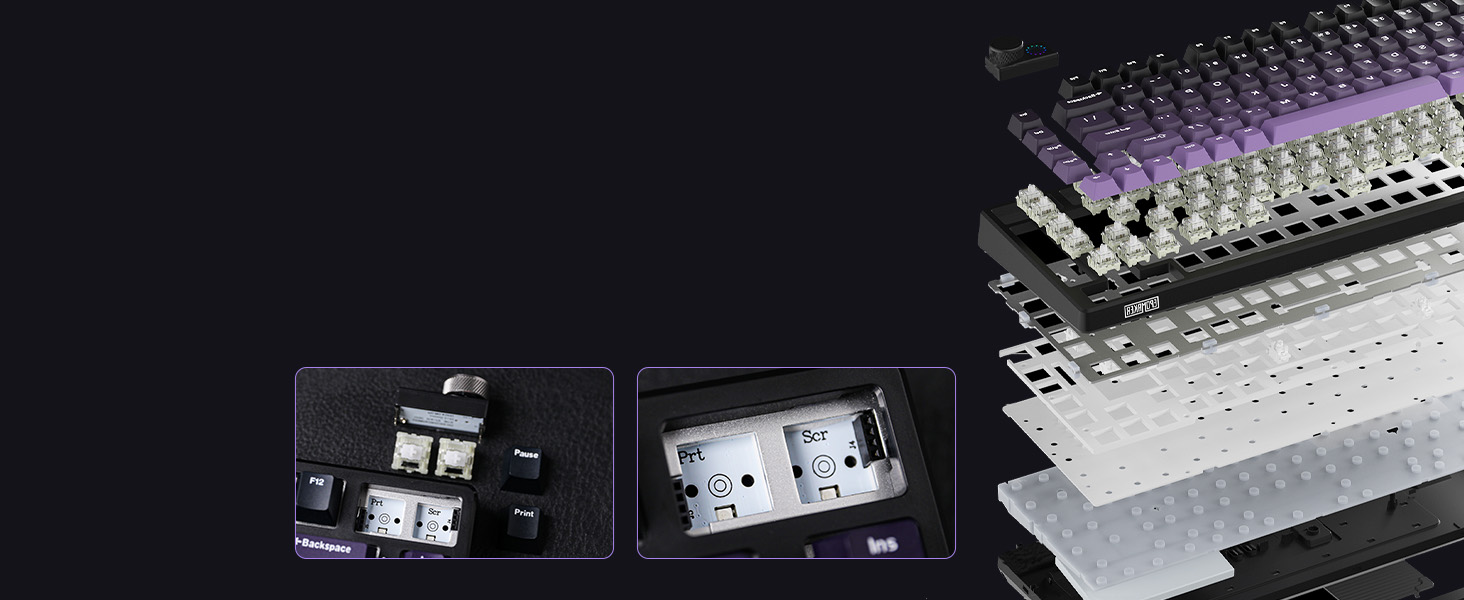
with Solid Steel Plate
Gasket-Mount with Cushioning Poron & Silicone
Hot-Swappable Knob model transformable as two separate keys.
Premium Details: Design, RGB, Software, Connectivity, Package, Battery Check
Tri-Modes Convenience
Bluetooth/2.4Ghz/USB-C
The hall effect switches bestow HE75 the ultra-low latency of 1ms in cable and wireless 2.4Ghz mode, while the versatile Bluetooth mode is built for cross-system flow between WIN, macOS, and Android.
- 1st time pairing: 1). Switch to BT or 2.4G. 2). Pressing FN+Q/W/E/R until the blink under Q/W/E/R quickens from slow to rapid. 3). Connect via Bluetooth or Plug Dongle to Computer.
- Paired Devices: 1). Switch to BT or 2.4G. 2). Tap on FN+Q/W/E/R once. 3). When Q/W/E/R blink slowly, connect on PC.
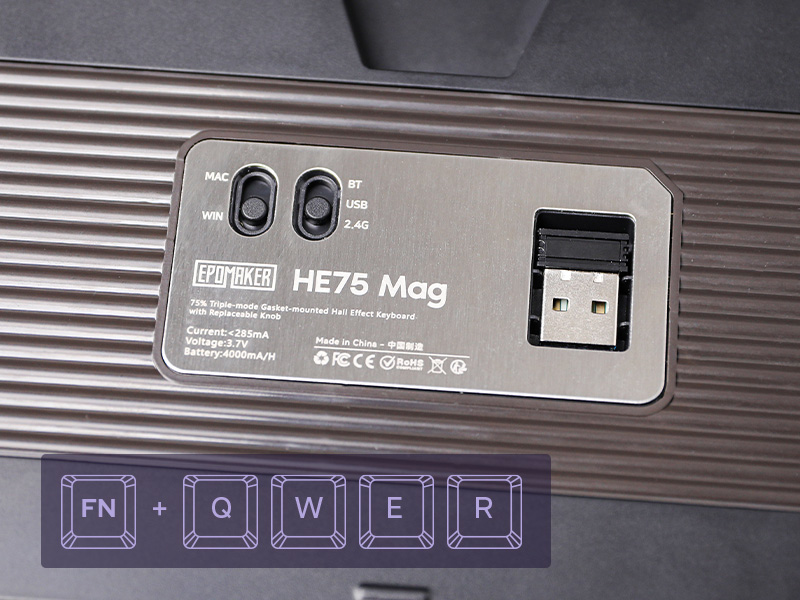
FN+ENTER (2.4G/BT)
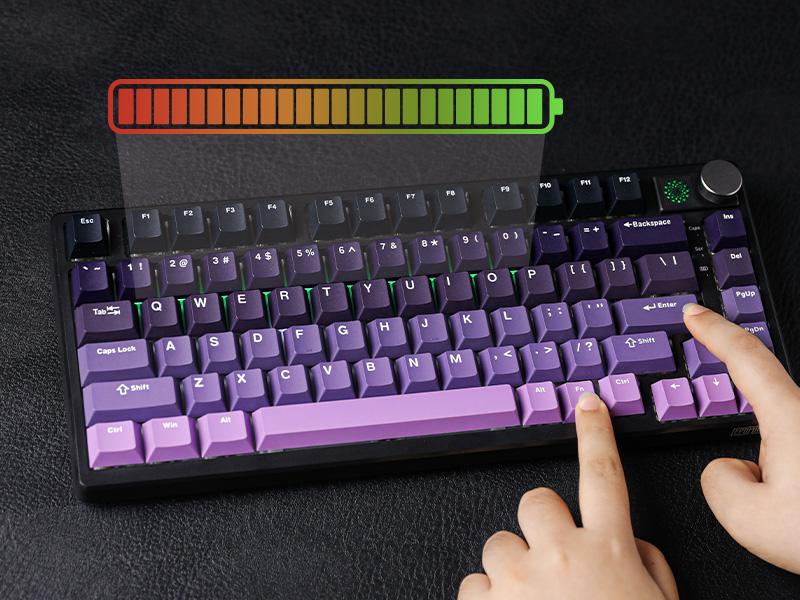
Battery Check
The EPOMAKER HE75 Magnetic Keyboard comes with a rechargeable 4000mAh battery that last 18 hours with RGB on and 120 hours with RGB off. To check power percentage, hold FN+ENTER when the keyboard is connected wirelessly, as the number row lights up from 1 to 0.
- The bottom indicator light besides DEL key shows charging status: Red Flash=Low Battery; Red=Charging; Green=Fully Charged.
- Tips: Please charge keyboard with the original cable or cable below 1A. Charge via computer and not wall charger.
Compact Layout Gaming/Office Keyboard from EPOMAKER
 HE75 Mag(Magnetic) |  HE80(Magnetic) |  HE75 Tri (Mechanical) |  WIN68 HE MAX(Magnetic) |  Aula F75 (Mechanical) | 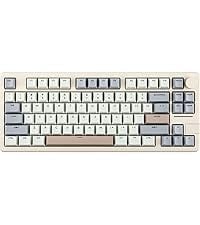 Galaxy70 (Mechanical) | 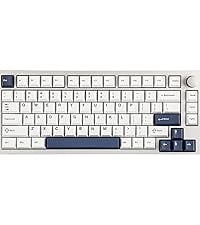 P75 (Mechanical) | |
|---|---|---|---|---|---|---|---|
Customer Reviews | — | — | — | — | — | — | — |
Price | — | — | — | — | — | — | — |
Special Feature | 1ms Latency in Wireless | 8K Poling, 32KHz Scan Rate | Letters Shine-Through Backlit | Magnetic Switches | Last 40+ hours with RGB | 1.8kg Solid Aluminum | Webpage Software |
Material & Color | Plastic; Black | Plastic; Black/White/Pink | Plastic; Black | Plastic; Grey/Red/Blue | Plastic; Blue/Black/Green | Aluminum; White/Black/Blue | Aluminum; Silver/Black/White |
Switch Types | Linear (Magnetic) | Linear (Magnetic) | Linear | Linear (Magnetic) | Linear | Linear | Linear, Tactile |
75% Layout | QWERTY US | QWERTY US | QWERTY US | QWERTY US | QWERTY US | QWERTY US | QWERTY US |
Keys+Knob | 81+1 (& 2 extra key) | 82 | 81+1 | 68 | 80+1 | 82+1 | 81+1 |
PBT Keycap | Cherry Profile | Cherry Profile, Transparent PC | Cherry Profile | Cherry Profile | Cherry Profile | Cherry/MDA Profile | Cherry Profile |
Connectivity | Bluetooth/2.4G/USB-C | USB A-C | Bluetooth/2.4G/USB-C | USB-C Wired | Bluetooth/2.4G/USB-C | Bluetooth/2.4G/USB-C | Bluetooth/2.4G/USB-C |
Battery | 4000mAh | / | 4000mAh | / | 4000mAh | 4000mAh | 4000mAh |
Hot Swappable | ? | ? | ? | ? | ? | ? | ? |
Backlight | Per-Key RGB | Per-Key RGB | Per-Key RGB, Shine-Through | Per-Key RGB | Per-Key RGB | Per-Key RGB | Per-Key RGB |
OS System | Win/Mac/Android/iOS | Win/Mac/Android/iOS | Win/Mac/Android/iOS | Mac/WIN/Android | Win/Mac/Android/iOS | Win/Mac/Android/iOS | Win/Mac/Android/iOS |
Software | EPOMAKER Software | HE80 Software (Webpage Verson) | HE75 Tri Software | AULA Web Driver | F75 Driver (WIN) | Epomaker Galaxy70 Driver (WIN) | P75 Software (webpage version) |
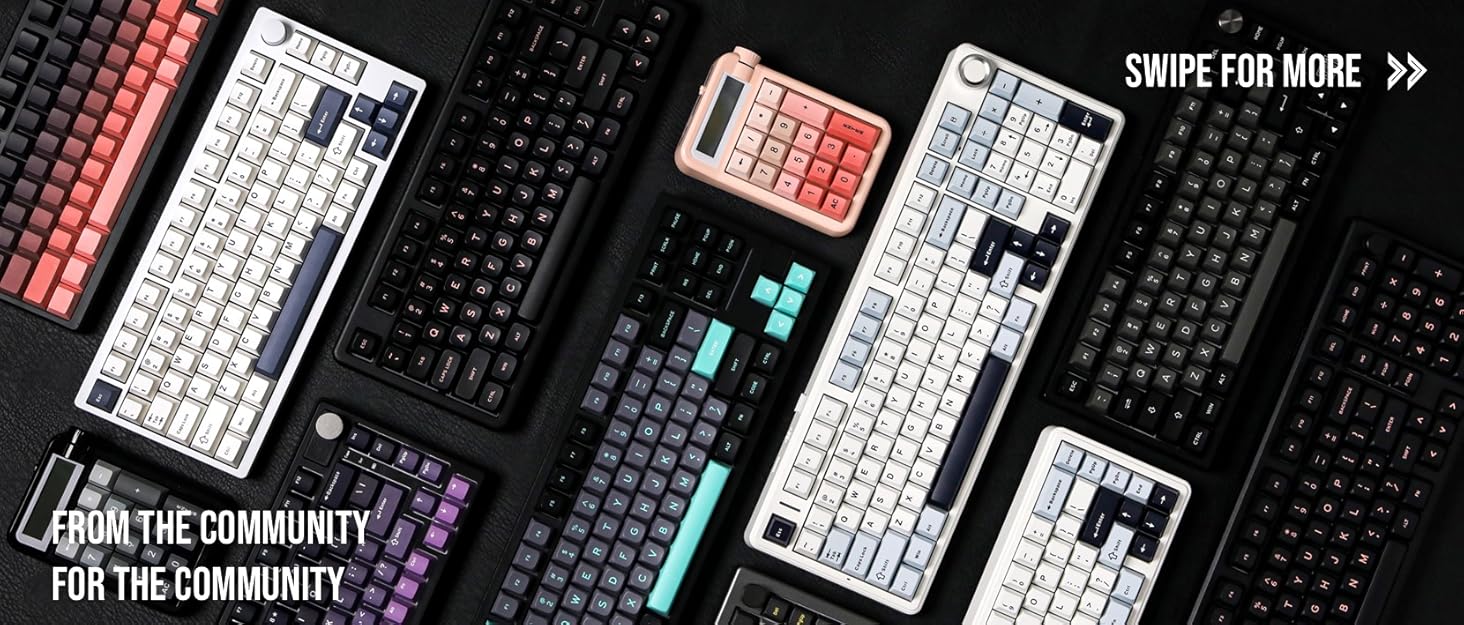

Composed of a team of young gamers, software engineers, and product designers who love tech gadgets, we set out to develop the best products that encapsulate personality, functionality, and affordability. Unsatisfied with the keyboards currently out there, we have created our ultimate sturdiness, wireless, and fully-customizable mechanical keyboard. Our promise is to deliver a keyboard that meets all of your workflow needs.
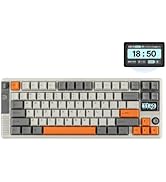
EPOMAKER New Release for 2025
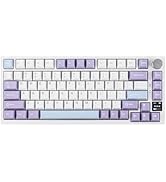
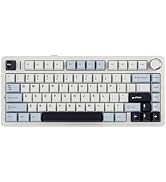
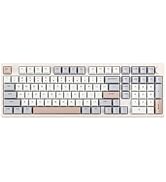
EPOMAKER Gaming Keyboard
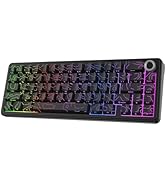
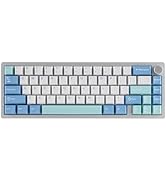
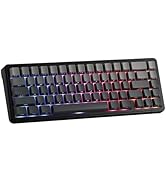
65% Layout Gaming Keyboard
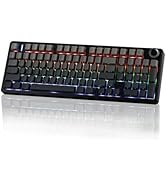
75% Layout Gaming Keyboard
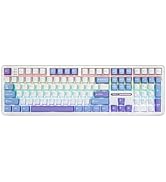
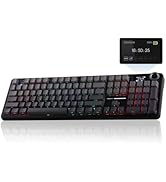
1800 Layout Gaming Keyboard
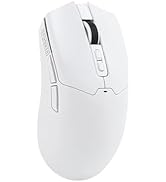
PC Gaming Mice
Numpad
Premium PBT Keycap Set
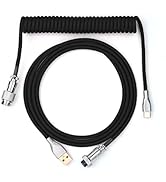
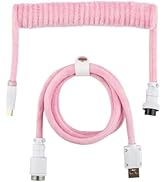
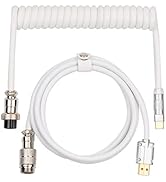
Keyboard Cable
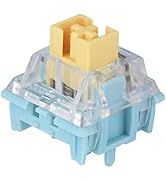
Keyboard Switches
EPOMAKER HE75 Magnetic Gaming Keyboard with Wireless 1ms Latency
hero-video
Merchant VideoWhy do keys trigger randomly?
Due to the special triggering principle of the magnetic keyboard, the bumpy movement during shipment may affect the triggering accuracy of the keyboard. Calibrating all the keys via the "EPOMAKER" driver can solve this problem.
How to calibrate keys?
Please refer to the video on the page: ??????????://??????.????????????.??????/????????/??????????/???????????????????????????????????????????????????????????????????????_=????_??????_??????????
Powerful Magnetic Keyboard with Unparalleled Precision and Control
Snap Key
No more stop moving in the heat of battle. With Snap Key, only the latter key is prioritized and triggered when two opposing directions are pressed.
Magnetic Hall Effect
Eliminating physical contact within the switch, boosting keyboard speed to the impressive 1ms in cable and 2.4Ghz mode.
Toggle Key (TGL)
Set "hold" or "double-click" as the trigger for continuous input and "tap" as termination. Release your finger for operation elsewhere.
Dynamic Keystroke & MT
Maximize the keyboard's potential by setting 2-4 functions on 1 key in 1 layout. 4 distances as 4 functions with DKS or hold/tap as 2 with MT.
Ultra Fast Gaming Keyboard
Impressive 1ms latency in Cable and 2.4Ghz Mode with 1000hz polling rate. (8ms under Bluetooth)
N-key rollover
Accuracy & Speed
Input multiple keys at once without mistype, typo or double chattering.
PC/Switch/xBox/PS4/5
Mac/WIN/Android
Versatile compatibility with mainstream computers, tablets, phones and gaming controllers.
Configure & Customization
Powerful Software for Configure
Full key personalizable on function, trigger distance/travel, RGB color and effect.
Finly Lubed & Tuned
Plate-Mounted Stabilizer
Typing is stable and smooth without rattle, shake, or hollow noise.


Rechargeable Battery
120 hours with RGB off, 18 hours with RGB at the brightest.
White WIN = Locked
3 Indicator Lights + Indicator Keys
Intuitive indicator light at an easy glance (top to bottom: CapsLock, Scroll Lock and Charging).
QWERTY US ANSI Layout
Compact Size, Maximized Function
81 Fully programmable and swappable keys, and 1 configurable knob that's swappable as two keys.
with Solid Steel Plate
Gasket-Mount with Cushioning Poron & Silicone
Hot-Swappable Knob model transformable as two separate keys.


Premium Details: Design, RGB, Software, Connectivity, Package, Battery Check


Adjustable Kick-Stand
75% Form Factor with Knob Module
For gaming efficiency and comfort, the HE75 adopts the ergonomic 75% design with a typing angle of about 6 degrees. The 2-stage adjustable feet gift the HE75 Mag keyboard more versatility for the different using scenarios. The Innovative interchangeable knob model that doubles as 2 functional keys highlights HE75's core as Custom Keyboard, with knob and full keyboard programmable.
- Tips: To pro-long keyboard's life, please only swap knob or switches when keyboard is turned off and shut down.
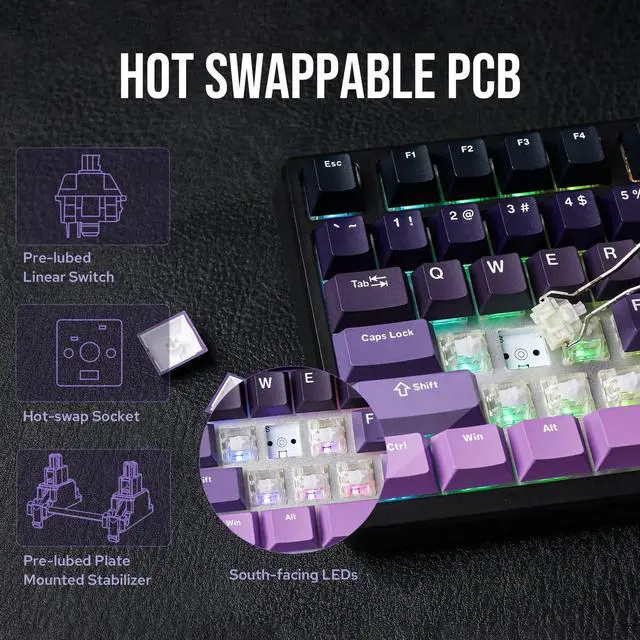
South-Facing Per-Key LEDs
Backlight in 16.8M Colors & Dynamic RGB
Change the light as the mood calls for or as the mission requires between dozens of pre-set dynamic effects, breathing light, and still color patterns. Personalize brightness, speed, saturation, and color via shortcut or software, or design your unique pattern in the EPOMAKER software.
- FN+INS: Turn On/Off Light; FN+Backspace: Change Light Effect
- FN+DEL: Color; FN+????: Brightness/Speed
Key Mapping/Macro/Light/Accutation Adjustment
EPOMAKER Driver for Configuration
With DKS and MT, the HE75 Mag Keyboard reaches a new level with dynamic functionality based on travel, tap/hold, or release distance, while Snap Tap ensures swift gaming navigation. Fine-tune trigger depths for error-free typing or boost response speed in gameplay, as each key adapts seamlessly to your needs.
Tri-Modes Convenience
Bluetooth/2.4Ghz/USB-C
The hall effect switches bestow HE75 the ultra-low latency of 1ms in cable and wireless 2.4Ghz mode, while the versatile Bluetooth mode is built for cross-system flow between WIN, macOS, and Android.
- 1st time pairing: 1). Switch to BT or 2.4G. 2). Pressing FN+Q/W/E/R until the blink under Q/W/E/R quickens from slow to rapid. 3). Connect via Bluetooth or Plug Dongle to Computer.
- Paired Devices: 1). Switch to BT or 2.4G. 2). Tap on FN+Q/W/E/R once. 3). When Q/W/E/R blink slowly, connect on PC.
Multilingual Manual included in the package
What's in the Package
- HE75 Magnetic Keyboard
- Detachable USB-A to USB-C Cable
- Keycap & Switch Puller
- Extra Keycap and Switches for the Interchangeable Knob
FN+ENTER (2.4G/BT)
Battery Check
The EPOMAKER HE75 Magnetic Keyboard comes with a rechargeable 4000mAh battery that last 18 hours with RGB on and 120 hours with RGB off. To check power percentage, hold FN+ENTER when the keyboard is connected wirelessly, as the number row lights up from 1 to 0.
- The bottom indicator light besides DEL key shows charging status: Red Flash=Low Battery; Red=Charging; Green=Fully Charged.
- Tips: Please charge keyboard with the original cable or cable below 1A. Charge via computer and not wall charger.
Compact Layout Gaming/Office Keyboard from EPOMAKER
HE75 Mag(Magnetic) | HE80(Magnetic) | HE75 Tri (Mechanical) | WIN68 HE MAX(Magnetic) | Aula F75 (Mechanical) | Galaxy70 (Mechanical) | P75 (Mechanical) |
|---|---|---|---|---|---|---|
| Customer Reviews | ||||||
| — | — | — | — | — | — | — |
| Price | ||||||
| — | — | — | — | — | — | — |
| Special Feature | ||||||
| 1ms Latency in Wireless | 8K Poling, 32KHz Scan Rate | Letters Shine-Through Backlit | Magnetic Switches | Last 40+ hours with RGB | 1.8kg Solid Aluminum | Webpage Software |
| Material & Color | ||||||
| Plastic; Black | Plastic; Black/White/Pink | Plastic; Black | Plastic; Grey/Red/Blue | Plastic; Blue/Black/Green | Aluminum; White/Black/Blue | Aluminum; Silver/Black/White |
| Switch Types | ||||||
| Linear (Magnetic) | Linear (Magnetic) | Linear | Linear (Magnetic) | Linear | Linear | Linear, Tactile |
| 75% Layout | ||||||
| QWERTY US | QWERTY US | QWERTY US | QWERTY US | QWERTY US | QWERTY US | QWERTY US |
| Keys+Knob | ||||||
| 81+1 (& 2 extra key) | 82 | 81+1 | 68 | 80+1 | 82+1 | 81+1 |
| PBT Keycap | ||||||
| Cherry Profile | Cherry Profile, Transparent PC | Cherry Profile | Cherry Profile | Cherry Profile | Cherry/MDA Profile | Cherry Profile |
| Connectivity | ||||||
| Bluetooth/2.4G/USB-C | USB A-C | Bluetooth/2.4G/USB-C | USB-C Wired | Bluetooth/2.4G/USB-C | Bluetooth/2.4G/USB-C | Bluetooth/2.4G/USB-C |
| Battery | ||||||
| 4000mAh | / | 4000mAh | / | 4000mAh | 4000mAh | 4000mAh |
| Hot Swappable | ||||||
| ? | ? | ? | ? | ? | ? | ? |
| Backlight | ||||||
| Per-Key RGB | Per-Key RGB | Per-Key RGB, Shine-Through | Per-Key RGB | Per-Key RGB | Per-Key RGB | Per-Key RGB |
| OS System | ||||||
| Win/Mac/Android/iOS | Win/Mac/Android/iOS | Win/Mac/Android/iOS | Mac/WIN/Android | Win/Mac/Android/iOS | Win/Mac/Android/iOS | Win/Mac/Android/iOS |
| Software | ||||||
| EPOMAKER Software | HE80 Software (Webpage Verson) | HE75 Tri Software | AULA Web Driver | F75 Driver (WIN) | Epomaker Galaxy70 Driver (WIN) | P75 Software (webpage version) |
Composed of a team of young gamers, software engineers, and product designers who love tech gadgets, we set out to develop the best products that encapsulate personality, functionality, and affordability. Unsatisfied with the keyboards currently out there, we have created our ultimate sturdiness, wireless, and fully-customizable mechanical keyboard. Our promise is to deliver a keyboard that meets all of your workflow needs.
EPOMAKER New Release for 2025
EPOMAKER Gaming Keyboard
65% Layout Gaming Keyboard
75% Layout Gaming Keyboard
1800 Layout Gaming Keyboard
PC Gaming Mice
Numpad
Premium PBT Keycap Set
Keyboard Cable
Keyboard Switches