here!
here!
I’m your shopping assistant for PC builds, upgrades, and everything tech.
Got questions? Ask away!
Start a conversation
here!
I’m your shopping assistant for PC builds, upgrades, and everything tech.
Got questions? Ask away!
Start a conversation




Any questions? Ask CelesteSM will help you find out quickly.


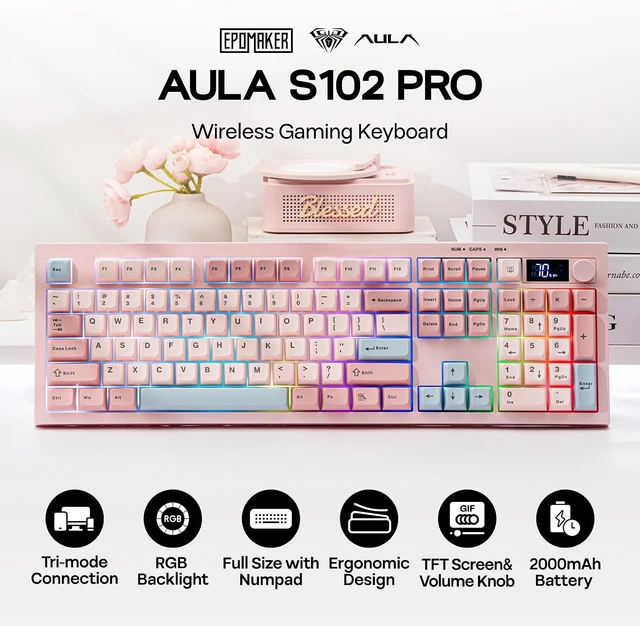
The S102 PRO rechargeable keyboard features a 2000mAh high-capacity battery with low power consumption and extended endurance, delivering up to 150 hours of use (backlight off) and 25 hours (backlight on) on a single charge.
Tips: This keyboard charges when plugged in – always use a computer USB port for charging; direct power adapter use may damage the battery.
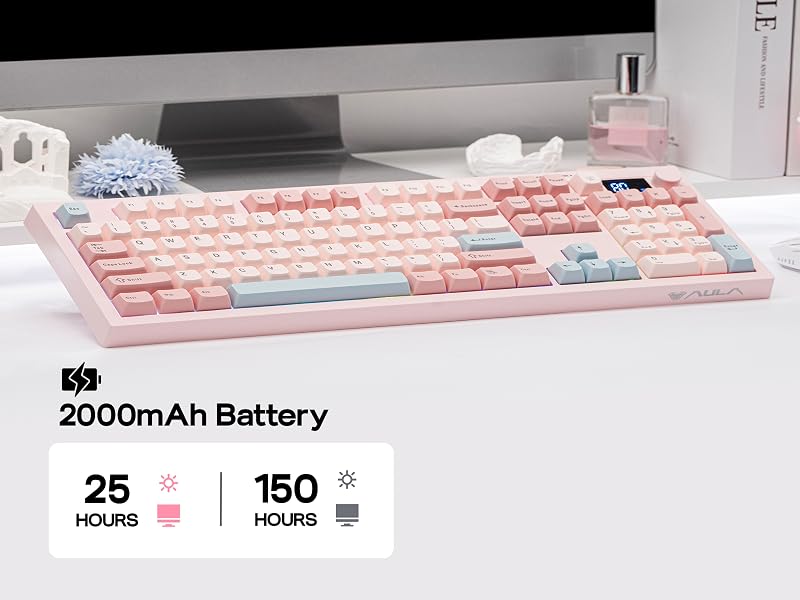
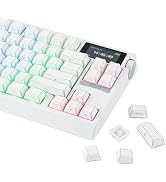
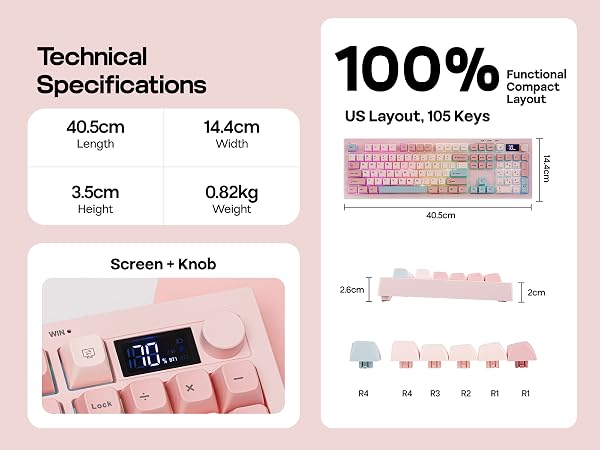
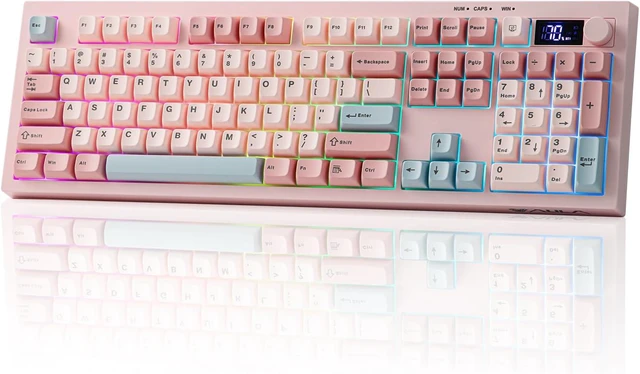
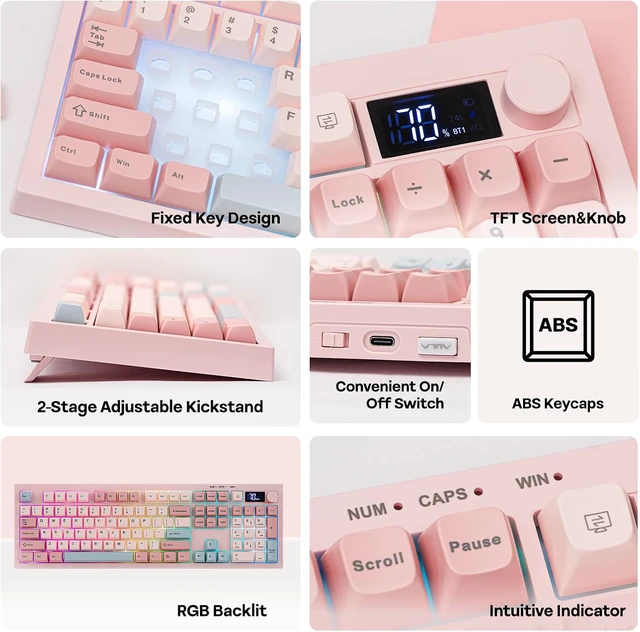
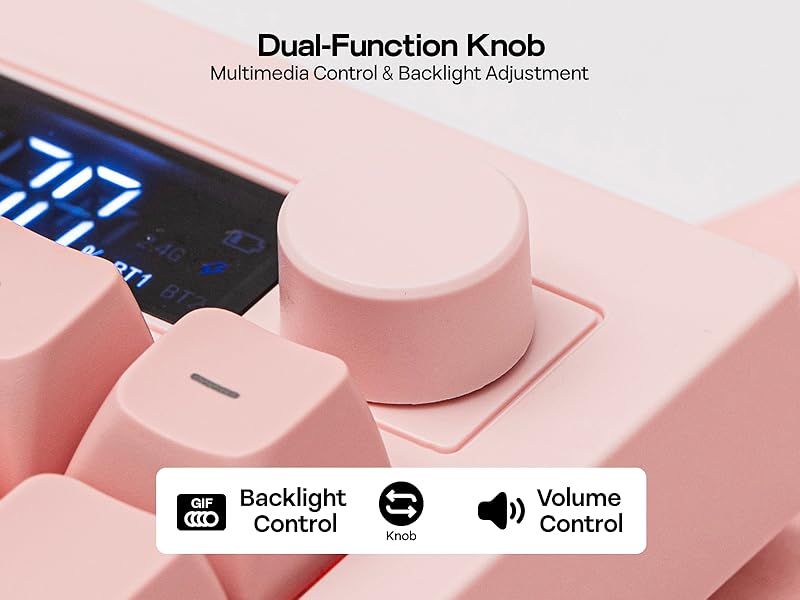
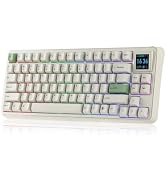
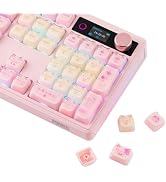
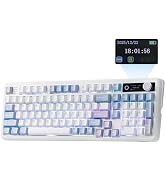
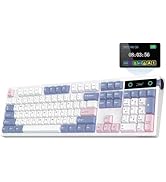
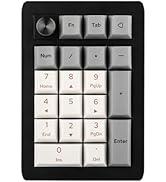
The S102 PRO full-size keyboard comes with an integrated numeric keypad, intuitive display and dual-function rotary knobs. The numeric keypad boosts efficiency for financial tasks, the display clearly shows battery level, charging status and keyboard connection mode, and the dual knobs offer easy control of volume, multimedia playback and backlight settings.
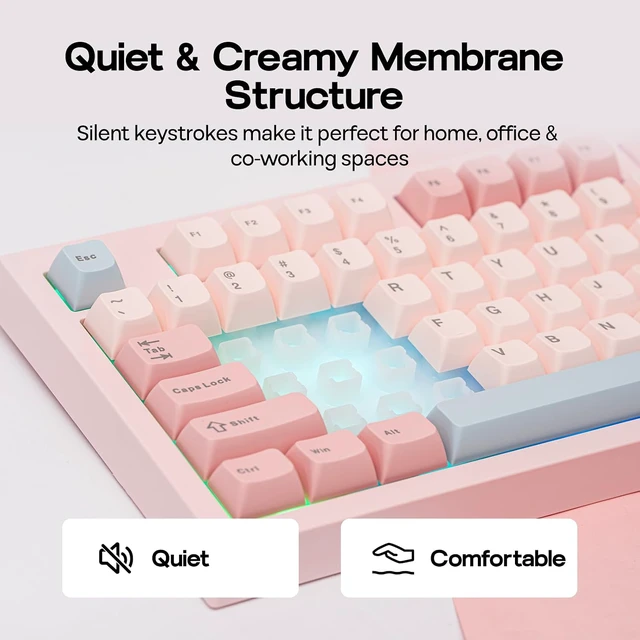
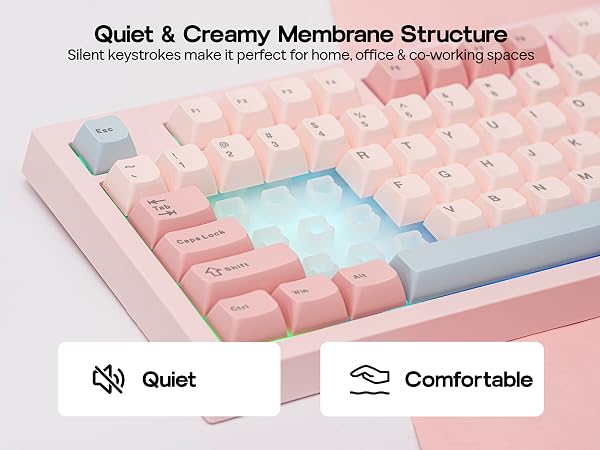
Enjoy a peaceful typing experience with the S102 PRO silent membrane keyboard. Perfect for shared workspaces or late-night productivity sessions, this feature ensures your keystrokes won't disturb those around you. Combine comfort and consideration in one sleek design.
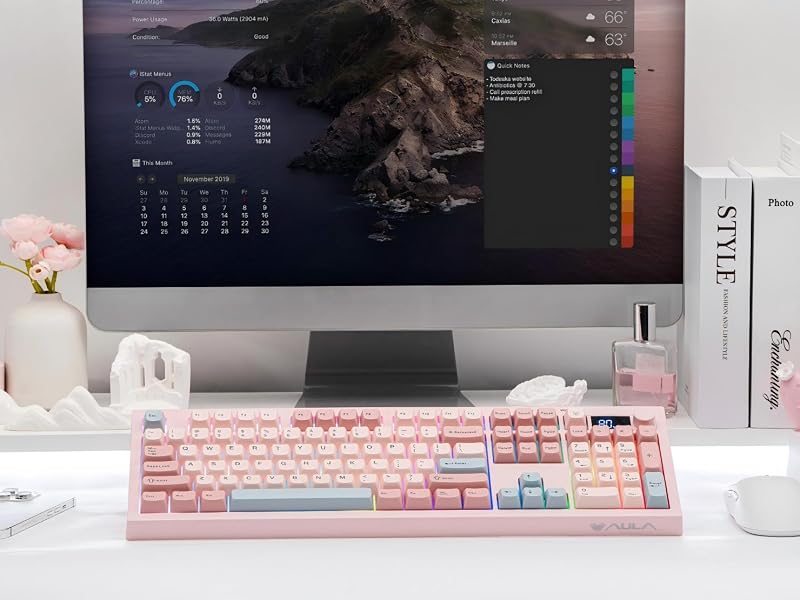
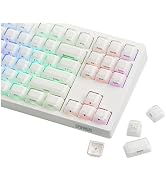
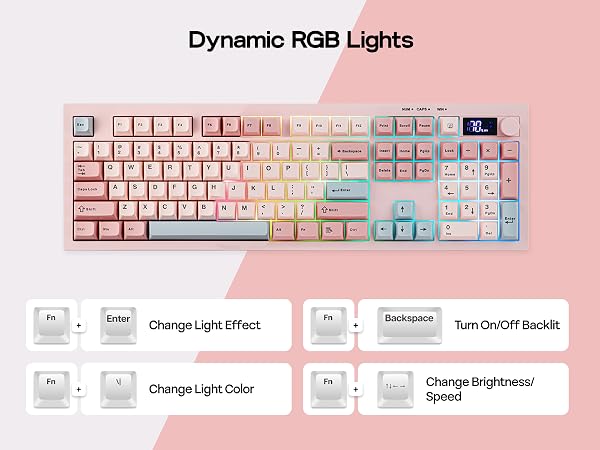
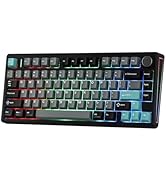
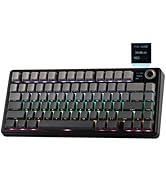
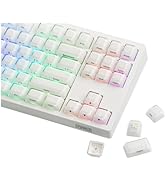
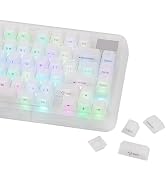
Upgrade to the S102 PRO Creamy Keyboard and effortlessly boost your office productivity. It boasts a rich selection of pre-set dynamic RGB lighting effects, from gentle breathing modes to eye-catching flowing gradients—each carefully calibrated. Brightness can be freely adjusted via the top knob or key combinations.

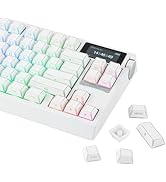
S102 PRO full-size keyboard with a built-in screen and control knob comes with an integrated numeric keypad, greatly boosting office efficiency. The dual-function volume knob supports volume adjustment, mute control, and backlight switching, while the screen displays key information in real time, including battery level and keyboard connection status.
Does it have programmable keys?
The S102 PRO keyboard is not equipped with dedicated software, so custom key functions, macro settings, and personalized backlight customization are not supported.
Is this keyboard noisy while typing?
The S102 PRO membrane keyboard offers an ultra-quiet, comfortable typing experience, perfect for offices and shared working spaces.
Does the backlight remain on continuously?
No. In wireless mode, the backlight will automatically turn off after 6 minutes of inactivity, and the keyboard will enter power-saving mode (light sleep after 6 minutes, deep sleep after 30 minutes). Press any key to wake the keyboard.
How is the battery level displayed?
The battery level is shown in 10% increments. Please note that the displayed percentage is not fully accurate, with a typical deviation of around 10%.
How to wake up the keyboard from sleep mode?
Please press any key twice in succession to wake the keyboard.


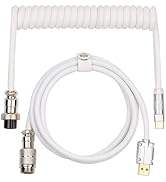
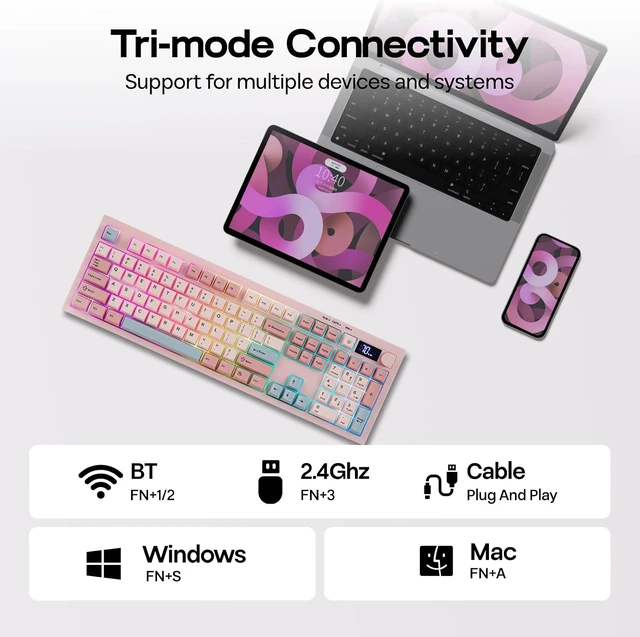
The S102 PRO gaming keyboard supports Mac/Win (FN+A/S) and 3 connection modes: 2.4Ghz wireless (FN+3) for late-night PC gaming, BT (FN+1/2) for seamless switching between 2 paired devices, and USB A-to-C for instant out-of-the-box plug-and-play.
The S102 PRO rechargeable keyboard features a 2000mAh high-capacity battery with low power consumption and extended endurance, delivering up to 150 hours of use (backlight off) and 25 hours (backlight on) on a single charge.
Tips: This keyboard charges when plugged in – always use a computer USB port for charging; direct power adapter use may damage the battery.
The S102 PRO full-size keyboard comes with an integrated numeric keypad, intuitive display and dual-function rotary knobs. The numeric keypad boosts efficiency for financial tasks, the display clearly shows battery level, charging status and keyboard connection mode, and the dual knobs offer easy control of volume, multimedia playback and backlight settings.
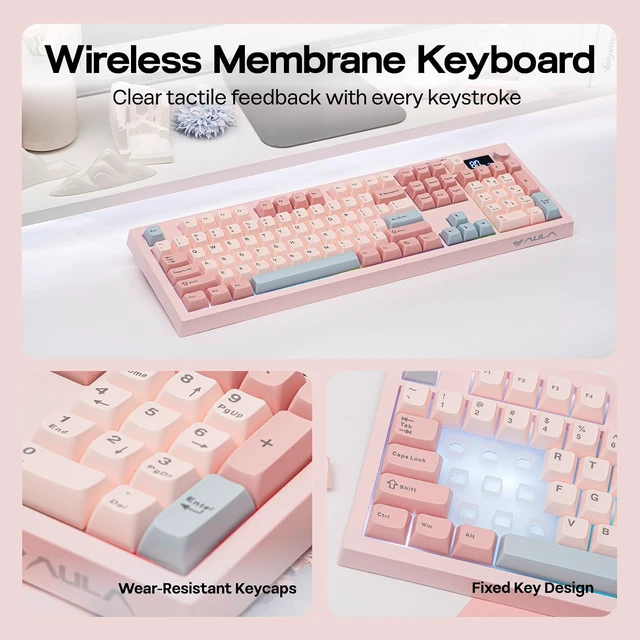
Enjoy a peaceful typing experience with the S102 PRO silent membrane keyboard. Perfect for shared workspaces or late-night productivity sessions, this feature ensures your keystrokes won't disturb those around you. Combine comfort and consideration in one sleek design.
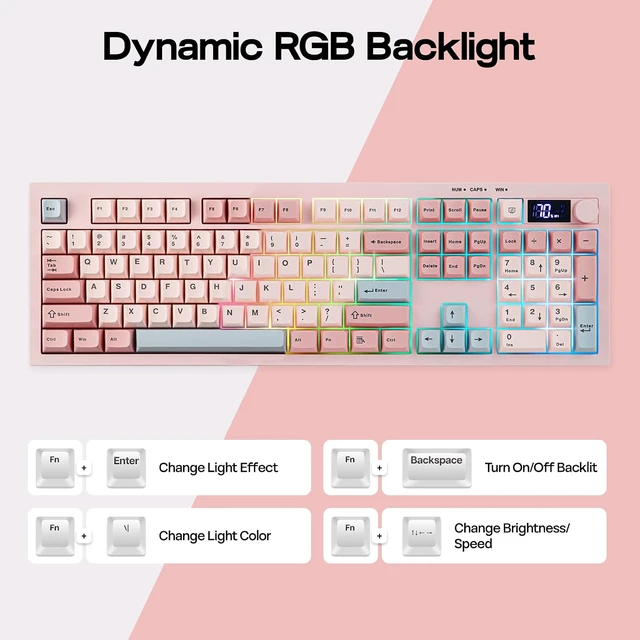
Upgrade to the S102 PRO Creamy Keyboard and effortlessly boost your office productivity. It boasts a rich selection of pre-set dynamic RGB lighting effects, from gentle breathing modes to eye-catching flowing gradients—each carefully calibrated. Brightness can be freely adjusted via the top knob or key combinations.
S102 PRO full-size keyboard with a built-in screen and control knob comes with an integrated numeric keypad, greatly boosting office efficiency. The dual-function volume knob supports volume adjustment, mute control, and backlight switching, while the screen displays key information in real time, including battery level and keyboard connection status.
Does it have programmable keys?
The S102 PRO keyboard is not equipped with dedicated software, so custom key functions, macro settings, and personalized backlight customization are not supported.
Is this keyboard noisy while typing?
The S102 PRO membrane keyboard offers an ultra-quiet, comfortable typing experience, perfect for offices and shared working spaces.
Does the backlight remain on continuously?
No. In wireless mode, the backlight will automatically turn off after 6 minutes of inactivity, and the keyboard will enter power-saving mode (light sleep after 6 minutes, deep sleep after 30 minutes). Press any key to wake the keyboard.
How is the battery level displayed?
The battery level is shown in 10% increments. Please note that the displayed percentage is not fully accurate, with a typical deviation of around 10%.
How to wake up the keyboard from sleep mode?
Please press any key twice in succession to wake the keyboard.





|
Model |
S102 PRO |
|---|---|
|
Keyboard Type |
Tri-Mode Membrane Keyboard |
|
Sound |
Silent Membrane Keyboard |
|
Feel |
Creamy Membrane Keyboard with Silicone Structure |
|
Layout |
Full Sized Gaming Keyboard |
|
Number of Keys |
105 Keys |
|
Knob |
Volume Knob |
|
Battery |
2000mAh Battery |
|
Tri-Mode Connectivity |
2.4Ghz/BT/USB Wired |
|
Connection Shortcut |
FN+1/2=BT1/2, FN+3=2.4Ghz |
|
Compatibility |
Mac/WIN/Android (FN+S=WIN, FN+A=Mac) |
|
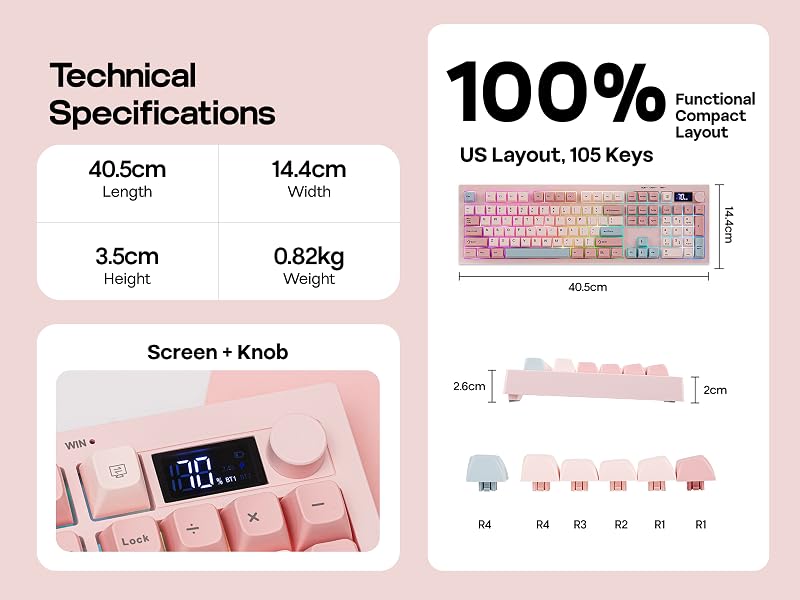
Keyboard Dimensions |
40cm*14.5cm*3.5cm |
|
Keyboard Weight |
0.86kg |
|
Height (CTRL Side) |
2cm |
|
Height (ESC Side) |
2.6cm |
|
Typing Angle |
Adjustable with 2-stage kickstand: 4.3, 6.4 and 9.2 degrees. |
|
Case Material |
ABS Plastic |
|
Keycaps Profile |
Cherry Profile |
|
Keycaps Material |
ABS Plastic |
|
RGB |
Full Board RGB Light |
|
Polling Rate |
125Hz |
|
Latency |
13-20ms latency for casual gaming, office work or university use. |