

Your Browsing History



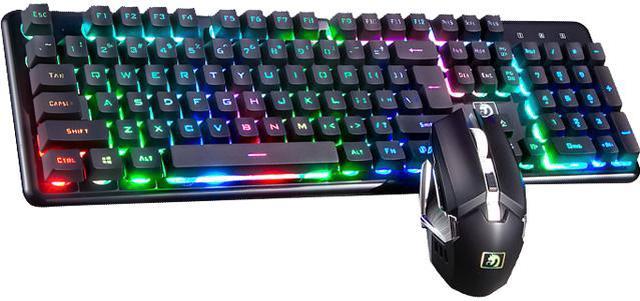
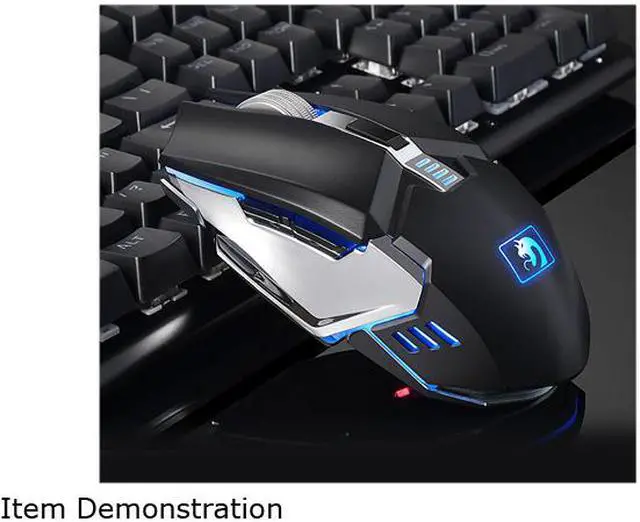
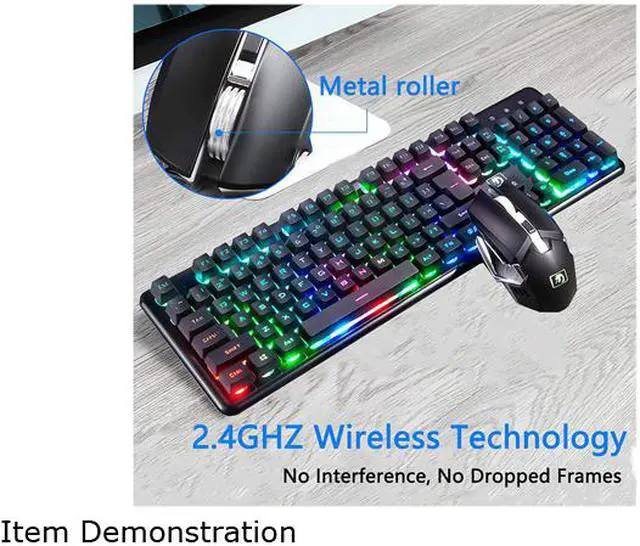


Wireless Gaming Keyboard Mouse Combo, Rechargable RGB Backlit Mechanical Feel Waterproof Keyboard With 2400DPI Gaming Mouse for Laptop PC Gamer
- The two colors of ABS particles are melted and the characters are not faded.
- The texture of the key cap is delicate.
- When the keyboard is not resting for more than 5 minutes, the keyboard automatically turns off.
- Adopt ergonomic streamline high and low key position layout, adapt to the human hand tapping the keyboard movement arc, feel comfortable!
- Only charge twice a year, keyboard: built-in 4000mAh battery, mouse: built-in 800mAh battery
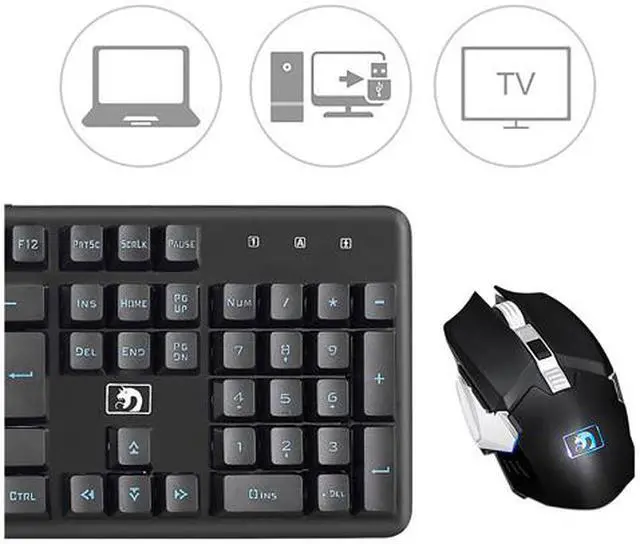
- System support: Widows XP, Windows 7,Windows 8, Win10,Macintosh,OS2 2.0 more than
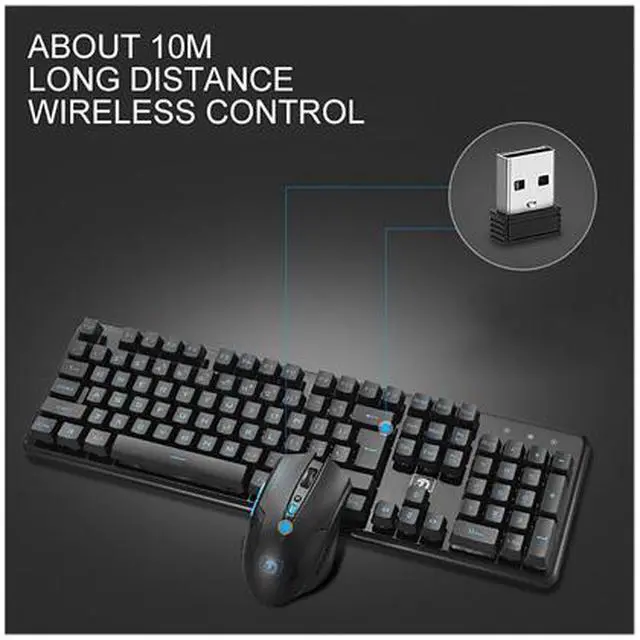
- This keyboard & mouse connect to the computer through USB receiver, USB receiver is put in the bottom of mouse, plug into to idle USB port of your computer (turn on the switch of keyboard & mouse), they can work, partial computers need to pair keyboard & mouse at the first-time use , please read user manual and pair them at your first-time use.
Overview
Specs
Reviews (14)
See all Q & A 
Any questions? Our AI mode will help you find out quickly.
Try me now
Keyboard Specifications:
Keys: 104 key
Built-in battery capacity: 4000mAh
Light Effects: RGB Backlit
Keyboard Size: 485x190x35mm
Mouse Specifications:
Adjustable 4 DPI: 800-1200-1600-2400
Button: 6 Buttons
Built-in Battery Capacity: 800mAh
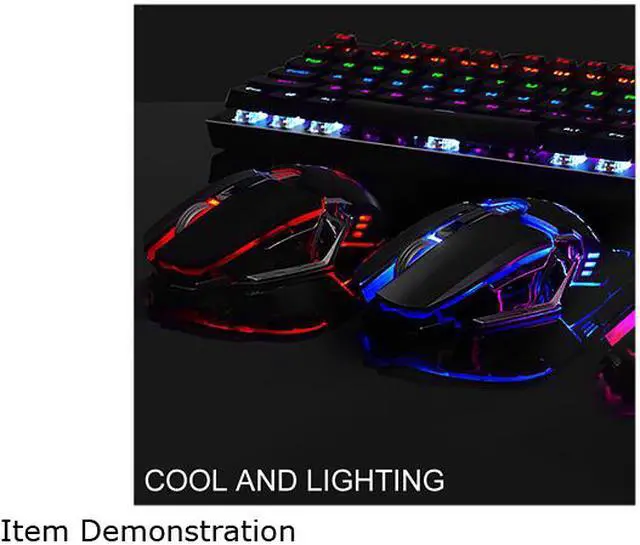
Light Effects: 7 monochrome color auto switching breathing mode, not adjustable
Mouse Size: 125x65x40mm
Package Included:
1 x RGB Backlight Keyboard
1x Gaming Mouse
1 x Charging Cable
1x User Manual
Recently some of customers mention they dont know how to connect keyboard & mouse, the following information provided is for customer convenience!
How to connect this keyboard & mouse to your computer At First-Time Use:
keyboard and mouse use a common USB receiver (not need a bluetooth function), this USB receiver is put in the bottom of the mouse, please take it out and plug into your idle USB port of your computer. Before you connect, please adjust the switch of keyboard & mouse to ON position(turn on the switch). if not work (most of computers not need this step, it can directly work), please Pair them At First-time Use as follows, or you can read it in our user manual.
How to pair keyboard and mouse:
For mouse: Pull out USB receiver from Computer USB port, push the switch to ON position, press rolling wheel in the middle of mouse and right button of the mouse for seconds at the same time, then plug USB receiver into USB port of computer for pairing the connecting code automatically.
For keyboard: Pull out USB receiver from Computer USB port, push the switch to ON position, press ESC key + K key till the indicator flash, then plug USB receiver into USB port of the computer for pairing the connecting code automatically, successfully paired the code, the indicator will be light-off.
Kind tips:
If the light of snake head icon of mouse become dimmer or light-off, mouse battery power is weak, please charge the mouse.
If keyboards number lock key flashes, keyboards battery power is weak, please charge the keyboard.
If you find the key typing or mouse movement has a little latency issue, it may be caused by weak battery power of keyboard or mouse or by signal interference, Re-pair them (caused by signal interference) or charging will be resolved.
Warranty & Returns
Warranty, Returns, And Additional Information
Warranty
- Please contact the Seller directly for warranty information. Warranty information may also be found on the Manufacturer's website.
- CONTACT
Return Policies
- Return for refund within: 30 days
- Return for replacement within: 30 days
- This item is covered by Tong8way Return Policy
Manufacturer Contact Info
- For a directory of all our manufacturers, please click below.
- Manufacturers Directory
LOADING...