

Your Browsing History
- Free 30-day Returns
$23.51



Meet Your Seller



Visit TAURKENAM Store
FOLLOW
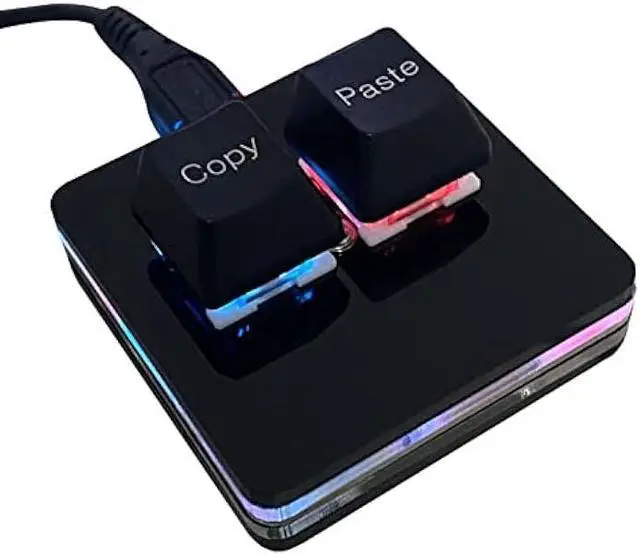
BTXETUEL Copy and Paste 2-Key Keyboard SAYO OSU Keypad Hotswap One Handed Mechanical Gaming Keyboard Cherry Switch RGB Backlit Mini USB Keypad for macros or Rhythm Games
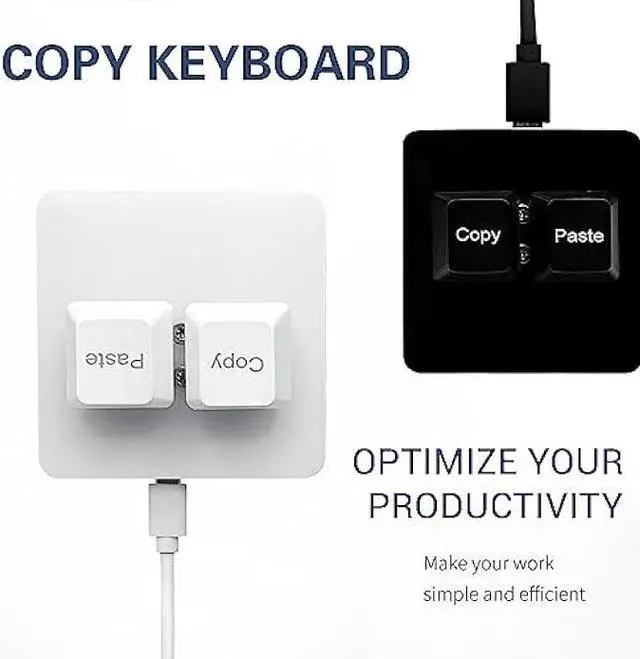
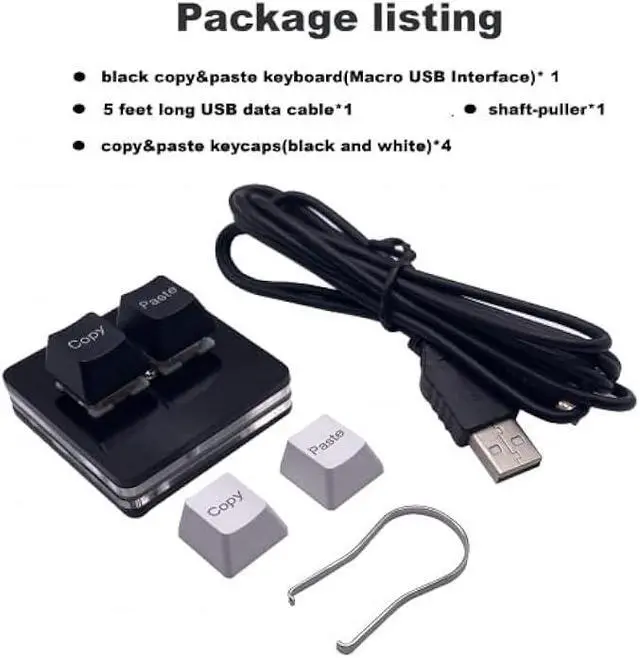
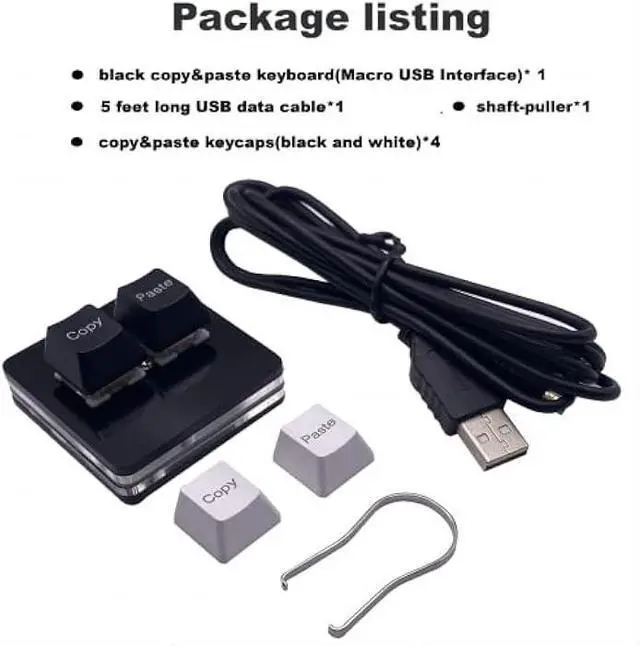
- Package Listing 1*mini 2-key black keyboard 1*shaft-puller 1*5 feet long USB data cable 2*copy&paste keycaps(black and white)
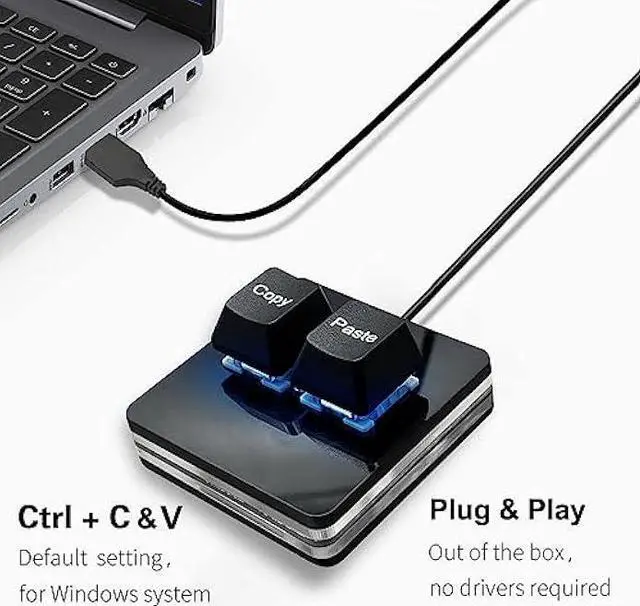
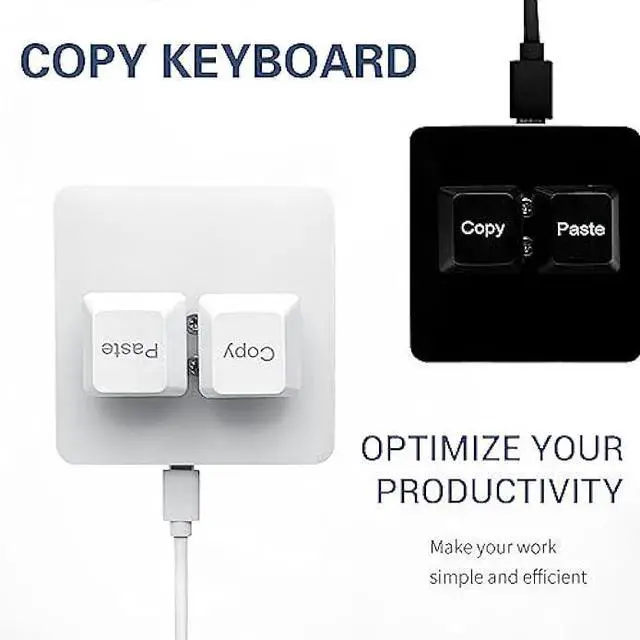
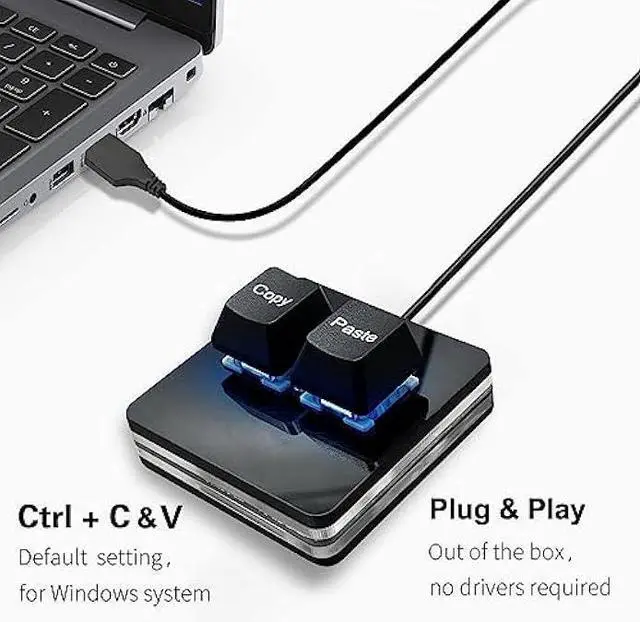
- Copy KeyboardFor Windows Userthis is Plug and Play, Out of the Box, no Software and Website Required for Copying and Pasting.
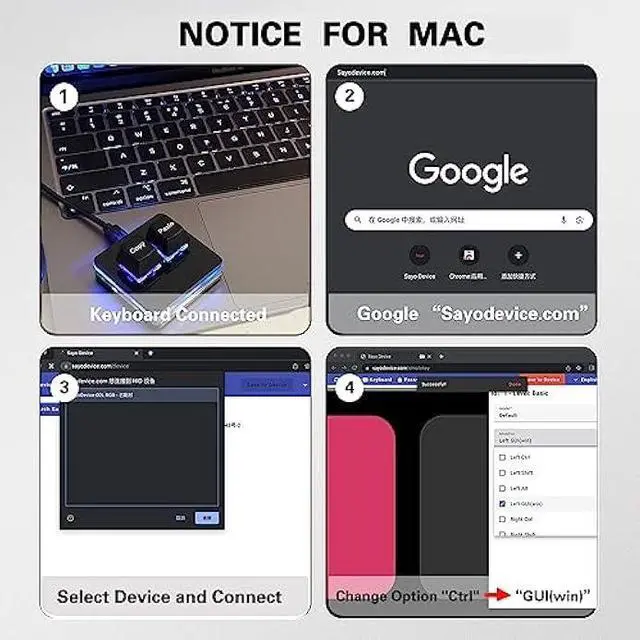
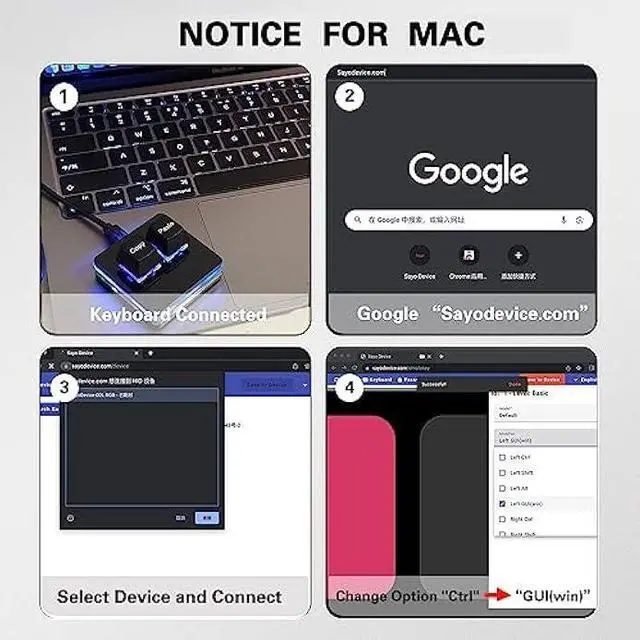
- Mac User Notice Before using, you need to connect the keyboard to the MAC computer, open the webpage link SayoDevice. com, and manually configure the settings for the two buttons: Left Button=GUI(win)+C, Right Button=GUI(win)+V.
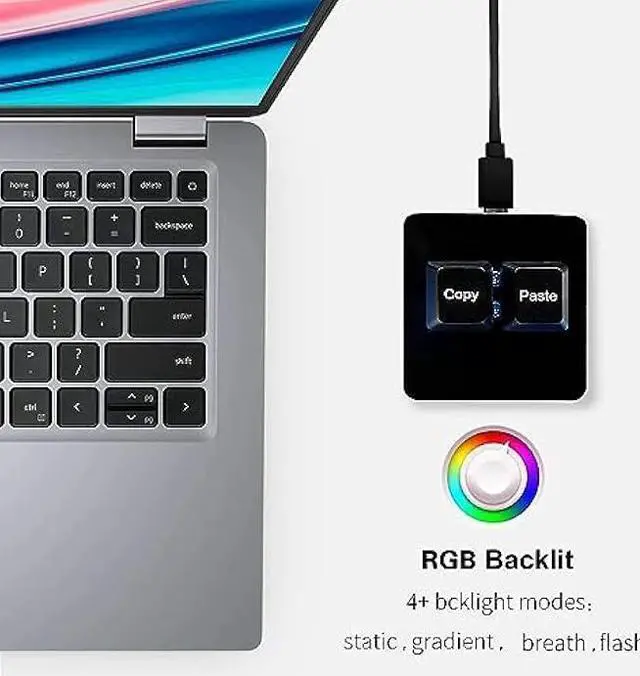
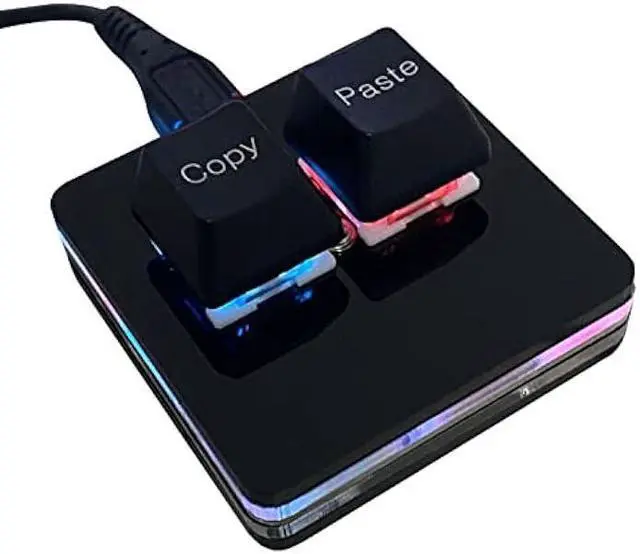
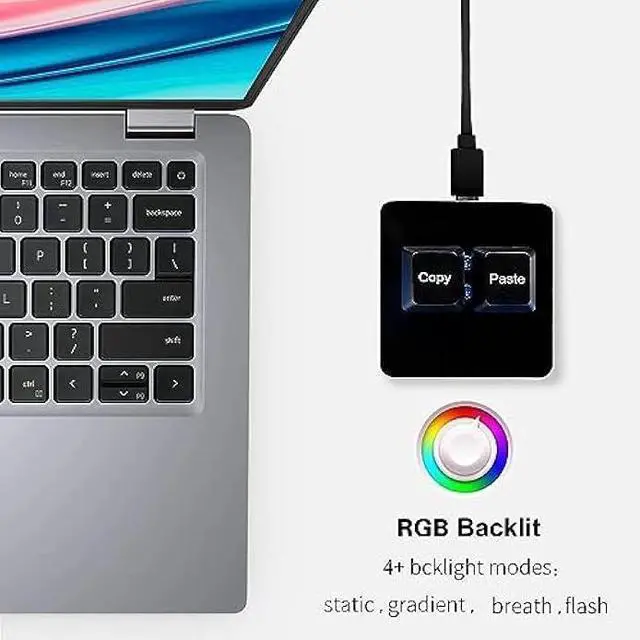
- Functions The default function is Copy and Paste. You can also use other functions, such as Shortcut keys, Multi-step operation, Multi-key in one, Cut, Undo, Redo, Select all, Play, Pause, Volume, Switch song, Forward, Backward, Custom script, etc. You can control the light color and gradient mode of the case you want through the software or website.
- Programming Programming by Softwarehttps://dl.sayobot.cn/setting.zipOnly for Windows System. Programming by WebsiteSayoDevice.comfor
+
+
Overview
Specs
Reviews

Any questions? Our AI mode will help you find out quickly.
Try me now
Package Listing 1*mini 2-key black keyboard 1*shaft-puller 1*5 feet long USB data cable 2*copy&paste keycaps (black and white)
Copy KeyboardFor Windows Userthis is Plug and Play, Out of the Box, no Software and Website Required for Copying and Pasting.
Mac User Notice Before using, you need to connect the keyboard to the MAC computer, open the webpage link SayoDevice. com, and manually configure the settings for the two buttons: Left Button=GUI (win) +C, Right Button=GUI (win) +V.
Functions The default function is Copy and Paste. You can also use other functions, such as Shortcut keys, Multi-step operation, Multi-key in one, Cut, Undo, Redo, Select all, Play, Pause, Volume, Switch song, Forward, Backward, Custom script, etc. You can control the light color and gradient mode of the case you want through the software or website.
Programming Programming by Softwarehttps: //dl. sayobot. cn/setting. zipOnly for Windows System. Programming by WebsiteSayoDevice. comfor MacOSLinux and also Windows Systems. Programming is fairly straightforward, and the programming app and page has an understandable English translation.
Copy KeyboardFor Windows Userthis is Plug and Play, Out of the Box, no Software and Website Required for Copying and Pasting.
Mac User Notice Before using, you need to connect the keyboard to the MAC computer, open the webpage link SayoDevice. com, and manually configure the settings for the two buttons: Left Button=GUI (win) +C, Right Button=GUI (win) +V.
Functions The default function is Copy and Paste. You can also use other functions, such as Shortcut keys, Multi-step operation, Multi-key in one, Cut, Undo, Redo, Select all, Play, Pause, Volume, Switch song, Forward, Backward, Custom script, etc. You can control the light color and gradient mode of the case you want through the software or website.
Programming Programming by Softwarehttps: //dl. sayobot. cn/setting. zipOnly for Windows System. Programming by WebsiteSayoDevice. comfor MacOSLinux and also Windows Systems. Programming is fairly straightforward, and the programming app and page has an understandable English translation.
Warranty & Returns
Warranty, Returns, And Additional Information
Warranty
- Please contact the Seller directly for warranty information. Warranty information may also be found on the Manufacturer's website.
- CONTACT
Return Policies
- Return for refund within: 30 days
- Return for replacement within: 30 days
- This item is covered by TAURKENAM Return Policy
Manufacturer Contact Info
- For a directory of all our manufacturers, please click below.
- Manufacturers Directory
LOADING...
LOADING...