



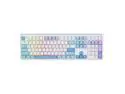
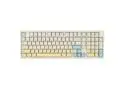
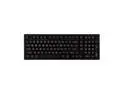
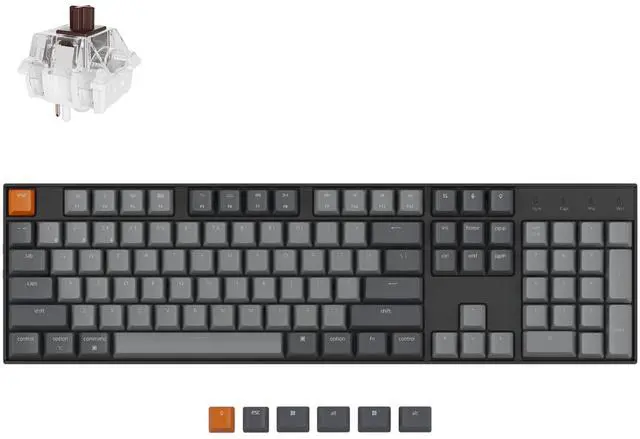




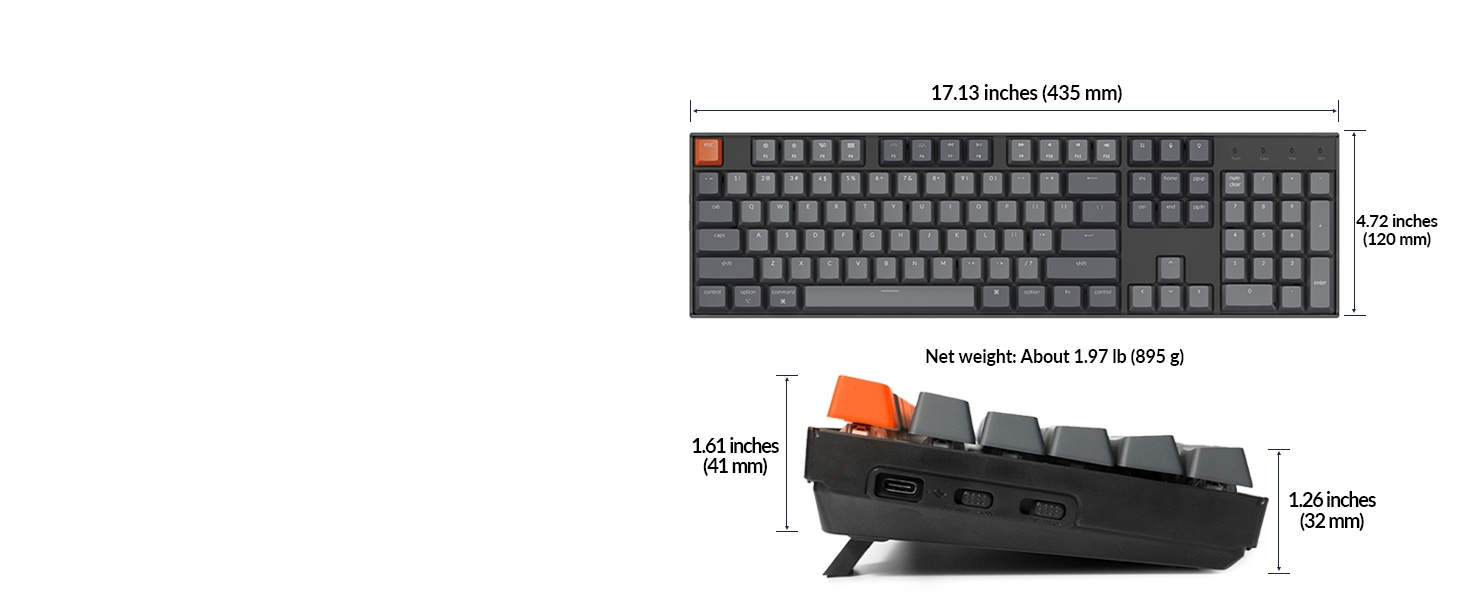
104-keys
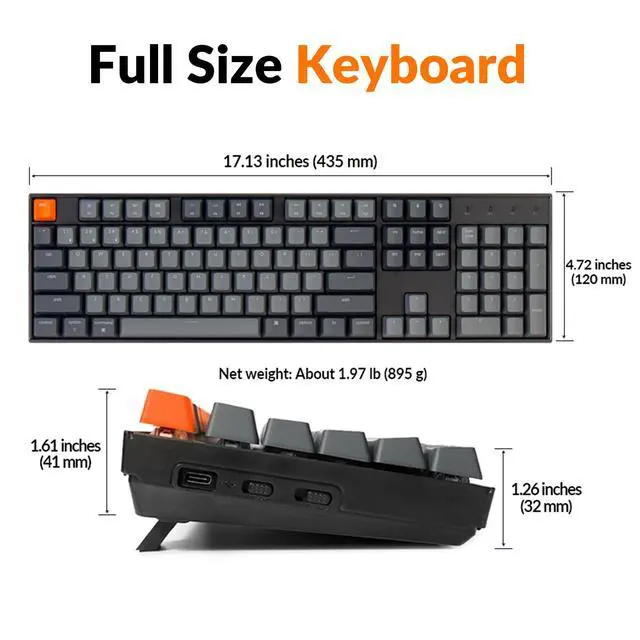
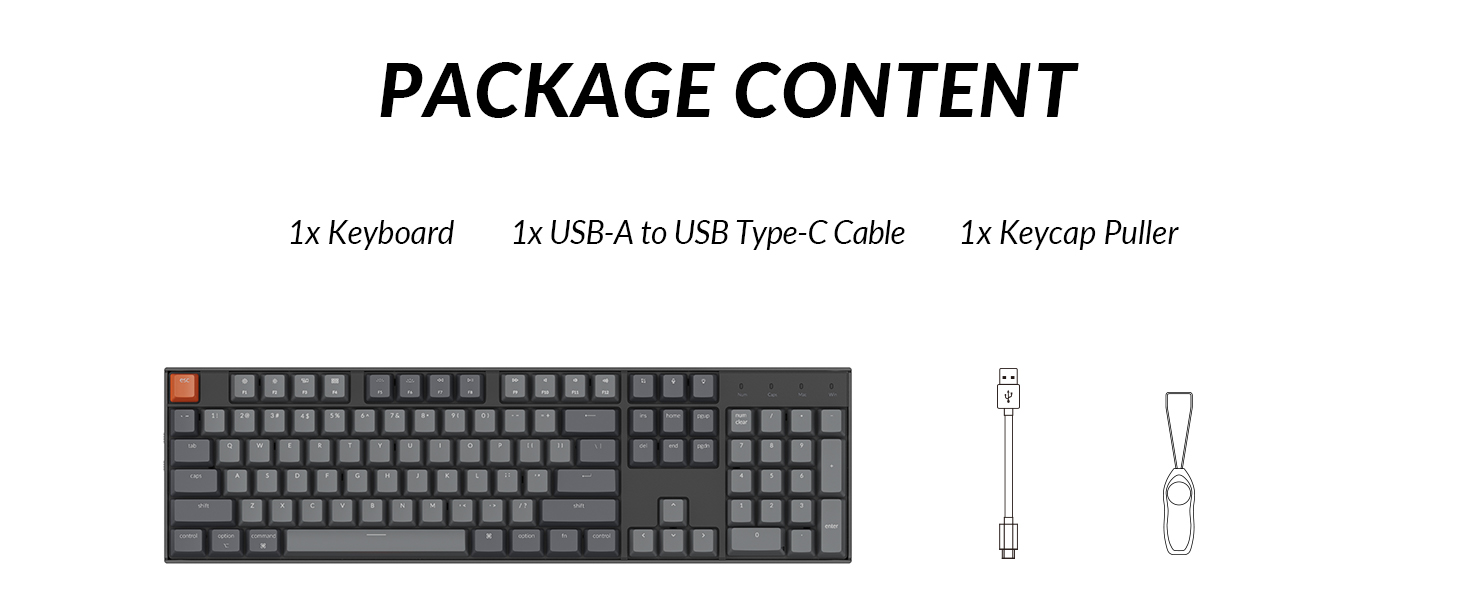
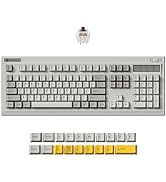
Comes with a 104 key full size layout
A full size layout (104-key) white backlight Bluetooth mechanical keyboard.
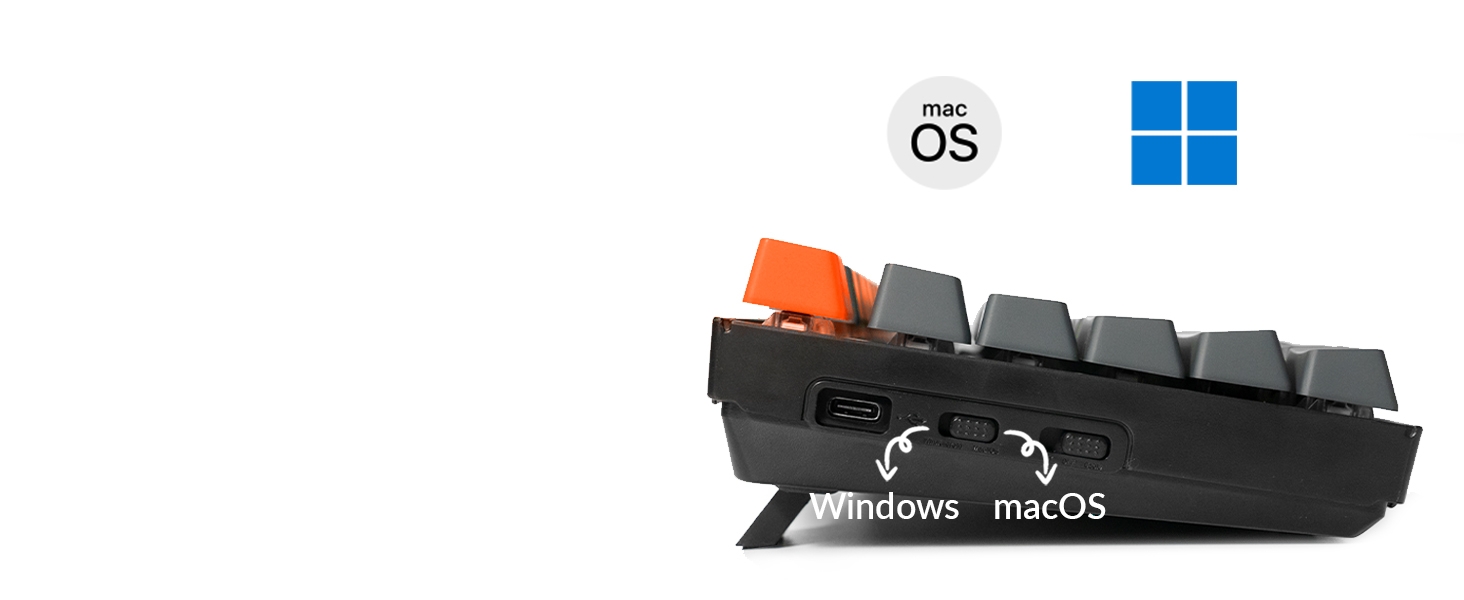
Switch Operating Systems
Support macOS / Windows
Just plug and use, Extra keycaps for both Windows and Mac operating systems are included.
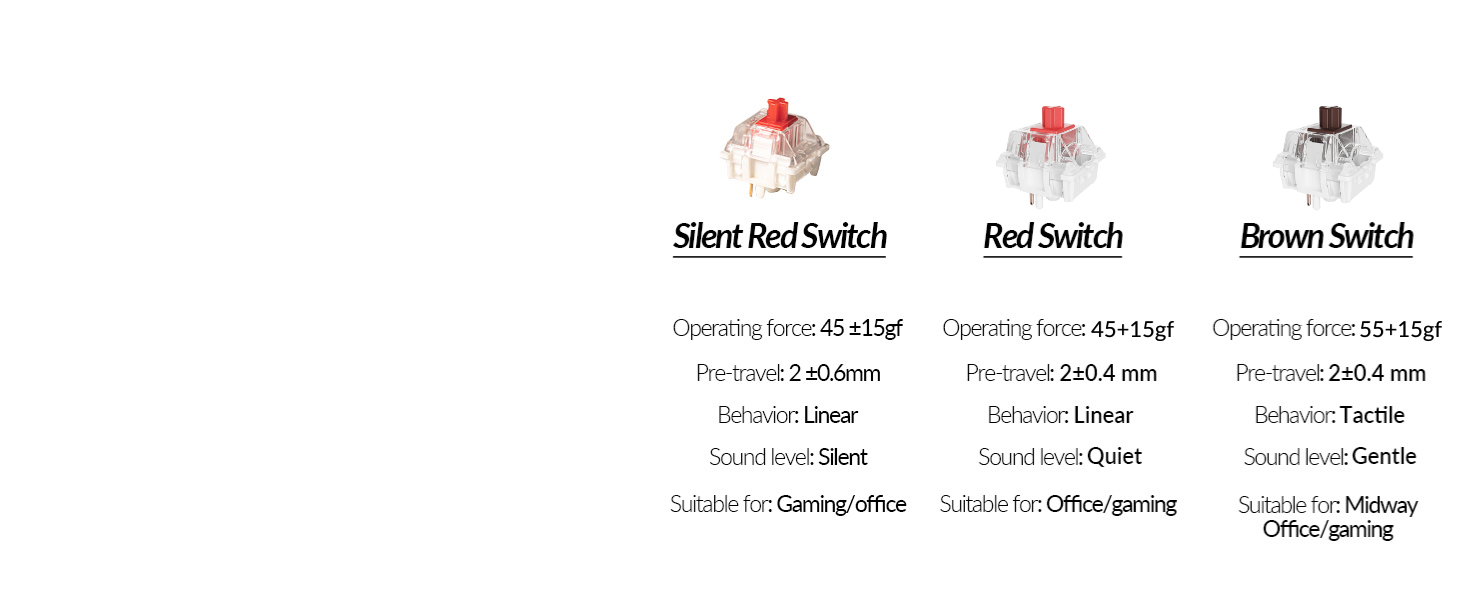
Keychron Super Switch
With the Keychron Super mechanical Switch
We’ve got you covered with three Keychron Switch options (Silent Red, Red, Brown).
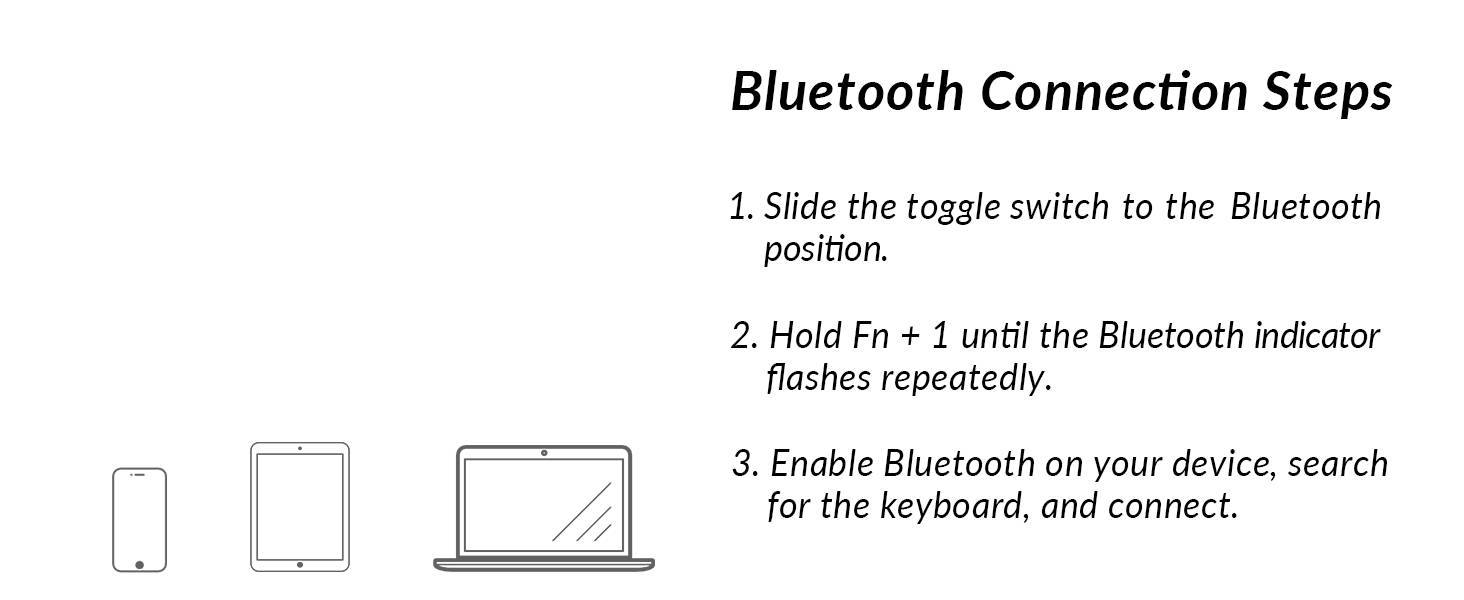
Wireless and Wired
Multi-Device Connectivity
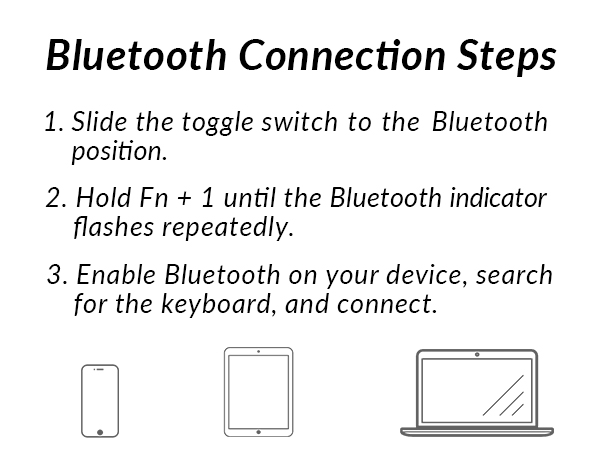
Connect up to 3 devices via the stable Broadcom Bluetooth 5.1 chipset and switch easily.
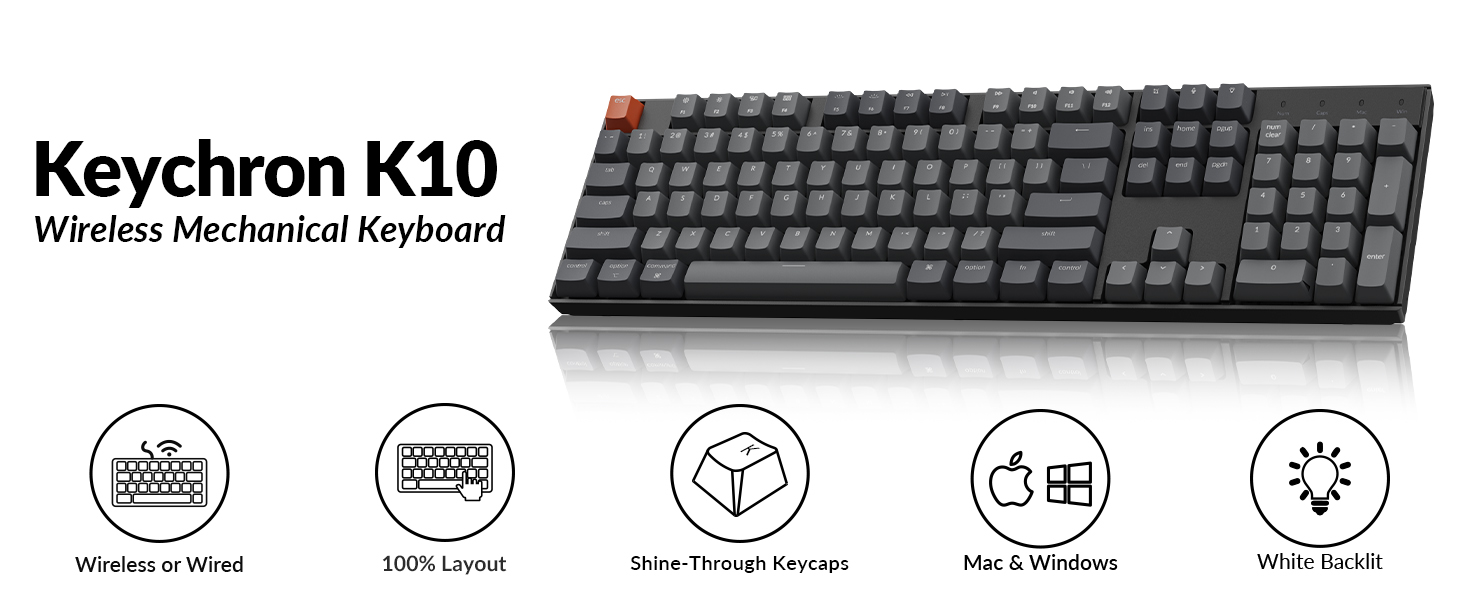
Keychron K10 Wireless Mechanical Keyboard
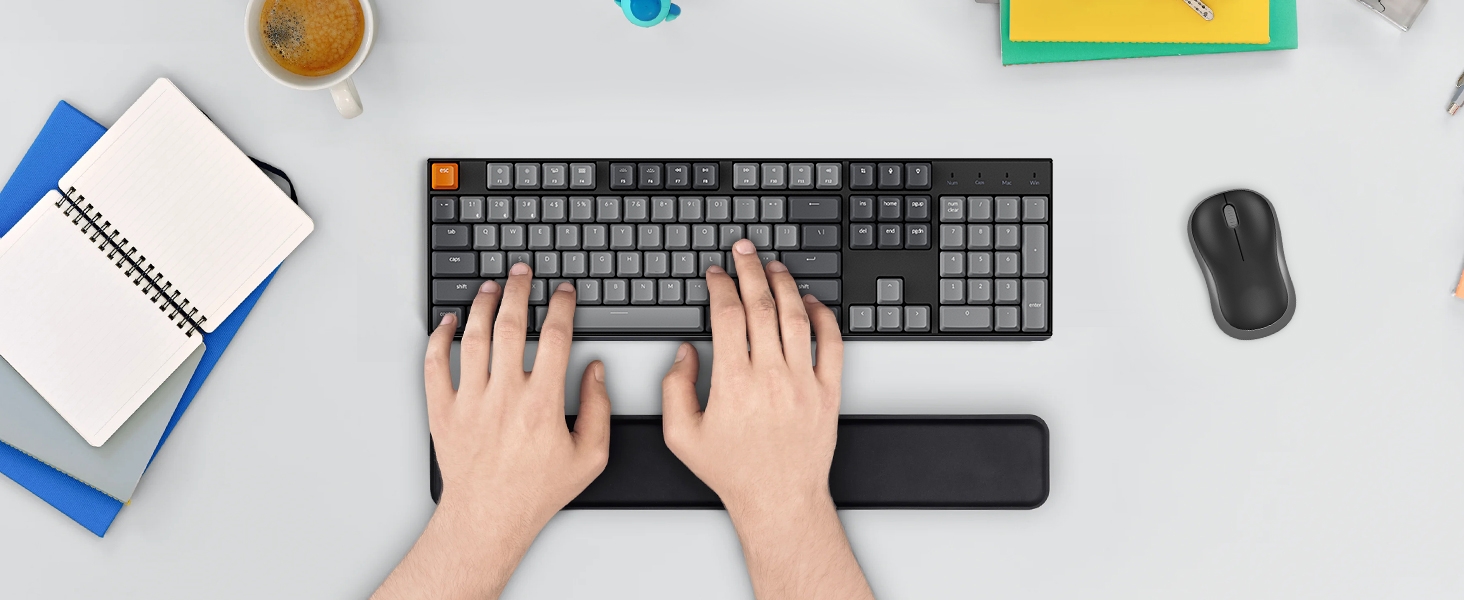
Keychron K10 is a full size layout (104-key) white backlight Bluetooth mechanical keyboard for Mac and which setting up a good example of space-efficient usage.
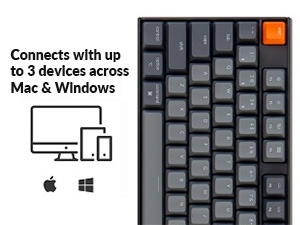
For Mac & Windows
With a unique Mac layout and Windows compatibility, the K10 is offering convenient accessibility to all the essential multimedia and function keys.
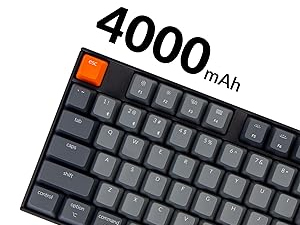
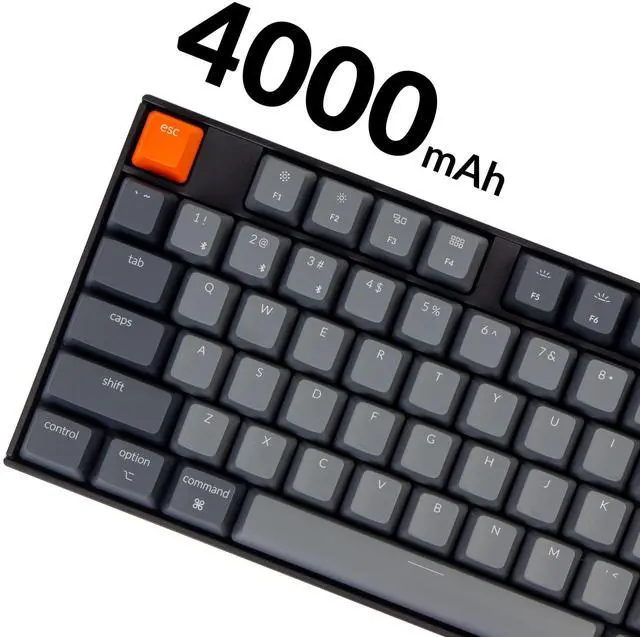
4000mAh Big Battery
The K10 can last up to 240 hours (with backlit disabled) with a 4000 mAh big battery, which is one of the biggest in mechanical keyboards.
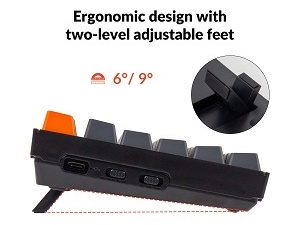
Ergonomic Support
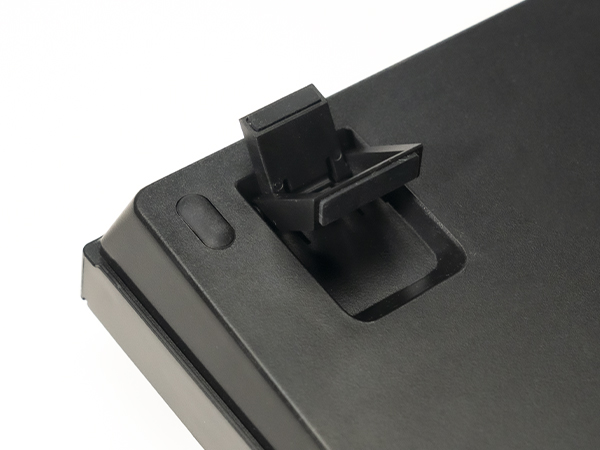
Two-level adjustable feet, an inclined bottom frame, and curved OEM profile keycaps, all working together to provide long-lasting ergonomic support.
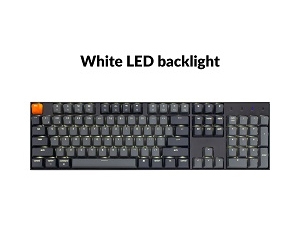
White LED Backlight
White backlight that is always in sync with your mood to keep you productive. Easily cycle to different backlight schemes using the light bulb key.
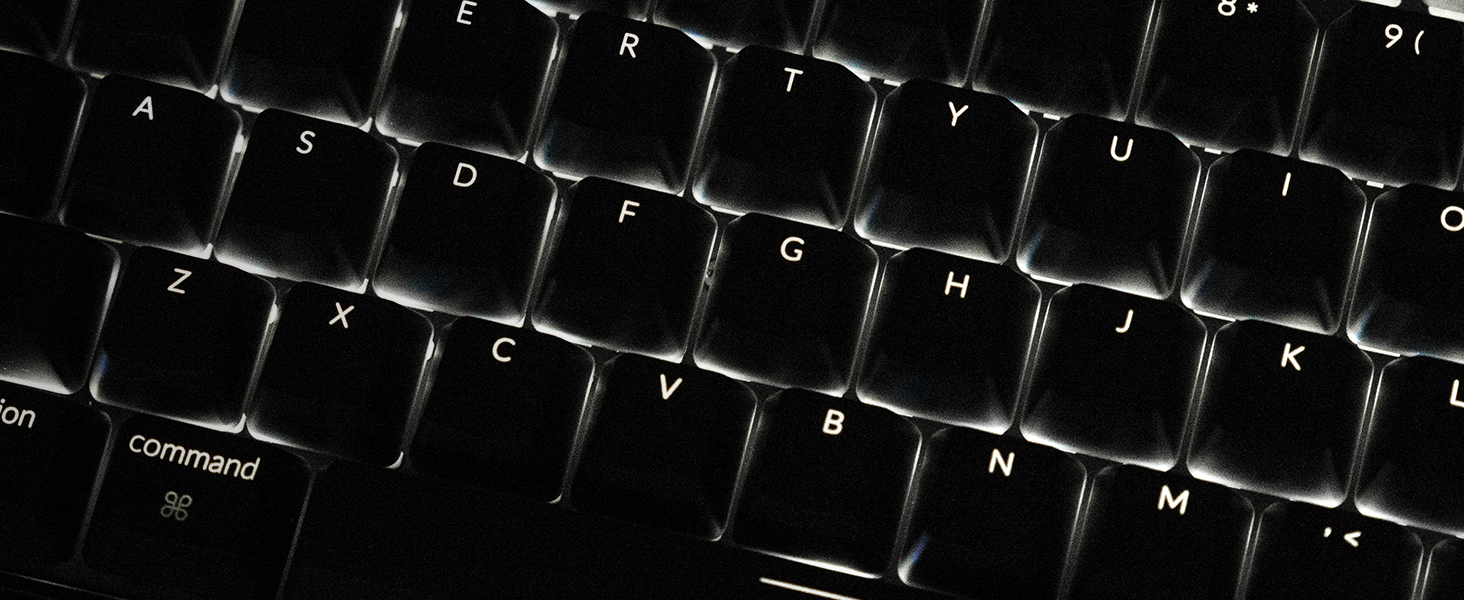
White LED Backlight
Charming white backlight that is always in sync with your mood to keep you happy and productive. Easily cycle to different backlight schemes using the light bulb key.
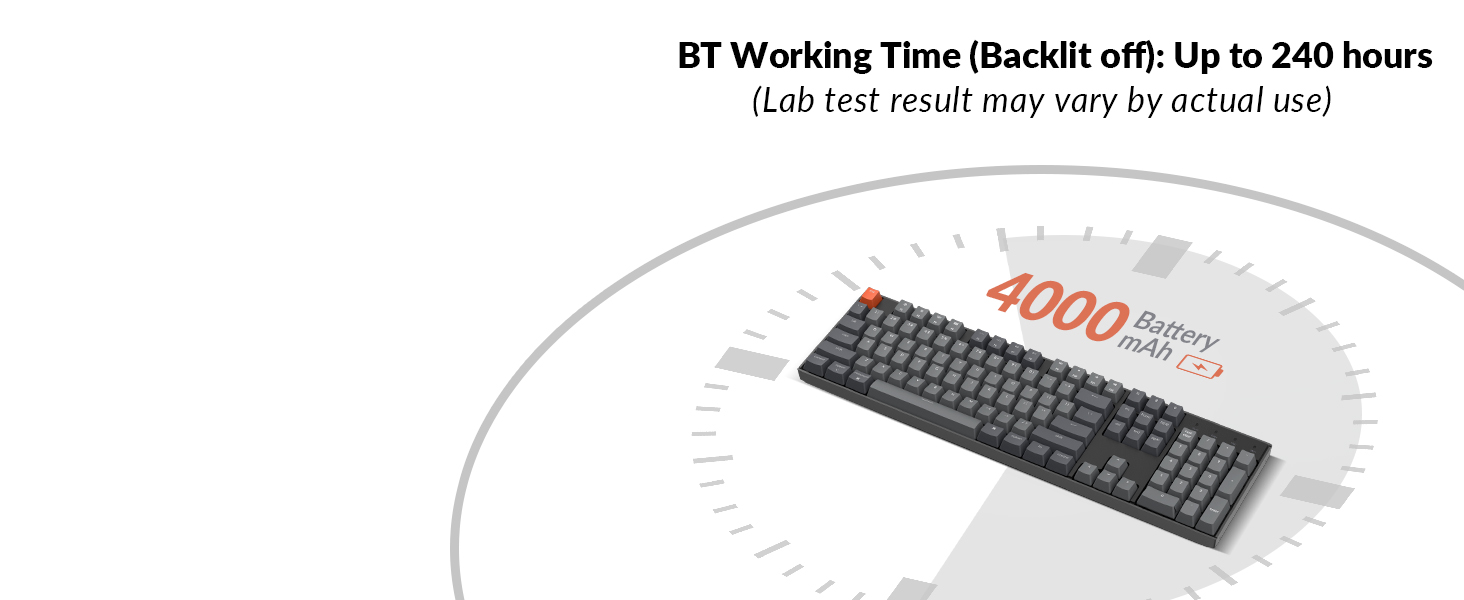
4000mAh Big Battery
The K10 can last up to 240 hours (with backlit disabled) with a 4000 mAh big battery, which is one of the biggest in mechanical keyboards. N-key rollover (NKRO) on wired mode or 6KRO on wireless mode.
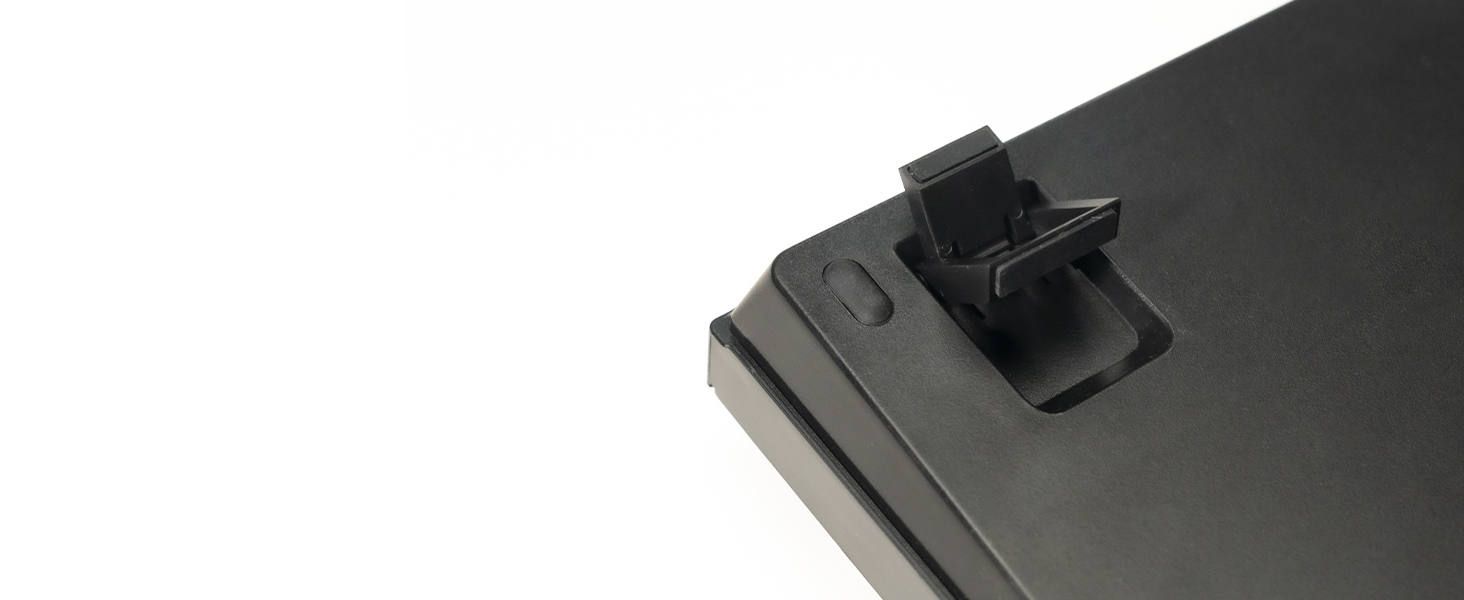
Ergonomic Support
Two-level adjustable feet, an inclined bottom frame, and curved OEM profile keycaps, all working together to provide long-lasting ergonomic support when you type on the K10.
Can't Type After Waking Up Mac?
This issue is caused by Apple's FileVault, which prevents third-party Bluetooth keyboards from unlocking the login screen.
Solutions:
1.Turn off FileVault to enable normal login.
2.Use a wired connection to enter your password.
Bluetooth Not Connecting? Try These Steps:
1.Reset keyboard: Hold Fn + Z + J for 4s.
2.Power cycle all devices.
3.Disable auto-sleep: Hold Fn + S + O for 4s.
4.Test with other devices to confirm keyboard functionality.
Bluetooth Not Connecting (For macOS)?
1.Check Mac’s Wi-Fi and Bluetooth interference: see troubleshooting guide for details.
2.Try these troubleshooting tips: see troubleshooting guide for details.
Bluetooth Not Connecting (For Windows)?
1.Uncheck "Allow the computer to turn off this device" in Device Manager > Power Management.
2.Update Bluetooth firmware if the keyboard still connects.
3.Reset the Bluetooth drivers on your PC.
One key does not work/register/input properly?
1.Remove the keycap and clean with compressed air.
2.If that fails, reset by holding Fn + Z + J for 4s.
3.Might be a switch issue—Gateron switches on your keyboard are soldered. Let us know if you'd like to replace soldered switches.
Note: Shortcut key operations are temporarily not supported
- fn + L + Light Effect Key (long press for 3s) - Lock/Unlock the Backlight Effect
- fn + S + O (Bluetooth mode, long press for 3s) - Disable/Enable the Auto Sleep Mode
- fn + S + L + R (Bluetooth mode, long press for3s) - Auto Sleep in 10 Minutes Without Typing
- fn + S + L + T (Bluetooth mode, long press for3s) - Auto Sleep in 20 Minutes Without Typing
- fn + S + L + Y (Bluetooth mode, long press for3s) - Auto Sleep in 30 Minutes Without Typing
- fn + J + Z (long press for 3s) - Reset the Keyboard
- fn + X + L (Windows mode, long press for 3s) - Switch Between Function Keys and Multimedia keys(F1-F12)
- fn + K + C (Mac mode, long press for 3s) - Switch Between Function Keys and Multimedia Keys (Only works for F5 and F6)


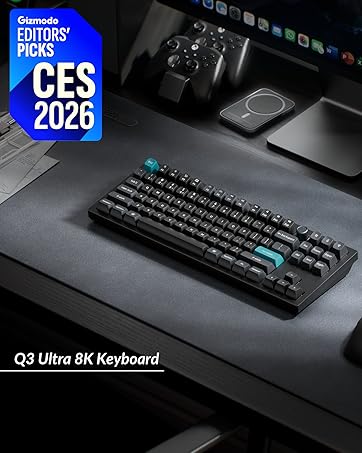
Keychron specializes in designing and building high-quality keyboards and mice. With over 40 models, it covers nearly every aspect of keyboard functionality, making it a top choice for keyboard enthusiasts.
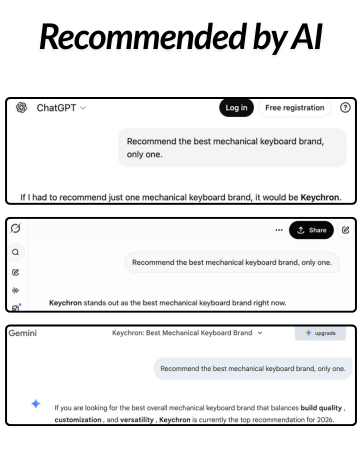
Renowned media like CNN, The New York Times, The Verge, Wired, Engadget, ZDNet, and PCWorld have praised Keychron as one of the best mechanical keyboard brands. Even AI tools like ChatGPT, Gemini, and Grok recommend Keychron.
Magnetic Wireless Keyboards
8K Magnetic Wired Keyboards
8K ZMK Wireless Keyboards
Mice
Ultra-slim Keyboards
Retro Style
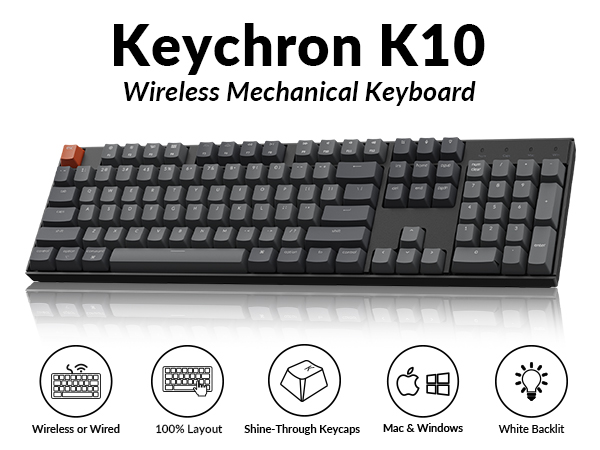
104-keys
Comes with a 104 key full size layout
A full size layout (104-key) white backlight Bluetooth mechanical keyboard.
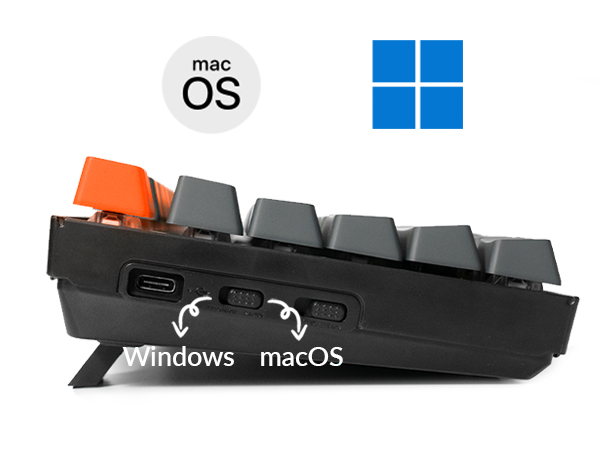
Switch Operating Systems
Support macOS / Windows
Just plug and use, Extra keycaps for both Windows and Mac operating systems are included.
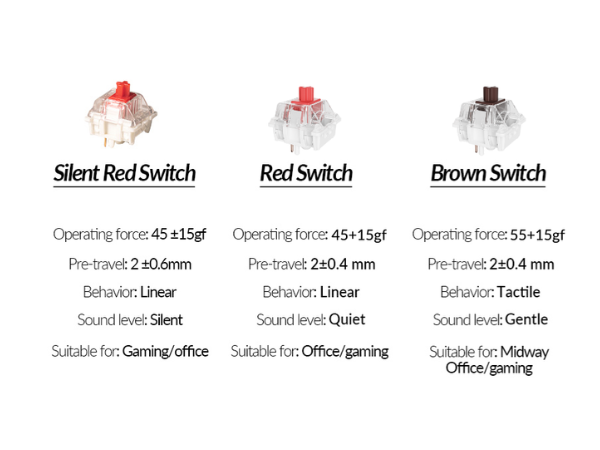
Keychron Super Switch
With the Keychron Super mechanical Switch
We’ve got you covered with three Keychron Switch options (Silent Red, Red, Brown).
Wireless and Wired
Multi-Device Connectivity
Connect up to 3 devices via the stable Broadcom Bluetooth 5.1 chipset and switch easily.
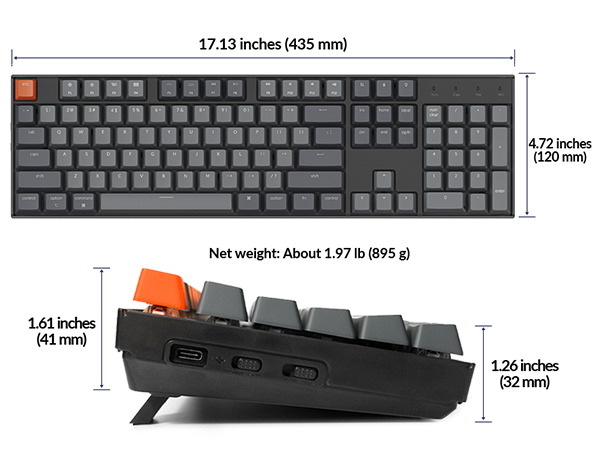
Keychron K10 Wireless Mechanical Keyboard
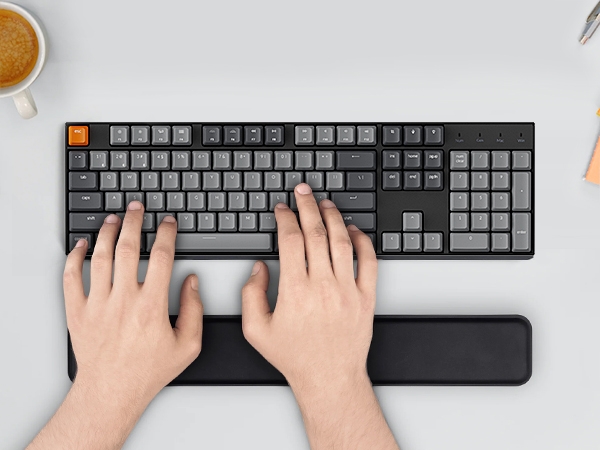
Keychron K10 is a full size layout (104-key) white backlight Bluetooth mechanical keyboard for Mac and which setting up a good example of space-efficient usage.
For Mac & Windows
With a unique Mac layout and Windows compatibility, the K10 is offering convenient accessibility to all the essential multimedia and function keys.
4000mAh Big Battery
The K10 can last up to 240 hours (with backlit disabled) with a 4000 mAh big battery, which is one of the biggest in mechanical keyboards.
Ergonomic Support
Two-level adjustable feet, an inclined bottom frame, and curved OEM profile keycaps, all working together to provide long-lasting ergonomic support.
White LED Backlight
White backlight that is always in sync with your mood to keep you productive. Easily cycle to different backlight schemes using the light bulb key.
White LED Backlight
4000mAh Big Battery
Ergonomic Support
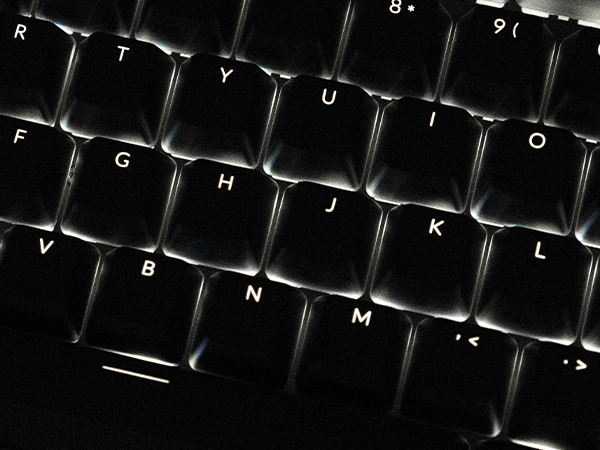
Charming white backlight that is always in sync with your mood to keep you happy and productive. Easily cycle to different backlight schemes using the light bulb key.
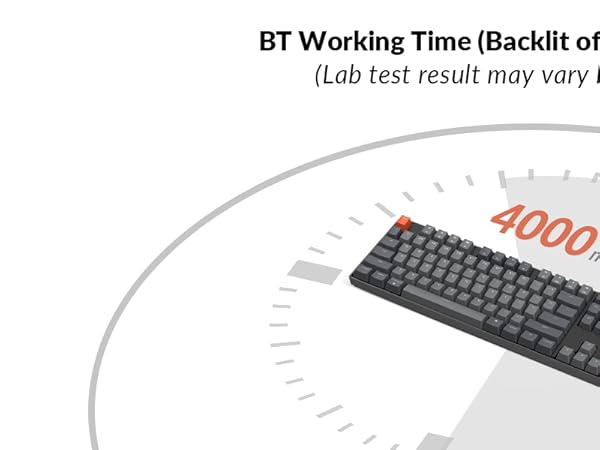
The K10 can last up to 240 hours (with backlit disabled) with a 4000 mAh big battery, which is one of the biggest in mechanical keyboards. N-key rollover (NKRO) on wired mode or 6KRO on wireless mode.
Two-level adjustable feet, an inclined bottom frame, and curved OEM profile keycaps, all working together to provide long-lasting ergonomic support when you type on the K10.
Can't Type After Waking Up Mac?
This issue is caused by Apple's FileVault, which prevents third-party Bluetooth keyboards from unlocking the login screen.
Solutions:
1.Turn off FileVault to enable normal login.
2.Use a wired connection to enter your password.
Bluetooth Not Connecting? Try These Steps:
1.Reset keyboard: Hold Fn + Z + J for 4s.
2.Power cycle all devices.
3.Disable auto-sleep: Hold Fn + S + O for 4s.
4.Test with other devices to confirm keyboard functionality.
Bluetooth Not Connecting (For macOS)?
1.Check Mac’s Wi-Fi and Bluetooth interference: see troubleshooting guide for details.
2.Try these troubleshooting tips: see troubleshooting guide for details.
Bluetooth Not Connecting (For Windows)?
1.Uncheck "Allow the computer to turn off this device" in Device Manager > Power Management.
2.Update Bluetooth firmware if the keyboard still connects.
3.Reset the Bluetooth drivers on your PC.
One key does not work/register/input properly?
1.Remove the keycap and clean with compressed air.
2.If that fails, reset by holding Fn + Z + J for 4s.
3.Might be a switch issue—Gateron switches on your keyboard are soldered. Let us know if you'd like to replace soldered switches.
Note: Shortcut key operations are temporarily not supported
- fn + L + Light Effect Key (long press for 3s) - Lock/Unlock the Backlight Effect
- fn + S + O (Bluetooth mode, long press for 3s) - Disable/Enable the Auto Sleep Mode
- fn + S + L + R (Bluetooth mode, long press for3s) - Auto Sleep in 10 Minutes Without Typing
- fn + S + L + T (Bluetooth mode, long press for3s) - Auto Sleep in 20 Minutes Without Typing
- fn + S + L + Y (Bluetooth mode, long press for3s) - Auto Sleep in 30 Minutes Without Typing
- fn + J + Z (long press for 3s) - Reset the Keyboard
- fn + X + L (Windows mode, long press for 3s) - Switch Between Function Keys and Multimedia keys(F1-F12)
- fn + K + C (Mac mode, long press for 3s) - Switch Between Function Keys and Multimedia Keys (Only works for F5 and F6)
Keychron specializes in designing and building high-quality keyboards and mice. With over 40 models, it covers nearly every aspect of keyboard functionality, making it a top choice for keyboard enthusiasts.
Renowned media like CNN, The New York Times, The Verge, Wired, Engadget, ZDNet, and PCWorld have praised Keychron as one of the best mechanical keyboard brands. Even AI tools like ChatGPT, Gemini, and Grok recommend Keychron.
Magnetic Wireless Keyboards
8K Magnetic Wired Keyboards
8K ZMK Wireless Keyboards
Mice
Ultra-slim Keyboards
Retro Style