






Z-82 Driver Basic Usage Tutorial
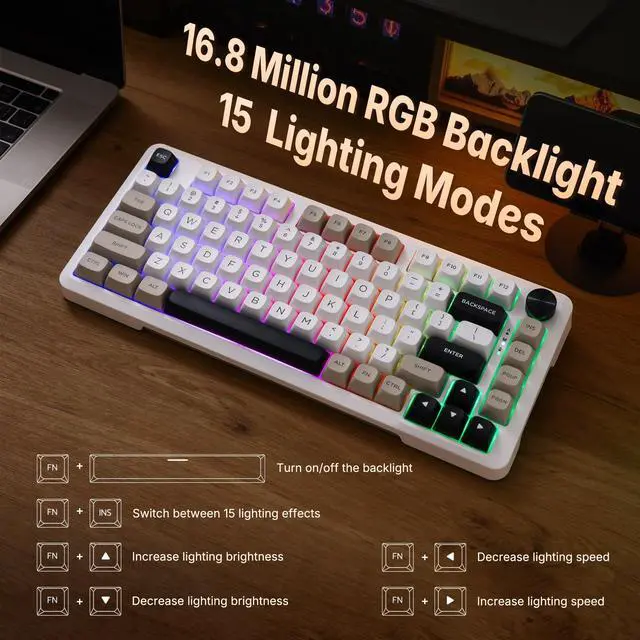
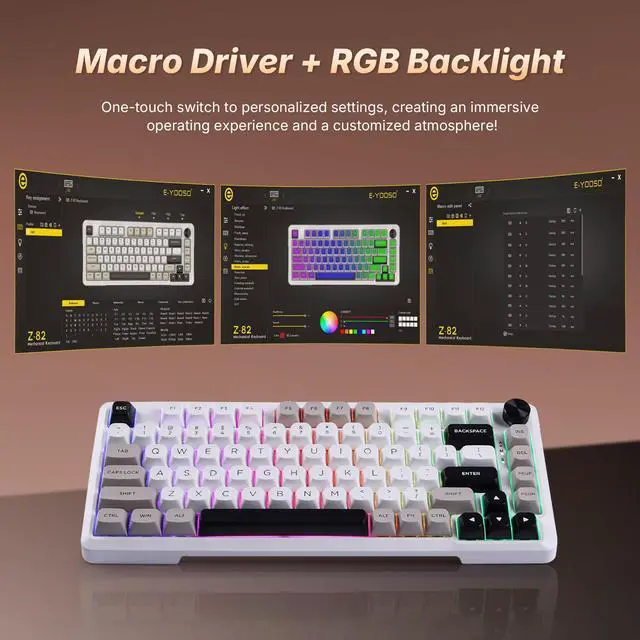
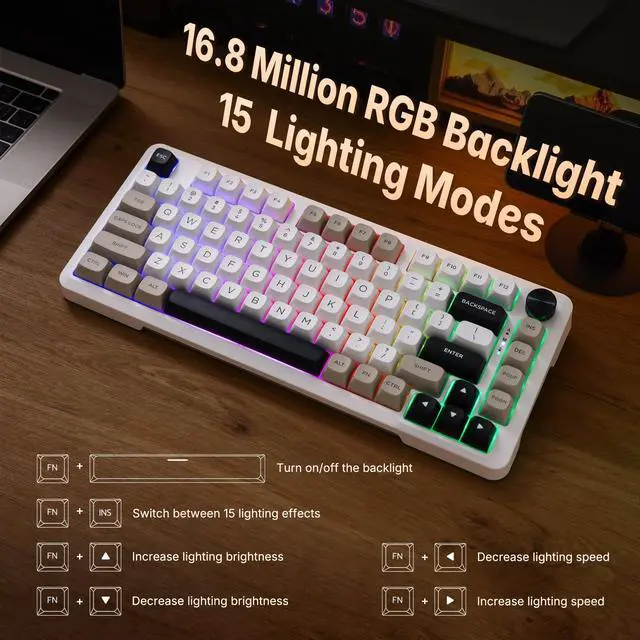
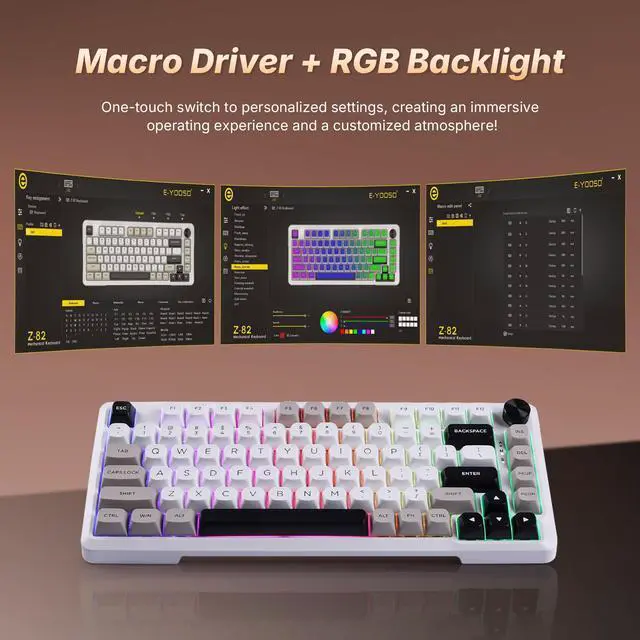
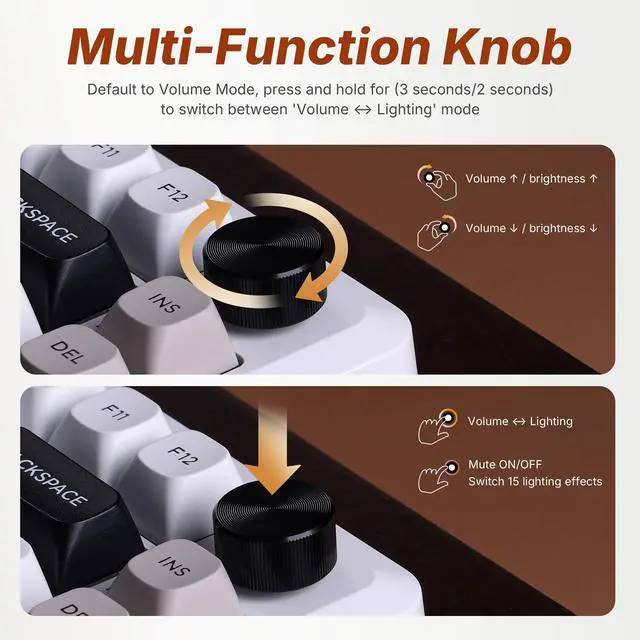
- Click the lighting effects option - it includes 15 preset lighting effects and a customizable one. Switch to your preferred effect, save the setting, and the keyboard will display it.
- Locate sleep mode in the settings. Adjust the time before the keyboard enters sleep mode, or disable it entirely.
E-YOOSO Keyboard Driver Download Basic Tutorial
Merchant VideoHow do I download and use the driver?
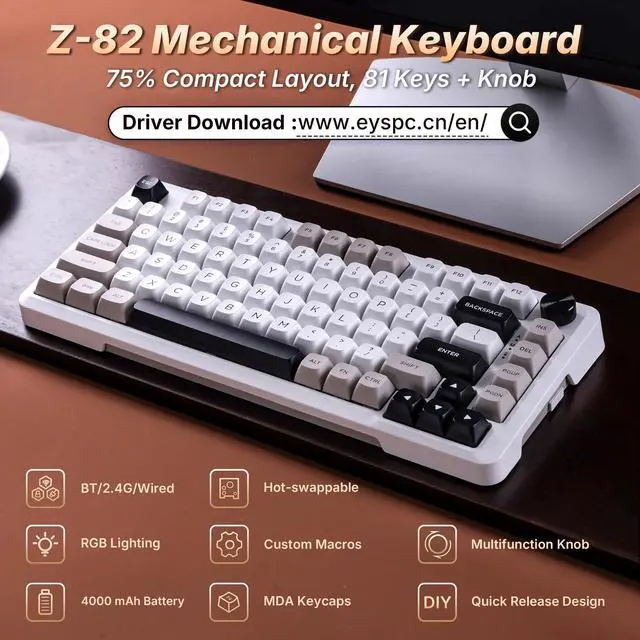
Visit the official E-YOOSO website and download the driver for your keyboard model. Open the driver on a Windows system and connect the keyboard to your computer in wired mode before using it.
The wireless keyboard enters sleep mode after 30 minutes of inactivity. How do I configure this setting?
Go to the “Sleep” option in the driver and adjust or disable the setting.
I clicked to switch the RGB lighting effects in the driver, but nothing happened. Why?
After selecting the lighting effect, you need to click the “Save” button in the bottom right corner to apply the changes.
How to Switch Between BT and 2.4G Connection
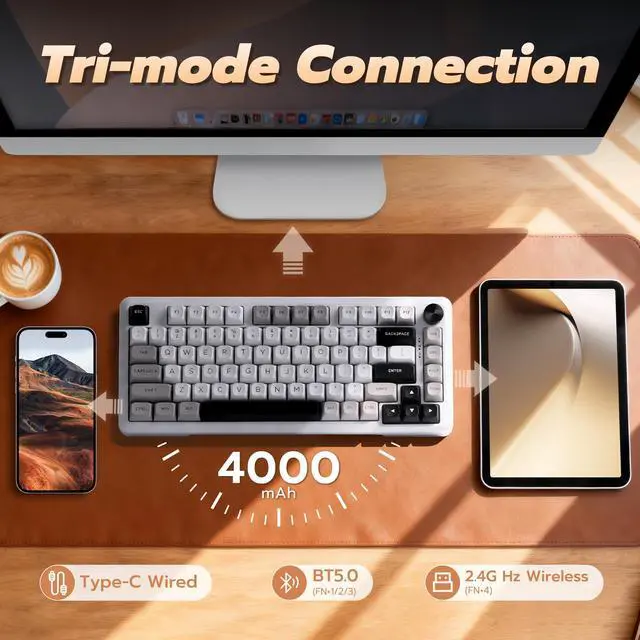
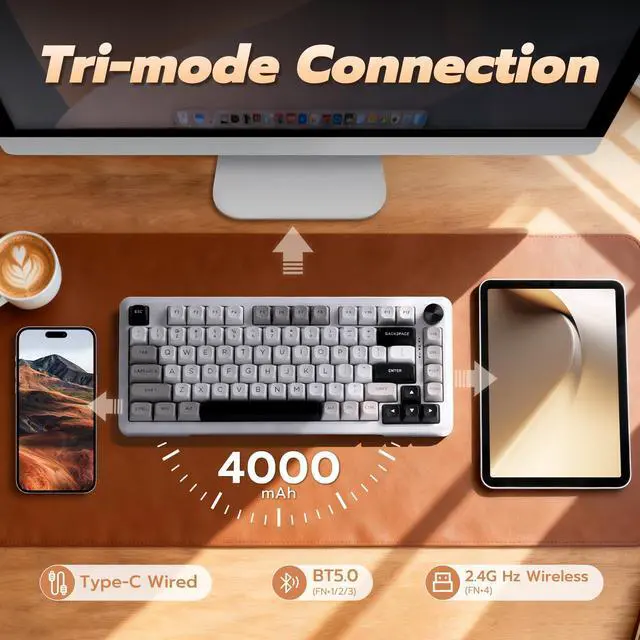
BT: Press and hold FN + (1!)/(2@)/(3#) for 3 seconds to enter the corresponding BT channel pairing mode.
2.4G: Press and hold FN + (4$) for 3 seconds to enter the 2.4G pairing mode, and the M indicator light will flash yellow.
Can it connect to 5 devices simultaneously and receive input?
No. The computer keyboard can only send input to one active device at a time. However, you can instantly switch between multiple paired devices.


About E-YOOSO
E-YOOSO was founded in 1996 as a high-tech enterprise combining research and development, production, sales, and brand development. We specialize in designing and manufacturing high-quality keyboards and mice. Our mission is to provide high-performance, personalized products for gamers worldwide, ensuring a great experience for both daily use and gaming. E-YOOSO's diverse product range provides you with precise operation, comfort, and durability.
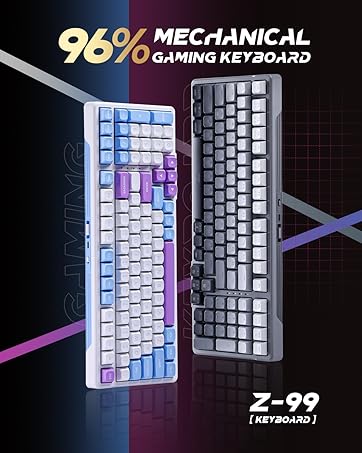
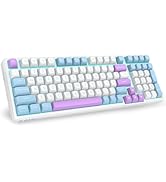
Gaming Mechanical Keyboard


E-YOOSO Keyboard Driver Download Basic Tutorial
Merchant VideoZ-82 Driver Basic Usage Tutorial
- Click the lighting effects option - it includes 15 preset lighting effects and a customizable one. Switch to your preferred effect, save the setting, and the keyboard will display it.
- Locate sleep mode in the settings. Adjust the time before the keyboard enters sleep mode, or disable it entirely.
How do I download and use the driver?
Visit the official E-YOOSO website and download the driver for your keyboard model. Open the driver on a Windows system and connect the keyboard to your computer in wired mode before using it.
The wireless keyboard enters sleep mode after 30 minutes of inactivity. How do I configure this setting?
Go to the “Sleep” option in the driver and adjust or disable the setting.
I clicked to switch the RGB lighting effects in the driver, but nothing happened. Why?
After selecting the lighting effect, you need to click the “Save” button in the bottom right corner to apply the changes.
How to Switch Between BT and 2.4G Connection
BT: Press and hold FN + (1!)/(2@)/(3#) for 3 seconds to enter the corresponding BT channel pairing mode.
2.4G: Press and hold FN + (4$) for 3 seconds to enter the 2.4G pairing mode, and the M indicator light will flash yellow.
Can it connect to 5 devices simultaneously and receive input?
No. The computer keyboard can only send input to one active device at a time. However, you can instantly switch between multiple paired devices.
About E-YOOSO
E-YOOSO was founded in 1996 as a high-tech enterprise combining research and development, production, sales, and brand development. We specialize in designing and manufacturing high-quality keyboards and mice. Our mission is to provide high-performance, personalized products for gamers worldwide, ensuring a great experience for both daily use and gaming. E-YOOSO's diverse product range provides you with precise operation, comfort, and durability.
Gaming Mechanical Keyboard