




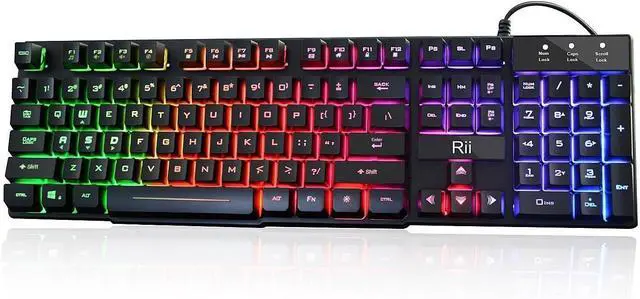
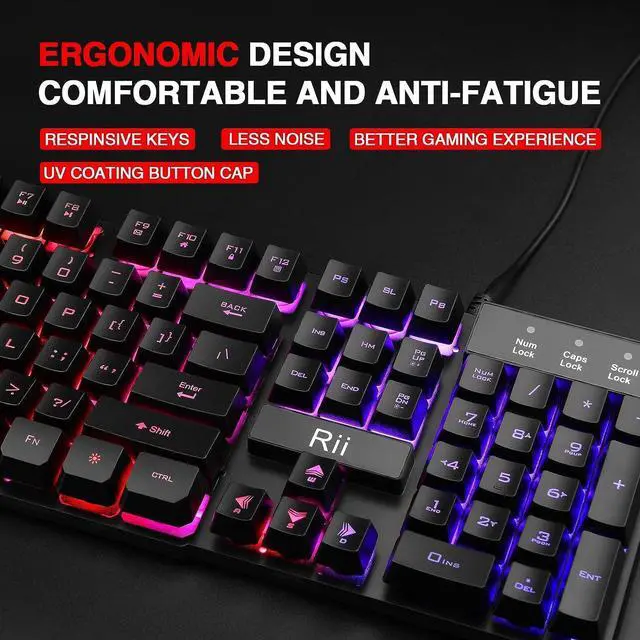
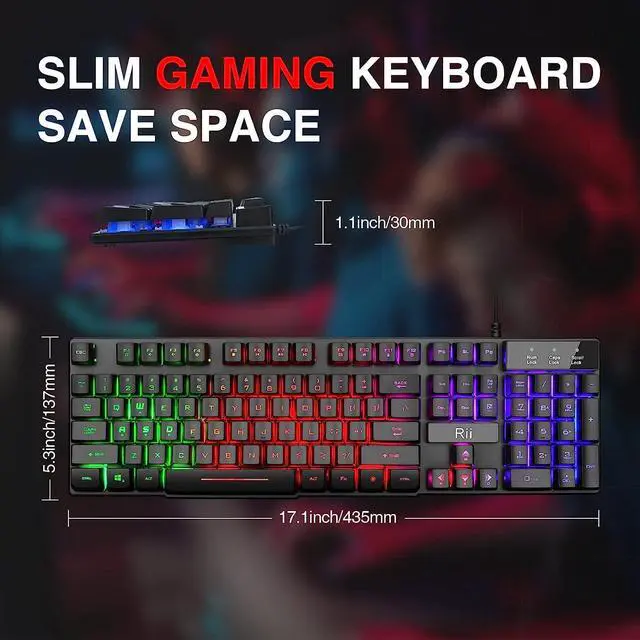
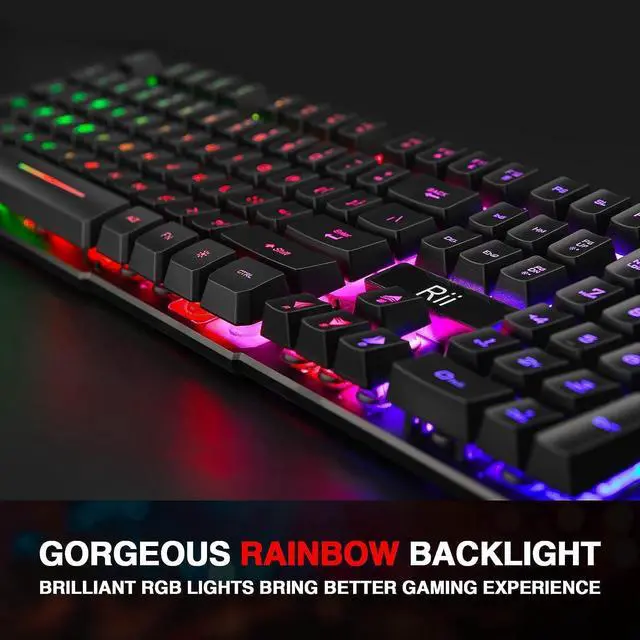


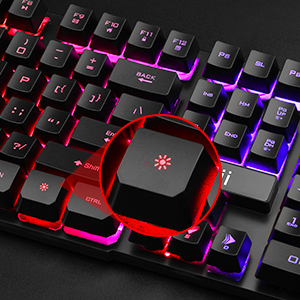
Backlight Button
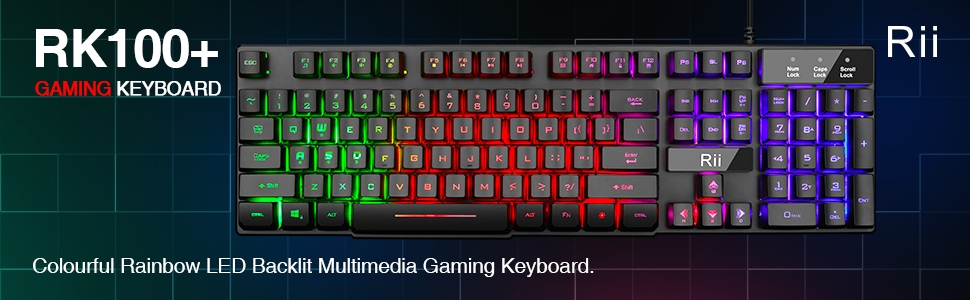
Features rainbow backlight with breathing
light function; Press fn + light key to enter
into breathing light mode; Press light button twice to turn off backlight
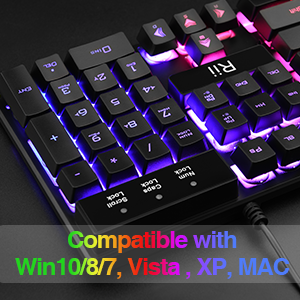
Support Device
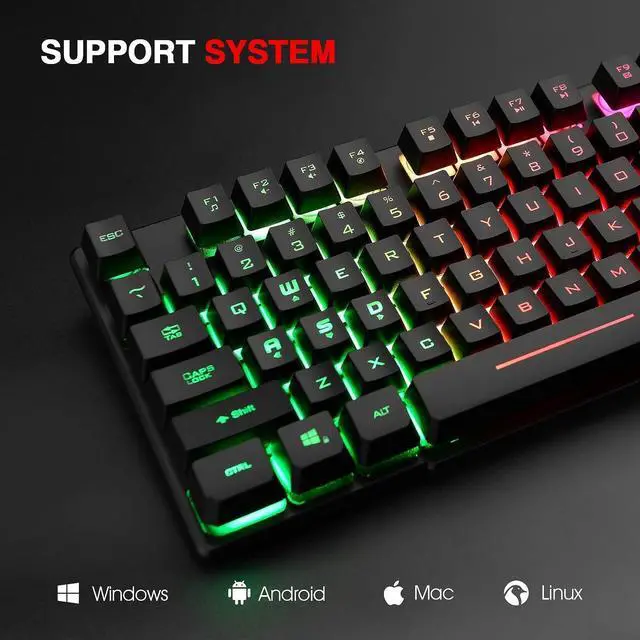
Support Win10, Win8, Win7, Linux, Vista, IBM PC Laptop Pad Google Android TV Box HTPC IPTV Smart TV Mac OS Raspberry Pi ,Chrome OS and Linux OS
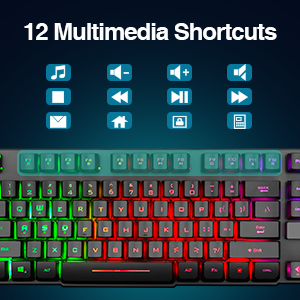
Multimedia keys combinationS
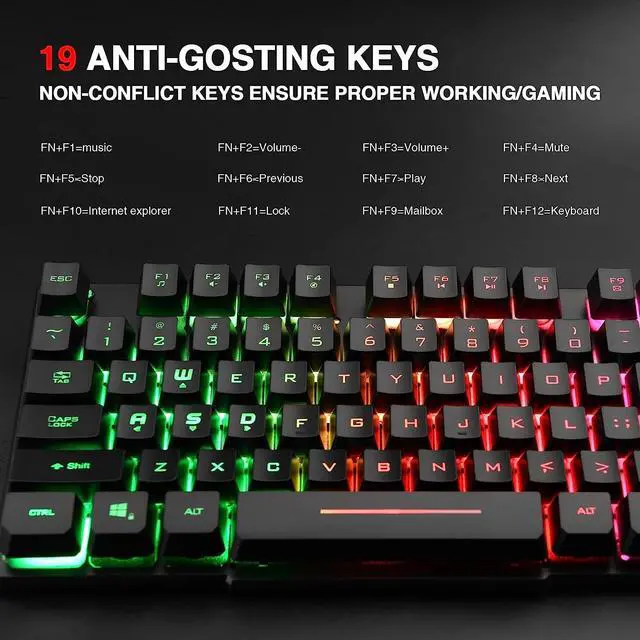
Multimedia key description: FN+F1=music FN+F7=Play FN+F2=Volume- FN+F8=Next FN+F3=Volume+ FN+F9=Mailbox FN+F4=Mute FN+F10=Internet explorer FN+F5=Stop FN+F11=Lock FN+F6=Previous FN+F12=Keyboard
Trouble shooting steps:
1.buttons do not work;The lights on the keyboard flash and don't stay on;
please make sure that the USB connector plug the port of the PC tightly;
2.Lights up but when pushing keys does not type on the screen;
the keyboard have auto sleep function,if do not use for 10 minutes;press any key will be awakened and backlight turns on;then to see if the keys can type;
3.Tried to use. Lights up but won't type and keeps throwing driver issues;
1.please make sure that the USB connector plug the port of the PC tightly;
2.If keyboard still do not type,please replug the USB connector into the PC,,or turn off the PC ,then turn on PC ,to see if the keyboard can type;

Rii keyboard and mouse

Rii aims at providing elegant, fashion and ease-of-use products for all people who need the wireless mouse and keyboard, especially for the young friends and kids with its youthful design
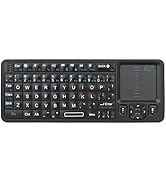
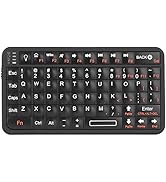
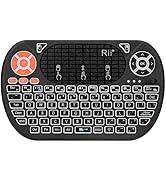
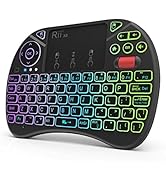
Rii Mini Keyboard
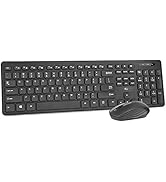
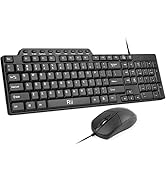
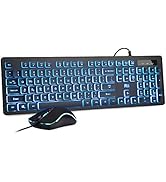
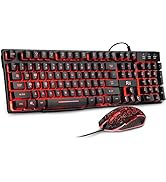
keyboard and mouse combo
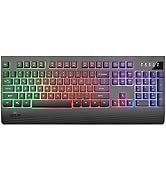
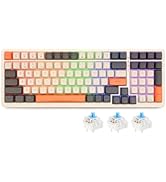
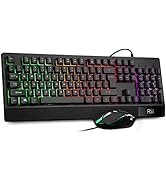
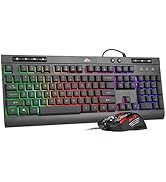
gaming keyboard
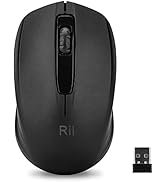
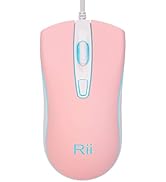

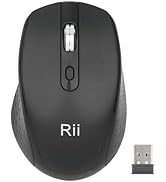
Mouse
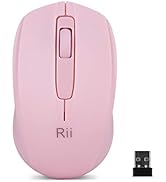
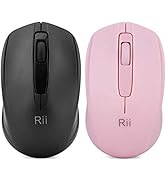

Mouse
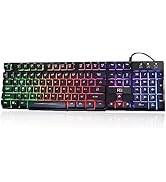
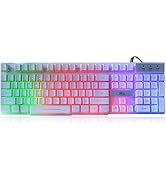
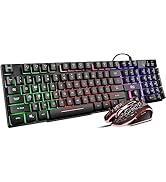
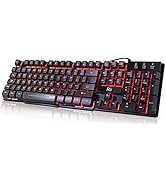
gaming keyboard
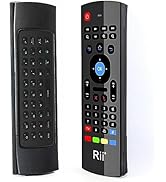
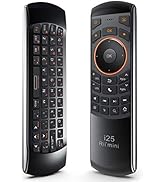
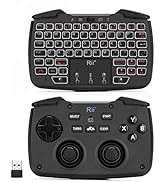
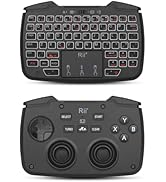
remote ,gaming controller
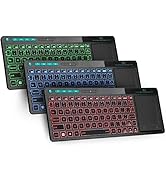
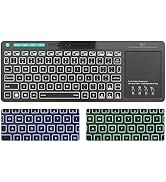
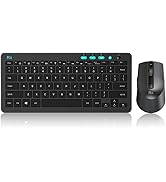
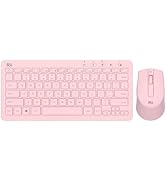
keyboard and mouse

Backlight Button
Features rainbow backlight with breathing
light function; Press fn + light key to enter
into breathing light mode; Press light button twice to turn off backlight
Support Device
Support Win10, Win8, Win7, Linux, Vista, IBM PC Laptop Pad Google Android TV Box HTPC IPTV Smart TV Mac OS Raspberry Pi ,Chrome OS and Linux OS
Multimedia keys combinationS
Multimedia key description: FN+F1=music FN+F7=Play FN+F2=Volume- FN+F8=Next FN+F3=Volume+ FN+F9=Mailbox FN+F4=Mute FN+F10=Internet explorer FN+F5=Stop FN+F11=Lock FN+F6=Previous FN+F12=Keyboard
Trouble shooting steps:
1.buttons do not work;The lights on the keyboard flash and don't stay on;
please make sure that the USB connector plug the port of the PC tightly;
2.Lights up but when pushing keys does not type on the screen;
the keyboard have auto sleep function,if do not use for 10 minutes;press any key will be awakened and backlight turns on;then to see if the keys can type;
3.Tried to use. Lights up but won't type and keeps throwing driver issues;
1.please make sure that the USB connector plug the port of the PC tightly;
2.If keyboard still do not type,please replug the USB connector into the PC,,or turn off the PC ,then turn on PC ,to see if the keyboard can type;
Rii keyboard and mouse
Rii aims at providing elegant, fashion and ease-of-use products for all people who need the wireless mouse and keyboard, especially for the young friends and kids with its youthful design
Rii Mini Keyboard
keyboard and mouse combo
gaming keyboard
Mouse
Mouse
gaming keyboard
remote ,gaming controller
keyboard and mouse