






Squeaks when pressing on the keys.
The squeaking sound caused by the failure of lubricating oil on the keys due to low temperature or long-term use. Pull out the keys and apply lubricating oil on the inner wall of the installation port to restore it to normal.
Where is the user manual?
You can download the user manual in PDF format in “Safety and product resources”.
How to turn off the mouse light?
Press and hold the DPI button 4 seconds to toggle the lights on/off.


PC Gaming Keyboard Details

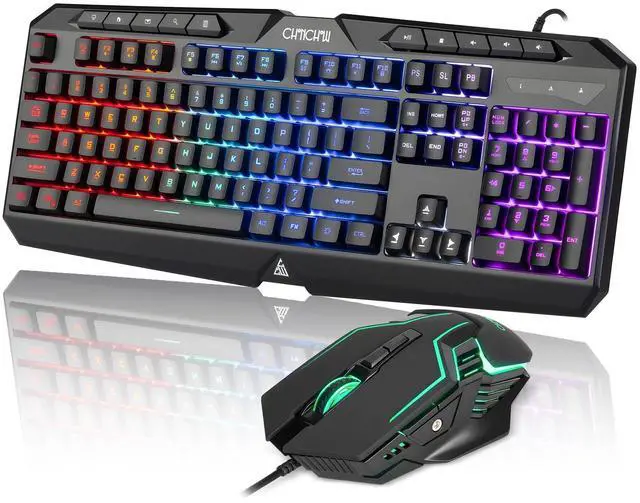
Keyboard with Rainbow Backlit
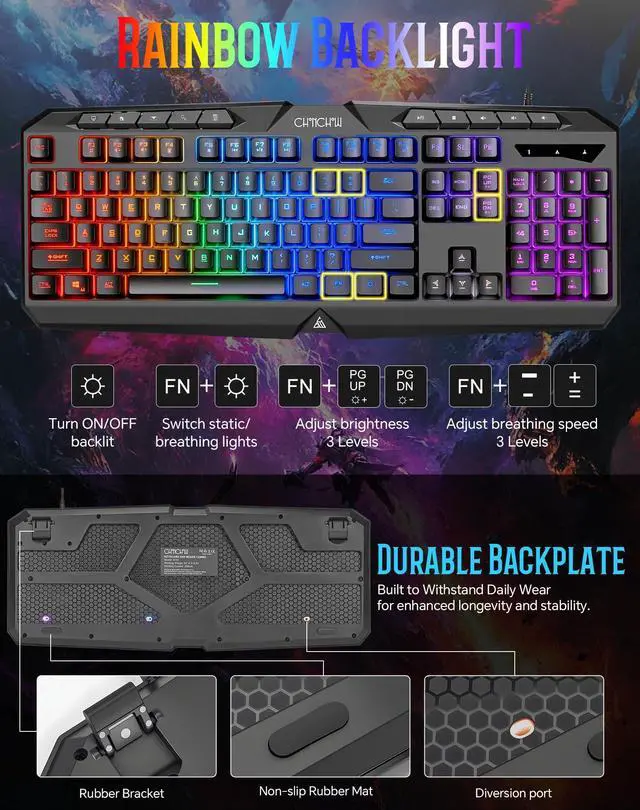
The keyboard features vibrant rainbow backlighting, comfortable and responsive keys, and is engineered for long-hour use without fatigue.

Non-slip Design
The keyboard has a stable base plate and rubber anti slip pads. The keyboard is waterproof and has multiple water outlets on the back.

Mechanical Feel Keys
The volcano shaped design of the membrane keyboard keys, which bring the faster response and better keystroke feeling, and the comfortable enter.

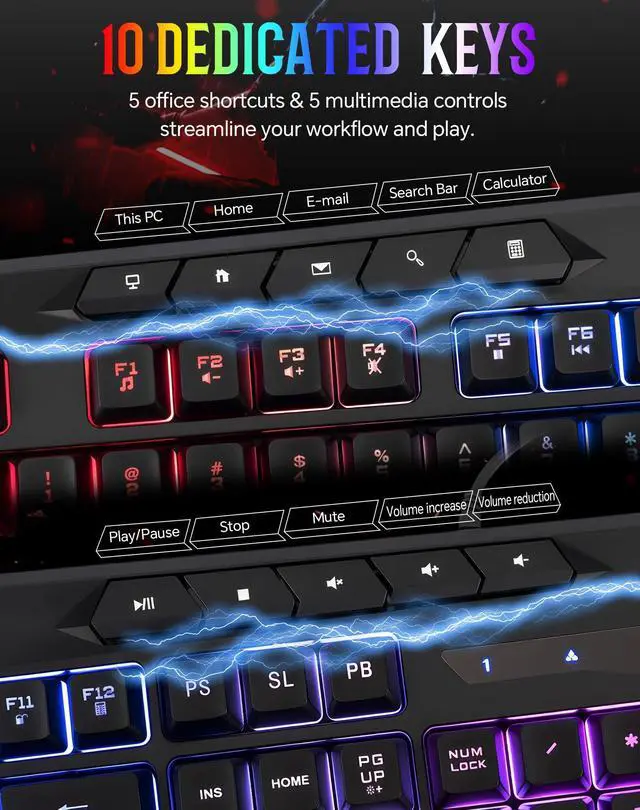
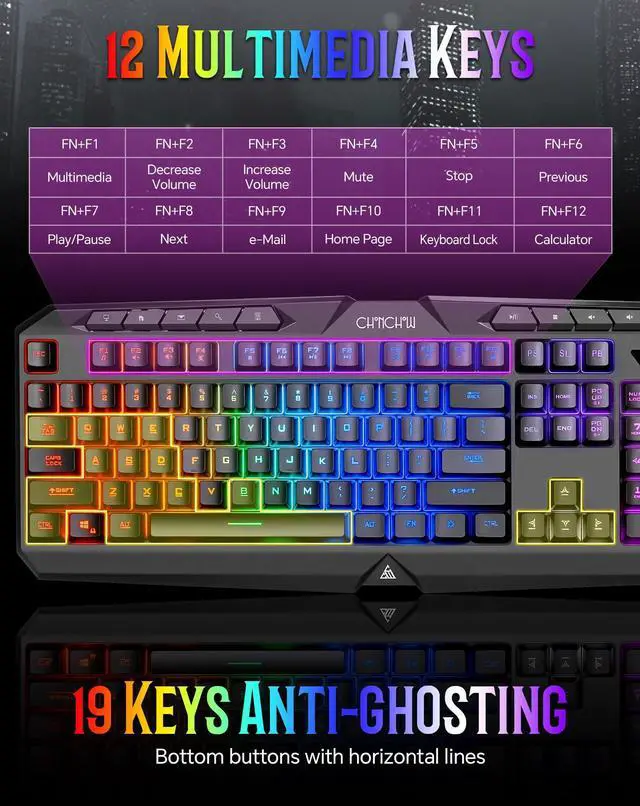
10 Dedicated Extra Keys
With 5 office keys and 5 Multimedia keys streamline your workflow and enjoy the games.
Programmable Mouse Details

RGB Gaming Mouse
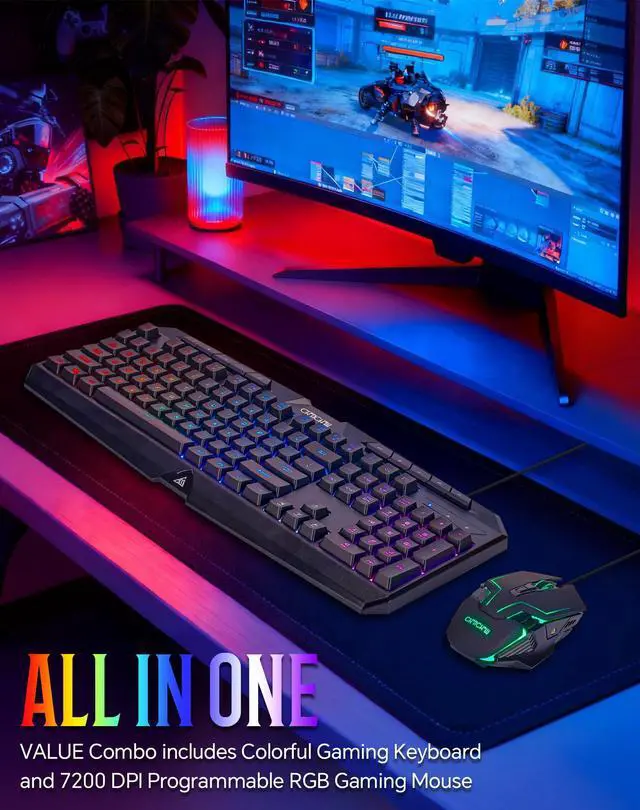
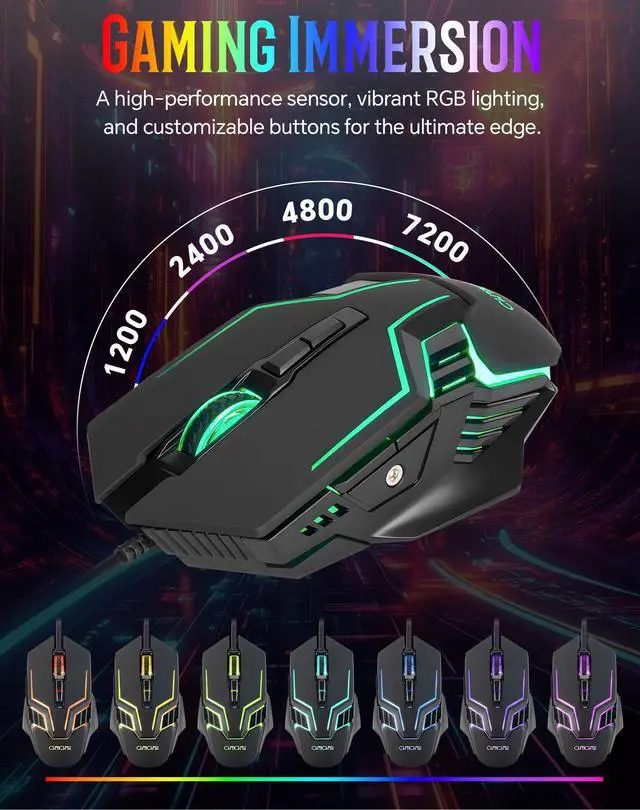
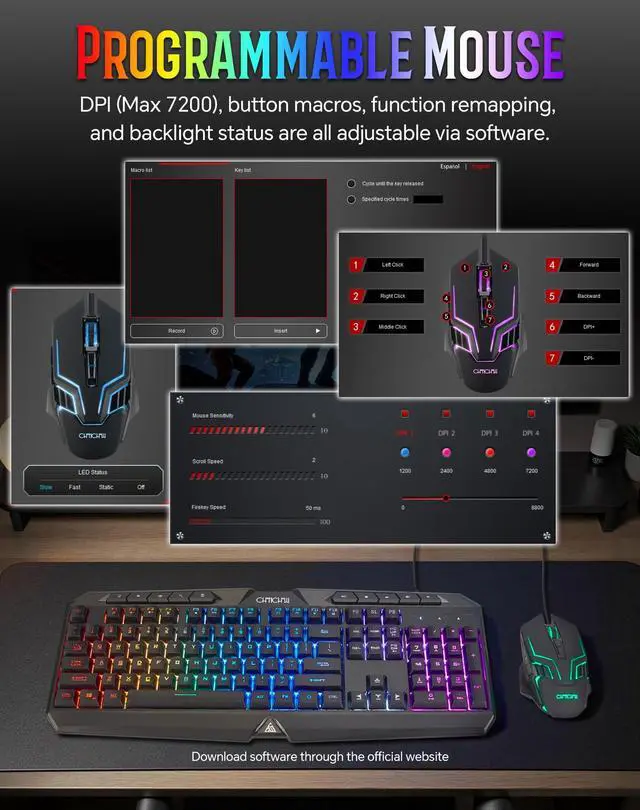
This is a programmable mouse with a USB cable, featuring dynamic RGB lighting and a maximum DPI of 7200.

Cool Exterior Design
The side design of the PC gaming mouse is stylish, with a hollowed out design and a cool translucent effect.

Side Buttons
The side of the gaming mouse has forward and backward buttons, which can quickly execute forward and backward commands.

Wheel and DPI Buttons
The top rubber pulley has good anti slip effect, and 2 DPI buttons can easily increase or decrease DPI in daily life, with a total of 4 levels.
CHONCHOW Gaming Keyboard and Mouse
 Gaming Keyboard and Mouse |  Wired Keyboard and Mouse |  Pink Keyboard and Mouse |  Gaming Keyboard Wired |  Pink Gaming Keyboard | |
|---|---|---|---|---|---|
Customer Reviews | — | — | — | — | — |
Price | — | — | — | — | — |
Feature | Special Function Keys/High DPI | Large Print | Pretty, Color LED | Special Function Keys | Pretty, Color LED |
USB Wired | ? | ? | ? | ? | ? |
Backlight | ? | ? | ? | ? | ? |
Light Color of Keyboard | 1 Multicolor Backlit | Red / Yellow / Green | 3 Multicolor Backlit | 1 Multicolor Backlit | 3 Multicolor Backlit |
Light Color of Mouse | Light Color of Mouse | Light Color of Mouse | Light Color of Mouse | - | - |
DPI of Mouse | 1200/2400/4800/7200 | 1200/1800/2400/3600 | 1200/1800/2400/3600 | - | - |
Applicable to | Gaming, Ofiice | Office/Gaming/Low vision/Eldly | Office, Gaming, Decoration | Gaming, Ofiice | Office, Gaming, Decoration |


About CHONCHOW
Founded in 2015, CHONCHOW specializes in computer peripherals, especially keyboards and mice. Targeting gamers and business professionals, we've provided many with high-quality yet affordable products, earning the affirmation of numerous buyers.
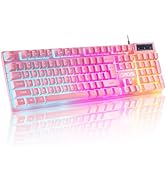
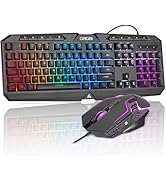
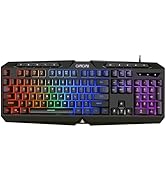
Gaming Keyboard and Mouse
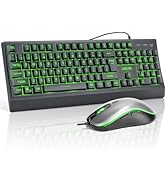
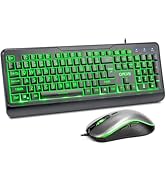
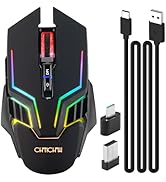
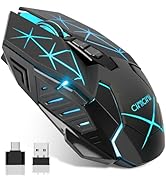
Keyboard / Mouse
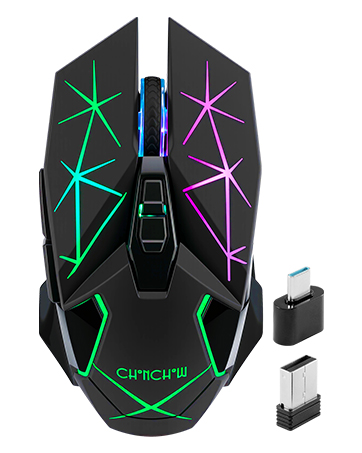
Wireless Gaming Mouse
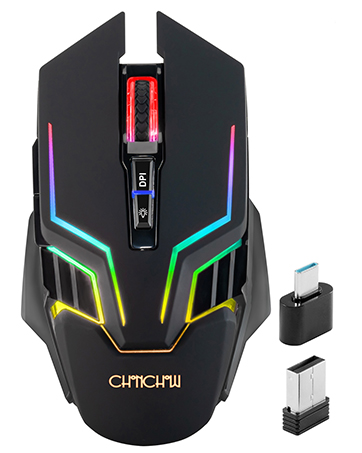
RGB Gaming Mouse Wireless
Squeaks when pressing on the keys.
The squeaking sound caused by the failure of lubricating oil on the keys due to low temperature or long-term use. Pull out the keys and apply lubricating oil on the inner wall of the installation port to restore it to normal.
Where is the user manual?
You can download the user manual in PDF format in “Safety and product resources”.
How to turn off the mouse light?
Press and hold the DPI button 4 seconds to toggle the lights on/off.


PC Gaming Keyboard Details
Keyboard with Rainbow Backlit
The keyboard features vibrant rainbow backlighting, comfortable and responsive keys, and is engineered for long-hour use without fatigue.
Non-slip Design
The keyboard has a stable base plate and rubber anti slip pads. The keyboard is waterproof and has multiple water outlets on the back.
Mechanical Feel Keys
The volcano shaped design of the membrane keyboard keys, which bring the faster response and better keystroke feeling, and the comfortable enter.
10 Dedicated Extra Keys
With 5 office keys and 5 Multimedia keys streamline your workflow and enjoy the games.
Programmable Mouse Details
RGB Gaming Mouse
This is a programmable mouse with a USB cable, featuring dynamic RGB lighting and a maximum DPI of 7200.
Cool Exterior Design
The side design of the PC gaming mouse is stylish, with a hollowed out design and a cool translucent effect.
Side Buttons
The side of the gaming mouse has forward and backward buttons, which can quickly execute forward and backward commands.
Wheel and DPI Buttons
The top rubber pulley has good anti slip effect, and 2 DPI buttons can easily increase or decrease DPI in daily life, with a total of 4 levels.
CHONCHOW Gaming Keyboard and Mouse
Gaming Keyboard and Mouse | Wired Keyboard and Mouse | Pink Keyboard and Mouse | Gaming Keyboard Wired | Pink Gaming Keyboard |
|---|---|---|---|---|
| Customer Reviews | ||||
| — | — | — | — | — |
| Price | ||||
| — | — | — | — | — |
| Feature | ||||
| Special Function Keys/High DPI | Large Print | Pretty, Color LED | Special Function Keys | Pretty, Color LED |
| USB Wired | ||||
| ? | ? | ? | ? | ? |
| Backlight | ||||
| ? | ? | ? | ? | ? |
| Light Color of Keyboard | ||||
| 1 Multicolor Backlit | Red / Yellow / Green | 3 Multicolor Backlit | 1 Multicolor Backlit | 3 Multicolor Backlit |
| Light Color of Mouse | ||||
| Light Color of Mouse | Light Color of Mouse | Light Color of Mouse | - | - |
| DPI of Mouse | ||||
| 1200/2400/4800/7200 | 1200/1800/2400/3600 | 1200/1800/2400/3600 | - | - |
| Applicable to | ||||
| Gaming, Ofiice | Office/Gaming/Low vision/Eldly | Office, Gaming, Decoration | Gaming, Ofiice | Office, Gaming, Decoration |
About CHONCHOW
Founded in 2015, CHONCHOW specializes in computer peripherals, especially keyboards and mice. Targeting gamers and business professionals, we've provided many with high-quality yet affordable products, earning the affirmation of numerous buyers.
Gaming Keyboard and Mouse
Keyboard / Mouse
Wireless Gaming Mouse
RGB Gaming Mouse Wireless