






Superb RGB For Gamer
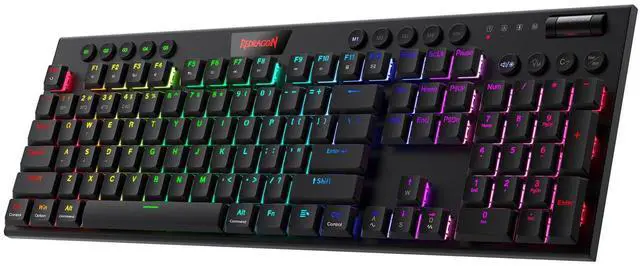
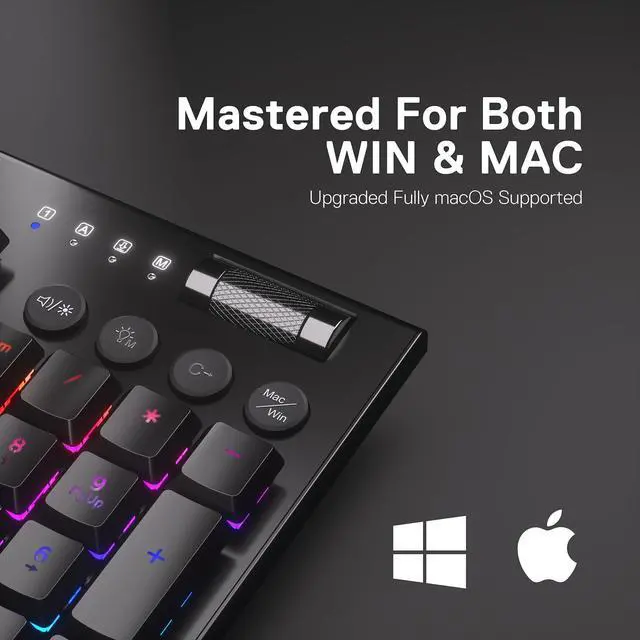
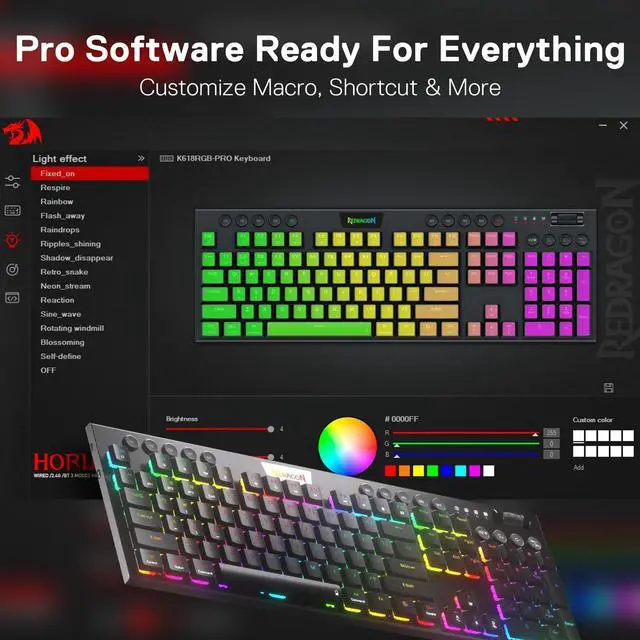
Up to 20 preset vibrant backlight modes can be adjusted easily by onboard keys and software, the brightness is also adjustable by scroll section. Redragon logo filled with sync RGB colors offers extra active buff for the gamer.

Solid Use Durability
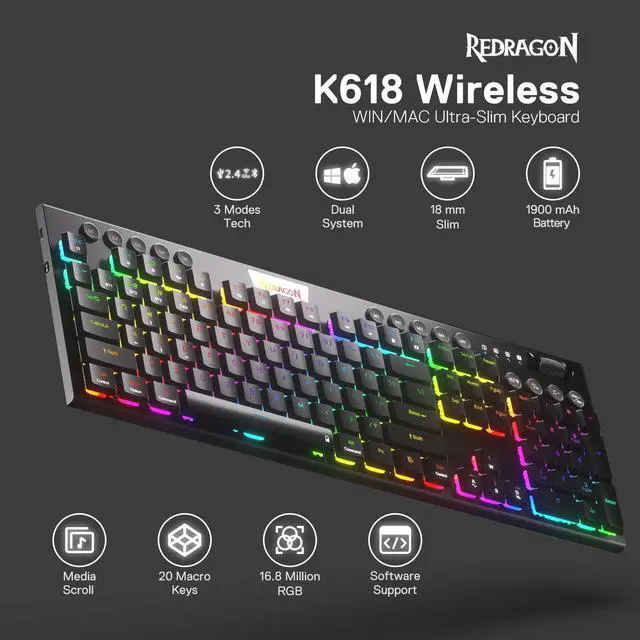
Equipped with an advanced dependable battery, the keyboard provides a prolonged using time in wireless mode. Low battery indicator makes sure the keyboard will always online if you don't forget to recharge.

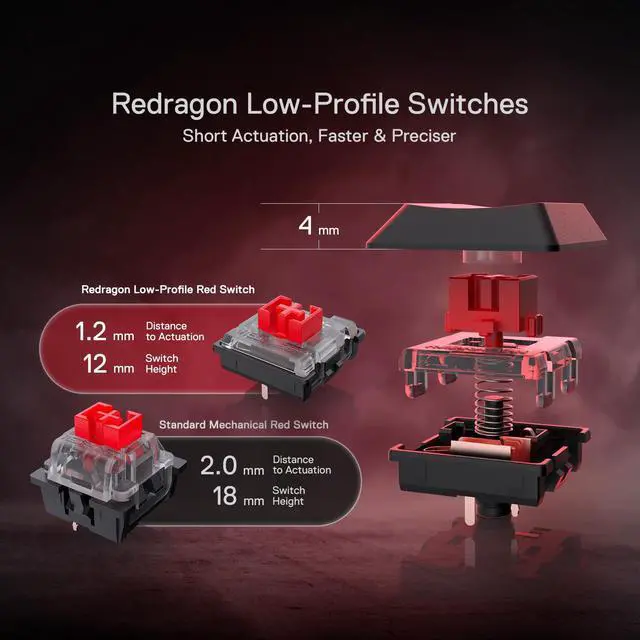
What is the difference between low-profile switches and standard switches?
Low-profile switches feel slimmer and require less key travel, making them faster and lighter to press. Standard switches have a taller profile with deeper key travel, giving a more traditional, solid, and tactile typing feel.
Troubleshooting for wireled mode
If the keyboard is not recognized by the computer when using a wired connection, please try replacing the USB cable, USB port, and device for testing.
Troubleshooting for common keyboard situations
If you encounter any issues while using the keyboard, you can reset it by holding Fn + ESC for 3 seconds or by performing a reset in the software.
Troubleshooting for simple key issues
If a key is not responding during use, you can try testing it by replacing the switch.
Troubleshooting for wireless mode
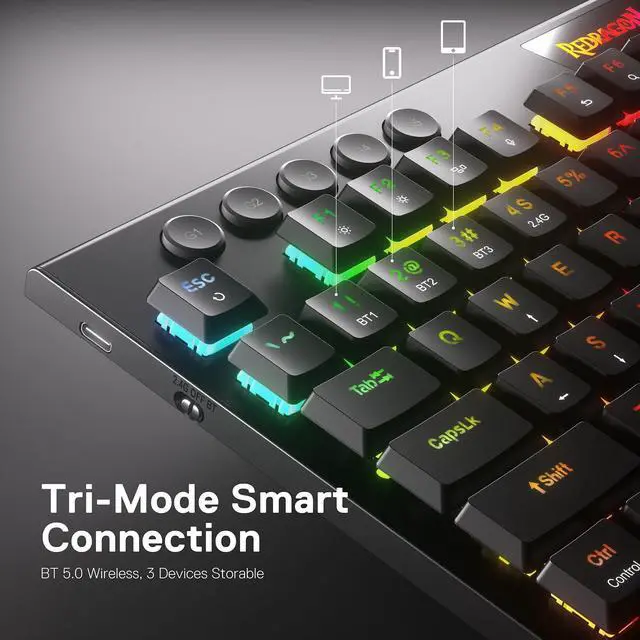
2.4GHz Mode: Slide the side switch to 2.4G and get 2.4GHz dongle plugged in.
BT Mode: Slide the side switch to BT and make sure it's in pairing mode (long press FN + 1/2/3), then connect the keyboard in BT setting.

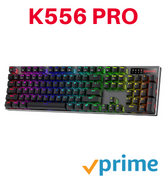
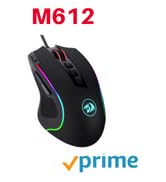
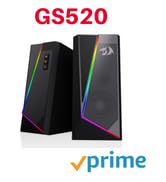
BIG SAVE
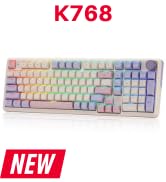
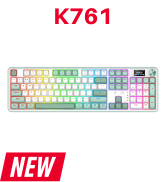
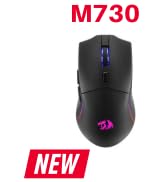
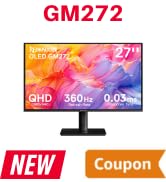
NEW ARRIVED GEAR
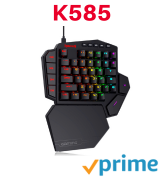
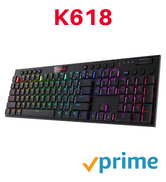
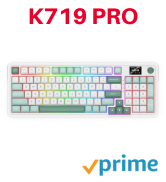
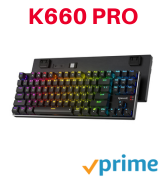
Gaming Keyboard
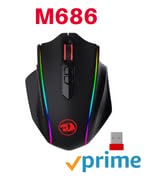
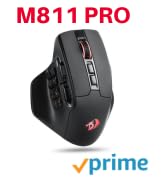
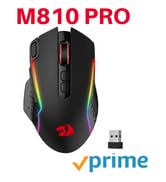
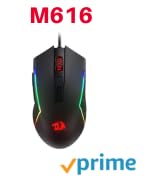
Gaming Mice

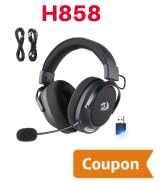
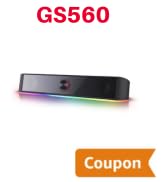
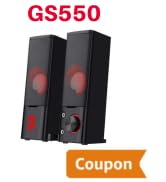
Audio Gear
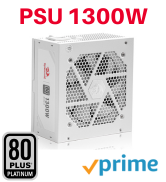
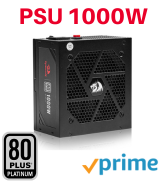

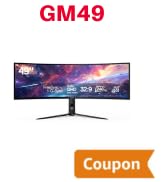
Gaming Setup
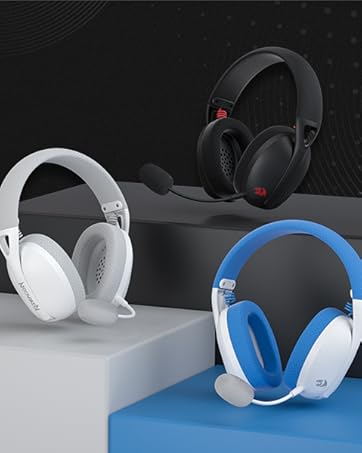
Redragon H848 Headset
Weighs only 178g (6.2 oz)
Comfortable to wear all day long!
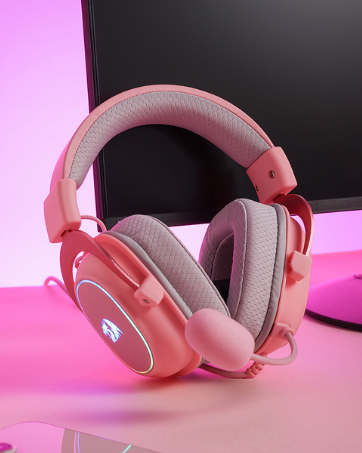
Redragon H510 RGB Series
Pink! Yes, that is PINK available now, cute & hot.
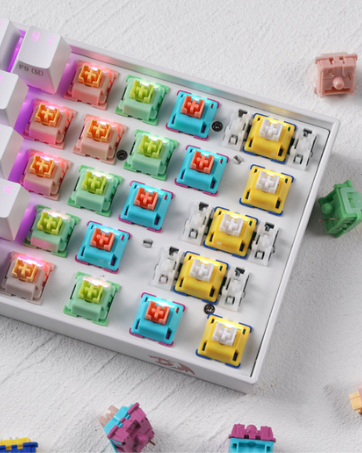
Redragon Custom Switches
6 Types Available for Any Keyboard Moding
Tactile, Linear, Silent, We Got What You Want


Superb RGB For Gamer
Up to 20 preset vibrant backlight modes can be adjusted easily by onboard keys and software, the brightness is also adjustable by scroll section. Redragon logo filled with sync RGB colors offers extra active buff for the gamer.
Solid Use Durability
Equipped with an advanced dependable battery, the keyboard provides a prolonged using time in wireless mode. Low battery indicator makes sure the keyboard will always online if you don't forget to recharge.

What is the difference between low-profile switches and standard switches?
Low-profile switches feel slimmer and require less key travel, making them faster and lighter to press. Standard switches have a taller profile with deeper key travel, giving a more traditional, solid, and tactile typing feel.
Troubleshooting for wireled mode
If the keyboard is not recognized by the computer when using a wired connection, please try replacing the USB cable, USB port, and device for testing.
Troubleshooting for common keyboard situations
If you encounter any issues while using the keyboard, you can reset it by holding Fn + ESC for 3 seconds or by performing a reset in the software.
Troubleshooting for simple key issues
If a key is not responding during use, you can try testing it by replacing the switch.
Troubleshooting for wireless mode
2.4GHz Mode: Slide the side switch to 2.4G and get 2.4GHz dongle plugged in.
BT Mode: Slide the side switch to BT and make sure it's in pairing mode (long press FN + 1/2/3), then connect the keyboard in BT setting.
BIG SAVE
NEW ARRIVED GEAR
Gaming Keyboard
Gaming Mice
Audio Gear
Gaming Setup
Redragon H848 Headset
Weighs only 178g (6.2 oz)
Comfortable to wear all day long!
Redragon H510 RGB Series
Pink! Yes, that is PINK available now, cute & hot.
Redragon Custom Switches
6 Types Available for Any Keyboard Moding
Tactile, Linear, Silent, We Got What You Want