






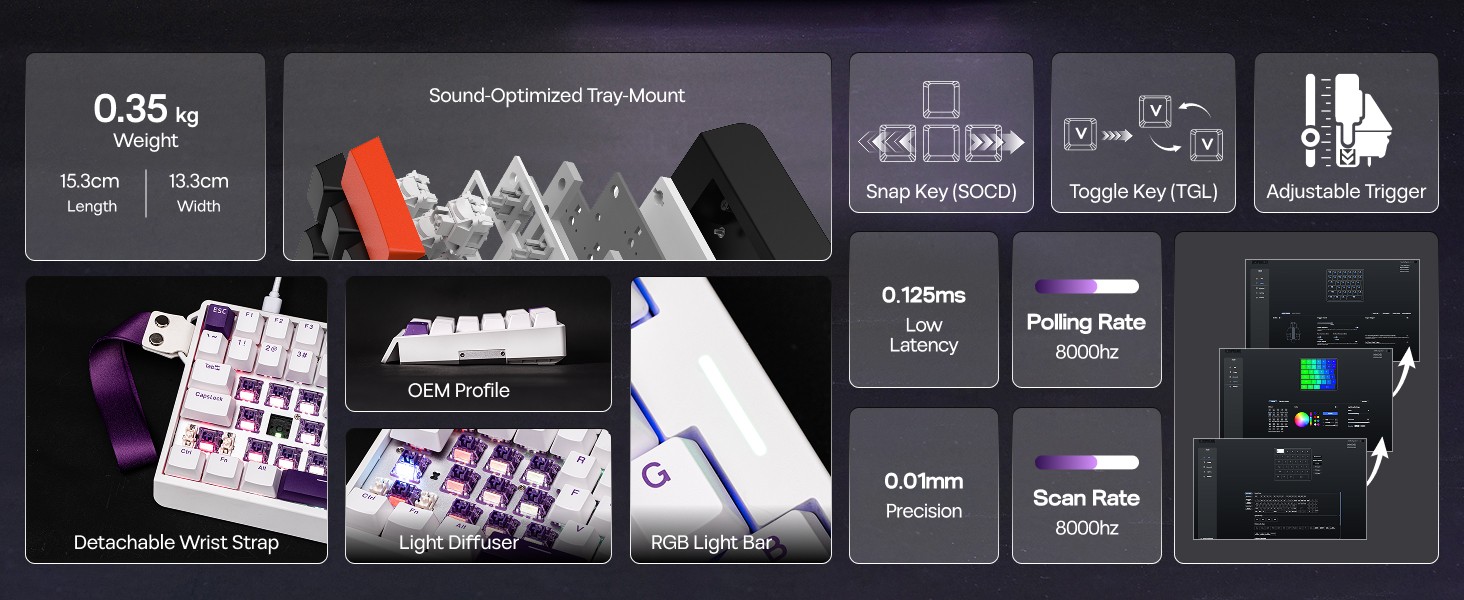
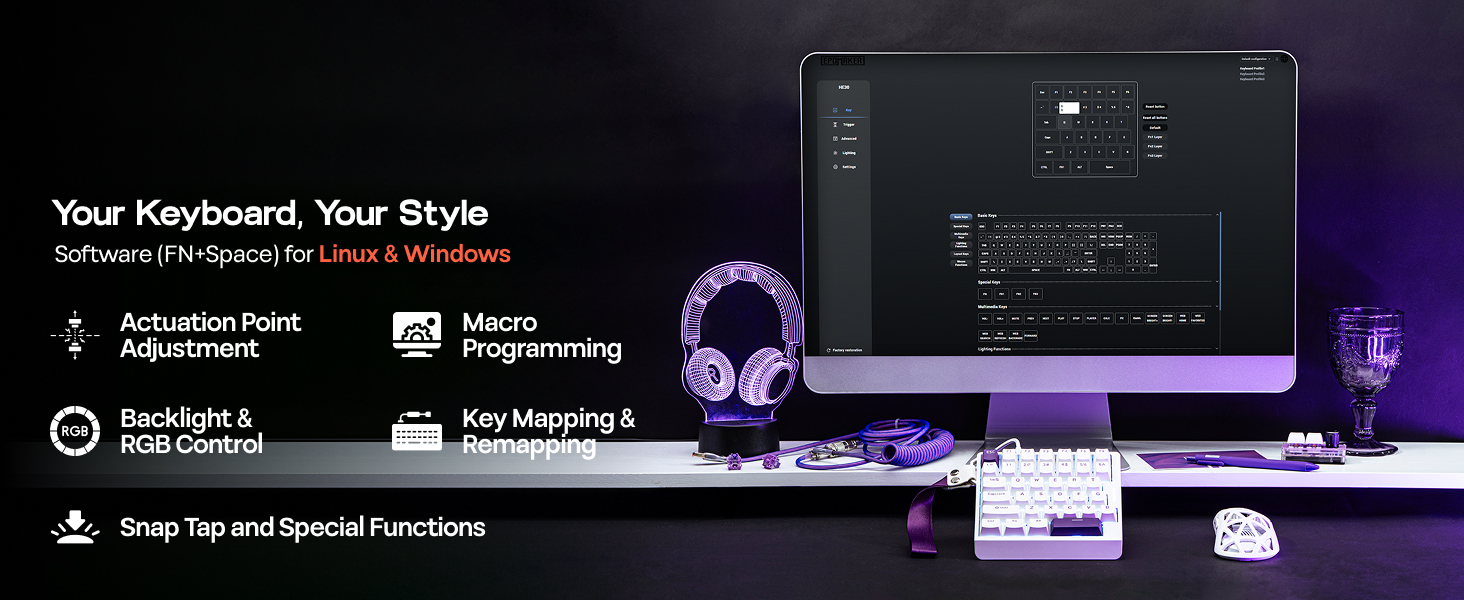
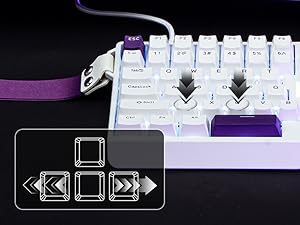
Snap Key (SOCD)
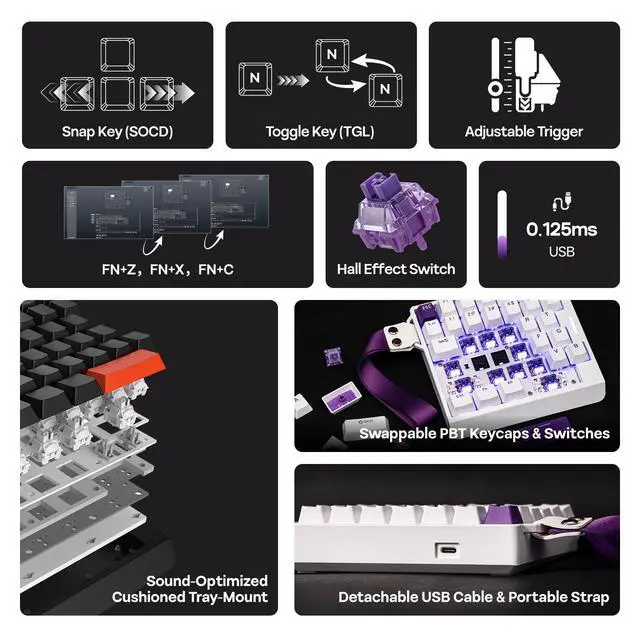
No more stop, moving in the heat of battle. With Snap Key, only the latter key is prioritized and triggered when two opposing directions are pressed
Custom Rapid Triggering (RT)
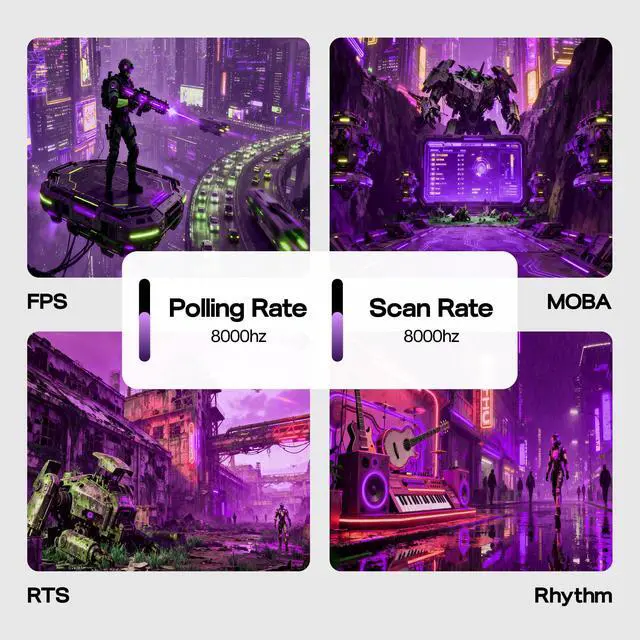
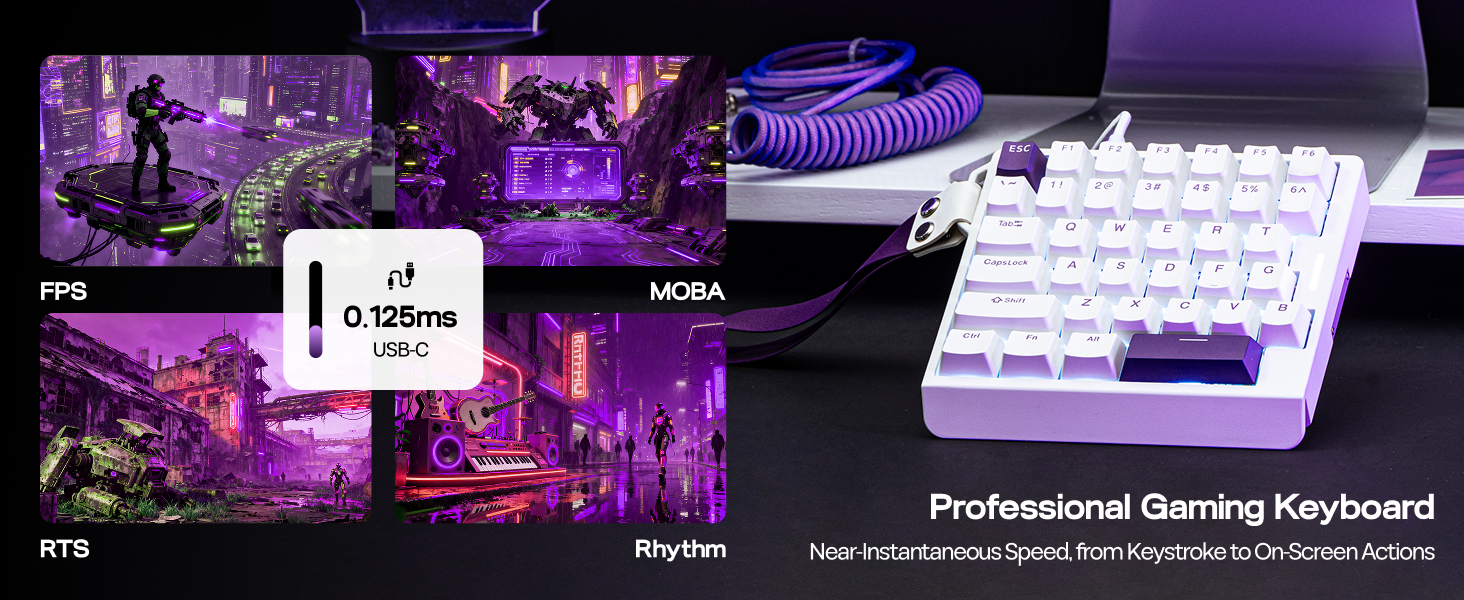
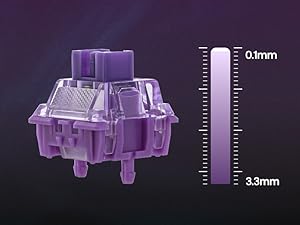
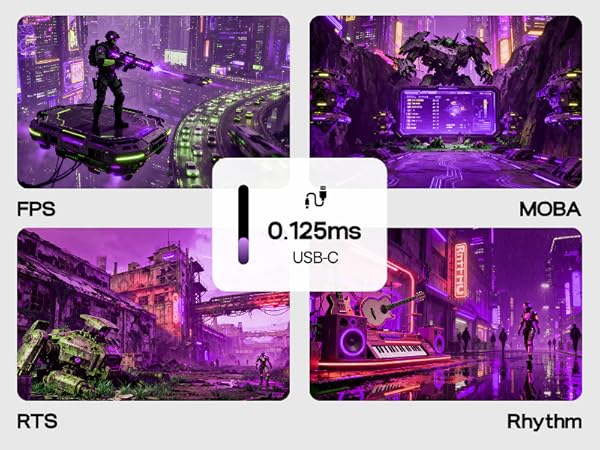
Whether you are competitive for FPS, MOBA and Rhythm games, trigger and release of input can be as precise as 0.01mm (0.1-3.3mm) of finger movement
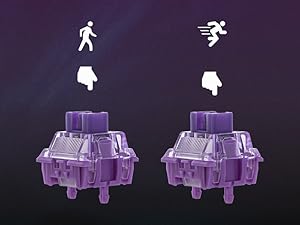
Toggle Key (TGL)
Set "hold" or "double-click" as the trigger for continuous input and "tap" as termination. Release your finger for operation elsewhere
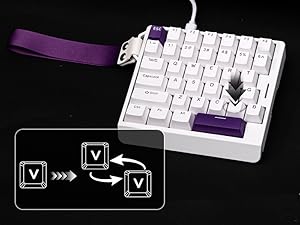
Dynamic Keystroke & MT
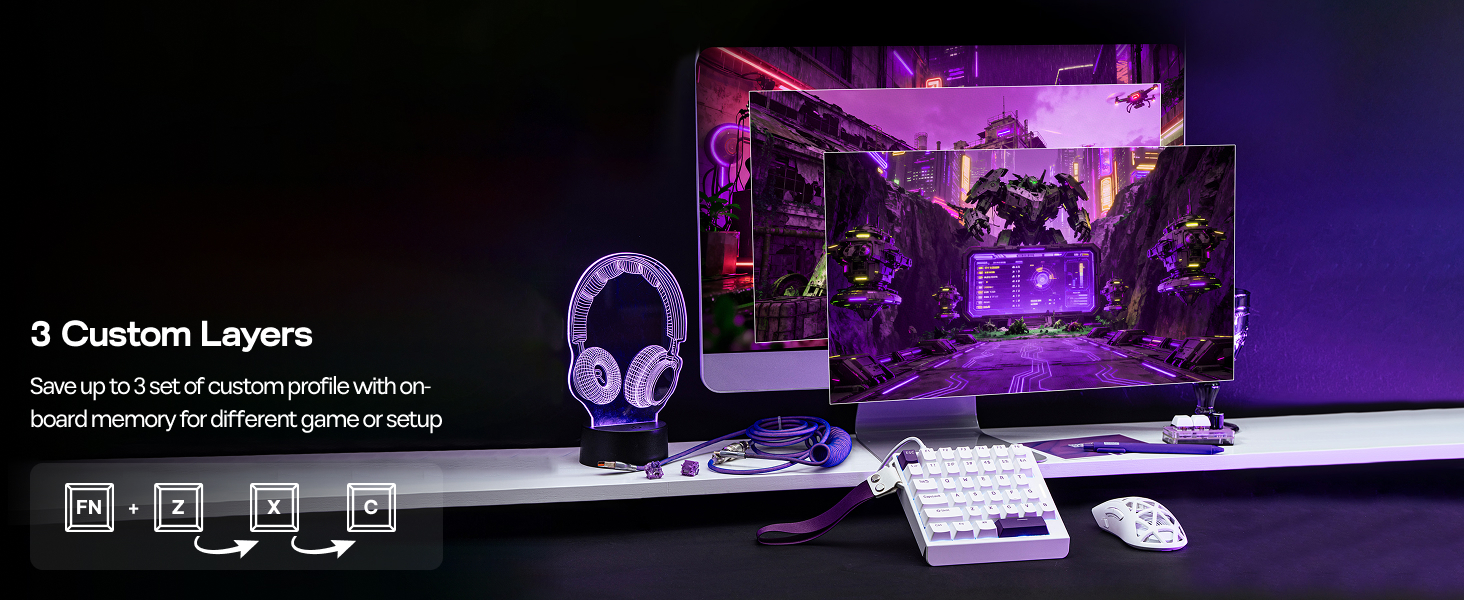
Maximize the keyboard's potential by setting 2-4 functions on 1 key in 1 layout. 4 distances as 4 functions with DKS or hold/tap as 2 with MT
What is Hall Effect Magnetic Switch? Is it the same as mechanical switches?
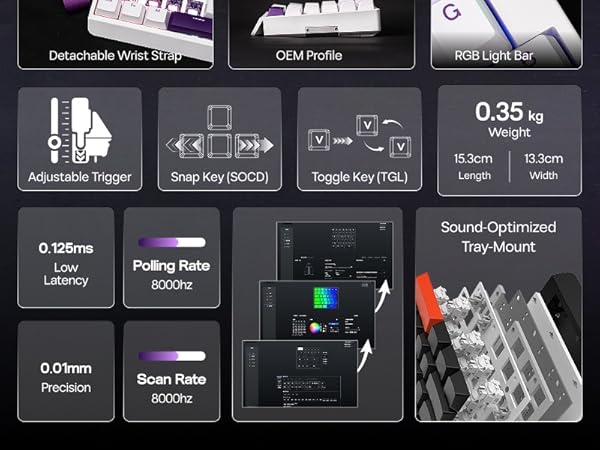
While mechanical switches require physical connection of circuit to input signals, hall effect switches input signals by translating changes in magnetic flux. The elimination of physical touches reduces latency to a mere 0.125ms.
How can I keep hall effect gaming keyboard in good condition? Why do some keys repeate itselves or won't input anything?
Hall Effect Switches is sensitive to changes in temperature and position. We recommand calibration with software (wired) after shipment, switch swap and as daily maintenance, especially when key appear to be stuck or ghosting.
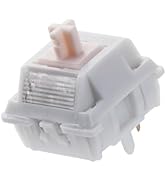
What are the specs of EP Magnetic Purple Switch? How can I make it more or less sensitive for rapid triggering?
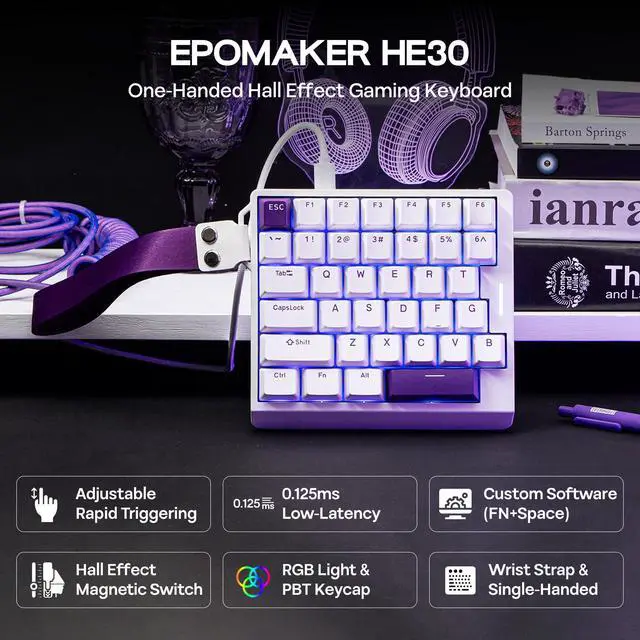
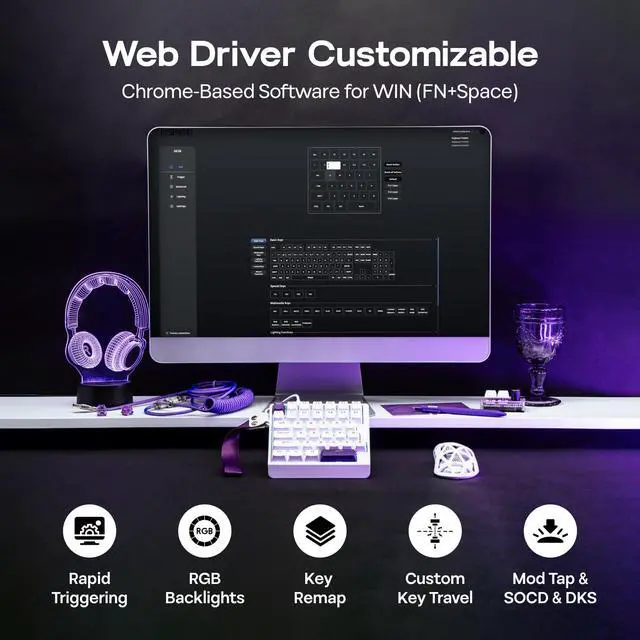
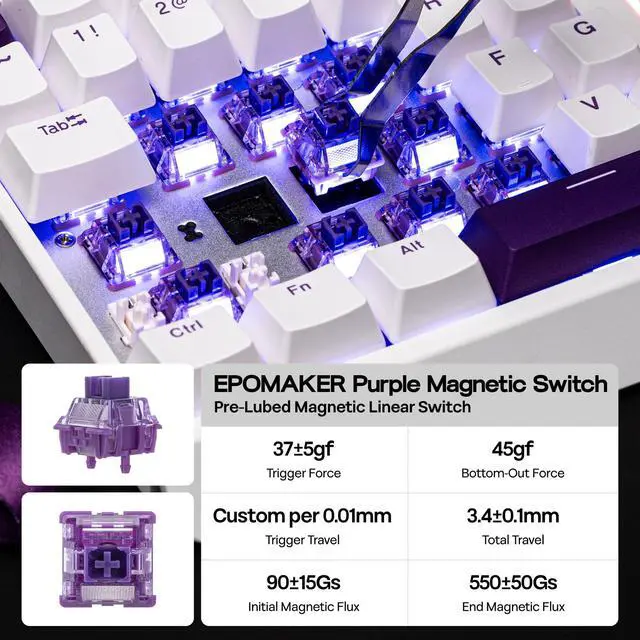
The force of this switch is 37gf to 45gf, and travel ranges from 0.1mm to 3.3mm per 0.01mm, adjustable in software (FN+Space). Set it to short travel for speed, or a long travel to avoid accidental input.
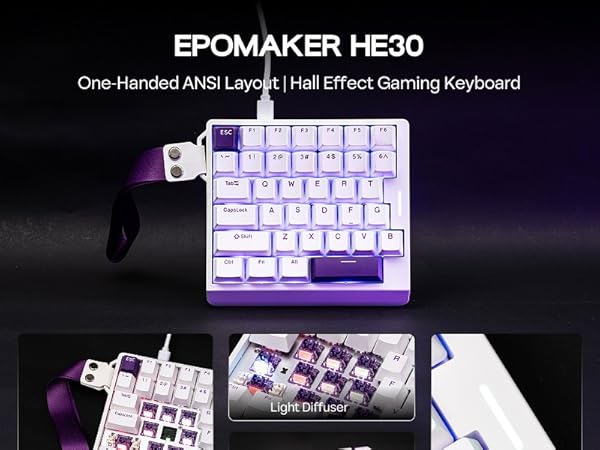
Is the HE30 Gaming Keyboard good for all games? Does it work with consoles?
While connectivity with console works, compatibility is not guaranteed and may vary depending on specific games or third-party controllers. Advanced features such as RT, SOCD or DKS are restricted by certain games as cheating.
Is the HE30 Gaming Keyboard compatible with all PC systems? (Not for Mac)
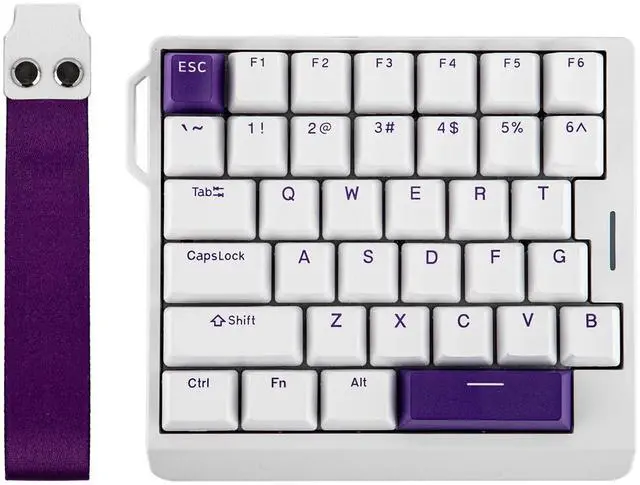
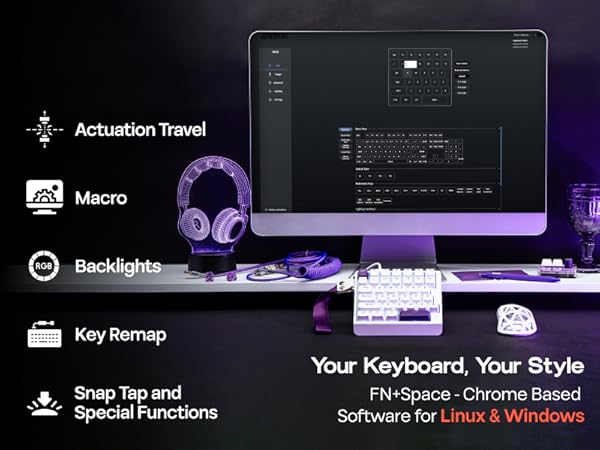
The HE30 keyboard is compatible with Windows, and most of its function works on Linux. It is not compatible with Mac. The custom software is Chrome-based, which works online and offline, with Windows and Linux, via Chrome-based browser via FN+Space.
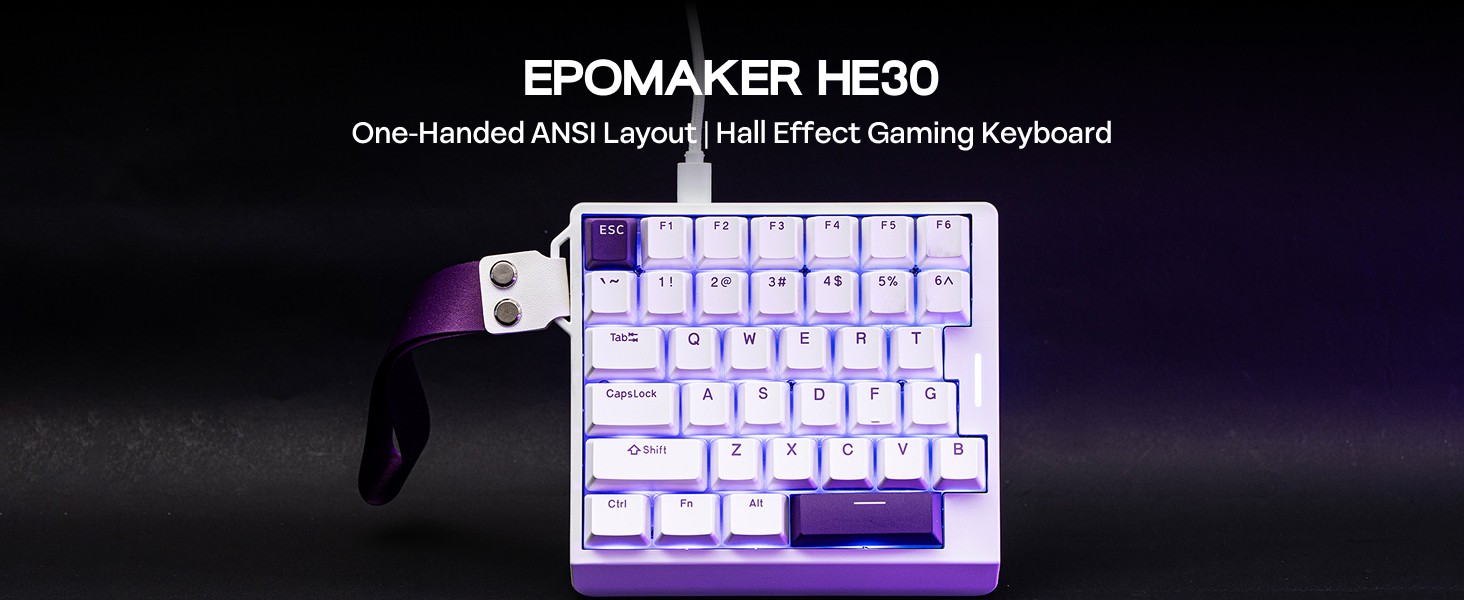
EPOMAKER Gaming Keyboard with Magnetic Hall Effect Switches
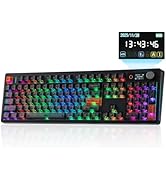
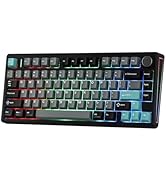
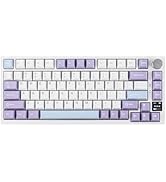
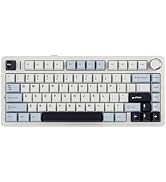
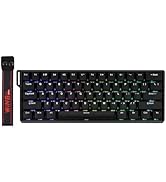
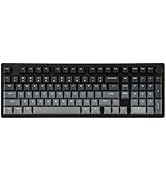
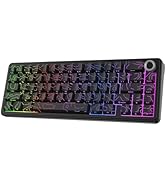
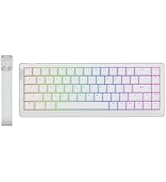
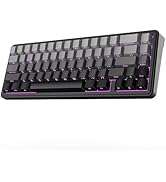
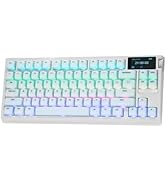
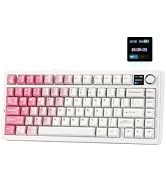
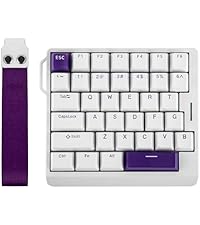 HE30 (Wired, One-Handed) | 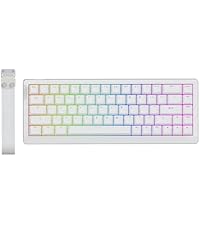 HE68 Lite (Wired) | 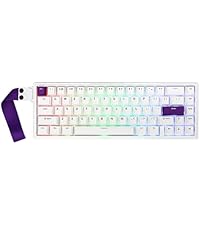 HE68 (Wired) | 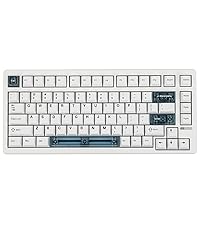 HE80 (Wired) | 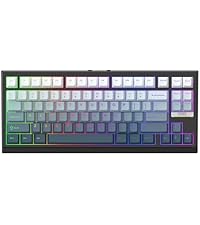 G84 HE (Wireless) | |
|---|---|---|---|---|---|
Customer Reviews | — | — | — | — | — |
Price | — | — | — | — | — |
Backlight | RGB, Not Shine-Through | RGB, Letters Shine-Through | RGB, Not Shine-Through | RGB, Not Shine-Through | RGB, Letters Shine-Through |
Polling & Latency | 8K Polling; 0.125ms | 8k Adjustable; 0.2ms | 8K Polling; 0.125ms | 8K Polling; 0.125ms | 8K/125 Polling; 0.125ms/8ms |
Magnetic Switch Travel | 0.1-3.3mm (per 0.01mm) | 0.1-3.4mm (per 0.01mm) | 0.1-3.5mm (per 0.01mm) | 0.1-3.4mm (per 0.01mm) | 0.1-3.3mm (per 0.01mm) |
Material & Color | Plastic. White/Black | Plastic; White/Black | Plastic; White/Black | Plastic. Black+Clear Blue | Plastic & Black Shine-Through |
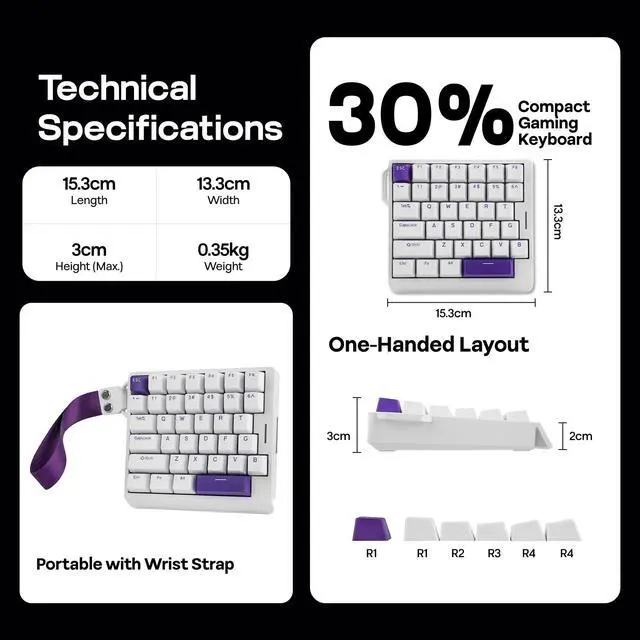
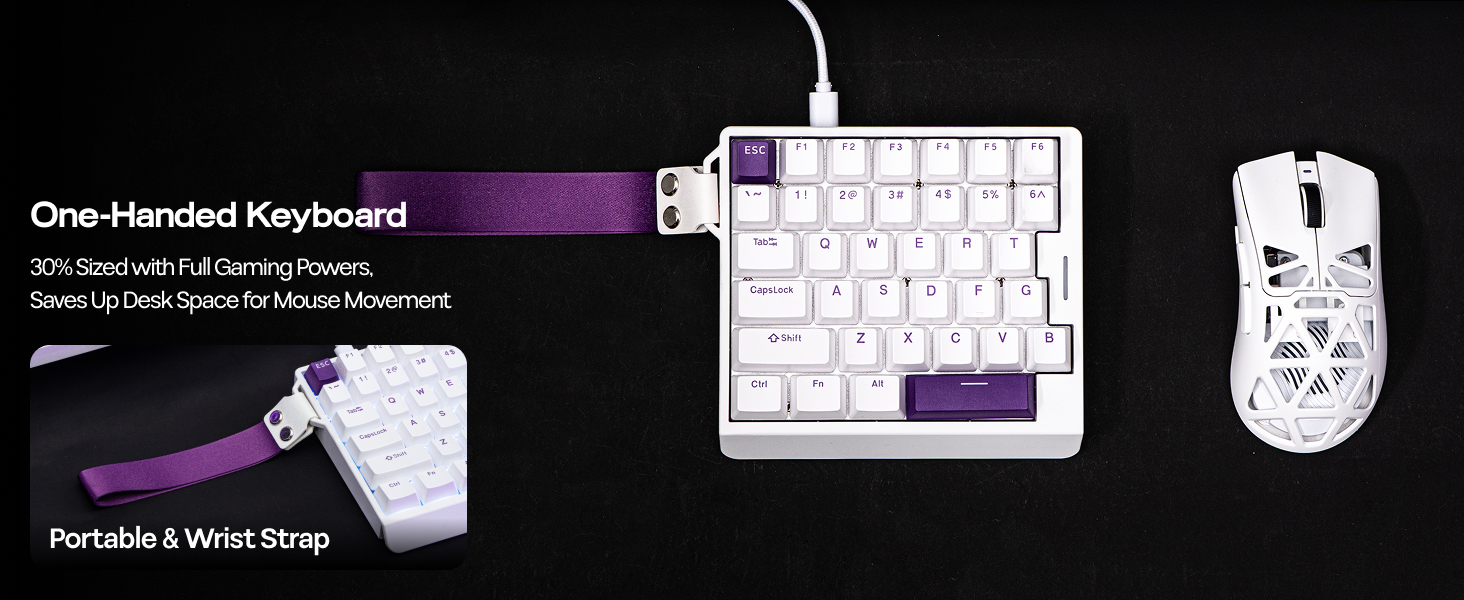
Layout | One-Handed, QWERTY US | 65% ANSI, QWERTY US | 65% ANSI, QWERTY US | 75% ANSI, QWERTY US | 75% ANSI, QWERTY US |
Keys+Knob | 36 Keys | 68 Keys | 68 Keys | 82 Keys | 84 Keys |
Hot-Swappable | EP Magnetic Purple Switch | Epomaker Clear Mag Switch | EP Magnetic Pink Switch | EPOMAKER MagneX Switch | Epomaker Duskrise Switch |
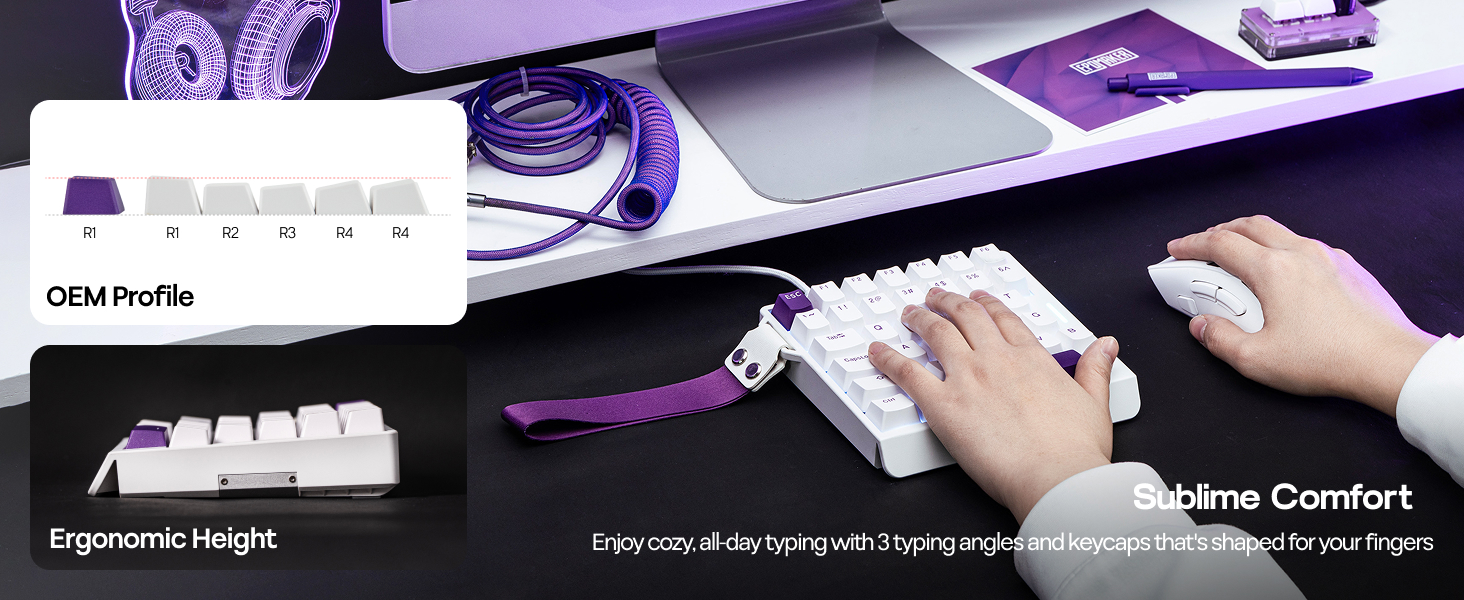
Keycap Profile & Material | OEM Profile. PBT | Cherry Profile. PBT | Cherry Profile. PBT | Cherry Profile. PBT & PC | Cherry Profile. PBT Plastic |
Connectivity | USB A-C Wired | USB A-C Wired | USB A-C Wired | USB A-C Wired | BT/2.4Ghz/USB A-to-C |
Battery | X | X | X | X | 8000mAh |
OS System | Win/Linux | Win/Mac/Android/iOS | Win/Mac/Android/iOS | Win/Mac/Android/iOS/Linux /PS | Win/Mac/Android/iOS |
Software | FN+Space (WIN/Linux) | EPOMAKER Software (WIN/Mac) | Epomaker Driver (WIN/Mac) | HE80 Software (Chrome Web) | EPOMAKER 3.0 Driver (WIN/Mac) |






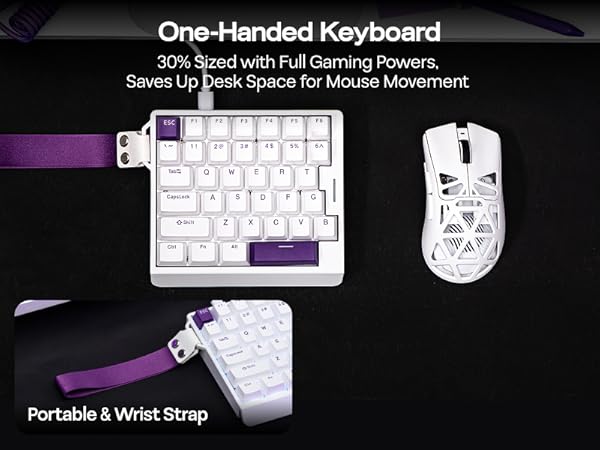
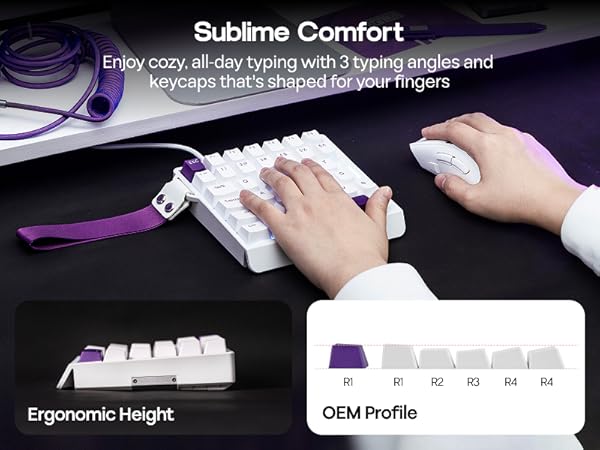
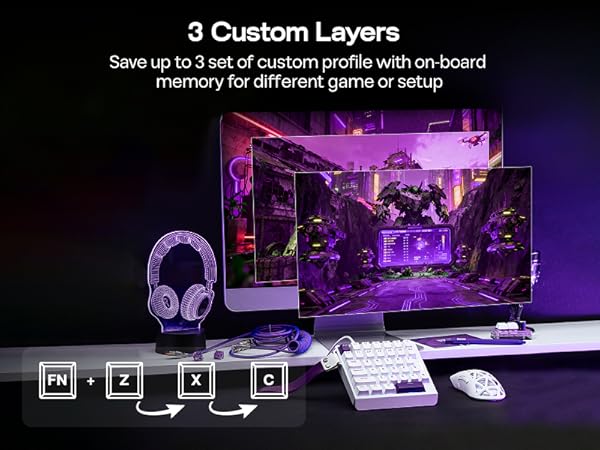

Snap Key (SOCD)
No more stop, moving in the heat of battle. With Snap Key, only the latter key is prioritized and triggered when two opposing directions are pressed
Custom Rapid Triggering (RT)
Whether you are competitive for FPS, MOBA and Rhythm games, trigger and release of input can be as precise as 0.01mm (0.1-3.3mm) of finger movement
Toggle Key (TGL)
Set "hold" or "double-click" as the trigger for continuous input and "tap" as termination. Release your finger for operation elsewhere
Dynamic Keystroke & MT
Maximize the keyboard's potential by setting 2-4 functions on 1 key in 1 layout. 4 distances as 4 functions with DKS or hold/tap as 2 with MT
What is Hall Effect Magnetic Switch? Is it the same as mechanical switches?
While mechanical switches require physical connection of circuit to input signals, hall effect switches input signals by translating changes in magnetic flux. The elimination of physical touches reduces latency to a mere 0.125ms.
How can I keep hall effect gaming keyboard in good condition? Why do some keys repeate itselves or won't input anything?
Hall Effect Switches is sensitive to changes in temperature and position. We recommand calibration with software (wired) after shipment, switch swap and as daily maintenance, especially when key appear to be stuck or ghosting.
What are the specs of EP Magnetic Purple Switch? How can I make it more or less sensitive for rapid triggering?
The force of this switch is 37gf to 45gf, and travel ranges from 0.1mm to 3.3mm per 0.01mm, adjustable in software (FN+Space). Set it to short travel for speed, or a long travel to avoid accidental input.
Is the HE30 Gaming Keyboard good for all games? Does it work with consoles?
While connectivity with console works, compatibility is not guaranteed and may vary depending on specific games or third-party controllers. Advanced features such as RT, SOCD or DKS are restricted by certain games as cheating.
Is the HE30 Gaming Keyboard compatible with all PC systems? (Not for Mac)
The HE30 keyboard is compatible with Windows, and most of its function works on Linux. It is not compatible with Mac. The custom software is Chrome-based, which works online and offline, with Windows and Linux, via Chrome-based browser via FN+Space.
EPOMAKER Gaming Keyboard with Magnetic Hall Effect Switches
HE30 (Wired, One-Handed) | HE68 Lite (Wired) | HE68 (Wired) | HE80 (Wired) | G84 HE (Wireless) |
|---|---|---|---|---|
| Customer Reviews | ||||
| — | — | — | — | — |
| Price | ||||
| — | — | — | — | — |
| Backlight | ||||
| RGB, Not Shine-Through | RGB, Letters Shine-Through | RGB, Not Shine-Through | RGB, Not Shine-Through | RGB, Letters Shine-Through |
| Polling & Latency | ||||
| 8K Polling; 0.125ms | 8k Adjustable; 0.2ms | 8K Polling; 0.125ms | 8K Polling; 0.125ms | 8K/125 Polling; 0.125ms/8ms |
| Magnetic Switch Travel | ||||
| 0.1-3.3mm (per 0.01mm) | 0.1-3.4mm (per 0.01mm) | 0.1-3.5mm (per 0.01mm) | 0.1-3.4mm (per 0.01mm) | 0.1-3.3mm (per 0.01mm) |
| Material & Color | ||||
| Plastic. White/Black | Plastic; White/Black | Plastic; White/Black | Plastic. Black+Clear Blue | Plastic & Black Shine-Through |
| Layout | ||||
| One-Handed, QWERTY US | 65% ANSI, QWERTY US | 65% ANSI, QWERTY US | 75% ANSI, QWERTY US | 75% ANSI, QWERTY US |
| Keys+Knob | ||||
| 36 Keys | 68 Keys | 68 Keys | 82 Keys | 84 Keys |
| Hot-Swappable | ||||
| EP Magnetic Purple Switch | Epomaker Clear Mag Switch | EP Magnetic Pink Switch | EPOMAKER MagneX Switch | Epomaker Duskrise Switch |
| Keycap Profile & Material | ||||
| OEM Profile. PBT | Cherry Profile. PBT | Cherry Profile. PBT | Cherry Profile. PBT & PC | Cherry Profile. PBT Plastic |
| Connectivity | ||||
| USB A-C Wired | USB A-C Wired | USB A-C Wired | USB A-C Wired | BT/2.4Ghz/USB A-to-C |
| Battery | ||||
| X | X | X | X | 8000mAh |
| OS System | ||||
| Win/Linux | Win/Mac/Android/iOS | Win/Mac/Android/iOS | Win/Mac/Android/iOS/Linux /PS | Win/Mac/Android/iOS |
| Software | ||||
| FN+Space (WIN/Linux) | EPOMAKER Software (WIN/Mac) | Epomaker Driver (WIN/Mac) | HE80 Software (Chrome Web) | EPOMAKER 3.0 Driver (WIN/Mac) |

EPOMAKER New Release for 2026
EPOMAKER Gaming Keyboard
65% Layout Gaming Keyboard
75% Layout Gaming Keyboard
1800 Layout Gaming Keyboard
PC Gaming Mice
Numpad
Premium PBT Keycap Set
Keyboard Cable
Keyboard Switches