




 here!
here!
I’m your shopping assistant for PC builds, upgrades, and everything tech.
Got questions? Ask away!
Start a conversation
here!
I’m your shopping assistant for PC builds, upgrades, and everything tech.
Got questions? Ask away!
Start a conversation



Any questions? Ask CelesteSM will help you find out quickly.


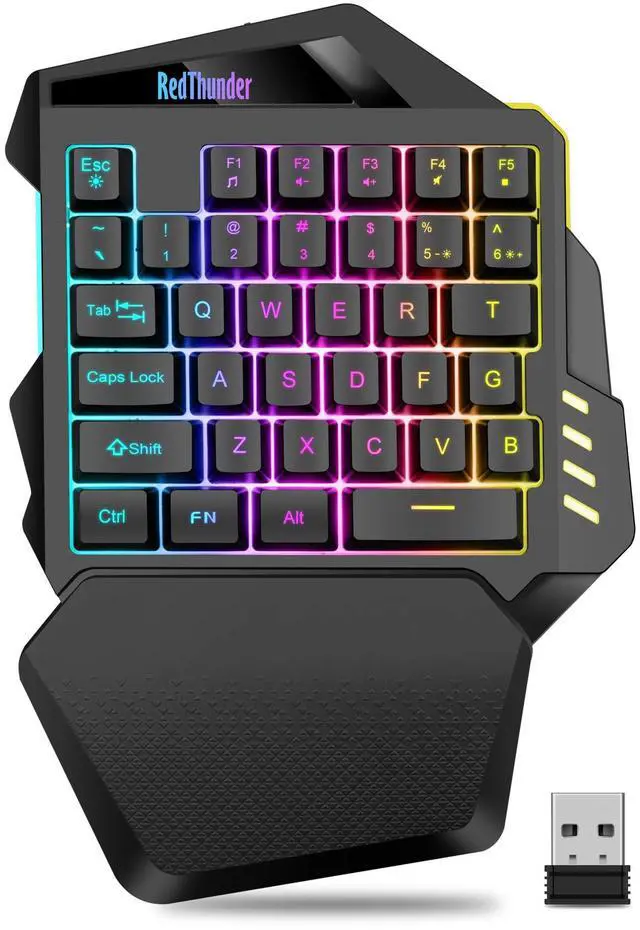
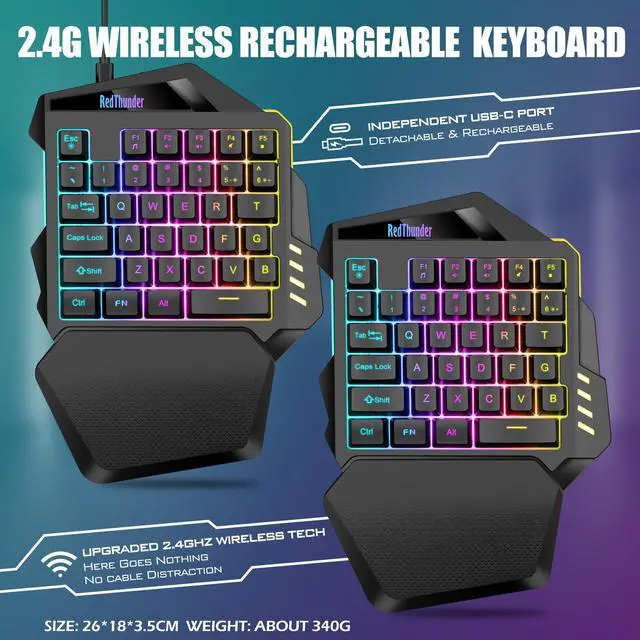
The switch and the charging port are located above the mini gaming keyboard independently. It can be unaffected by the switch and charging position when playing games.

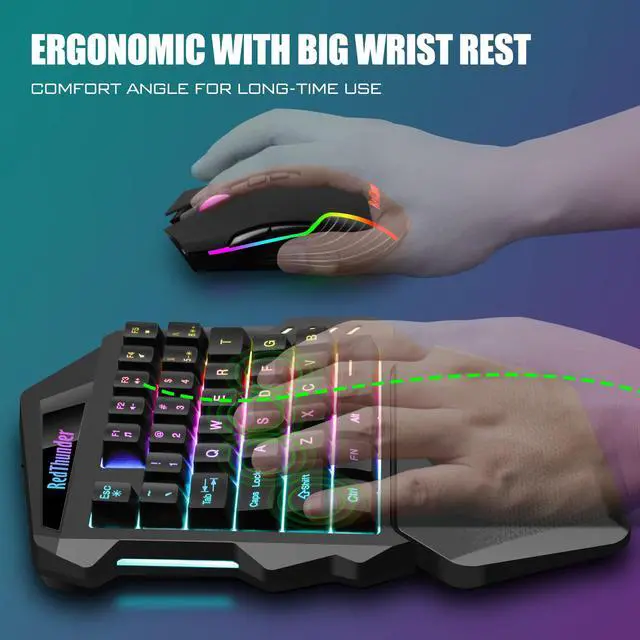
The one-handed mini keyboard wrist rest is ergonomically designed with ABS material and pattern texture, so that you are no longer tired and more comfortable to use.

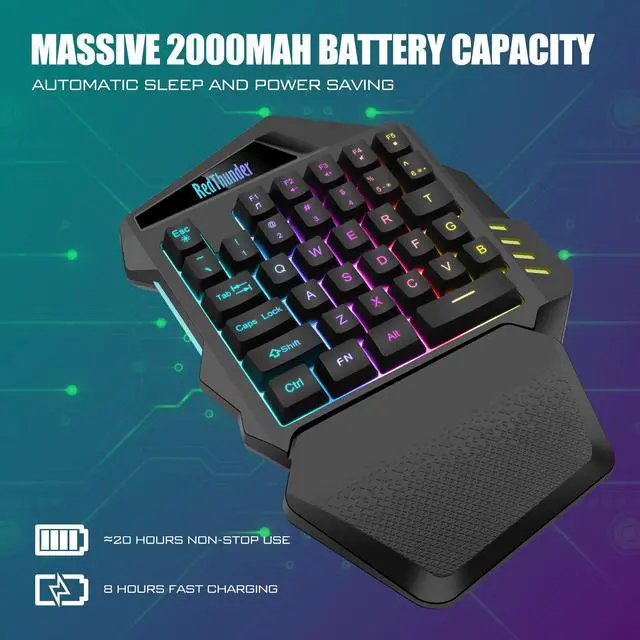
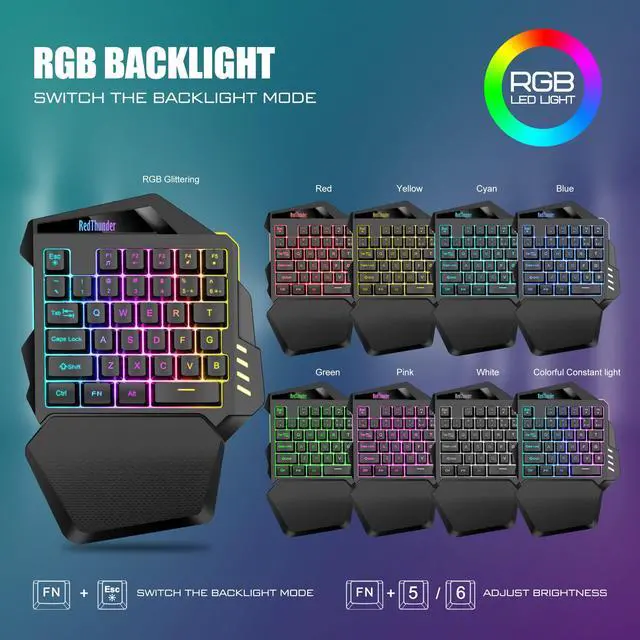
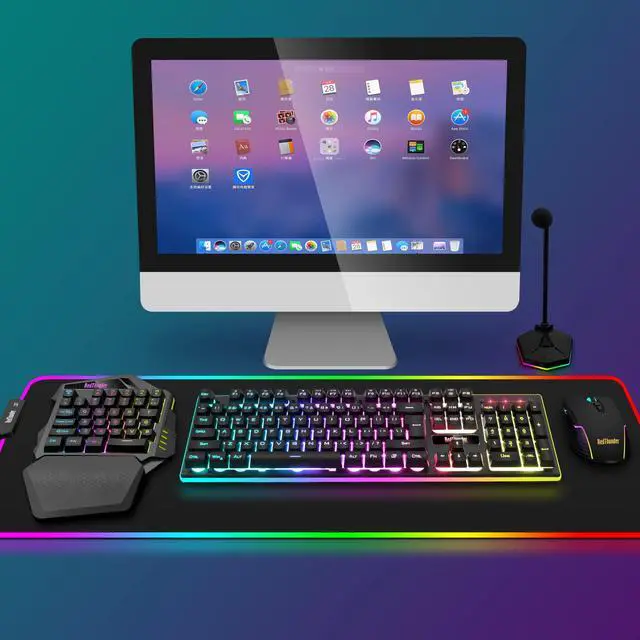
The cool RGB will bring an immersive gaming experience. When you do not use the one-handed gaming keyboard for 6~8 minutes, it will automatically turn off and appropriately reduce the number of charging times and charging time.

1. Use only after inserting USB receiver and turning on switch. The keyboard RGB lights will light up only when the receiver is plugged in
2.The USB receiver is located in a small bag.
3. Please fully charge it before the first use, otherwise it will not last as long as expected when it is not fully charged. (Because we didn't fully charge the keyboard/mouse before shipment to ensure transportation safety)
4. No software installation is required before using the keyboard, just plug the USB receiver into the USB port and turn the switch to the ON position.
5. There will be a little delay or the lights will not turn on when the keyboard/mouse battery is too low, please charge the keyboard/mouse in time, the charging indicator will go off after full charge.
6. To protect battery life, please use a lower than DC:5V adapter to charge, preferably using the computer's USB port to charge directly. Due to the different currents of different computer USB charging ports, some users may need longer charging time to fully charge.
7. Turning off the keyboard light can extend the battery life of the keyboard moderately.
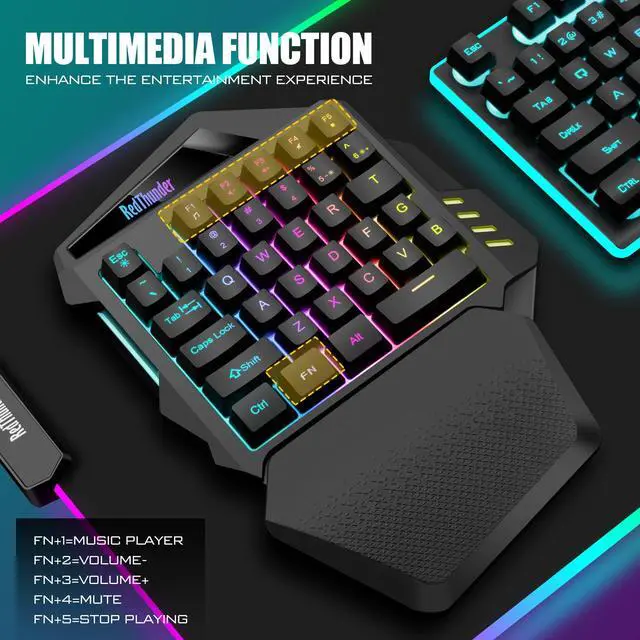
8. For RGB lighting adjustment, some shortcut keys and other information about the product, please refer to the user manual. Of course, you can also press FN key and the key with the function icons button yourself to try out different functions.
9. If the keyboard is not working, they may lose connection with the USB receiver. Please try pairing with the USB receiver again.
Keyboard pairing steps: Make sure the keyboard fully charged and re-pair with the USB receiver. Step 1: Turn on the keyboard switch; Step 2: Press and hold the ESC key and the Q key at the same time; Step 3: After 3 seconds, insert the receiver into the computer, and pairing is complete.
10. If you have any problem, please tell us at the first time, we will try our best to solve it.
 One-handed Wireless Keyboard |  One-handed Wired Keyboard |  60% Wireless Keyboard |  K84 Wireless Keyboard |  K10 Wireless Keyboard |  K95 Wireless Mechanical Keyboard,TFT Screen & Knob, Trip-Modes Con... | |
|---|---|---|---|---|---|---|
| Customer Reviews | — | — | — | — | — | — |
| Price | — | — | — no data | — | — | — |
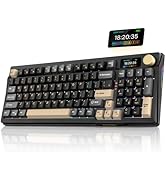
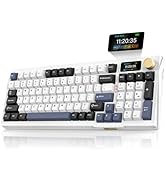
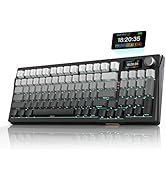
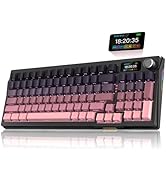
| Color Option | Black | Black | Black | White-Gray | Black/White/Pink | Gray/Pink/White/Black Gold |
| Connection | Wireless | Wired | Wireless | Wireless | Wireless | Wired/2.4G/BT |
| Keyboard Keys | 35 | 35 | 61 | 84 | 104 | 95 |
| Backlight Mode | ? | ? | ? | ? | ? | ? |
| Fn Function Key | ? | ? | ? | ? | ? | ? |

About RedThunder
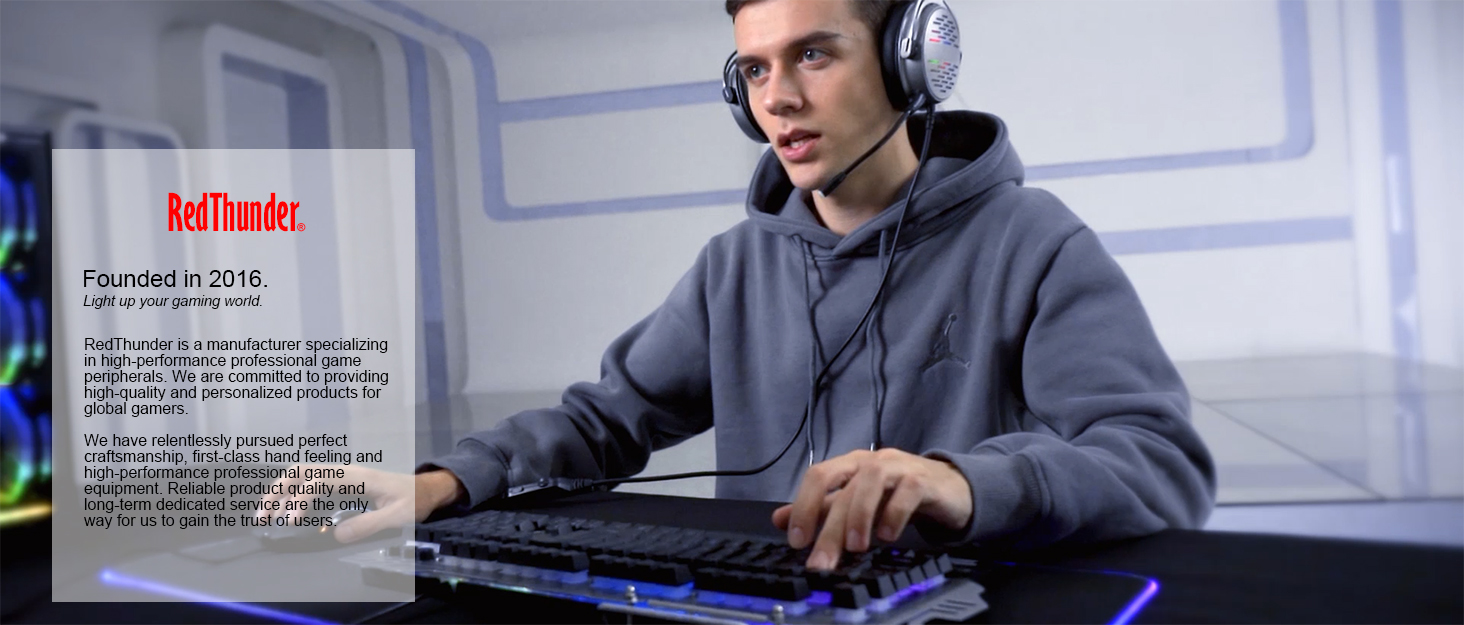
RedThunder is a manufacturer specializing in high-performance professional game peripherals. We are committed to providing high-quality and personalized products for global gamers.
We have relentlessly pursuing perfect craftsmanship, first-class feel, high-performance professional gaming equipment and high-standard service. Your satisfaction is our driving force.
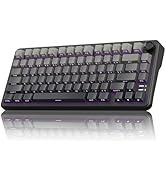
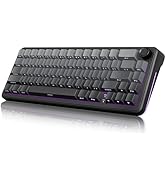
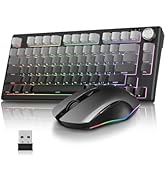
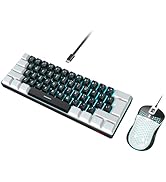
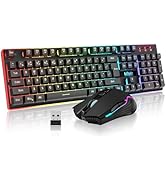
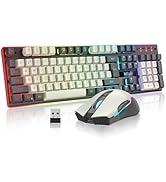
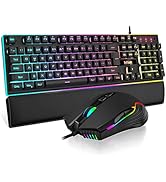
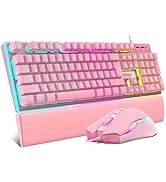
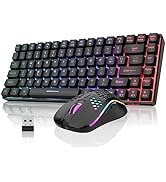
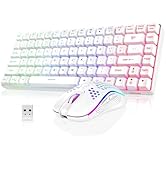
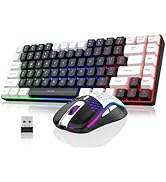
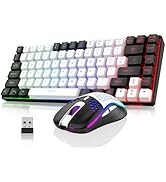
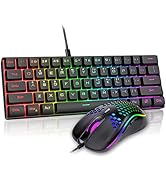
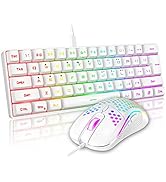
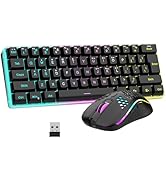
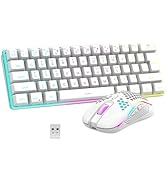
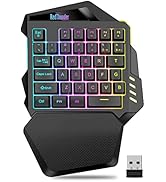
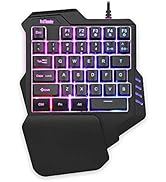

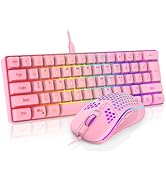
The switch and the charging port are located above the mini gaming keyboard independently. It can be unaffected by the switch and charging position when playing games.
The one-handed mini keyboard wrist rest is ergonomically designed with ABS material and pattern texture, so that you are no longer tired and more comfortable to use.
The cool RGB will bring an immersive gaming experience. When you do not use the one-handed gaming keyboard for 6~8 minutes, it will automatically turn off and appropriately reduce the number of charging times and charging time.
1. Use only after inserting USB receiver and turning on switch. The keyboard RGB lights will light up only when the receiver is plugged in
2.The USB receiver is located in a small bag.
3. Please fully charge it before the first use, otherwise it will not last as long as expected when it is not fully charged. (Because we didn't fully charge the keyboard/mouse before shipment to ensure transportation safety)
4. No software installation is required before using the keyboard, just plug the USB receiver into the USB port and turn the switch to the ON position.
5. There will be a little delay or the lights will not turn on when the keyboard/mouse battery is too low, please charge the keyboard/mouse in time, the charging indicator will go off after full charge.
6. To protect battery life, please use a lower than DC:5V adapter to charge, preferably using the computer's USB port to charge directly. Due to the different currents of different computer USB charging ports, some users may need longer charging time to fully charge.
7. Turning off the keyboard light can extend the battery life of the keyboard moderately.
8. For RGB lighting adjustment, some shortcut keys and other information about the product, please refer to the user manual. Of course, you can also press FN key and the key with the function icons button yourself to try out different functions.
9. If the keyboard is not working, they may lose connection with the USB receiver. Please try pairing with the USB receiver again.
Keyboard pairing steps: Make sure the keyboard fully charged and re-pair with the USB receiver. Step 1: Turn on the keyboard switch; Step 2: Press and hold the ESC key and the Q key at the same time; Step 3: After 3 seconds, insert the receiver into the computer, and pairing is complete.
10. If you have any problem, please tell us at the first time, we will try our best to solve it.
One-handed Wireless Keyboard | One-handed Wired Keyboard | 60% Wireless Keyboard | K84 Wireless Keyboard | K10 Wireless Keyboard | K95 Wireless Mechanical Keyboard,TFT Screen & Knob, Trip-Modes Con... | |
|---|---|---|---|---|---|---|
| Customer Reviews | — | — | — | — | — | — |
| Price | — | — | — no data | — | — | — |
| Color Option | Black | Black | Black | White-Gray | Black/White/Pink | Gray/Pink/White/Black Gold |
| Connection | Wireless | Wired | Wireless | Wireless | Wireless | Wired/2.4G/BT |
| Keyboard Keys | 35 | 35 | 61 | 84 | 104 | 95 |
| Backlight Mode | ? | ? | ? | ? | ? | ? |
| Fn Function Key | ? | ? | ? | ? | ? | ? |
About RedThunder
RedThunder is a manufacturer specializing in high-performance professional game peripherals. We are committed to providing high-quality and personalized products for global gamers.
We have relentlessly pursuing perfect craftsmanship, first-class feel, high-performance professional gaming equipment and high-standard service. Your satisfaction is our driving force.


