



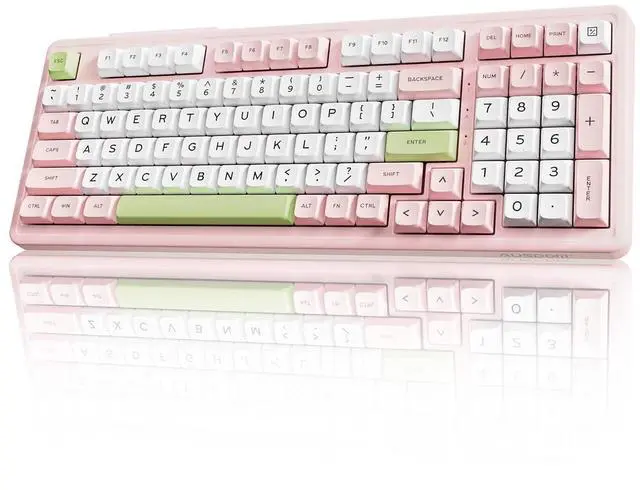
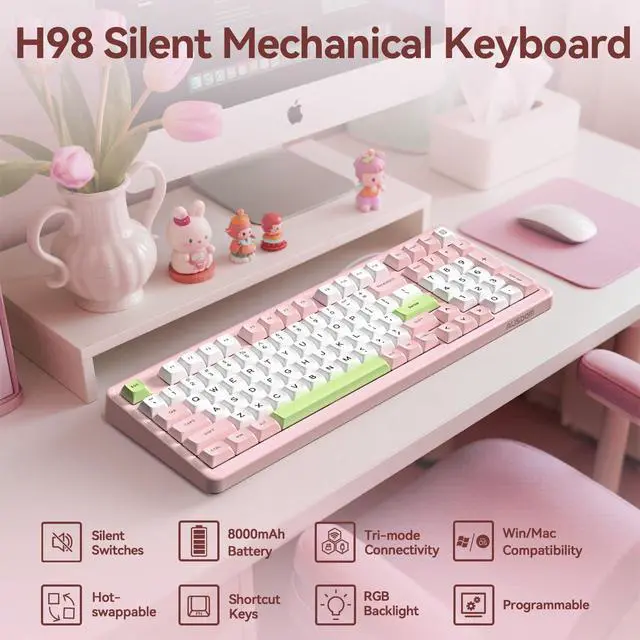

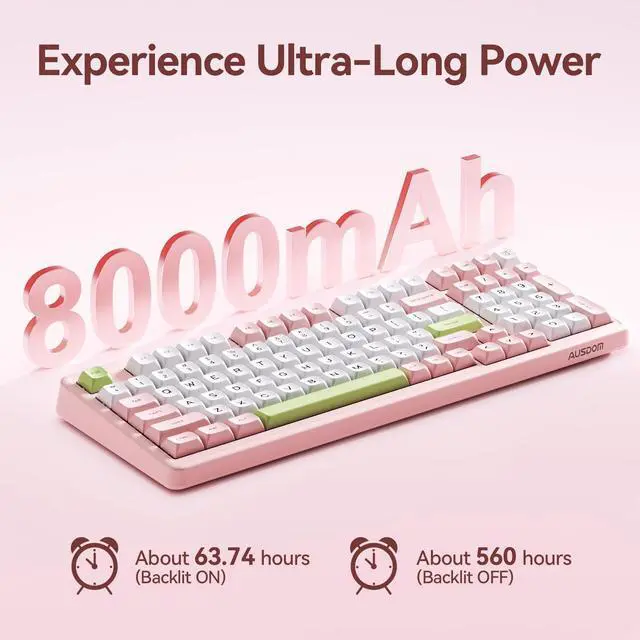



h98 pink keyboard
Merchant Video
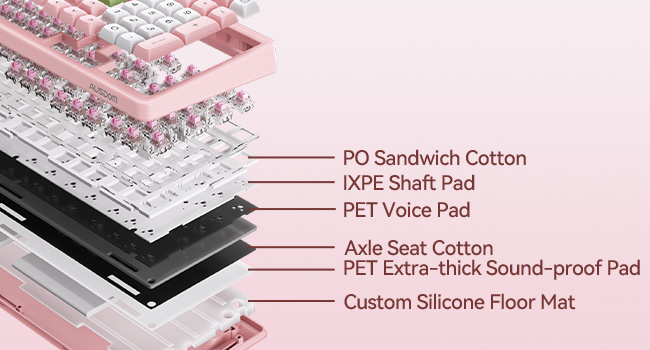
6-Layer Sound Foams
6-layer sound-shock absorbing foams not only ensure every keystroke is incredibly soft, but also provide a better typing experience.
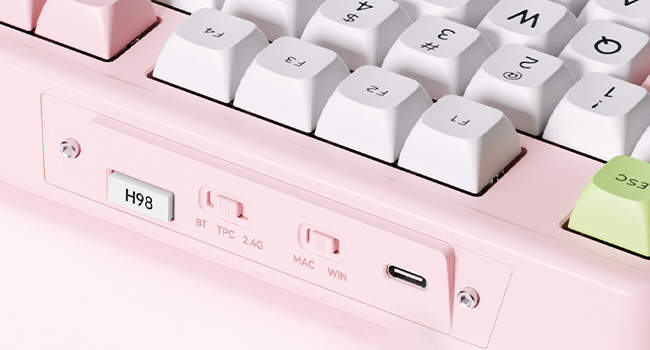
Quick Switch
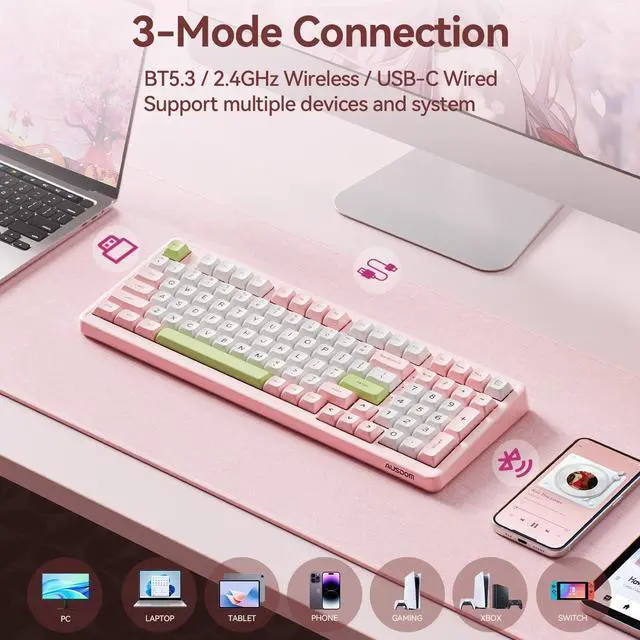
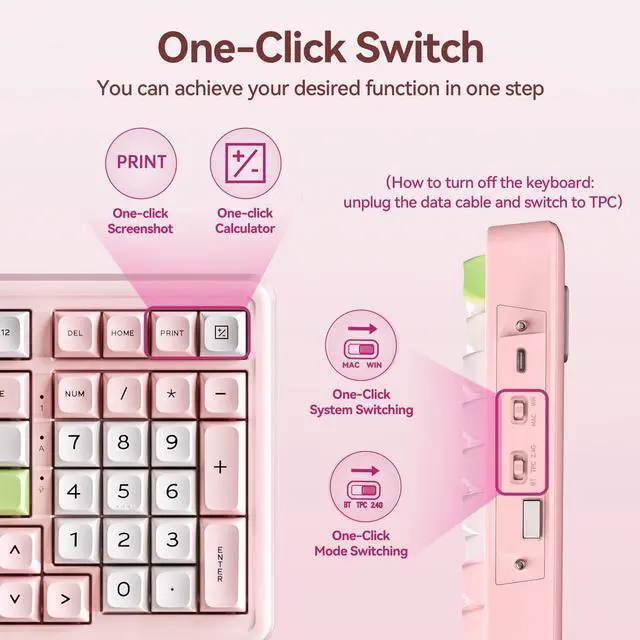
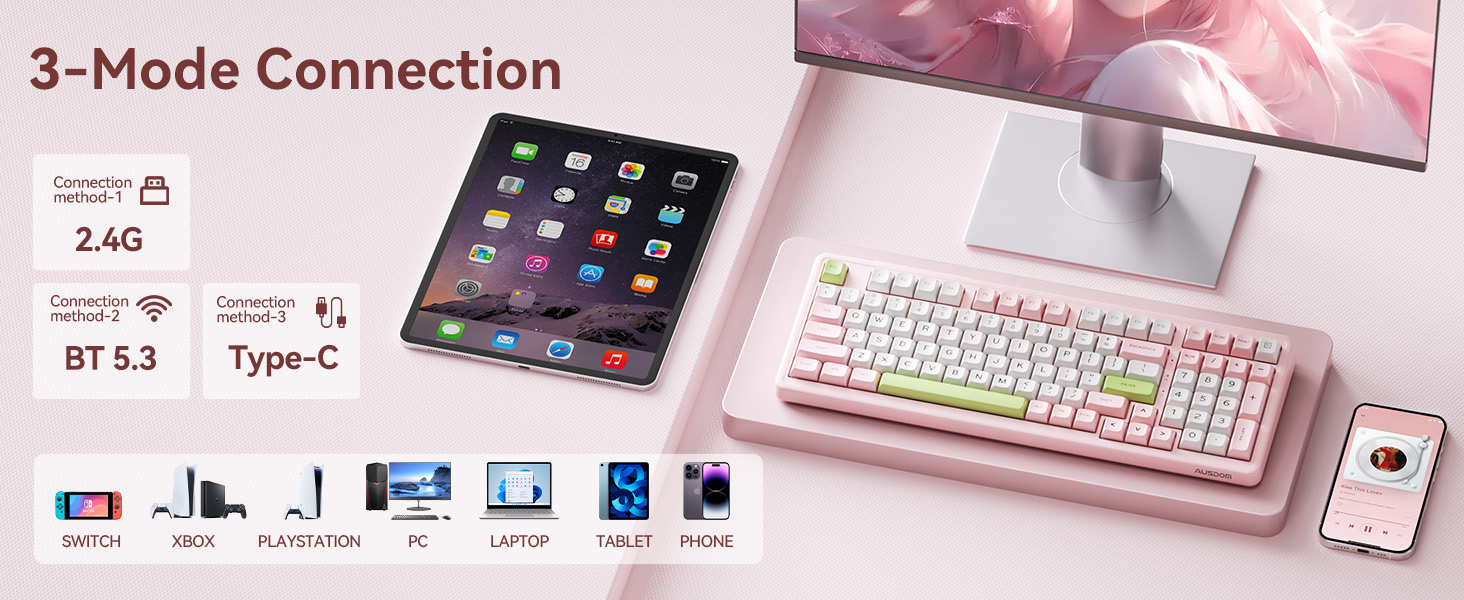
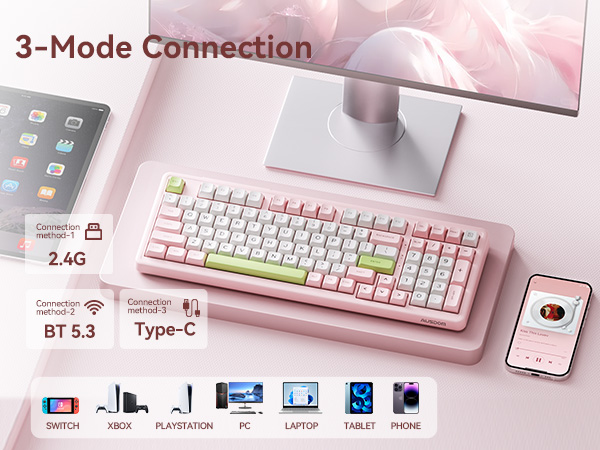
Instantly swap between Windows & Mac with one switch, and toggle between Bluetooth & wired & 2.4G mode with another. Achieve ultimate workflow efficiency without software hassle.
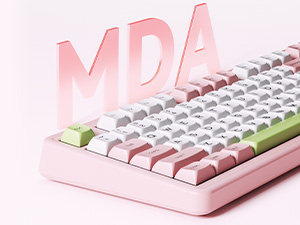
MDA Spherical Keycaps
MDA keycaps' ergonomic spherical design and gradient height reduce finger strain by naturally contouring to your fingertips for comfortable typing.
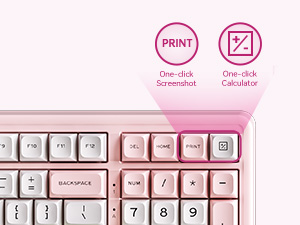
Shortcut Key Design
Shortcut to Efficiency: One-touch access to home, print, and calculator. Streamline your workflow with instant-access function keys.
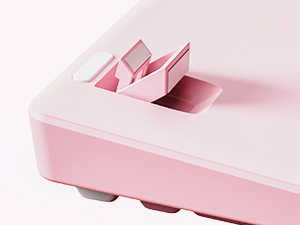
Two-stage Kickstand
Adjust the dual legs to change the tilt angle of the keyboard to achieve a more comfortable state, improving comfort and enhancing keyboard stability.
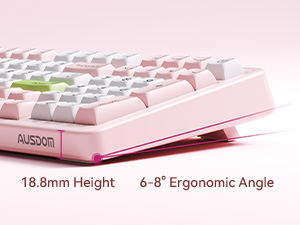
Ergonomic Design
Perfectly contoured 6-8° angle reduces wrist strain and promotes natural typing posture for all-day comfort.




How do I reset the keyboard?
Press and hold Fn+ESC for 3 seconds to restore to factory settings.
How do I fix an unresponsive key?
1. Restart the computer and reset the keyboard
2. Check if the keyboard battery is too low
3. Replace the data cable or computer port
4. Try pressing and holding FN+1!/2@/3# to re-pair the device
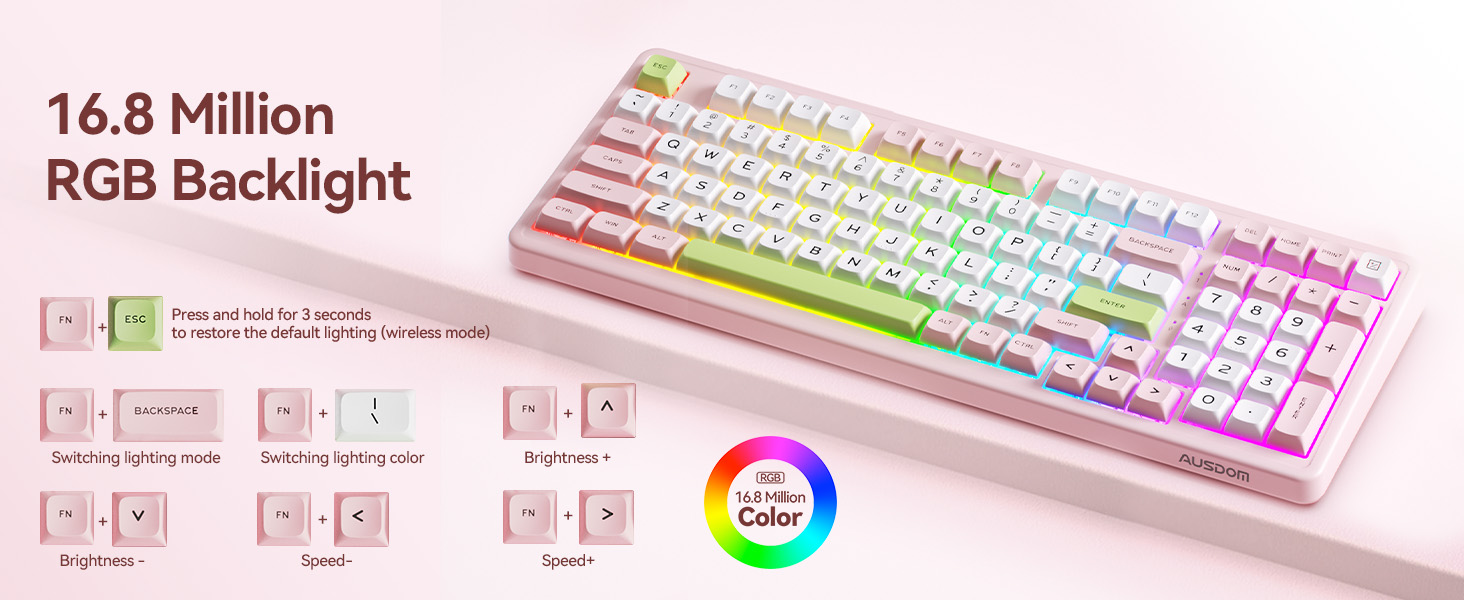
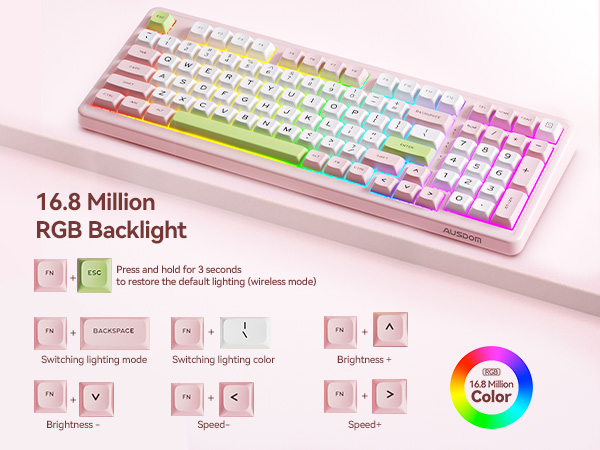
How to adjust RGB backlight?
FN+BACKSPACE:Adjust Lighting Mode
FN+|\: Adjust Lighting Color
FN+: Adjust Brightness
FN+: Adjust Speed
FN+ESC: Restore initial default lighting
How do I shut down the keyboard?
Unplug the data cable and turn the switch to TPC to shut down.
Can I customize the keyboard key settings? Such as adding "Page Up" and "Page Down" keys ?
Yes, first download the H98 driver from the official website, then you can customize the functions you want for the existing buttons. The newly assigned function will overwrite the original function. (Setting only works in wired and 2.4G modes)
h98 pink keyboard
Merchant Video
6-Layer Sound Foams
6-layer sound-shock absorbing foams not only ensure every keystroke is incredibly soft, but also provide a better typing experience.
Quick Switch
Instantly swap between Windows & Mac with one switch, and toggle between Bluetooth & wired & 2.4G mode with another. Achieve ultimate workflow efficiency without software hassle.
MDA Spherical Keycaps
MDA keycaps' ergonomic spherical design and gradient height reduce finger strain by naturally contouring to your fingertips for comfortable typing.
Shortcut Key Design
Shortcut to Efficiency: One-touch access to home, print, and calculator. Streamline your workflow with instant-access function keys.
Two-stage Kickstand
Adjust the dual legs to change the tilt angle of the keyboard to achieve a more comfortable state, improving comfort and enhancing keyboard stability.
Ergonomic Design
Perfectly contoured 6-8° angle reduces wrist strain and promotes natural typing posture for all-day comfort.
Whisper-Quiet & Feather-Light Typing
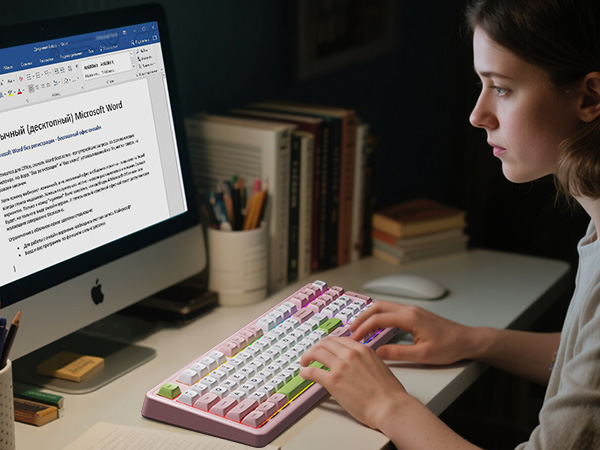
Experience the silence with our 6-layer sound-shock absorbing foams and ultra-speed silent switches. Each press is effortlessly soft, quiet, and satisfyingly smooth—perfect for focused work and shared spaces.
Hot-Swap Freedom, Customize Your Feel
This keyboard features a universal hot-swap socket that supports both 3-pin and 5-pin mechanical switches, allowing you to easily customize typing feel and sound without soldering.
*Note: May not be compatible with certain magnetic or optical switches.
Make It Yours: Program Your Perfect Keyboard
Go beyond the defaults. Remap keys, create lighting effects that dance to your music, and program powerful macros with intuitive software. Customize your setup for gaming, streaming, or work—and make every key work harder for you.



How do I reset the keyboard?
Press and hold Fn+ESC for 3 seconds to restore to factory settings.
How do I fix an unresponsive key?
1. Restart the computer and reset the keyboard
2. Check if the keyboard battery is too low
3. Replace the data cable or computer port
4. Try pressing and holding FN+1!/2@/3# to re-pair the device
How to adjust RGB backlight?
FN+BACKSPACE:Adjust Lighting Mode
FN+|\: Adjust Lighting Color
FN+: Adjust Brightness
FN+: Adjust Speed
FN+ESC: Restore initial default lighting
How do I shut down the keyboard?
Unplug the data cable and turn the switch to TPC to shut down.
Can I customize the keyboard key settings? Such as adding "Page Up" and "Page Down" keys ?
Yes, first download the H98 driver from the official website, then you can customize the functions you want for the existing buttons. The newly assigned function will overwrite the original function. (Setting only works in wired and 2.4G modes)